


Erstelle mit YouCam direkt in ChatGPT
Beschreibe, was du möchtest, und YouCam erstellt es. Kein neuer Tab, kein neues Tool, nur Chat.
YouCam in ChatGPT testen ▶Preise ansehen ▶Nutze YouCam jetzt in deinen bevorzugten KI-Assistenten


Nimm mehrere Bearbeitungen in einem Gespräch vor
Gib dem YouCam KI-Agenten mehrere Änderungen auf einmal. Er versteht die Anfrage als eine kreative Aufgabe, statt dich Tool für Tool arbeiten zu lassen.
Frag zum Beispiel: „Ändere den Hintergrund zu einem Strand, füge einen Vintage-Filter hinzu und wende einen sommerlichen Rahmen an.“

Verfeinere Ergebnisse mit Folge-Chats
YouCam behält den Kontext der Bearbeitung bei. Bitte um einen wärmeren Ton, mehr Glanz oder weichere Kanten, ohne die gesamte Anfrage erneut zu formulieren.
Chatte weiter: „Mach es wärmer, füge Glanz hinzu und weiche die Kanten auf.“

Erstelle mehr als herkömmliche Fotobearbeitungen
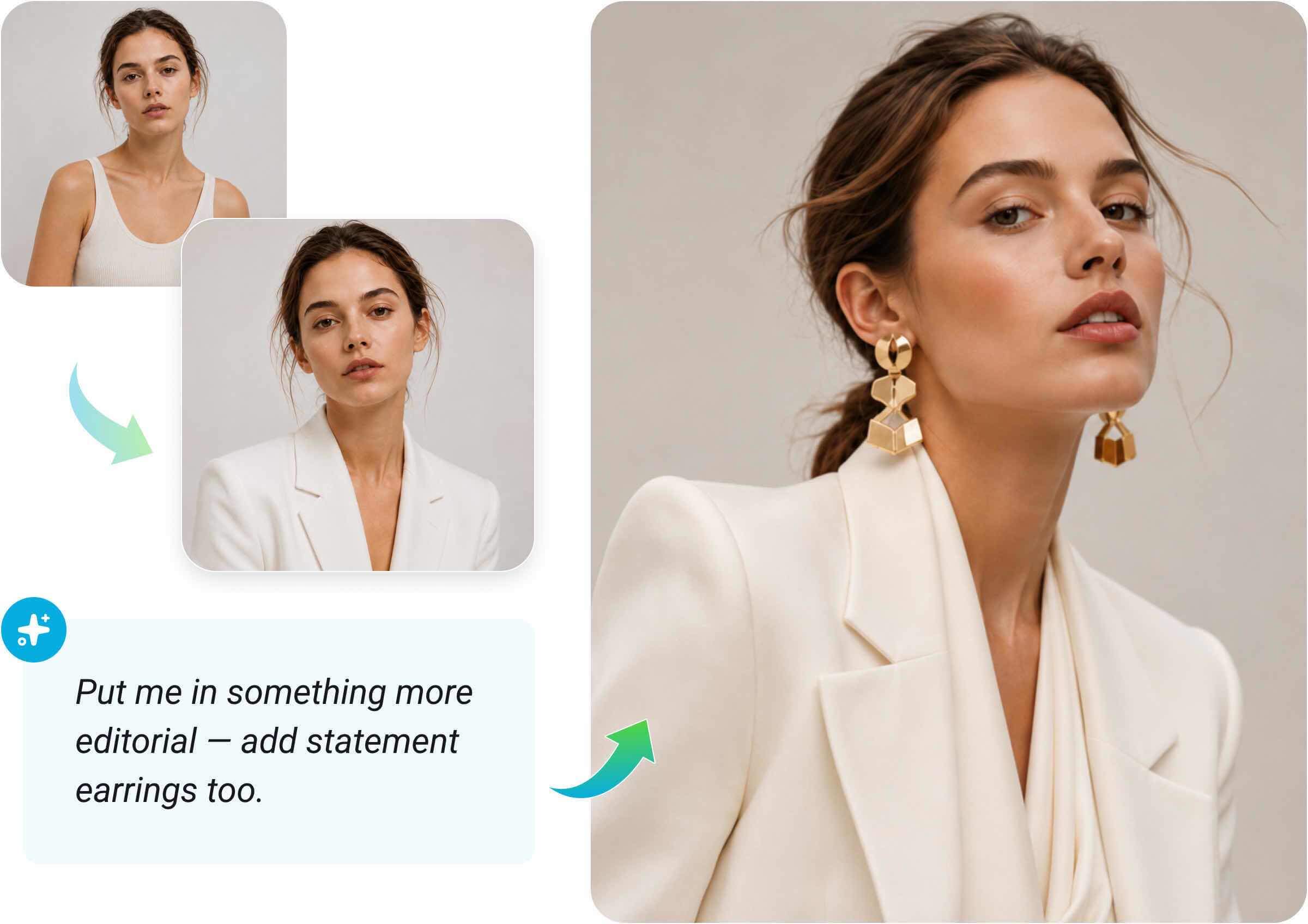
Ändere deine Meinung während der Bearbeitung, kombiniere Ideen oder beginne ganz von vorn. Der YouCam KI-Agent folgt dem Gespräch, wohin es auch führt.
Frag zum Beispiel: "Eigentlich möchte ich etwas Editorialeres tragen – füge auch auffällige Ohrringe hinzu."
Entdecke, was du mit dem YouCam KI-Agenten tun kannst
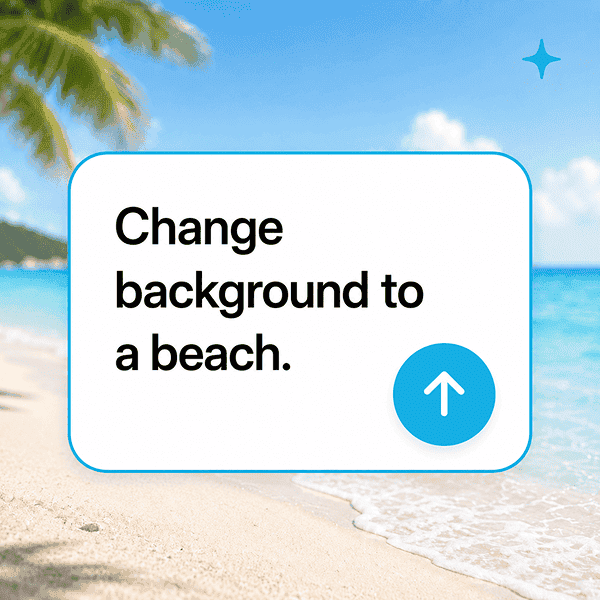
Fotos per Chat bearbeiten
Entferne Objekte, ändere Hintergründe, wende Filter an und nimm detaillierte Retuschen vor.
Beauty und Fashion entdecken
Probiere Frisuren, Makeup, Kleidung und Accessoires aus, indem du den gewünschten Look beschreibst.

Bildqualität verbessern
Bitte darum, ein Bild klarer, heller oder professioneller wirken zu lassen – einfach in natürlicher Sprache.

Mehrere Fotos kombinieren
Füge Personen, Hintergründe oder visuelle Elemente zu einer stimmigen Komposition zusammen.

Designs und neue Szenen erstellen
Erstelle Grußkarten, thematische Layouts, Bildstile und teilbare visuelle Konzepte.
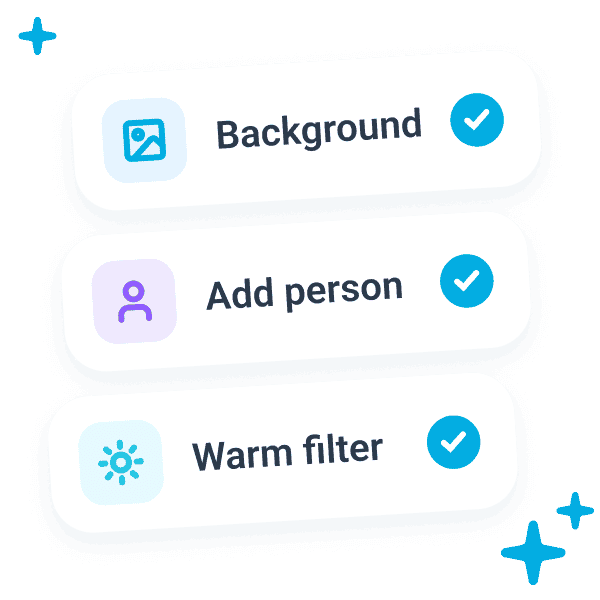
Mehrere Anfragen gleichzeitig bearbeiten
Kombiniere mehrere Anweisungen in einem Prompt und lass sie von der KI gemeinsam interpretieren.
Starte mit dem YouCam KI-Agenten
Öffne YouCam in deinen KI-Tools oder entdecke Tarife, um die passende Option für deinen Workflow zu finden.
Häufig gestellte Fragen
Was ist der YouCam KI-Connector?
Er bringt YouCam in einen KI-Assistenten, sodass du Fotos direkt in dem Gespräch analysieren, bearbeiten und verwandeln kannst, in dem deine Anfrage beginnt.
Welche KI-Assistenten funktionieren mit YouCam?
ChatGPT ist derzeit verfügbar. Die YouCam-Unterstützung für Claude befindet sich in Entwicklung und wird bis zur Fertigstellung als „kommt bald“ gekennzeichnet.
Wie verbinde ich YouCam mit ChatGPT?
Wähle auf dieser Seite „In ChatGPT verbinden“. Der Link öffnet den offiziellen YouCam-Eintrag, wo ChatGPT dich durch die Installation führt.
Was kann ich den YouCam KI-Agenten fragen?
Du kannst Fotos bearbeiten und verbessern, mehrere Bilder kombinieren, neue visuelle Konzepte erstellen und Beauty- oder Fashion-Looks mit Prompts in natürlicher Sprache entdecken.
Kann ich ein Ergebnis mit einer weiteren Nachricht verfeinern?
Ja. Fahre mit Folgeanfragen wie „Mach es wärmer“ oder „Weiche die Kanten auf“ fort. Der KI-Agent nutzt den Gesprächskontext, um das Ergebnis zu verfeinern.

