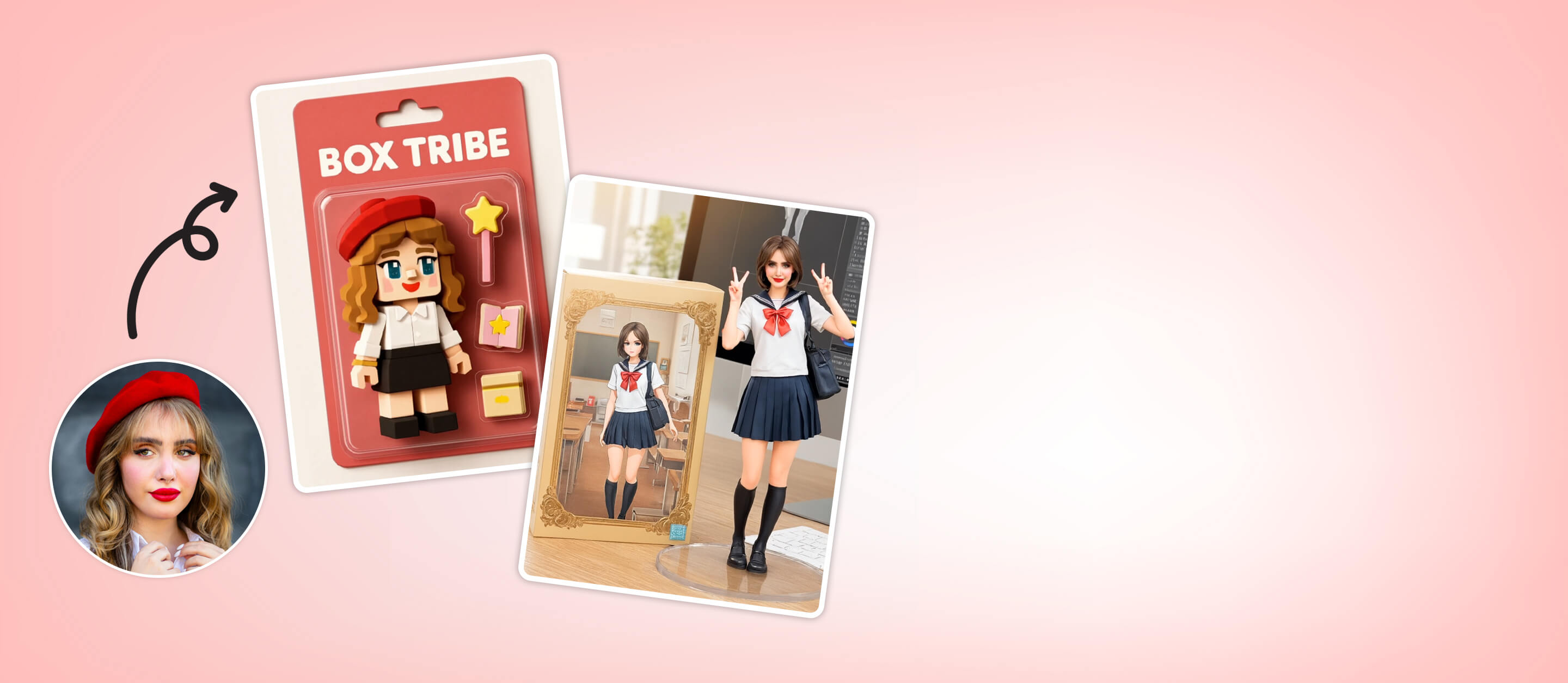
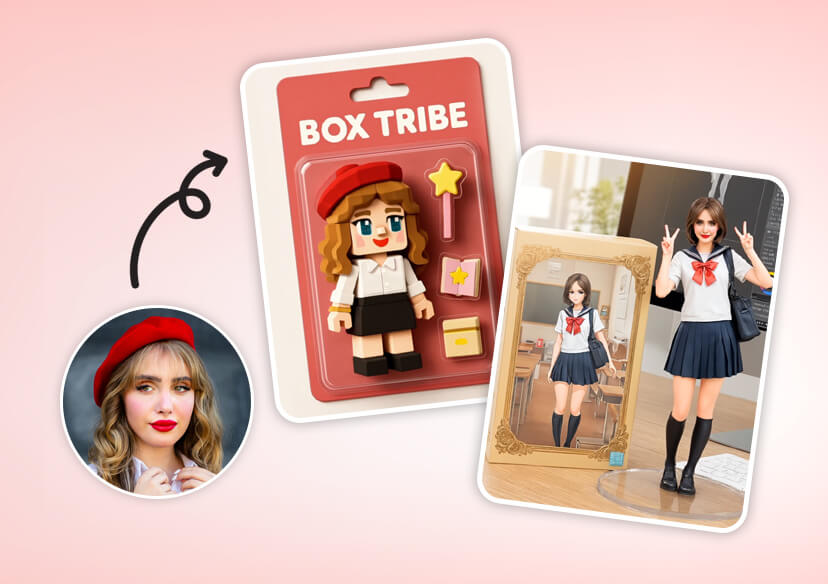



Design Your AI Action Figures from Text
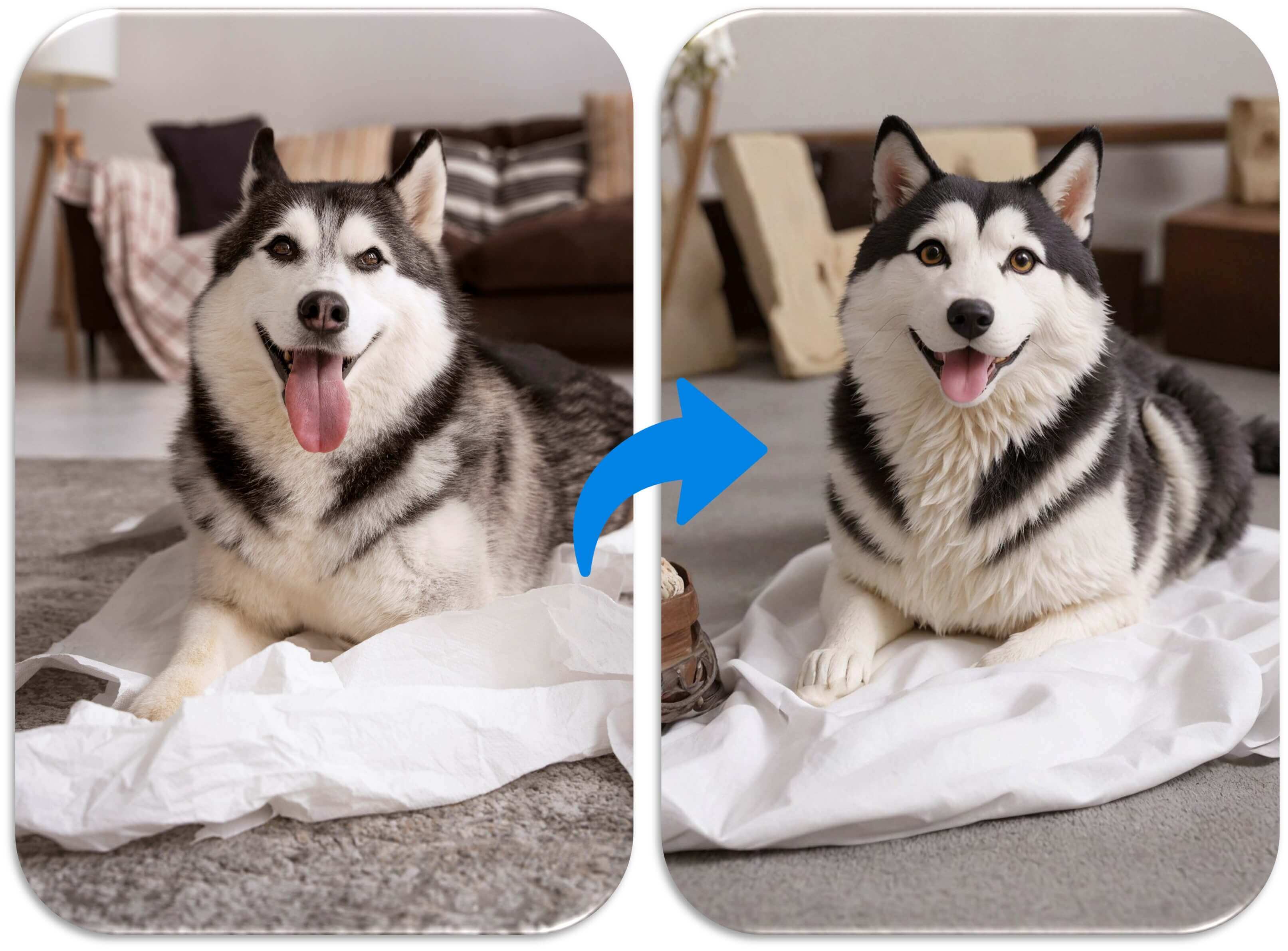
Got a character idea? Type it in and let our AI bring it to life! Describe your dream 3D AI Figure, or upload a photo to turn yourself into a PVC Figurine. Customize colors, poses, and accessories to make it yours!
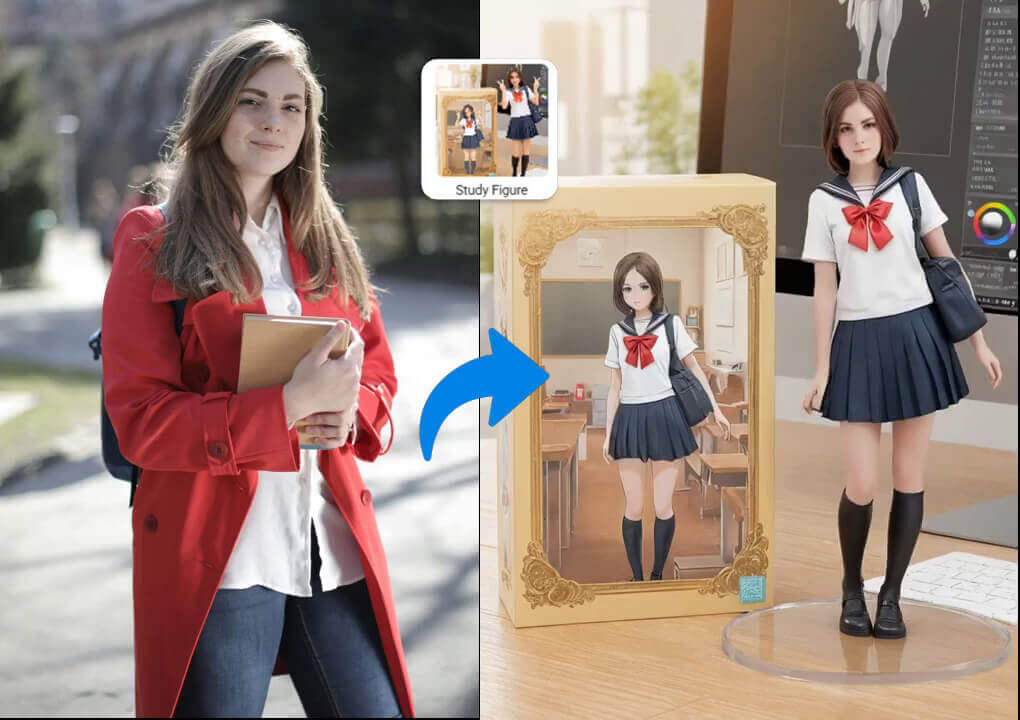
Turn Your Photo into a Personalized 3D AI Figure
Ever dreamed of being an action figure? Upload a photo, and our AI Mix feature transforms you into a custom doll video! Craft a one-of-a-kind figurine video that’s all you. Perfect to share on socials!
How to Transform Your Photo into a Custom AI Figure
Follow these 3 simple steps to create your own AI Action Figure:

Upload Your Photo
Upload a clear photo to create a personalized action figure.

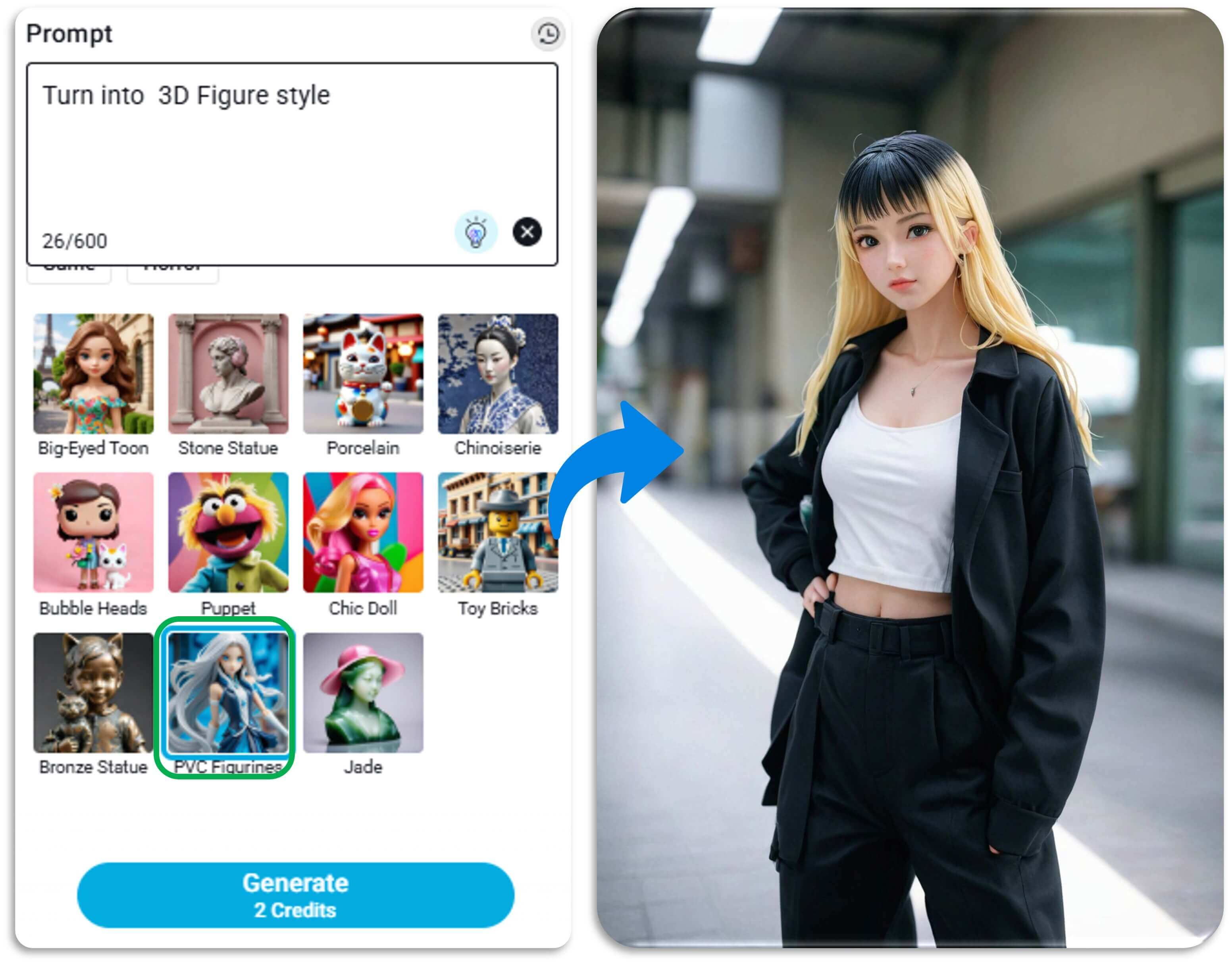
Enter Prompt & Select Style
Enter a description and select PVC Figurine style to customize your doll.
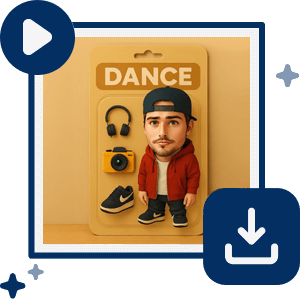
Free Download
Preview and download your high-resolution action figure for free.
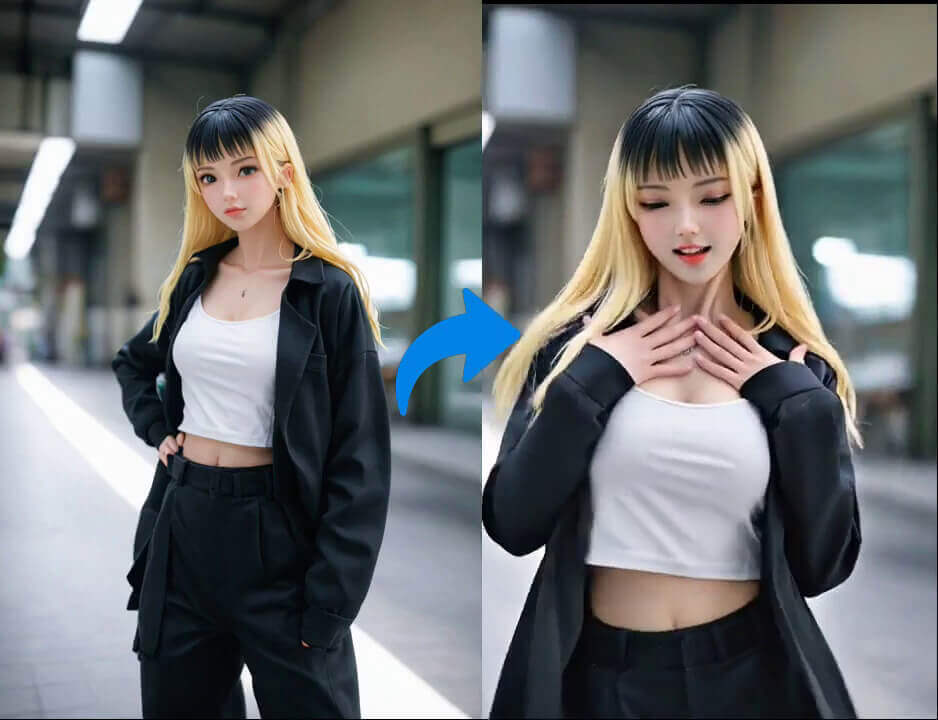
Animate Your 3D AI Figures with Image-to-Video
Bring your 3D AI Figure to life with YouCam Online Editor’s image-to-video feature! Turn static figures into animated stars with lifelike moves for social media or storytelling. Share your doll’s epic story in seconds!
Create 3D Figures with Gemini Nano Banana AI
Instantly generate 3D AI figurines with Gemini Nano Banana, drastically accelerating your design and prototyping workflow.
How it Works:
- Input: Simply enter a clear text prompt describing the 3D figure you want to create.
- Generate: The AI processes your prompt directly on your device, instantly creating a 3D figure asset.
- Export: Preview your creation in real-time, then export the asset in a standard format.
Get Creative with Custom Collectibles
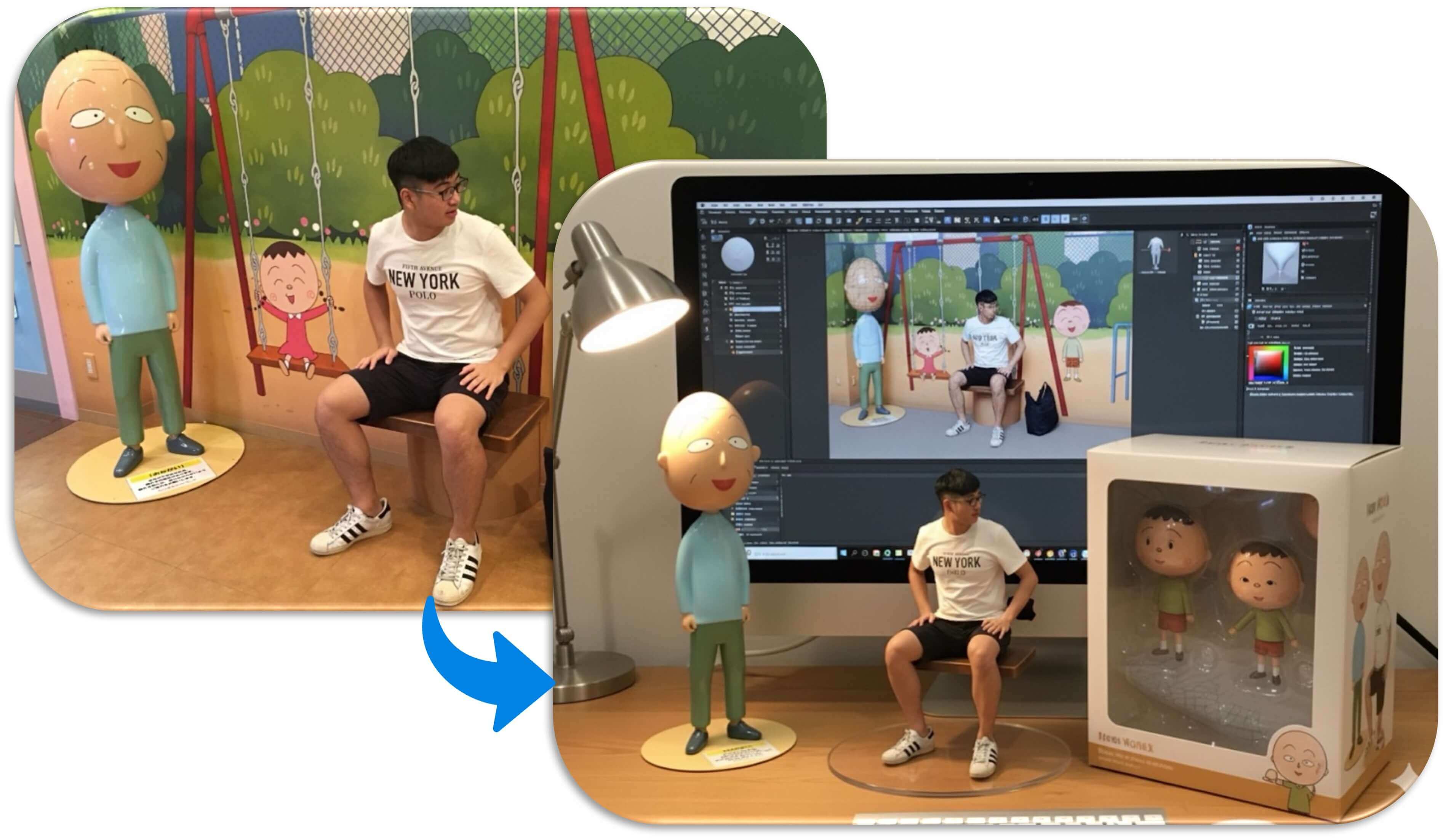
With YouCam Online Editor, anyone can create unique, personalized custom 3D images of themselves, friends, or even their pets. Turn cherished memories and creative ideas into digital collectibles.
Turn Your Action Figures into Any Style
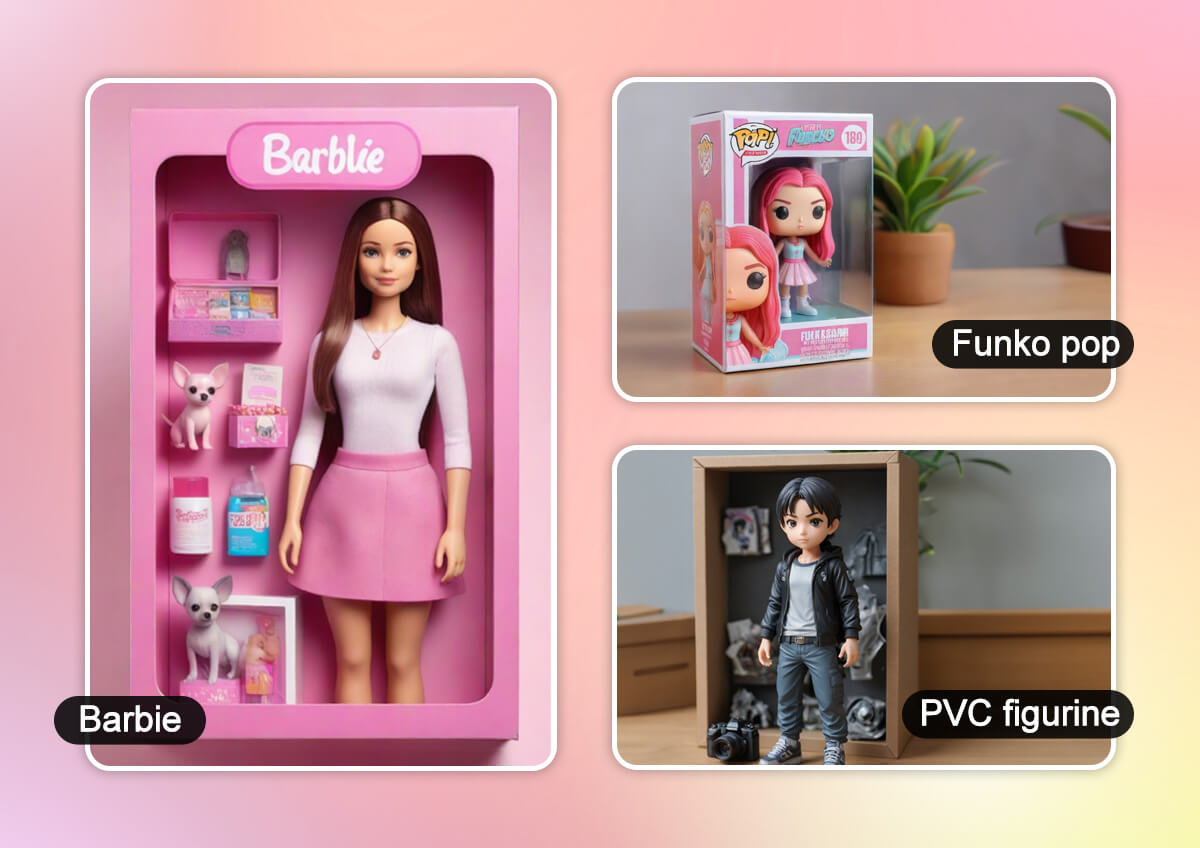
With YouCam Online Editor, you can reimagine your AI action figures in iconic styles. Transform your doll into a glamorous Barbie in a chic box, a quirky Funko Pop with bold vibes, or a sleek PVC figurine with intricate details. With YouCam Online Editor, your creations steal the spotlight in any style!
AI Action Figure FAQs
What is the Gemini AI trend?
The "Gemini AI trend" is the viral phenomenon driven by the capabilities of the new Gemini 2.5 Flash Image model. It's not one single trend but a collection of creative movements that became popular because the tool is easy to use and produces incredible results.
These trends include:
- Creating hyper-realistic 3D figurines from photos.
- Transforming people into characters from TV shows or historical periods.
- Inserting subjects into famous artworks or global landmarks.
The trend's success is due to its ability to generate professional-quality images instantly and for free.
How to do the "Nano Banana" trend?
The "Nano Banana" trend is all about using Google's Gemini 2.5 Flash Image model to turn a photo into a hyper-realistic 3D-looking figurine.
To do it:
- Go to Google AI Studio and open the Gemini 2.5 Flash Image tool.
- Upload a photo of your subject (you, a friend, a pet, etc.).
- Write a detailed text prompt describing the figurine you want to create, like: "A realistic 1/7 scale figurine of the pictured character, in a realistic style, on a computer desk."
- Generate the image and share the high-quality 3D-looking picture on social media.
How to make a Gemini 3D model?
This refers to the same "Nano Banana" trend. The process is the same as above. It's important to know that the tool generates a 2D image that looks like a 3D model, but it does not create a functional 3D file (like an .obj or .stl file) that can be used for 3D printing or design software. The final output is a high-quality, flat picture with a realistic 3D appearance.
What apps are people using to make action figures?
Popular apps for creating action figures include YouCam AI Pro, known for its free AI-powered tools, user-friendly interface, and versatile design options. Other platforms may offer similar features, but YouCam AI Pro stands out for its text-to-image, photo-to-doll, and image-to-image capabilities.
How to make a ChatGPT action figure?
Creating your own AI action figure with ChatGPT is simple and free, requiring just a few steps. Here’s how to do it:
Step 1: Enter a Text Prompt for Your Action Figure
Magic Prompt Template: “Create a realistic action figure of the person in this photo, displayed in a transparent blister pack like a premium collectible toy. The figure should be standing with a friendly smile. The packaging should have a header with the text ‘[Your Name]’ in bold letters and a subheading of ‘[Your Title, e.g., Photographer]’ below it. Include accessories like [list items, e.g., a laptop, coffee mug, sunglasses] on the side. Use a [color, e.g., blue] background to highlight the figure.”
Step 2: Upload Reference Image for Your Action Figure
Step 3: Generate and Download the Action Figure
You can also use YouCam Online Editor to design one inspired by ChatGPT. Upload a relevant image or enter a prompt to generate a custom AI action figure.
How to create a doll on ChatGPT?
Creating your own AI action figure with ChatGPT is simple and free, requiring just a few steps. Here’s how to do it:
Step 1: Enter a Text Prompt for Your Action Figure
Magic Prompt Template: “Create a realistic action figure of the person in this photo, displayed in a transparent blister pack like a premium collectible toy. The figure should be standing with a friendly smile. The packaging should have a header with the text ‘[Your Name]’ in bold letters and a subheading of ‘[Your Title, e.g., Photographer]’ below it. Include accessories like [list items, e.g., a laptop, coffee mug, sunglasses] on the side. Use a [color, e.g., blue] background to highlight the figure.”
Step 2: Upload Reference Image for Your Action Figure
Step 3: Generate and Download the Action Figure
Use YouCam Online Editor to bring those ideas to life as well by entering a detailed prompt or uploading a photo to craft a unique AI doll in minutes.

