


Créez avec YouCam, dans ChatGPT
Décrivez ce que vous souhaitez, et YouCam le crée. Aucun nouvel onglet, aucun nouvel outil, seulement le chat.
Essayez dans ChatGPT ▶Voir les tarifs ▶Utilisez YouCam dès Maintenant dans vos Assistants IA Préférés


Effectuez Plusieurs Retouches dans une Seule Conversation
Donnez à l’Assistant YouCam un ensemble complet de modifications en une seule fois. Il comprend votre demande comme une tâche créative unique au lieu de vous faire travailler outil par outil.
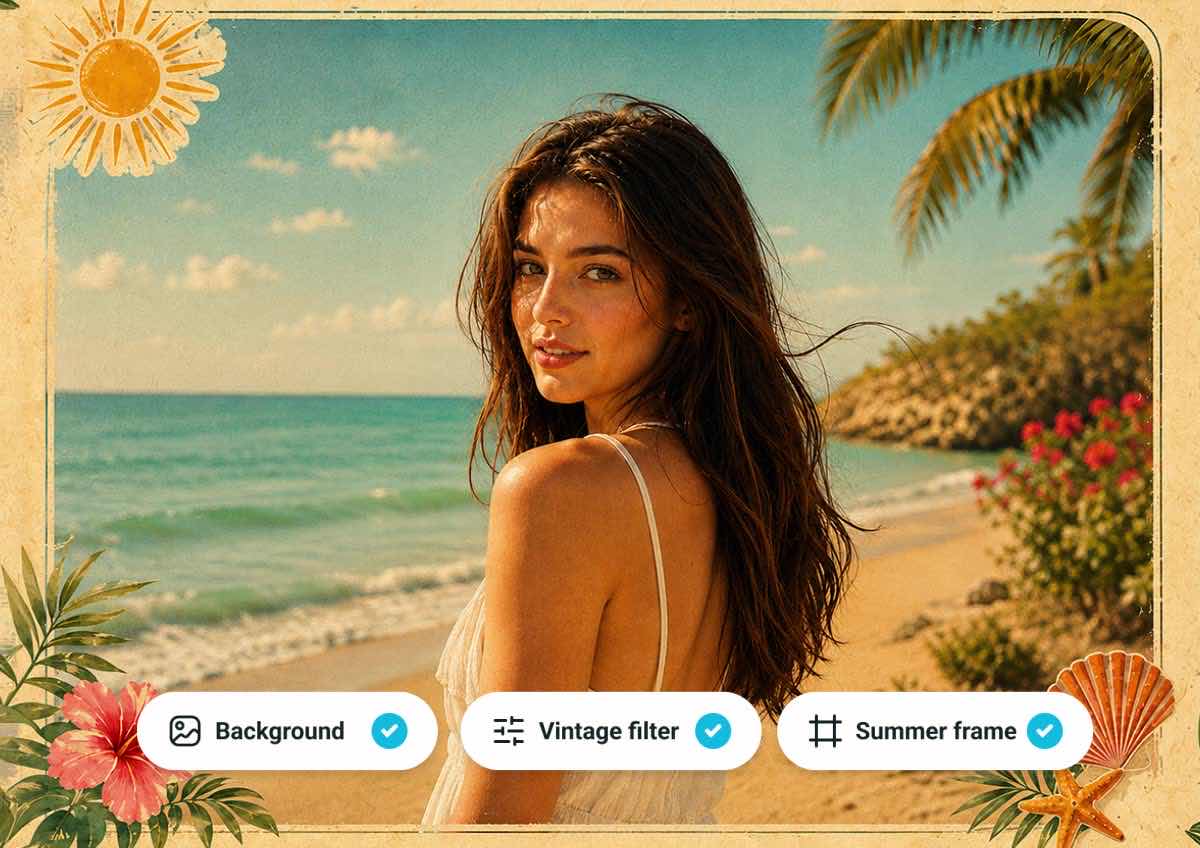
Essayez de demander : « Changez l’arrière-plan pour une plage, ajoutez un filtre vintage et appliquez un cadre estival. »
Affinez les Résultats avec des Échanges Complémentaires
YouCam conserve le contexte de la retouche. Demandez un ton plus chaud, plus d’éclat ou des bords plus doux sans reformuler toute votre demande.
Continuez la conversation : « Rendez-le plus chaleureux, ajoutez de l’éclat et adoucissez les bords. »

Créez au-delà des Retouches Photo Classiques
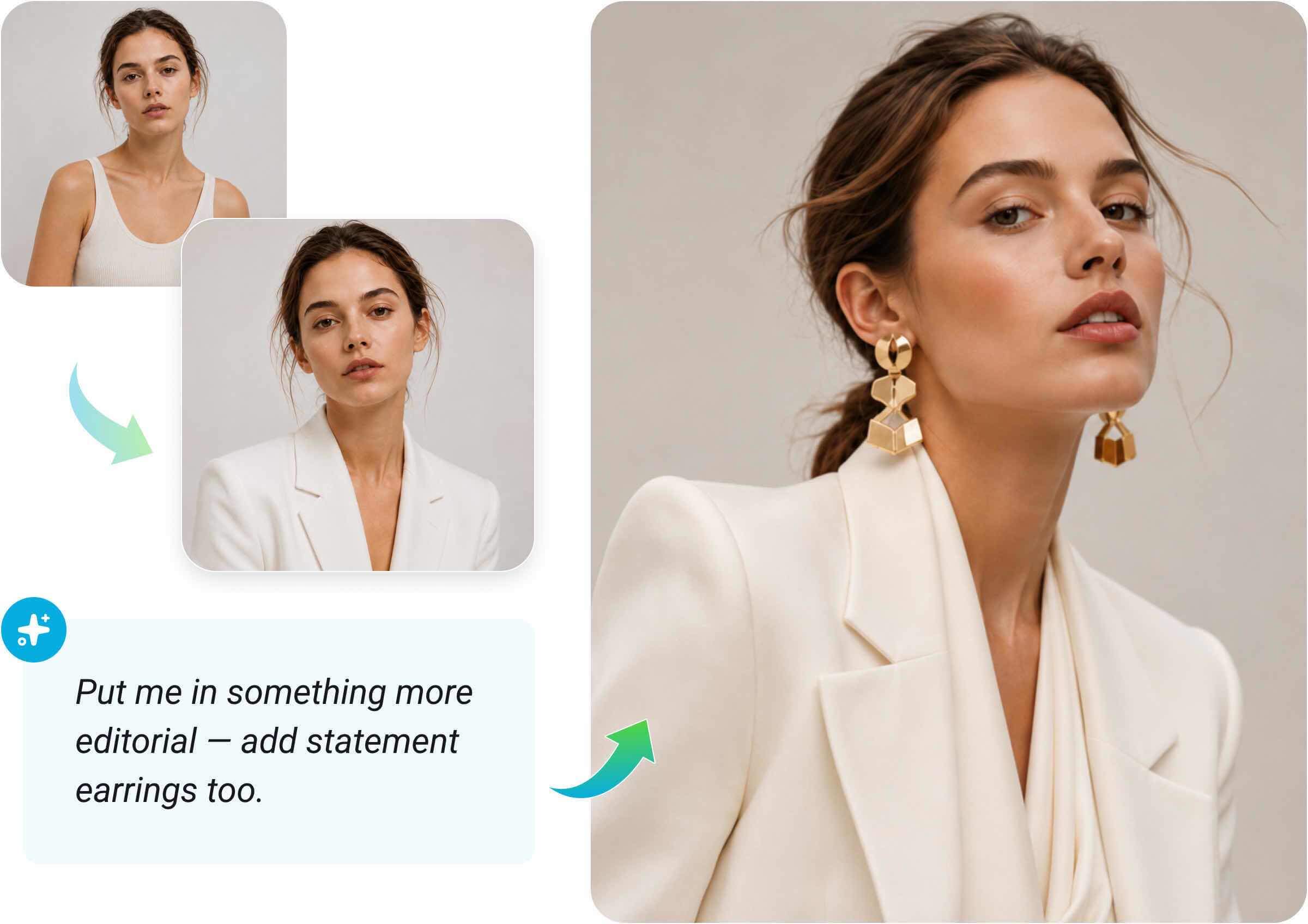
Changez d’avis pendant la retouche, combinez des idées ou recommencez entièrement. L’assistant IA YouCam suit la conversation où qu’elle vous mène.
Essayez de demander : « En fait, habillez-moi dans un style plus éditorial et ajoutez aussi des boucles d’oreilles remarquables. »
Découvrez ce que vous Pouvez Faire avec l’Assistant IA YouCam
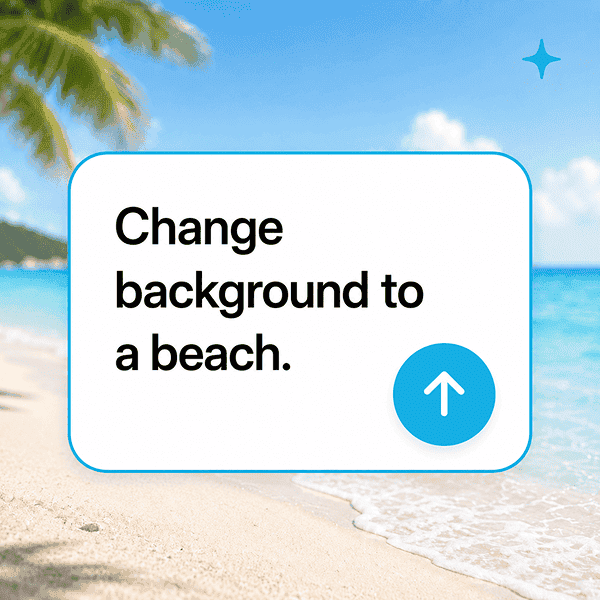
Retouchez des photos par chat
Supprimez des objets, changez les arrière-plans, appliquez des filtres et réalisez des retouches détaillées.
Découvrez la beauté et la mode
Essayez des coiffures, du maquillage, des vêtements et des accessoires en décrivant le look que vous souhaitez.
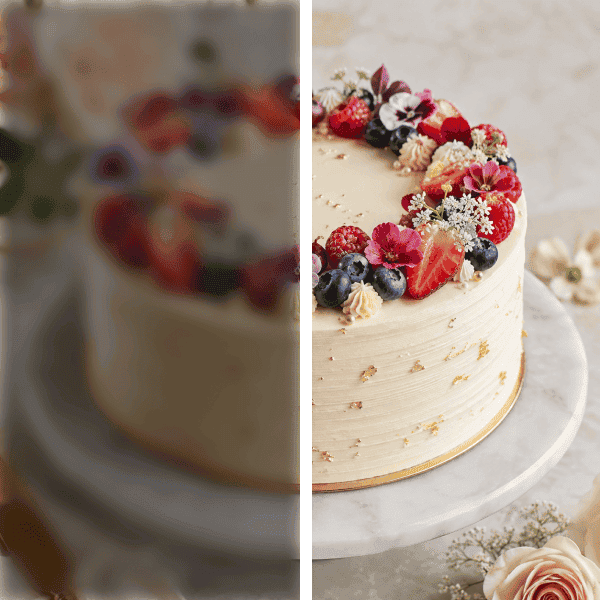
Améliorez la qualité de l’image
Demandez à rendre une image plus nette, plus lumineuse ou plus soignée en langage naturel.

Combinez plusieurs photos
Fusionnez des personnes, des arrière-plans ou des éléments visuels dans une composition harmonieuse.

Créez des designs et de nouvelles scènes
Créez des cartes de vœux, des mises en page thématiques, des styles d’image et des concepts visuels à partager.
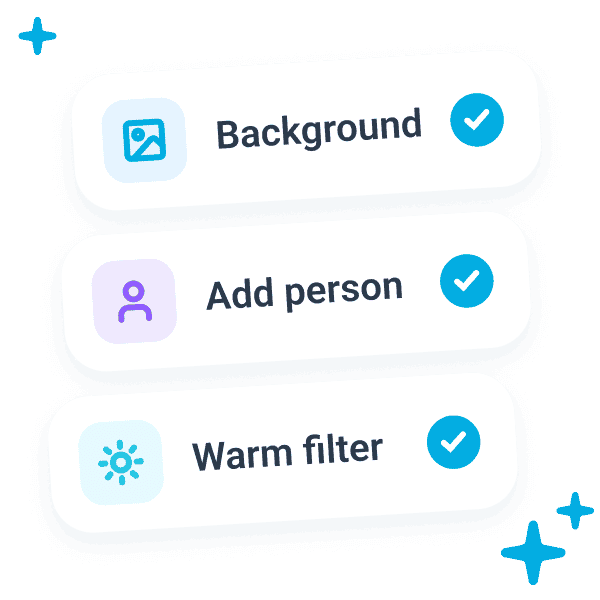
Gérez plusieurs demandes à la fois
Combinez plusieurs instructions dans une seule invite et laissez l’IA les interpréter ensemble.
Commencez à créer avec l’Assistant IA YouCam
Ouvrez YouCam dans vos outils IA ou explorez les offres pour trouver l’option adaptée à votre flux de travail.
FAQ : Assistant IA YouCam
Qu’est-ce que le connecteur IA YouCam ?
Il intègre YouCam à un assistant IA afin que vous puissiez analyser, retoucher et transformer vos photos depuis la conversation où votre demande commence.
Quels assistants IA fonctionnent avec YouCam ?
ChatGPT est actuellement disponible. La prise en charge de Claude par YouCam est en cours de développement et sera indiquée comme bientôt disponible jusqu’à sa sortie.
Comment connecter YouCam à ChatGPT ?
Choisissez « Connecter dans ChatGPT » sur cette page. Le lien ouvre la fiche officielle de YouCam, où ChatGPT vous guidera pendant l’installation.
Que puis-je demander à l’assistant IA YouCam de faire ?
Vous pouvez retoucher et améliorer des photos, combiner plusieurs images, créer de nouveaux concepts visuels et découvrir des looks beauté ou mode à l’aide d’invites en langage naturel.
Puis-je affiner un résultat avec un autre message ?
Oui. Continuez avec des demandes complémentaires telles que « rendez-le plus chaleureux » ou « adoucissez les bords ». L’agent IA utilise le contexte de la conversation pour affiner le résultat.

