





AI Animate Photos: Turn Photos into Moving Videos
Transform your still photos or images into live videos online with YouCam AI Image Animator.
Best Online AI Image Animator
- Animate Photos with AI: Turn still photos into animations using text prompts.
- Convert Images to Videos: Easily transform images into videos.
- One-Click Templates: Use over 20 quick photo animation templates.
- Bring Photos to Life: Animate your pictures with advanced AI

Fuel your creative spark with our carefully selected lineup of the 30 most innovative animate photo prompt ideas, tailored to inspire and enable you to produce unique, personalized visuals and videos.

Mirror Wink

Windy Stare

Slow Hair Flip

Happy Spin

Candle Gaze
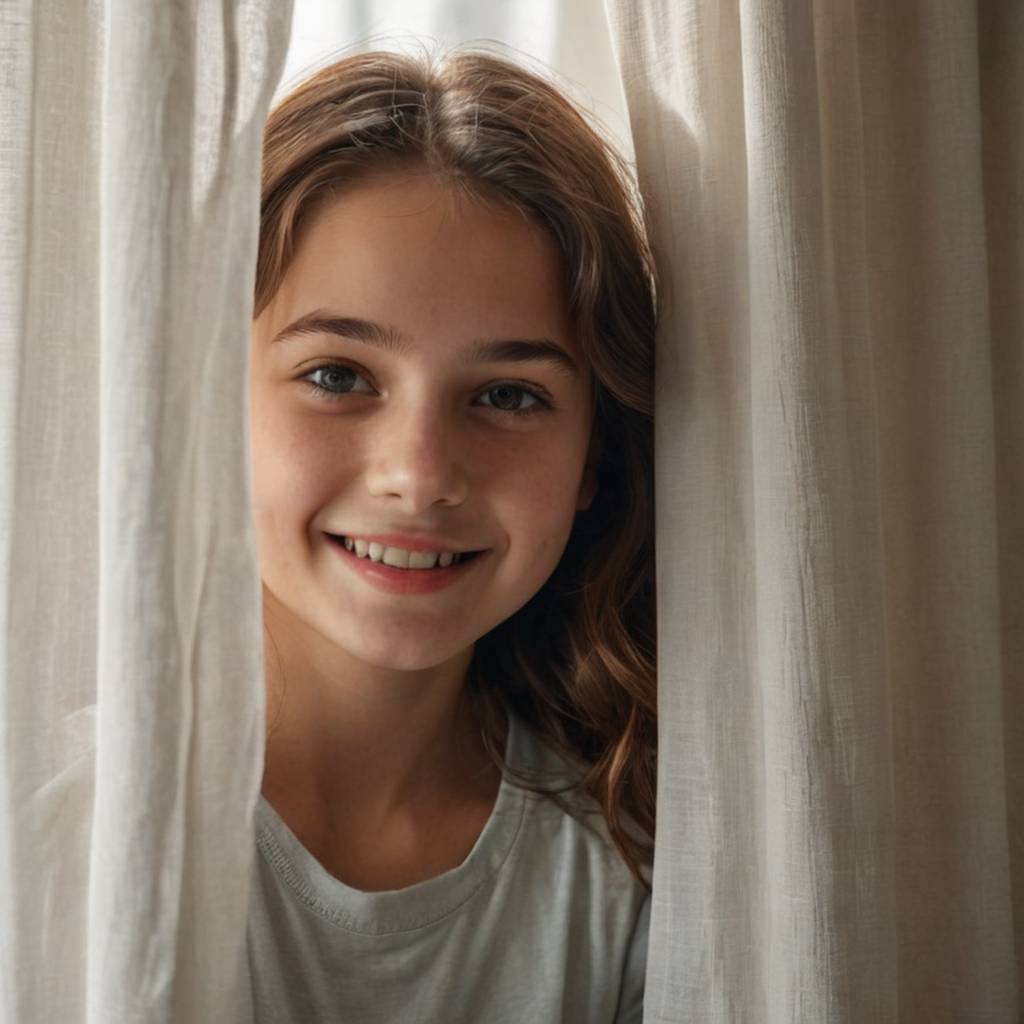
Curtain Peek

Coffee Sigh

Book Blink

Bubble Pop
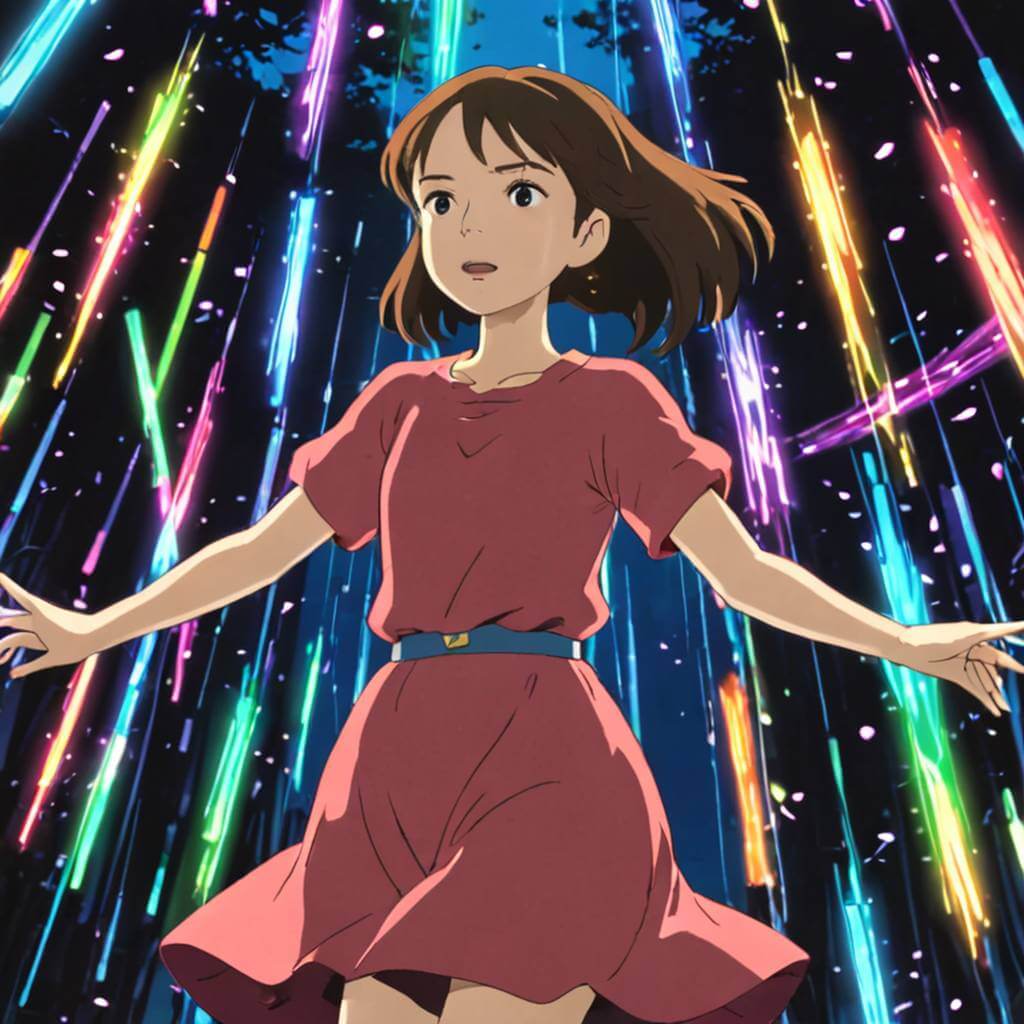
Light Dance
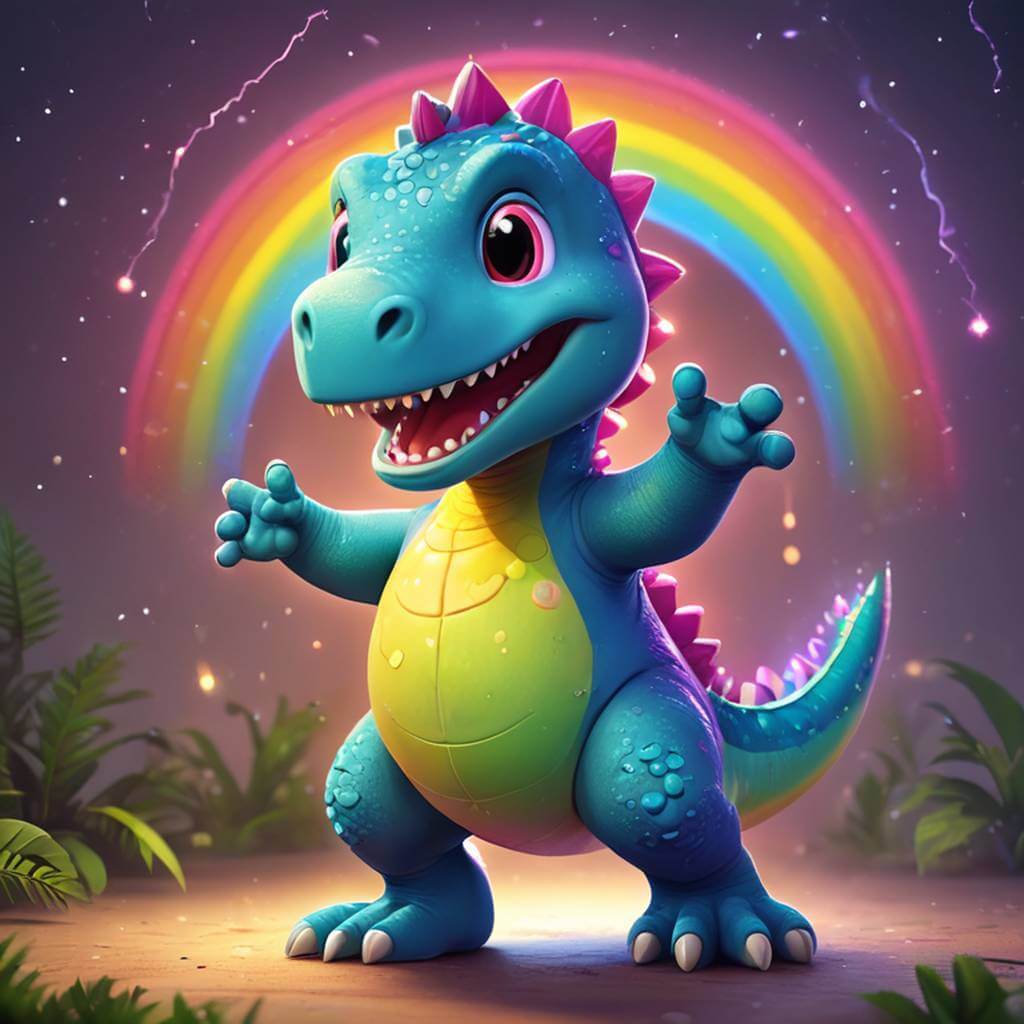
Dino Dance
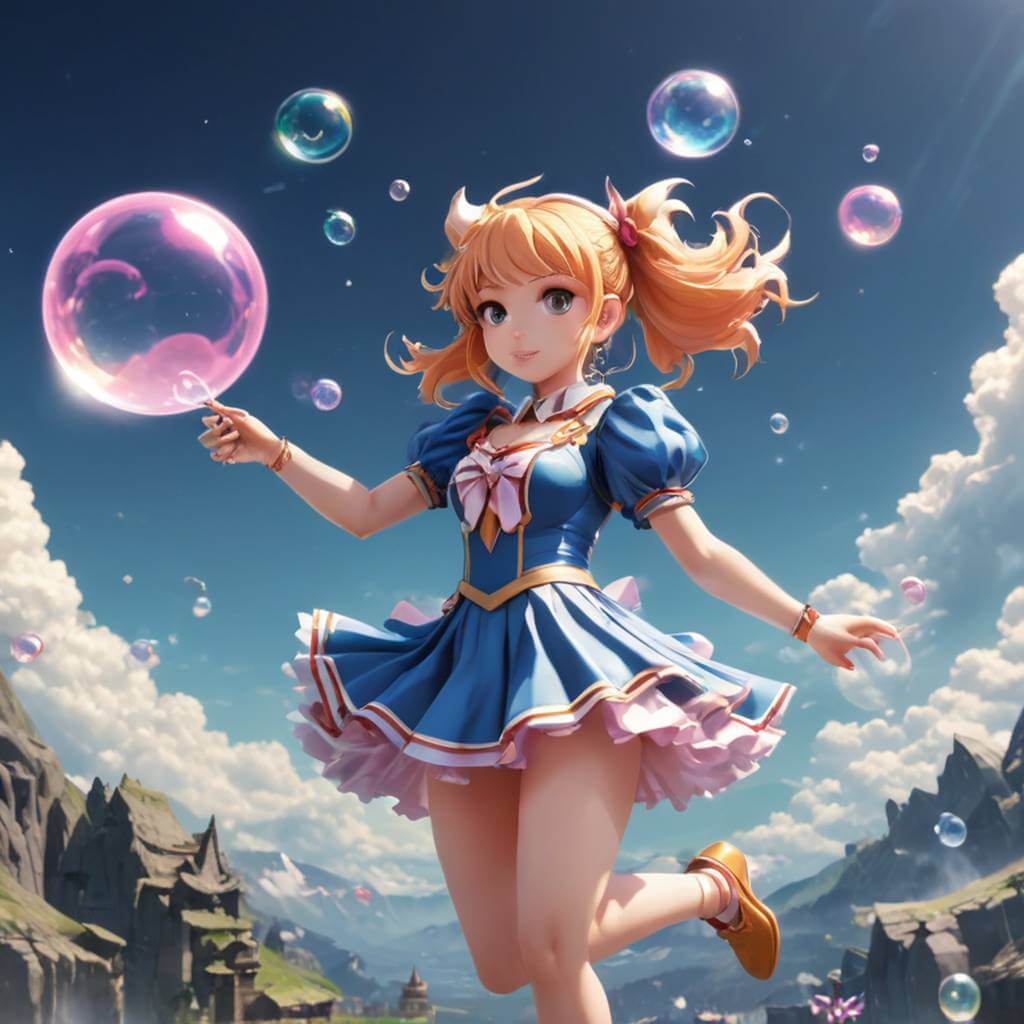
Bubble Witch

Noodle Fight

Moon Swing
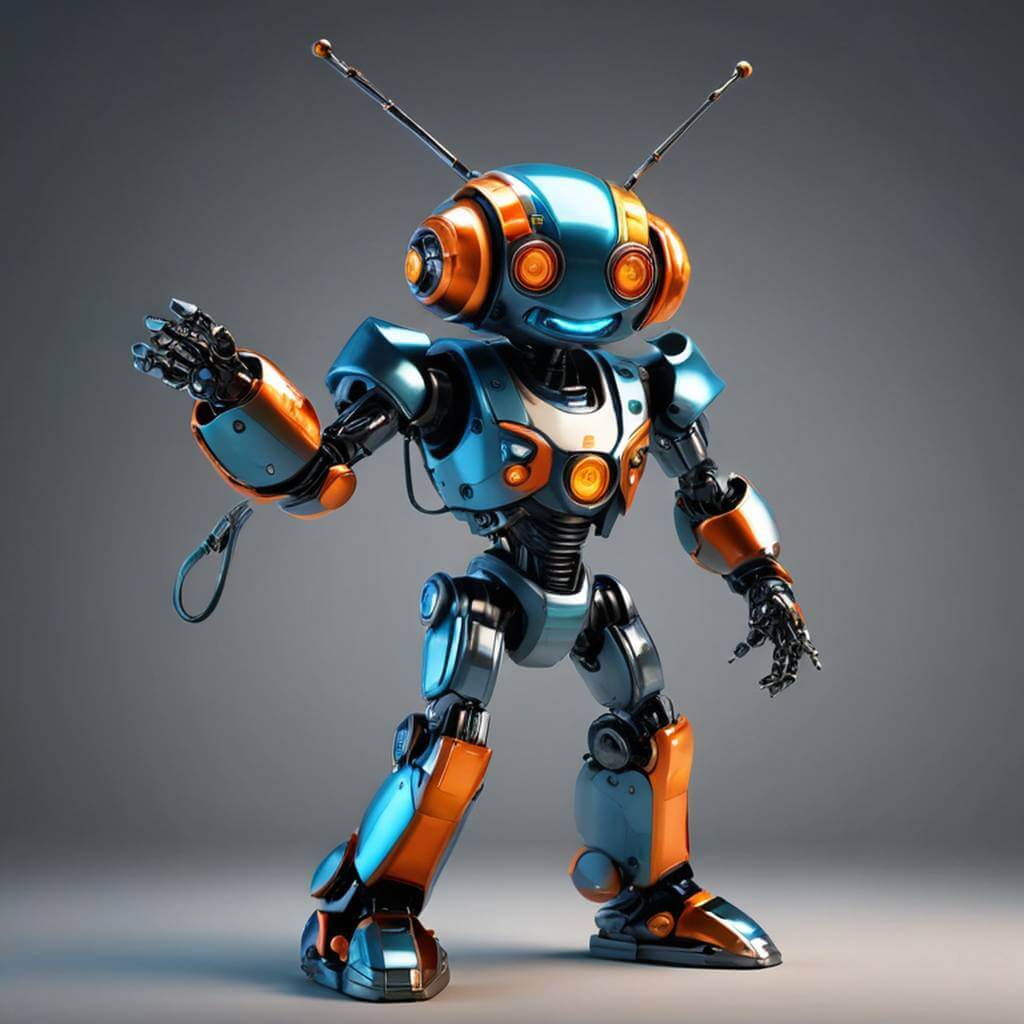
Robot Groove
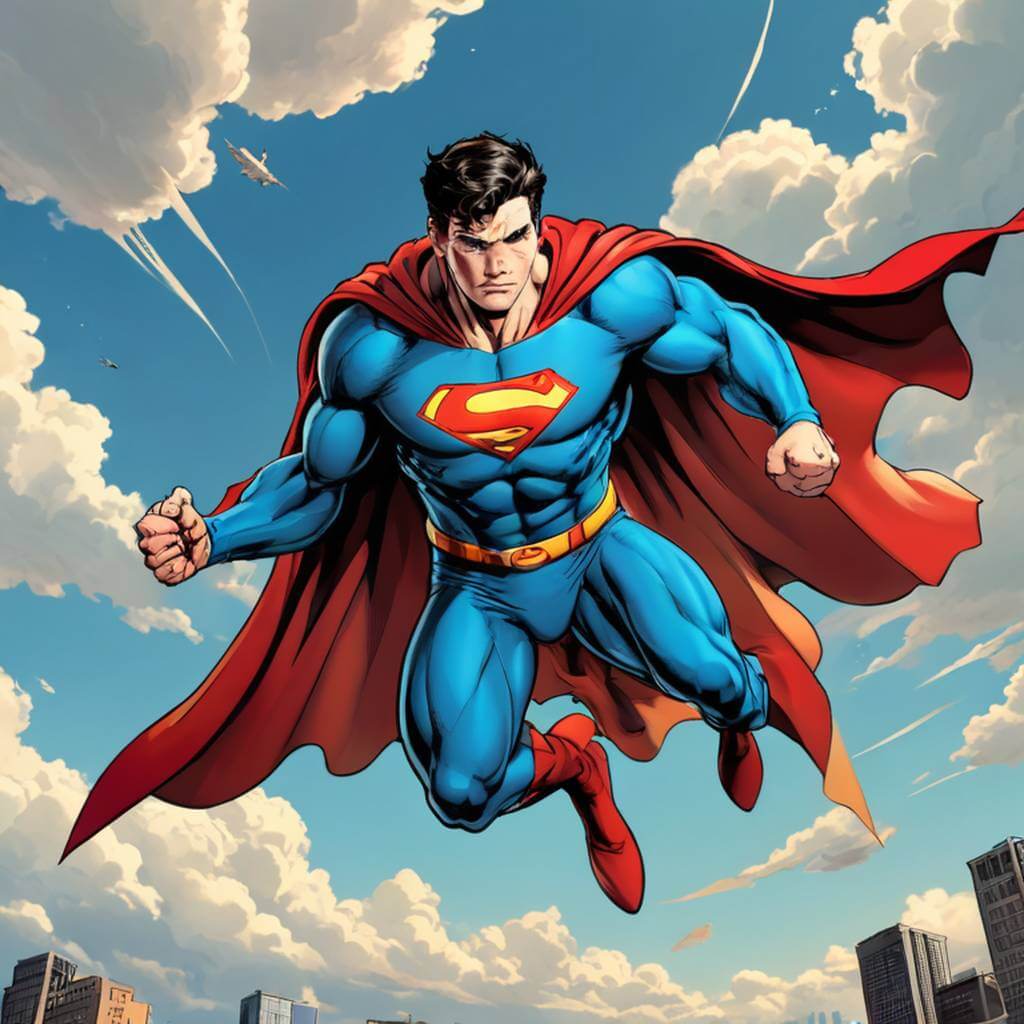
Hero Charge

Ink Splash
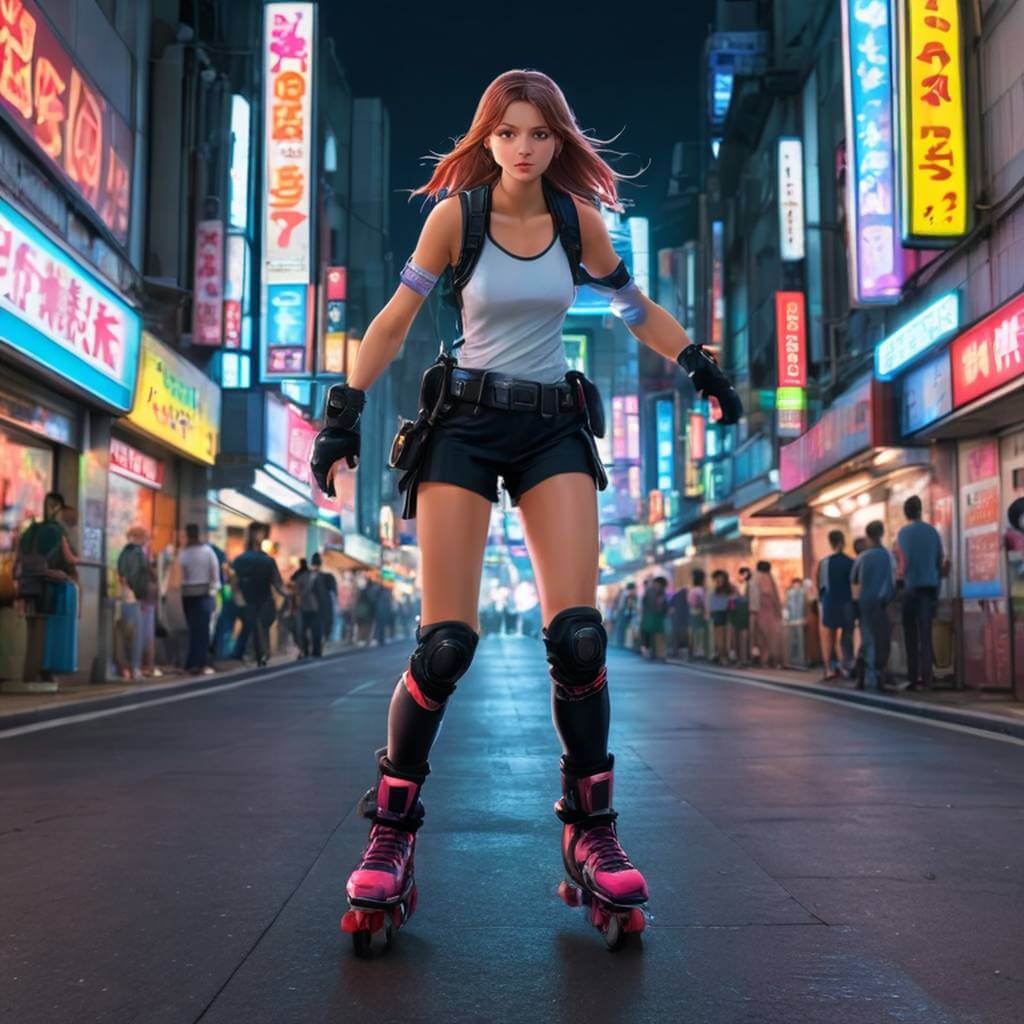
Zoom Girl
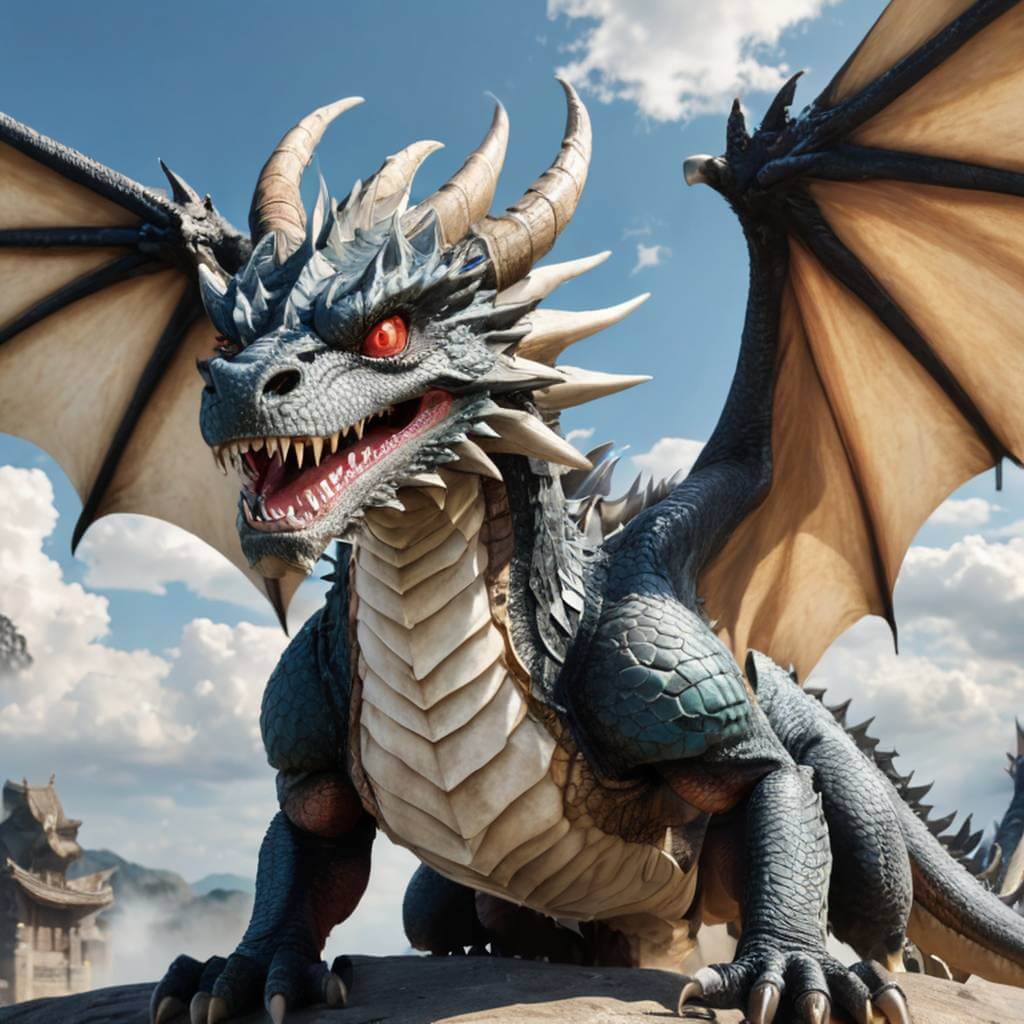
Dragon Blink

Star Pulse
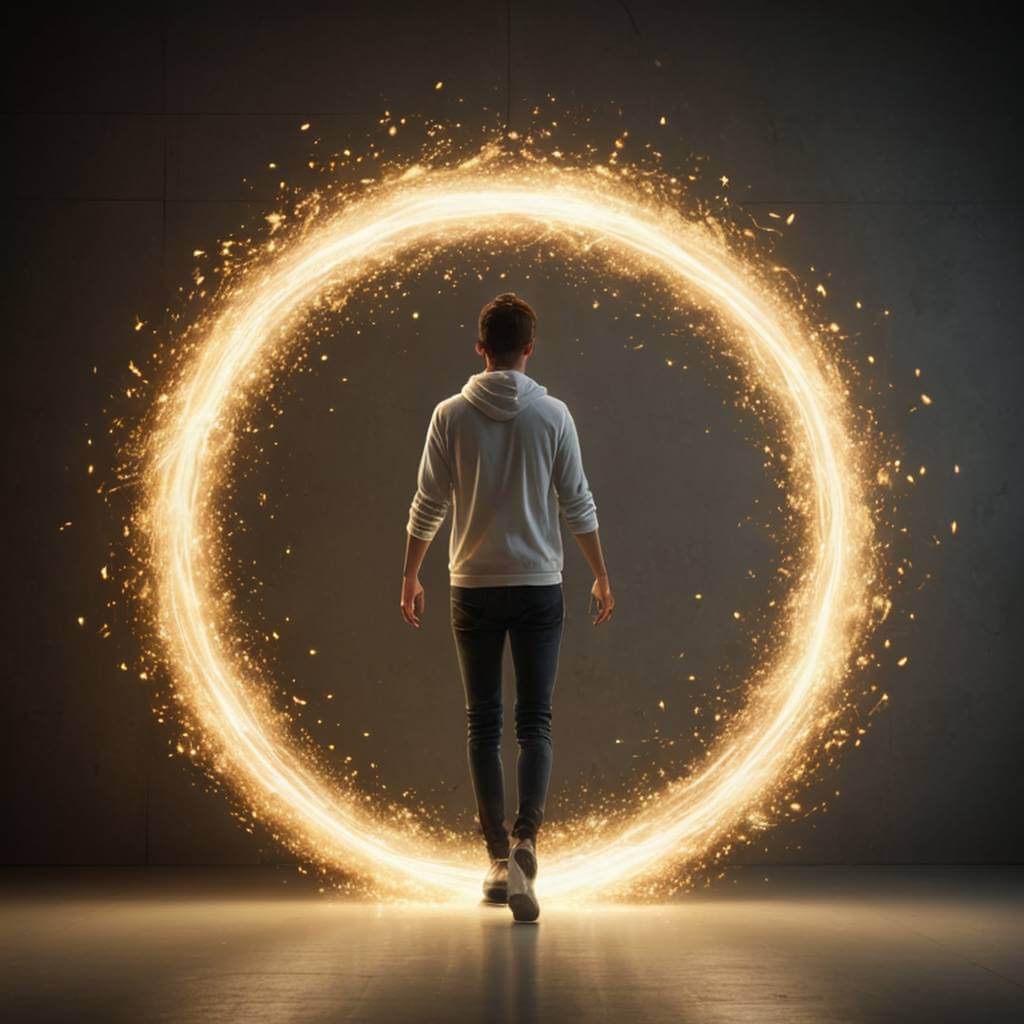
Portal Step
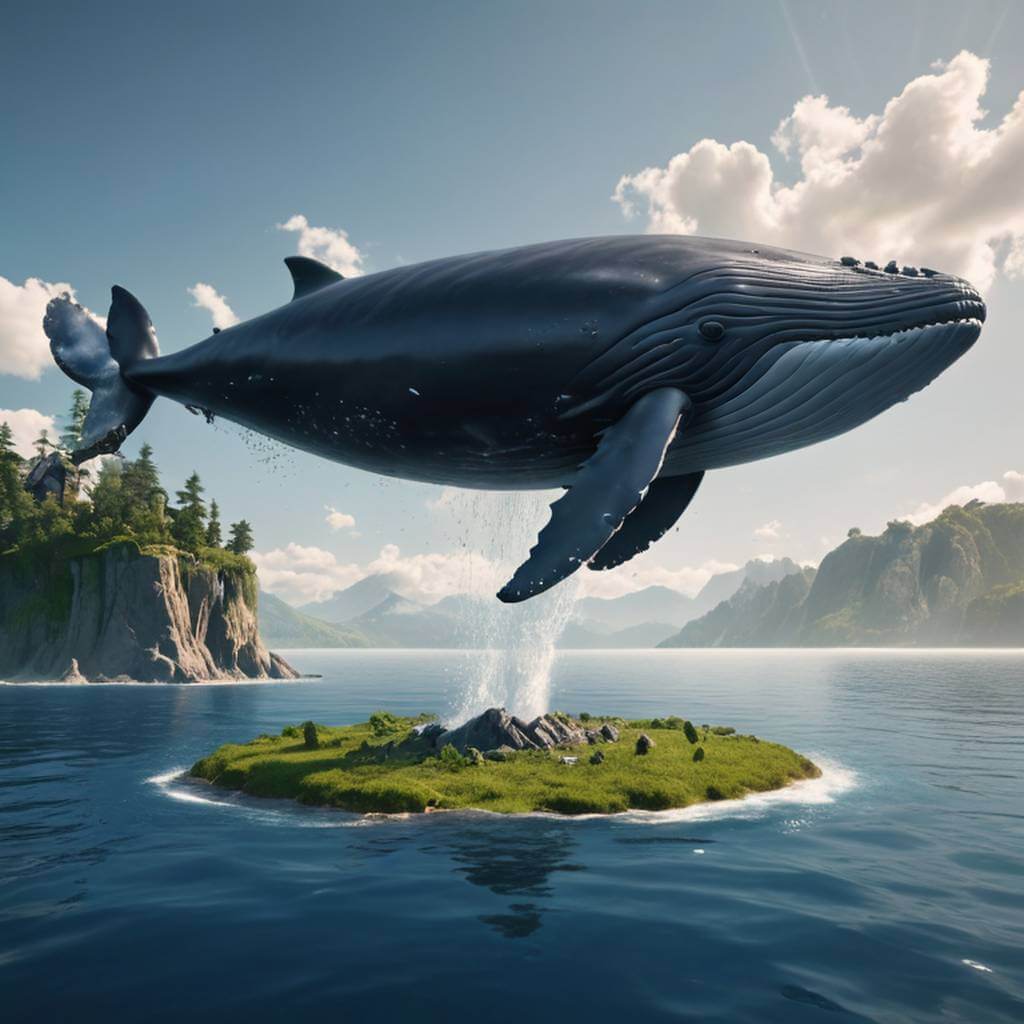
Sky Whale
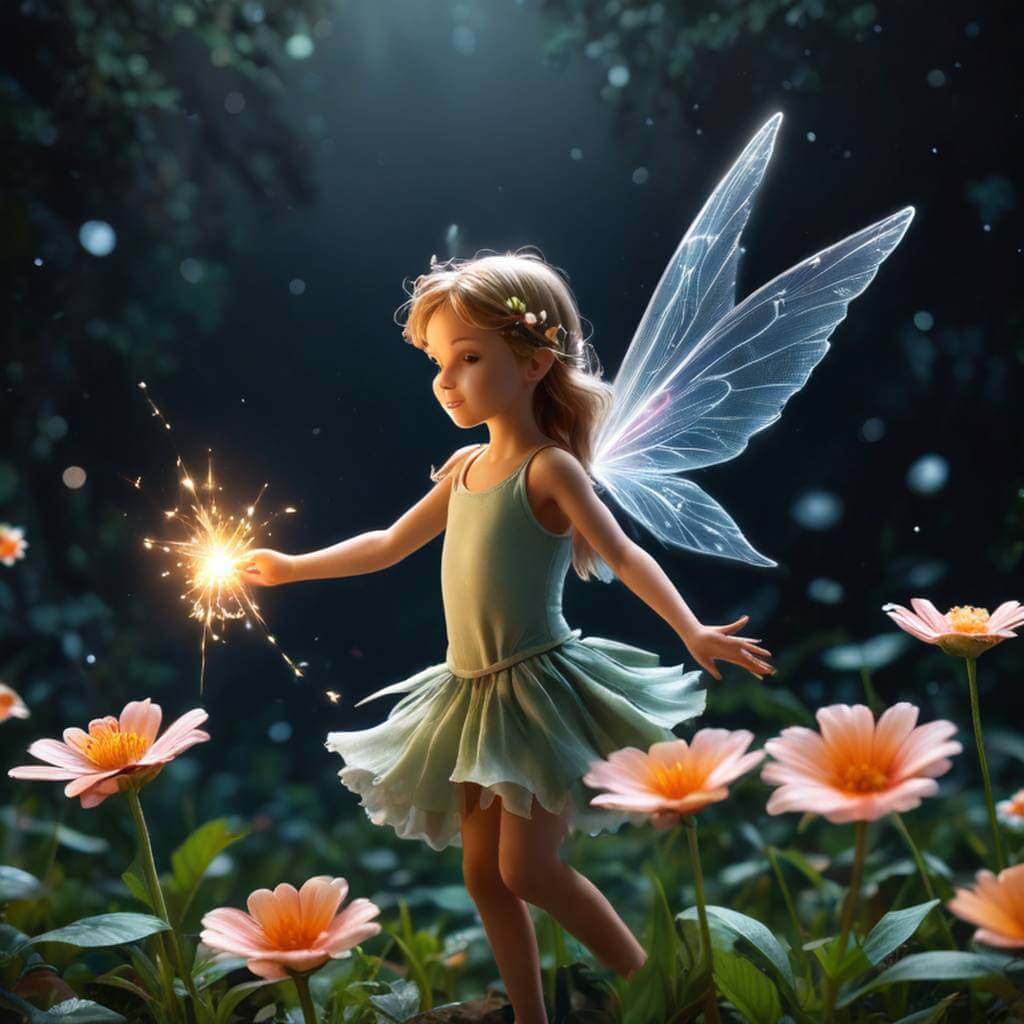
Fairy Light
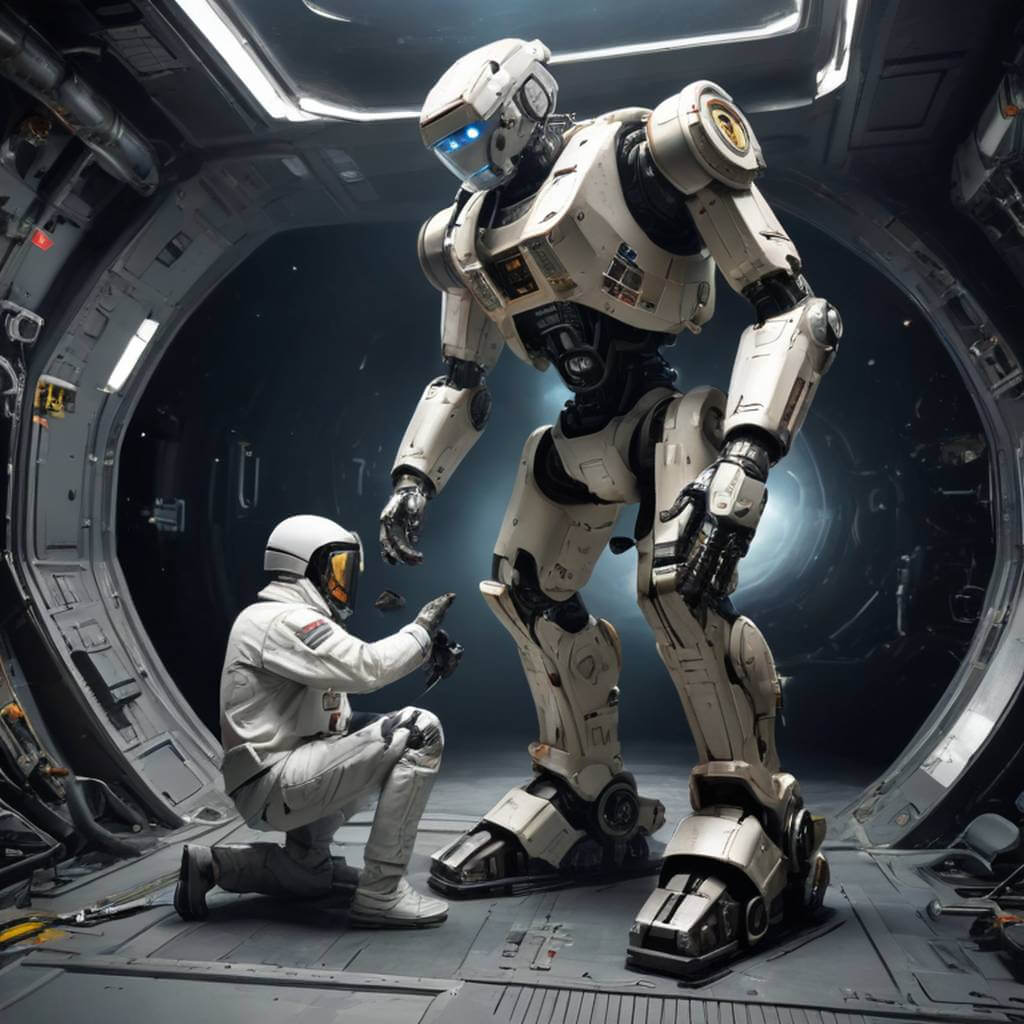
Bot Repair
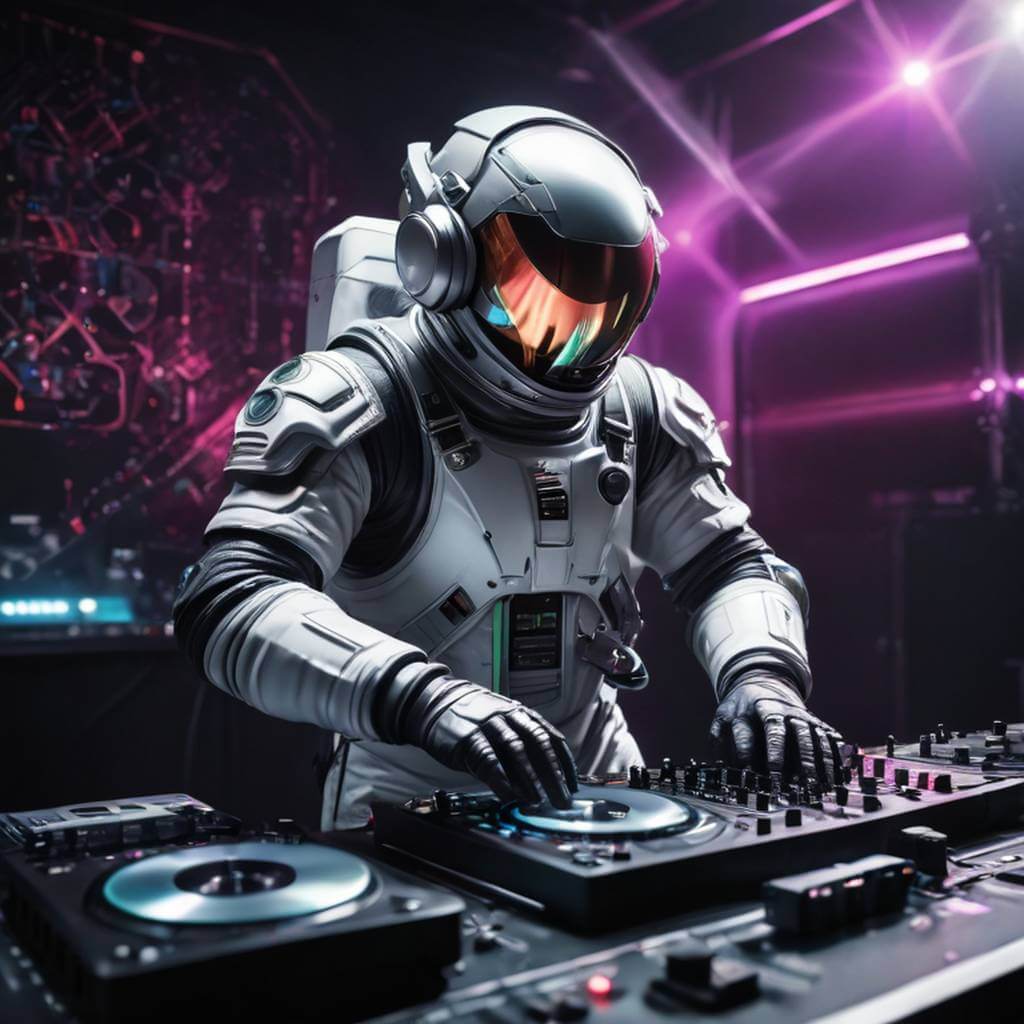
Laser Beat
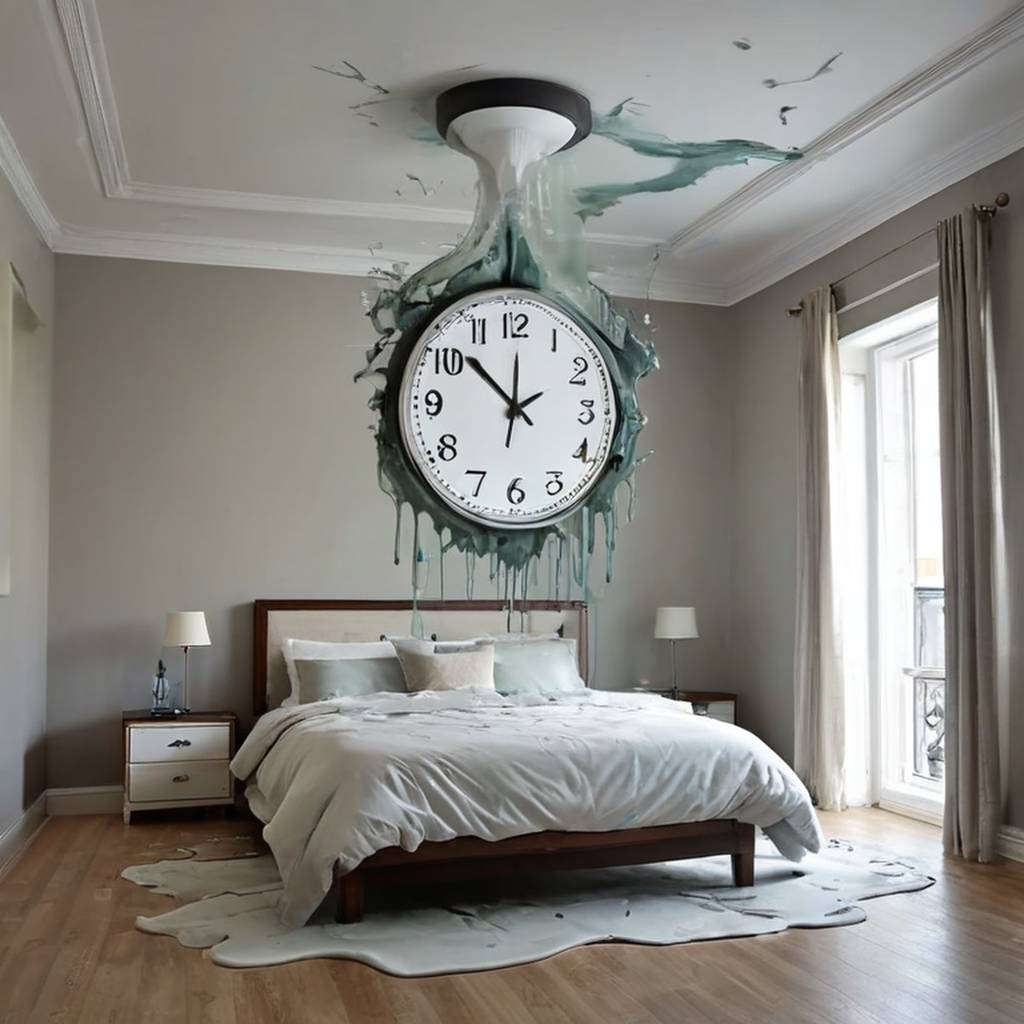
Time Melt

Glass Blink

Paper Fold
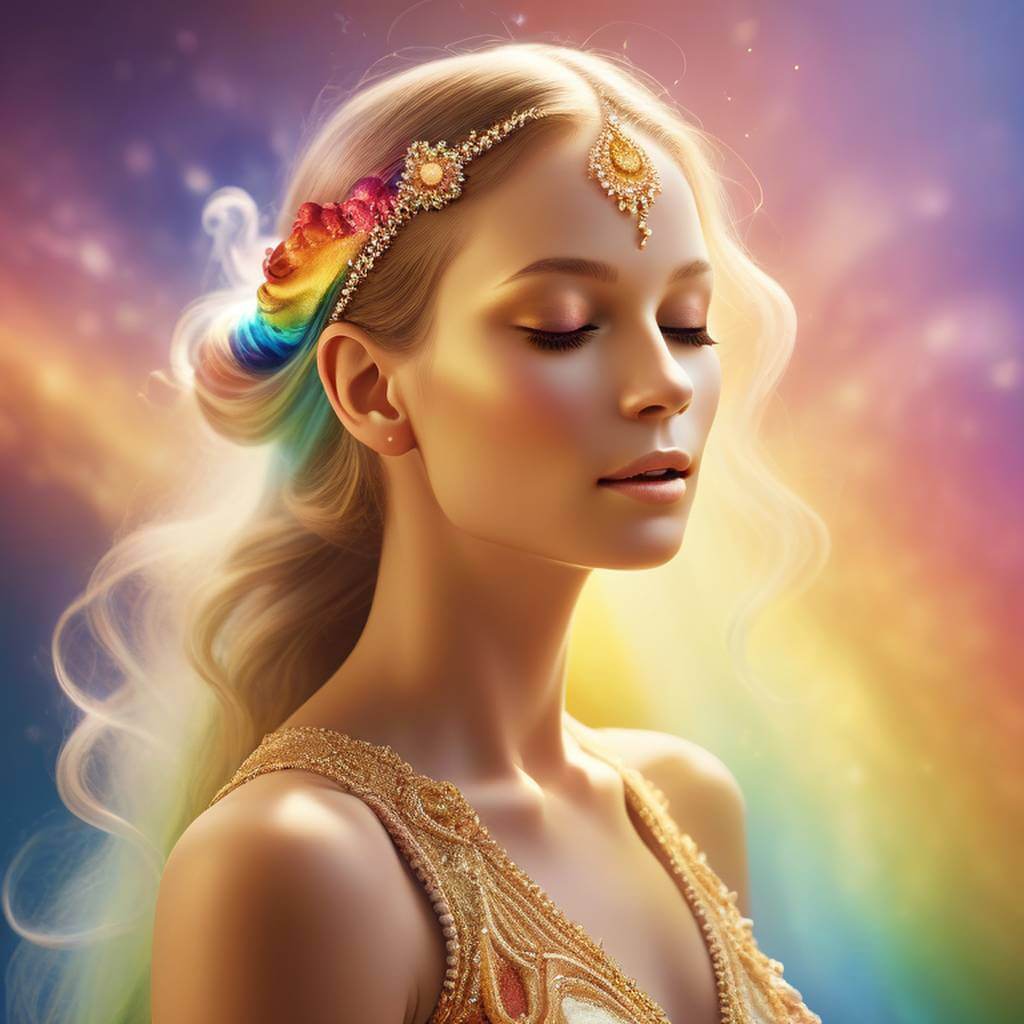
Color Breath
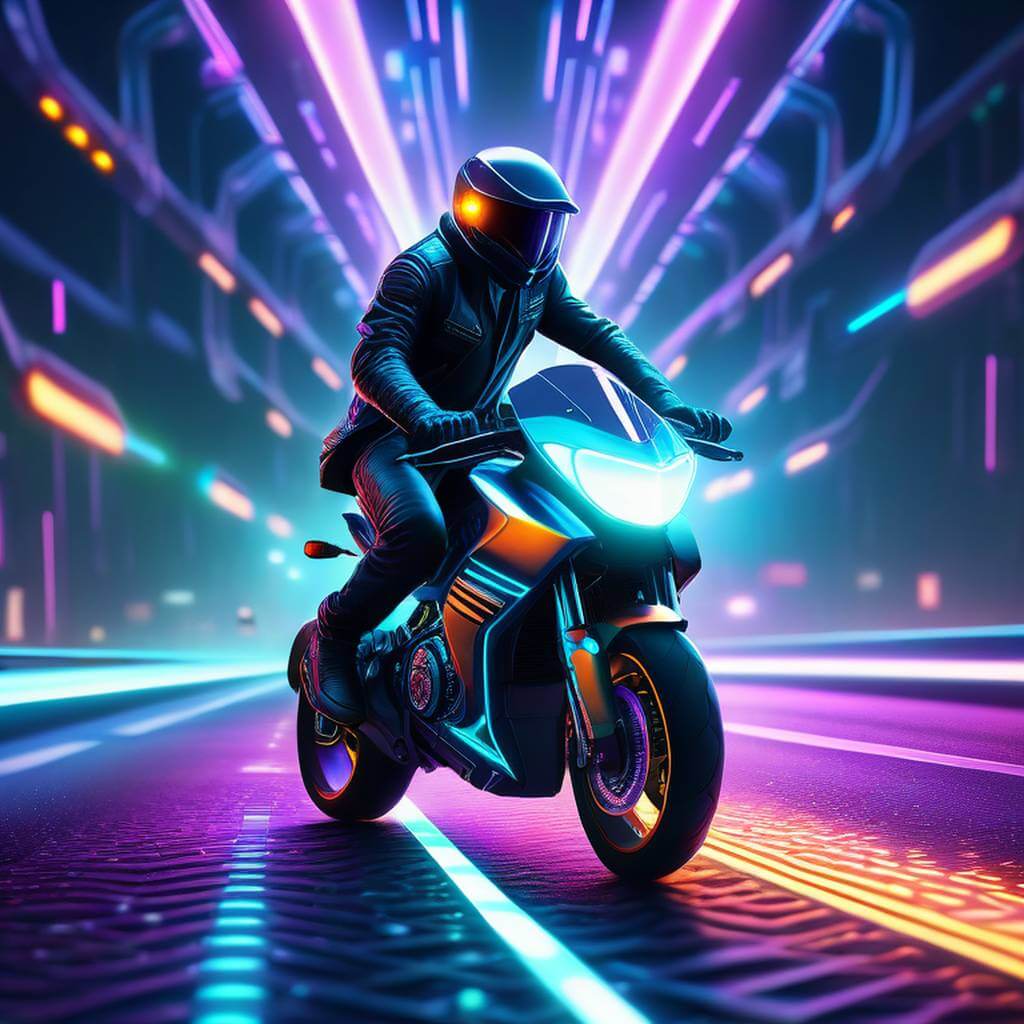
Neon Drift
How to Animate a Picture With AI
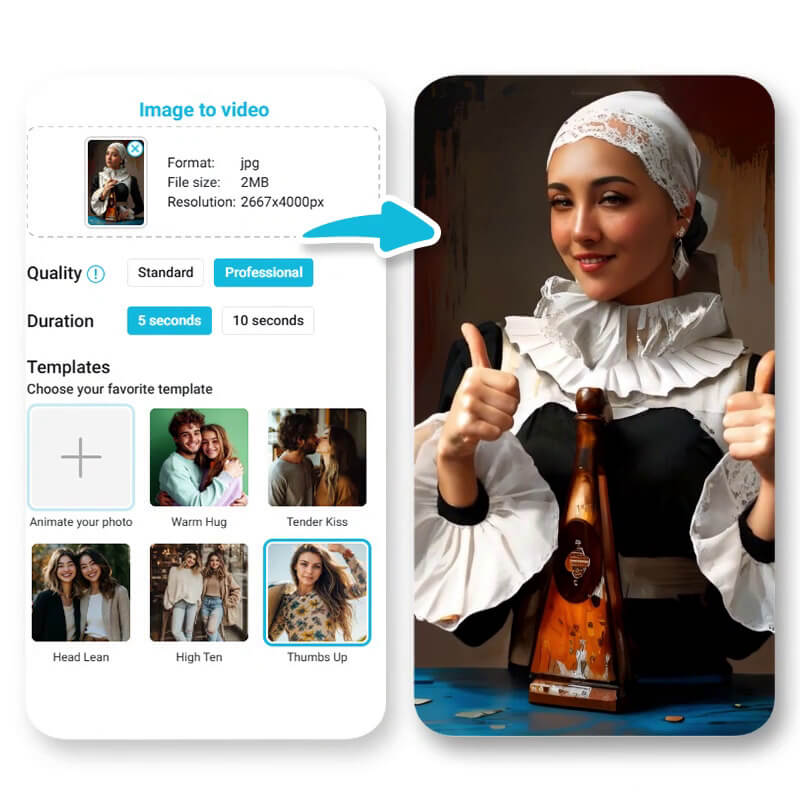
Upload Your Photo or Picture
Begin by uploading your chosen photo or picture to the YouCam AI Image Animator. Supported formats include JPG, JPEG, PNG, TIFF, and GIF.


Enter Animation Prompt
Input a text prompt describing how you want to animate your photo, or select from the available templates to guide the animation process.
Start AI Animation
Click the button to initiate the AI animation process, and watch as your photo comes to life.

5 Highlights of the Best AI Photo Animator
Animate Old Photos: Revive Your Family Memory
Turn your cherished family photos into lively animations. Relive memorable moments by animating old photos, making your family history come alive in a whole new way. It's a wonderful way to preserve and celebrate your family's legacy.
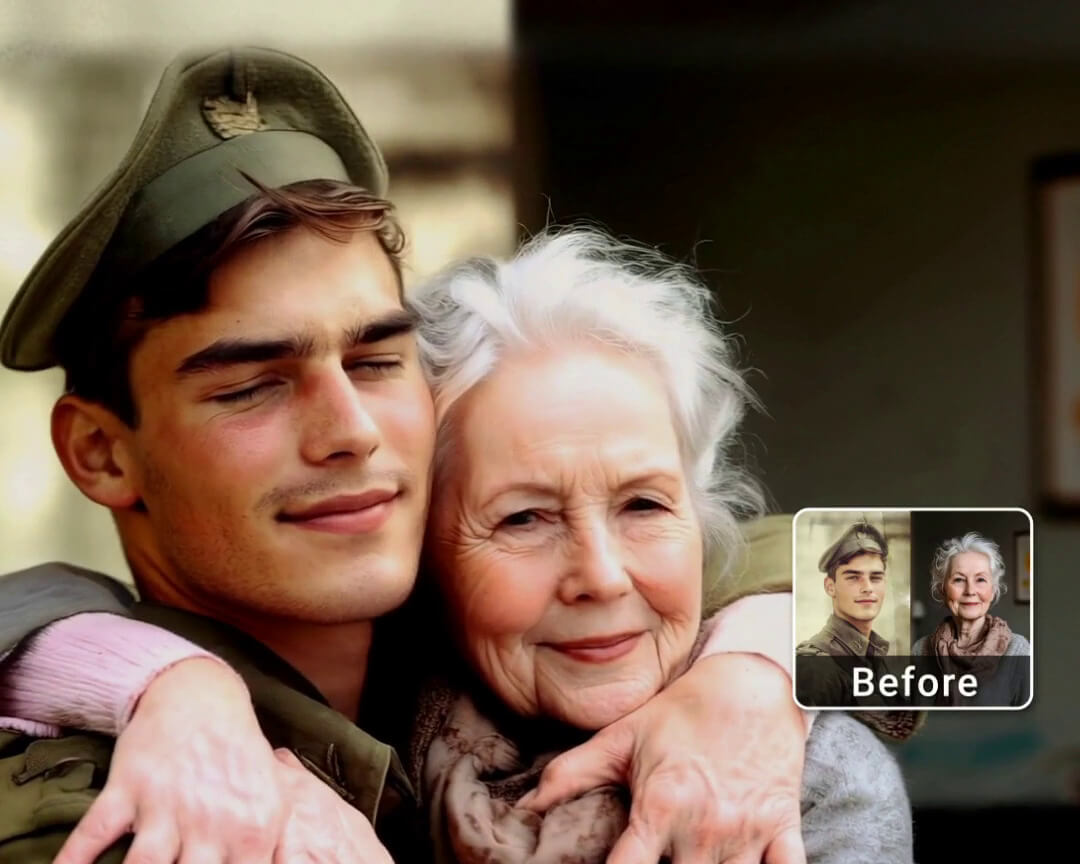
Bring Your Photos to Life with AI
Transform your static photos and pictures into dynamic, moving images using advanced AI technology. Watch as your memories come alive with realistic animations that add a touch of magic to your favorite moments.

Create Custom Videos from Text Prompts
Easily customize your images into engaging videos by entering text prompts. Whether you have a specific vision or choose from templates, the AI will animate your photos exactly as you envision, making the process simple and fun.
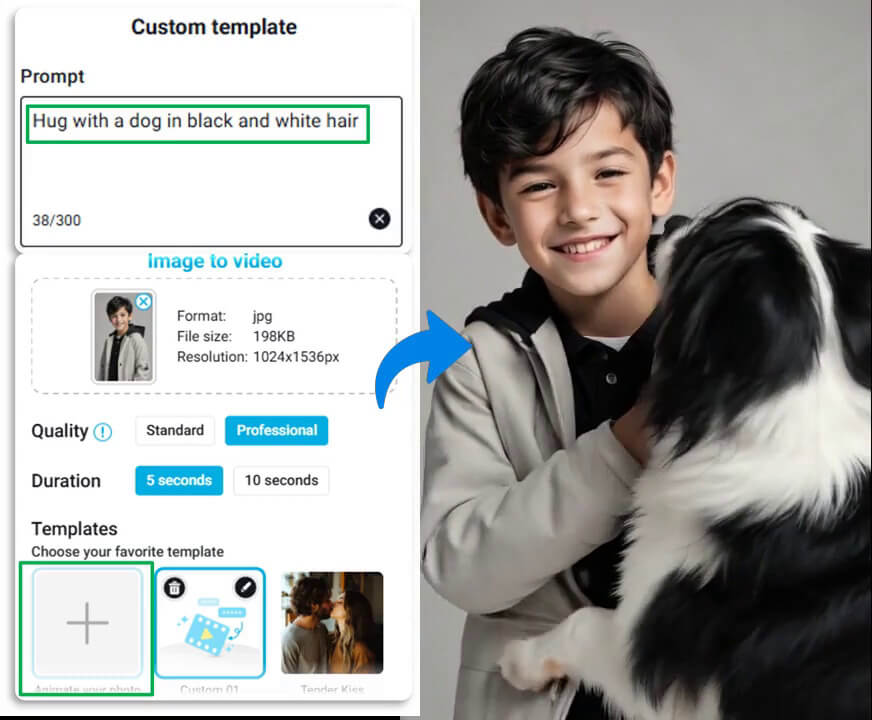
Explore Unlimited AI Video Possibilities
Stay up-to-date with the latest trendy AI videos from platforms like TikTok and Instagram. We offer popular templates such as AI Kiss, AI Hug, AI Fly Video, and even fun options like animating old photos or creating AI cat videos. There's always something new and exciting to try!
Animate Your Favorite Characters
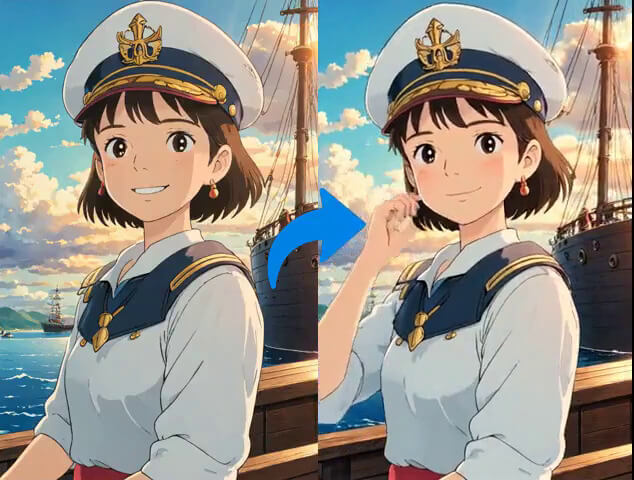
Imagine bringing your favorite movie or TV series characters to life. With our AI animator, you can animate these characters and even create exciting cross-over scenarios, making your creative ideas come to life in a unique and entertaining way.
AI Animate Photo FAQ
How can I animate a still picture?
You can animate a still picture using AI-powered tools like YouCam AI Image Animator. Just upload your photo, enter a prompt or choose a template, and let the AI do the rest.
How do I make animated photos?
Making animated photos is easy with YouCam. Simply upload your image, select an animation style or enter a text prompt, and the app will turn your photo into a moving video.
What is the best tool to animate photos?
A good photo animation tool should preserve the original image while adding natural, believable motion, offer ready-made templates as well as custom prompts, and be simple enough to use without video-editing experience. YouCam AI Image Animator offers AI-powered features, trendy templates, and an easy-to-use interface for creating animations.
What app is used to animate photos?
When choosing an app to animate photos, look for support on both iOS and Android, AI-powered templates, and custom prompts that let you animate an image in just a few taps. The YouCam Video app offers all of these.
How to do animated photos on iPhone?
To animate photos on iPhone, download the YouCam Video app from the App Store. Upload your photo, choose an animation style or enter a prompt, and instantly turn your picture into a lively video.

