

AI Body Editor: Reshape Photos Online

Slim your waist, enhance curves, tone muscles, and lift hips naturally with YouCam’s AI body shape editor. Auto-detects multiple people with zero background distortion.

Drop image here to upload
Try It Now ▶
또는 여기에 파일을 드롭
또는 예제로 시도
model image 1
model image 2
model image 3
model image 4

Shape Your Story – 4 Ways to Transform Photos with AI Body Editing

01
04

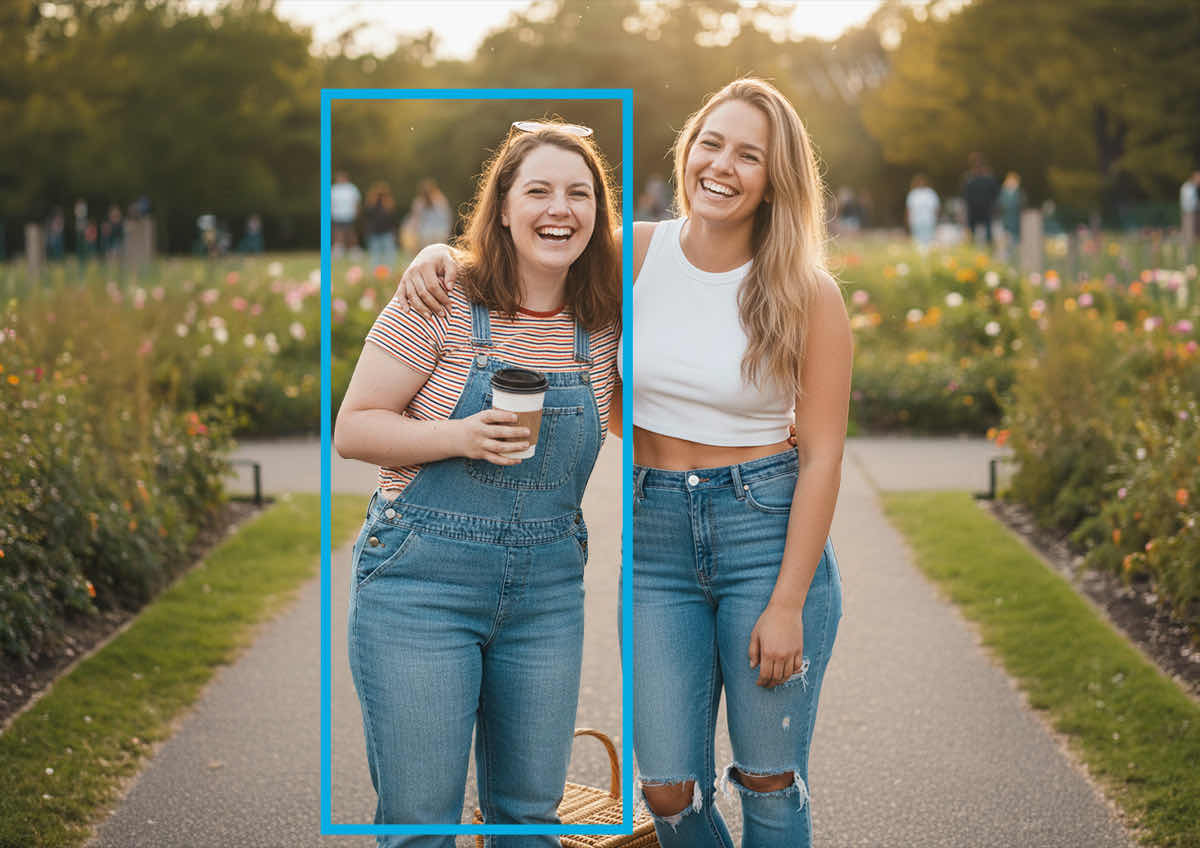
Natural Silhouette: Slim & Reshape Proportions

Want to look your best in every post?

Use the tool to slim your waist, tone your arms, elongate your legs, and refine your shoulders and neck for a naturally enhanced silhouette.

Natural Silhouette: Slim & Reshape Proportions
02
04

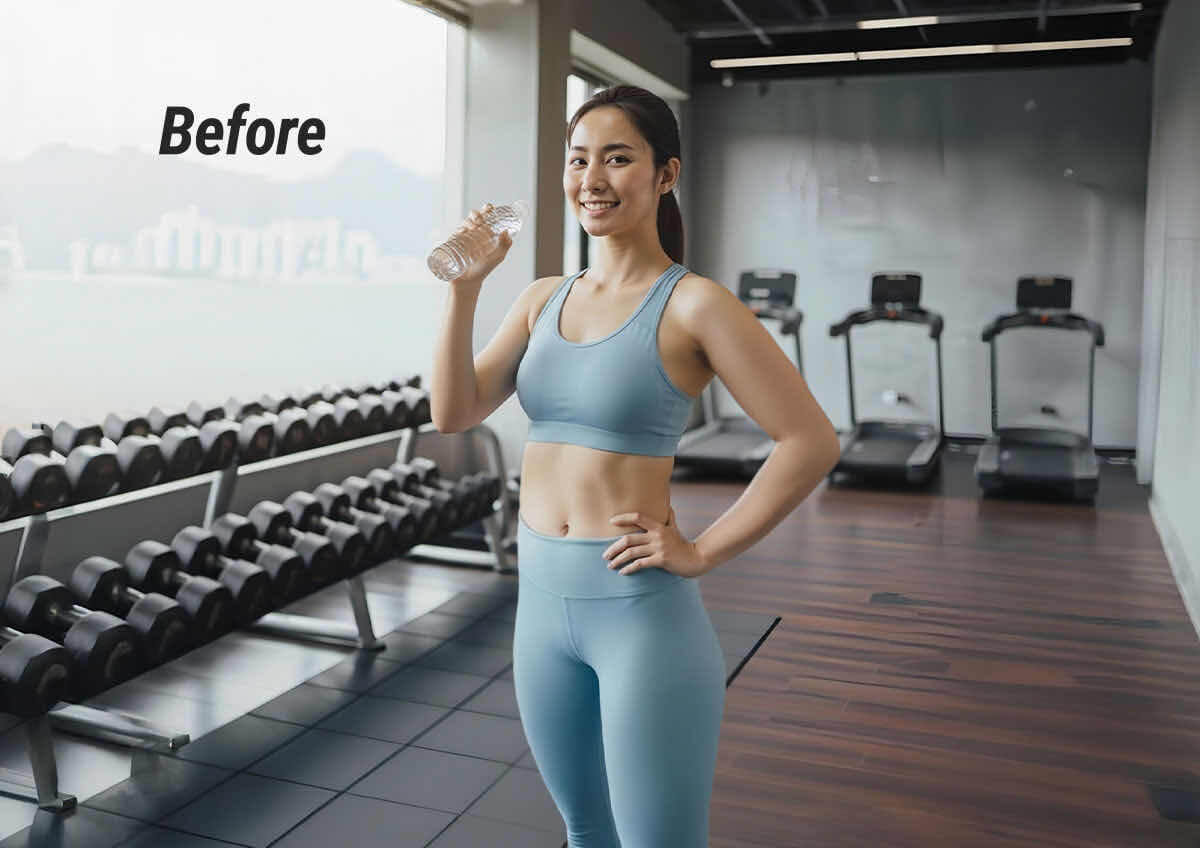
Fitness Progress Visualization: Chest, Belly & Hip Lift 

Track your transformation and highlight your hard work with subtle reshaping. You can define your chest, flatten your belly, sculpt your waist, and tone your legs and hips to reflect your goals.

Fitness Progress Visualization: Chest, Belly & Hip Lift
03
04

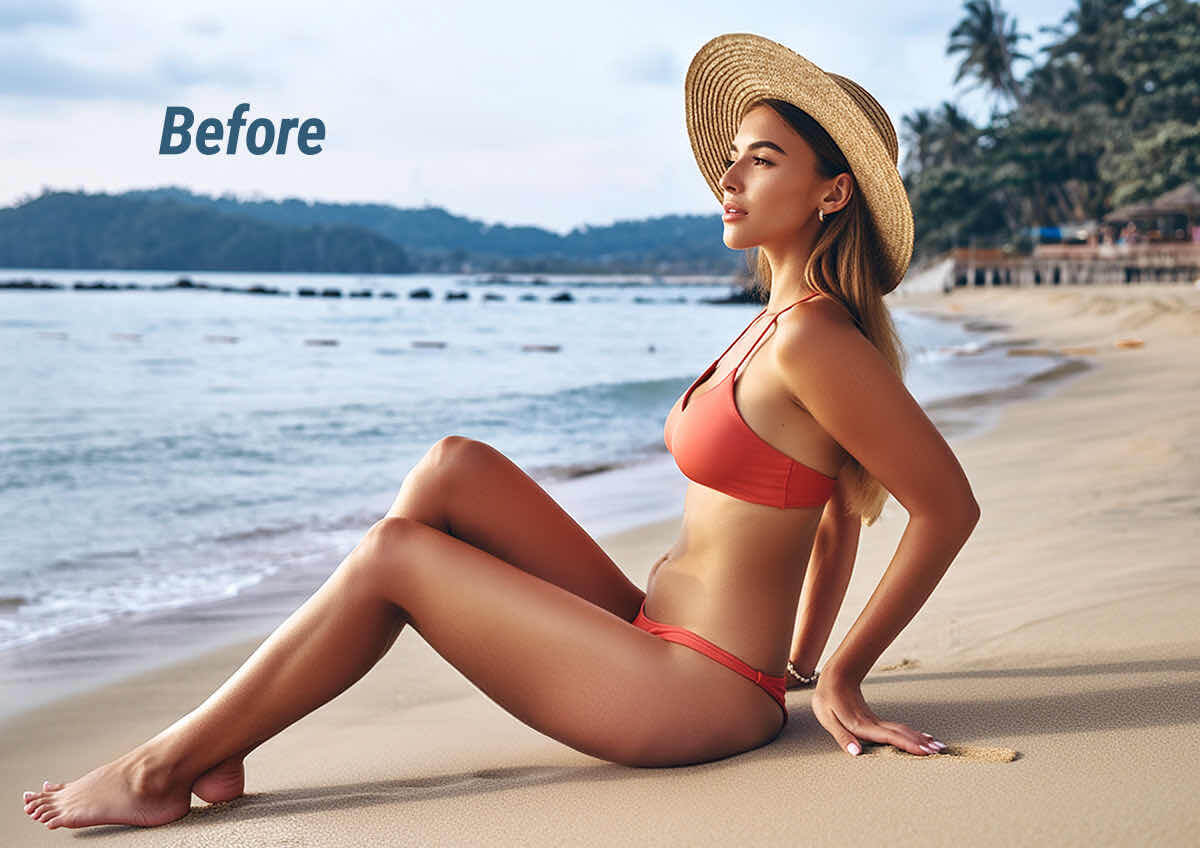
Vacation-Ready Edits: Beach Body Boosts 

Heading to the beach or just back from one? Smooth out tan lines, slim your midsection, and lift your posture to match the sunny vibe. Perfect for poolside pics and tropical throwbacks.

Vacation-Ready Edits: Beach Body Boosts
04
04

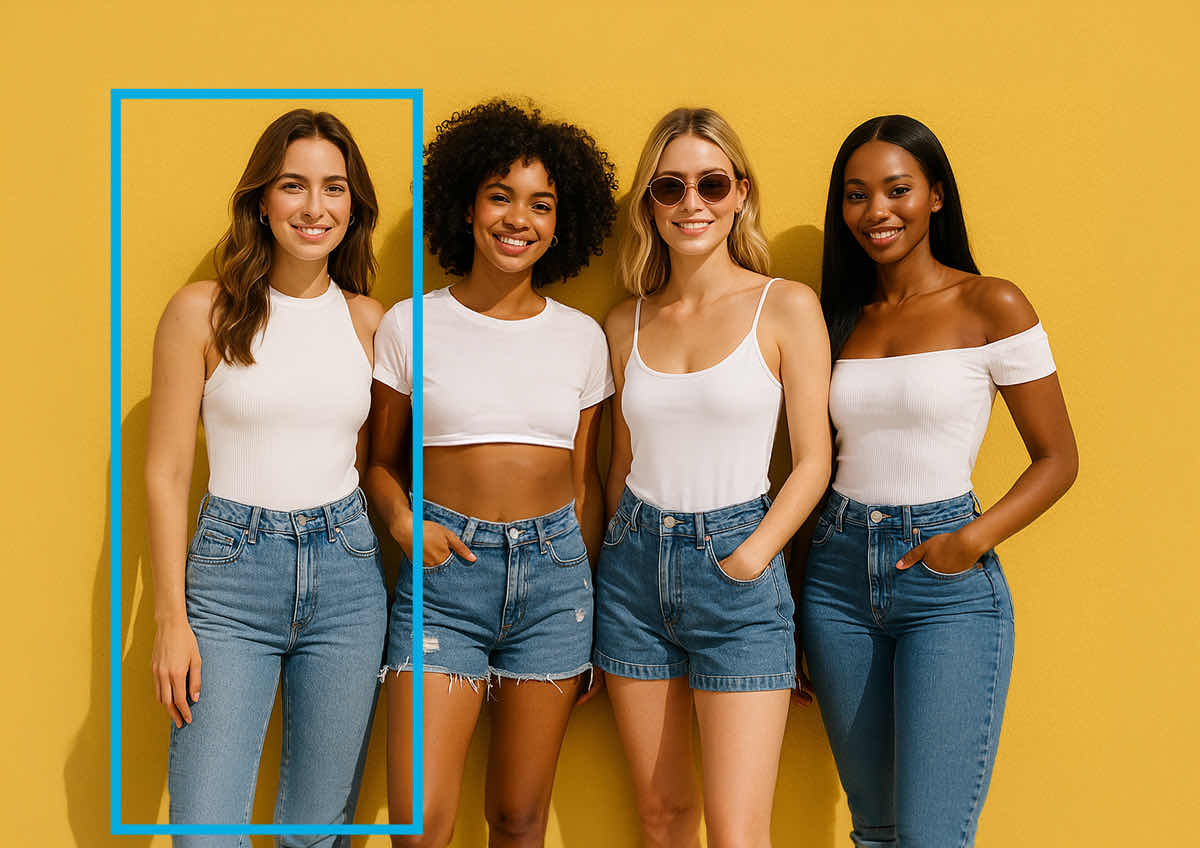
Group Photo Fixes: Everyone Looks Their Best 

Editing a group shot? Easily adjust multiple bodies—slim waists, balance shoulders, and smooth posture—so everyone looks great without awkward cropping or retakes.

Group Photo Fixes: Everyone Looks Their Best

How to Edit Bodies in a Photo With YouCam AI Body Reshape

Upload Your Photo
STEP
1

Upload Your Photo

Choose a clear image with visible body contours.

Select Person(s)
STEP
2

Select Person(s)

AI auto-detects people in the photo. Choose who to edit.

Adjust Body Parts
STEP
3

Adjust Body Parts

Use sliders to reshape waist, arms, hips, belly, chest, legs, shoulders, neck, and more.

Preview & Download
STEP
4

Preview & Download

Review the changes and download your high-resolution image.

Targeted Perfection: 10 Body Parts, One Smart Editor

YouCam AI Body Reshape lets you edit 10 key body parts with precision and ease:

  • Waist, Belly & Chest: Sculpt your core for a defined, confident shape​
  • Arms, Legs & Shoulders: Tone and balance your frame with subtle adjustments​
  • Hips, Hip Lift & Neck: Enhance curves and posture with targeted refinements​
  • Full-Body Slimming: Apply overall slimming for a sleek silhouette
Targeted Perfection: 10 Body Parts, One Smart Editor

Fast & Natural AI Body Reshaping

  • AI Detection: AI automatically identifies people in the photo for easy selection.
  • Precise Control: Adjust specific body parts like waist, arms, belly, chest, hips, legs, and more.​
  • Distortion-Free Reshaping: Smoothly edit body silhouettes with zero background warping, pixel stretching, or warped lines.
  • Multi-Person Support: Edit multiple bodies in one photo.
Fast & Natural AI Body Reshaping

AI Body Editor FAQ: Quick Answers & Tips

How do I edit my body in a photo online?FAQ icon

You can edit your body in a photo for online using YouCam’s AI Body Editor. Simply upload your image, let the AI automatically detect the subjects in the photo, and use the intuitive sliders to naturally reshape or tone specific body parts in seconds.

Will the background be distorted when I edit my body?FAQ icon

No, YouCam’s AI Body Editor uses advanced edge-detection technology to reshape your body with zero background distortion. Unlike traditional liquify filters that warp surrounding objects, this tool isolates the person so backgrounds, lines, and textures remain perfectly straight.

Can I edit multiple people in a single photo?FAQ icon

Yes, the YouCam AI Body Reshape tool automatically detects multiple people in one photo. Once your photo is uploaded, you can select and edit each individual's body proportions independently without affecting the others.

Can I make both subtle and dramatic changes with the editor?FAQ icon

Yes, the tool is designed to support both highly subtle posture refinements and more dramatic reshaping. The precise control sliders allow you to make minor adjustments to waist, hips, and arms for a natural look, or more pronounced edits depending on your creative needs.

Is the YouCam AI Body Editor available on mobile devices?FAQ icon

Yes, the AI Body Editor is available both as a free online web tool and as a downloadable mobile app. You can access the quick editor on your desktop browser or download the dedicated YouCam Perfect app on iOS and Android for editing on the go.

Is my personal data safe when I upload photos to the editor?FAQ icon

Yes, we prioritize user security and strict data privacy. All uploaded photos are processed through secure SSL connections, are never shared with third parties, and are automatically deleted from our servers once your editing session is complete.