






Ponyfilter: probeer virtueel een pony uit
Bekijk hoe je eruitziet met een pony. Probeer verschillende ponystijlen, zoals curtain bangs, wispy bangs, blunt bangs en meer.





Ontdek trendy stijlen met de AI ponysimulator
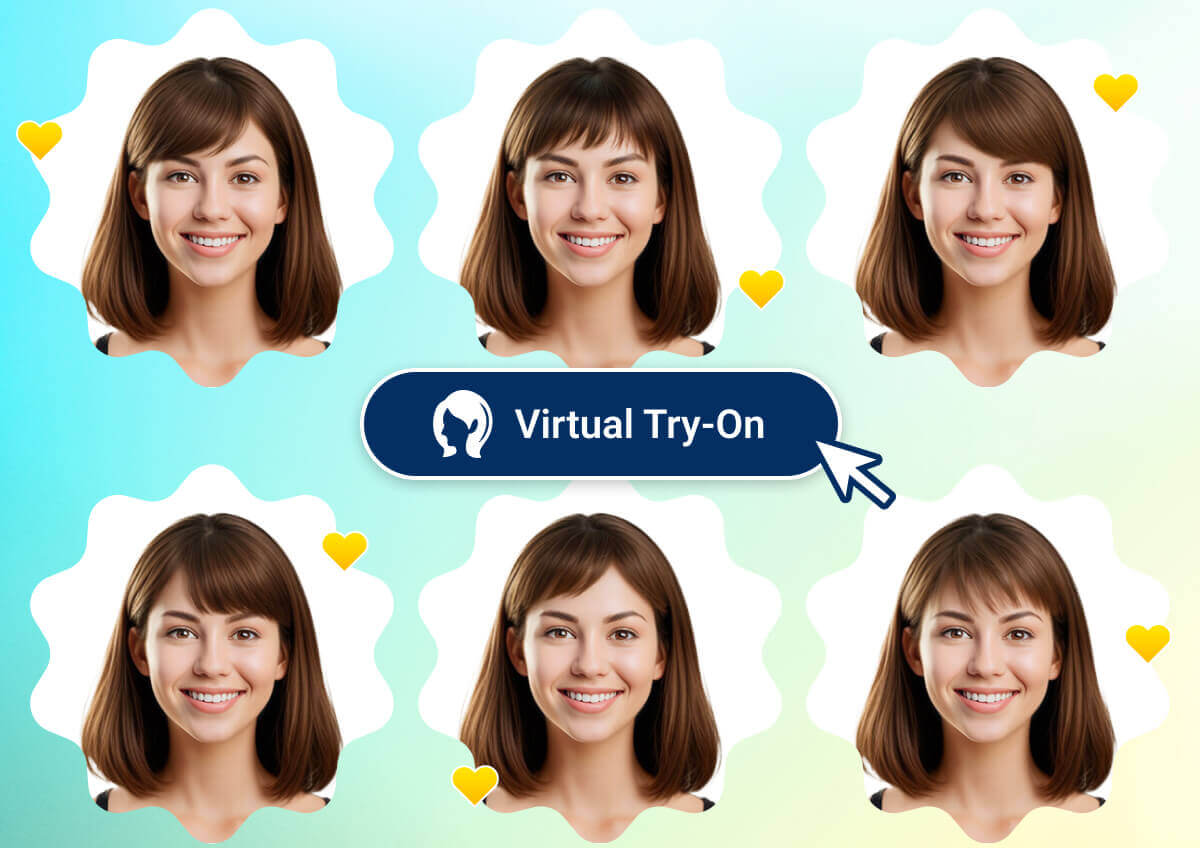
Een pony nemen is niet langer een risicovolle keuze! Probeer virtueel alle populaire stijlen uit met slechts een paar klikken. Je ziet meteen hoe geweldig je staat met een nieuwe pony, zowel op desktop als mobiel.
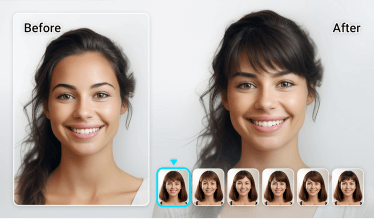
Krijg de perfecte pony met AI
- Realistische look: Experimenteer met realistische pony’s en ontdek welke stijl het beste bij je gezicht past.
- Veelzijdige stylingopties: Verken een brede range aan ponystijlen voor elke persoonlijkheid en gelegenheid.
- Moeiteloze ervaring: Geniet van een gebruiksvriendelijke interface die het uitproberen van nieuwe pony’s makkelijk en leuk maakt.
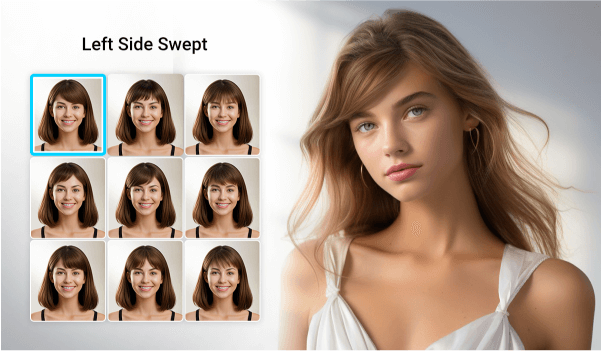
Waarom je onze ponysimulator geweldig zult vinden
Probeer 10+ ponyfilters
Of je nu denkt aan een kleine verandering of een totale haarmake-over, onze ponyfilters helpen je altijd. Van klassieke pony’s tot de nieuwste trends: probeer allerlei stijlen die bij elke gezichtsvorm passen. Weet je niet wat jou het beste staat? Duik erin en ontdek moeiteloos jouw perfecte match.
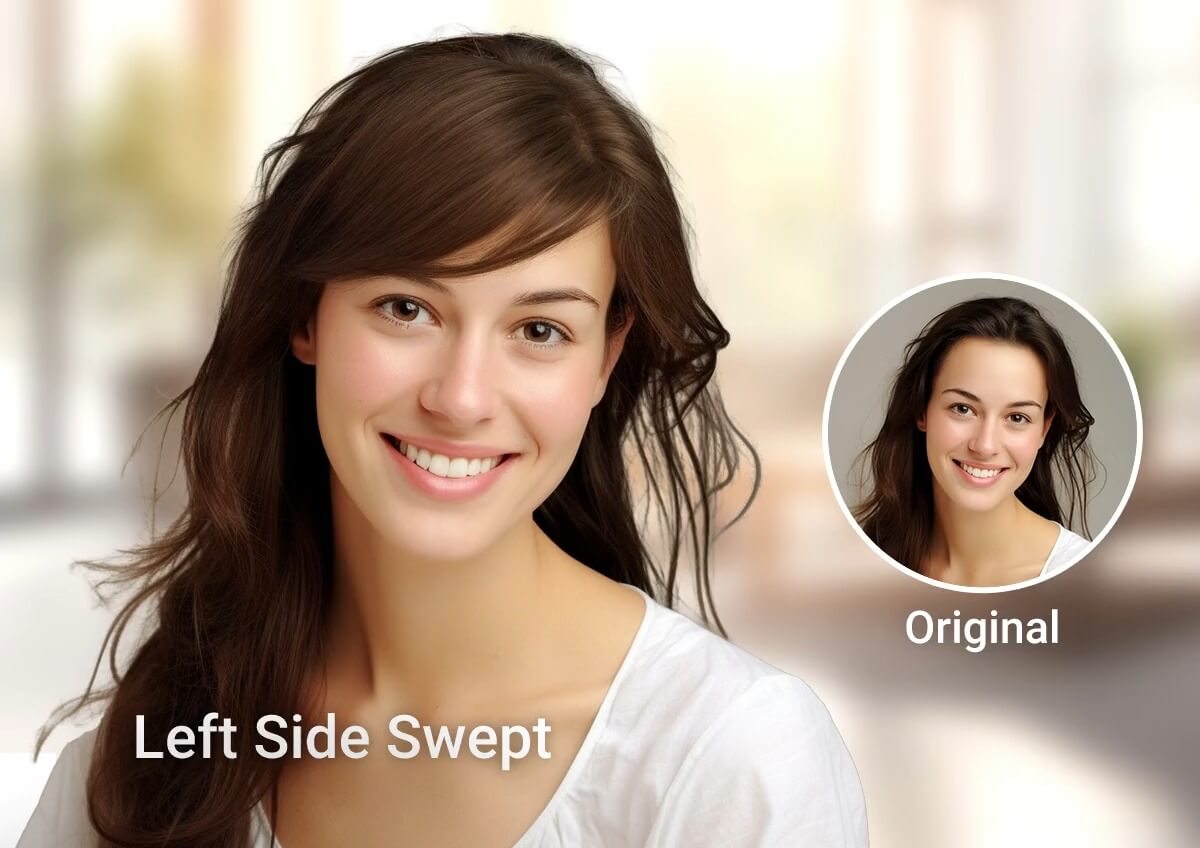
Voeg eenvoudig een pony toe aan je foto
Van strakke pony’s tot speelse curtain bangs: met onze tool kun je met één foto verschillende stijlen uitproberen. Het is snel, eenvoudig en de resultaten zijn net zo leuk als verbluffend.
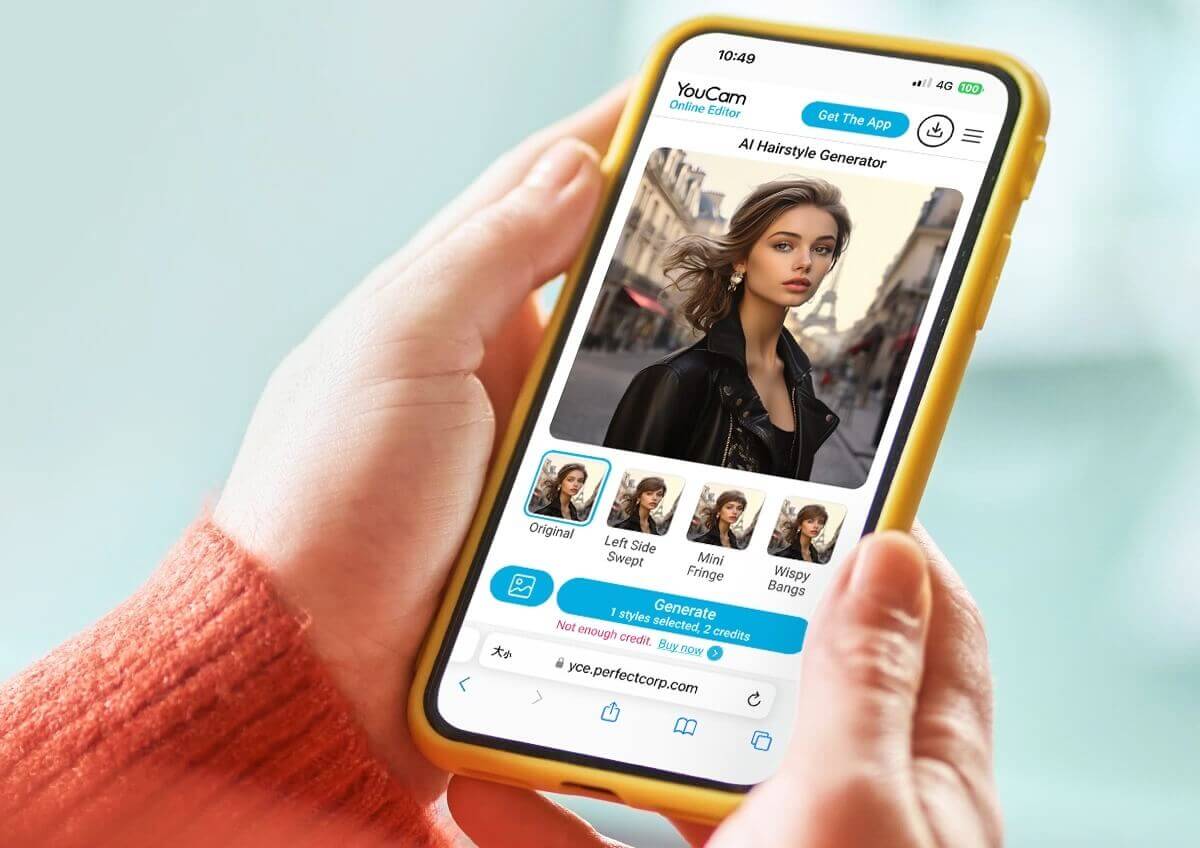
Natuurlijke pony en kapsels uitproberen
Met generatieve AI kun je op een natuurlijke manier een pony aan je kapsel toevoegen, die perfect met je eigen haar samenvalt, alsof het echt is.
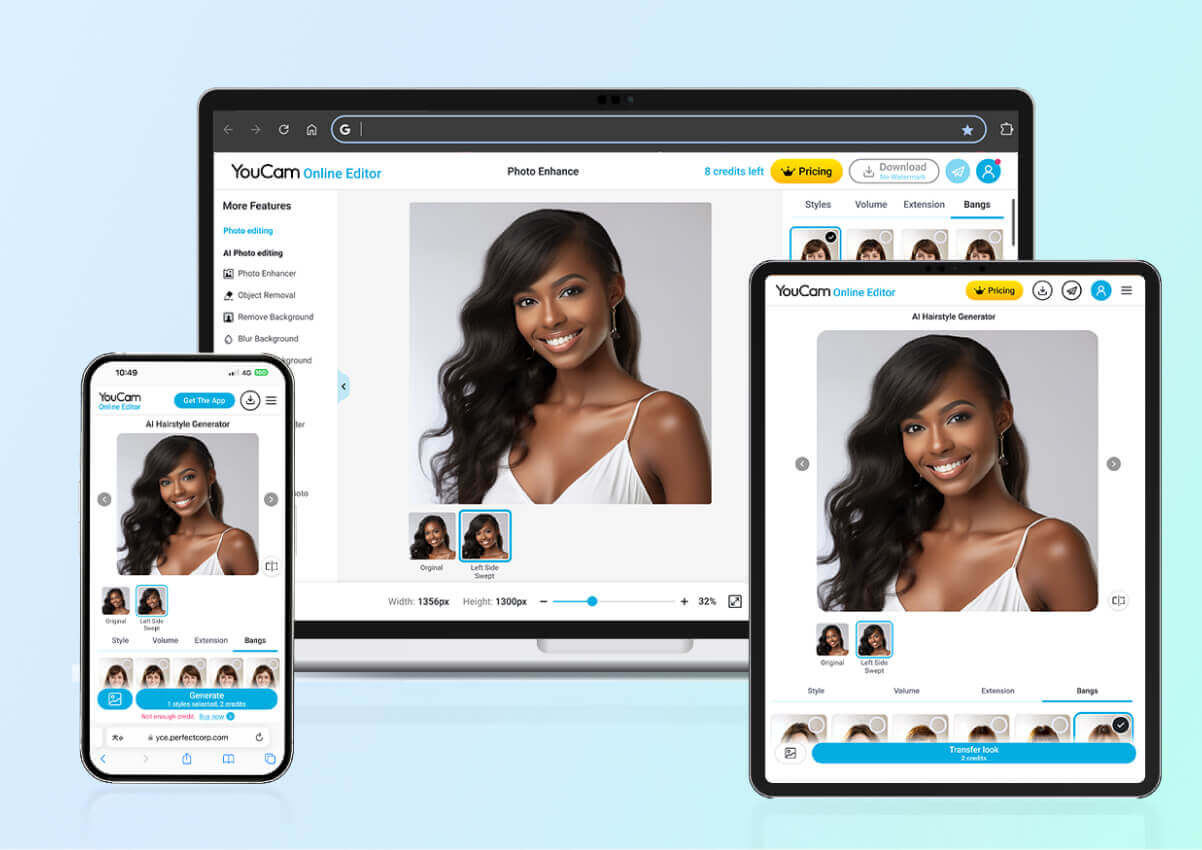
Toegankelijke ponyfilter – desktop of mobiel
Hou je ervan om foto’s online te bewerken? Of ben je altijd onderweg met je telefoon? Hoe dan ook, onze ponyfilters maken je stylingervaring naadloos. Met volledige ondersteuning voor zowel desktop als mobiel kun je altijd en overal nieuwe looks uitproberen.
Hoe werkt de ponyfilter?
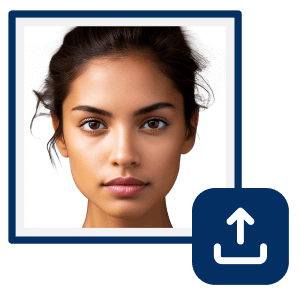
Upload je foto
Kies eenvoudig een foto om te uploaden en laat ons systeem de rest doen.
(Ondersteunde formaten: JPEG, PNG)


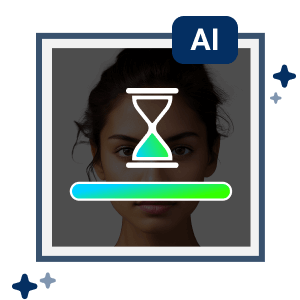
Bekijk de preview
Zodra je foto is geüpload, genereert onze AI een preview van je nieuwe kapsel. Bekijk het en zorg ervoor dat het is wat je in gedachten had voordat je verdergaat.
Aanpassen
Nu kun je eenvoudig de lengtes aanpassen, met verschillende kleuren experimenteren en wisselen tussen pony’s en haarextensies totdat je de look vindt die het beste bij je past.
Download je foto
Sla je nieuwe kapsel direct op je apparaat op om het mee te nemen naar je kapper of om het met vrienden te delen.

Links opzij geveegd

Mini pony

Rechts opzij geveegd

Strakke pony
Gesplitste mini pony

Dunne pony
Gespleten pony

Wispy pony

Wispy pony 2
Meer ideeën voor kapsels om uit te proberen
Probeer verschillende ponystijlen
Pony’s zijn een van de belangrijkste factoren die een kapsel sterk kunnen beïnvloeden, onder andere door je gezicht te omlijsten en extra volume en textuur toe te voegen.
Probeer blunt bangs, wispy bangs, split bangs, side bangs, retro bangs, mini bangs en meer om te zien welke stijl jou het beste staat!
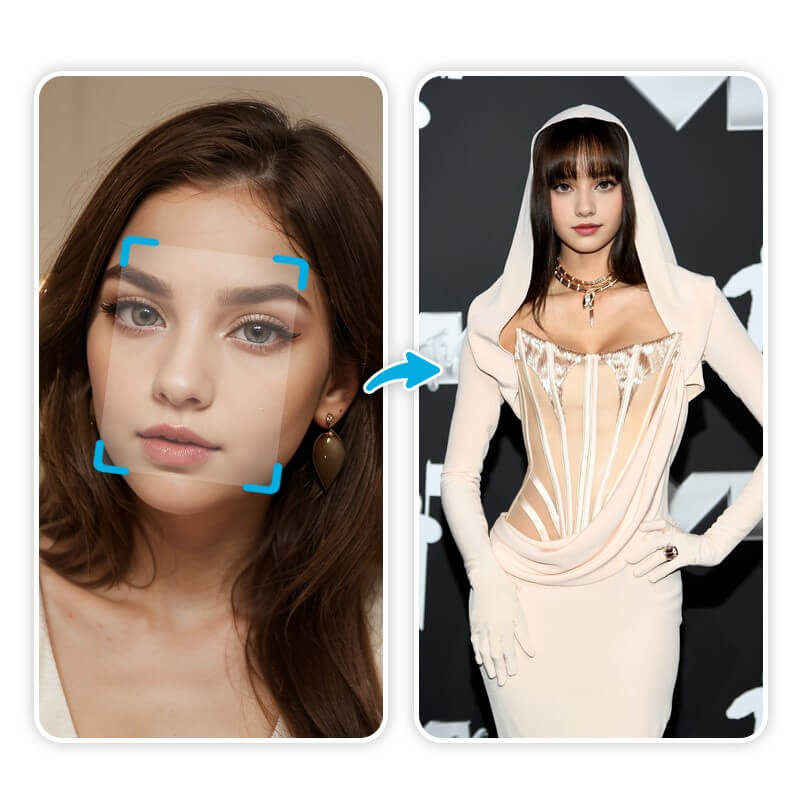
Probeer virtuele haarkleuren
Onze AI kapsel tool biedt meerdere geweldige AI kapsels waarmee je populaire looks kunt uitproberen, zoals blonde balayage, honey highlights, bordeauxrood en zelfs calicohaar!
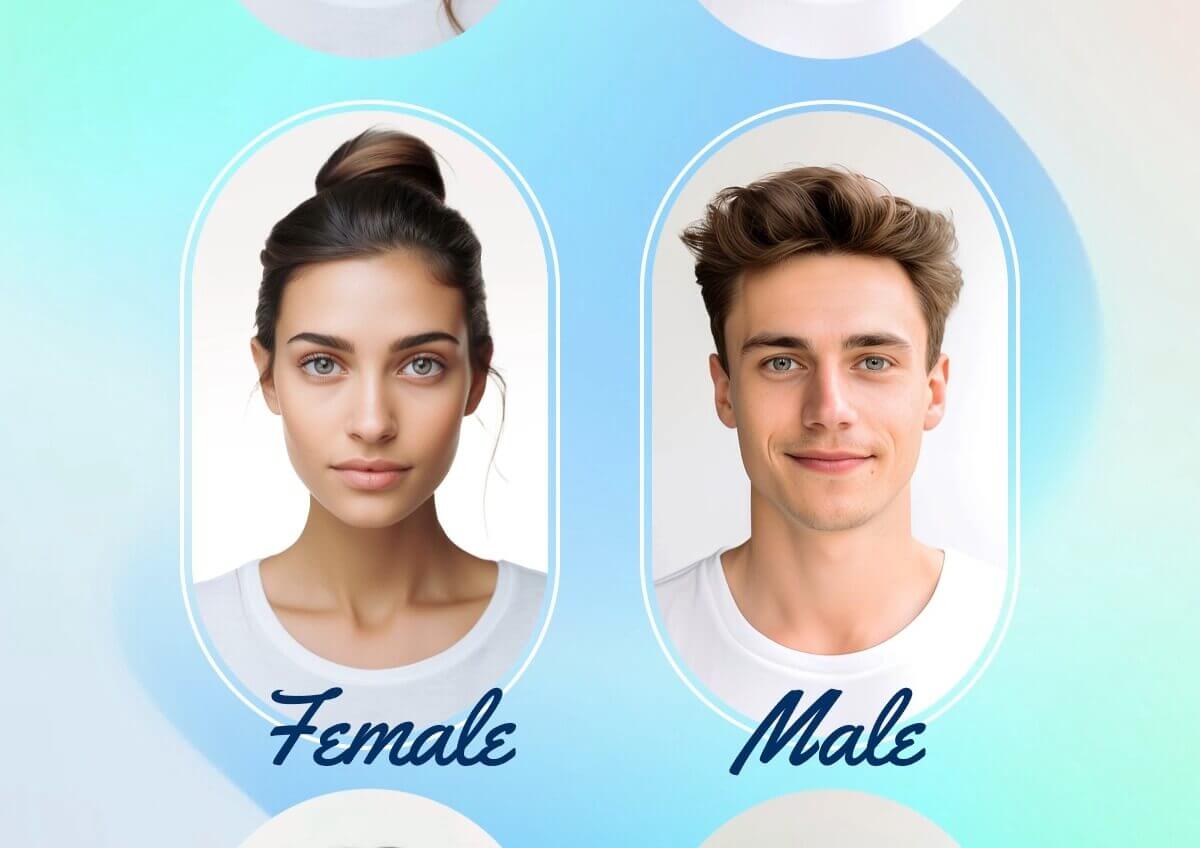
Transformeer je look met haarextensions
Met onze functie Haarextensions kun je verschillende lang-haar-filters op je foto’s uitproberen om te zien of lang haar bij je past.
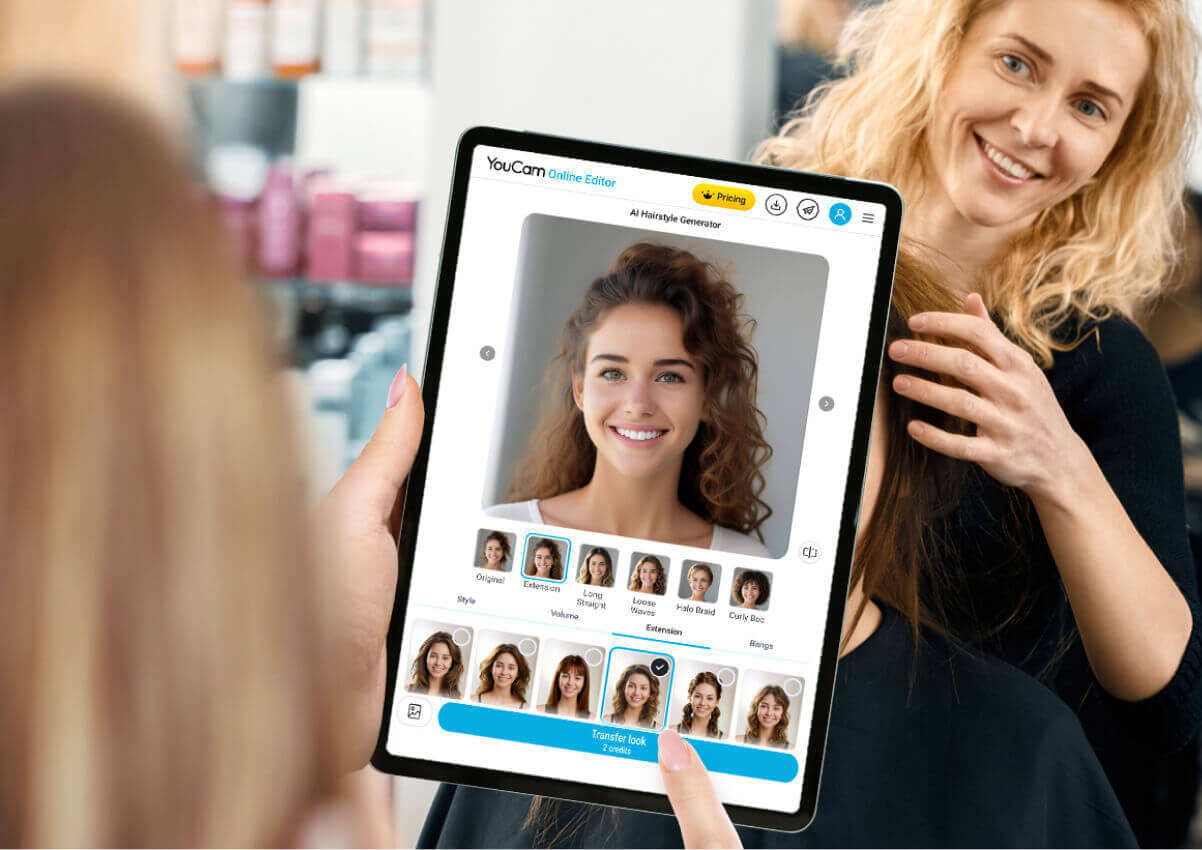
Ponyfilters – veelgestelde vragen
Wat is de ponyfilter?
YouCam Ponyfilter is een AI-gestuurde tool waarmee je virtueel verschillende ponystijlen kunt uitproberen. Of je nu een nieuwe look overweegt of gewoon nieuwsgierig bent hoe een pony je zou staan: deze tool geeft je een realistische preview zonder dat je echt naar de kapper hoeft.
Hoe gebruik ik de ponyfilter?
Upload eerst je foto en selecteer het kapsel dat je wilt proberen, en dat is alles! De AI genereert automatisch het kapsel dat jij wilt!
Kan ik de ponyfilter op mobiele apparaten gebruiken?
Natuurlijk! Zowel mobiel als desktop werken uitstekend, en je hoeft geen apps te downloaden – upload gewoon eenvoudig je afbeeldingen online.
Is de AI ponysimulator gratis te gebruiken?
Ja! Probeer het nu gratis, kom het zelf ontdekken!
Welke bestandsformaten worden ondersteund voor fotouploads?
JPEG en PNG.
Hoe zou ik eruitzien met een pony?
Benieuwd hoe jij eruitziet met een pony? Met de YouCam AI ponyfilter kun je je foto uploaden en detecteert de AI automatisch je gezicht om direct de gewenste ponystijl te genereren. Kies gewoon de look die je wilt en YouCam maakt binnen enkele seconden een realistische preview!