




Herstel oude foto's online met AI
Herstel je oude foto's binnen enkele seconden met deze AI-fotorestauratie!




Hoe herstel je oude foto's met AI?

Oude foto's uploaden
Upload je oude foto of afbeelding naar de YouCam Online Editor.
(Ondersteunde formaten: JPG, JPEG, PNG, TIFF en GIF)


Automatische AI-fotorestauratie
De YouCam AI scant en herstelt automatisch vervaagde kleuren en blaast de kleuren van je foto's nieuw leven in.
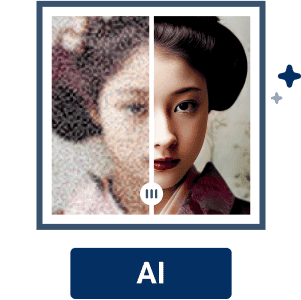
Verbeter je foto met AI
Klik gewoon op de knop 'Foto verbeteren' om de beeldkwaliteit te verhogen.

Bekijk en download je gerestaureerde foto
Als de foto naar je zin is hersteld, klik je op "Downloaden" om je gerestaureerde foto op te slaan. Dat is alles!
Wek je verleden opnieuw tot leven:
Herstel je oude foto's online in hun vroegere glorie
Herbeleef herinneringen met natuurlijke, realistische kleuren
Oude foto's vervagen na verloop van tijd en verliezen hun levendigheid. Breng je oude herinneringen weer tot leven met onze AI-fotorestauratie. Vernieuw vervaagde kleuren met natuurlijke, realistische tinten en verbeter de beeldkwaliteit van je bijzondere momenten.
Verwijder krassen en maak automatisch scherper
Met simpel slepen of neerzetten verwijdert de Online AI-fotorestauratie van YouCam automatisch krassen en maakt oude foto's scherper. Verdere fotobewerking is niet nodig.
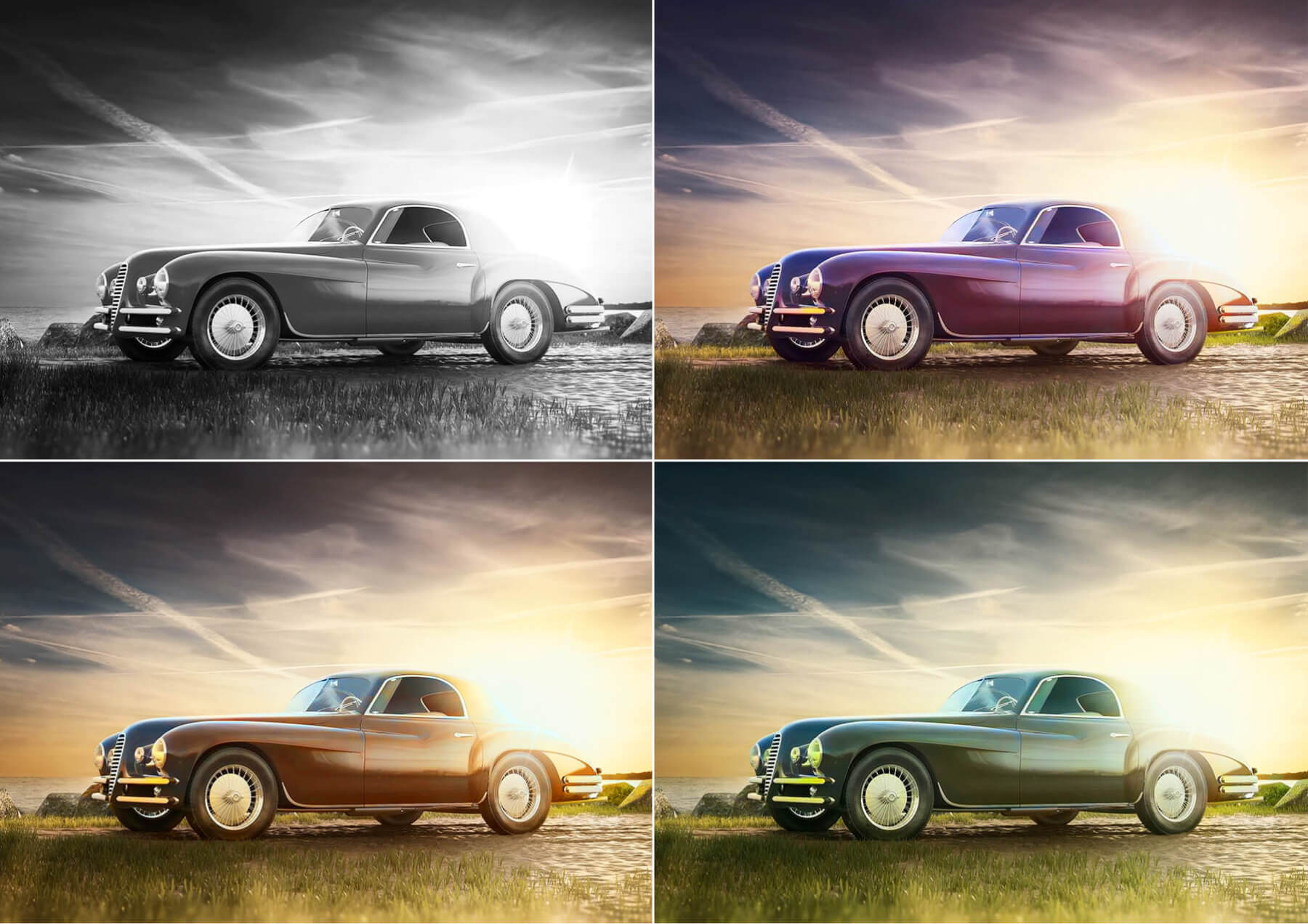
Geef oude foto's direct hun oorspronkelijke levendigheid terug
Maak van je dierbare herinneringen in enkele seconden foto's van hoge kwaliteit met onze YouCam Online Editor. Je hebt geen technische vaardigheden nodig! Met behulp van AI kun je moeiteloos je oude, vervaagde of wazige afbeeldingen verbeteren en hun scherpte en levendigheid herstellen.
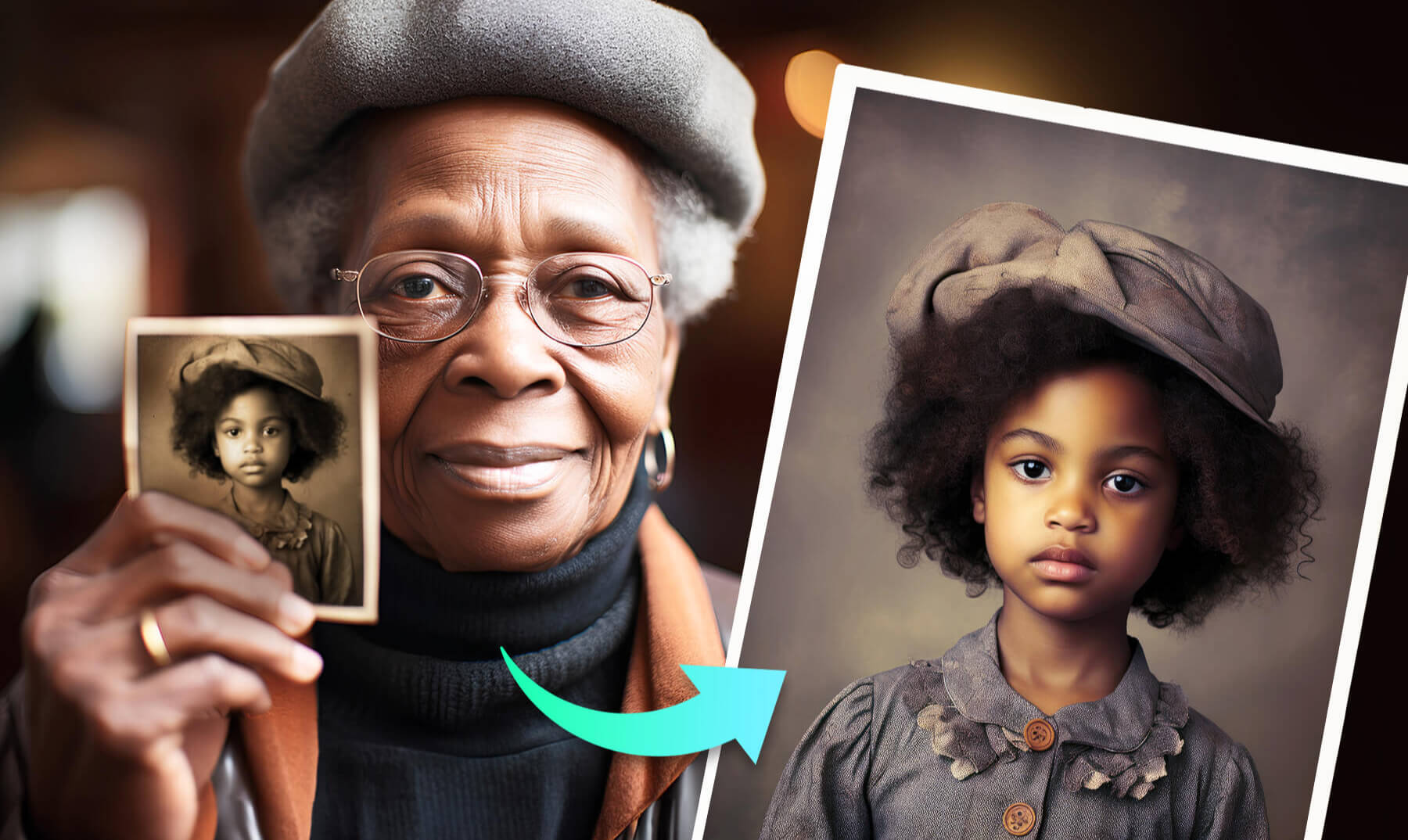
Verbeter de belichting van gekoesterde momenten
Verlicht je herinneringen en breng ze op je vintage foto's weer tot leven! Haal moeiteloos verbluffende details en levendige kleuren naar boven met AI-magic. Beleef je oude beelden opnieuw met een uitzonderlijke nieuwe kwaliteit en helderheid.

Kleur foto's in met AI op je iPhone
Verander je zwart-witfoto's in kleurrijke meesterwerken met de YouCam-app.



Veelgestelde vragen over het herstellen van oude foto's
Ik heb alleen een fysieke foto. Hoe kan die worden hersteld?
Als je alleen een fysieke foto hebt, kun je die herstellen door hem eerst te scannen en zo een digitale kopie te maken. Veel moderne scanners en zelfs scanapps op smartphones kunnen digitale afbeeldingen van hoge kwaliteit maken. Zodra je een digitale versie hebt, kun je je oude foto's uploaden naar YouCam Online Editor, zodat de AI-tool scheuren kan herstellen, vlekken kan verwijderen en de kleurbalans van je waardevolle oude foto's kan aanpassen.
Is er een online fotobewerkingsprogramma om oude foto's te herstellen?
Ja, er zijn verschillende online fotobewerkingsprogramma's beschikbaar om oude foto's te herstellen. YouCam Online Editor is zo'n tool met functies voor fotorestauratie, waarmee je gescande foto's kunt uploaden en direct in je webbrowser kunt verbeteren.
Hoe weet ik dat het veilig is om hier foto's te uploaden?
Foto's die naar YouCam Online Editor worden geüpload, worden tijdelijk op onze server opgeslagen en nergens anders openbaar gemaakt. Als je de functie Delen gebruikt, kunnen je afbeeldingen openbaar beschikbaar worden, afhankelijk van hoe je ze deelt. Alle afbeeldingen worden na 7 dagen van onze server verwijderd, zelfs als je de functie Delen gebruikt.
Hoe kan ik oude foto's inkleuren?
Om je oude foto's in te kleuren:
- Upload een afbeelding
- Laat AI de afbeelding detecteren en automatisch inkleuren
- Als je de kleuren niet mooi vindt, gebruik dan AI-belichting of AI-kleurcorrectie om aanpassingen te maken
- Download en deel