


YouCam AI Agent
O melhor agente de IA baseado em chat para edição de fotos, design visual e beleza & moda. É só dizer o que você quer criar ou editar — e ver a IA dar vida a tudo na hora.
Revolucione Sua Edição Com “Chat”
- Chat pra Editar – Simplesmente descreva sua ideia e a IA torna tudo real.
- Compreensão Inteligente de IA – Compartilhe todos os seus pedidos de uma vez só e a IA interpreta tudo de forma eficiente.
- Edição de Múltiplas Fotos – Una várias imagens de forma perfeita usando o YouCam AI Agent, aproveitando o processamento com múltiplos modelos de IA pra composições em nível profissional.
- Possibilidades Ilimitadas – Funciona perfeitamente pra edição, design e até beleza & moda.
- Movida por Múltiplos Modelos – Combine com ChatGPT, Gemini, Nano Banana Pro, Qwen, YouCam AI e mais, sempre com a melhor ferramenta escolhida pra cada tarefa.
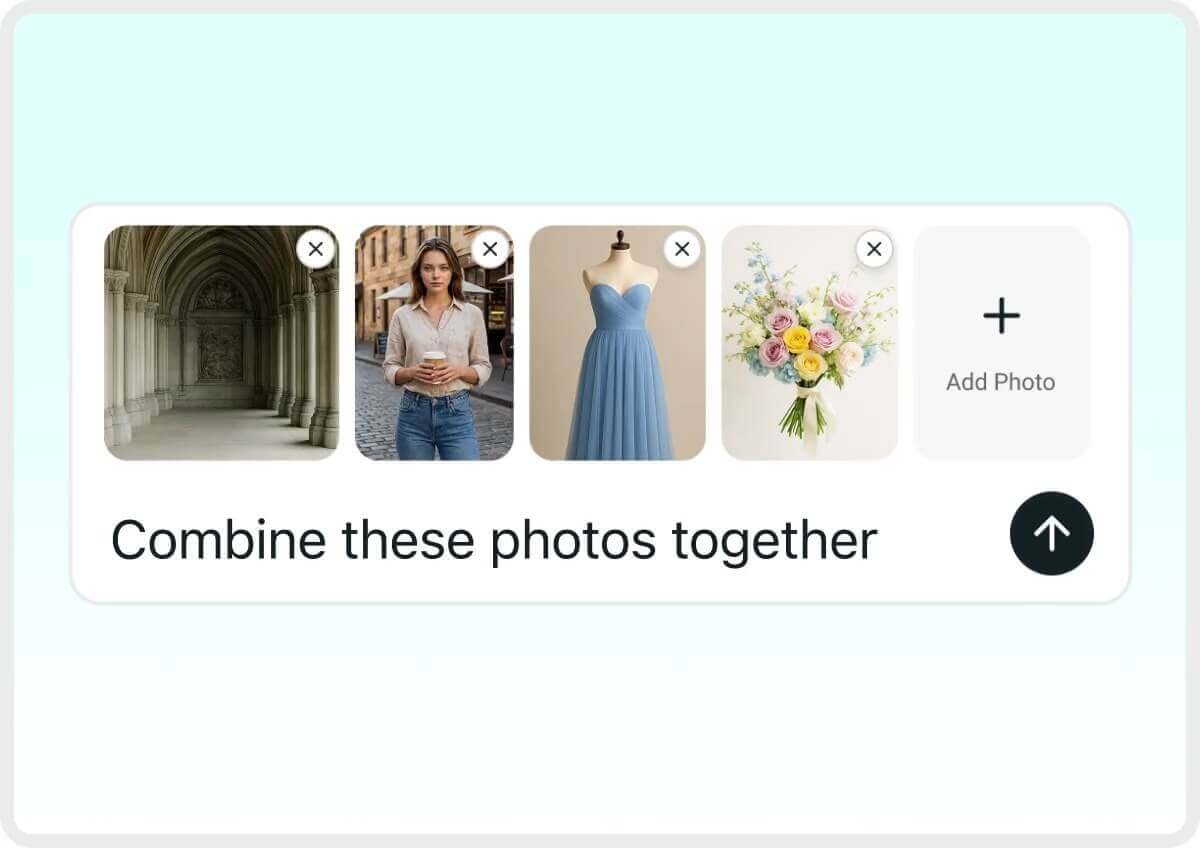
Agente de Edição de Fotos: Edite de Forma Mais Inteligente com Retoques por IA
Edite Como um Pro Usando o Chat
Editar agora é tão fácil quanto bater papo. Só digitar o que você quer e receber edições em nível profissional sem esforço. Experimente um prompt como “remova o carro vermelho e mude o fundo pra uma montanha nevada.”
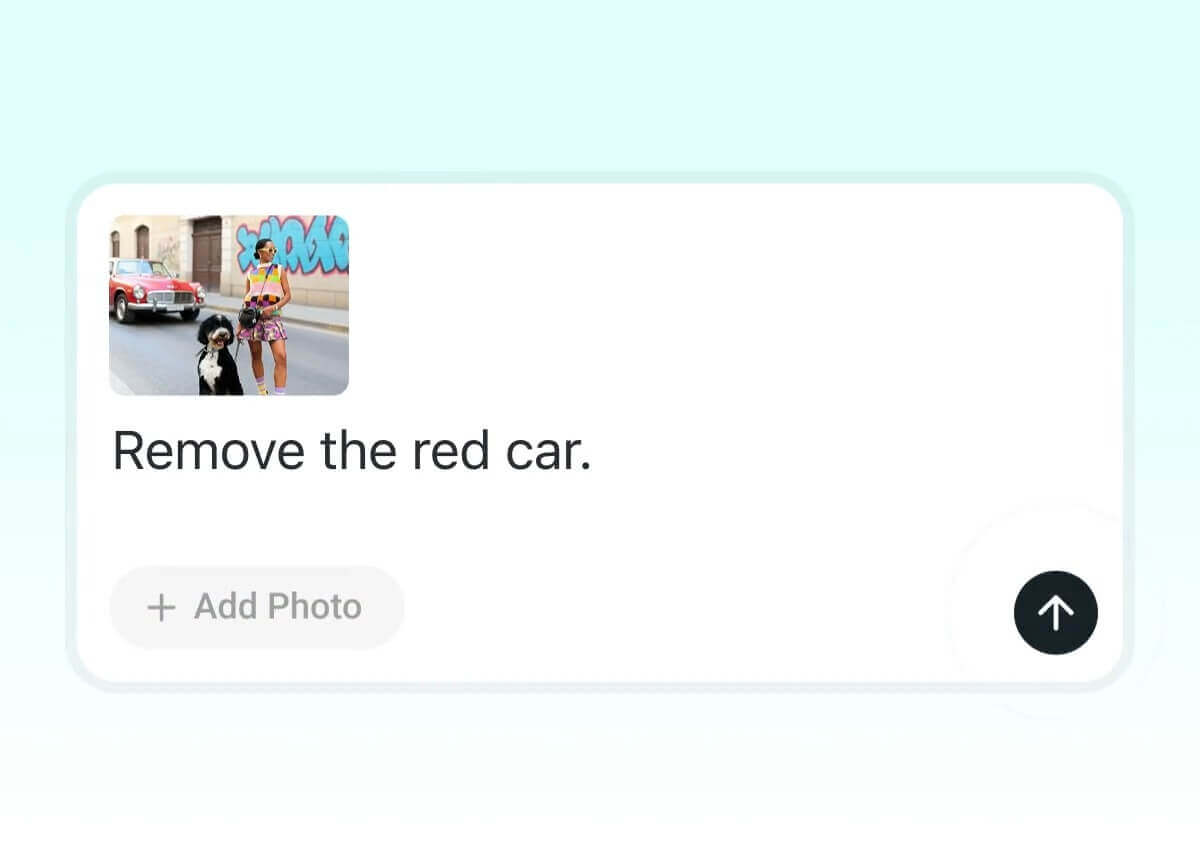
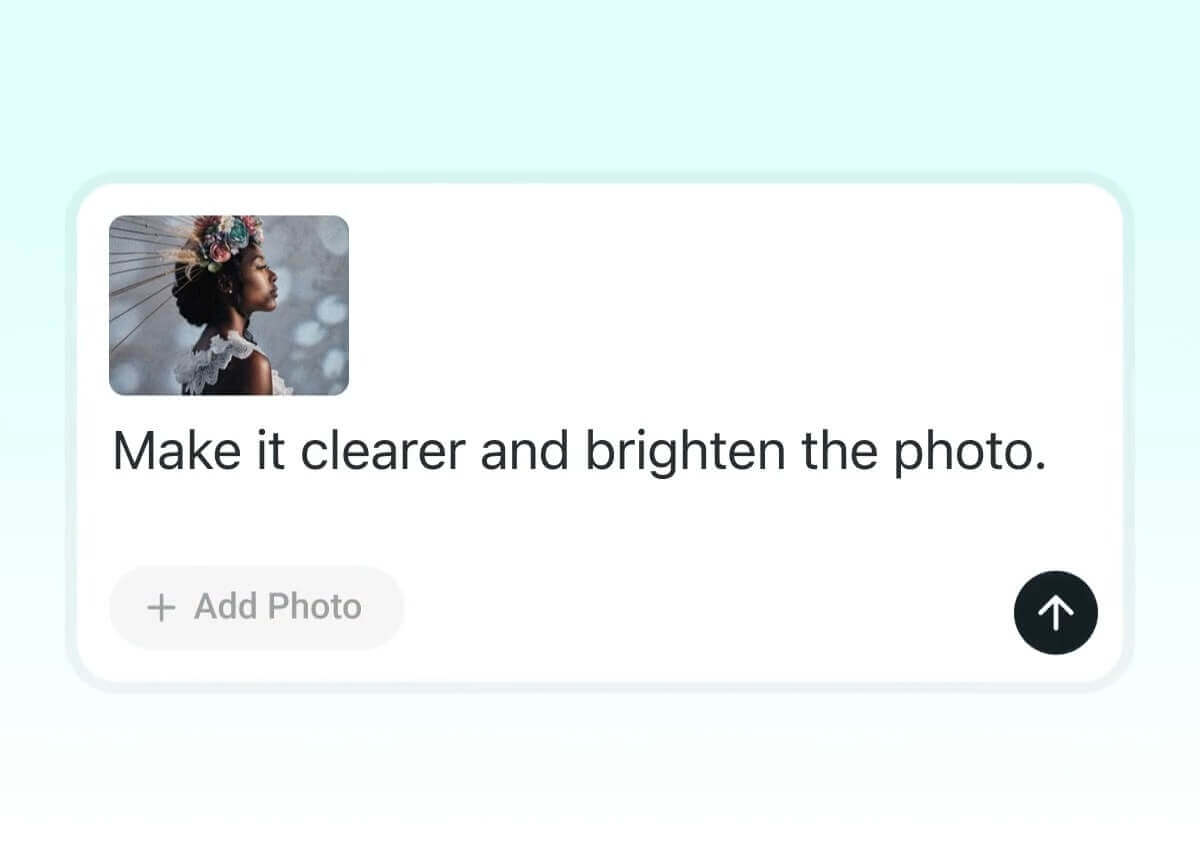
Melhore Imagens com Chats Simples
Aumente a qualidade da imagem com pedidos naturais via chat. Digite “deixe mais nítida” ou “clareie a foto” e o YouCam transforma sua imagem na hora.
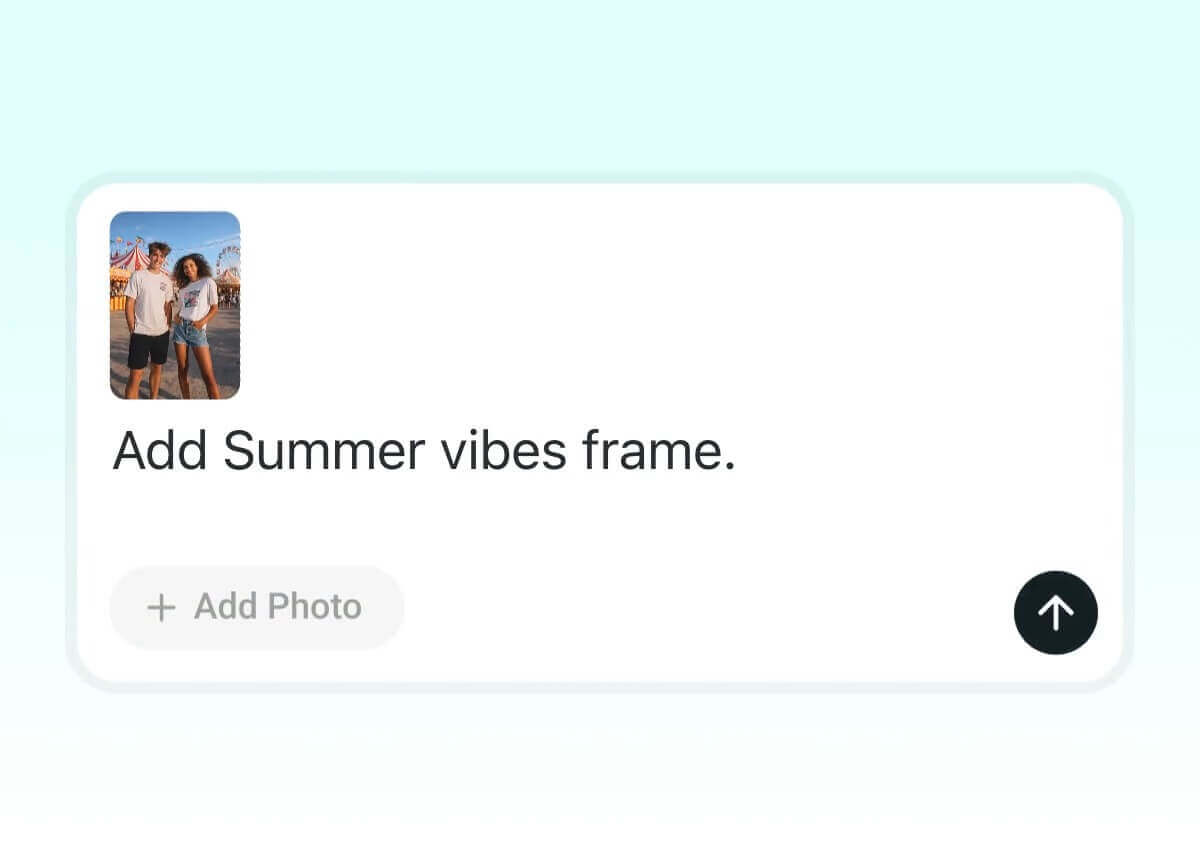
Molduras Personalizadas & Templates Inteligentes via Chat
Transforme seus selfies em conteúdo. Instrua a IA com estilos como "capa de revista", "indie sleaze" ou "still cinematográfico dramático", e o YouCam coloca sua foto na hora em um layout em alta. Resultado de impacto sem nenhum esforço.
Converse sobre as ideias de penteado que você quer. Diga ao YouCam “Me dê um cabelo longo ondulado com mechas suaves, adicione franja e deixe um castanho brilhante.” e veja as transformações na hora. Descreva o corte, a cor ou o estilo que você tem curiosidade e teste à vontade antes de mudar de verdade.

Descreva os ajustes que você quer. Prompts de chat como “Afine meu rosto e maxilar, clareie o rosto e remova as espinhas.” guia o YouCam pra suavizar a pele, refinar contornos e melhorar retratos de forma natural, mantendo seus traços autênticos.
Conte seu clima de maquiagem, por exemplo: “Adicione uma make soft glam com batom nude, blush suave e sombra natural — depois teste um delineado marcante com batom vermelho.” Aplique visuais virtuais na hora, explore estilos diferentes e descubra o que combina mais com você antes de se comprometer na vida real.
Agente de Criação Visual: Você Decide o Conceito, a IA Entrega a Magia
Crie e Edite Visuais com Suas Palavras
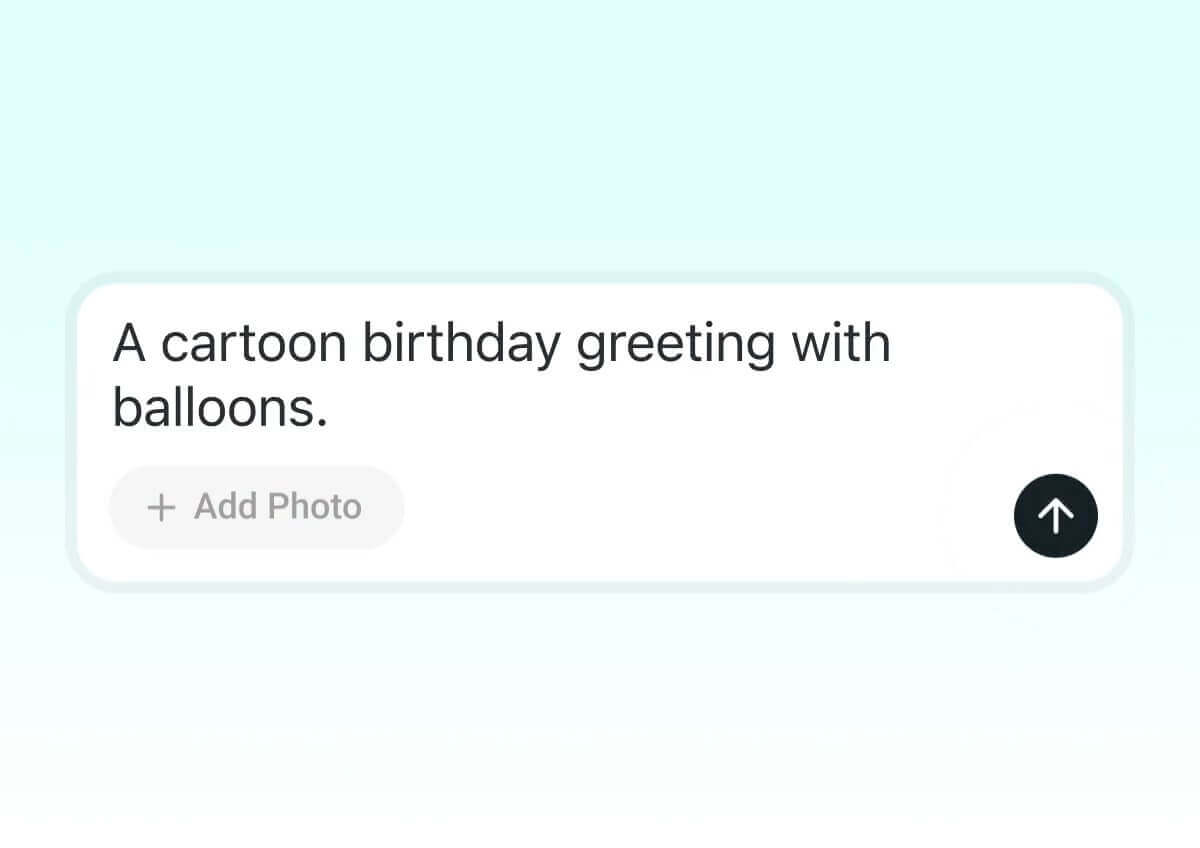
Suas palavras viram designs. Comece com “um cartão de aniversário em desenho animado com balões” e refine com prompts como “mude o fundo pra um parque ensolarado” ou “adicione confete e bolo.”
Diga Qual Estilo de Imagem Você Quer
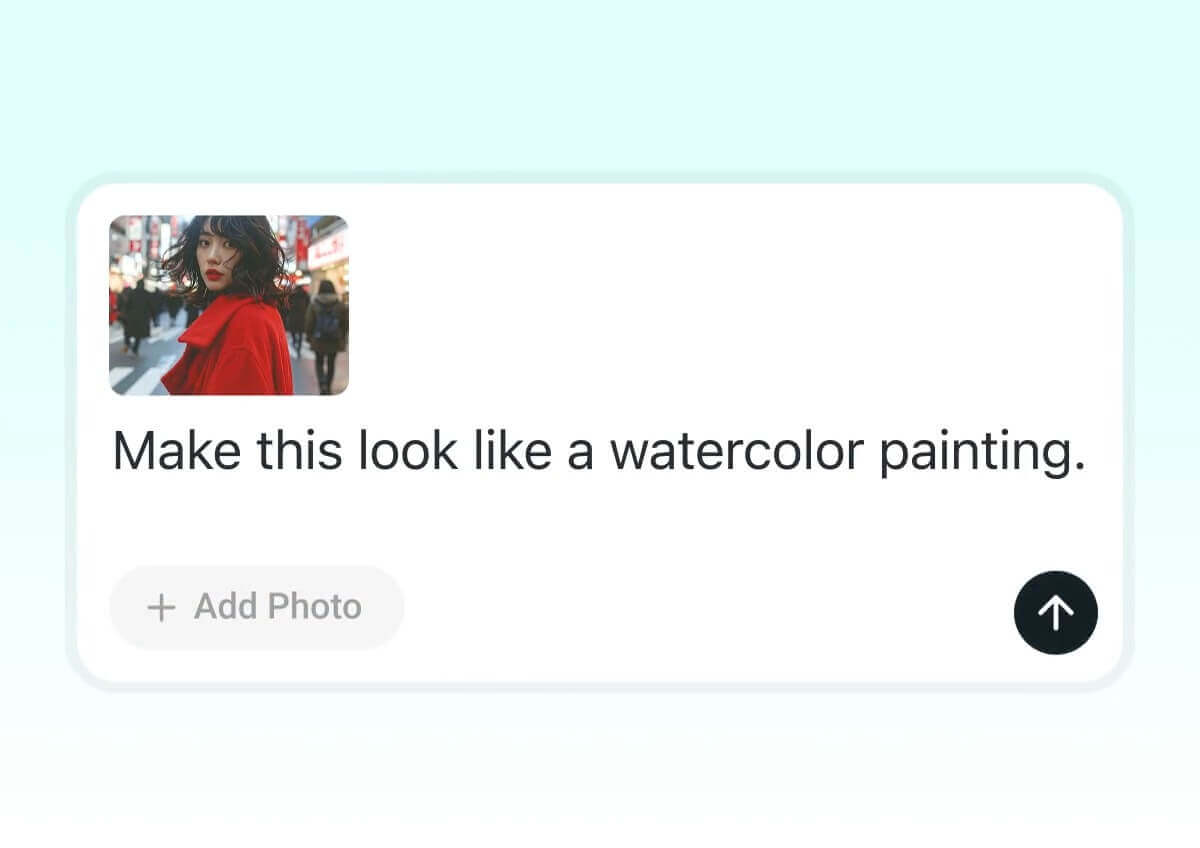
Defina o clima que você imagina. Diga “faça isso parecer uma pintura em aquarela” ou “dê um clima cyberpunk”, e o YouCam transforma na hora o mood e a estética da sua foto.
Fotos em Grupo com IA na Moda, de um Jeito Simples
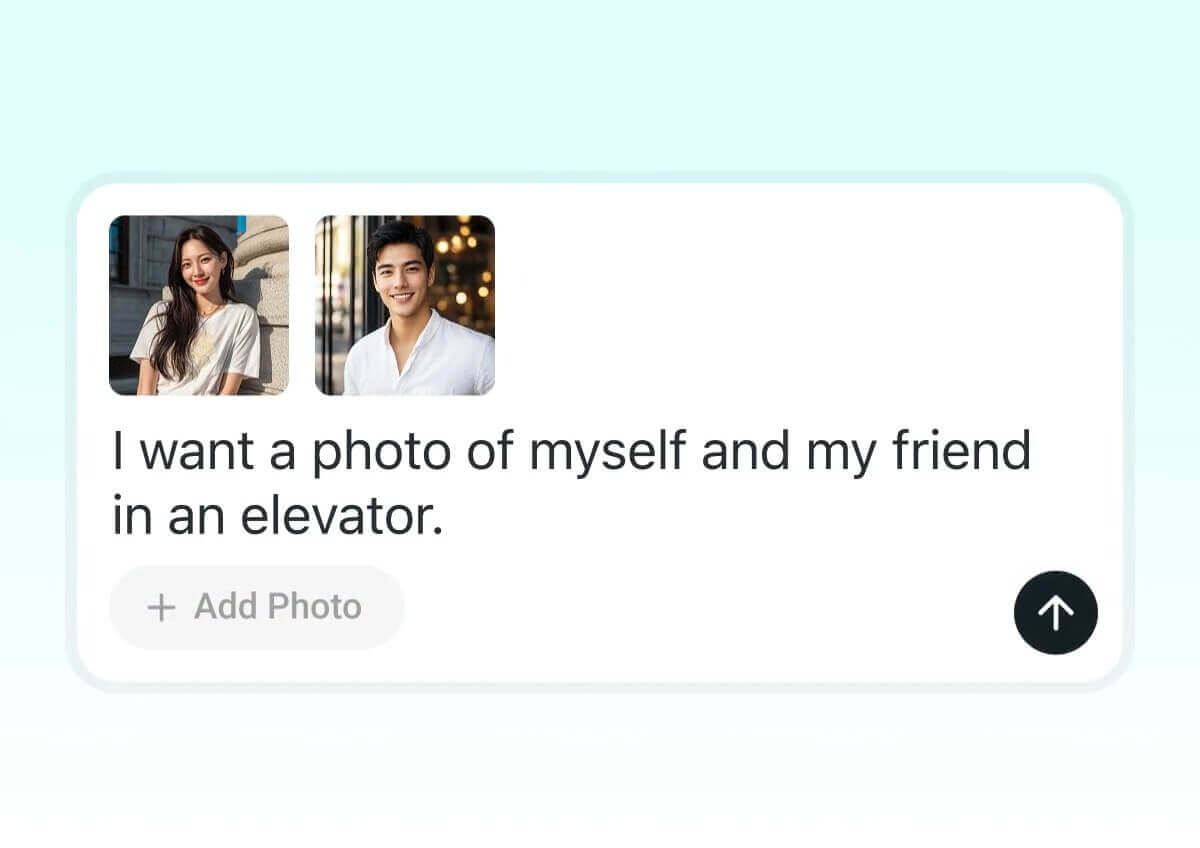
Quer o clique perfeito com seu par, amigos ou personagem favorito? Envie suas fotos e descreva em texto o cenário que você imagina — um abraço, risadas descontraídas, um momento romântico… junto com o ambiente, como um elevador, um fundo dos sonhos ou uma floresta. O AI Agent transforma na hora sua descrição em imagens estilosas e realistas, prontas pra compartilhar.
Descreva sua ideia de look em detalhes. Por exemplo: “Me vista com um visual casual de outono com skinny jeans, um suéter oversized bem quentinho, botinhas e adicione um blazer estiloso pra fazer sobreposição.” O YouCam escuta o que você digita, monta o look virtualmente e deixa você provar tudo na sua foto.
Teste prompts como: “Adicione argolas douradas, um colar em camadas, uma bolsa tiracolo e um chapéu de aba larga pra completar o visual.” O YouCam adiciona os acessórios na hora pra você ver como eles elevam seu estilo.
Traga o glamour do tapete vermelho ou a vibe descolada do streetwear com um prompt simples. É só digitar “me vista como uma estrela de cinema em uma premiação” ou “me dê um look street super estiloso”, e o YouCam recria o look na hora pra você provar visuais dignos de estrela que combinam com sua personalidade.
Como Turbinar Sua Edição com um Chat Simples
Envie as Fotos
Comece selecionando as fotos (3 fotos pra melhor desempenho) que você quer editar. Isso dá pra IA uma base clara pra trabalhar.

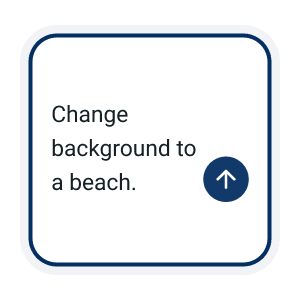
Descreva o Que Você Quer Pelo Chat
Diga ao YouCam exatamente o que você quer de uma vez só. Por exemplo: “Mude o fundo pra uma praia, adicione um filtro vintage e aplique uma moldura de verão.” Quanto mais detalhes você descrever no chat, melhores serão os resultados.
Refine com Chats de Seguimento
Mantenha a conversa rolando. Depois do primeiro resultado, ajuste dizendo coisas como “deixe mais quente”, “adicione brilhos” ou “suavize as bordas”. A IA lembra do contexto, então você pode ir refinando naturalmente, como em um bate-papo mesmo.
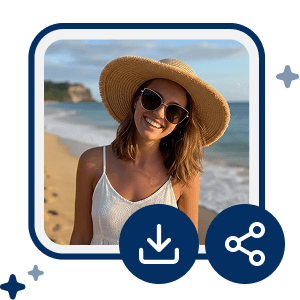
Exporte e Compartilhe na Hora
Quando sentir que terminou, salve a imagem final em alta resolução e compartilhe em qualquer lugar. Com edição guiada por chat, o YouCam deixa seus visuais prontos pra impressionar.
FAQ: Conversando com o YouCam AI Agent
O que é o YouCam AI Agent?
O YouCam AI Agent é seu assistente inteligente de edição, que ajuda você a criar, melhorar e personalizar visuais usando prompts de texto simples. Seja pra fazer cartões de felicitação, trocar fundos ou adicionar molduras temáticas, a IA deixa tudo rápido e divertido.
Como usar prompts de texto pra editar imagens?
É só digitar o que você quer — tipo “mude o fundo pra uma praia e adicione uma moldura de verão”. A IA aplica seu pedido na hora. Você também pode refinar o resultado com prompts de sequência, como “deixe mais claro” ou “adicione brilhos”.
Posso fazer várias mudanças em um único prompt?
Sim! Você pode incluir várias instruções em um só prompt, por exemplo: “Mude o fundo pra uma floresta, adicione um filtro quente e aplique uma moldura temática de outono.”
Posso combinar visuais diferentes que eu criei?
Com certeza. Depois de gerar vários visuais — como personagens, fundos ou objetos — você pode uni-los na hora em uma cena ou layout coerente.
Meu vídeo fica seguro durante o processo de edição?
Sim. Todos os vídeos enviados são criptografados durante o processamento e excluídos automaticamente depois da conclusão, garantindo sua privacidade e segurança de dados.

