


YouCam AI Agent
The best chat‑based AI Agent for photo editing, visual design, and beauty & fashion. Just say what you want to create or edit—and watch the AI instantly bring them to life.
Revolutionize Your Editing With “Chat”
- Chat to Edit – Simply describe your idea and the AI makes it real.
- Smart AI Understanding – Share all your requests at once, and the AI interprets them efficiently.
- Multi‑Photo Editing – Seamlessly merge multiple images using the YouCam AI Agent, leveraging multi-AI model processing for professional-grade compositions.
- Unlimited Possibilities – Works seamlessly for editing, design, and even beauty & fashion.
- Powered by Multiple Models – Combine with ChatGPT, Gemini, Nano Banana Pro, Qwen, YouCam AI, and more, with the best tool selected for each task.
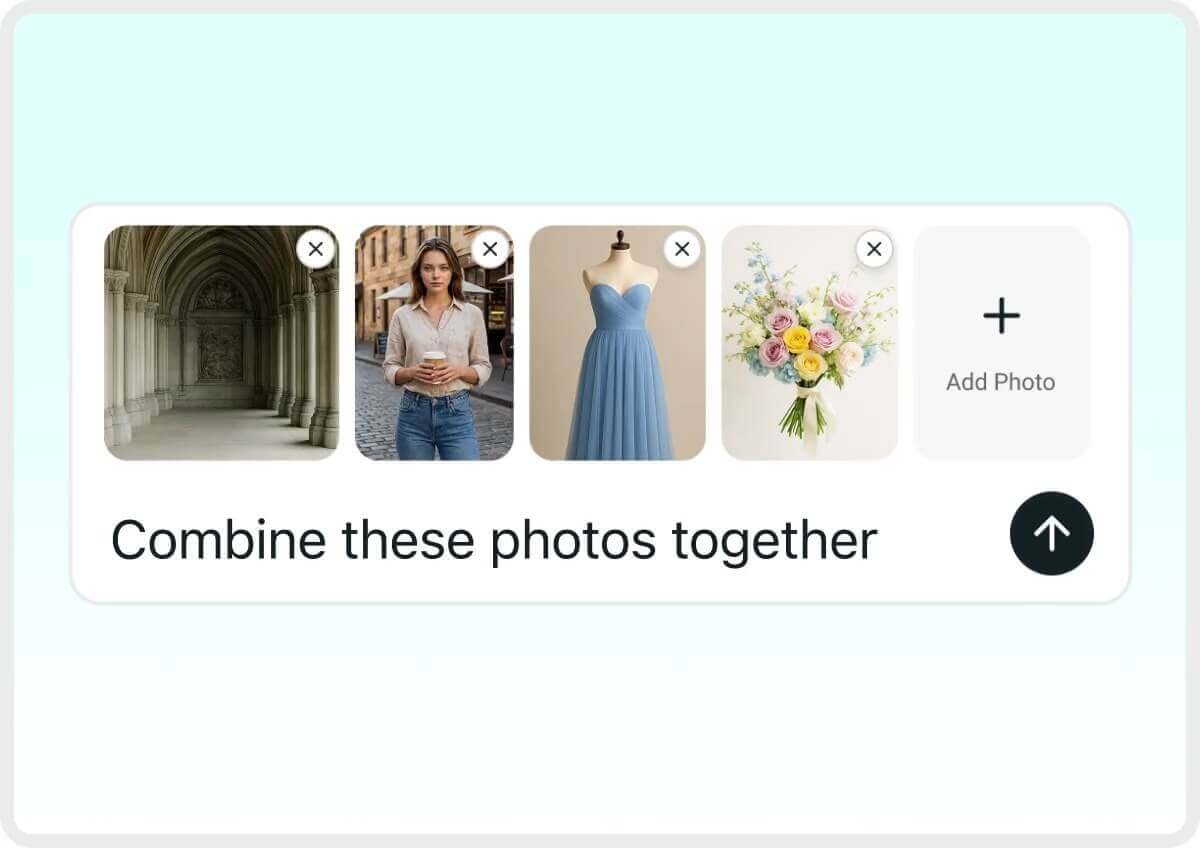
Photo Editing Agent: Edit Smarter with AI-Powered Touch-Ups
Chat Your Way to Pro Edits
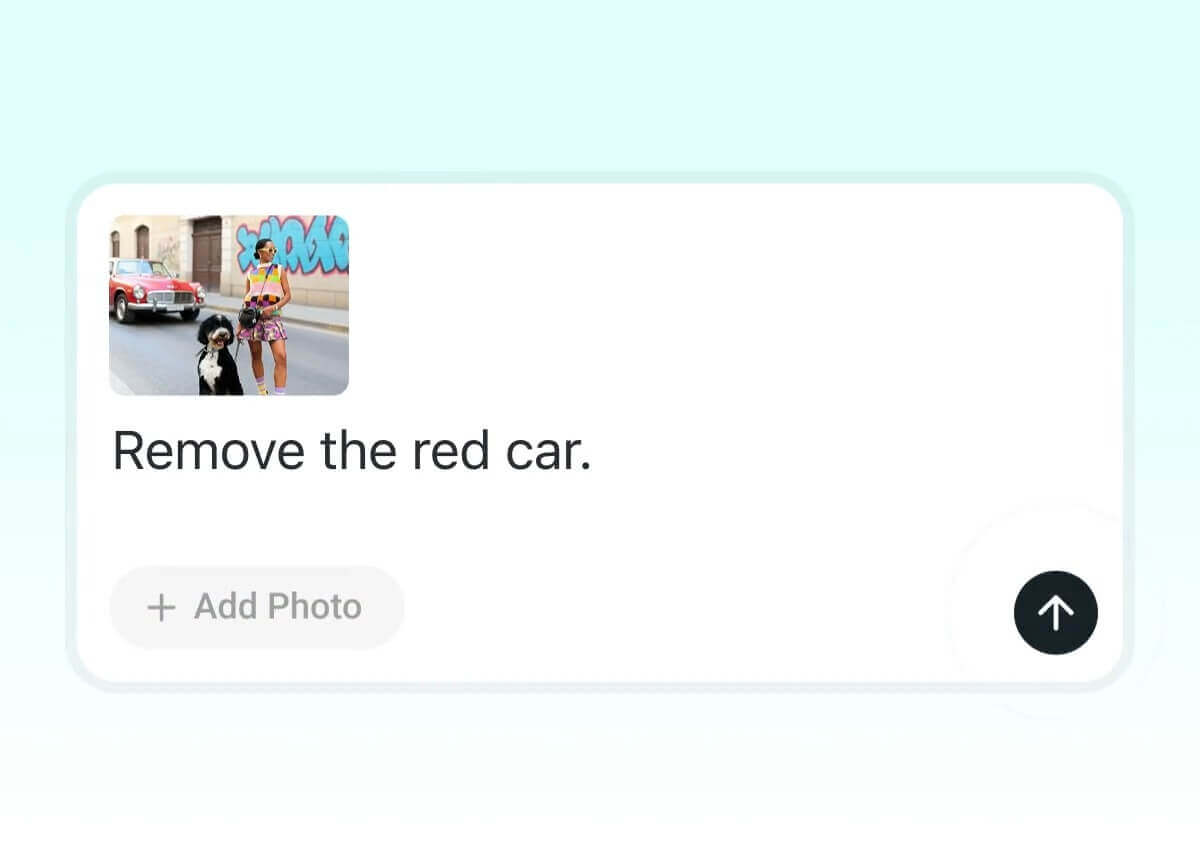
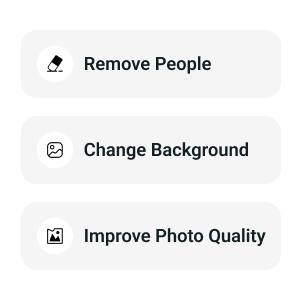
Editing is now as easy as a chat. Just type what you want, and it delivers pro-level edits effortlessly. Try a prompt like “remove the red car and change the background to a snowy mountain.”
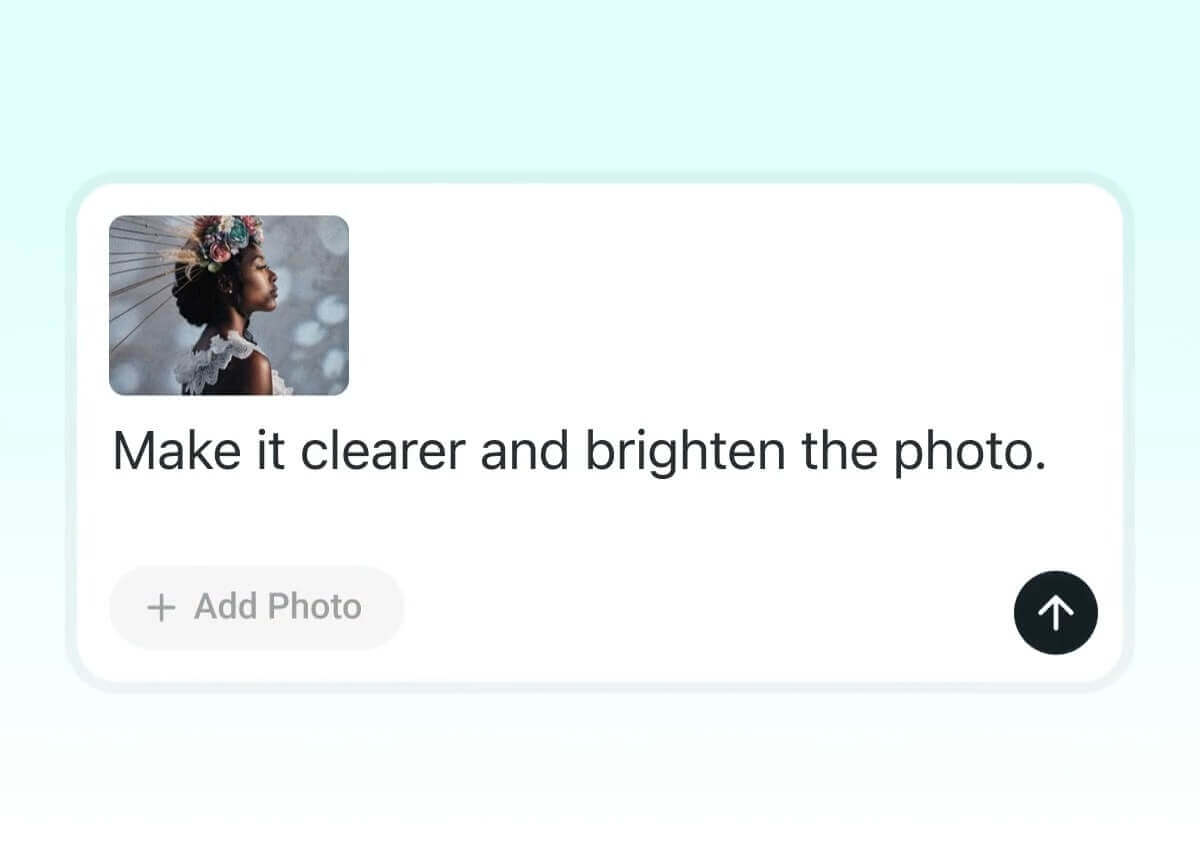
Enhance Images with Simple Chats
Boost image quality through natural chat requests. Type “make it clearer” or “brighten the photo” and YouCam transforms your image instantly.
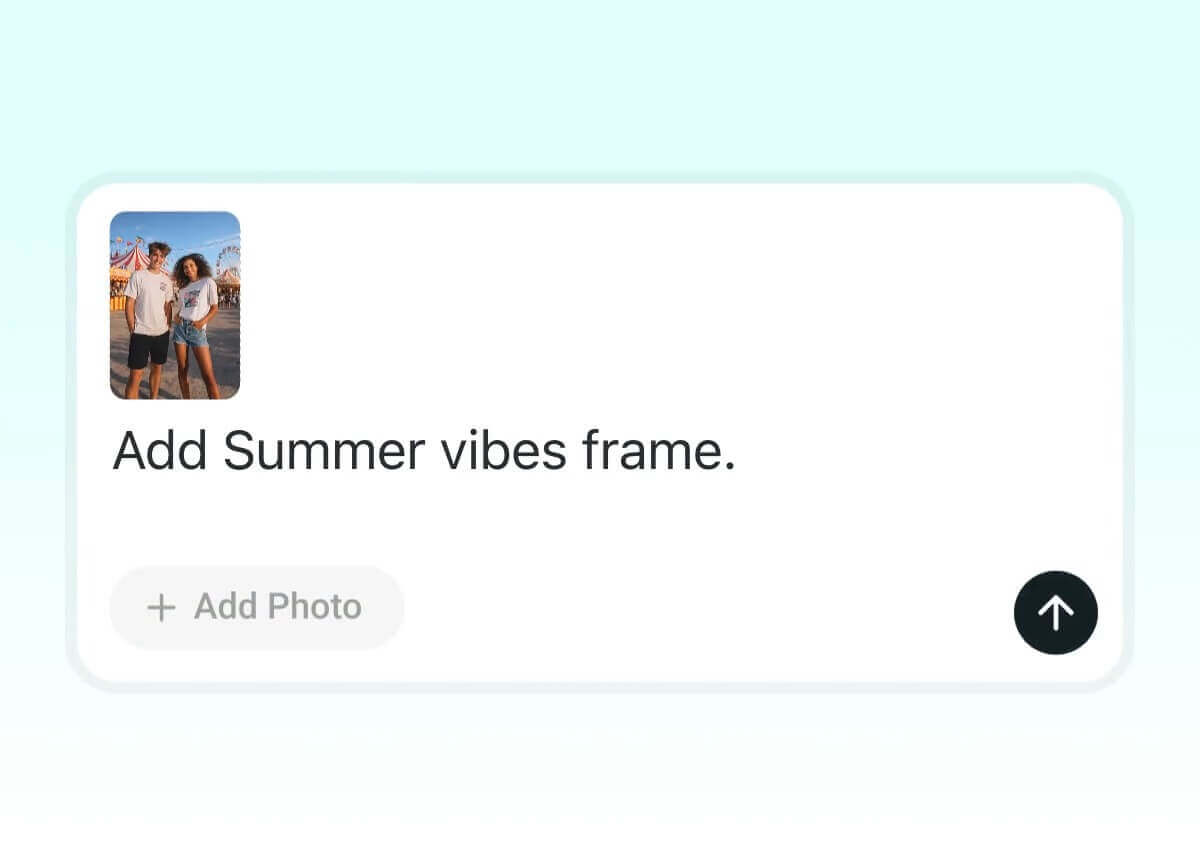
Custom Frames & Smart Templates via Chat
Transform your selfies into content. Prompt the AI with styles like "magazine cover," "indie sleaze," or "moody cinematic still," and YouCam instantly drops your photo into a trending layout. High-key results with zero effort.
Chat your hairstyle ideas. Tell YouCam “Give me long wavy hair with soft highlights, add bangs, and make it a glossy brown.” and see instant transformations. Describe the cut, color, or style you’re curious about, and experiment freely before making real‑life changes.

Describe the adjustments you want. Chat prompts like “Slim my face and jawline, whiten face, remove the pimples.” guide YouCam to smooth skin, refine contours, and enhance portraits naturally while keeping your features authentic.
Chat your makeup mood like: “Add soft glam makeup with nude lipstick, subtle blush, and natural eyeshadow—then try bold eyeliner with red lips.” Instantly apply virtual looks, explore different styles, and decide what fits you best before committing in real life.
Visual Creation Agent: You Decide the Concept, AI Delivers the Magic
Create and Edit Visuals with Your Words
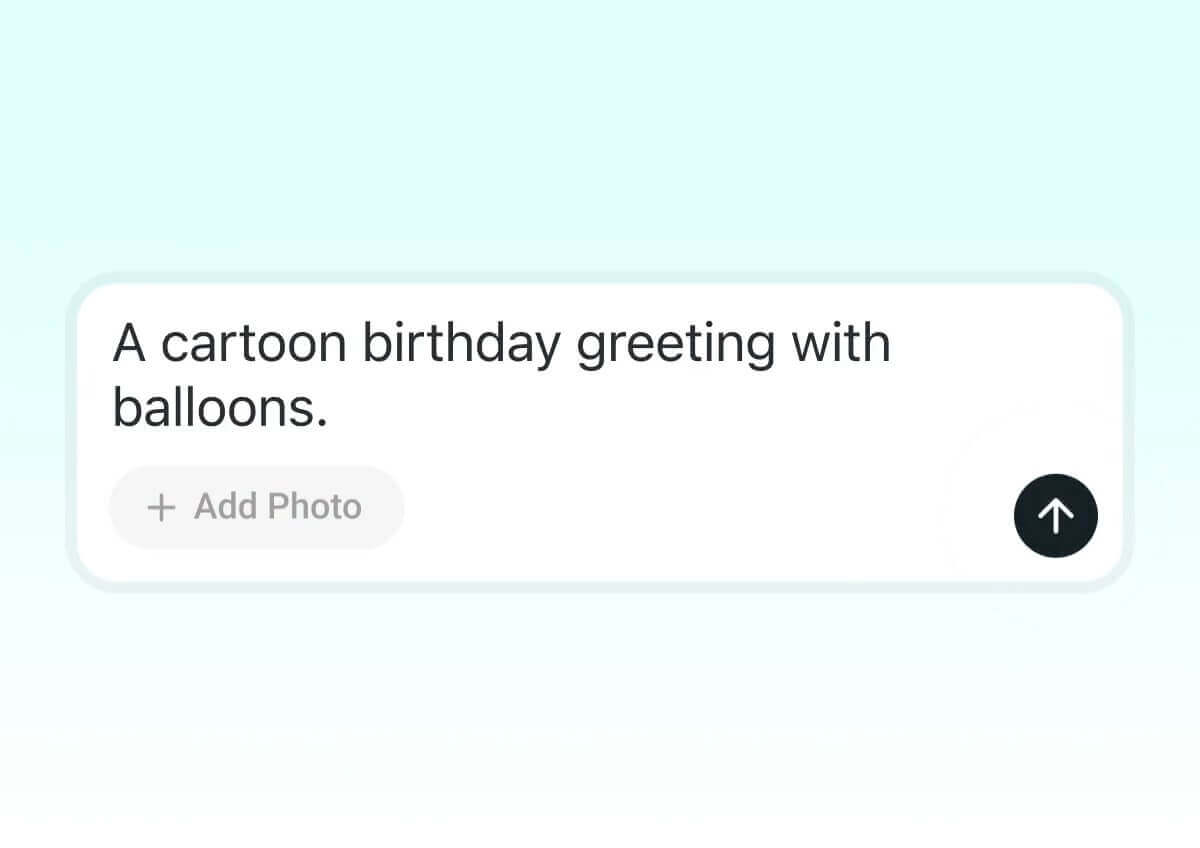
Your words become designs. Start with “a cartoon birthday greeting with balloons” and refine it with prompts like “change background to a sunny park” or “add confetti and cake.”
Tell What Image Style You Want
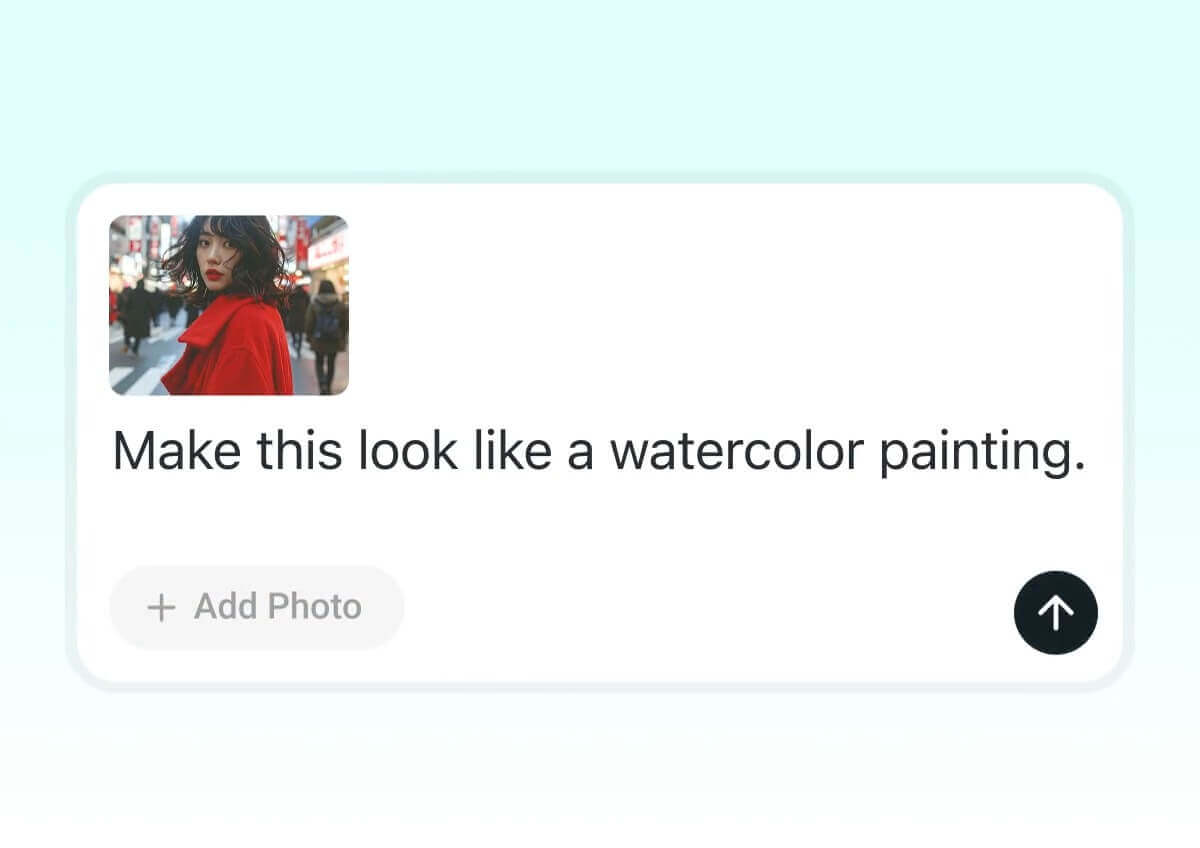
Define the vibe you imagine. Say “make this look like a watercolor painting” or “give it a cyberpunk vibe,” and YouCam instantly transforms your photo’s mood and aesthetic.
Trendy AI Group Photos Made Simple
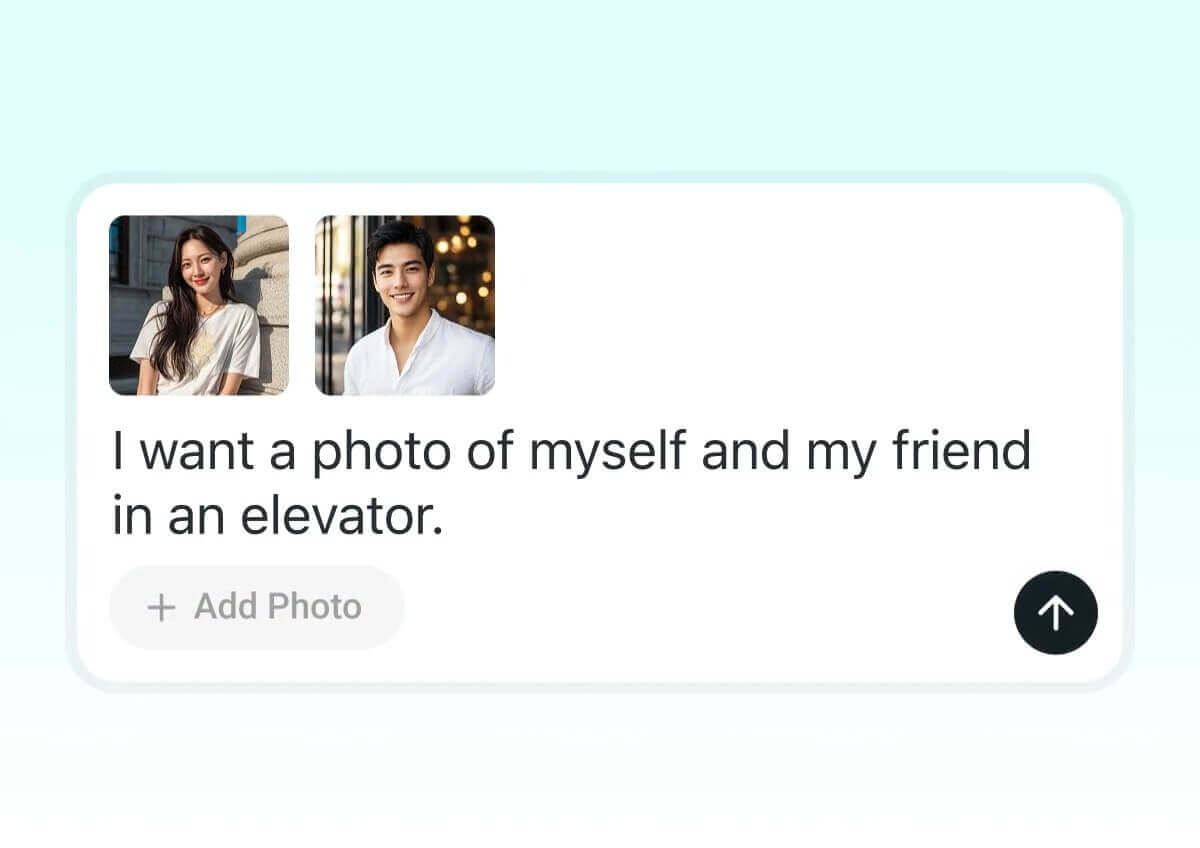
Want the perfect shot with your partner, friends, or favorite character? Upload your photos and describe in text the scenario you imagine—an embrace, playful laughter, a romantic moment… along with the setting, like an elevator, a dreamy backdrop, or a forest. The AI Agent instantly transforms your description into lifelike, stylish images ready to share.
Describe your outfit idea in detail. For example: “Style me in a casual fall look with skinny jeans, a cozy oversized sweater, ankle boots, and add a chic blazer for layering.” YouCam listens to your words, builds the outfit virtually, and lets you try it on your photo.
Try prompts like: “Add gold hoop earrings, a layered necklace, a crossbody bag, and a wide‑brim hat to complete the look.” YouCam instantly adds accessories so you can see how they elevate your style.
Channel the glamour of red-carpet fashion or the cool vibe of streetwear with a simple prompt. Just type “style me like a movie star at an award show” or “give me a trendy street look,” and YouCam instantly recreates the outfit so you can try on star-worthy styles that fit your personality.
How to Enhance Your Editing with Simple Chat

Upload Photos
Start by selecting the photos (3 photos for best performance) you want to edit. This gives the AI a clear base to work from.

Describe What You Want Through Chat
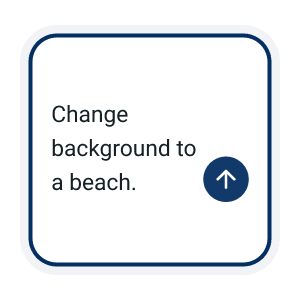
Tell YouCam exactly what you want in one go. For example: “Change background to a beach, add a vintage filter, and apply a summer frame.” The more details you describe in chat, the better the results.
Refine with Follow-Up Chats
Keep the conversation going. After the first result, tweak it by saying things like “make it warmer,” “add sparkle,” or “soften the edges.” The AI remembers your context so you can iterate naturally, just like chatting back and forth.

Export and Share Instantly
Once your edits feel complete, save the final image in high resolution and share it anywhere. With chat‑driven editing, YouCam makes your visuals polished and ready to impress.
FAQ: Chatting with the YouCam AI Agent
What is the YouCam AI Agent?
The YouCam AI Agent is your smart editing assistant that helps you create, enhance, and personalize visuals using simple text prompts. Whether you're designing greeting cards, changing backgrounds, or adding themed frames, the AI makes it fast and fun.
How do I use text prompts to edit images?
Just type what you want—like “change background to a beach and add a summer frame.” The AI will instantly apply your request. You can also refine results with follow-up prompts like “make it brighter” or “add sparkles.”
Can I make multiple changes in one prompt?
Yes! You can include several instructions in a single prompt, such as: “Change background to a forest, add a warm filter, and apply a fall-themed frame.”
Can I combine different visuals I’ve created?
Absolutely. After generating multiple visuals—like characters, backgrounds, or props—you can instantly merge them into a cohesive scene or layout.
Is my video secure during the editing process?
Yes. All uploaded videos are encrypted during processing and automatically deleted after completion to ensure your privacy and data security.

