


YouCam Online AI Photo & Image Editor
Edit, enhance, and reimagine any photo in seconds with YouCam's AI photo editor. No download, no learning curve. Upload a photo, pick a tool, and let the AI handle the rest, right in your browser.


Explore More Editing Tools:
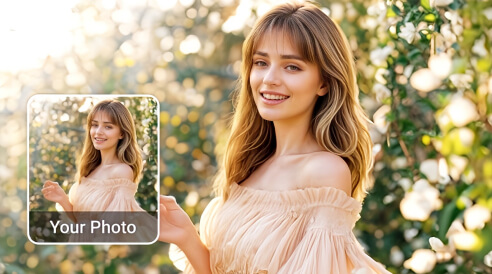


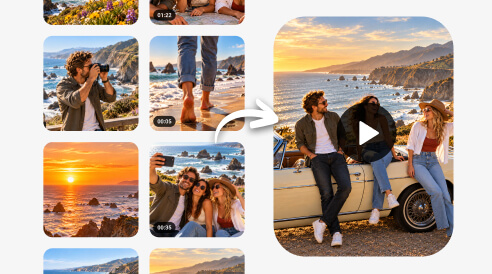

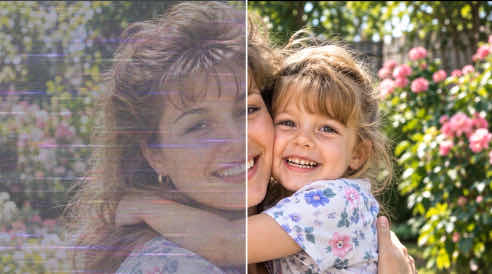





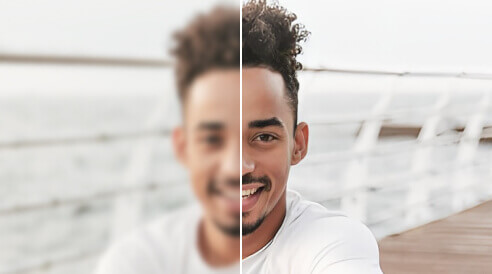

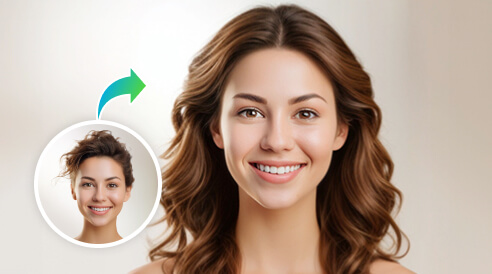

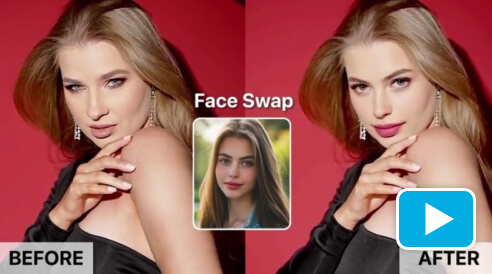
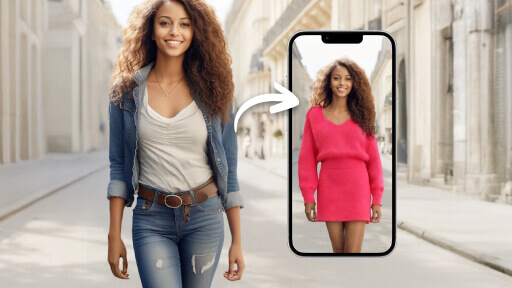
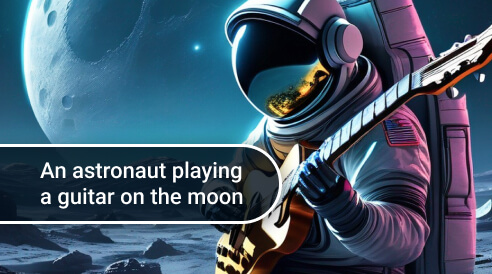

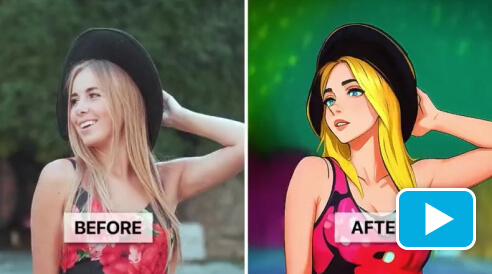




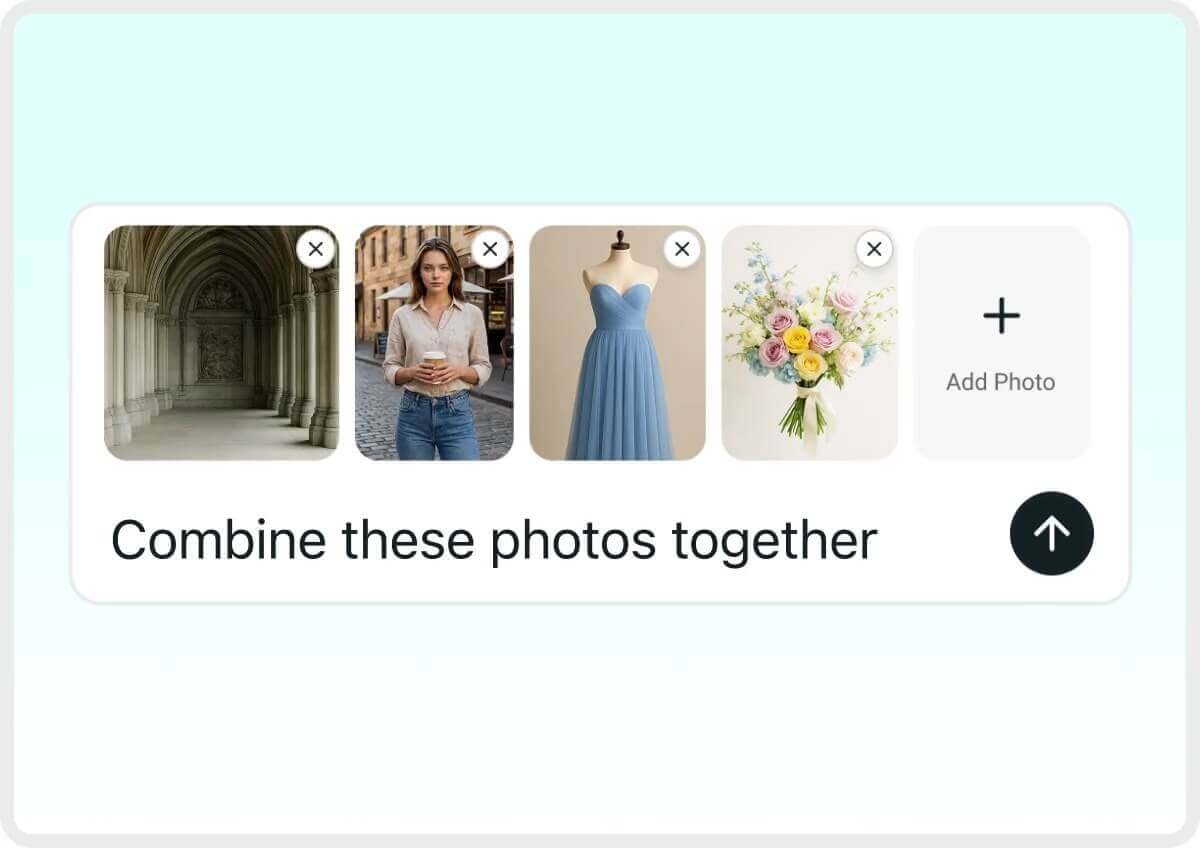
AI Agent: Edit Photos & Videos Just by Chatting
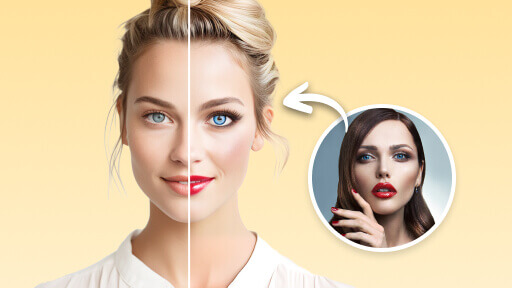
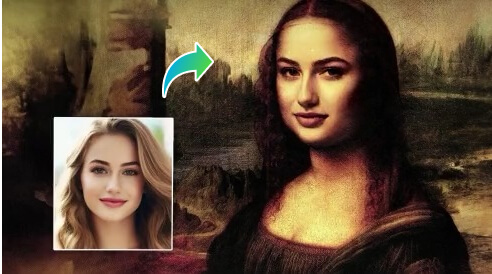
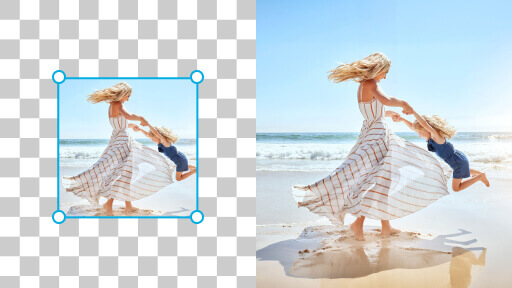
Just tell YouCam's AI agent what you want in plain words, like "combine these photos together." It finds the faces, objects and backgrounds in your photos and edits only what you ask for, rebuilding missing detail from the surrounding pixels.
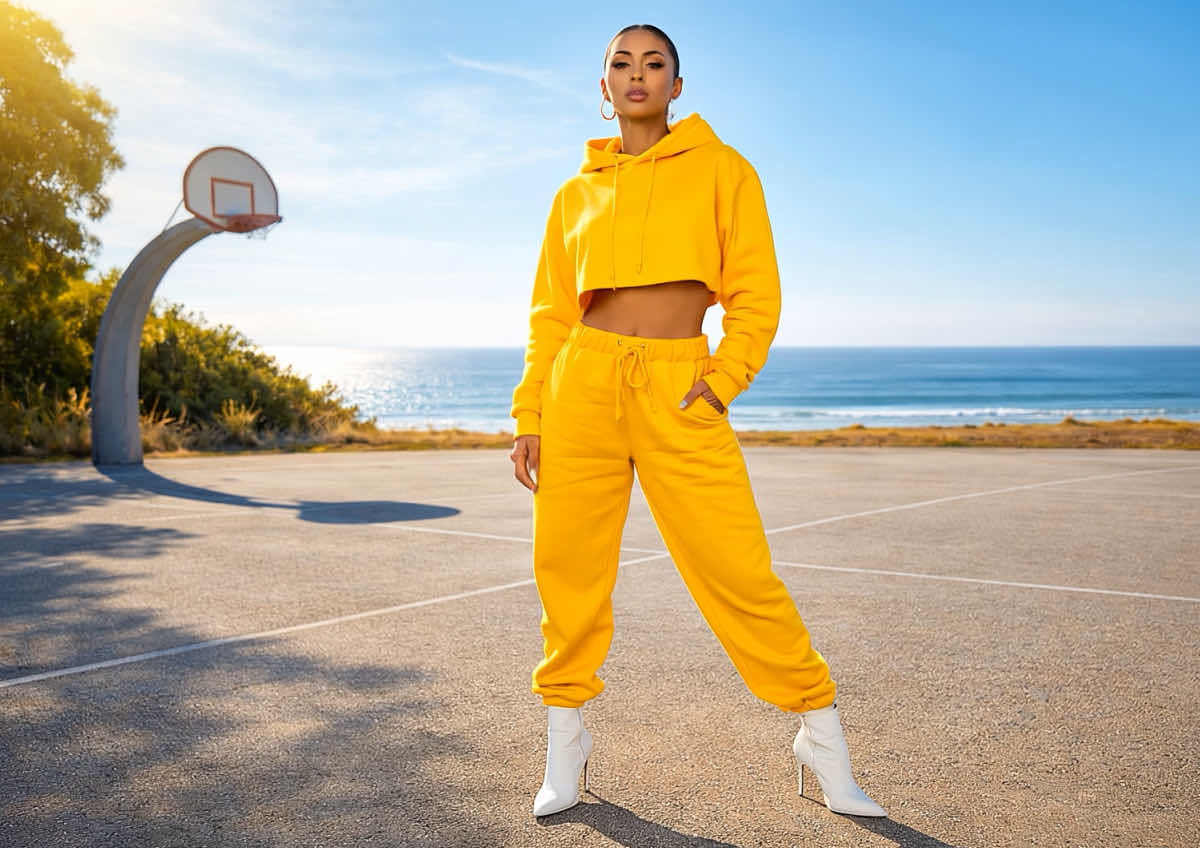
Your AI Image Editor for Every Creative Need
AI Photo Enhancer: Fix Blurry Photos & Upscale to 4K
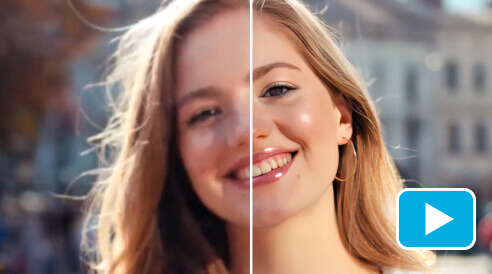
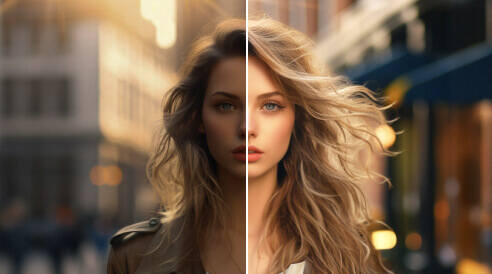
Instantly sharpen blurry, grainy, or out-of-focus shots. YouCam's AI doesn’t just "smooth" the pixels; it actually reconstructs the fine details, making old mobile photos or low-res downloads look like they were taken on a professional 4K camera. And the best: You can enhance up to 50 photos at once!
Tip: Works best on photos that are blurry from motion or low resolution — it can sharpen detail, but it can't recover a subject that was never in focus to begin with.
AI Video Generator: Turn Photos into Cinematic Videos
Animate your static images in seconds. Whether you want to add a smooth cinematic pan or create a viral"AI Dance" effect, our engine renders high-definition movement that looks totally natural. It’s the easiest way to turn a single shot into a professional-grade video for social media.
Tip: Start with a clear, well-lit photo with the subject facing forward — the AI reads depth and pose from the original image, so a clean source photo gives the most natural-looking motion.
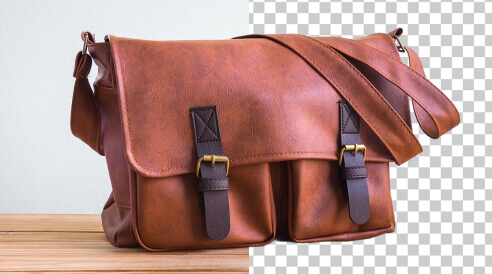
AI Object Remover: Erase People & Objects Instantly
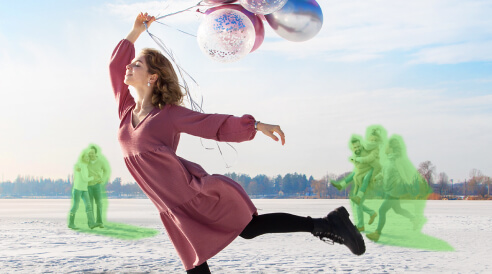
Clean up your favorite shots without the complex editing. Whether it’s a photobomber, a power line, or a watermark, just brush over it to make it disappear. The YouCam Online Editor "Magic Eraser" intelligently fills in the background so it looks like the object was never there.
Tip: You can now also remove objects or people in your videos with our Video Object Removal Feature!
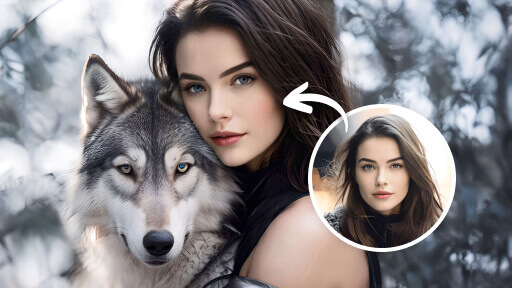
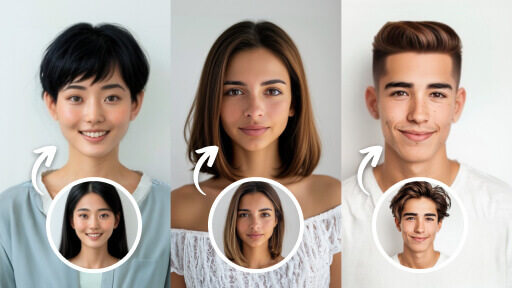
AI Hairstyle Generator: Try On 140+ Haircuts & Colors
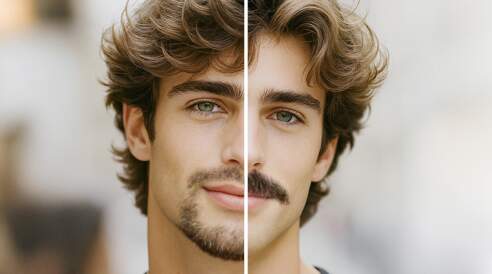
Try on Hairstyles virtually before you head to the salon. Instantly swap between bobs, long waves, bangs, or trendy colors. YouCam Online adjusts the hairstyle to fit your unique face shape and lighting perfectly, giving you a hyper-realistic preview of your next transformation.
Tip: Use a straight-on, front-facing photo with your current hair pulled back or visible at the hairline — it gives the AI a clearer read of your face shape than an angled or hair-covered shot.
AI Video Enhancer: Upscale to 4K & Sharpen Quality
Give your videos a professional makeover. The AI doesn’t just "enlarge" your footage; it actually restores lost detail, removes grain, and sharpens blurry faces. It’s the perfect tool for upscaling old family memories or making low-light mobile clips look like they were filmed on a high-end 4K camera.
Tip: Longer clips take longer to process — for a quick preview of the result, trim to a short clip first and enhance that before committing to the full video.

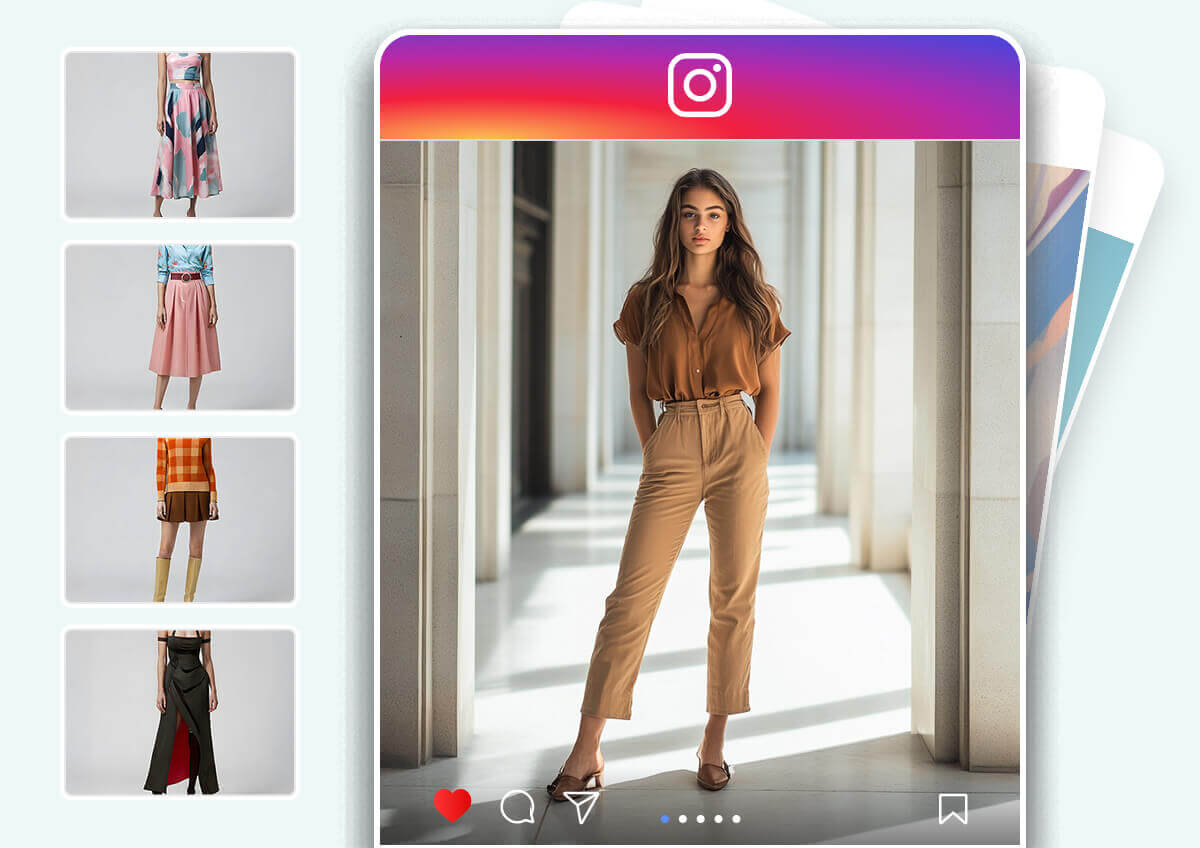
AI Clothes Changer: Virtual Outfit Try-On
Experiment with your wardrobe without the fitting room. Swap your current outfit for professional suits, casual streetwear, or even wedding dresses. YouCam's AI matches the fabric texture, shadows, and body contours for a seamless, realistic fit in any photo.
Tip: A full-body, front-facing photo with simple, uncluttered clothing gives the AI the cleanest base to fit a new outfit onto.
Fix & Repair Old or Damaged Photos
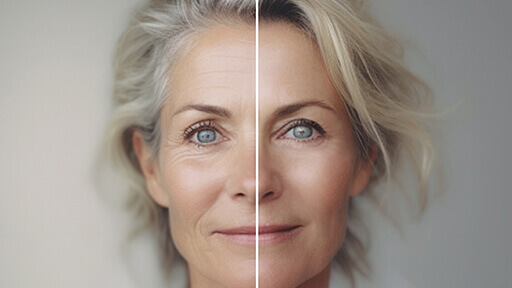
Rebuild lost detail in old, scratched or faded photos so faces stay clear and natural, not over-smoothed.
Tip: Scan the print flat in even light; glare is harder to repair than age.
Retouch Portraits Naturally
Work in this order: sharpen with Photo Enhancer, clear blemishes and even out skin with AI Face Retouch, fine-tune contours with AI Face Reshape, then balance tone with AI Lighting. Keep each adjustment light so you still look like you.
Tip: Compare with the original before you download; if the skin looks airbrushed, turn the effect down.
Which Tool for Which Job
Not sure where to start? Pick by the problem you notice first.
- AI Photo Fixer: old, scratched or faded prints.
- Photo Enhancer: blurry or low-resolution photos.
- AI Face Retouch: blemishes and skin tone.
- AI Face Reshape: subtle face contour tweaks.
- AI Lighting: dark or uneven light.
- AI Colorize: black and white photos.
- Inverted Filter: flip a selfie to see your face the way others see it.
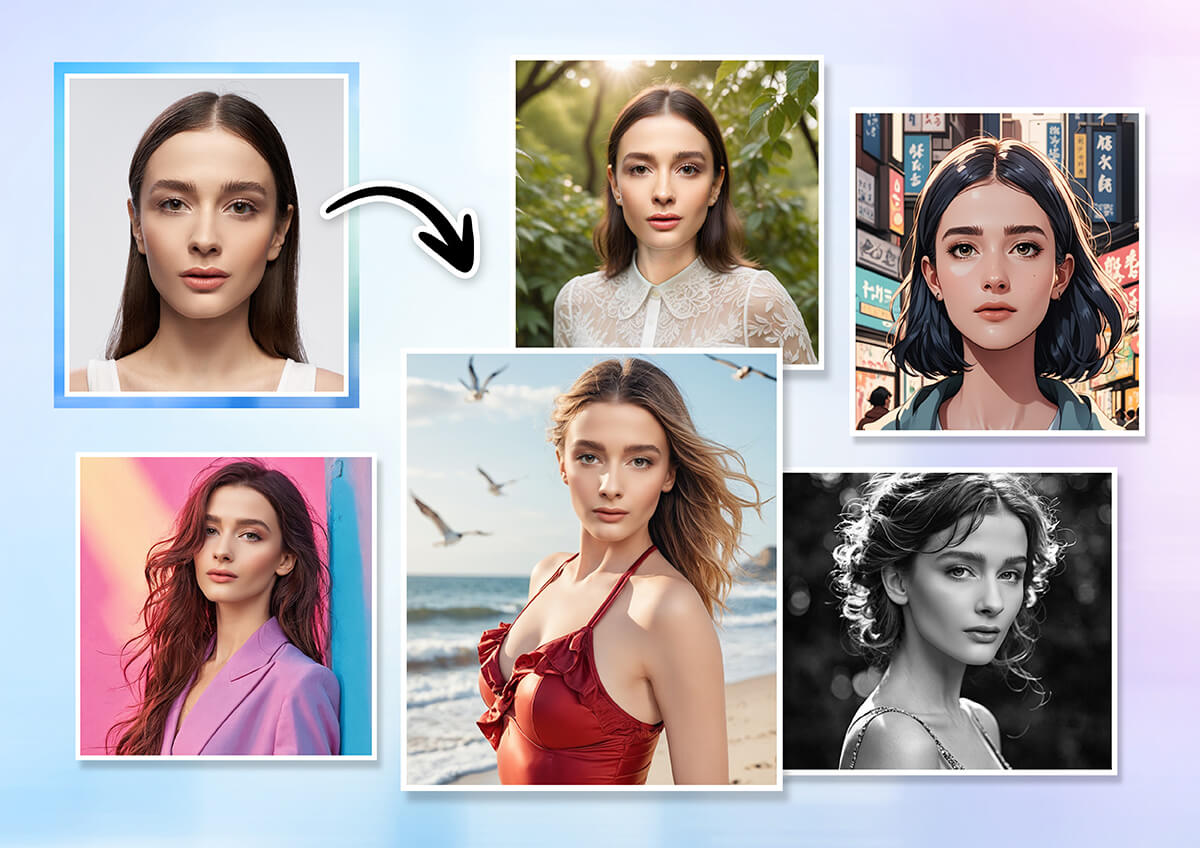
Tips for Best Results
Five habits for better results, or start with our free online photo editor:
- Upload the best original you have; re-saved copies add noise.
- Fix first, style last: repair or enhance, remove objects, retouch, then add effects.
- Change one thing at a time and check the result.
- Keep faces large and well lit.
- Keep a copy of your original.
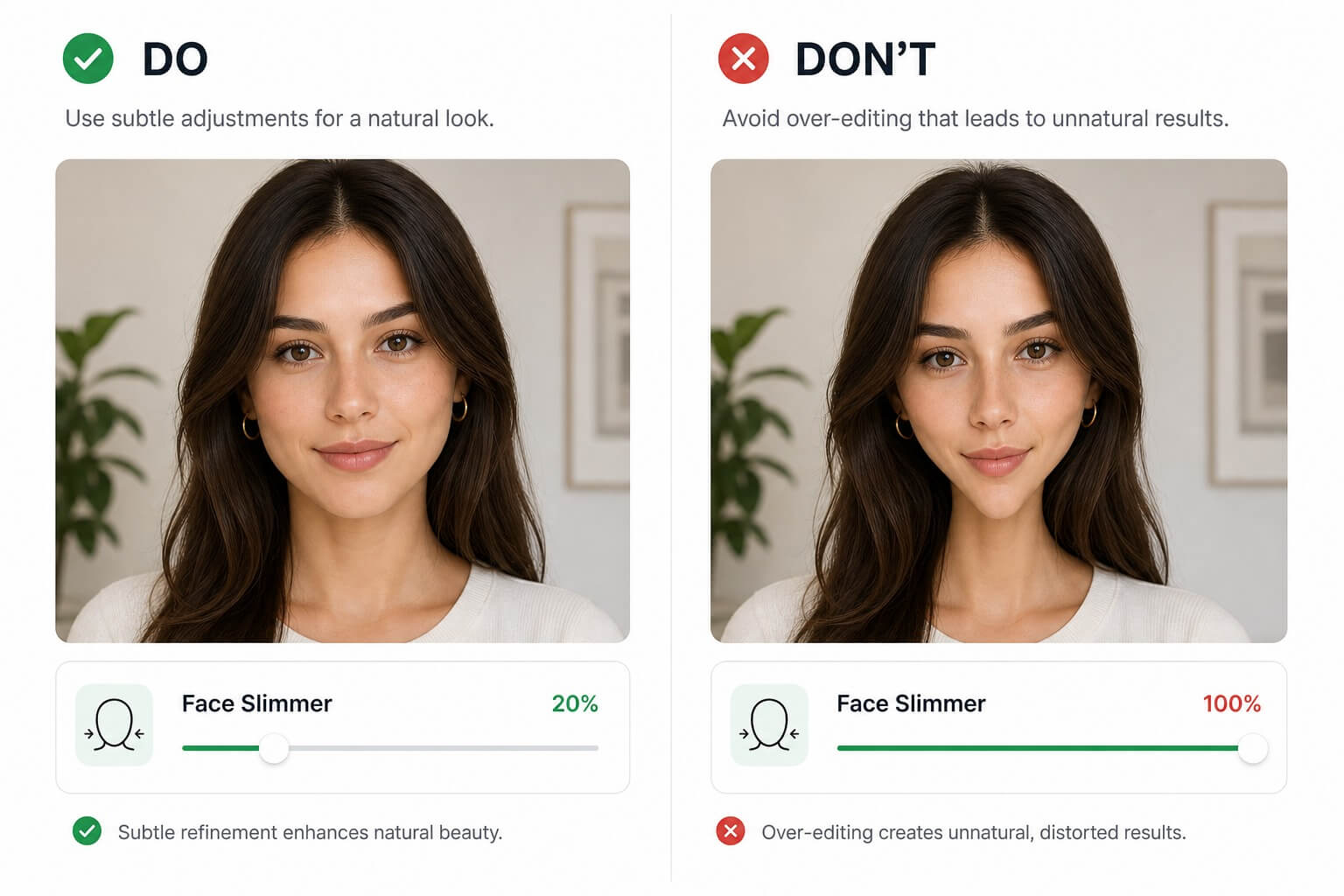
Built for
Made for people who need good photos fast, not a pro app.
- Family archivists: rescue old prints and scans.
- Online sellers: clean up product shots.
- Social creators: fix a shot without a desktop app.
- Travelers: remove tourists and signs.
- Job seekers: tidy a profile photo and still look like you.
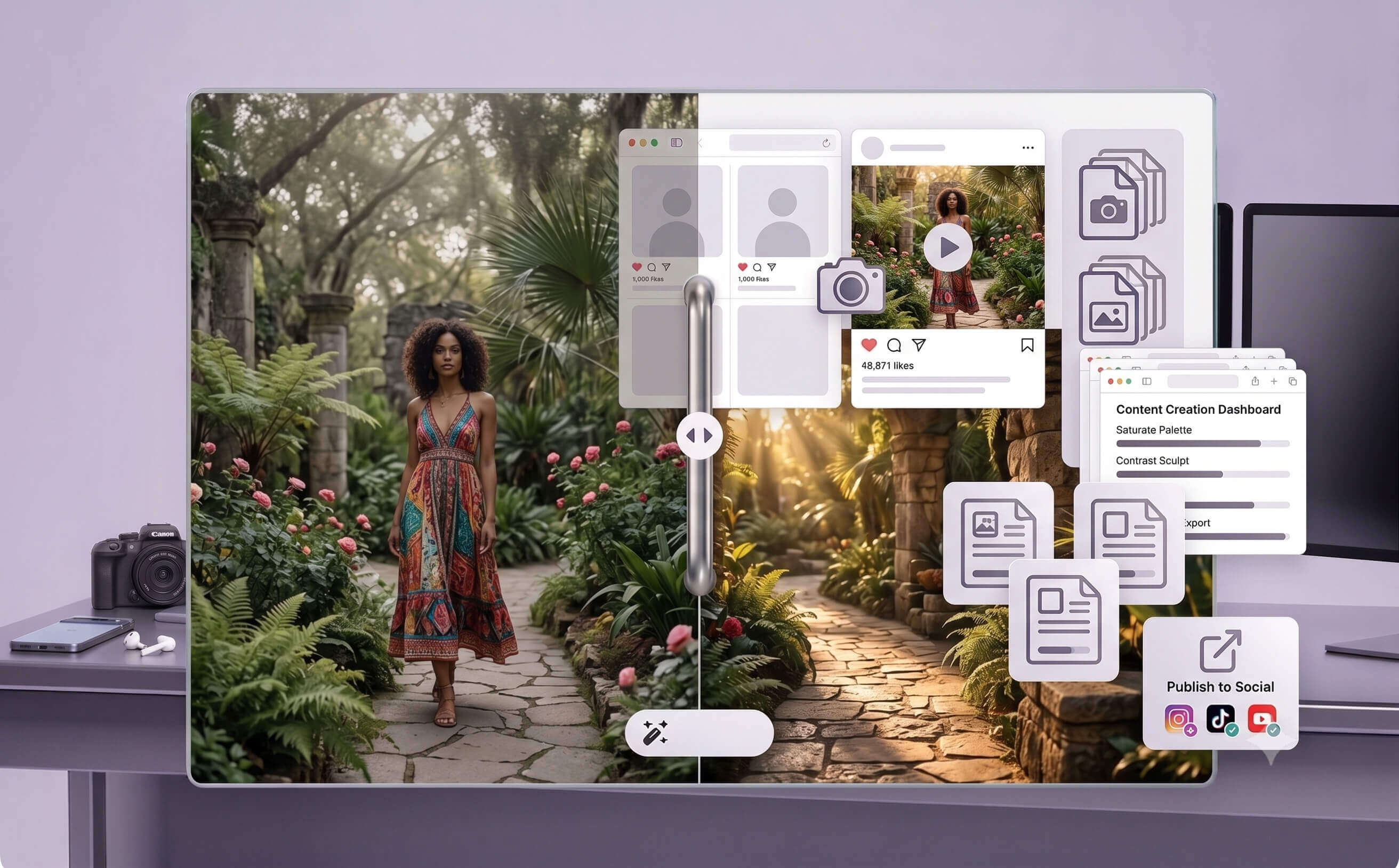

Pro Power, Any Device.
No heavy software downloads are required. Access our advanced AI models directly from your web browser on Windows, Mac, or Linux. Whether you’re on a desktop or a mobile tablet, you get the same high-speed processing power everywhere

Privacy-First AI Editing.
Your photos are processed to produce your edit. [PLACEHOLDER – confirm with product and legal before publishing: how long uploads are kept before deletion, whether uploads are used to train models, and how to request deletion.] See the YouCam Privacy Policy for full details.
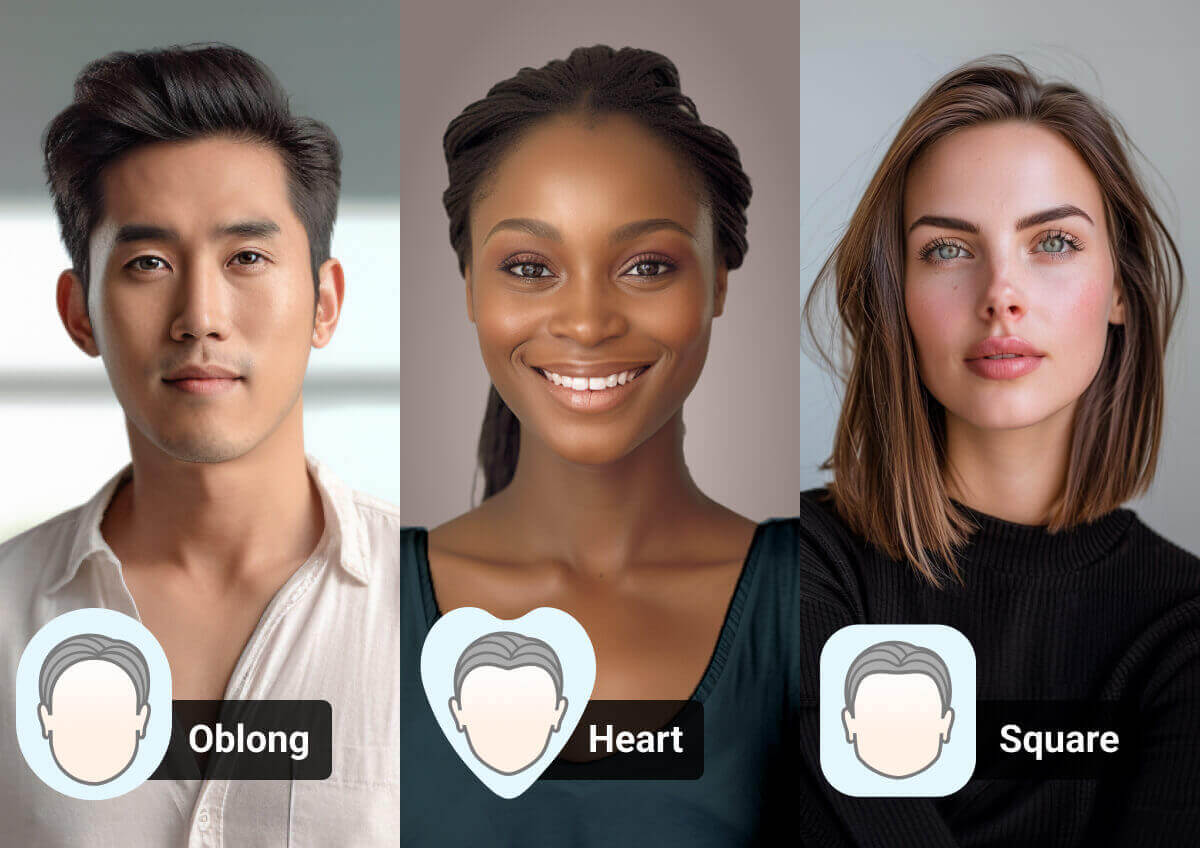
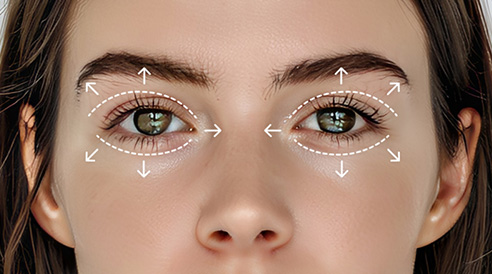
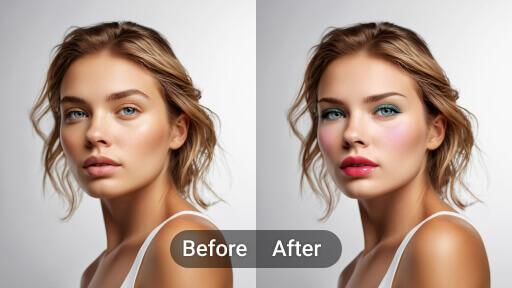
Find your best look with smart face shape and styling recommendations.

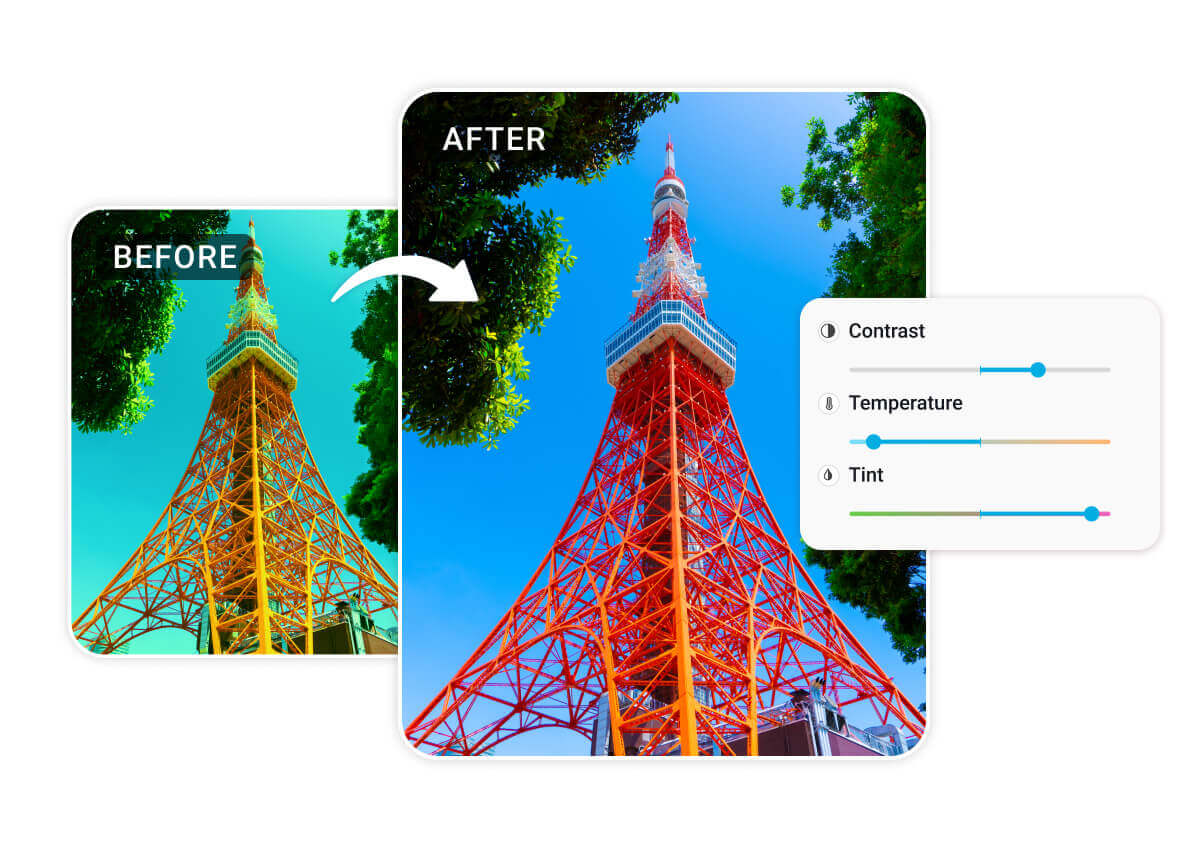
Automatically adjust lighting, contrast, and exposure in one click.
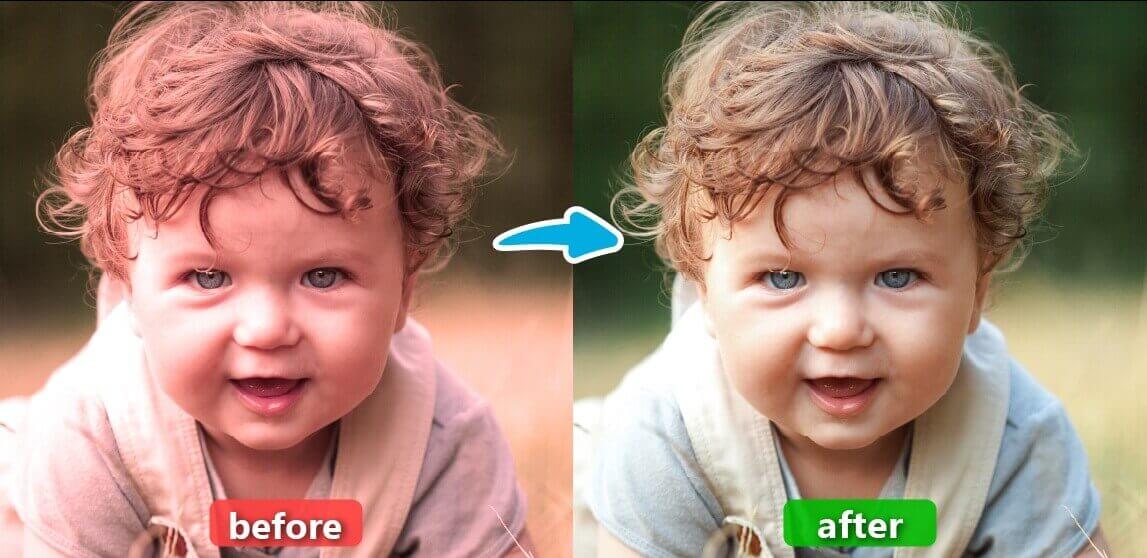
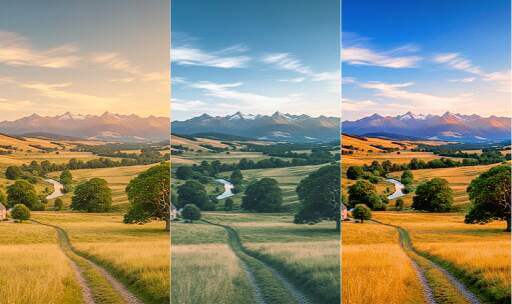
Fix dull colors and restore natural tones to any landscape or portrait.
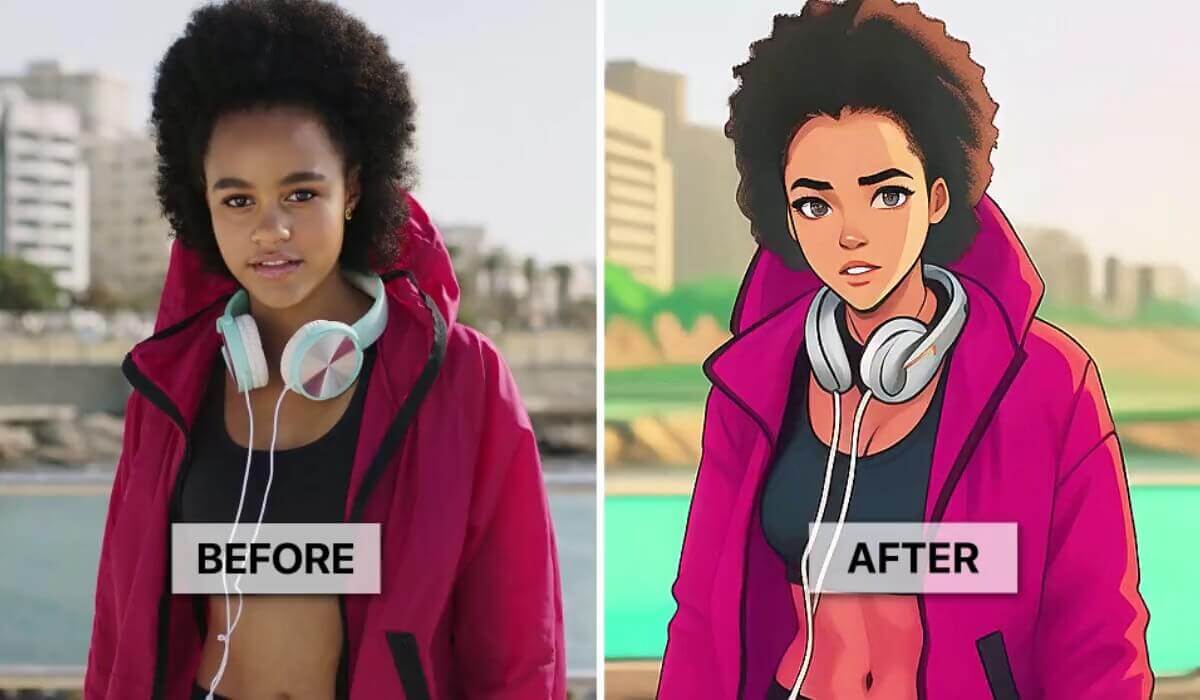
Apply cinematic AI filters to give your footage a unique, high-end look.
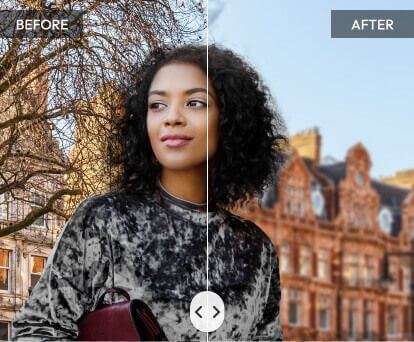
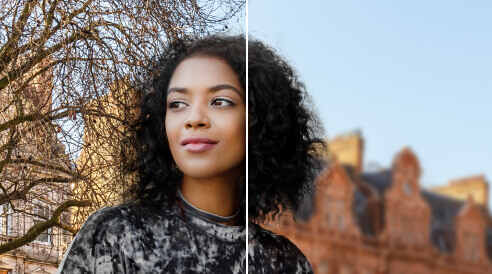
Create professional depth-of-field and soft backgrounds for any shot.
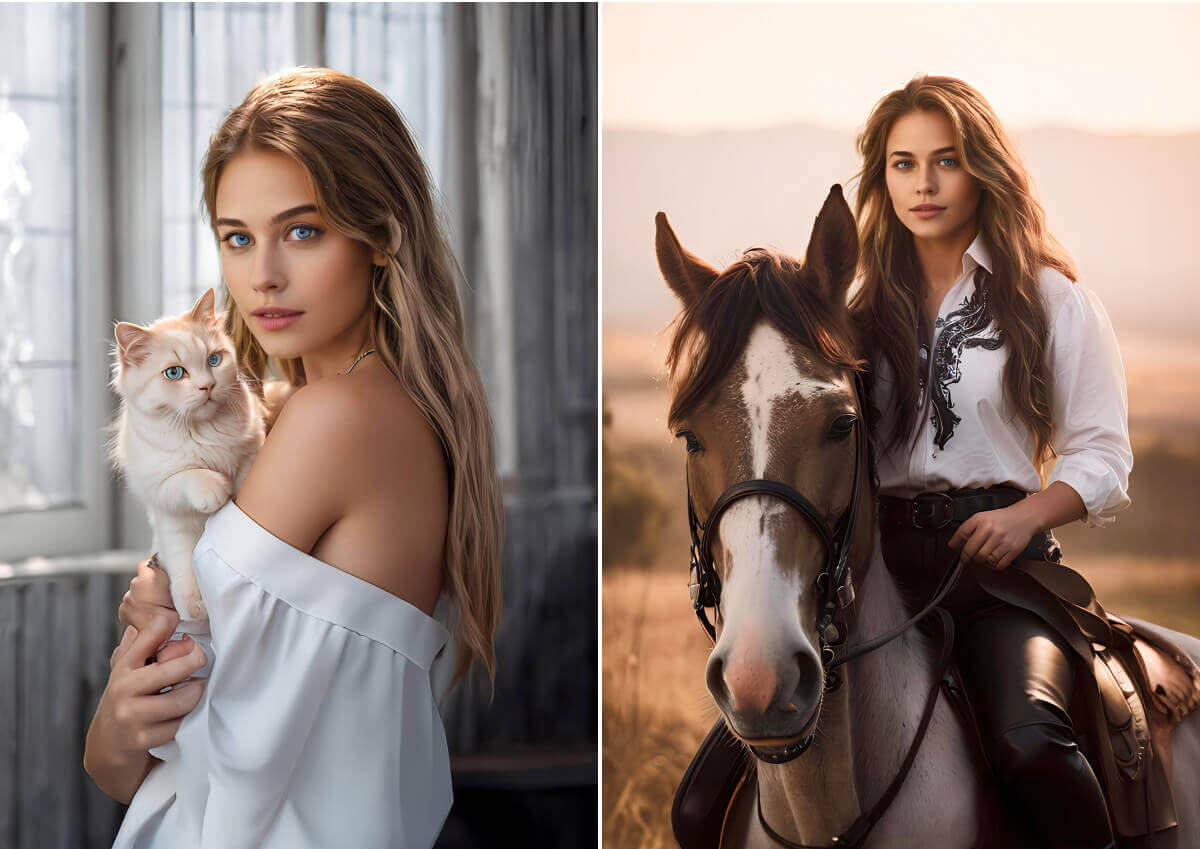
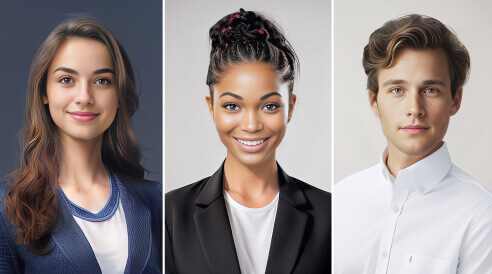
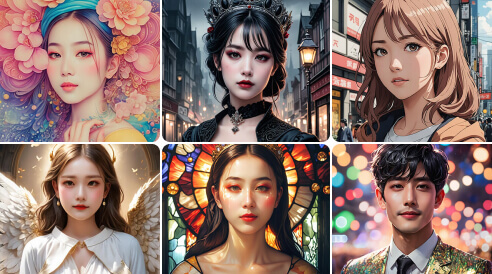
Generate studio-quality portraits and avatars for LinkedIn or social profiles.
FAQ: The YouCam Online AI Photo Editor
What is the best AI photo editor for beginners in 2026?
The best AI photo editor for beginners in 2026 is one that requires no steep learning curve or heavy software installation. YouCam's Online Editor is highly recommended because it provides automated, one-click tools like background removal and image enhancement directly in your browser. You can start editing for free directly in our editor, after signup.
Is there a free AI photo enhancer to fix blurry photos online?
Yes, if you need to unblur photos with AI, the YouCam AI Photo Enhancer is a safe and accessible tool. It utilizes machine learning to restore lost details, sharpen soft edges, and reduce noise from low-resolution or out-of-focus images, letting you enhance your photos instantly without complex editing software.
How do I remove unwanted objects or people from a photo using AI?
You can easily remove objects from photos with AI using our automated AI Object Remover. Simply brush over the unwanted person, text, or distraction, and the AI will erase them. It then intelligently reconstructs the background texture and lighting to make the edit look clean and natural.
Can you really turn a single photo into an AI video?
Yes, you can turn a photo into a video with AI using our specialized animation features. The AI analyzes the depth and subjects in your still image to generate realistic movement—such as flowing water, drifting clouds, or subtle cinematic camera pans—which is ideal for creating eye-catching social media content.
Do I need a powerful computer to run YouCam’s AI tools?
No, YouCam is a fully browser-based online AI photo editor with no download required. Because all heavy AI processing is handled securely on our cloud servers, you can edit, enhance, and modify images quickly using almost any standard computer, tablet, or smartphone without slowing down your system.
Why should I choose YouCam over other AI editing software?
YouCam is designed specifically for everyday creators, small business owners, and social media managers who need professional results without the complexity of desktop suites like Photoshop. It focuses on speed and ease-of-use, packing advanced generative AI features into an intuitive, accessible online interface.
Is my data secure, and do you use my photos to train AI models?
Your privacy is very important to us. We do not use your personal images or uploaded content to train our AI models without your consent. All files are securely processed on our servers and automatically deleted after a short period. You can find more details in our Privacy Policy.
Is YouCam a free AI image editor?
YouCam is free to get started — no download required and no credit card needed. New users receive 5 free credits to try our full suite of AI editing tools, including photo enhancement, object removal, background editing, and AI art generation. Many features are free to use anytime, while advanced AI tools run on credits that can be purchased à la carte or unlocked with a membership plan. Start for free in your browser today.
What's the difference between an AI photo editor and an AI image editor?
They're the same category of tool, but "image editor" is the broader term. YouCam Online works as both: it edits (enhance, retouch, remove objects) and it generates (AI art, image extension, headshots), so whichever term you search for, it covers the full range.
Can I use YouCam's photo and video tools together on the same project?
Yes. A common workflow is to enhance a photo first with the Photo Enhancer, then bring it into Image to Video to animate it, or into AI Clothes to try a new outfit on the same shot — YouCam's tools are built to chain together on one image.
Is there really a free ai photo editor with no restrictions?
YouCam is free to start, with 5 free credits for new users covering core tools like enhancement and object removal. Some advanced features run on credits or a membership plan — check the Pricing page for the current breakdown of what's free versus paid.
What file types and sizes does YouCam accept?
YouCam accepts standard JPG and PNG photo formats and common video formats for its video tools. Exact size and duration limits are shown in the upload window for each tool.
Is an AI photo editor better than Photoshop?
It depends on the job. Photoshop gives you layer-by-layer control and is built for professional work, but it takes time to learn. An AI photo editor handles the common jobs, like sharpening, removing an object or retouching a face, in a few clicks and runs in your browser. If you need pixel-level control for a design or print project, a desktop editor still wins. If you want a good result quickly from a single photo, an AI photo editor is usually the faster route.
How do I choose the right AI photo editor?
Start with the job, not the feature list. If you mostly fix or enhance photos, look for an editor that rebuilds detail instead of only sharpening edges. If you edit portraits, check that results keep natural skin texture. If you work on a phone or shared computer, favour tools that run in the browser. Finally, test with one of your own photos before you commit, because sample images always look good.
In what order should I fix, enhance and retouch a photo?
Work from repair to polish. First repair with the AI Photo Fixer or sharpen with Photo Enhancer. Then remove distractions like people or power lines. Then retouch lightly with AI Face Retouch and AI Face Reshape. Finish with creative effects or a video. This order stops you retouching a flaw that a repair would have removed. For quick adjustments, try our free online photo editor.

Explore the Magic of AI Photo Editing in your Pocket & Download our App!