
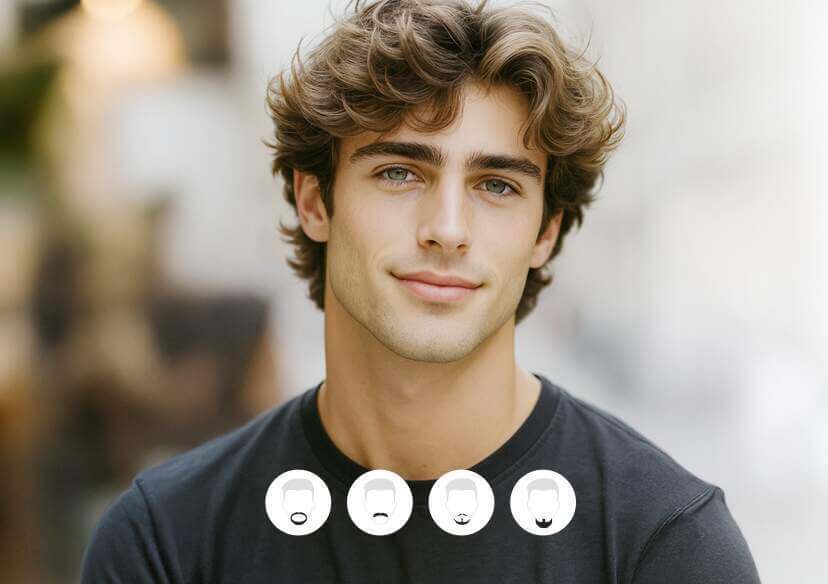




AI Beard Filter Online
Add realistic beards and mustaches to your photos. Explore 10+ beard styles and preview your new look with YouCam AI Beard Generator.







Find the Beard Style Just for You
See how different beard styles look on you — naturally and realistically!
YouCam’s AI follows your jawline, chin, and cheek shape to create a beard that fits your face naturally. Your skin tone and photo lighting are also taken into account, helping the beard color and shading blend seamlessly with your original photo.
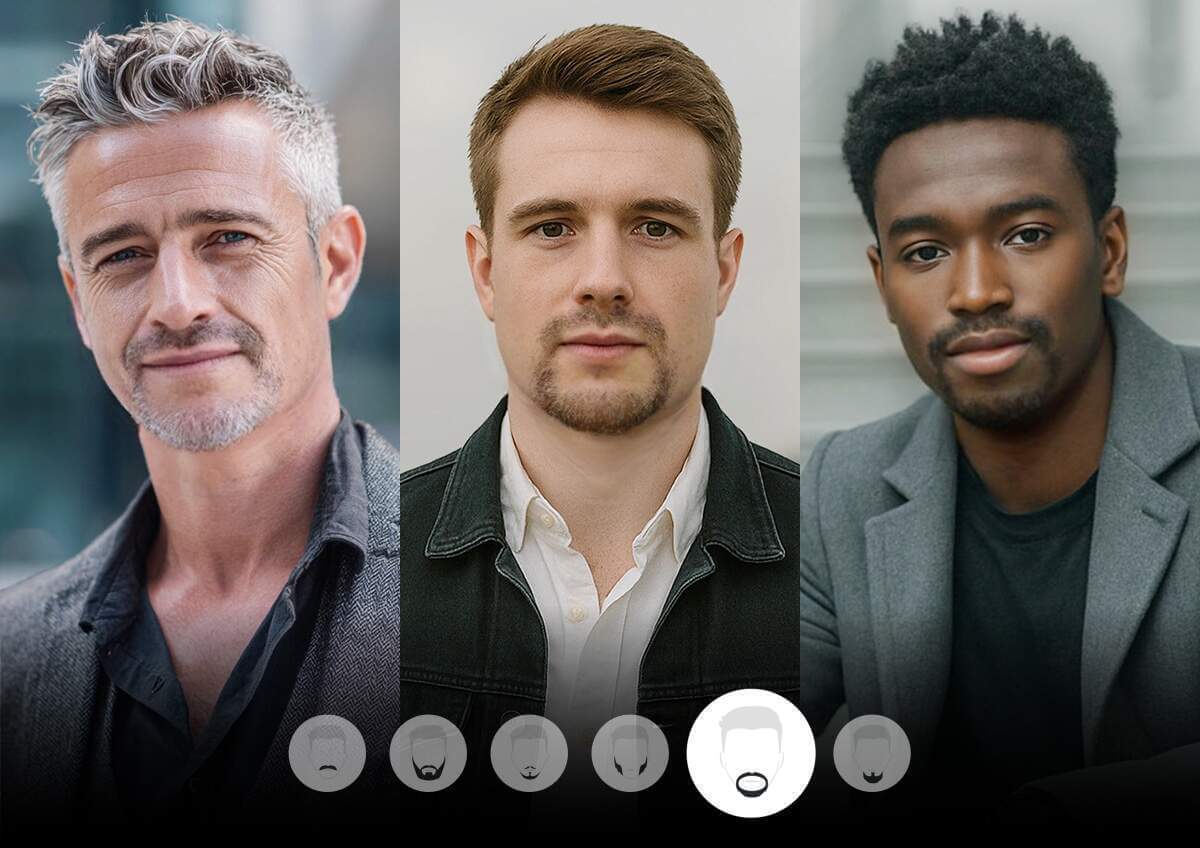
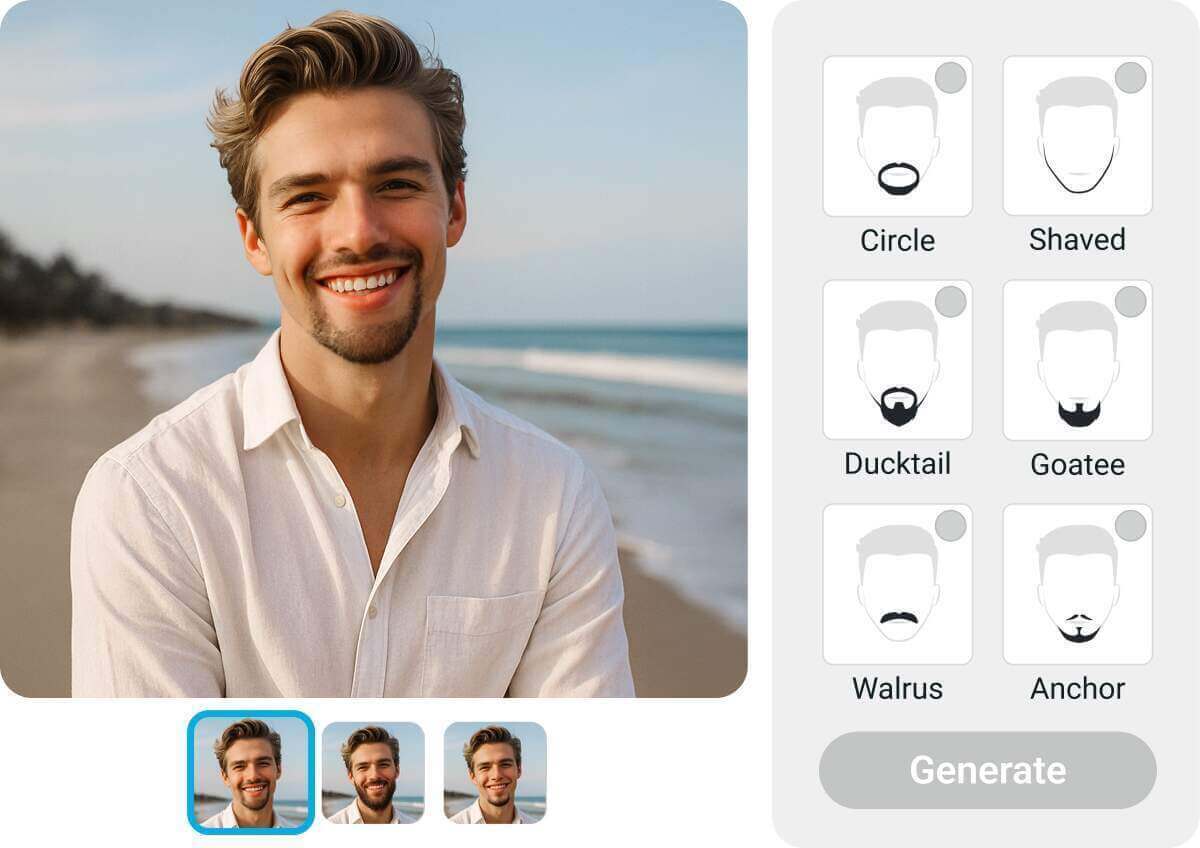
Discover 10+ beard styles to try on virtually with our free online beard filter. From stubble to full beard, see what suits your face—no trimming required!
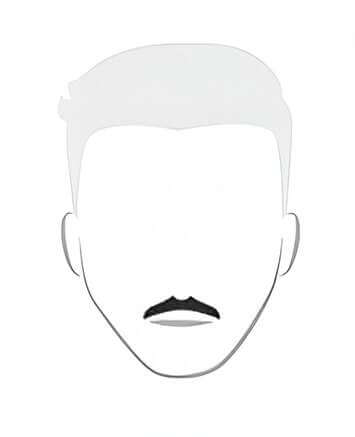
Mustache
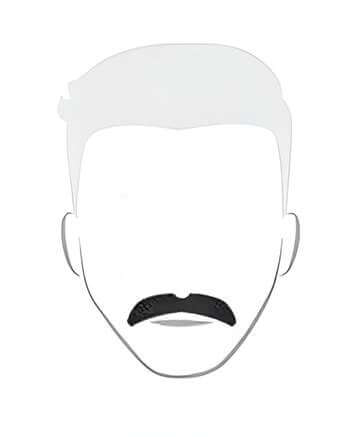
Walrus
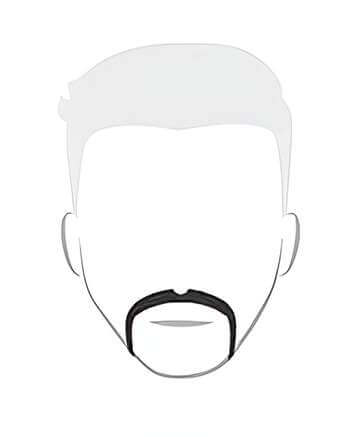
Horseshoe
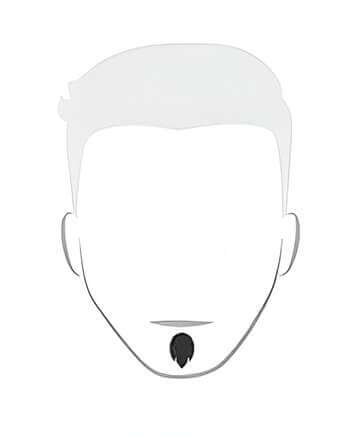
Soul Patch
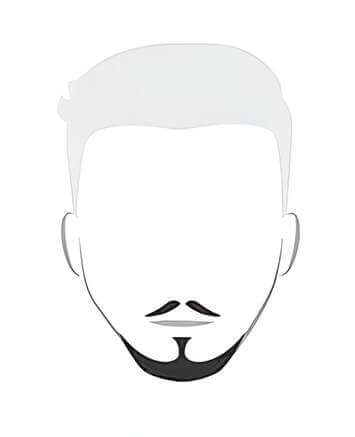
Anchor
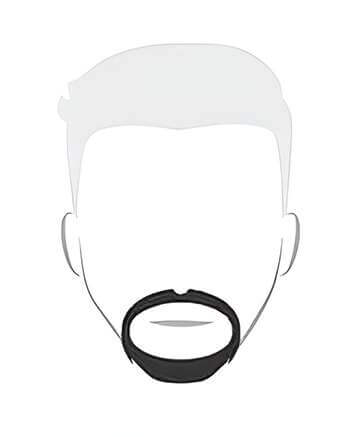
Circle
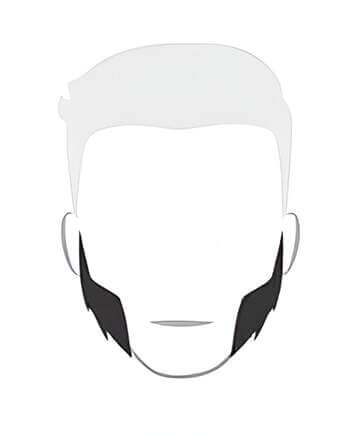
Mutton Chops
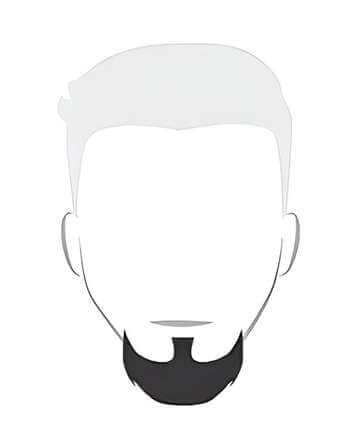
Goatee
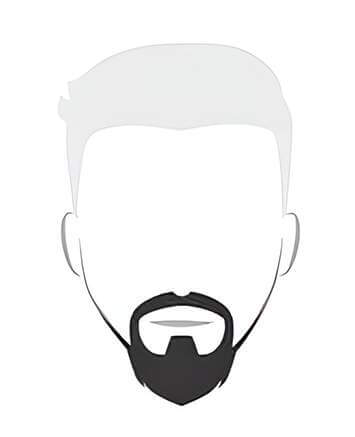
Ducktail
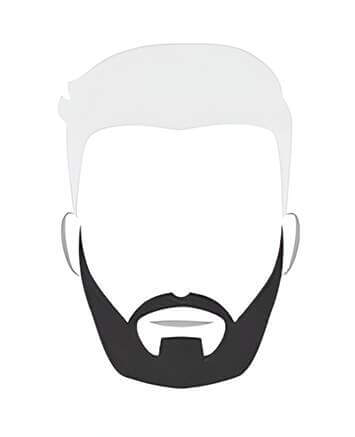
Garibaldi
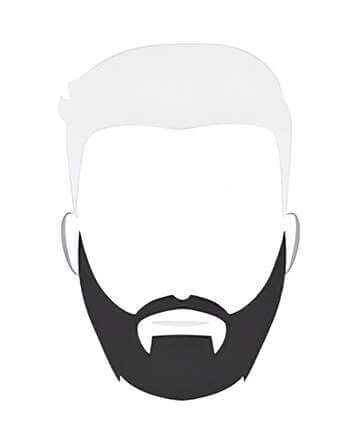
Bandholz
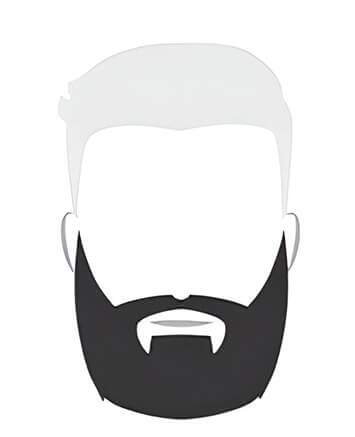
Long Bandholz
How to Add Beard to Photo?
Tips: Compare 2–3 styles side by side before deciding — differences like a Goatee vs. a Garibaldi are easier to judge with options next to each other.
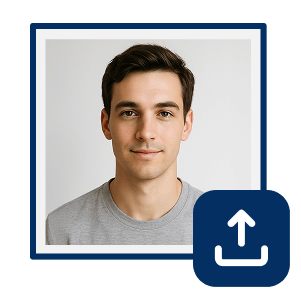
Upload Your Photo
Upload a clear, front-facing photo. YouCam AI will automatically detect and remove existing facial hair.

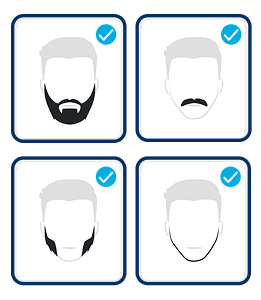
Choose a Beard Style
Explore different styles like Goatee, Garibaldi, Ducktail, and Mutton Chops to find your favorite look.
Generate Your Look
Hit Generate and instantly see how the beard looks on you.
3 Tips for Better Beard Try-On Results
- Use good lighting: Choose natural daylight or bright, even lighting so AI can clearly see your face.
- Keep your face visible: Use a front-facing photo with your chin and jawline free from hats, hands, or heavy shadows.
- Find your face shape: Different styles can create different effects. Fuller beards can add width and length, while shorter styles can add definition without extra bulk. Find your face shape to discover styles that may suit you best.
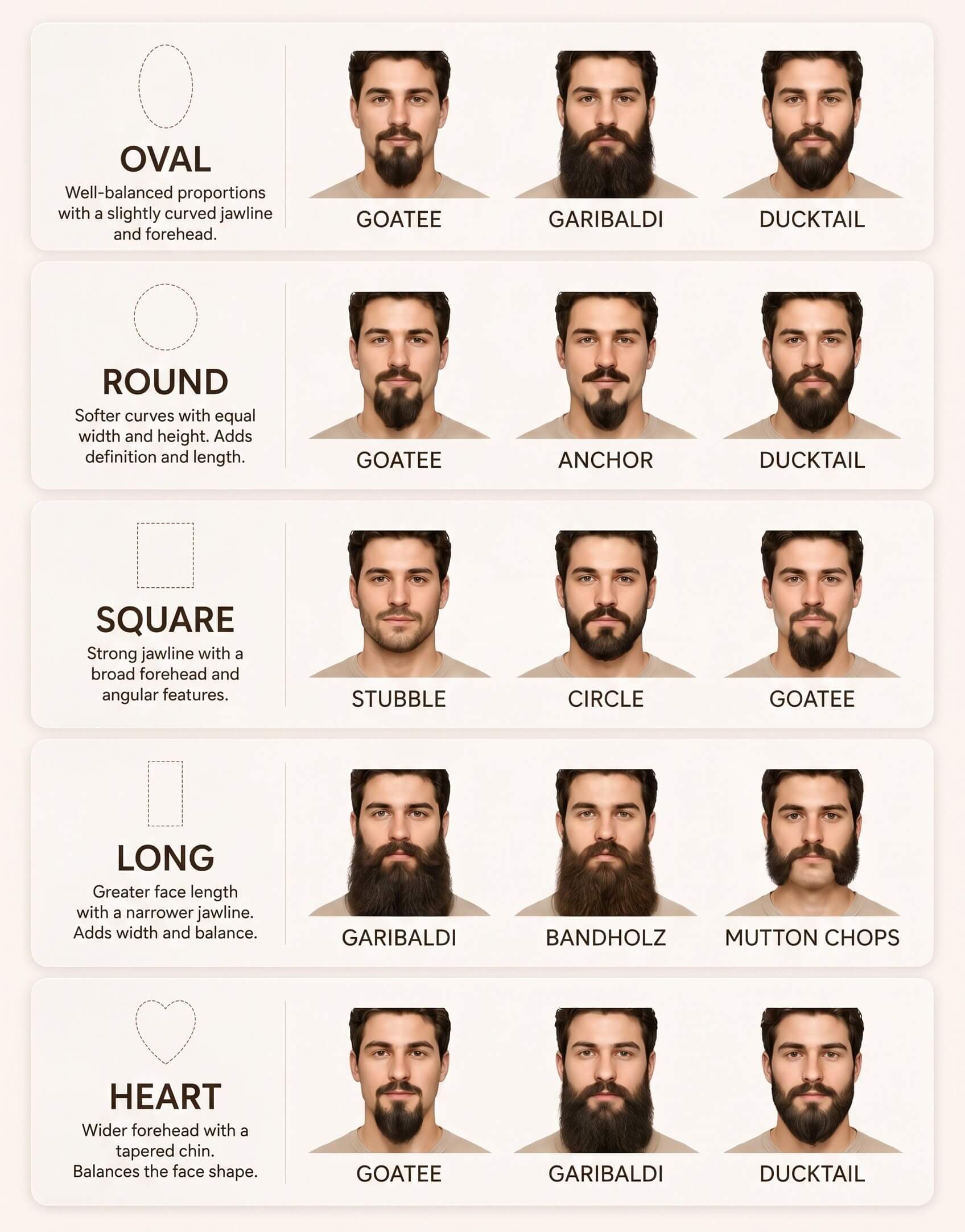
Which Beard Style Suits My Face Shape?
- Oval Face: Most beard styles work well with an oval face. Try a Goatee, Garibaldi, or Ducktail for a balanced look.
- Round Face: Choose styles that add definition and create the appearance of more length. Try a Goatee, Anchor, or Ducktail.
- Square Face: Your naturally defined jawline pairs well with both short and full styles. Try Stubble, Circle, or Goatee.
- Long Face: Fuller styles can help add width and balance a longer face. Try Garibaldi, Bandholz, or Mutton Chops.
- Heart-Shaped Face: A fuller chin and beard can help balance a wider forehead and narrower chin. Try a Goatee, Garibaldi, or Ducktail.
More Ways to Try Your New Look
See Yourself With a Beard
Thinking about growing a beard? Try different styles first and find a look you’ll love before committing.
Tip: Try the styles closest to your natural hair color and thickness first, they'll give you the most realistic sense of the real-world result.
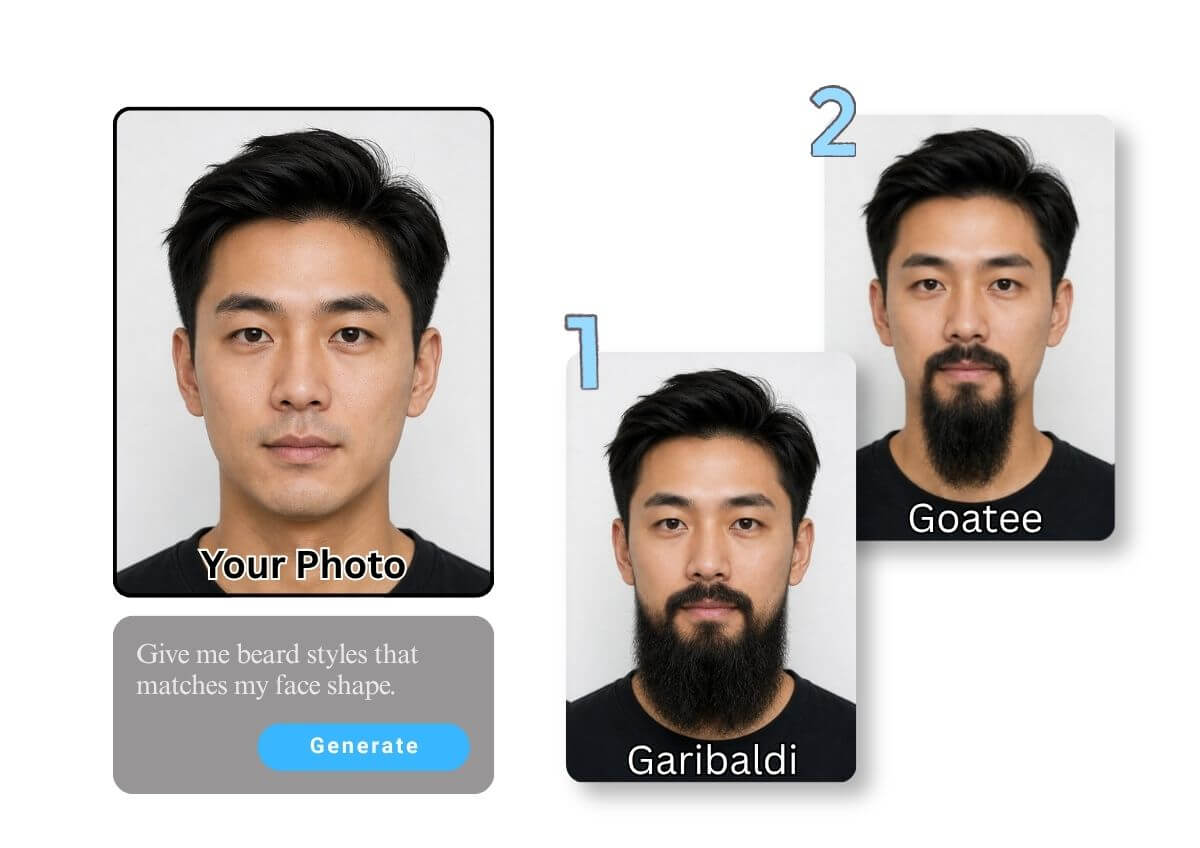
Find Your Next Beard Style
Preview different beard shapes and lengths before your next trim or barber visit!
Tip: Darker or more saturated beard colors can look more dramatic in a preview than they would in person under normal lighting — factor that in when judging a bold color change.
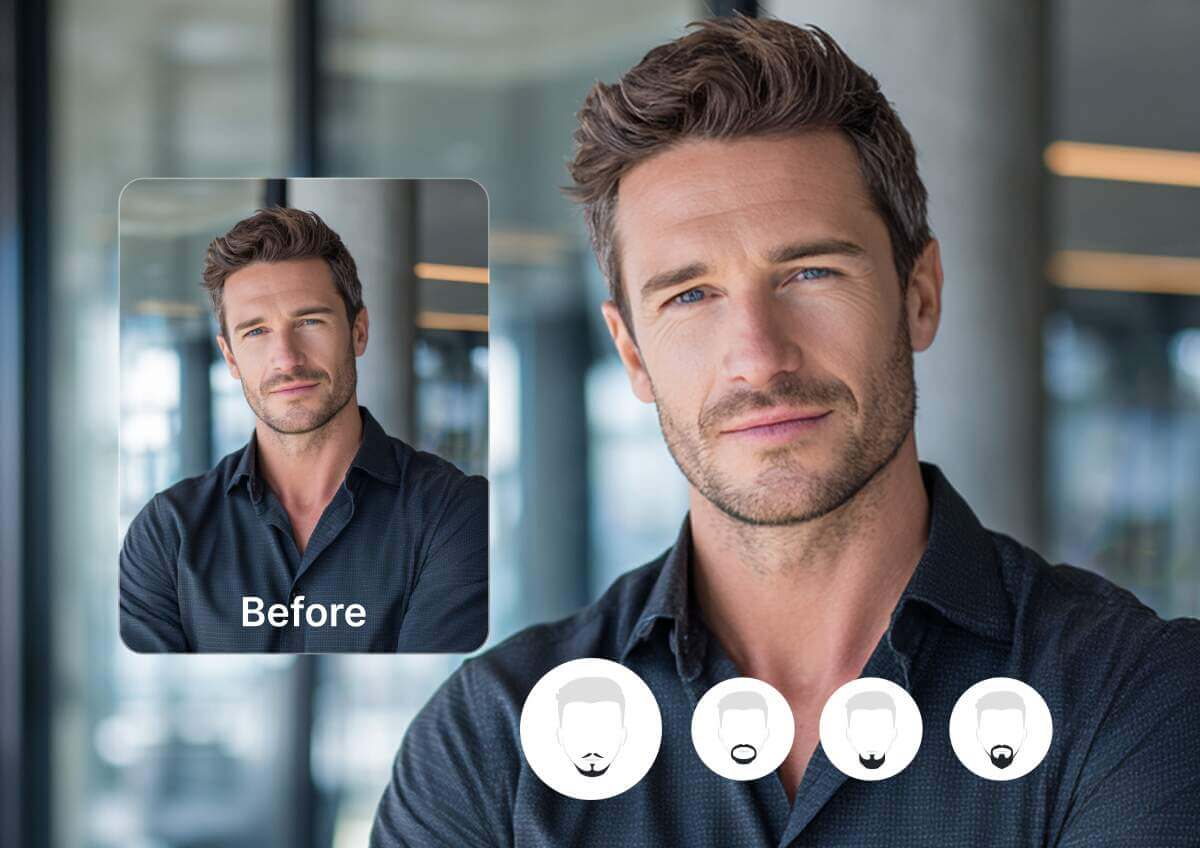
Refresh Your Profile Picture
Switch up your look with a new beard—or try a clean-shaven style with AI Beard Remover. Create a no-beard filter profile photo that feels fresh and new.
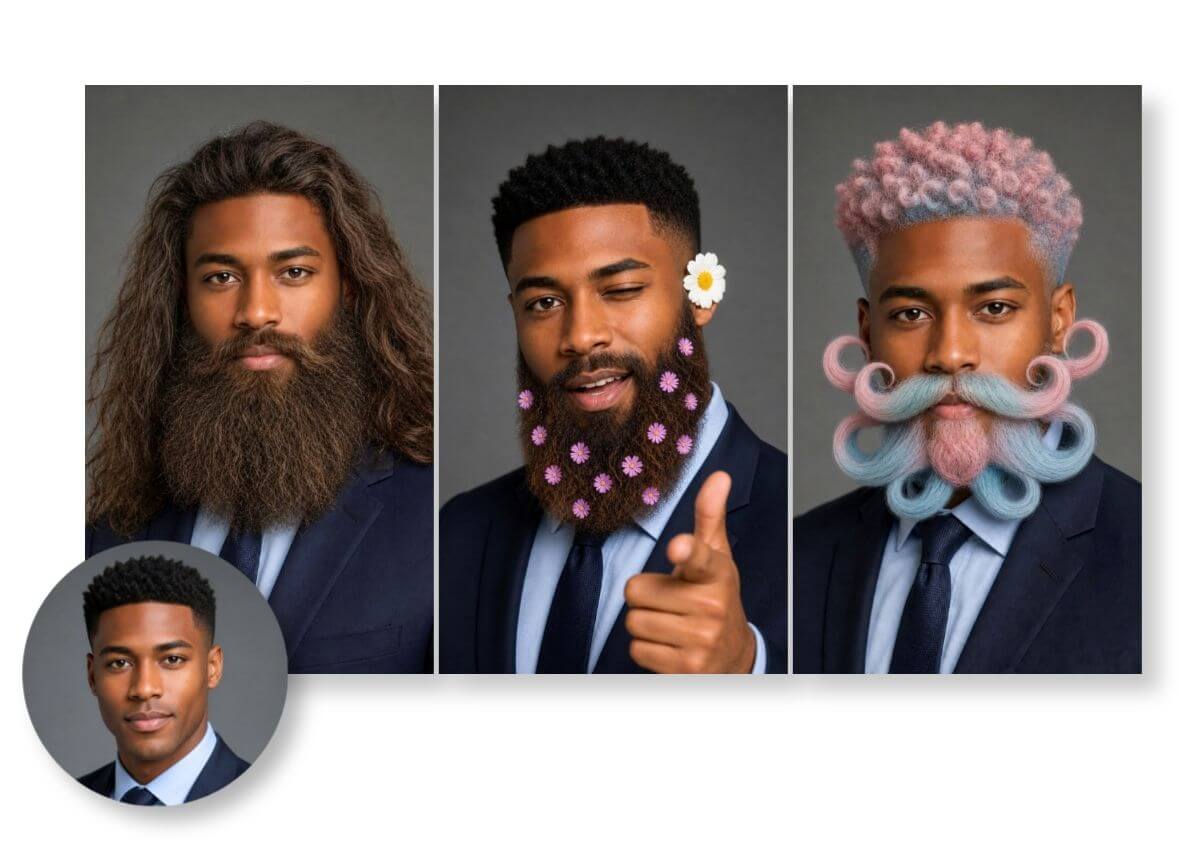
Try a Look You’d Never Grow
Curious about a bold new look? Experiment with beard and mustache styles just for fun!
AI Beard Generator FAQs
What is an AI beard generator?
An AI beard generator is a digital tool that uses artificial intelligence to add realistic beard styles to photos. The YouCam AI Beard Generator is one of the most popular options, offering vivid results and a wide range of styles.
How can I add a beard to my photo?
You can add a beard to your photo by uploading an image to an AI-powered tool and selecting your preferred style. The YouCam AI Beard Generator makes this process simple with one-click generation and realistic results.
How do I remove a beard from a photo?
To remove a beard from a photo, use an AI beard remover or a no beard filter. The YouCam AI Beard Generator includes a clean shave and beardless filter feature that automatically detects and removes facial hair.
What styles can I try with a beard simulator?
Beard simulators typically offer a variety of styles such as Garibaldi, Bandholz, Walrus, Soul Patch, French Fork, and more. The YouCam AI Beard Generator includes over a dozen styles to suit different face shapes and preferences.
What's a good workflow for planning a full new look, beard and hairstyle together?
Start with Photo Enhance if your source photo is blurry or low-resolution, so the AI has clean facial detail to work from. Then use Beard Filter to try on beard and mustache styles, and finish with the AI Hairstyle Generator to test a matching hairstyle on the same photo for a complete look.
Can I use Beard Filter together with other YouCam tools?
Yes — trying on a beard style is often one step in a bigger decision, and Beard Filter is designed to work alongside other YouCam portrait tools. As a general rule: run cleanup or repair tools (like Photo Enhance) before Beard Filter if your source photo needs it, and run styling or finishing tools after you've picked a look, since they'll be working from the version you actually decided on rather than one about to change.
Can I preview a full grooming makeover, beard and hair color together?
Yes — test facial hair styles with Beard Filter, then try a hair color change with AI Hair Color on the same photo. Comparing the combined look side by side is a useful step before booking an actual appointment with your barber or stylist.