
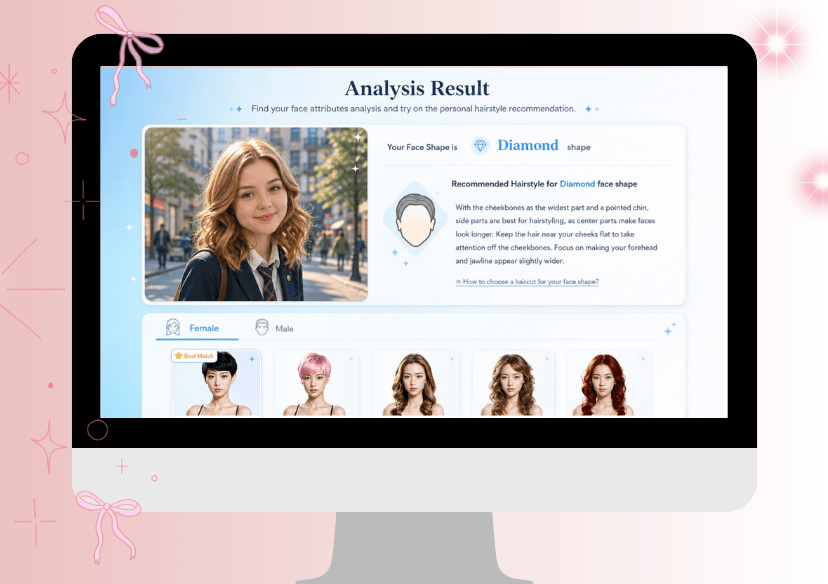




Face Shape Detector
Find out your face shape and explore recommended hairstyles instantly with our AI Face Shape Detector.




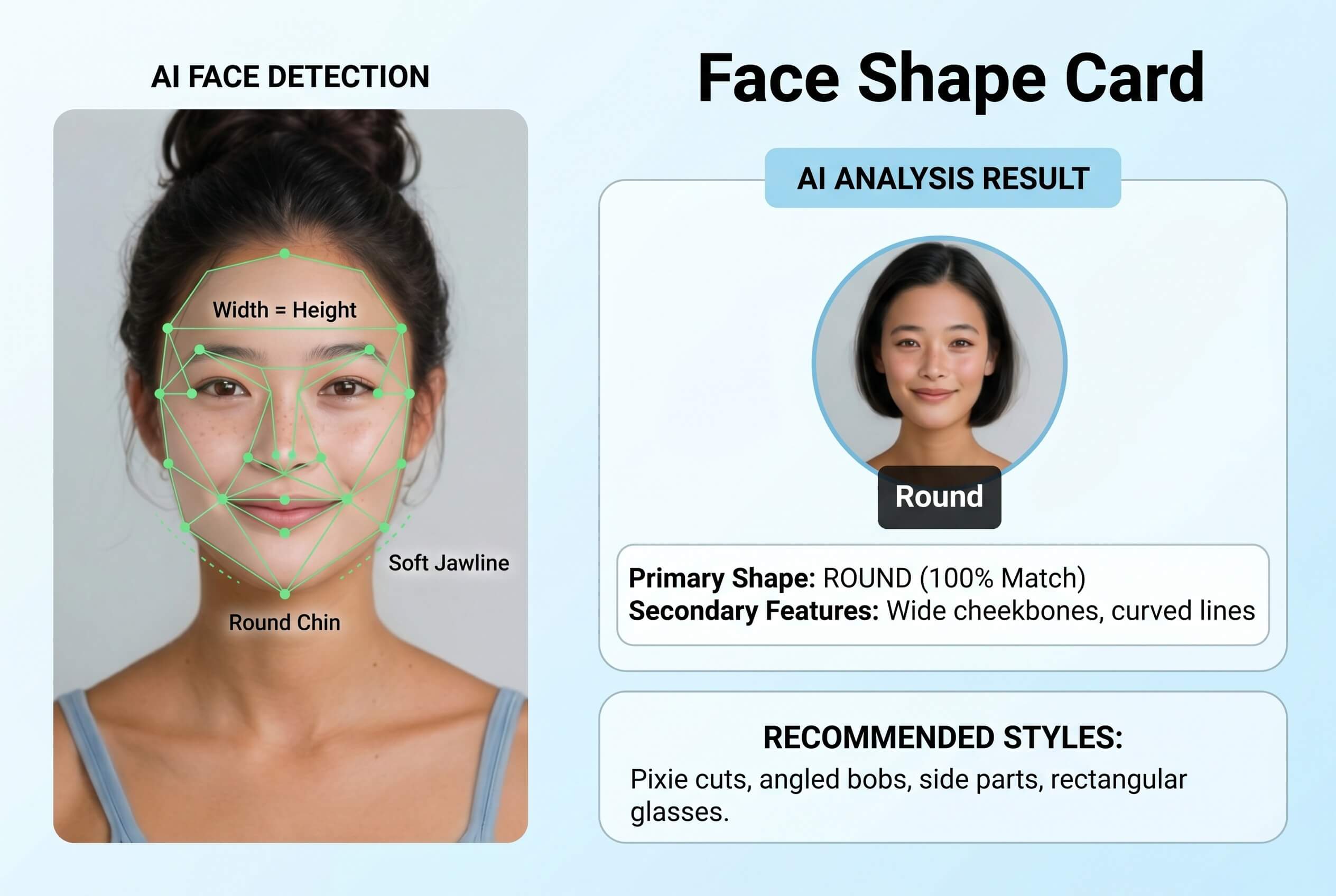
How AI Face Shape Detection Works
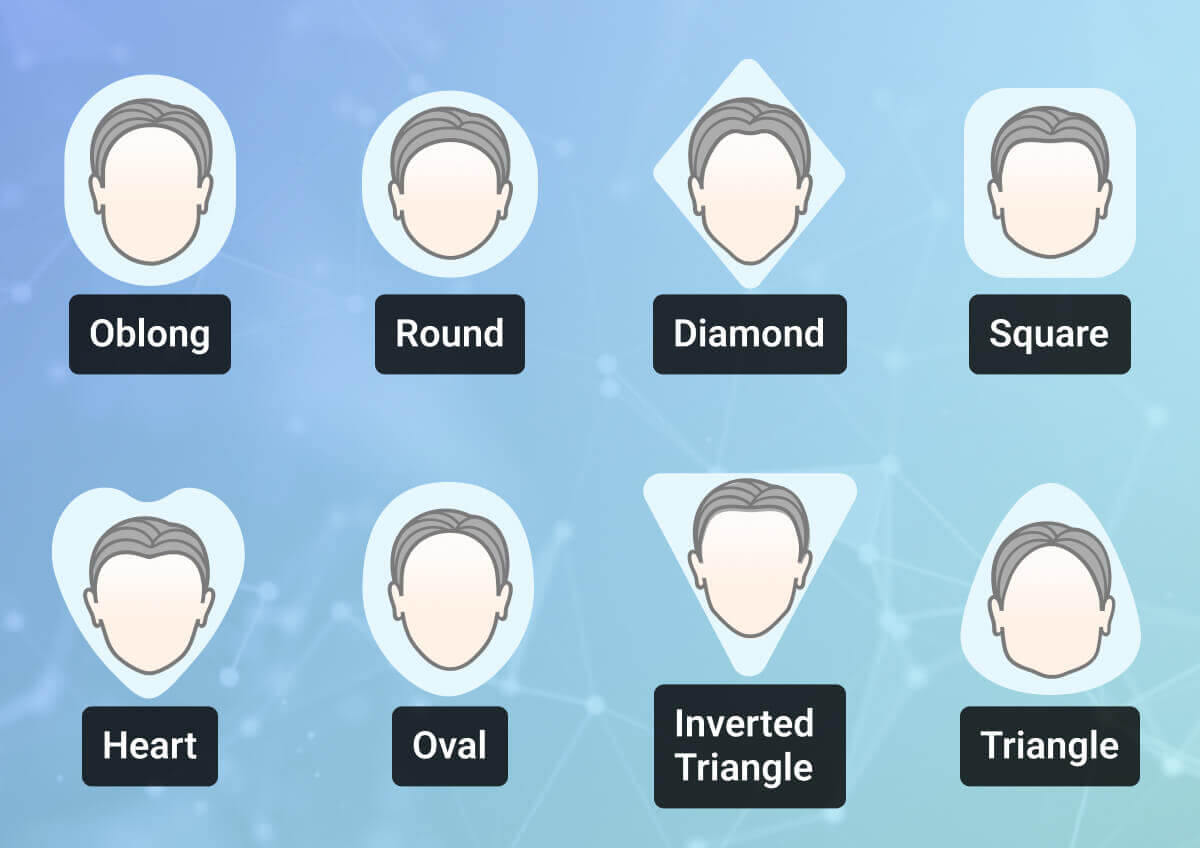
Your face shape is defined by four proportions: forehead width, cheekbone width, jawline width, and overall face length. Upload a front-facing selfie, and YouCam’s AI maps your facial landmark points, measures the ratios between these proportions, and matches them against nine defined shape categories — oval, round, square, heart, diamond, oblong, triangle, inverted triangle, and rectangle — in seconds.
Because the analysis works from a single 2D photo, the result is a strong practical estimate rather than a clinical measurement: an extreme camera angle, heavy contouring makeup, or hair covering the jawline or forehead can shift the outcome. Following the photo guidance above gives the most reliable read.
From Analysis to Your Best Style
Once you have your shape, the guide below shows which haircuts and style choices flatter it — and which to avoid.
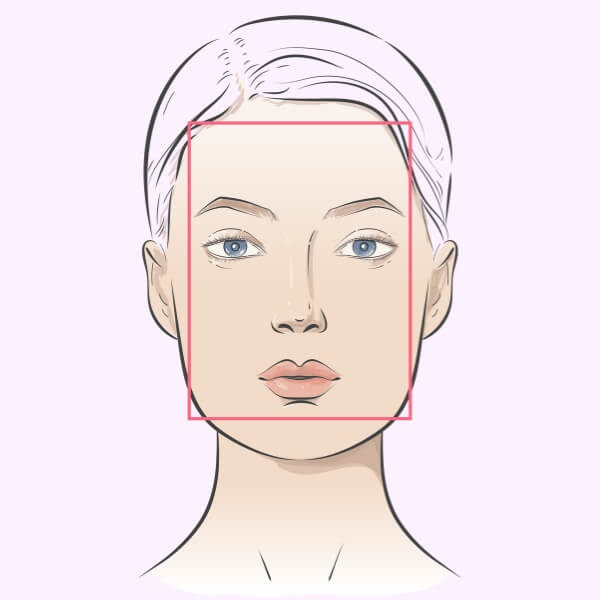
Goal: Add width and balance length.
Best styles: Curtain bangs, side-swept fringe, textured crops, or medium-length cuts with volume at the sides. Avoid adding height at the crown.

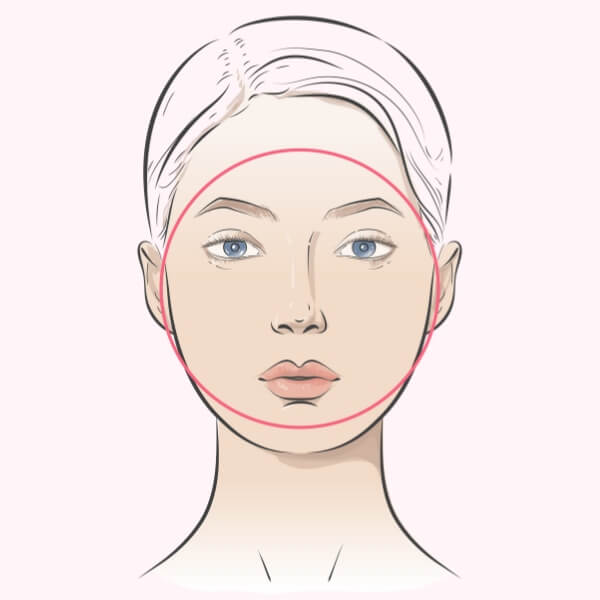
Goal: Elongate the face and add angles.
Best styles: Long layers, asymmetrical cuts, side parts, or styles with volume at the crown and close-cut sides. Avoid full, rounded shapes that widen the face.
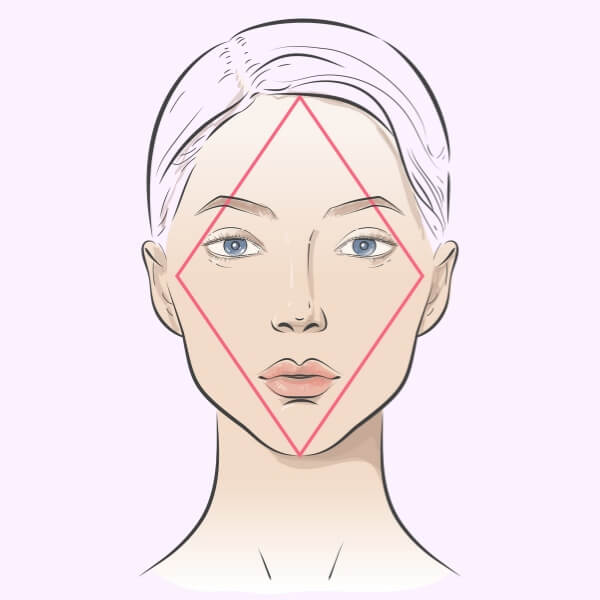
Goal: Soften cheekbones and balance the chin.
Best styles: Side-parted styles, chin-length cuts, brow-grazing fringe, or layered medium cuts with soft texture. Avoid styles that add width at the cheekbones.
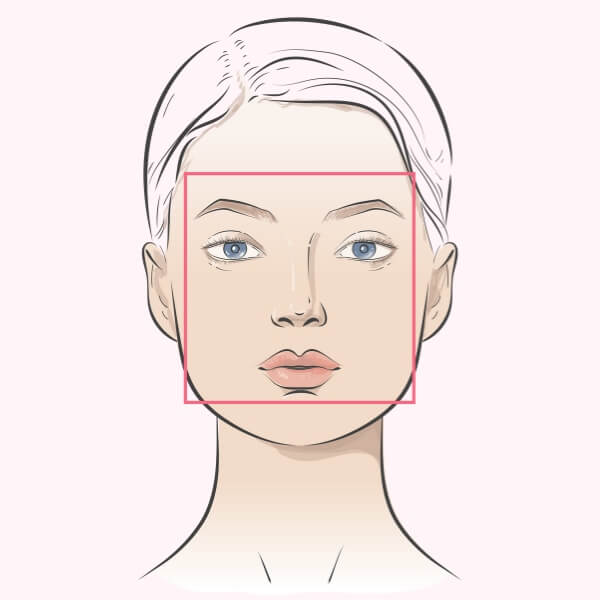
Goal: Soften the angular jawline.
Best styles: Soft layers, textured crops, side-swept styles, or long cuts that fall past the jaw. Avoid blunt cuts that end at the jawline.
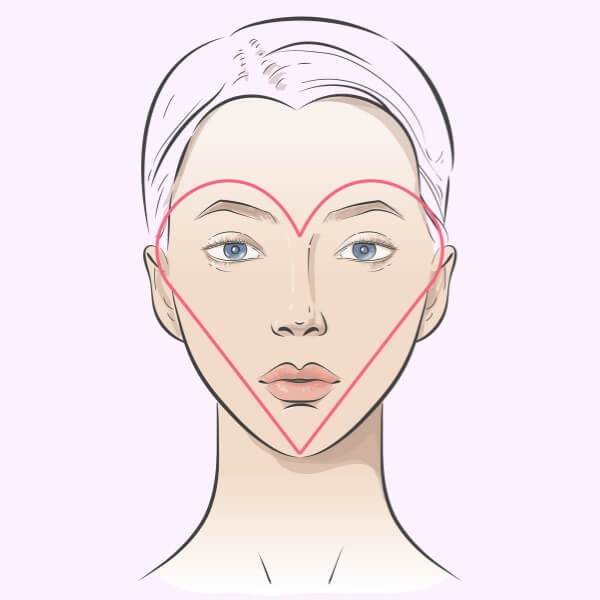
Goal: Balance a wider forehead with the lower half of the face.
Best styles: Chin-length cuts, deep side parts, styles with volume below the cheekbones, or curtain bangs to narrow the forehead. Avoid top-heavy volume.
Key Feature: Highly versatile and balanced.
Best styles: Almost any cut flatters an oval face. Try bold crops, classic long layers, textured fringes, or sharp bobs. Avoid extremes that hide the face's natural symmetry.
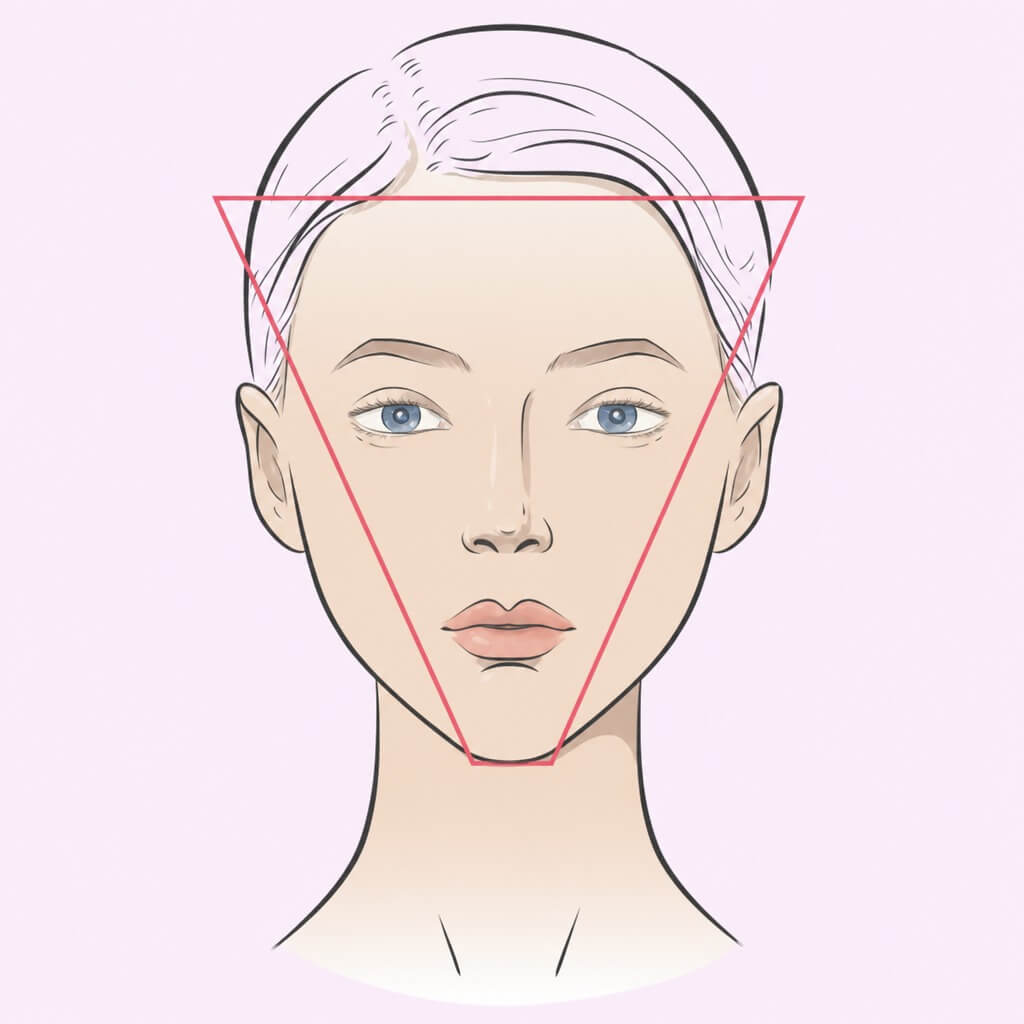
Goal: Balance a wider forehead and add volume to the lower face.
Best styles: Layered cuts, textured crops with volume at the jaw, chin-length bobs, or styles with significant width at the temples. Avoid styles that add further width at the top.
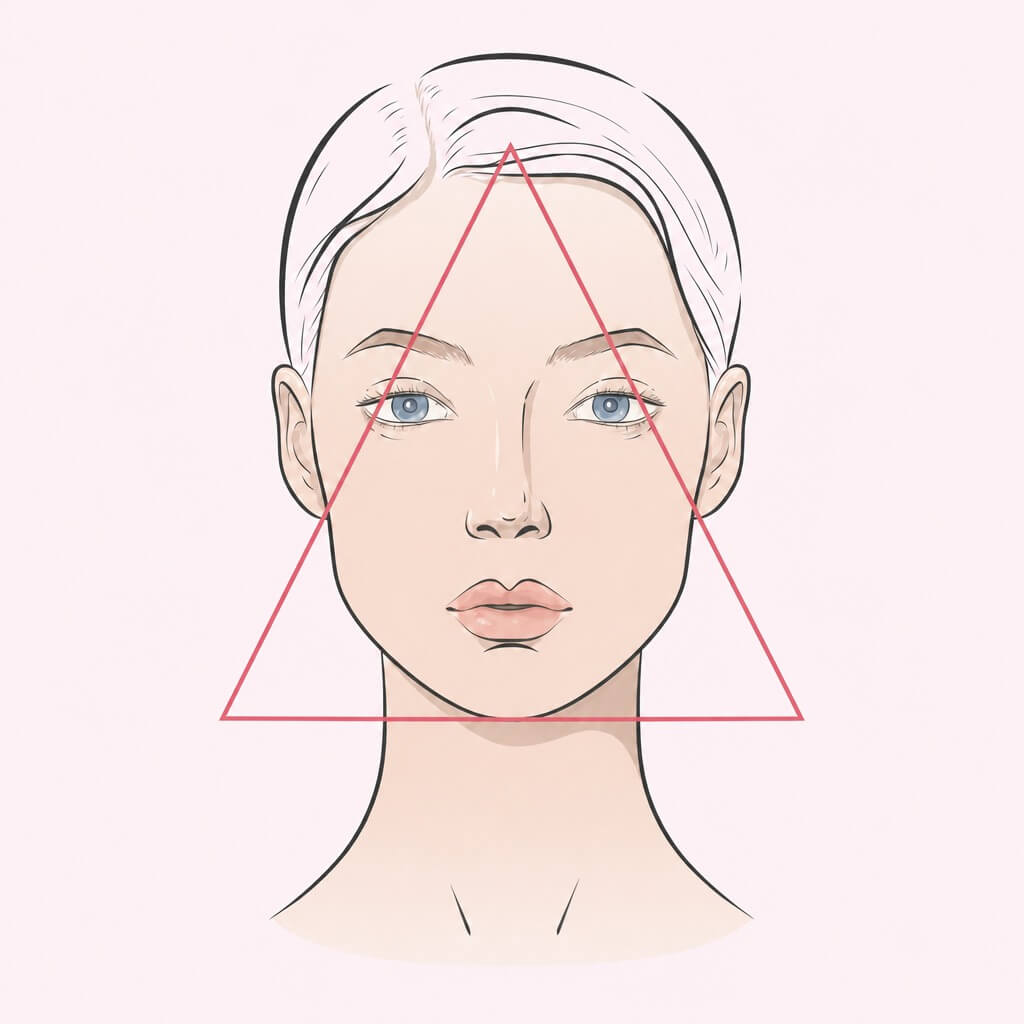
Goal: Balance a wider jawline by adding volume to the top half of your face.
Best styles: Voluminous layers at the crown, side-swept fringe, A-line or lob cuts with flicked-out ends, or textured pixie cuts with height on top. Avoid styles with heavy bottom weight.
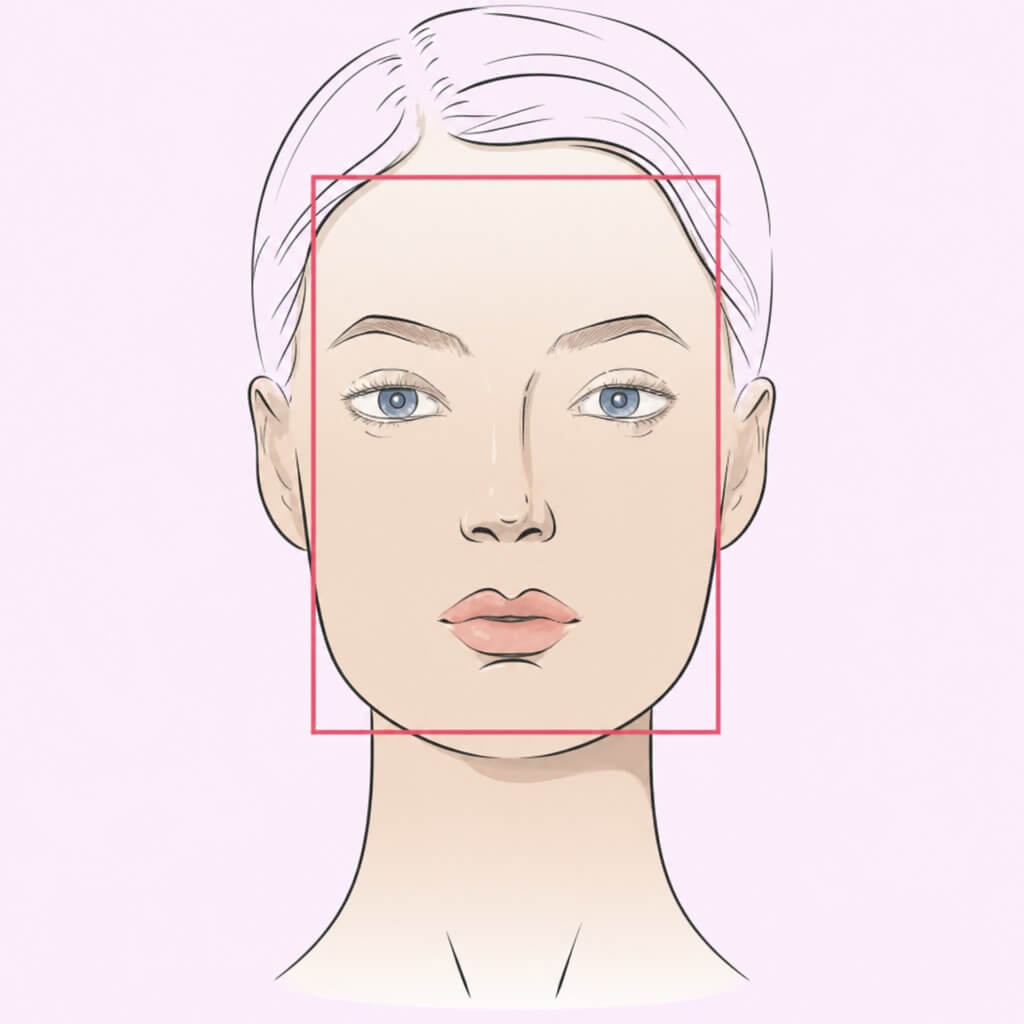
Goal: Soften angles and add horizontal volume.
Best styles: Layered waves, curtain bangs, textured crops with side width, or soft long cuts with face-framing layers. Avoid adding length without volume at the sides.
How to Find Your Face Shape & Best Hairstyles?
Skip the guessing games. Our AI technology measures your facial proportions with precision to give you a personalized analysis in three easy steps.

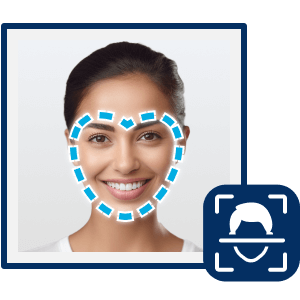
Upload a Clear Photo
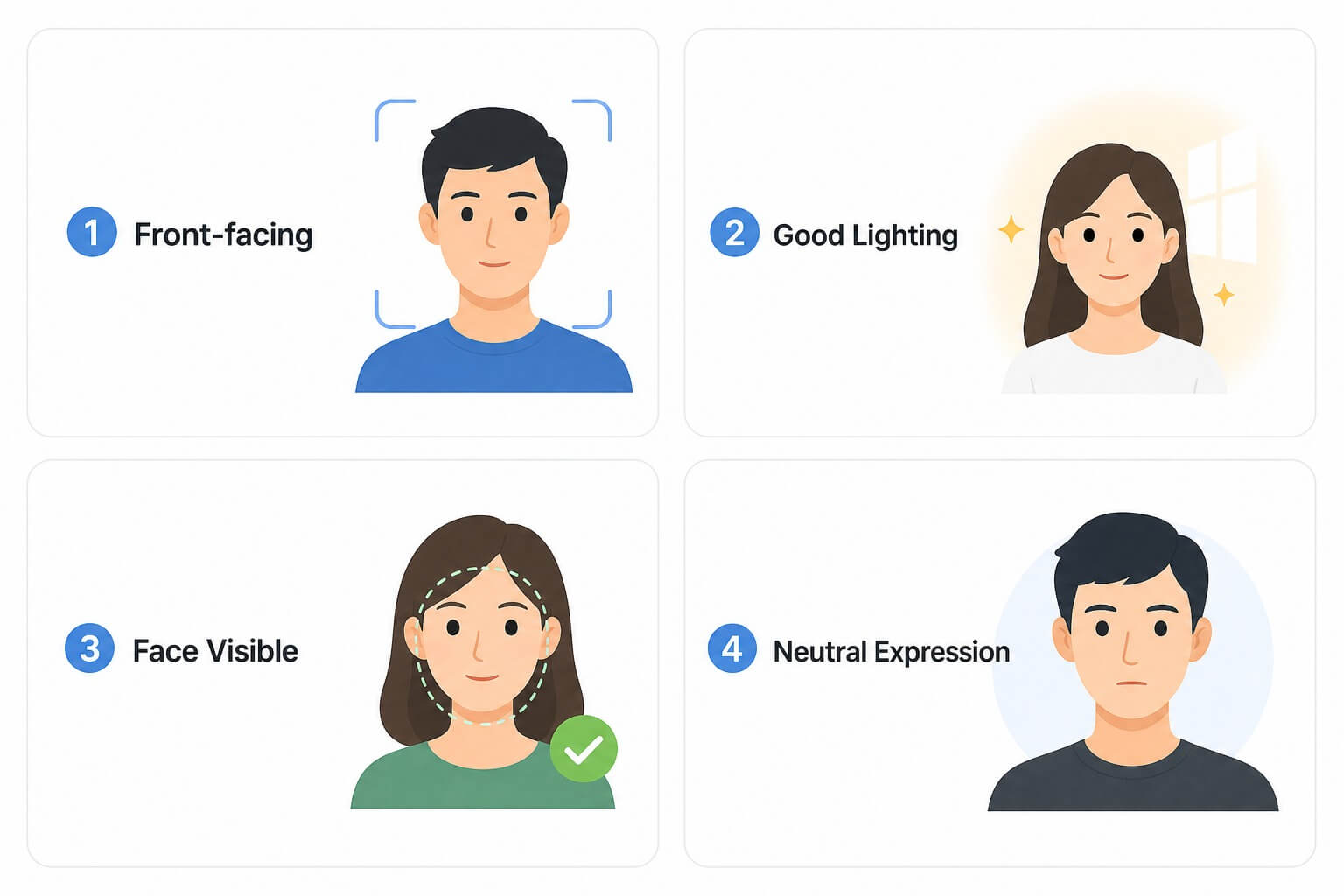
Take or upload a front-facing photo. For the most accurate AI analysis, ensure good lighting, look straight at the camera, and pull your hair back to reveal your jawline and forehead.
Tip: Even great lighting can’t fix a photo where your jawline is hidden — pull hair fully back before you upload.

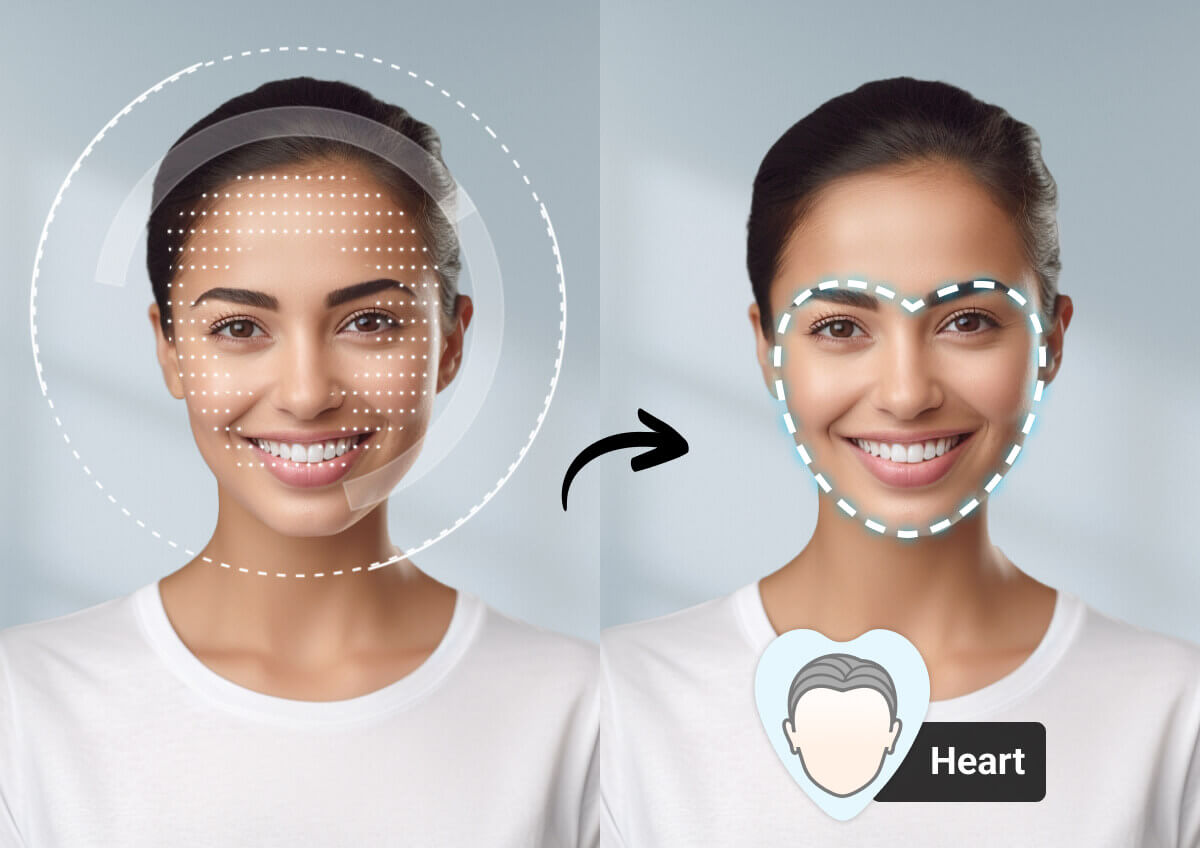
Instant AI Facial Analysis
Our AI engine scans your facial landmarks by comparing the width of your forehead, cheekbones, and jawline to mathematically determine your exact face shape.
Tip: This step runs automatically — there’s nothing to click or adjust while the AI compares your proportions.
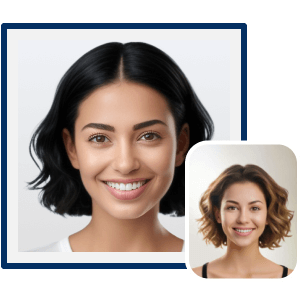
Get Your Shape & Style Tips
Receive your result instantly (e.g., Oval, Heart, Square). Based on your unique shape, browse AI-recommended hairstyles that balance your features and highlight your best angles.
Tip: Screenshot your result before you browse hairstyles, so you can compare it side-by-side with the styles you try on.
Tips for Best Results
For the most accurate face shape analysis, upload a clear front-facing photo with good lighting. Keep your entire face visible, remove accessories like hats or sunglasses, and avoid covering your jawline or forehead with hair.
Why Use the YouCam Online AI Face Shape Detector?
Fast & Easy to Use
No more tracing your face in the mirror! Being trained on a diverse dataset of over 100,000 faces, our AI will automatically identify your face shape in seconds, providing a clear result.
Tip: Skip heavy filters or contouring makeup in your photo for the fastest, most accurate scan.
Discover Your Best Look
Knowing your face shape makes it easier to choose hairstyles, glasses, and makeup that complement your natural features. Let AI identify your face shape and discover the styles that suit you best.
Tip: Save your result so you can reference it next time you’re picking a haircut, glasses frame, or hat style.
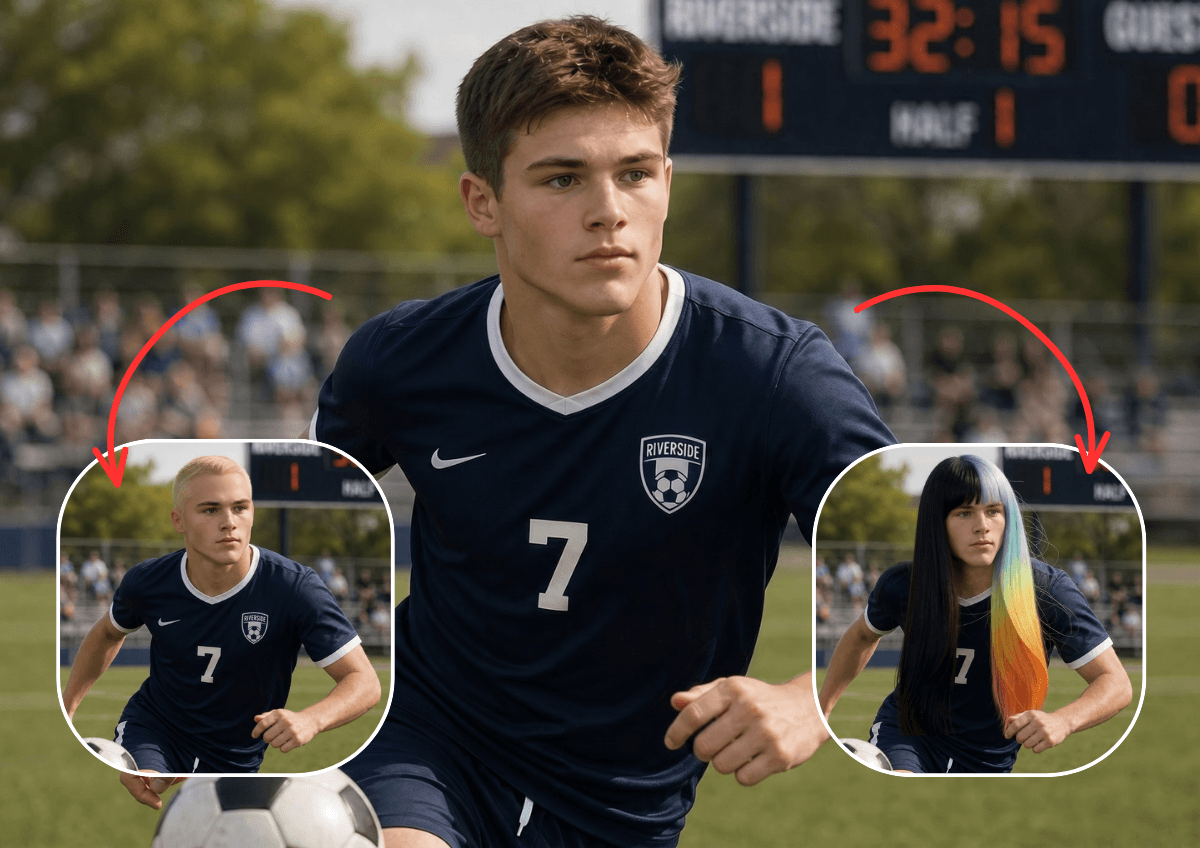
Personal Beauty Agent for Face Shape Tips
Discover your face shape with YouCam Makeup’s AI Beauty Agent. Get personalized makeup and hairstyle tips instantly through a fun, chat-based experience.
Tip: Try describing a specific goal (e.g. “soften my jawline”) for more targeted chat suggestions.

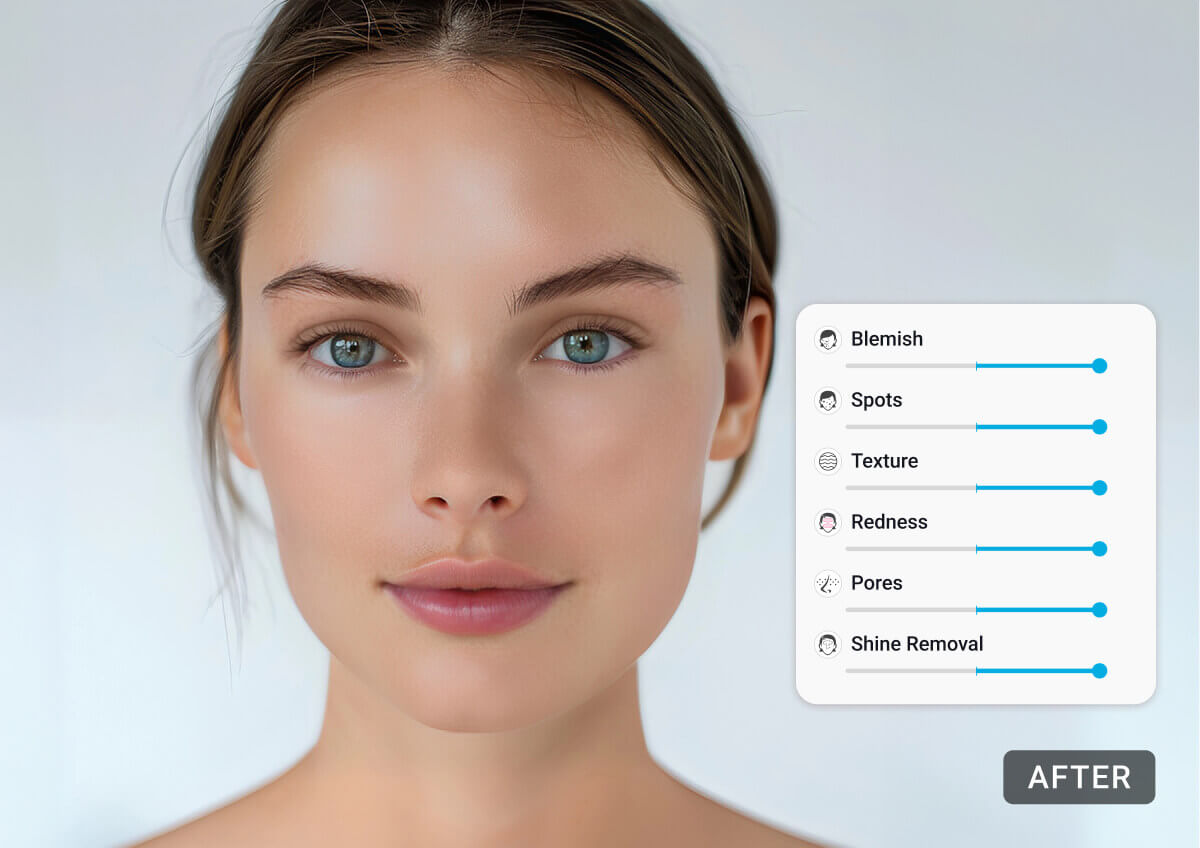
Touch up your selfies and portraits with YouCam's Face Retouch Tool in a few clicks. Get your own perfect look on any photo!
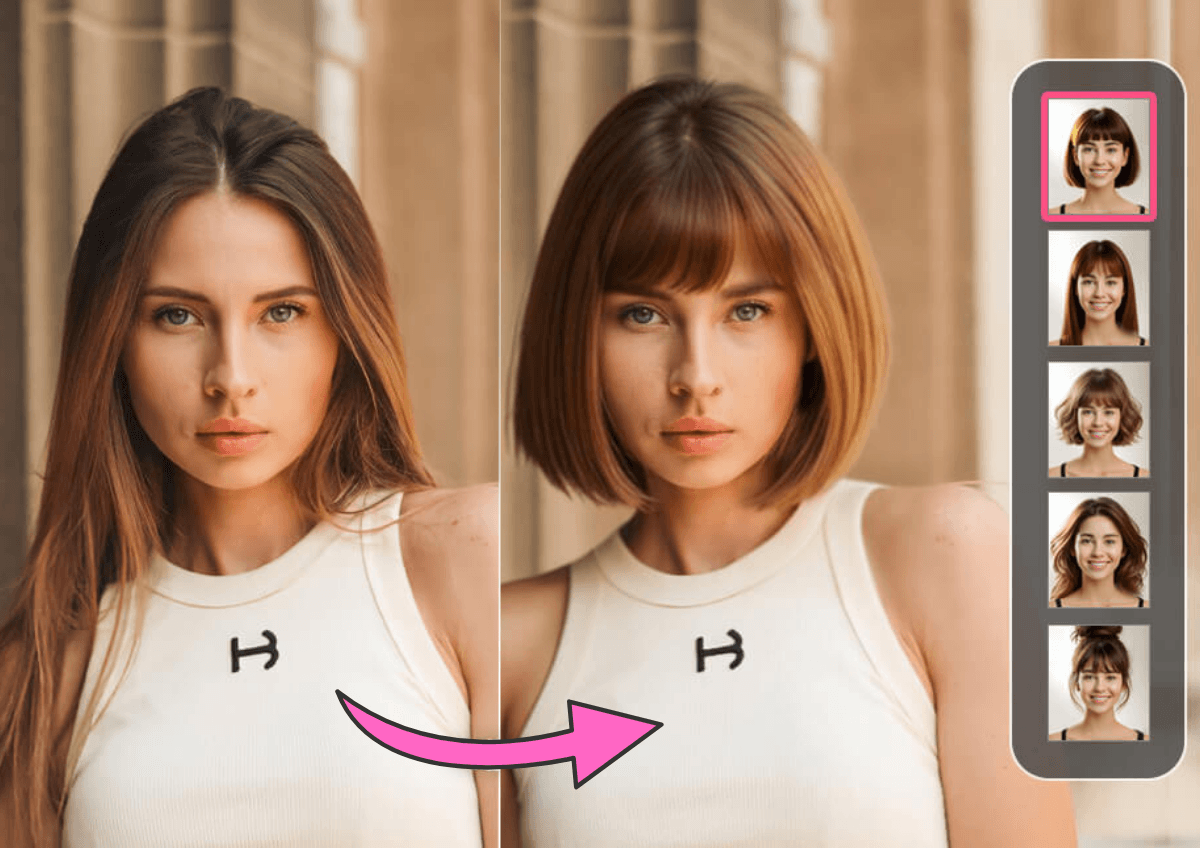
Found out your Face Shape? Time to try on different Hairstyles and visualize your next makeover. From short to long, we have it all. Or upload your own haircut to try on!
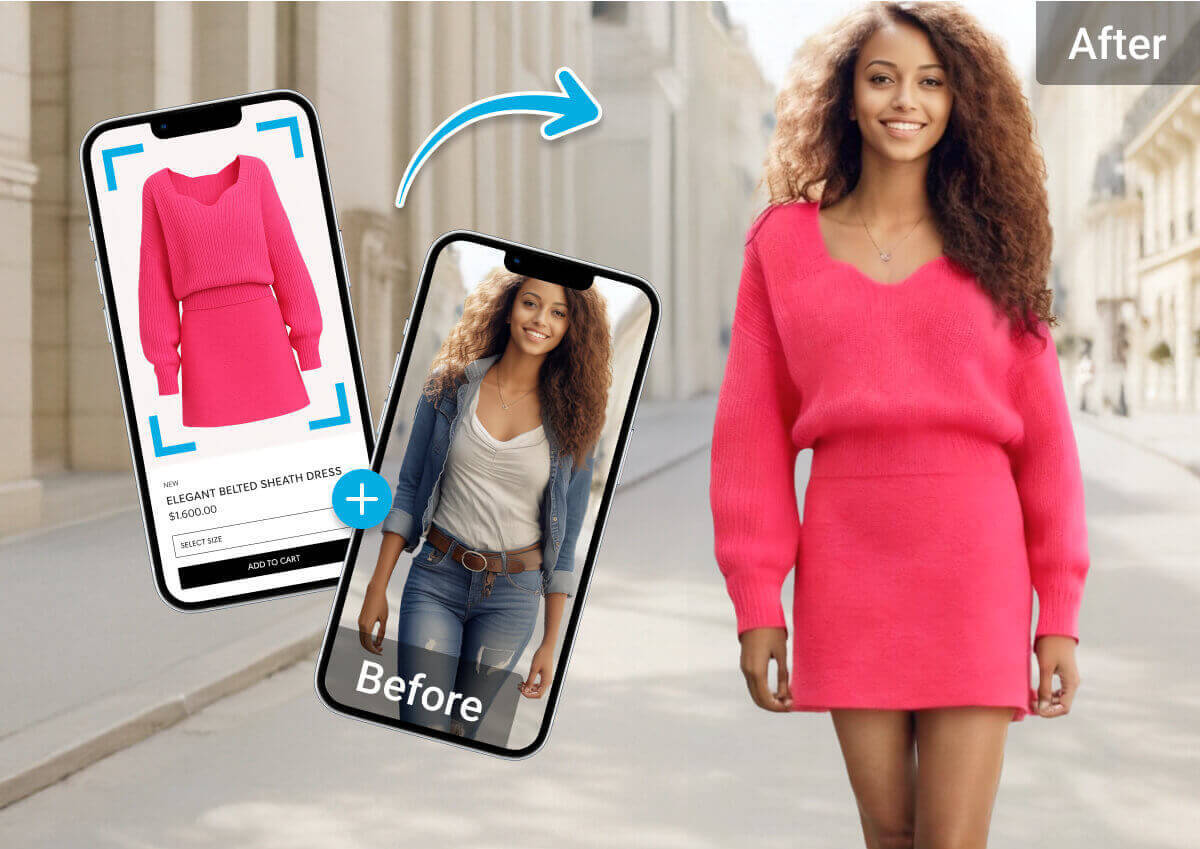
Not done with your makeover? Try on any outfit online first to find your perfect style and fit, before revamping your whole wardrobe.
AI Face Shape Detector FAQs
How does the AI determine my face shape?
The AI analyzes key facial features, including your forehead, cheekbones, jawline, and face length. It compares these proportions to common face shape characteristics to identify the shape that best matches your facial structure.
What face shapes can the AI detect?
Our AI can identify the most common face shapes, including oval, round, square, heart, diamond, rectangle (oblong), and triangle. Simply upload a clear, front-facing selfie, and AI will analyze your facial proportions to determine the closest face shape.
Why is knowing my face shape important?
Knowing your face shape can help you choose hairstyles, makeup techniques, glasses, hats, and necklines that complement your natural features. It's a helpful guide for creating a balanced and flattering look.
How can I get the most accurate face shape result?
For the best results, upload a clear, front-facing photo in good lighting. Make sure your entire face is visible, avoid sunglasses or hats, and keep hair away from your forehead and jawline whenever possible.
Which is the most accurate face shape detector?
YouCam is considered a leader in AI beauty tech. Unlike simple quizzes, our tool uses biometric analysis to measure angles and proportions, removing human error and providing a highly accurate assessment of your bone structure.
Can I try hairstyles after detecting my face shape?
Once our AI identifies your shape, we apply the "Rule of Balance." So yes! Once your face shape is identified, you'll receive personalized hairstyle recommendations. You can also virtually try on different hairstyles to see which looks suit you best before making a change.
Can my face shape change over time?
Generally, your bone structure (jaw and cheekbones) remains constant after puberty. However, significant weight changes or aging can alter the distribution of soft tissue, which might slightly affect whether your face appears more "Round" or "Defined." Our AI analyzes your current proportions.
What's the difference between face shape and face symmetry?
Face shape refers to the overall outline of your face, while face symmetry measures how balanced your facial features are between the left and right sides. Knowing your face shape helps with style choices such as hairstyles and makeup, while face symmetry focuses on facial balance.
What is my face shape?
Face shapes generally fall into six categories: oval, round, square, heart, diamond, and oblong. Ovals have balanced proportions with a slightly narrower jaw; round faces have soft, similar-width curves; square faces have a strong, angular jawline; heart shapes taper from a wider forehead to a narrower chin; diamond faces are widest at the cheekbones; and oblong faces are longer than they are wide. Upload one clear, front-facing photo to our AI Face Shape Detector and get your exact shape — along with hairstyles and frames proven to suit it — in seconds.
How can I tell my face shape myself?
If you want a quick manual check before using the tool, pull your hair back and measure three points with a soft tape or ruler: the width of your forehead, the width of your cheekbones, and the width of your jaw, then compare each to your face's overall length. Similar measurements all around usually mean round or square; a noticeably wider forehead than jaw points to heart-shaped; and a face longer than it is wide suggests oblong. Manual measuring is rough, though — our AI Face Shape Detector reads these same proportions from one photo and gives you a precise, consistent result instantly.
Should I edit or retouch my photo before running the Face Shape Detector?
Run the detector on your original, unretouched photo first. Slimming, jaw-contouring, or heavy retouching can shift your facial proportions and skew the result. Once you have your face shape and hairstyle picks, use AI Face Retouch or AI Hairstyle Try On to polish the final image.
Can I use my face shape result to try on hairstyles and then an outfit, all in one session?
Yes. The typical order is: detect your face shape first, browse AI-recommended hairstyles with AI Hairstyle Try On, then use AI Clothes Try On to see the full look together before deciding on any real-world changes.
How is an AI face shape detector different from the mirror-and-ruler method?
A ruler-in-the-mirror check relies on your own measurements and eye, which is hard to do accurately on yourself. YouCam’s AI maps facial landmark points and measures proportions directly from your photo, which removes most of the guesswork and human error in a self-check.
Does YouCam store the photo I upload for face shape analysis?
Photos uploaded for analysis are used to generate your result and are handled per YouCam’s Privacy Policy. See our Privacy Policy for full details on how long images are retained and how to request deletion.
My face shape result seems off — what could cause an inaccurate reading?
The most common causes are a non-frontal camera angle, hair covering the forehead or jawline, heavy contouring makeup, or low, uneven lighting. Retake your photo following the guidance above (front-facing, well-lit, hair pulled back) and run the analysis again.
Can hairstylists, opticians, makeup artists, or content creators use the Face Shape Detector professionally?
Yes. Hairstylists and barbers use it for a quick, objective starting point before discussing a cut. Optical and eyewear retail staff use it to match frame shape to face shape consistently across walk-in customers. Makeup artists and beauty educators use it as a teaching aid to explain contour and brow-shaping placement. And content creators use it to choose flattering camera angles for headshots and video thumbnails — often pairing the result with AI Face Retouch for a polished final image.