






AI Haircut Generator: Try 200+ New AI Hairstyles
Preview a hairstyle ai or haircut ai look — like an online virtual hairstyles simulator or haircut simulator — before you commit. Upload a photo for 2 full previews free with a quick sign-up, no credit card needed.



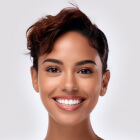
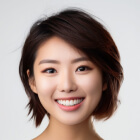
How AI Hairstyle Changer Works
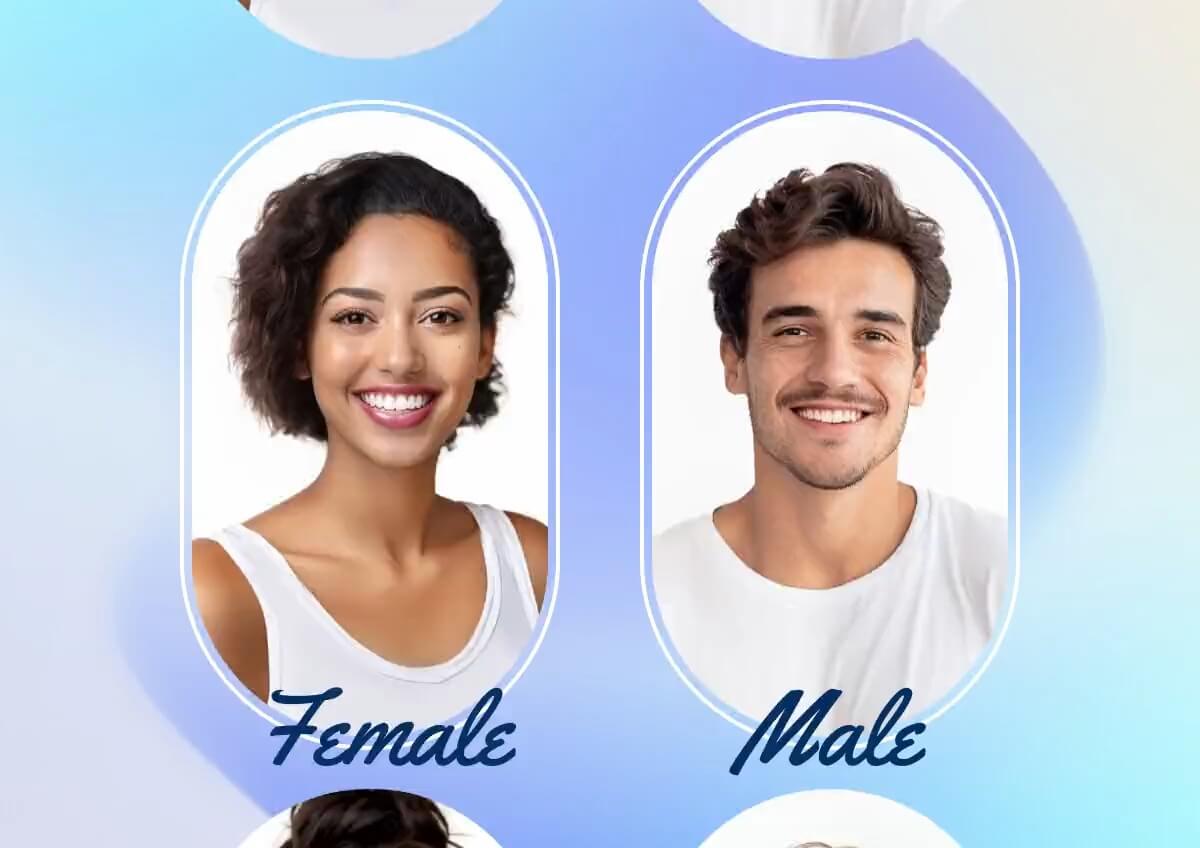
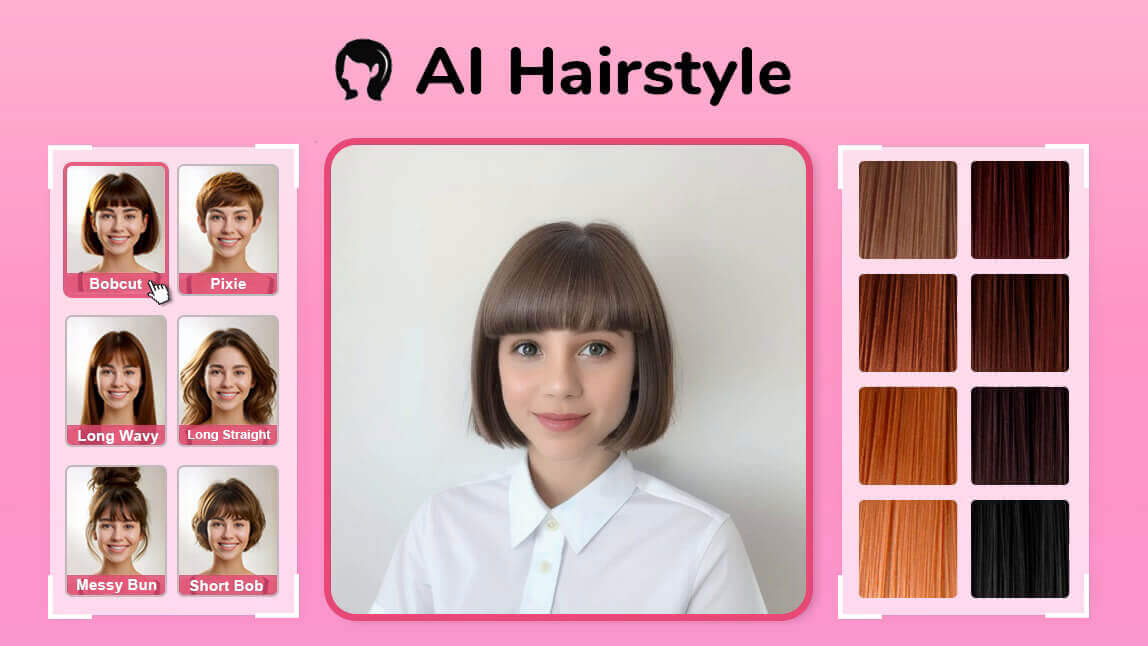
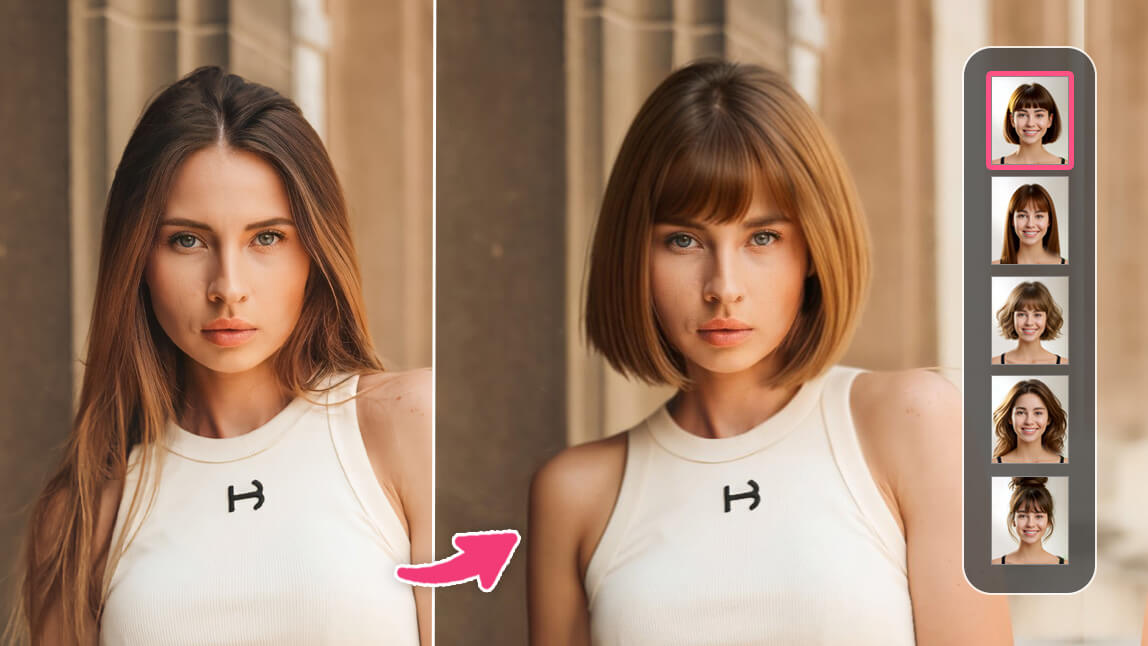
Our generative AI maps 200+ styles onto your unique head shape and hairline, adapting length, texture, and volume so the color and cut render with realistic light and shadow — the same way a stylist would drape a cut before cutting it.
The model is trained across a wide range of face shapes, hair types, and textures, so results hold up when you compare styles side by side. For an even more polished final shot, pair your preview with our Photo Enhancer to sharpen detail and lighting before you save it.
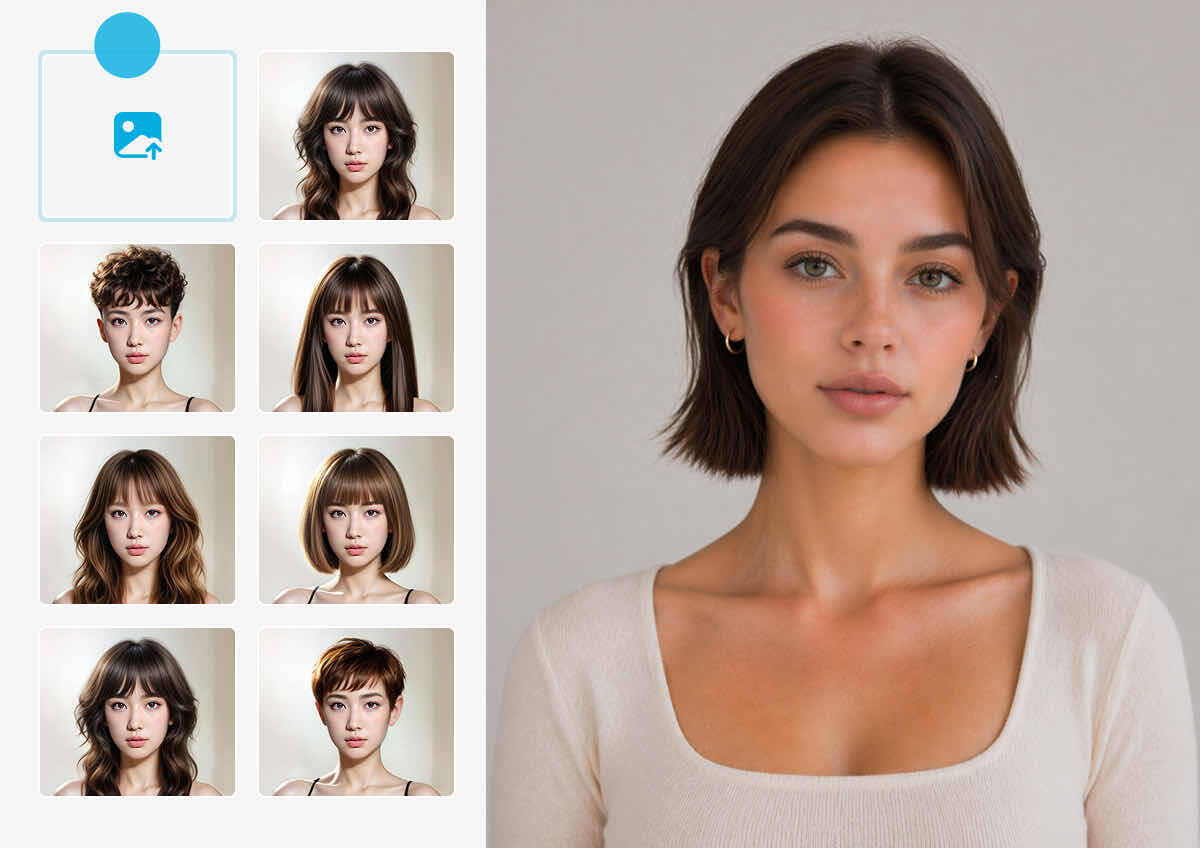
Have a Specific Look in Mind? Upload It
Not seeing your dream cut in our 200+ styles? Upload a photo of any hairstyle — from a magazine clipping, a Pinterest save, or a friend's selfie — and our AI maps that exact cut, color, and texture onto your own face. No need to settle for the closest preset match.
How to Try On Hairstyles with YouCam AI Hairstyle Changer in 3 Steps:
Start free, test several looks, then unlock more styles and edits when you’re ready.
Upload or Take a Photo
Upload a photo from your device or drag a file directly onto the page. Already have a specific cut in mind that isn't in our library? Use “Upload Hairstyle” to add a reference photo of the exact style, and the AI maps that look onto your face instead of a preset.
Tip: For the most accurate mapping, use a front-facing, well-lit photo with your hair pulled back from your forehead and jawline.

Browse and Select Your Styles
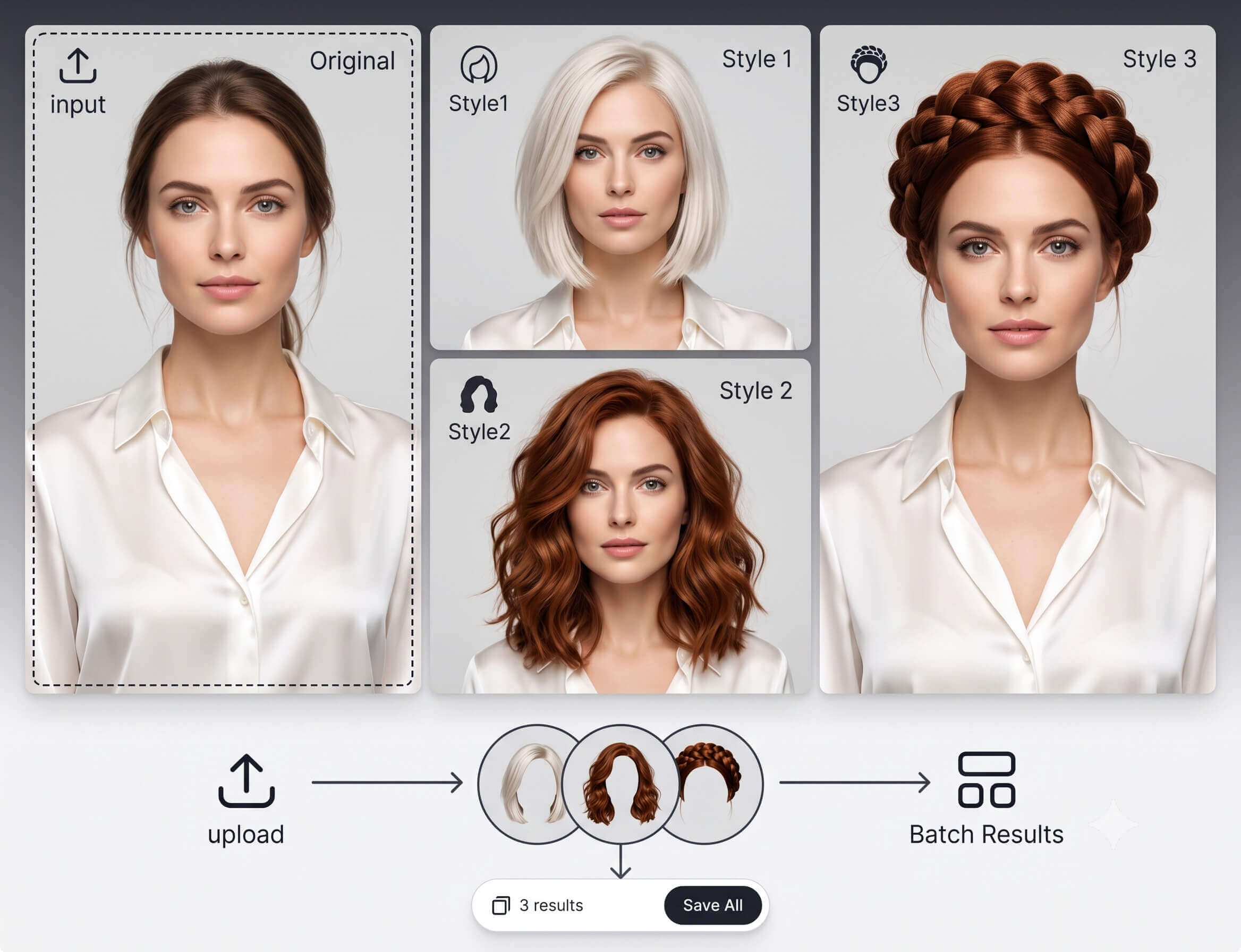
Styles are organized into NEW, HOT, Styles, Bangs, Wavy, Volume, and Extension tabs, with separate collections for women and men — switch tabs to browse by category instead of scrolling through all 150+ at once. You can select more than one style before generating; each pick uses one credit, and the counter at the bottom of the panel updates live so you can queue up several looks and compare them in a single batch.
Tip: New accounts start with 5 free credits — enough to test several styles before deciding whether to subscribe.

Compare and Save Your Transformation
Each result appears alongside your original photo so you can flip between them and zoom in on details. Save favorites to My Gallery, then finish the shot with our Background Remover or AI Makeup before you download.
Tips for Best Results
- Good, even lighting: natural daylight or bright indoor light gives the most realistic color and texture rendering.
- Keep your face fully visible: remove hats or glasses and pull hair away from your forehead and jawline.
- Try more than one style per upload: since selections queue in a single batch, testing 3–4 looks at once is a more efficient use of your free credits than generating one at a time.
Hairstyle Quiz — What Haircut Would Actually Suit You?
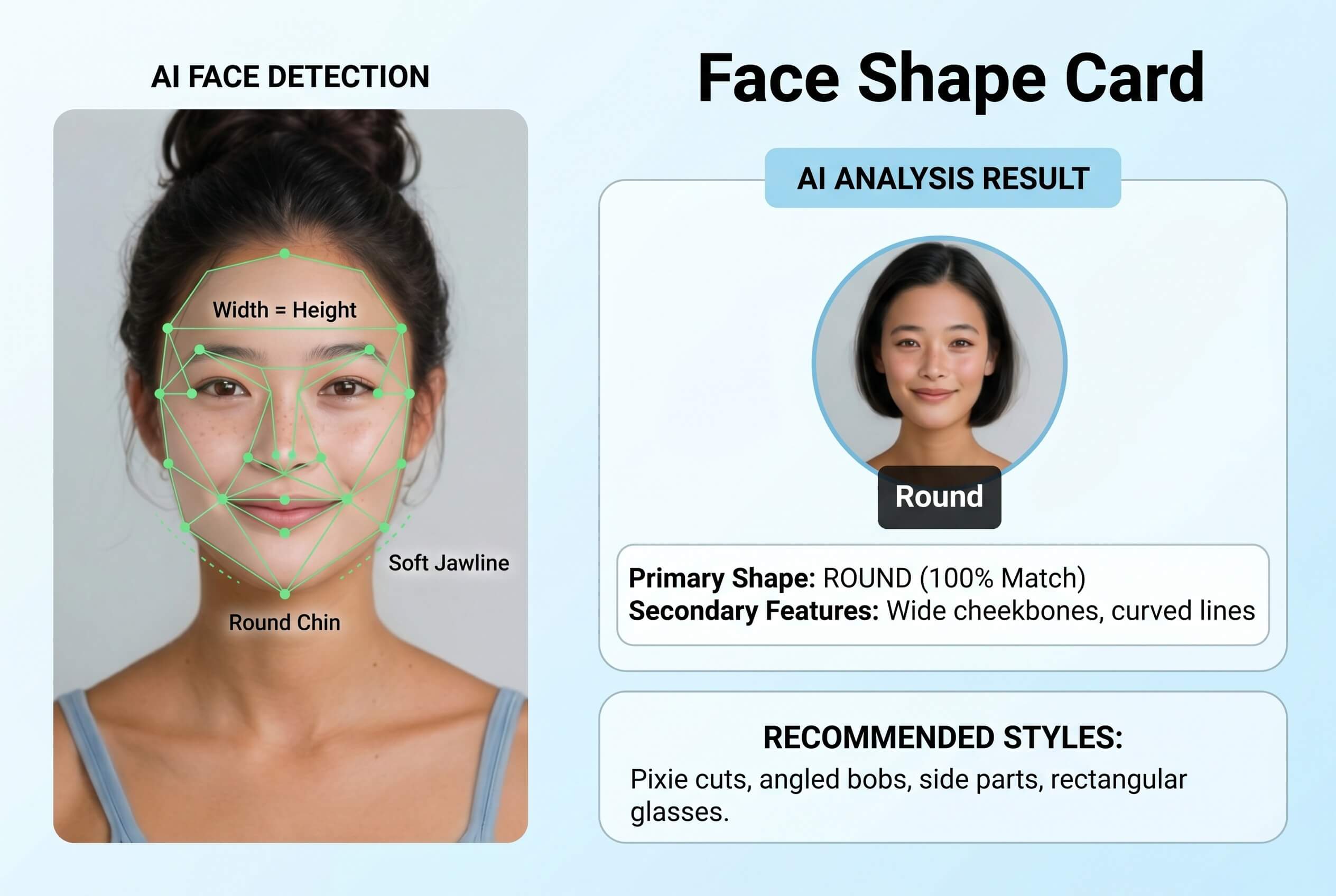
What's your face shape?
Oval / Round / Square / Heart / Long / Diamond / Not sure — analyze it for me.
Why it matters: A hairstyle's outline interacts with your jawline and cheekbones more than anything else — added crown width balances a narrow chin, added length softens a wide jaw. Measuring forehead, cheekbone, and jaw width beats guessing, which is why the detector exists.
What's your natural hair texture?
Straight / Wavy / Curly / Coily
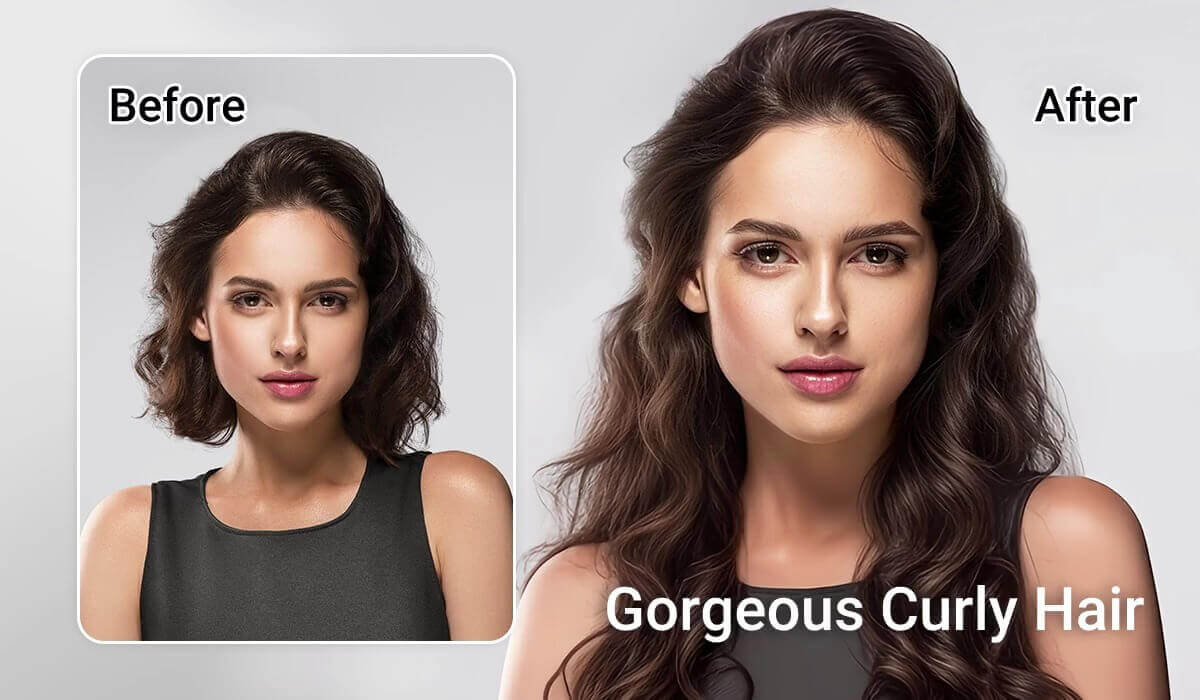
Why it matters: Texture determines how a style falls, independent of face shape — the same wolf cut reads as a loose shag on straight hair and a fuller silhouette on coily hair. It's also why styling time varies so much between the same cut on different hair.
What length are you starting from?
Short, above the chin / Medium, shoulder-length / Long, past the shoulders
Why it matters: Starting length affects how reversible a change is — going from long hair to a pixie is a bigger leap than adding curtain bangs, which is why previewing matters more the shorter you're going.
How much time do you want to spend styling it?
As little as possible / A few minutes is fine / I enjoy styling — give me options
Why it matters: Every hairstyle has a hidden time cost: a wolf cut needs a trim every 6-8 weeks, a blunt bob can stretch to 10-12. Matching maintenance to what you'll actually do is what keeps a great cut from becoming regret.
What look are you going for?
Low-key and polished / Bold and trend-forward / Soft and romantic / Edgy and structured
Why it matters: This is the only subjective input — the first four are physical facts, this one is about the impression you want, and it breaks ties between equally valid cuts.
Why Use YouCam's AI Hairstyle Changer
Find the Best Hairstyle for Your Face Shape
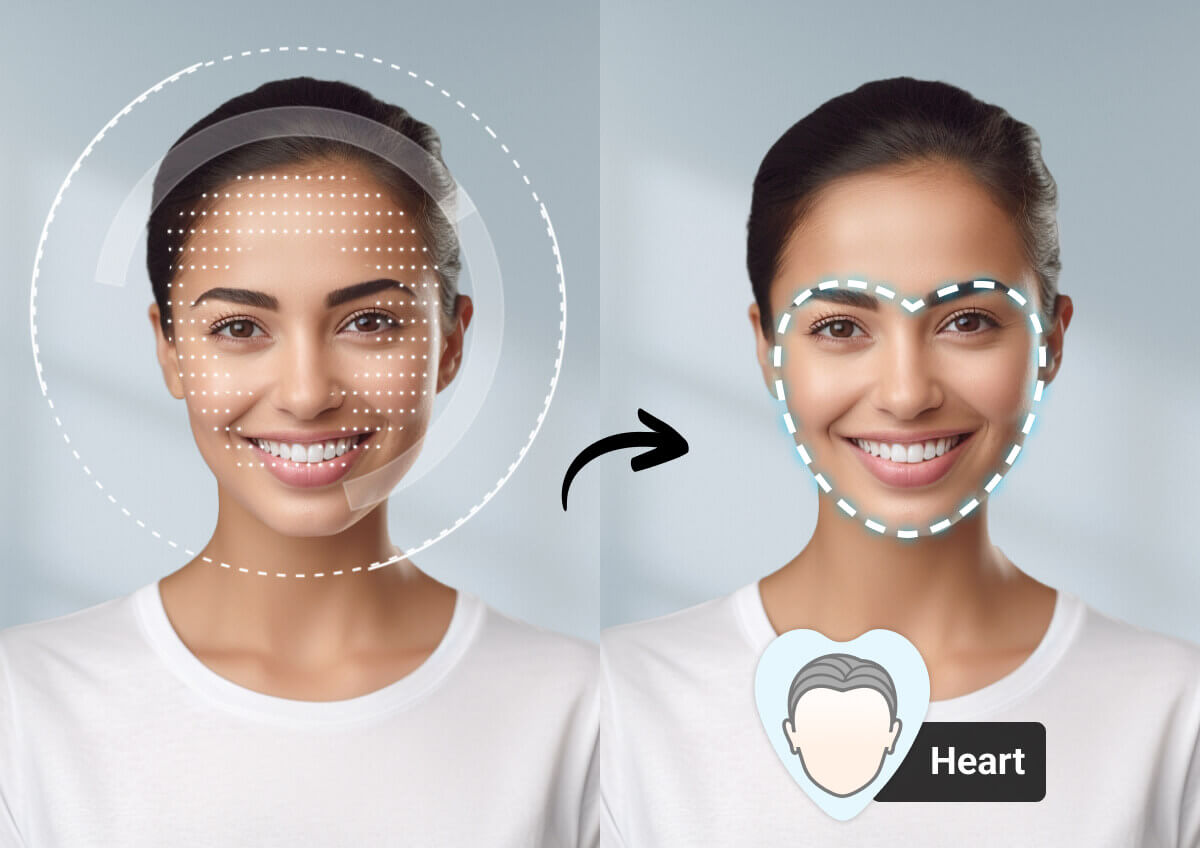
The best haircut balances your unique face shape. Our AI uses precision mapping to ensure every virtual style fits your natural proportions perfectly. Not sure what your facial structure is? Find your face shape here with our instant analyzer to get personalized recommendations.
Scalable AI Hairstyle API for Your Platform: Try Free
Empower your business with an industry-leading AI Hairstyle Generator. Designed for stylists and salon owners, our enterprise-grade AI Hairstyle API provides the ultimate digital consultation tool for your website or app.
Help clients visualize their transformation with realistic previews, build deeper trust, increase booking confidence, and ensure they leave happy with their new look.
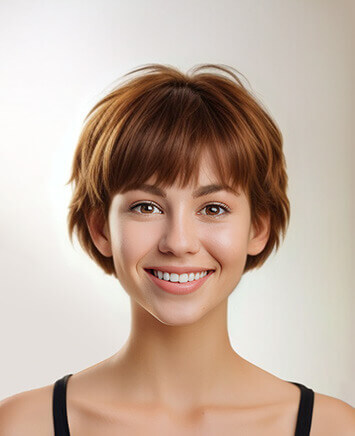
Goal: A cropped bob-pixie hybrid — beauty editors are calling it 2026's most directional cut.
Best for: Oval, heart, and round faces; fine-to-medium hair blends into the shorter length most easily.

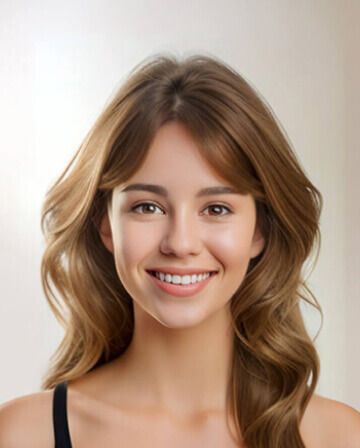
Goal: Heavily layered, shaggy texture with big volume and movement.
Best for: Round and oval faces; fine-to-medium hair — pairs well with curtain bangs.

Goal: Center-parted, face-framing waves that soften a wide forehead — the most-requested bang style of 2026.
Best for: Works on nearly every face shape and texture, straight to curly.
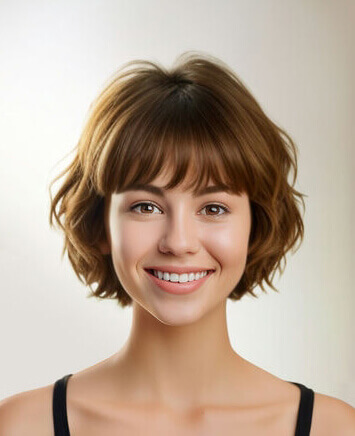
Goal: A clean, chin-length cut with soft, lightly layered ends for a polished, year-round look.
Best for: Round, oval, and diamond faces; straight-to-wavy hair holds the shape best.

Goal: Two symmetrical buns for a playful, high-volume, festival-inspired look.
Best for: Any face shape; best on medium-to-long hair with enough length to secure.

Goal: Textured, face-framing layers with natural volume — 2026's take on the modern shag.
Best for: Square, round, and oval faces; any texture, especially hair with natural movement.
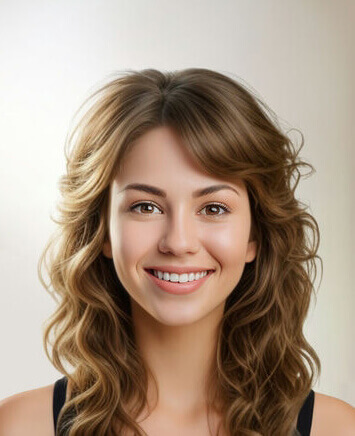
Goal: Soft, undone waves for volume and texture without a heavy, overstyled finish.
Best for: Any face shape; fine-to-medium hair benefits most from the added texture.

Goal: A short, cropped cut that opens up the face and highlights the jawline.
Best for: Oval, heart, and long faces; fine-to-medium hair that's low-maintenance.
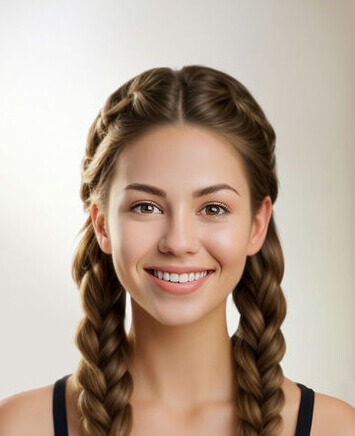
Goal: A structured, symmetrical style that keeps hair fully off the face.
Best for: Oval and heart faces; medium-to-long hair with enough length to braid.
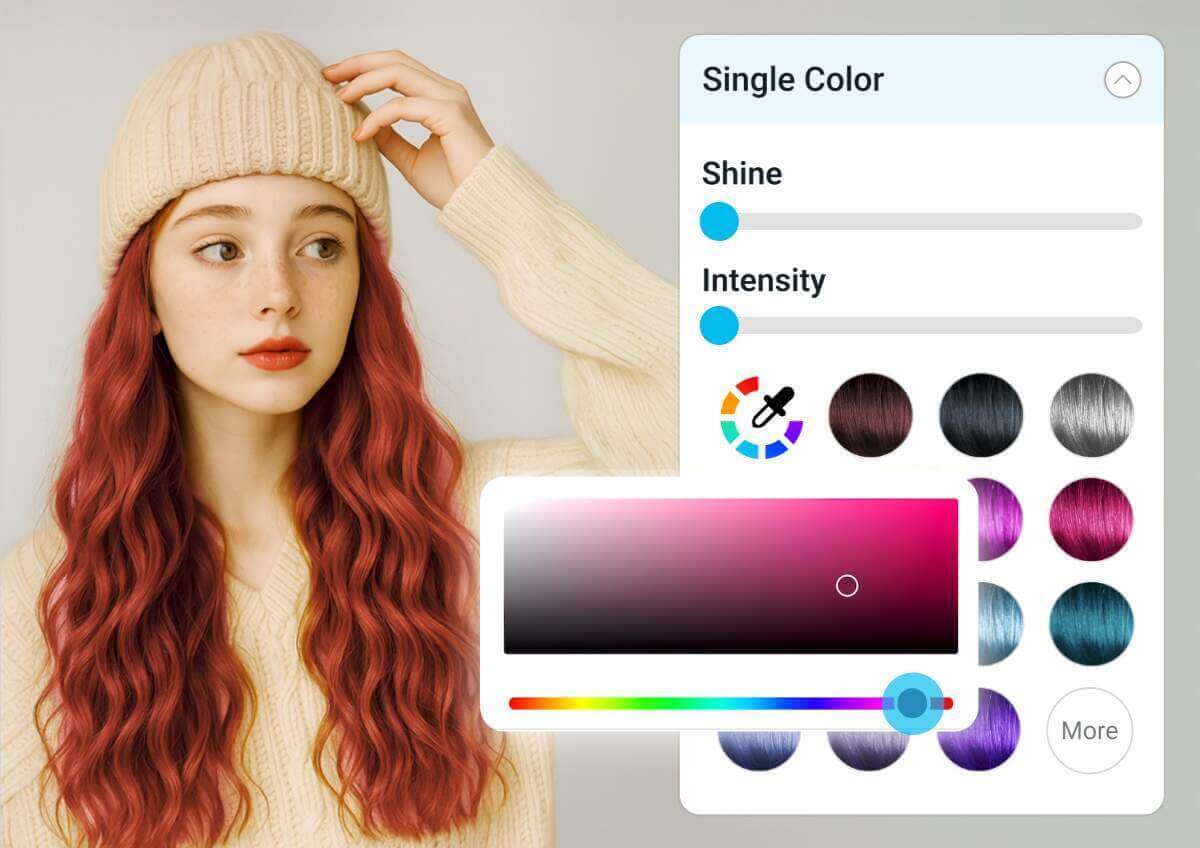
Already picked your new cut? Preview a color to match it — natural shades, highlights, or something bolder — before you dye anything.
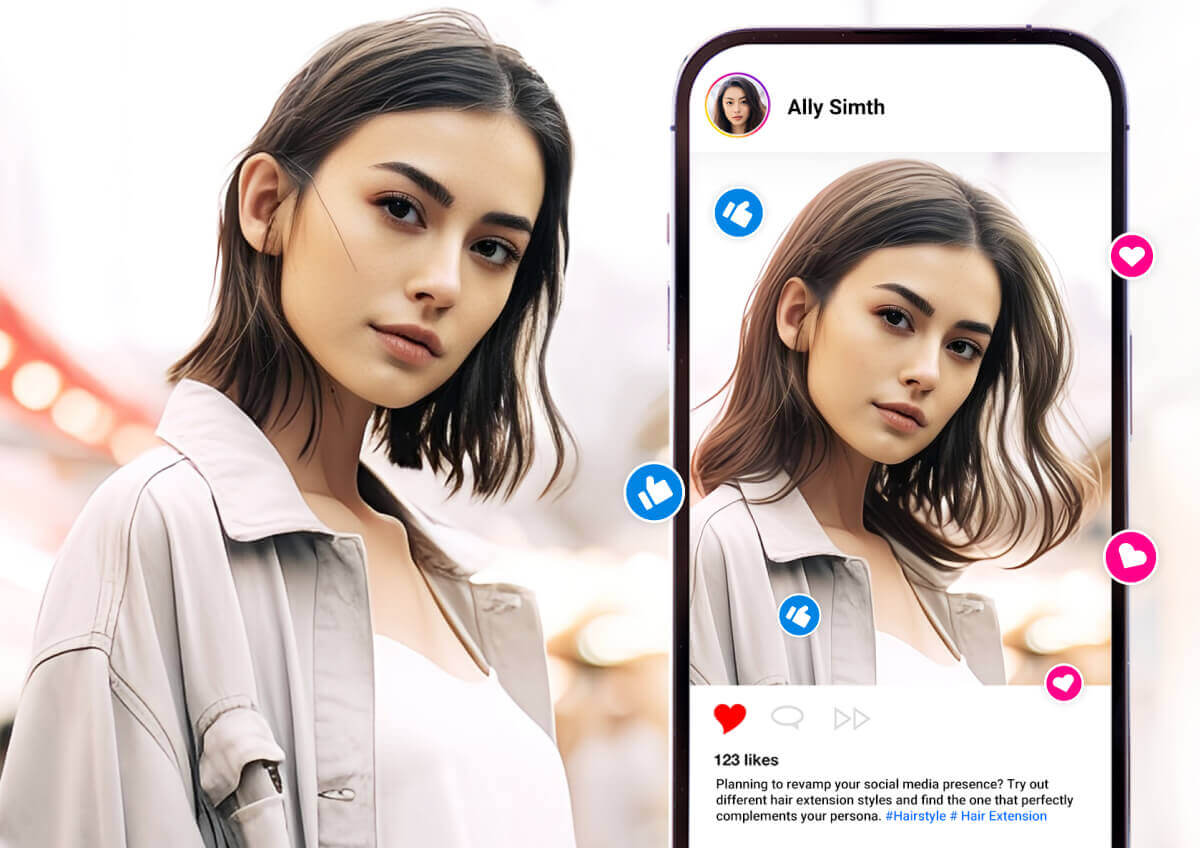
Some of the cuts above (like the Wolf Cut or Wavy Shag) rely on extra volume — preview that lift and shape here before committing.
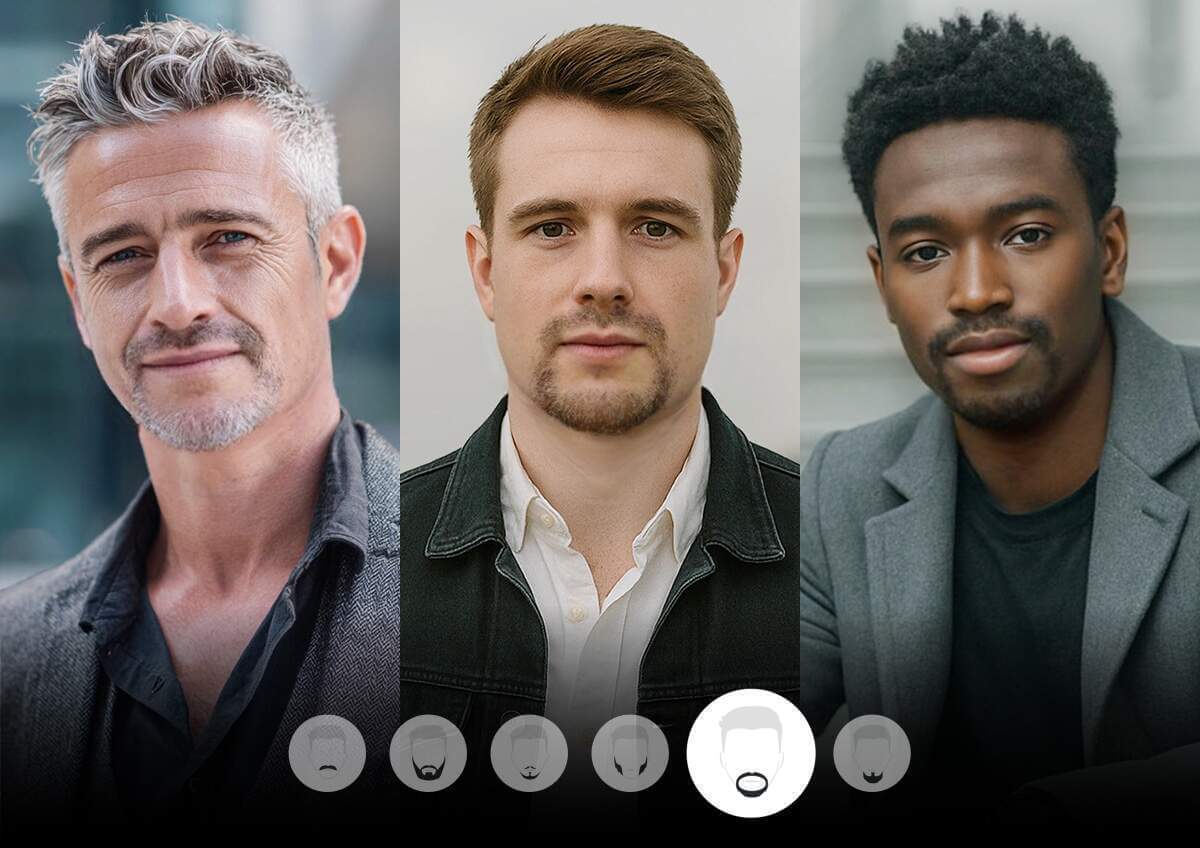
Pair your new haircut with a beard style that matches it — same face-shape logic, applied below the jaw.
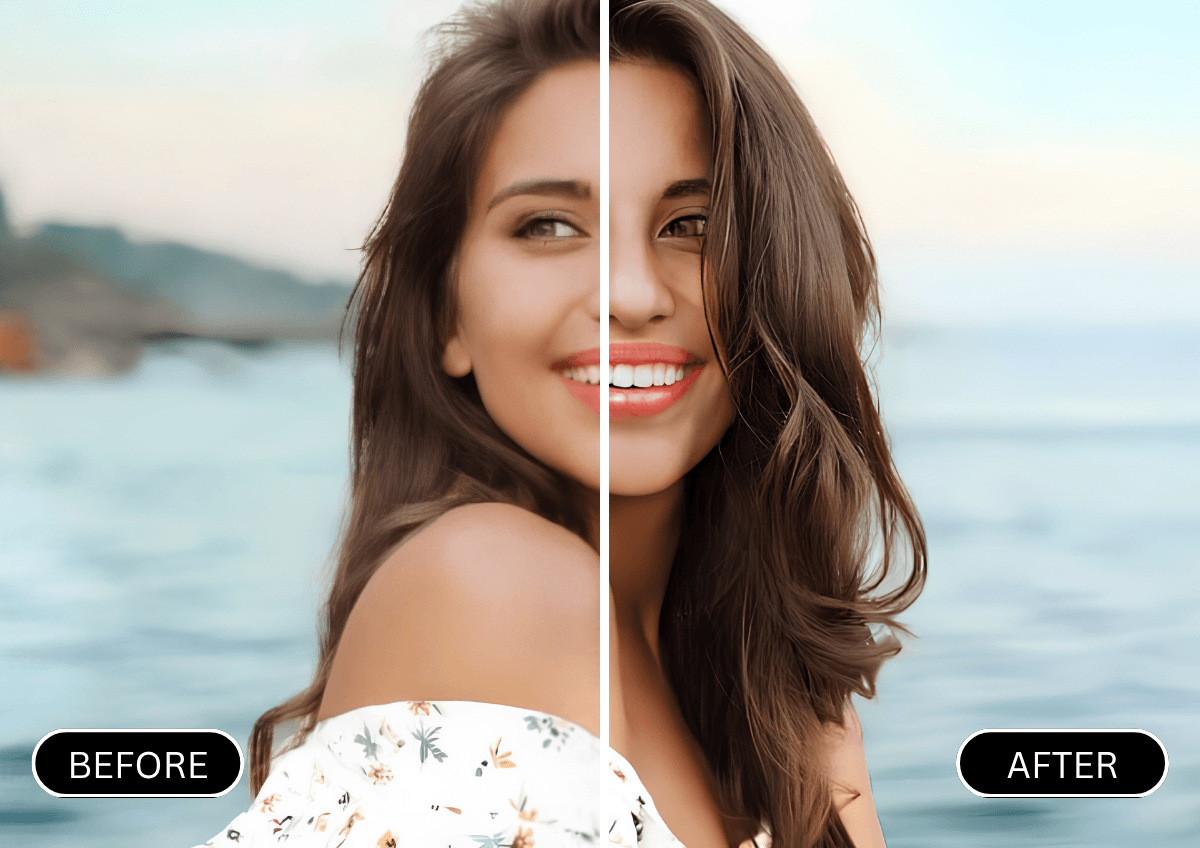
Once you've locked in a hairstyle, sharpen the same photo's focus, lighting, and resolution for a polished final shot.
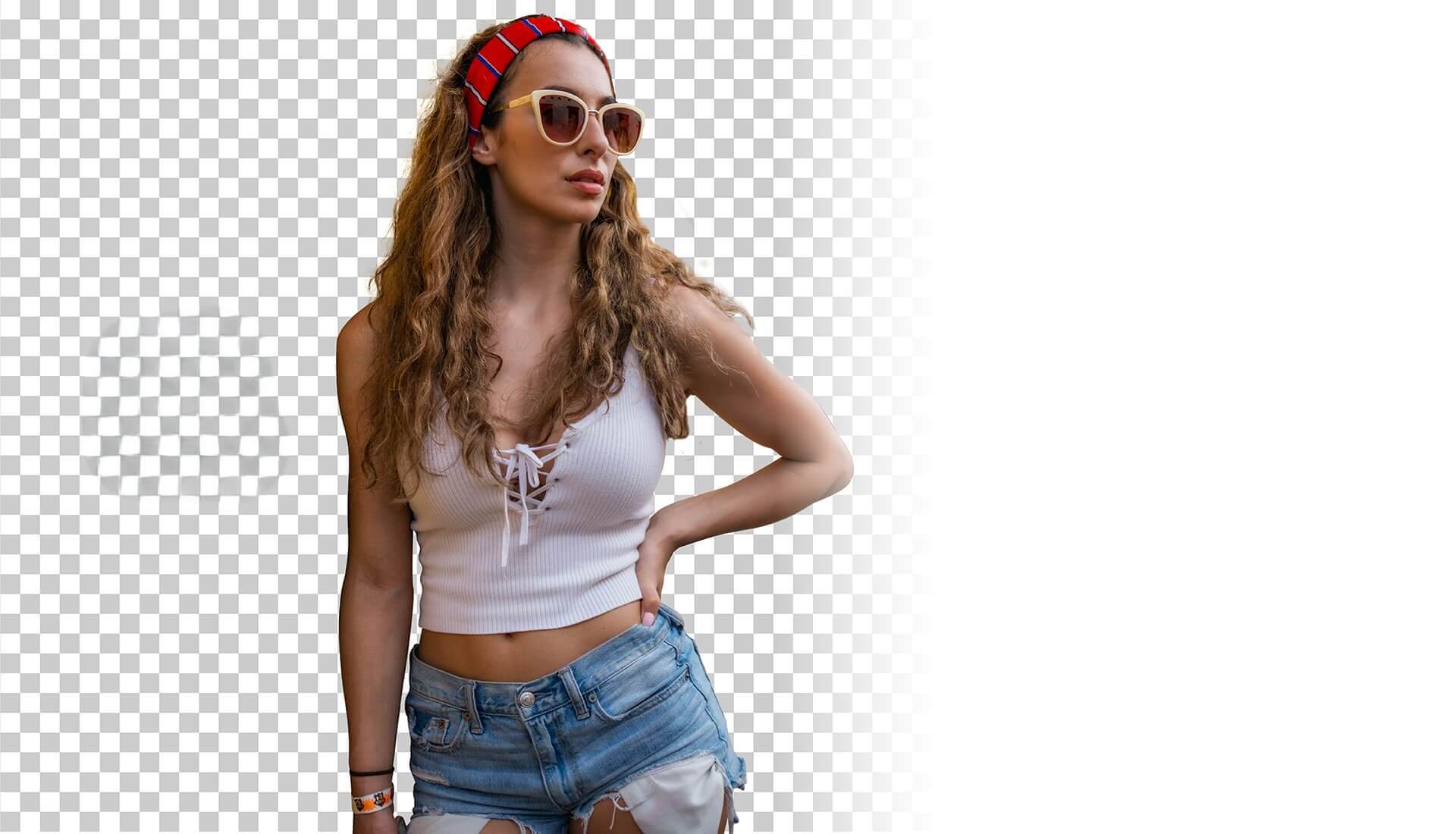
Keep the eye on your new hairstyle — swap or clean up whatever's behind you in the same photo.
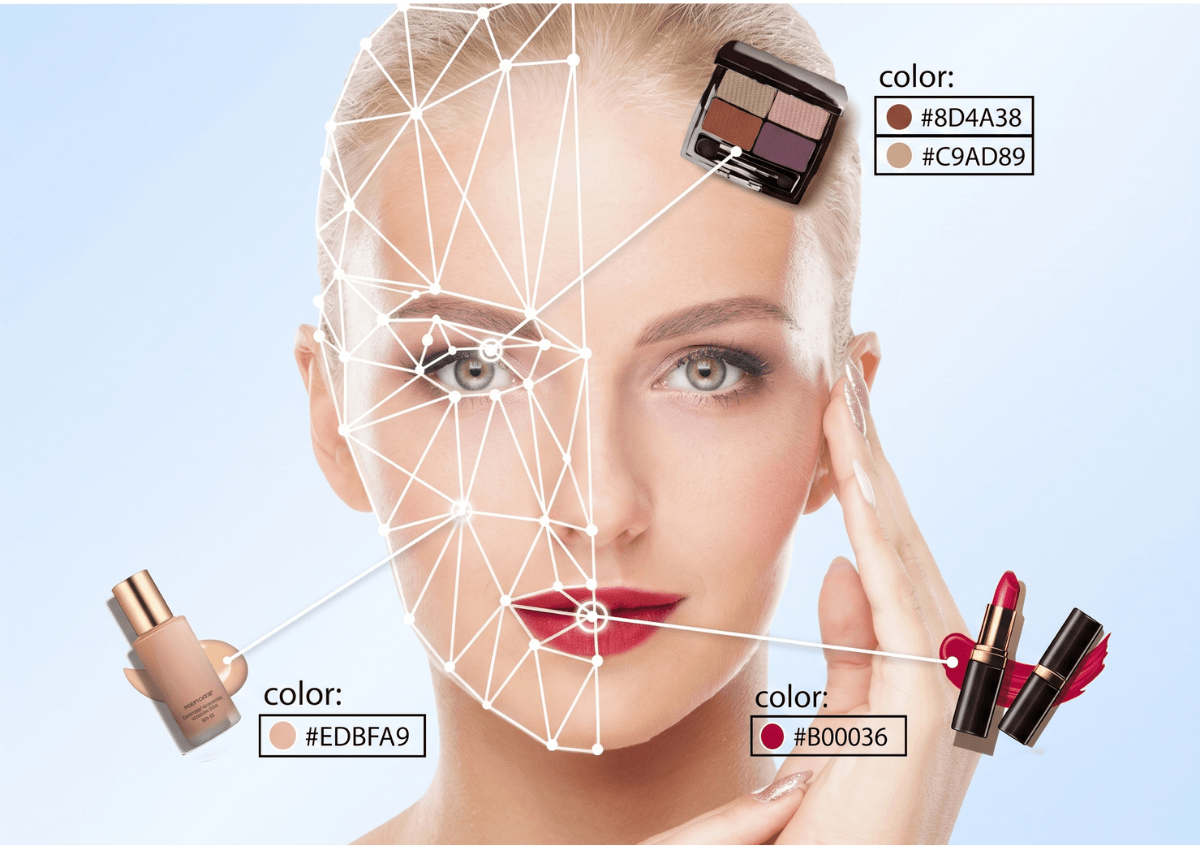
Match your makeup to the hairstyle you just tried — same photo, one more layer of the look.
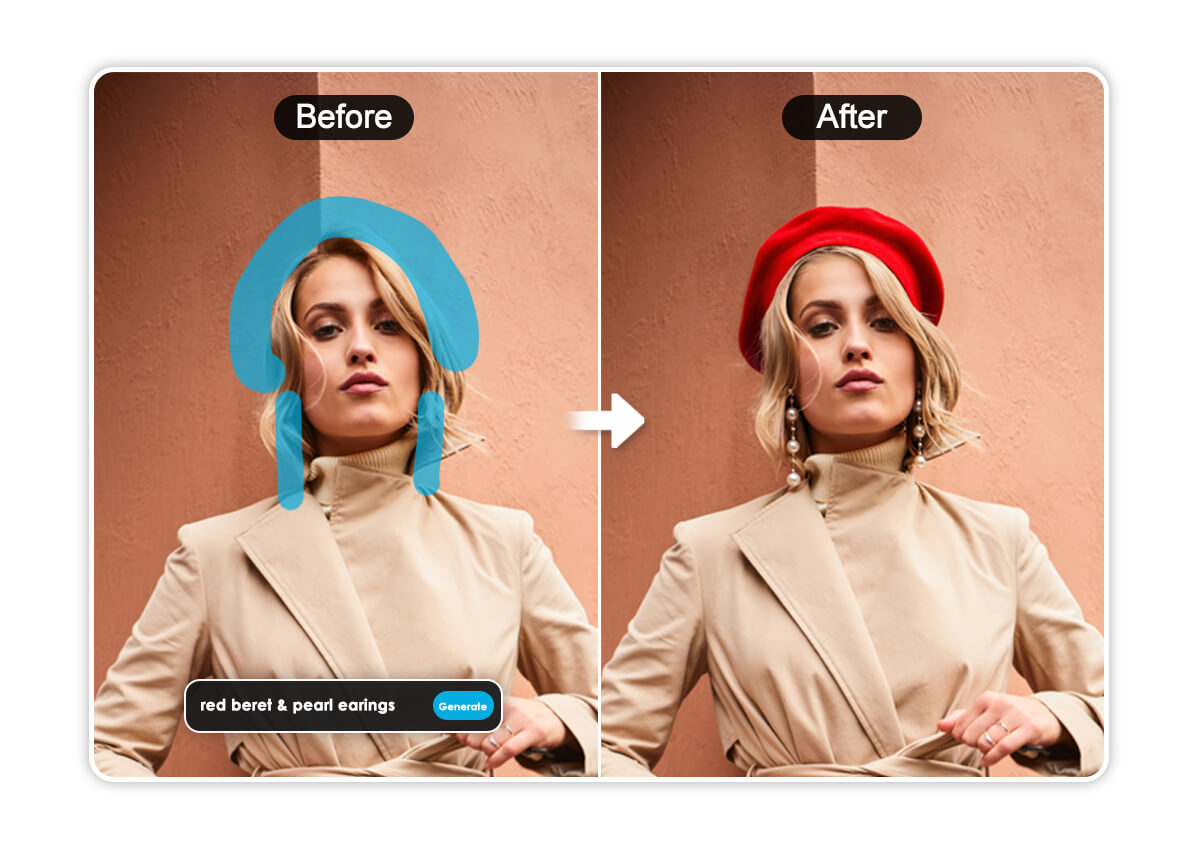
Swap a hat, headband, or accessory to match your new hairstyle — like this beret swap — without redoing the rest of the photo.

Take the hairstyle you just previewed straight into a polished, professional headshot for LinkedIn or your resume.
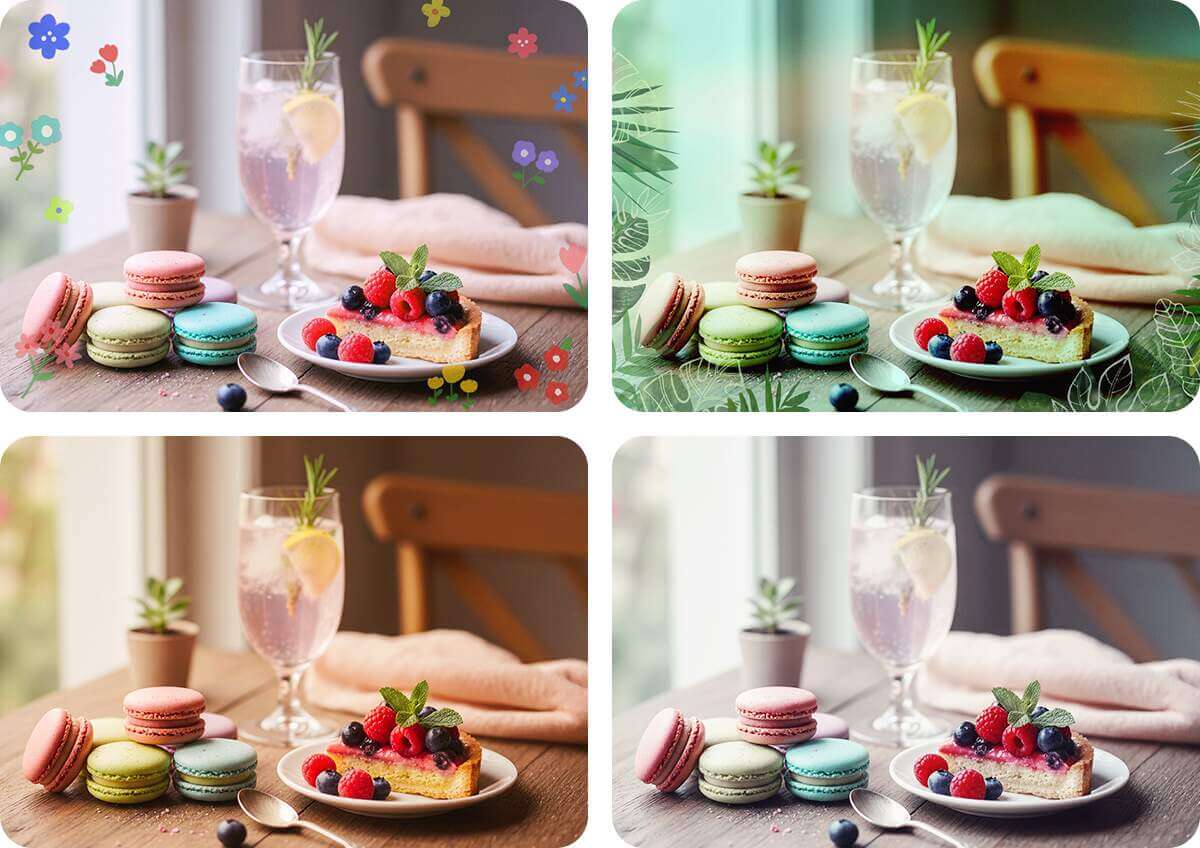
Once your hairstyle is set, add a finishing aesthetic — natural tones or a bolder stylized look — to the same photo.
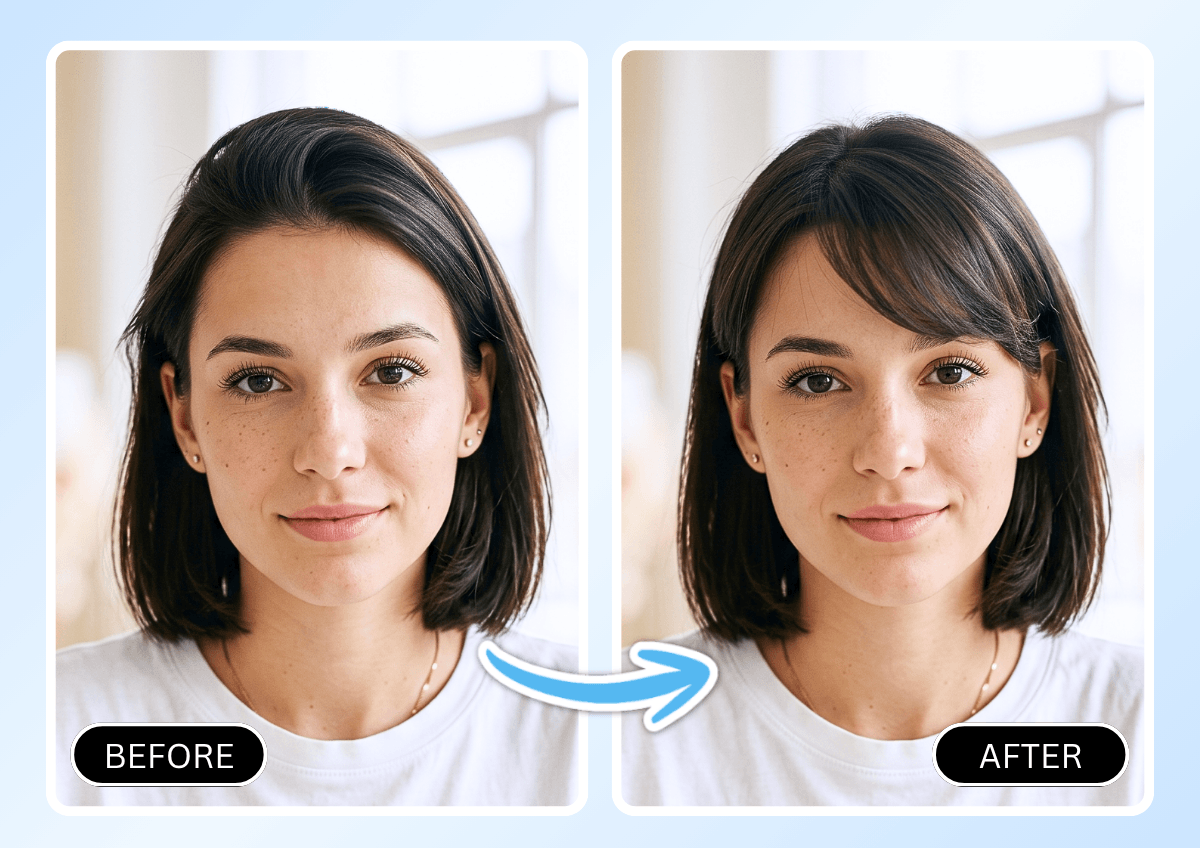
See how bangs would look on you instantly. Our AI Bangs Filter previews blunt, curtain, or side-swept bangs on your own photo before you commit to a cut.
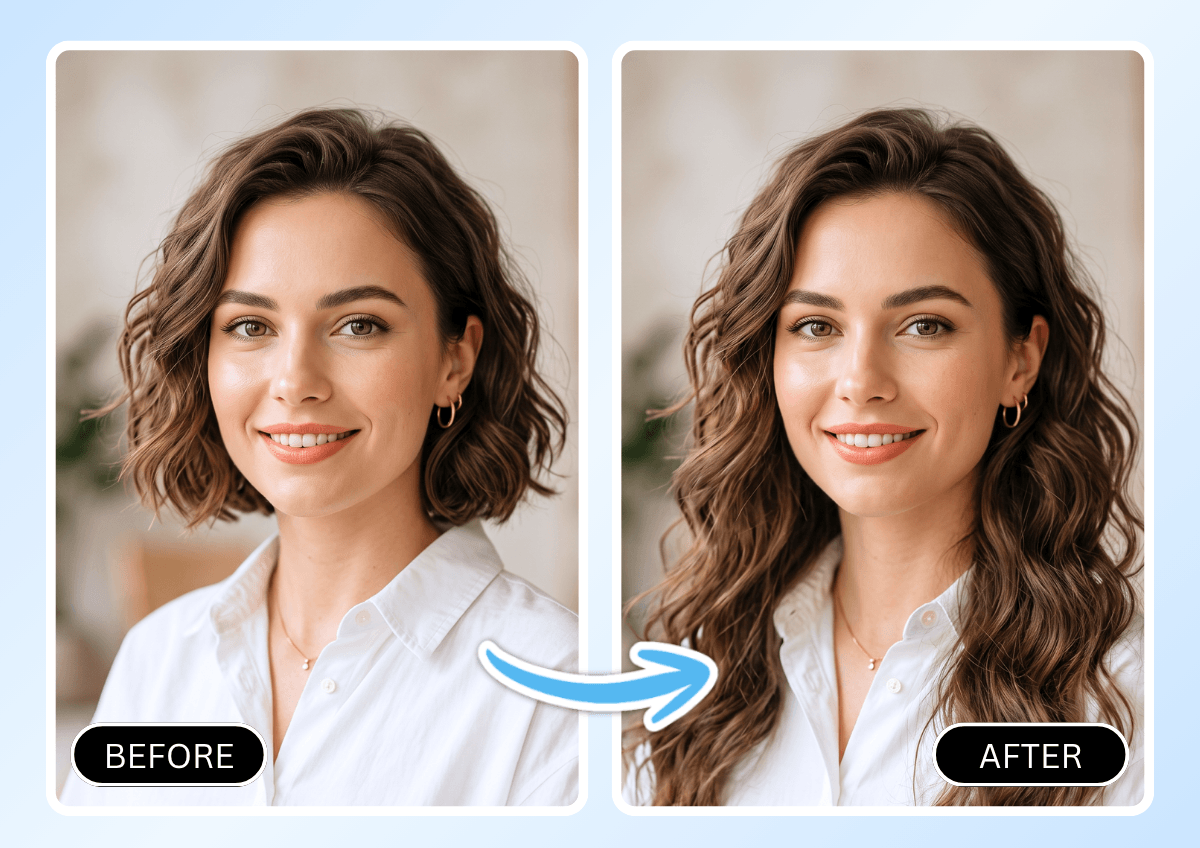
Curious about longer, fuller hair? Preview clip-in or tape-in extensions on your own photo and compare the before-and-after side by side.
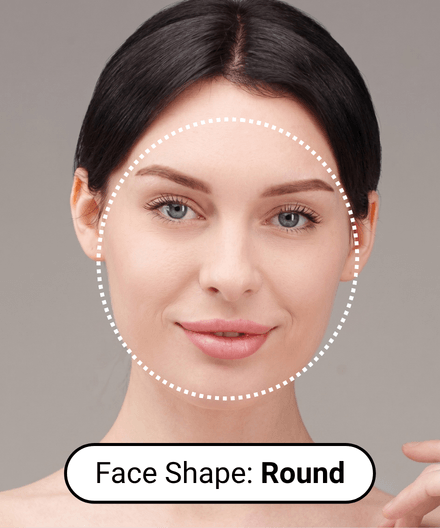
Not sure what shape works for you? Our Face Shape Detector analyzes your photo and recommends hairstyles tailored to your features.
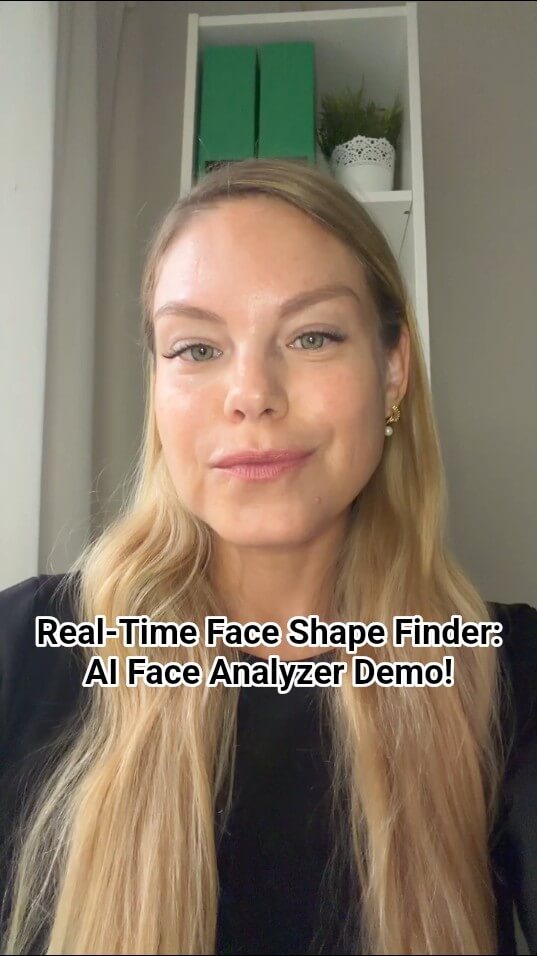
Get personalized cut recommendations based on your face shape — from oval to square to heart — so you always know what to ask for at the salon.
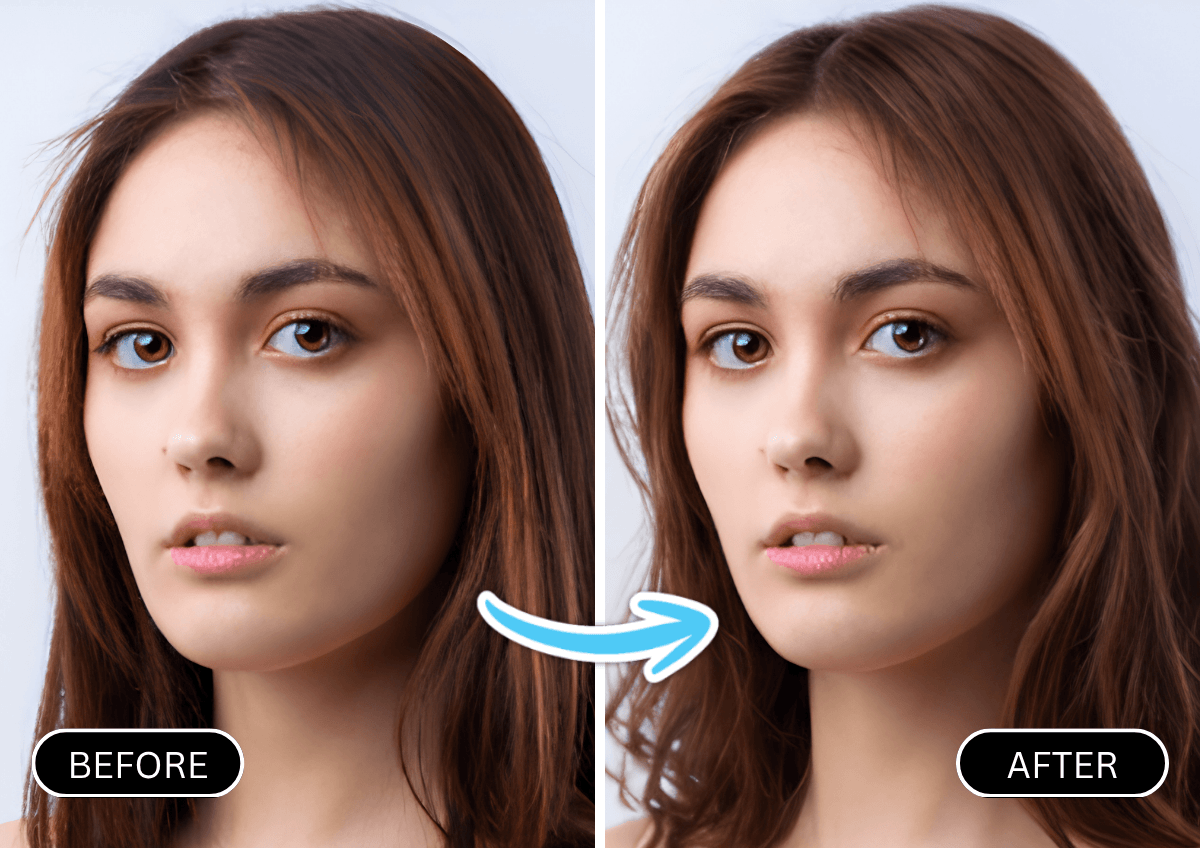
Wondering if waves suit you? Preview beachy, tousled, or soft wavy looks on your own photo before your next appointment.
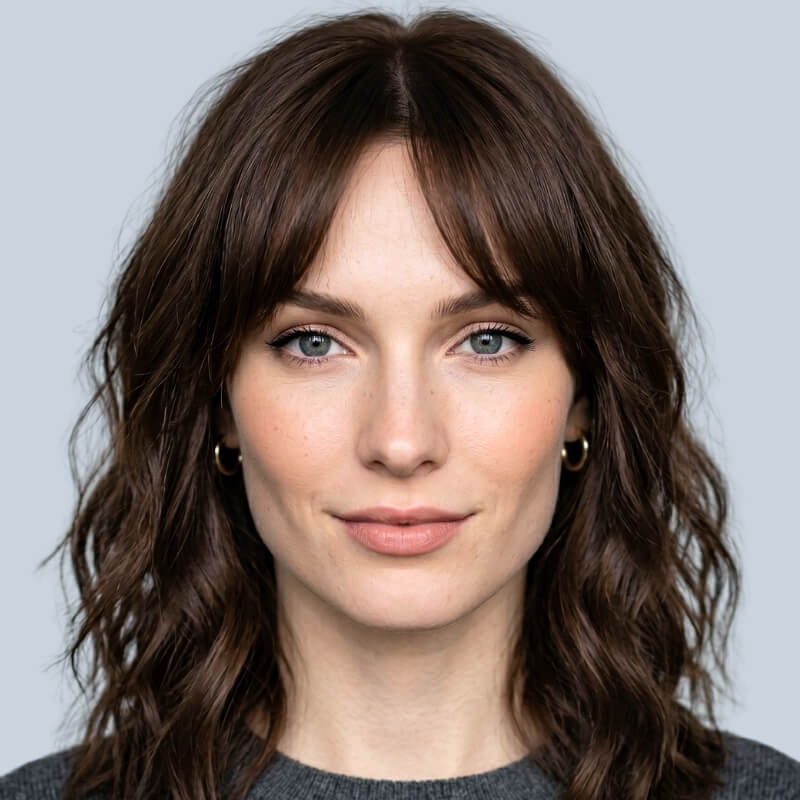
See how face-framing curtain bangs would look on you — a quick preview before committing to the trim.
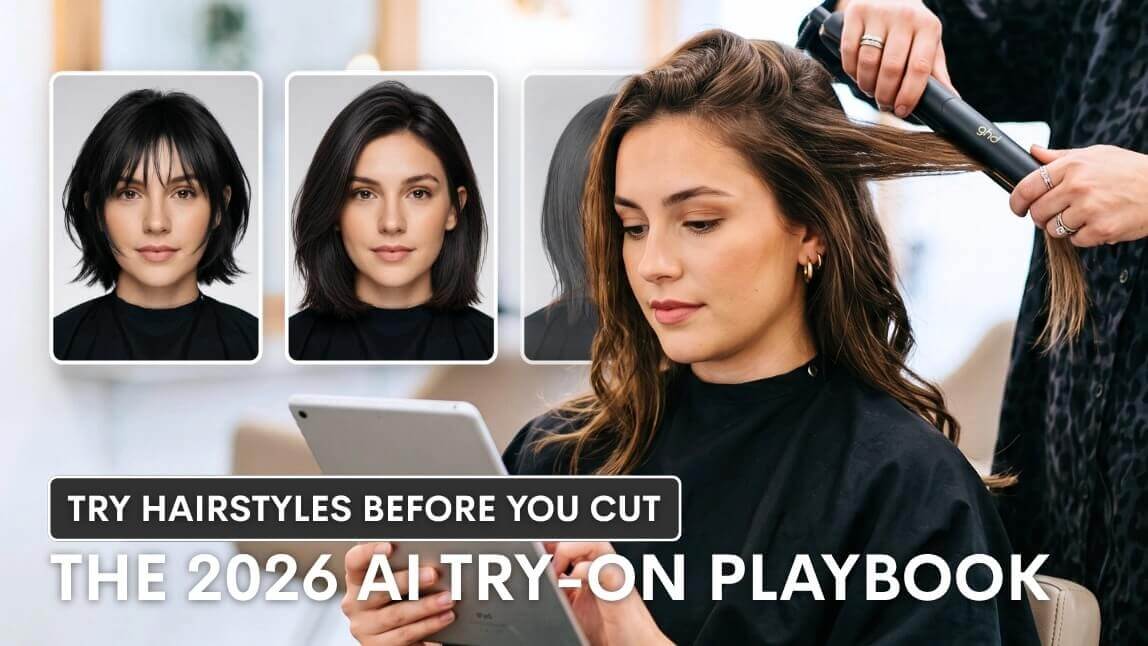
Read our guide on why previewing a cut first can save you from a bad-hair-day surprise — and how to do it in seconds.
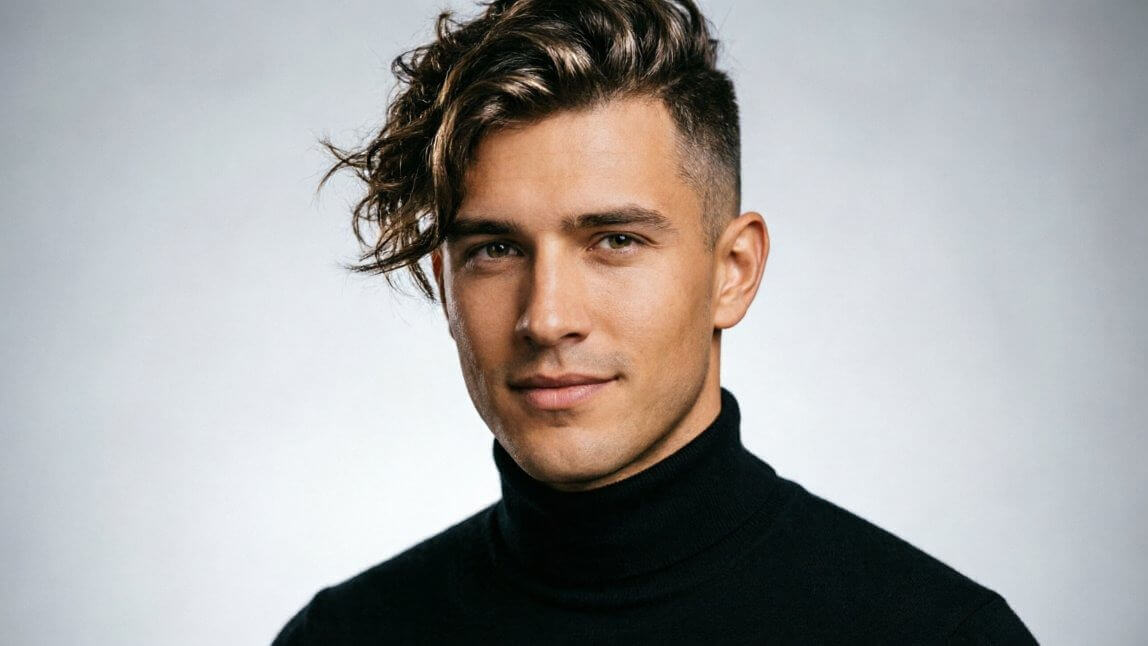
The Warrior Cut is trending for 2026 — see what it looks like, who it suits, and how to ask for it, then preview it on yourself first.
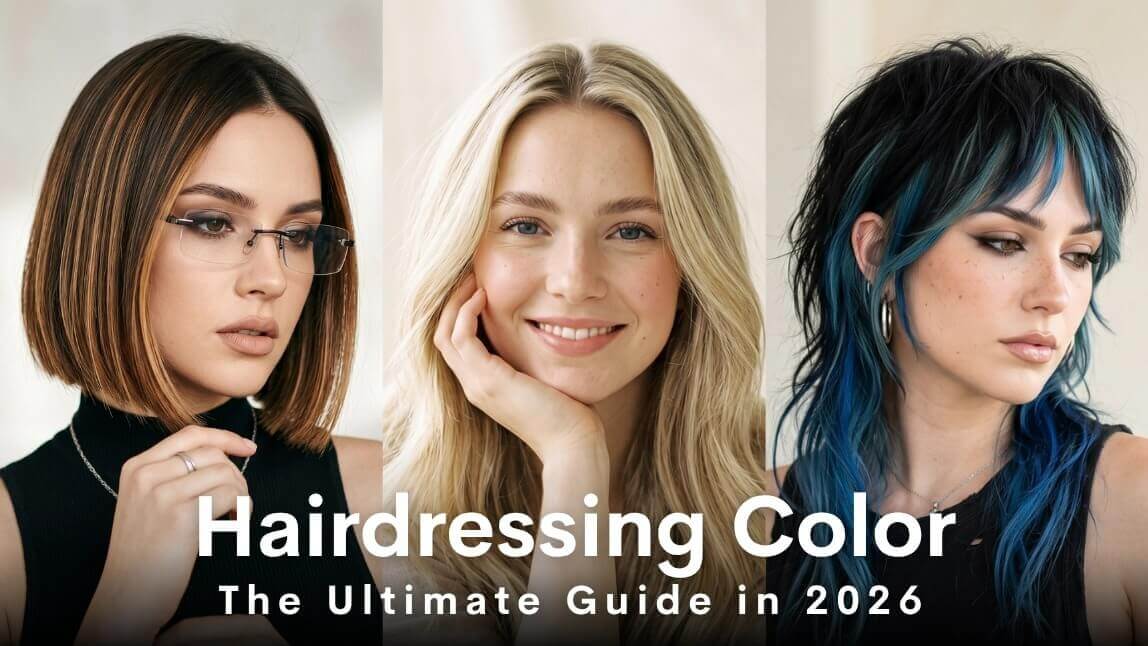
From balayage to full color changes, our ultimate hair color guide breaks down the options — then lets you preview any shade before booking.

"I wanted to chop my long hair into curtain bangs and layers but was terrified of haircut regret. Using this tool gave me a flawless, natural preview that gave me the exact confidence I needed before heading to the salon!"
— Sarah J., Lifestyle Content Creator
"As a stylist, my clients always struggle to visualize how a drastic change like a pixie cut or a taper fade will look on them. This generator is a total game-changer for consultations because it maps the new style perfectly to their actual face shape."
— Marcus T., Salon Owner
"I was debating switching from my usual bob to bold highlights and wavy extensions for an upcoming event. The 3D volume and texture synthesis on this tool looked so incredibly real that my friends thought I had already gone to the salon."
— Elena R., Stay-at-home Mom
Frequently Asked Questions: Virtual Hairstyle Try-On
How can I see what I would look like with different hairstyles for free?
It's free to start: every new account gets 5 free credits, enough to fully preview 2 styles from the 200+ library, no credit card required. To get the most accurate preview, upload a clear, front-facing photo with your hair pulled back from your forehead and jawline — the AI reads your hairline and face shape from that image, so the more of it the camera can see, the more accurate the result.
What is the best AI hairstyle generator for men and women?
Look for three things when comparing tools: does it map the style onto your actual face shape and hairline rather than overlaying a generic wig image, does it cover both men's and women's cuts in one library, and can you test it before paying. YouCam's generator regenerates hair based on your head shape and lighting instead of pasting on a sticker, covers both genders in the same 200+ library, and gives new accounts 5 free credits — enough to fully preview 2 styles before subscribing.
How can I see what hairstyle suits me online?
Use the same photo for every style you test rather than switching photos between attempts — changing the lighting or angle makes it harder to judge results side by side. Generate 3-4 candidates from one photo, then use the before/after compare view to weigh them against each other instead of in isolation.
Can I preview hair color changes too?
Yes — after previewing a cut, switch to the hair color tool on the same photo. As a general rule with AI color previews, results read most accurately on hair close to its natural undertone; if your hair is heavily processed or color-treated, the preview near your roots can look slightly different from your mid-lengths, since the tool maps color onto the tone it detects in the photo.
Do I need to download an app to use the hairstyle simulator?
No — the full generator runs in your browser, with no download required. The app adds a few extras on top, like saving looks for offline access, but isn't necessary to try any of the 200+ styles.
What's the best haircut for a round face?
Round faces read best with styles that add height and angles — a wolf cut, a long layered bob with side-swept bangs, or an angular pixie balance out soft curves. Avoid blunt, chin-length bobs, which tend to emphasize width. Preview the Wolf Cut or Short Bob from the trending styles above on your own photo before deciding.
What trending hairstyles can I try on in 2026?
Right now: the Old Money Bob (a blunt, no-layers cut that's become the calmer alternative to heavily layered shags), soft mullets, bottleneck bangs (an easier-to-grow-out alternative to full fringe), and textured fades for men. Trends shift roughly every season, so this part of the library is one of the first sections we update — check back if you're after something newer than what's shown.
Is the AI preview realistic, or will my actual haircut look different?
The generator maps each style to your specific face shape, hairline, and lighting rather than overlaying a generic template, so the preview reflects how the cut or color would actually sit on you. Think of it as a styling reference to bring to your appointment, not a guarantee down to the millimeter — hair thickness and a stylist's technique still affect the final result.
For more on how to test a drastic change before you book a salon appointment, see our guide: Try a New Haircut Before You Commit.
Can I use the AI hairstyle generator on my phone?
Yes — it runs in your mobile browser with no app required. For the clearest results, upload the original photo from your camera roll rather than a screenshot or a heavily compressed download, since fine hairline detail is the first thing to blur when an image gets compressed.
How do credits work, and how many do I get for free?
New accounts get 5 free credits, shared across the whole 200+ style library rather than per style. Each generated style costs 2 credits, so those 5 credits fully cover 2 previews — it's worth narrowing to your top 2 real candidates first, using the quiz or quick-answer table above, rather than spending credits one at a time
Can I upload a photo of a specific hairstyle I want, instead of picking from the presets?
Yes. Use "Upload Hairstyle" to add a reference photo — a magazine clipping, a Pinterest save, a friend's selfie — and the AI maps that cut and color onto your own photo. One caveat: if the reference style is noticeably longer than your own hair, the preview can match the color and shape but can't add real length the way extensions would — pair it with the Clip-In Extensions preview for that comparison instead.
Can salons or businesses use this for client consultations?
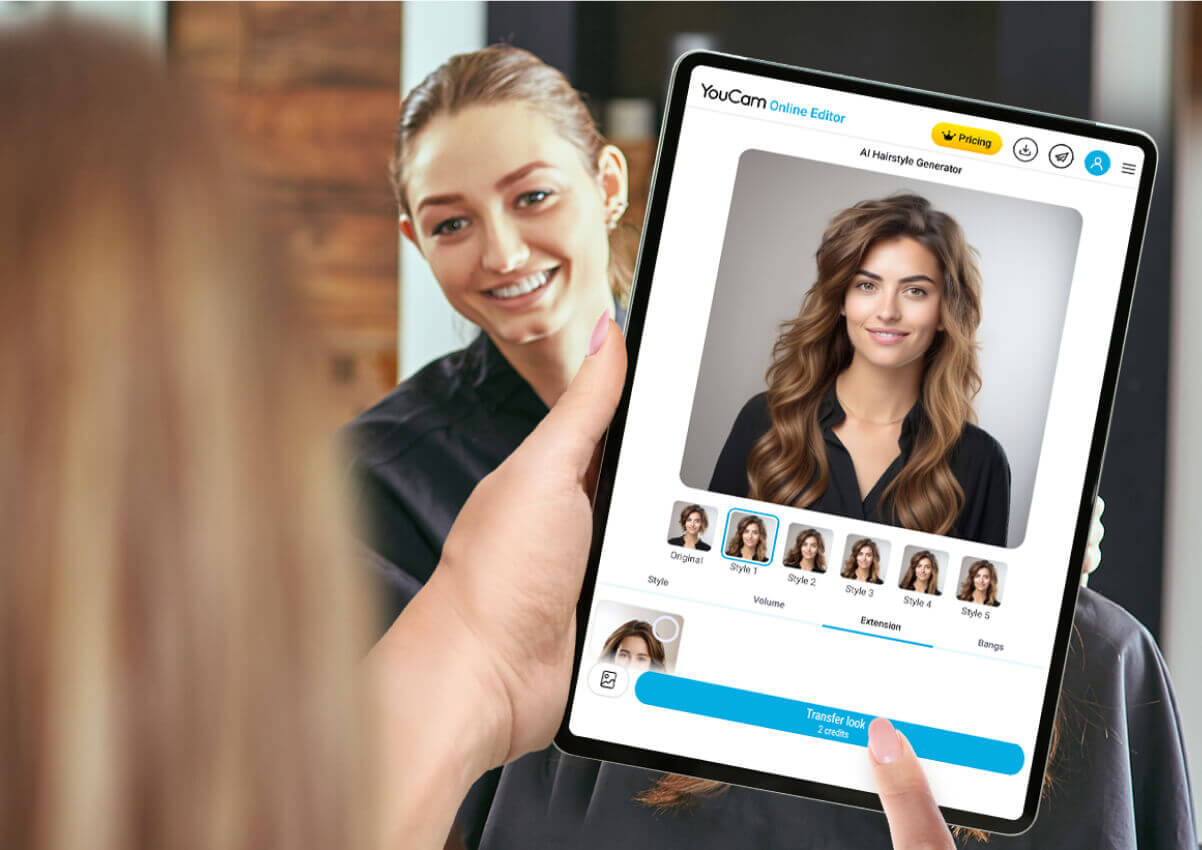
Yes. Many salons pull it up on a tablet during the consultation itself, so a client can compare 2-3 candidate cuts on their own face before any cutting starts. Businesses that want this without sending clients to our site can integrate the same engine directly into their own booking flow through the AI Hairstyle API.
What haircut would look good on me?
It comes down to three things: your face shape, your hair's texture, and how much time you actually want to spend styling it — the same factors a stylist would ask about in a consultation. Take the 60-second hairstyle quiz above for a shortlist built around your answers, then preview each pick on your own photo before deciding.
For a deeper breakdown by face shape with 2026's trending cuts, see our guide: Best Haircut for Your Face Shape.
What hairstyle suits me?
The biggest trap is choosing a style from a photo of someone with different hair texture or face proportions than your own — the same wavy bob looks completely different translated onto straight, fine hair. That's the gap the quiz and AI preview above are built to close: see the cut on your own texture and proportions, not someone else's.
What's the best haircut for a square face?
A strong jawline pairs well with soft, textured layering that rounds off sharp angles — a wavy shag, loose waves, or curtain bangs all work well. Avoid single-length blunt cuts that echo the jaw's straight lines. Try the Wavy Shag or Curtain Wavy styles above.
What's the best haircut for an oval face?
Oval faces are the most versatile shape — nearly every style works, from a bixie cut to a wolf cut to two braids. With less shape-correcting to do, focus on texture and how much time you want to spend styling it instead — see the quiz above for a shortlist matched to your hair texture and maintenance preference.
What's the best haircut for a heart-shaped face?
A heart shape — a wider forehead narrowing toward the jaw — benefits from styles that balance the forehead and draw attention down toward the jaw and cheekbones: curtain bangs, a chin-length bob, or a pixie. Try the Pixie or Two Braids styles above.
What's the best haircut for a long face?
Long faces benefit from styles that add width rather than length — a blunt bob, curtain bangs, or waves that land at the jawline all shorten the face visually. A pixie can also work well if the volume sits at the sides rather than the crown.
What's the best haircut for a diamond face?
Diamond faces — a narrow forehead and jaw with wide cheekbones — do well with styles that soften the cheekbones, like a short bob with soft layers or curtain bangs. Avoid styles that add extra width right at cheekbone height.
How do I use the hairstyle generator together with other YouCam tools for a finished photo?
A hairstyle preview is usually one step in a longer edit. A workflow that works well: 1) Try on your new hairstyle here first, so the rest of the edit builds around a look you've already confirmed. 2) Run the result through the Photo Enhancer to sharpen detail and fix lighting. 3) Use Background Remover if the original backdrop is distracting. 4) Finish with AI Makeup to match your makeup to the new style, and AI Replace to clean up anything else left in frame. Each tool reuses the same photo, so there's no need to re-upload between steps.

Get a Complete Makeover with Our App!
Download Now