


AI Hair Color Changer: Realistic Try-On Online
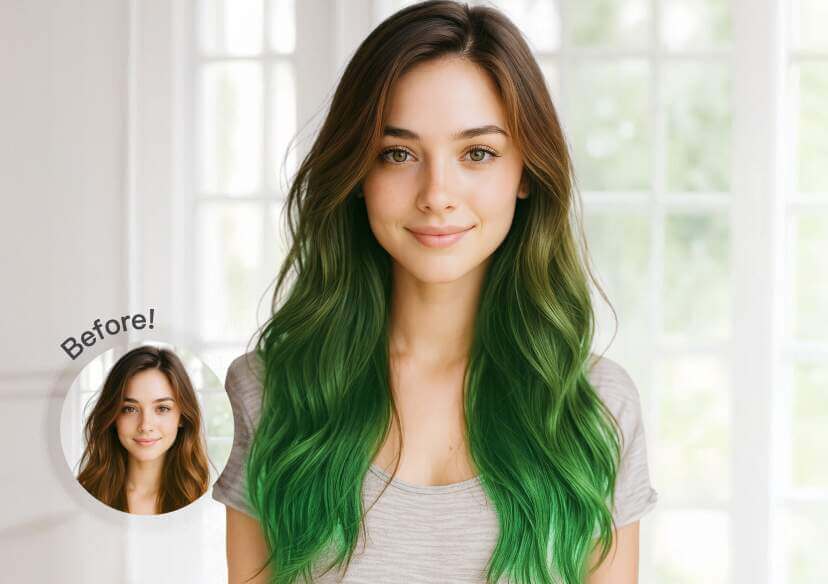
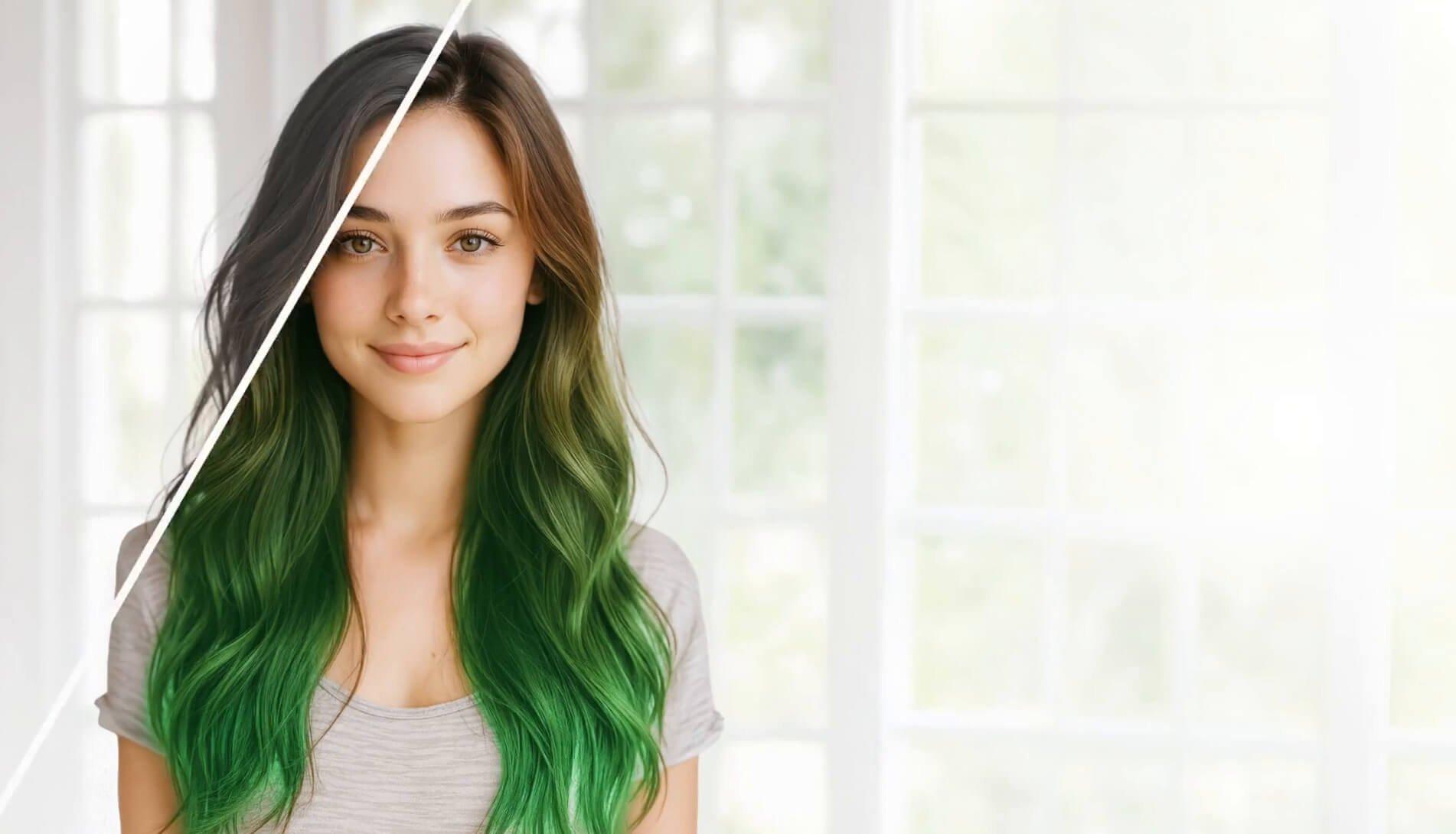
Instantly transform your look with our AI Hair Color Changer. Explore 100+ hair colors and instantly see which look suits you the best!





Before You Dye, Try It First
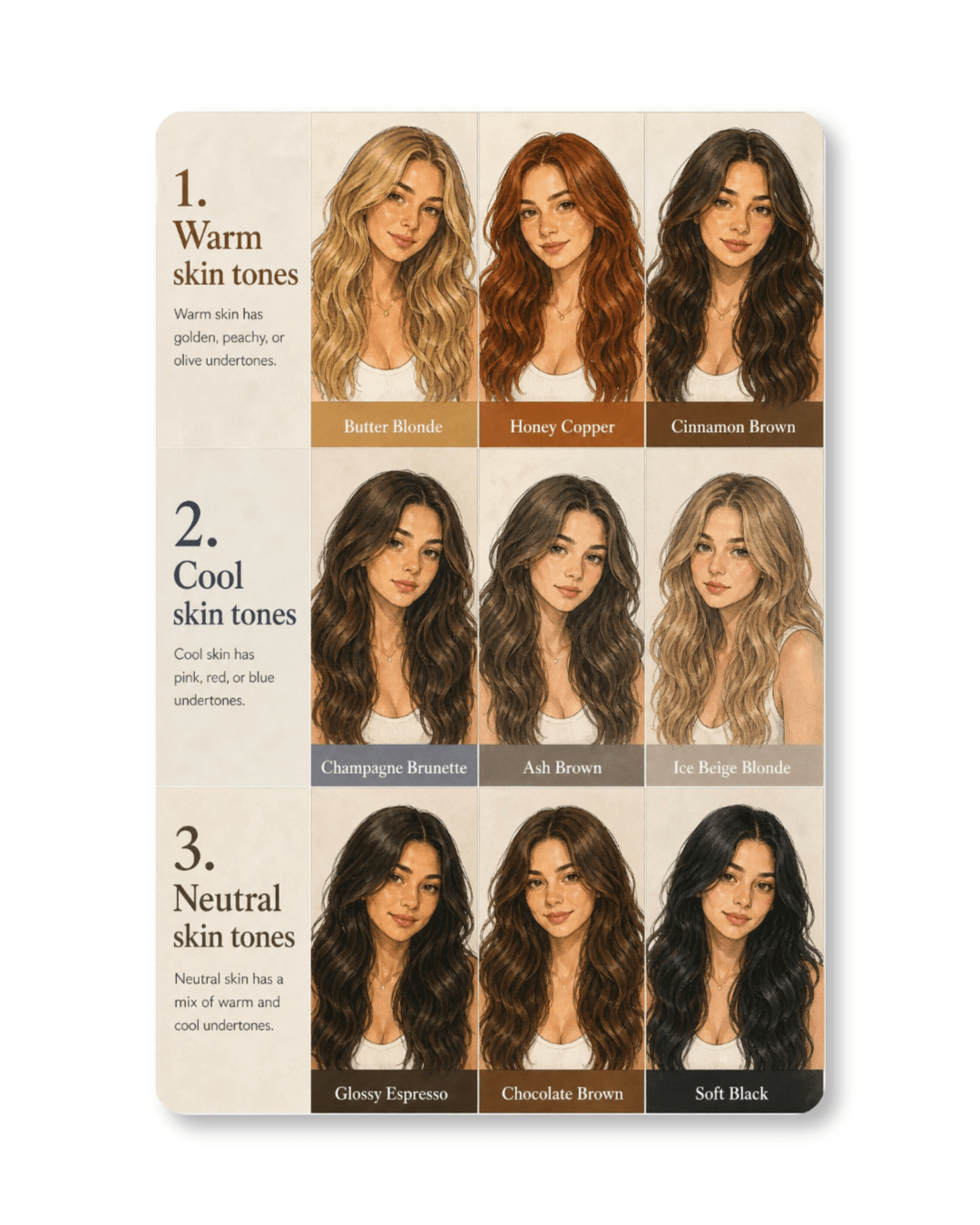
Which hair color will suit my skin tone?
The right hair color can enhance your natural features and complement your skin tone.
- Warm skin tones: Butter Blonde, Honey Copper, Cinnamon Brown
- Cool skin tones: Champagne Brunette, Ash Brown, Ice Beige Blonde
- Neutral skin tones: Glossy Espresso, Chocolate Brown, Soft Black
Not sure which color is right for you? With our AI hair color changer, you can preview every shade on you and find what feels most like you!
Looking for your next hair color inspiration? In 2026, the biggest hair color trends focus on natural dimension, glossy finishes, and low-maintenance shades that enhance your features.
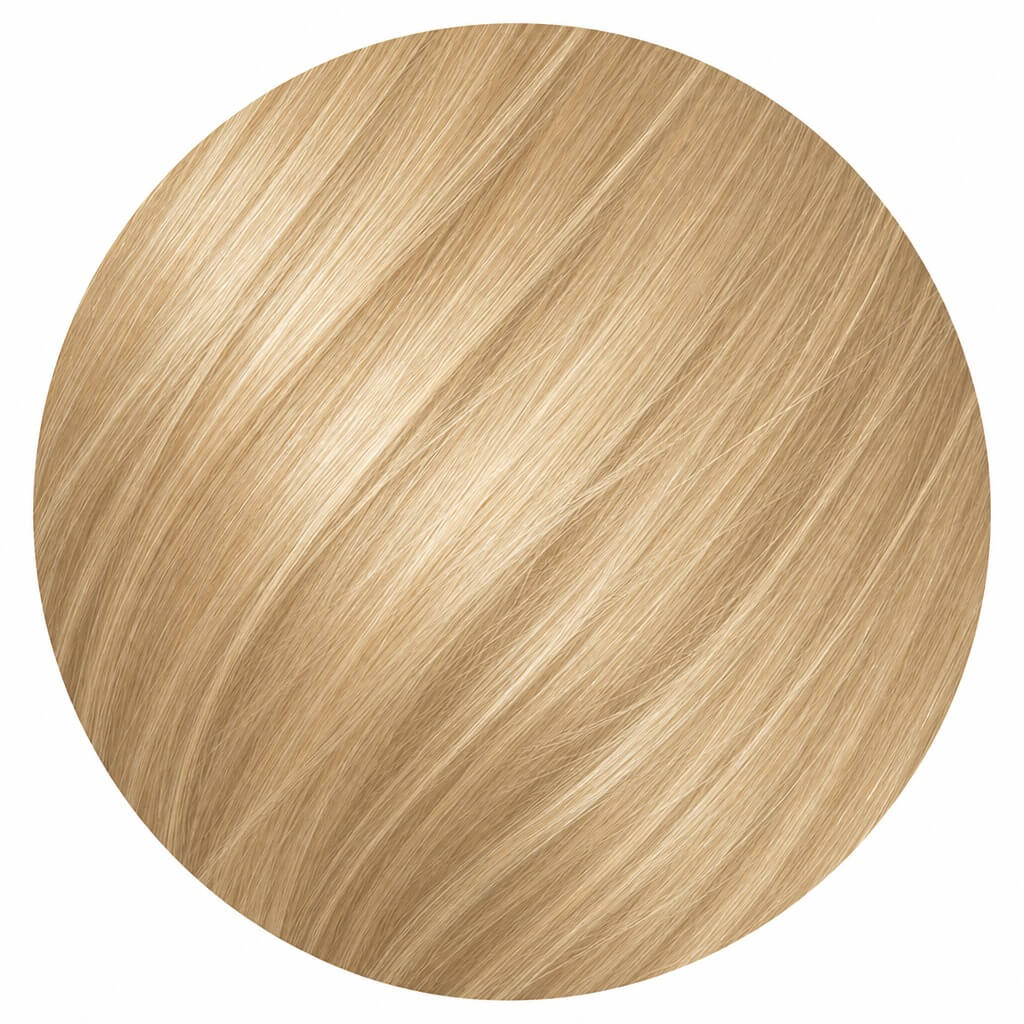
Butter Blonde
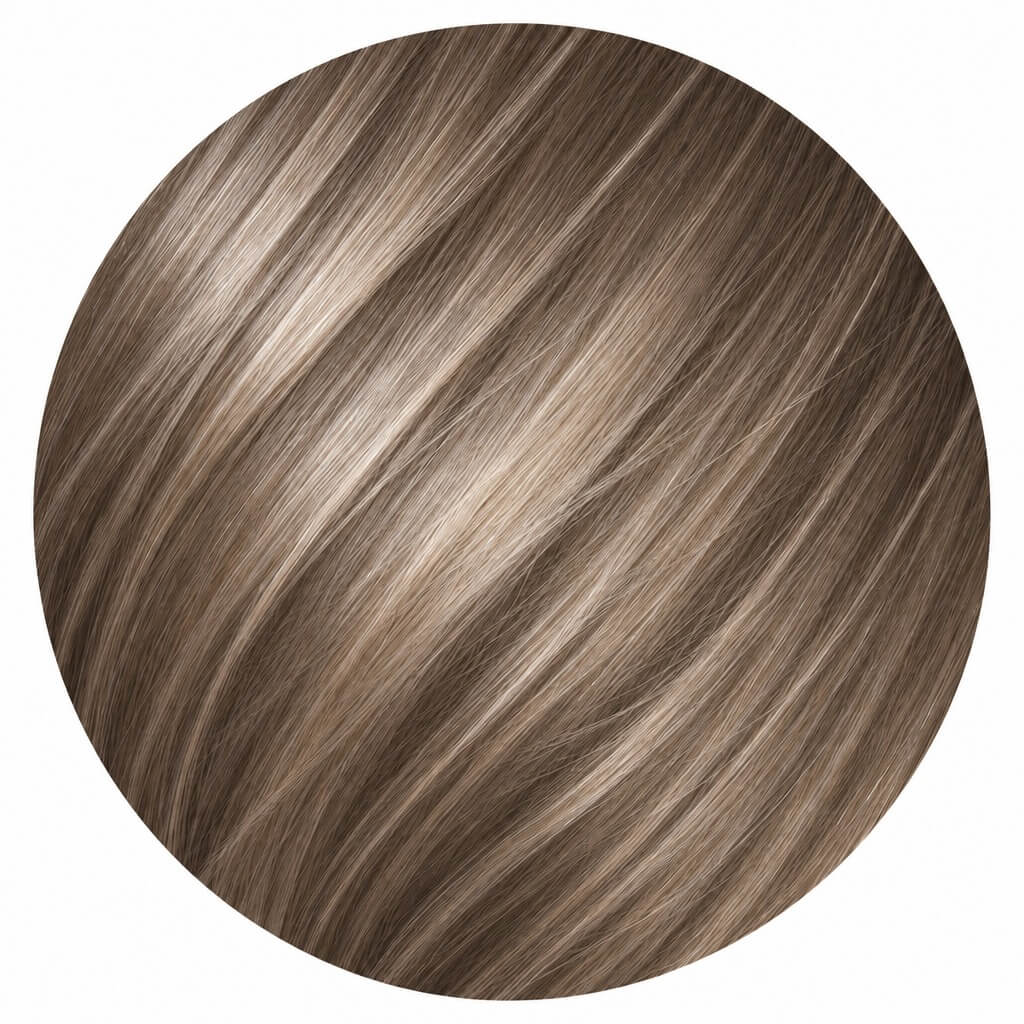
Champagne Brunette
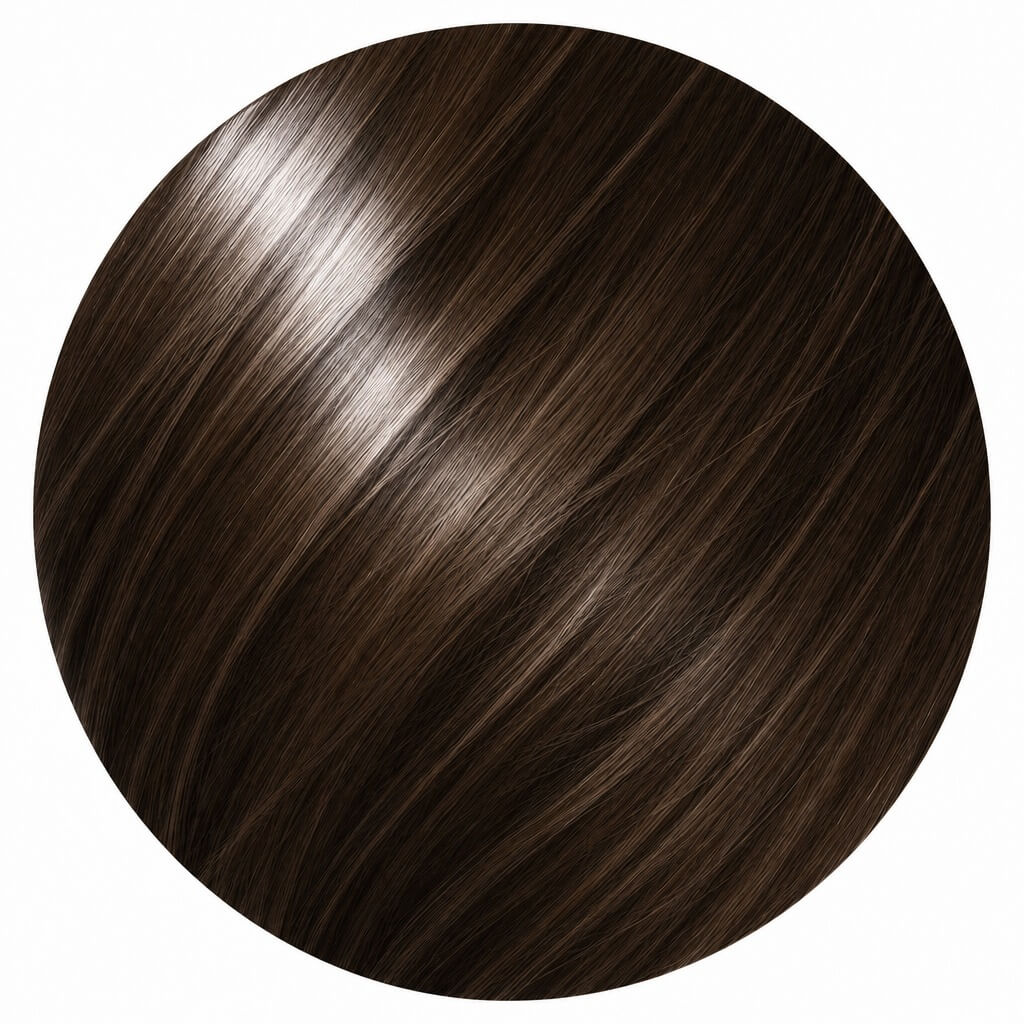
Glossy Espresso
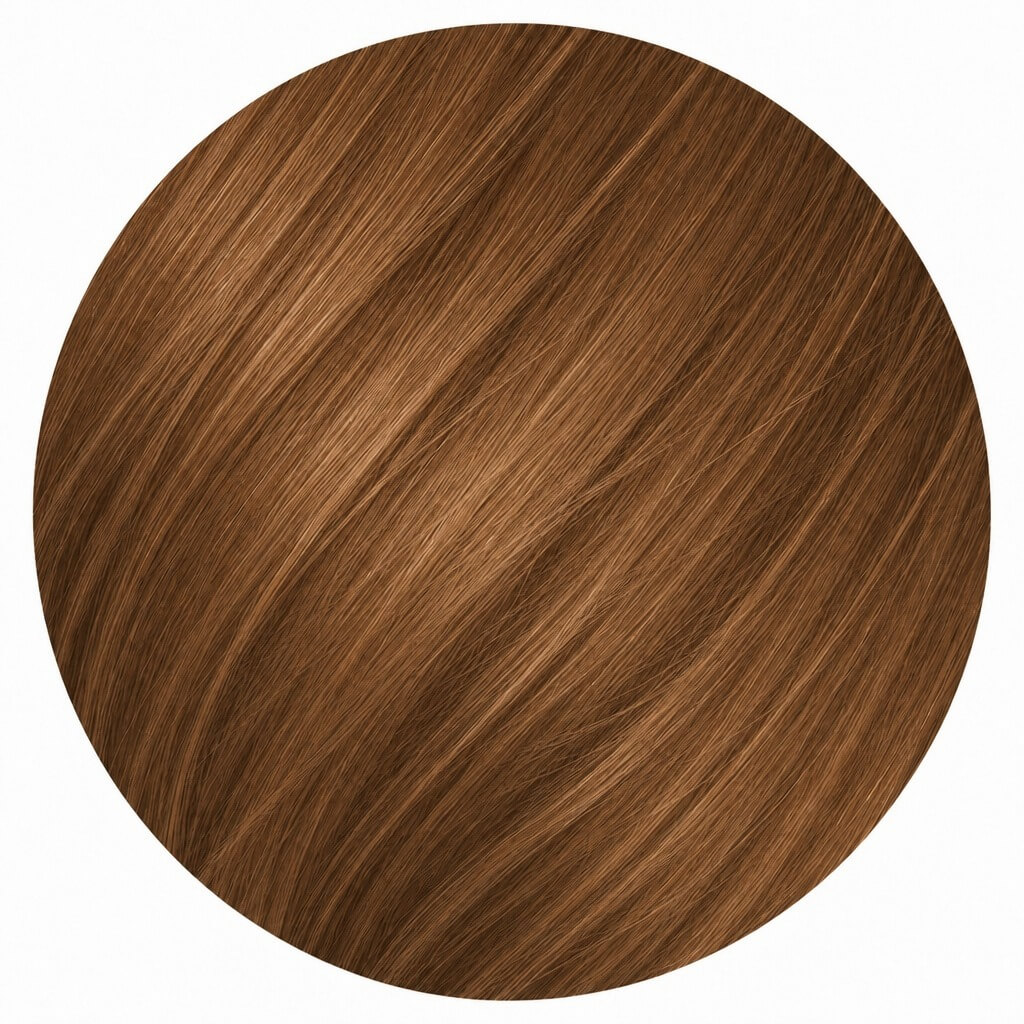
Cinnamon Brown
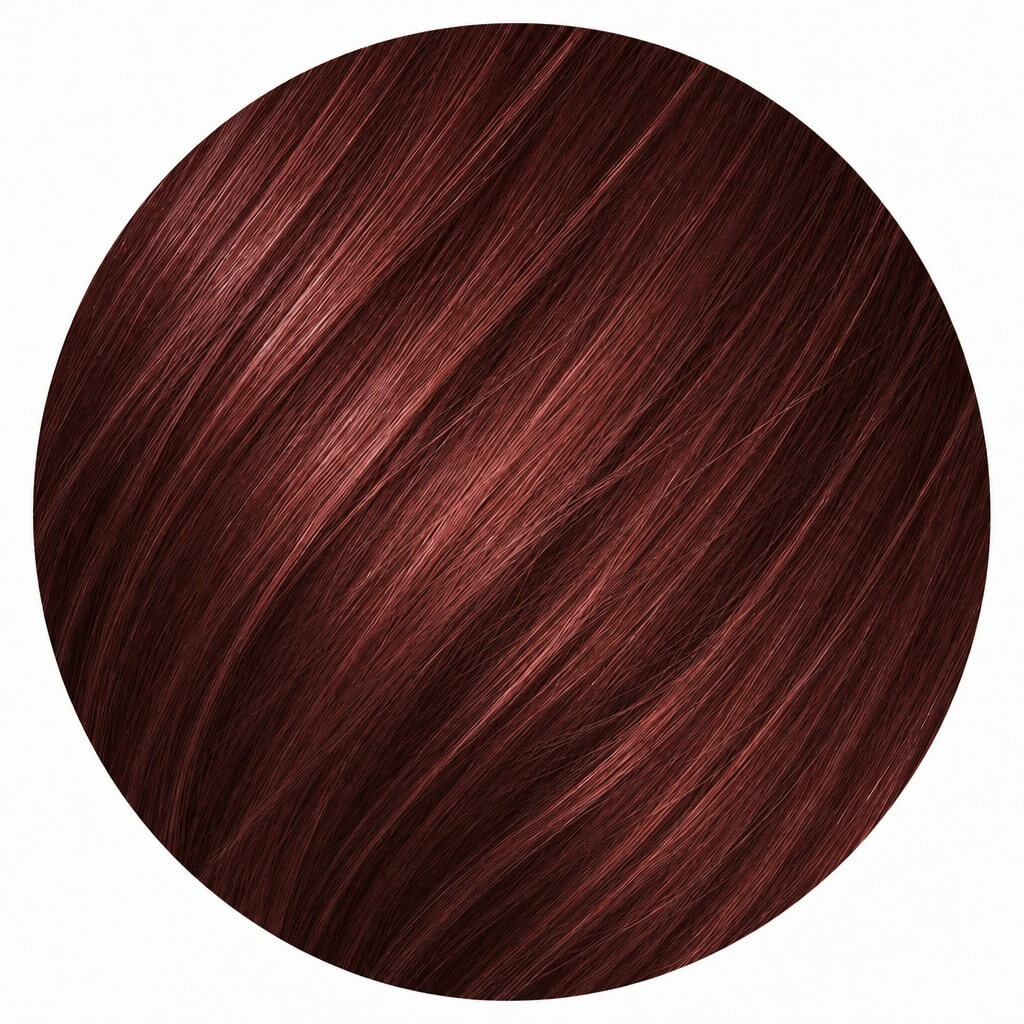
Cherry Cola
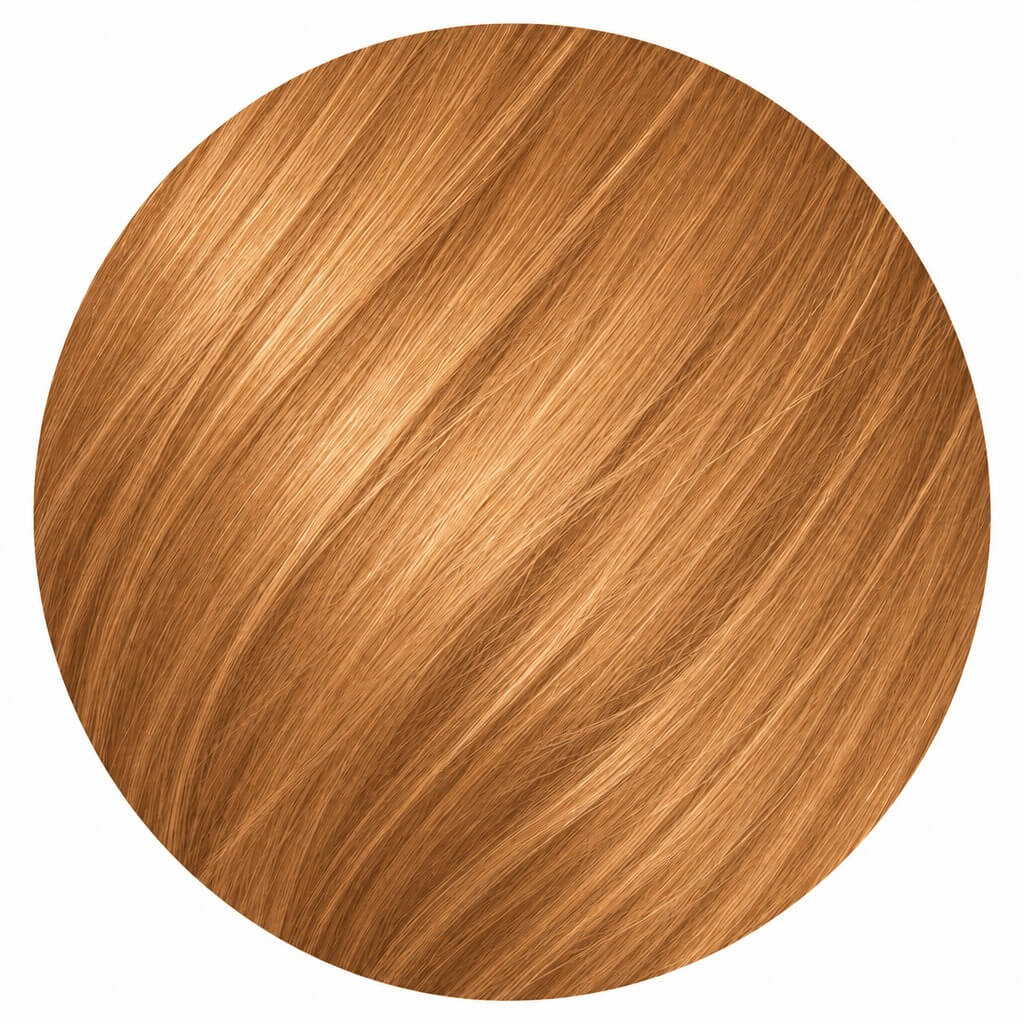
Honey Copper
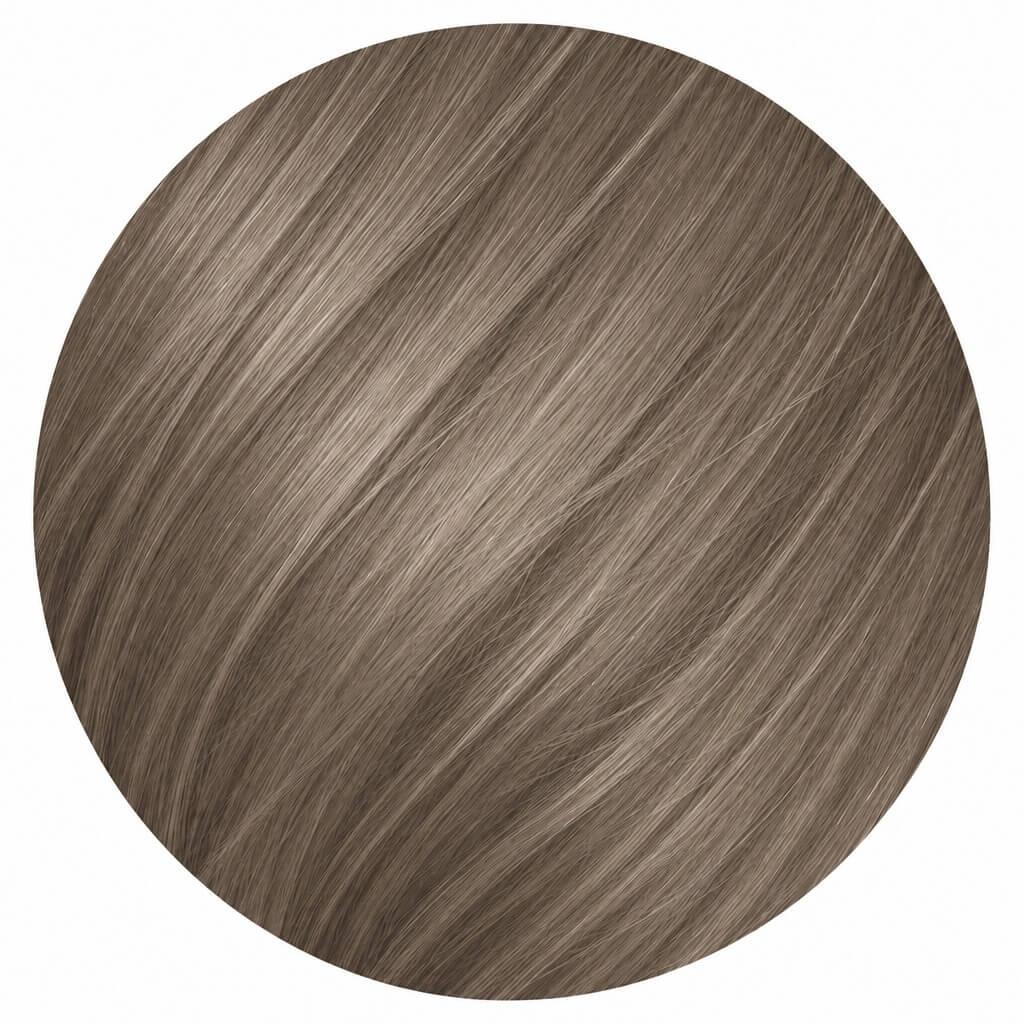
Mushroom Brown
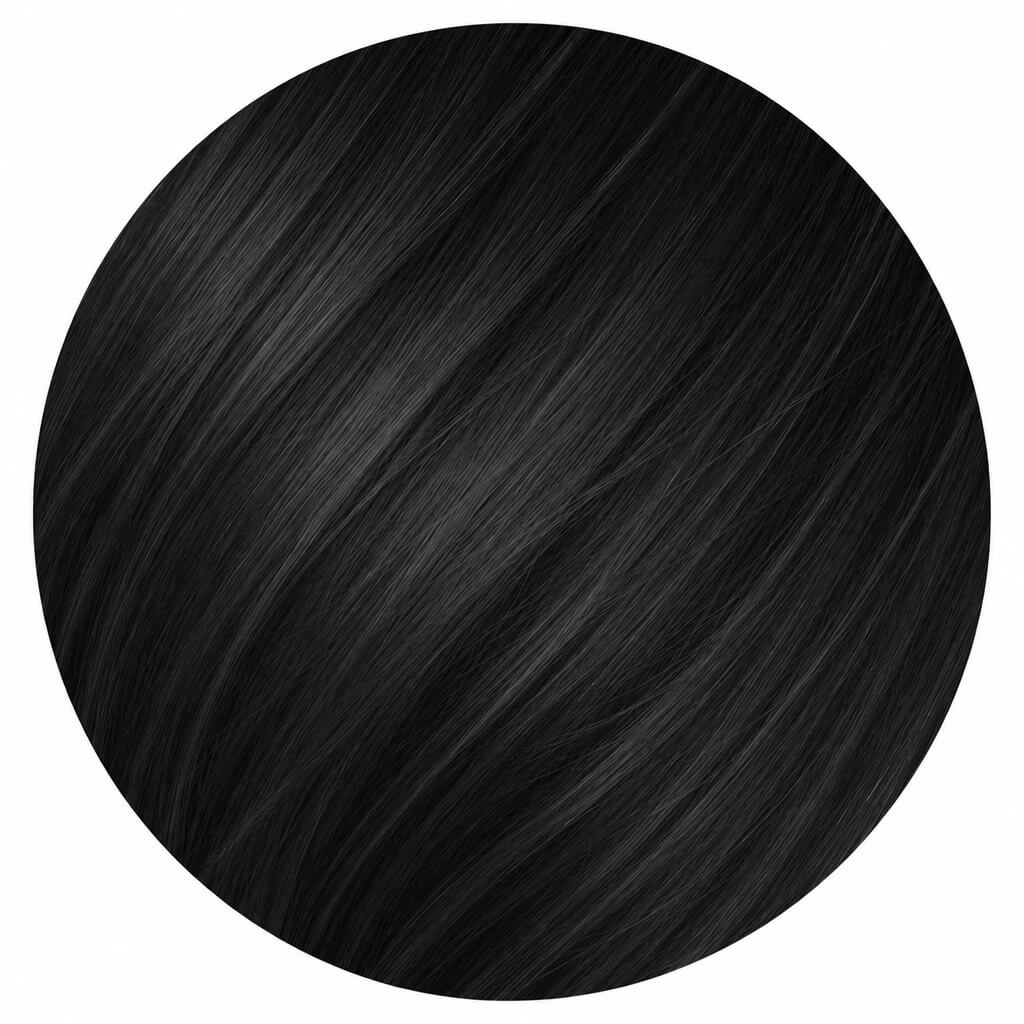
Soft Black
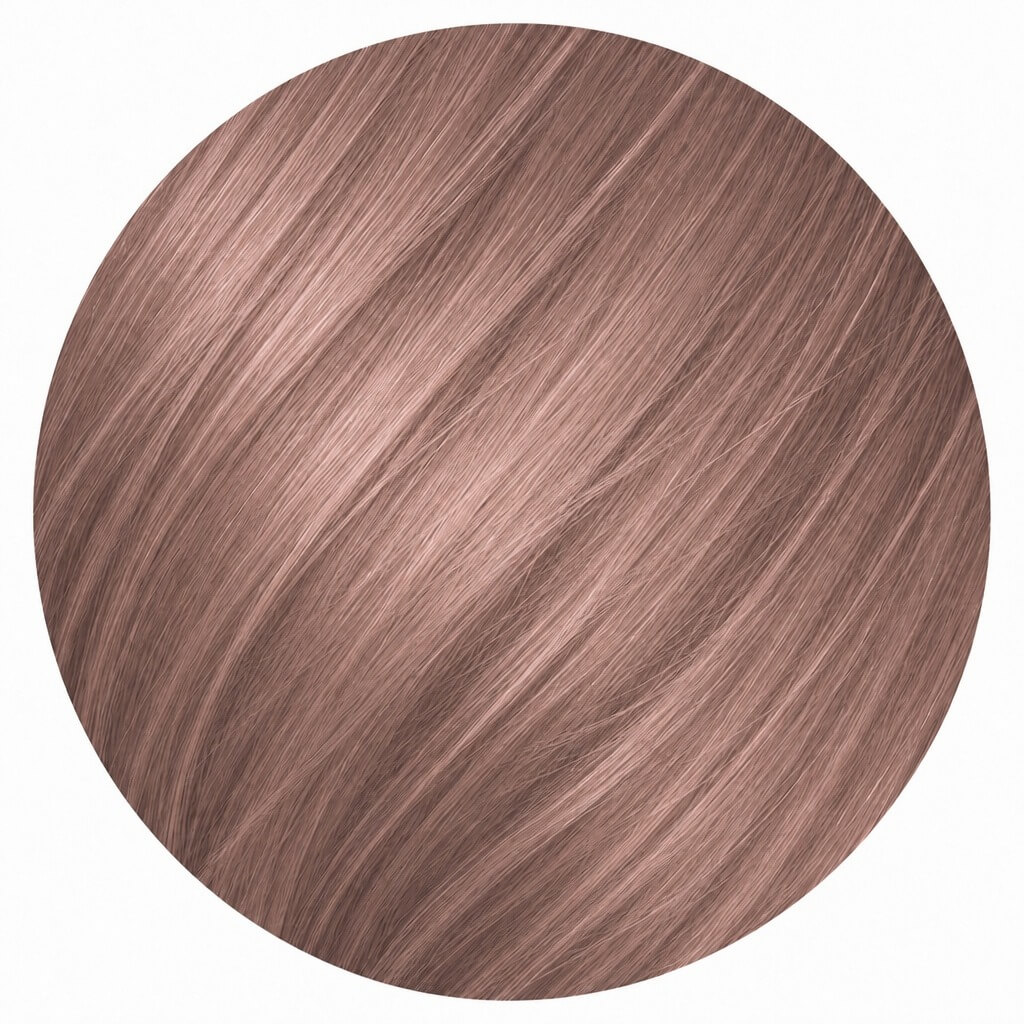
Rose Brown
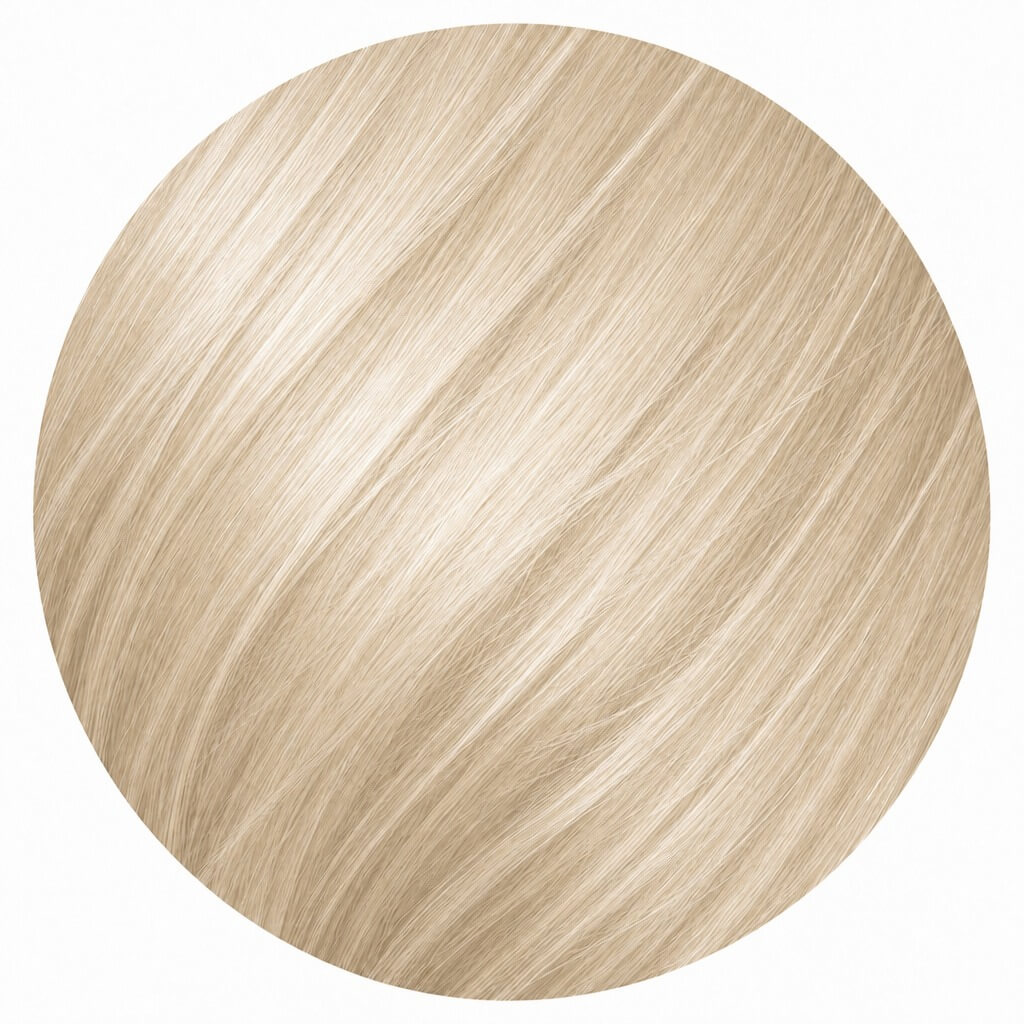
Vanilla Beige Blonde
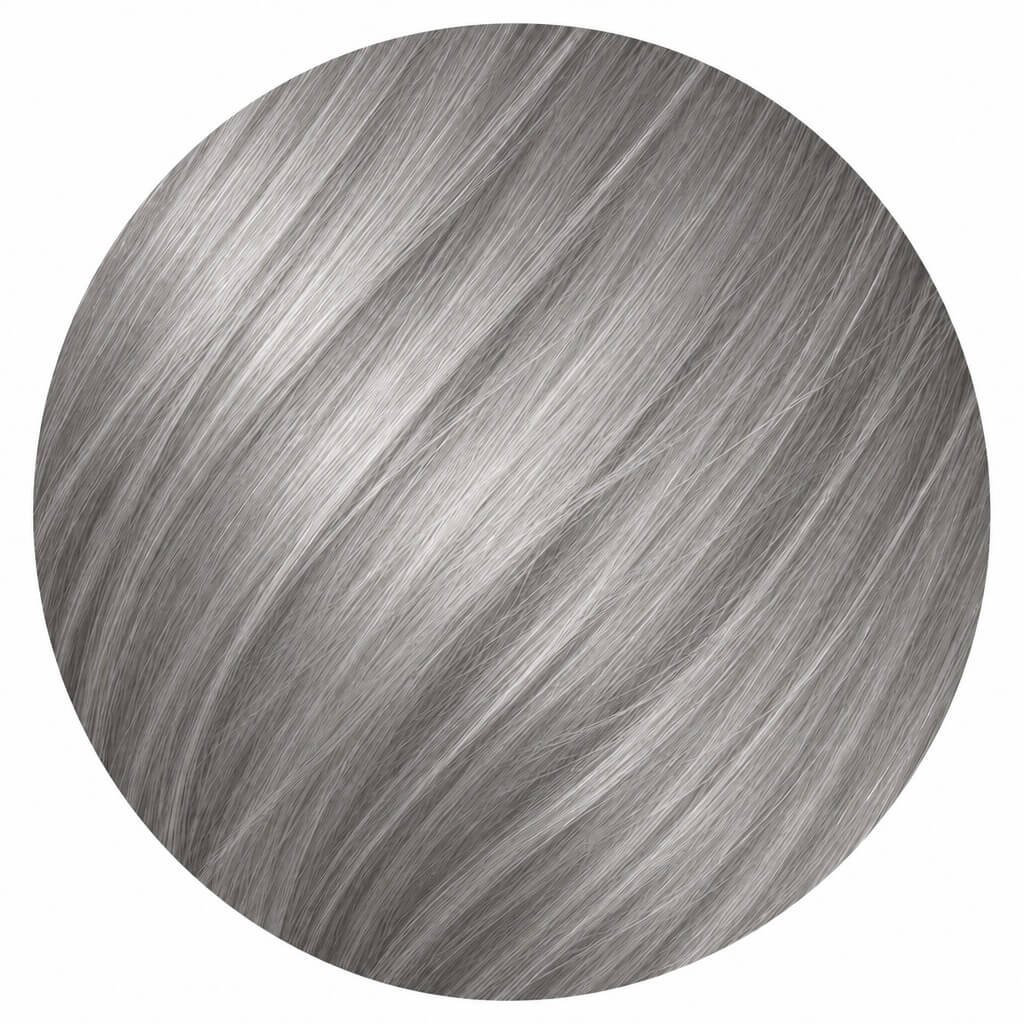
Smoky Silver
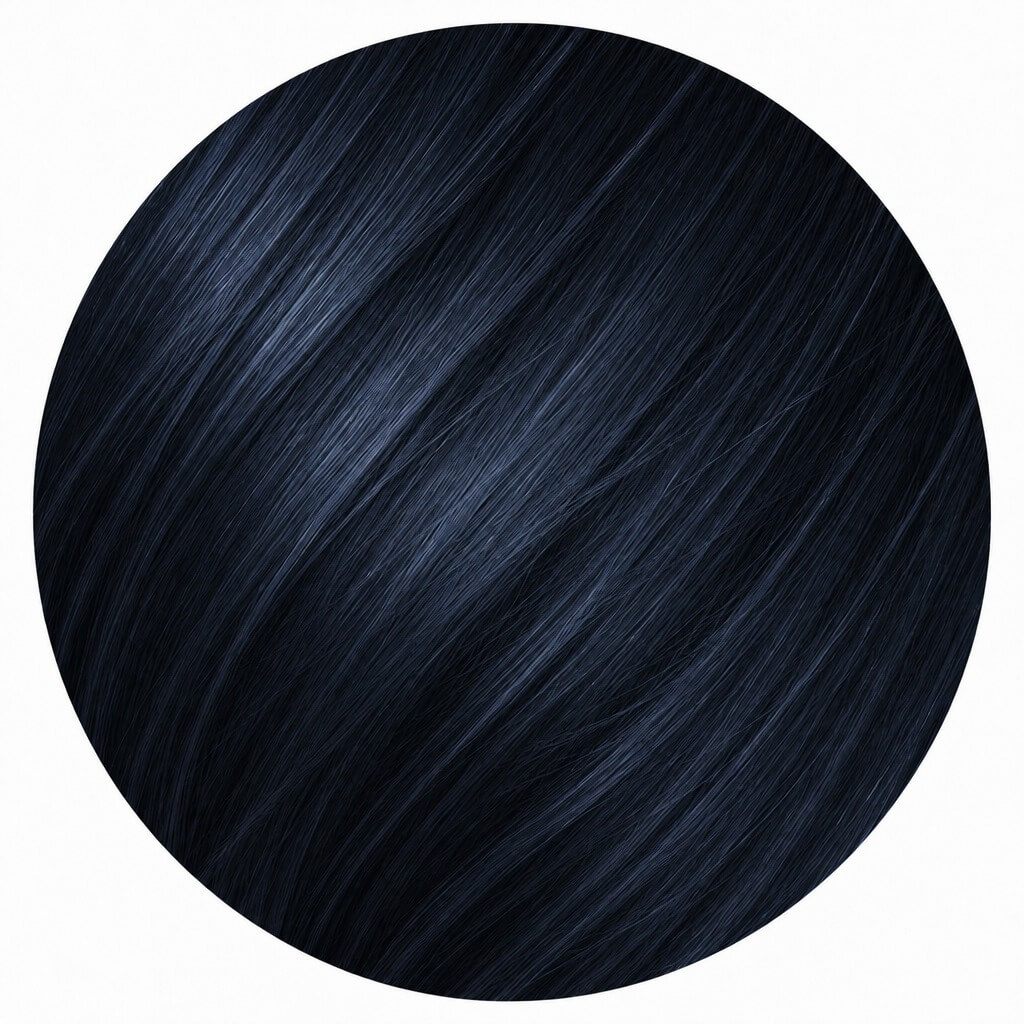
Midnight Blue Black
How to Try On Hair Colors Virtually
Upload Your Photo
Use a clear, well-lit image for best results.
Tip: Face the camera directly and pull hair away from your face if you can — the AI needs a clean view of your hairline to detect where hair starts and ends.

AI Hair Detection
Our smart AI model isolates your hair from your facial features and background.
Tip: If a strand or two along your hairline doesn't get colored correctly, retake the photo with more even lighting rather than trying a different color — detection accuracy, not shade choice, is usually the fix.
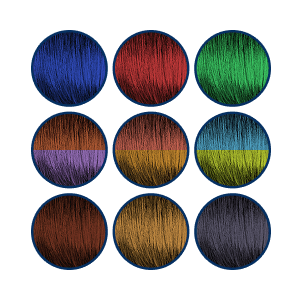
Choose Your Shade
Select from natural tones, vibrant hues, or custom blends.
Tip: Try at least one shade from each skin-tone group above (even ones you think you won't like) — AI previews often reveal a flattering shade you wouldn't have picked from a swatch alone.
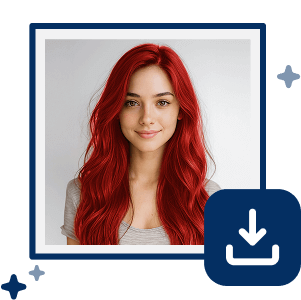
Preview & Download
See your new look and save it to share or revisit later.
Tip: Download and save 2–3 favorites side by side before deciding — comparing stills is more reliable than judging each preview one at a time from memory.
How Do I Choose the Right Hair Color?
Why settle for one hair color when you can try them all? Finding the perfect hair color is easier with AI.
- Simply upload a clear photo.
- Try on both warm and cool shades.
- Compare multiple colors to find your favorites.
Tips: Consider your eye color and lifestyle, certain shades can make your overall look stand out.
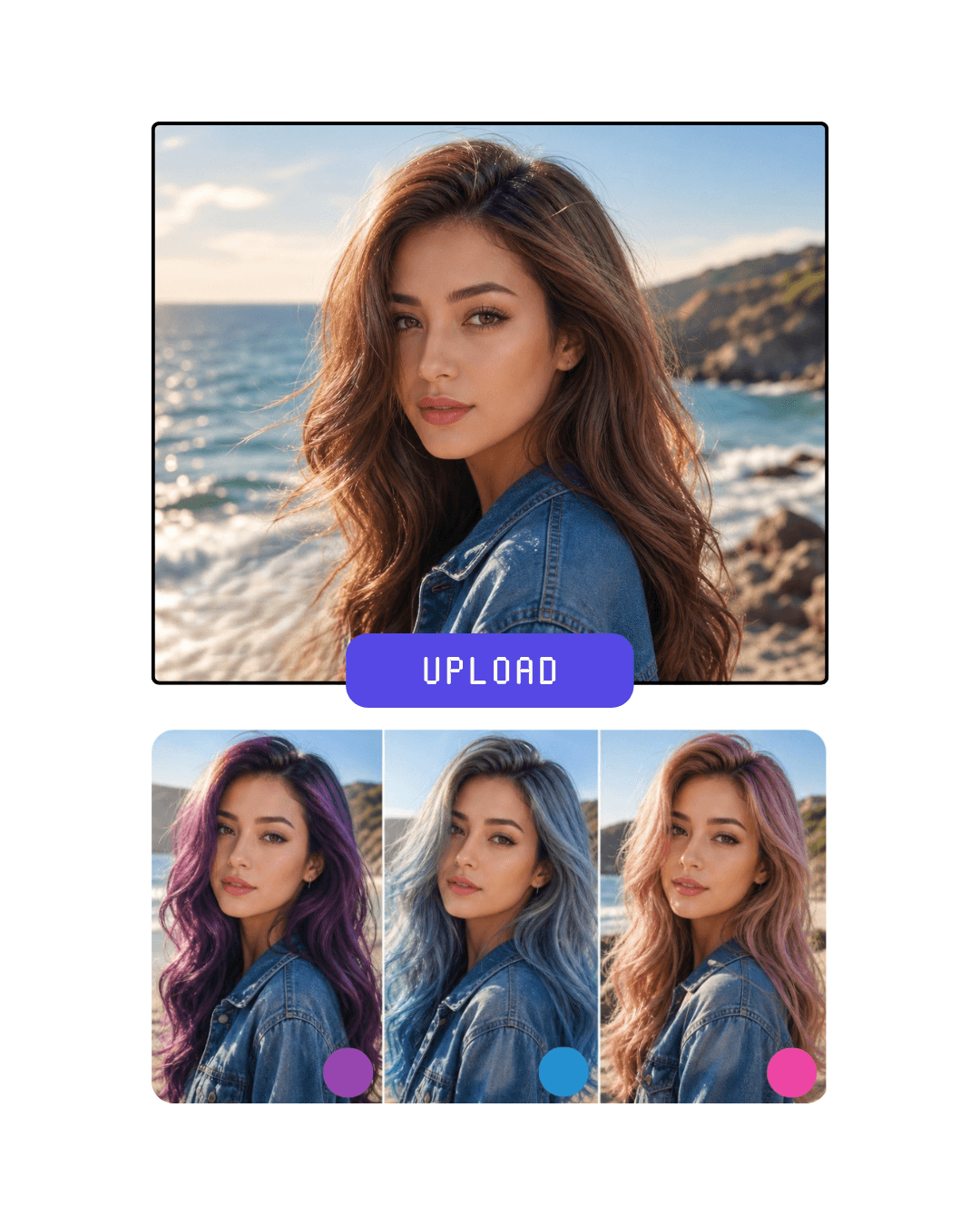
Why Choose YouCam Online Editor's AI Hair Color Changer?
Create Unique Dual-Tones
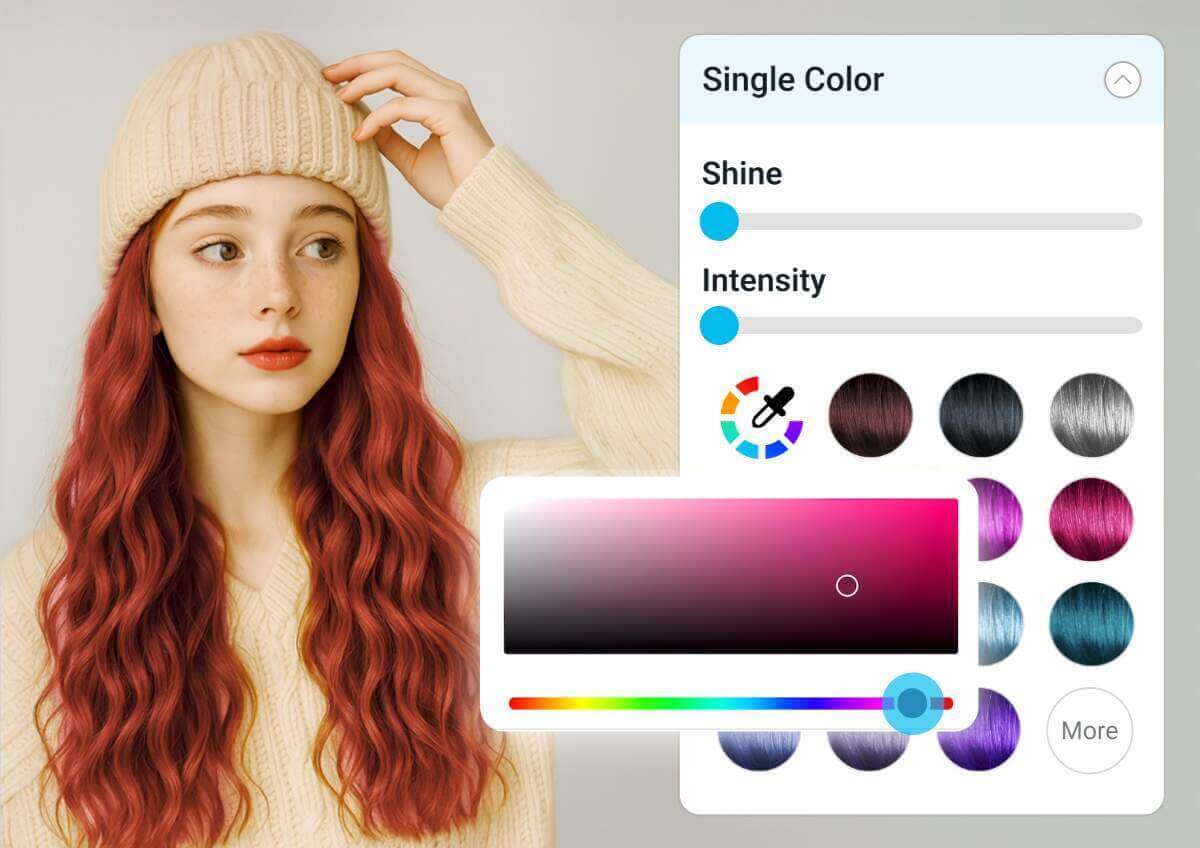
Go beyond a single shade with dual-tone coloring. Instantly try balayage, ombré, face-framing highlights, or bold split-dye looks to see how different color combinations transform your style—all without visiting a salon.
Tip: Preview a dual-tone look on a photo where your part and length are clearly visible — the transition point between tones is the part of the effect that's hardest to judge from a cropped or angled photo.
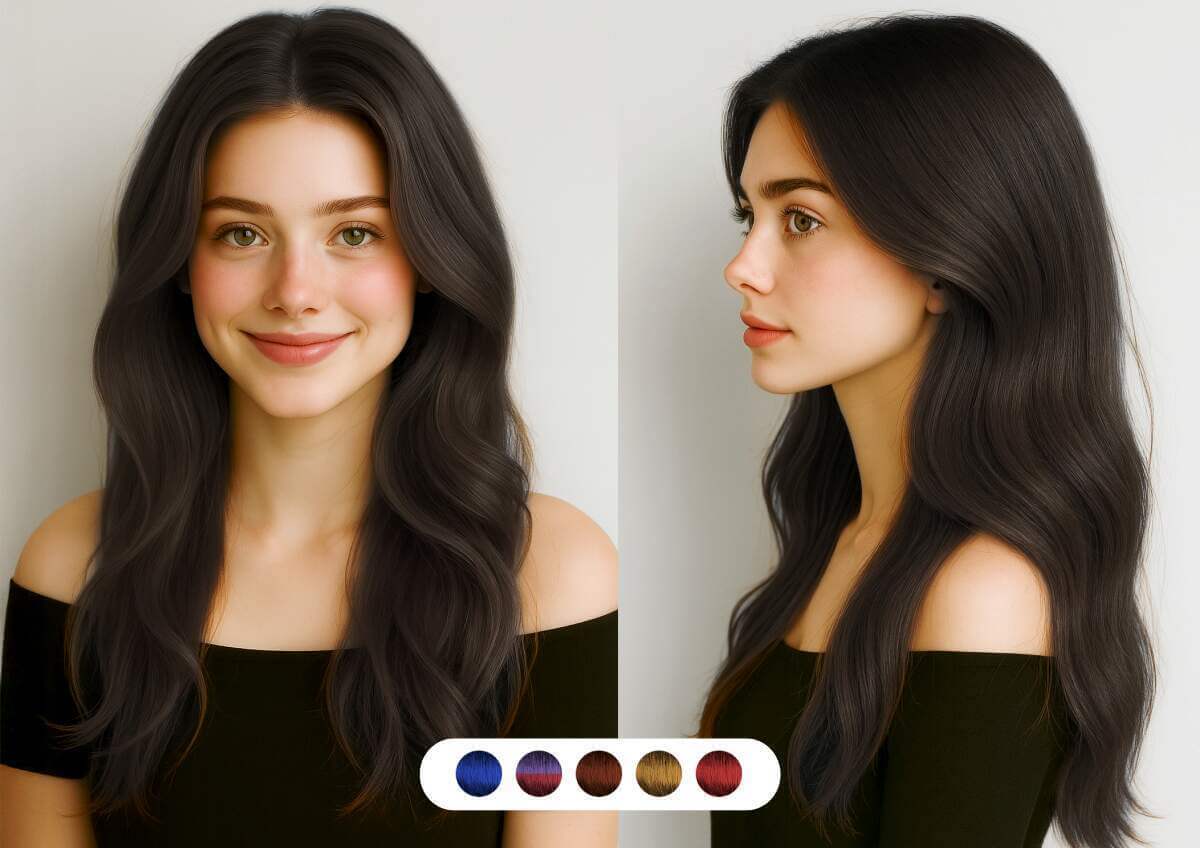
Preview Your New Hair Color in One Tap
Upload a photo and instantly see yourself with a new hair color. From natural brunettes and blondes to vibrant reds and fantasy shades, AI creates realistic previews that preserve your hair's texture, shine, and lighting.
Tip: Try the same shade in both a natural and a "fantasy" saturation level if the tool offers a slider — the realistic version is usually the better predictor of an actual salon result.
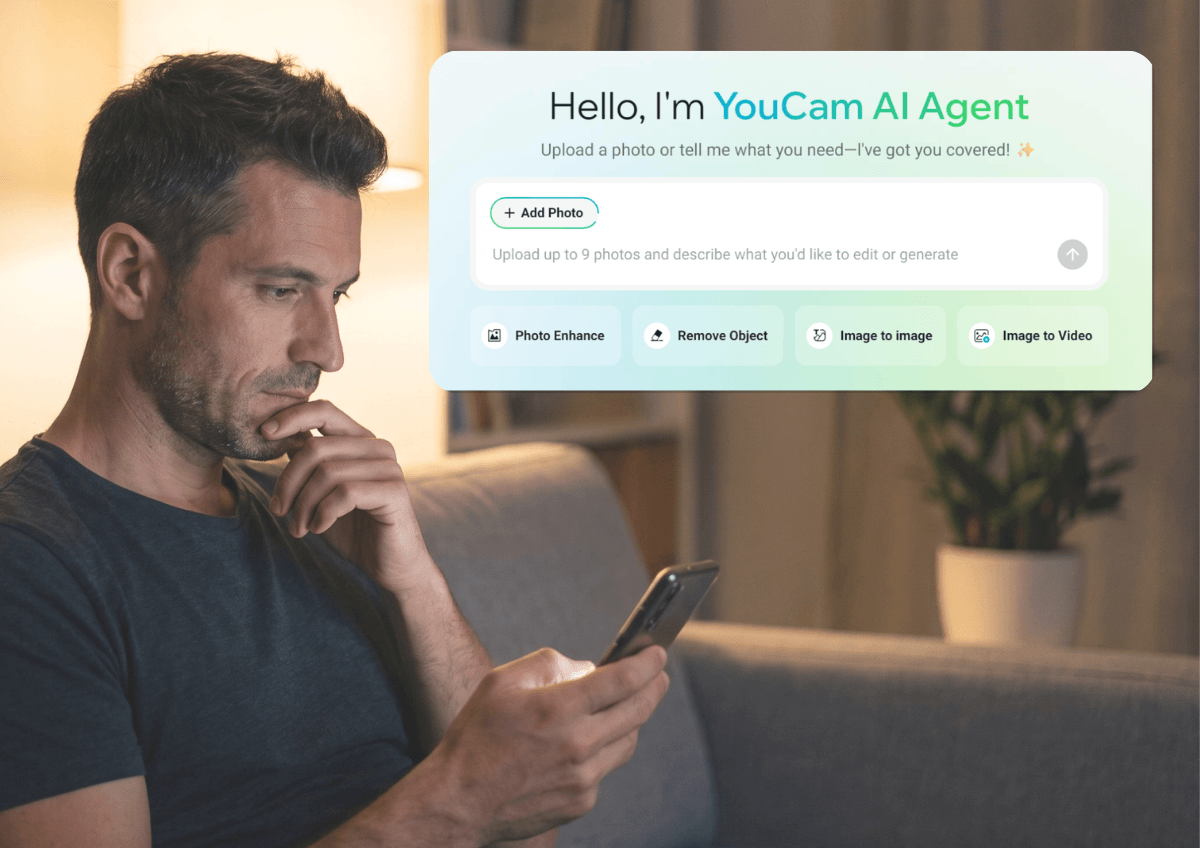
Get Personalized Hair Color Ideas with AI Agent
Not sure which color to choose? Simply tell the AI Agent the look you're going for—whether it's trendy, natural, bold, or low-maintenance—and receive personalized hair color suggestions tailored to your style.
Tip: Be specific about maintenance tolerance when you describe your goal to the AI Agent (e.g. "low-maintenance" vs. "willing to touch up monthly") — that one detail narrows suggestions more than describing the look alone.
What should I do after I dyed my hair?
How Can I Make My Hair Color Last Longer?
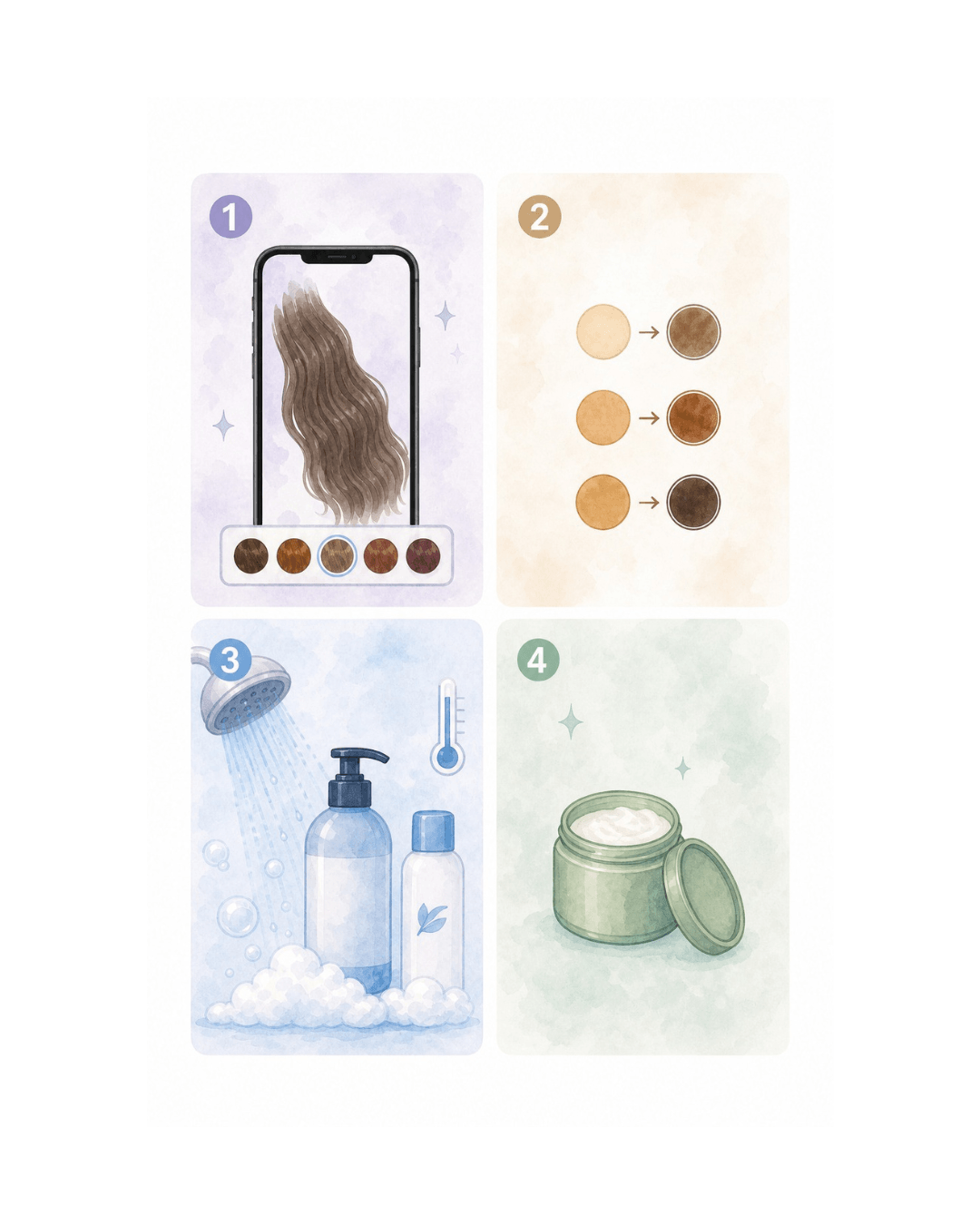
Keep your hair color looking fresh with these simple tips:
- Use our AI hair color changer to preview shades before dyeing.
- Choose a color that complements your skin tone.
- Wash with color-safe shampoo and avoid hot water.
- Deep condition regularly to maintain shine.
Tips: Choose low-maintenance shades for easier upkeep.
FAQ: Trying on Hair Colors Virtually
Can I try different hair colors before dyeing my hair?
Yes! Simply upload your photo to preview a wide range of hair colors with AI. Experiment with different shades risk-free before committing to a new look.
What is the most realistic AI hair color changer online?
YouCam is highly regarded as the most realistic AI hair color changer online. Unlike flat filters, our technology analyzes individual hair strands, textures, and ambient lighting to simulate realistic shine, depth, and dimensional shades like balayage and highlights.
What hair color suits my skin tone?
Warm undertones often pair well with golden blondes, honey browns, and copper shades, while cool undertones look great with ash browns, platinum blondes, and cool blacks. If you're unsure, use AI to compare multiple colors on your own photo.
Can men use the AI hair color changer?
Absolutely. YouCam's AI hair color changer is fully compatible with short hairstyles, beards, and masculine haircuts, making it simple for anyone to test natural coverage or bold transformations.
Does the AI work with different hair textures like curly or coily hair?
Yes, our advanced AI is trained to recognize and map diverse hair structures. It precisely traces curly, coily, wavy, and straight hair textures, ensuring the new color wraps around every curl and strand naturally.
Can I see what I look like as a blonde if I have dark hair?
Yes. Our simulator features advanced dark-to-light processing, which mimics the bleaching process to show a realistic blonde output on a dark brown or black hair base without any discoloration.
Does the simulator support complex styles like Balayage or Highlights?
Yes, the YouCam simulator supports multi-dimensional styles. You can choose between solid single colors, two-tone styles, ombre gradients, and realistic highlights or balayage effects to achieve a modern, salon-quality look.
What hair colors are trending in 2026?
Some of the biggest hair color trends in 2026 include Butter Blonde, Champagne Brunette, Glossy Espresso, Cinnamon Brown, and Cherry Cola. These shades focus on natural dimension, shine, and easy maintenance.
How does the AI hair color changer actually work, and how close will it be to a real dye result?
Once you upload a photo, the AI works in three stages: hair-region detection isolates your hair from your face, skin, and background so only the hair changes; strand-and-texture mapping traces individual strands and texture (straight, wavy, curly, or coily) so the color follows your part and curl pattern instead of looking painted on; and color-and-lighting compositing blends the new shade into your photo's original lighting and shadow to preserve natural shine and depth. A clear, well-lit, front-facing photo gives the AI more real hair detail to map, which is why lighting makes a visible difference in the result. That said, this is a realistic preview, not a guarantee of your final salon or at-home result — real dye outcomes also depend on your hair's natural pigment, porosity, and the specific product or formula used, so treat the preview as a strong starting point for a conversation with your colorist rather than a promise of an identical outcome.
Who else can use the AI Hair Color Changer besides trying on a color for yourself?
Beyond trying on a color for yourself, an AI hair color preview has a few deliberate, professional uses too. Hair stylists and colorists use it to show a client 2–3 realistic color options on their own photo during an in-chair consultation, before mixing any formula. Beauty and fashion content creators test several trending shades on the same reference photo to storyboard a hair-color glow-up video or carousel without damaging hair between concepts. Salon social media and marketing teams use previews in posts or look-books to show prospective clients a realistic range of achievable shades. And for weddings and events, a bride or client can visualize a color change well ahead of a big event, leaving time to book a proper salon appointment if needed.
Should I fix or brighten my photo before trying on a hair color?
If your photo is dim, blurry, or has heavy shadows across your hair, running it through YouCam's AI Photo Enhancer first can improve detection accuracy, since the AI has cleaner hair detail to map from. This is a useful order of operations: enhance your photo first, then try on colors.
Can I remove a busy background before previewing a hair color?
Yes — AI Background Remover can isolate you from a cluttered or distracting background before or after your hair color preview, which is useful if you plan to share the result or use it in a look-book or social post.
Can I change my hairstyle and hair color at the same time?
For a complete look change, try AI Hairstyle Generator first to preview a new cut or style, then bring that result into AI Hair Color Changer to test shades on the new style — or use AI Makeup Virtual Try On afterward to preview a coordinating makeup look alongside your new color.
What photo file types and sizes work best, and is my uploaded photo private?
The upload widget accepts standard photo formats (JPG/PNG) taken with a phone camera or downloaded photo; a clear, front-facing, well-lit photo works best regardless of exact file size. Photos uploaded for a hair color preview are used to generate your result and are handled under YouCam's standard privacy practices — see the Privacy Policy link in the site footer for full details on how uploaded images are stored and used.