



AI Photo Face Swap Online: Effortlessly Switch Faces
Transform your photos with our free online face swap tool! Easily swap faces and change heads in images for fun, creative edits. Sign up now to get 5 FREE credits!
Swap Faces Online with Just a Tap!
- Multi-Face Swap Supported - Our AI Face Swap Online Tool supports swapping multiple faces.
- User-Friendly Interface - The AI tools are designed for ease of use.
- Fast Processing - Experience lightning-fast face swap AI processing.
- Versatile Applications - Either personal use, professional use, you'll be amazed with the results.
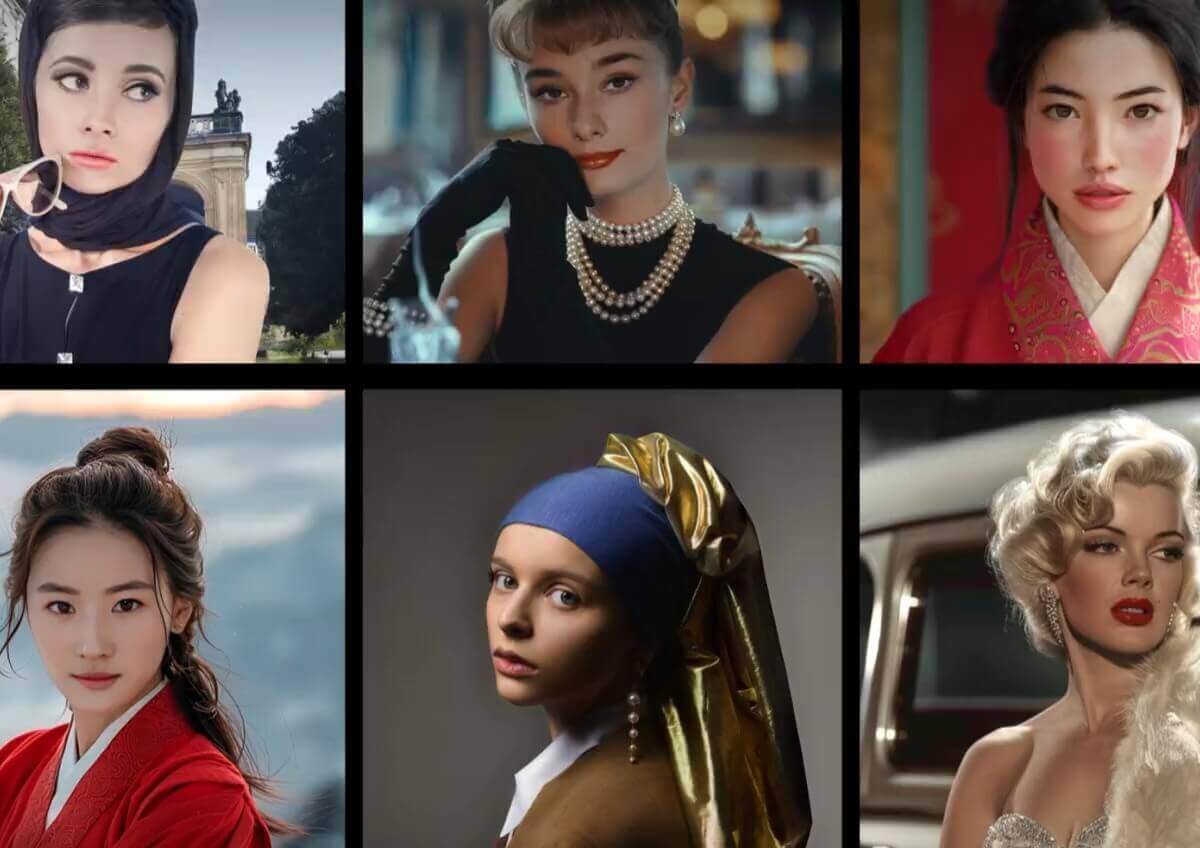
Unleash your creativity with our carefully selected list of the top 30 face swap ideas for 2026, designed to inspire and help you craft unique, personalized images and videos.

Baby CEO

Doc

Chef

Little Girl Astronaut

Vet

Policeman with Teen Girl's Face

Nurse
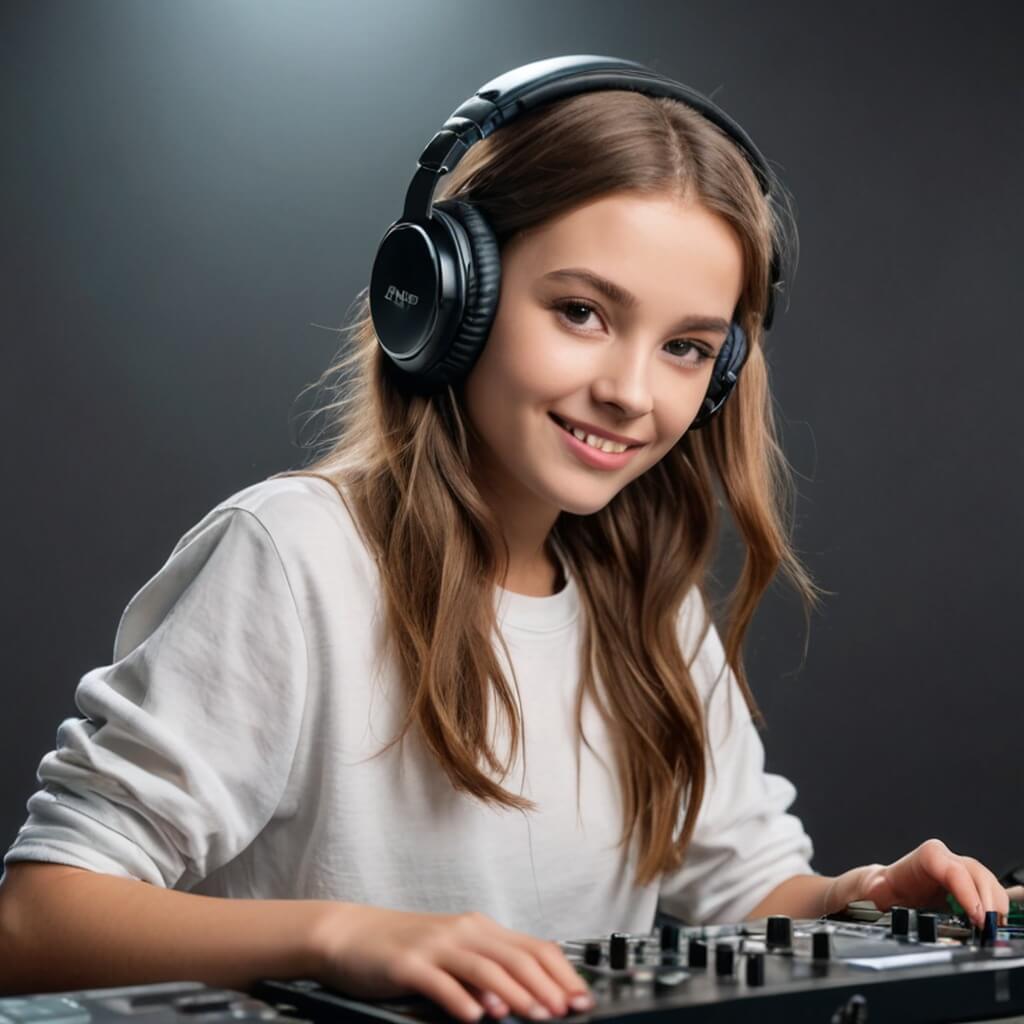
DJ

Law

Fly

Ink

Fix

Farm

Bake

Lab

Art

Sing

Drive

Pilot with Little Girl's Face

Fly Mom

Sweet Doc
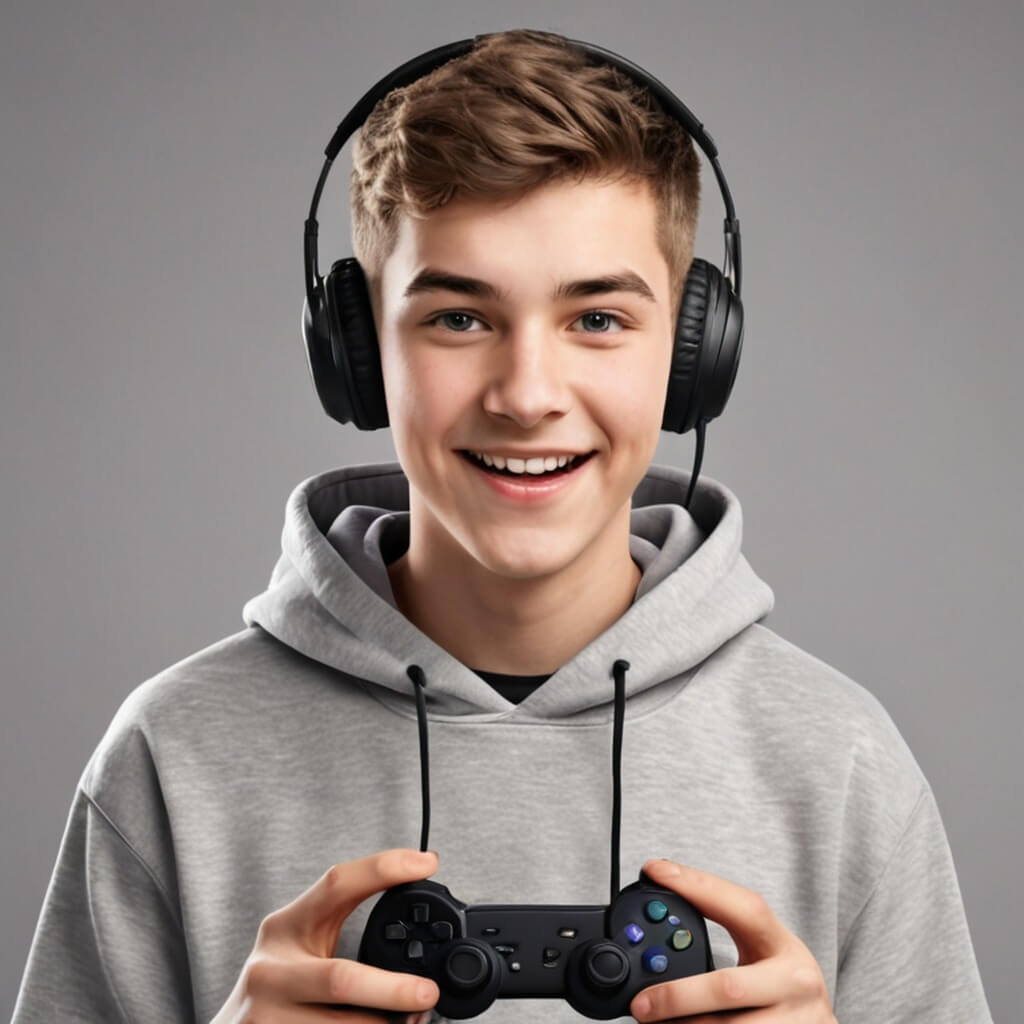
Game Pop

Bake Joy
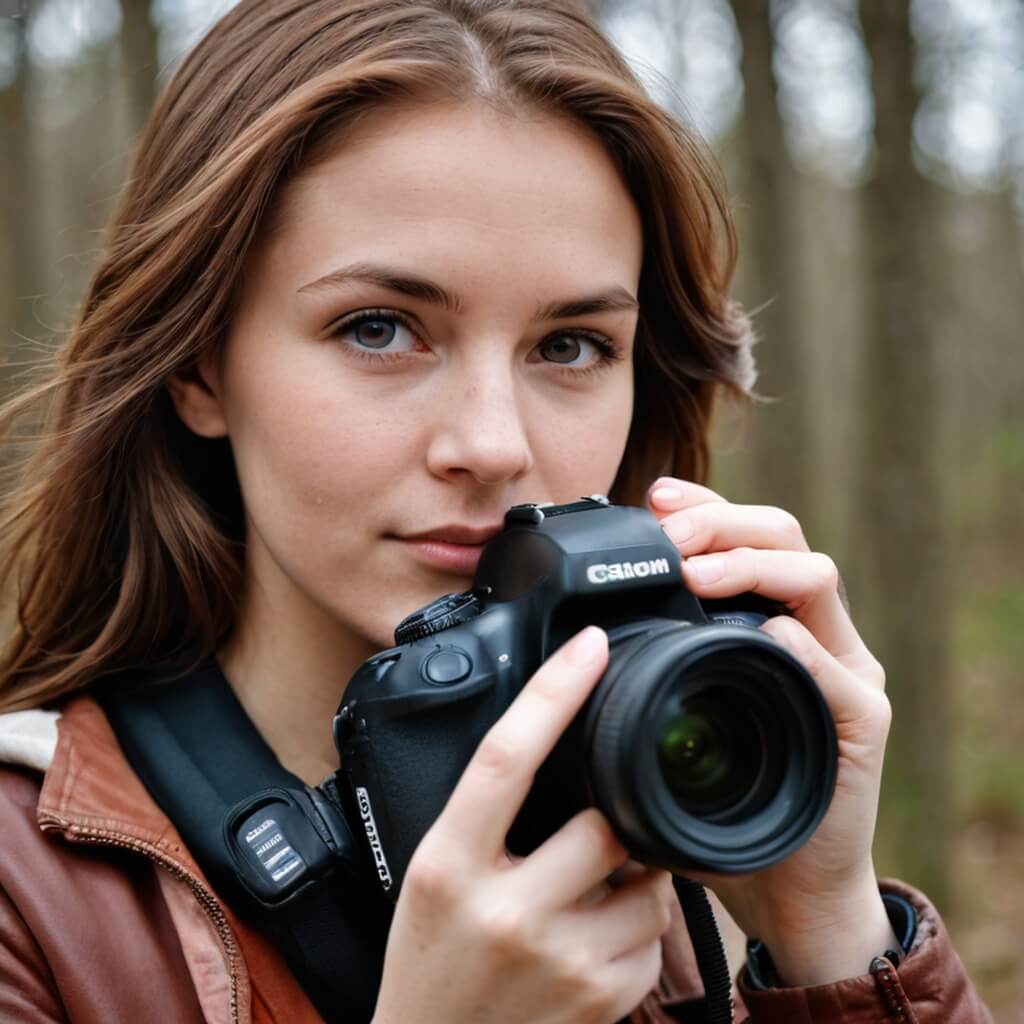
Gold Cam

Sun Coach

Ride Joy

Shop Pop
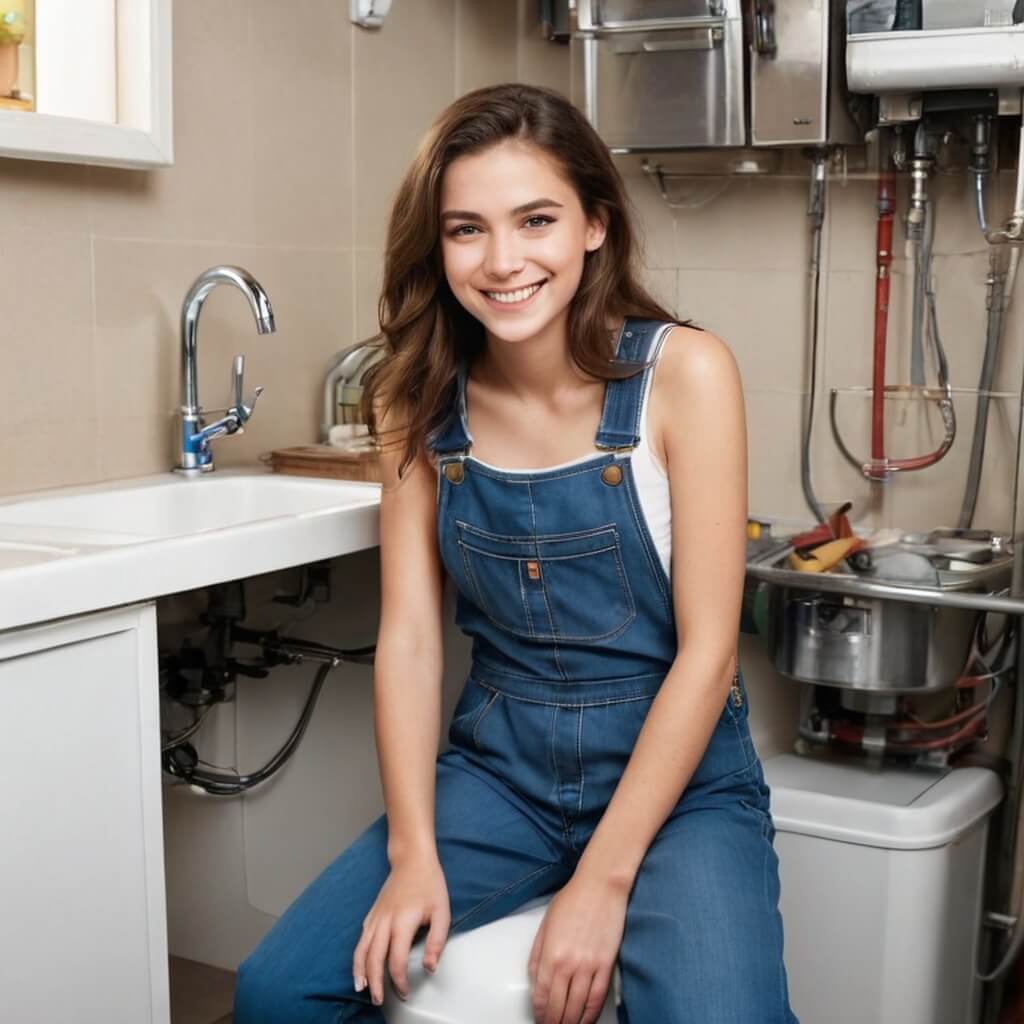
Fix Sis

Jet Boy
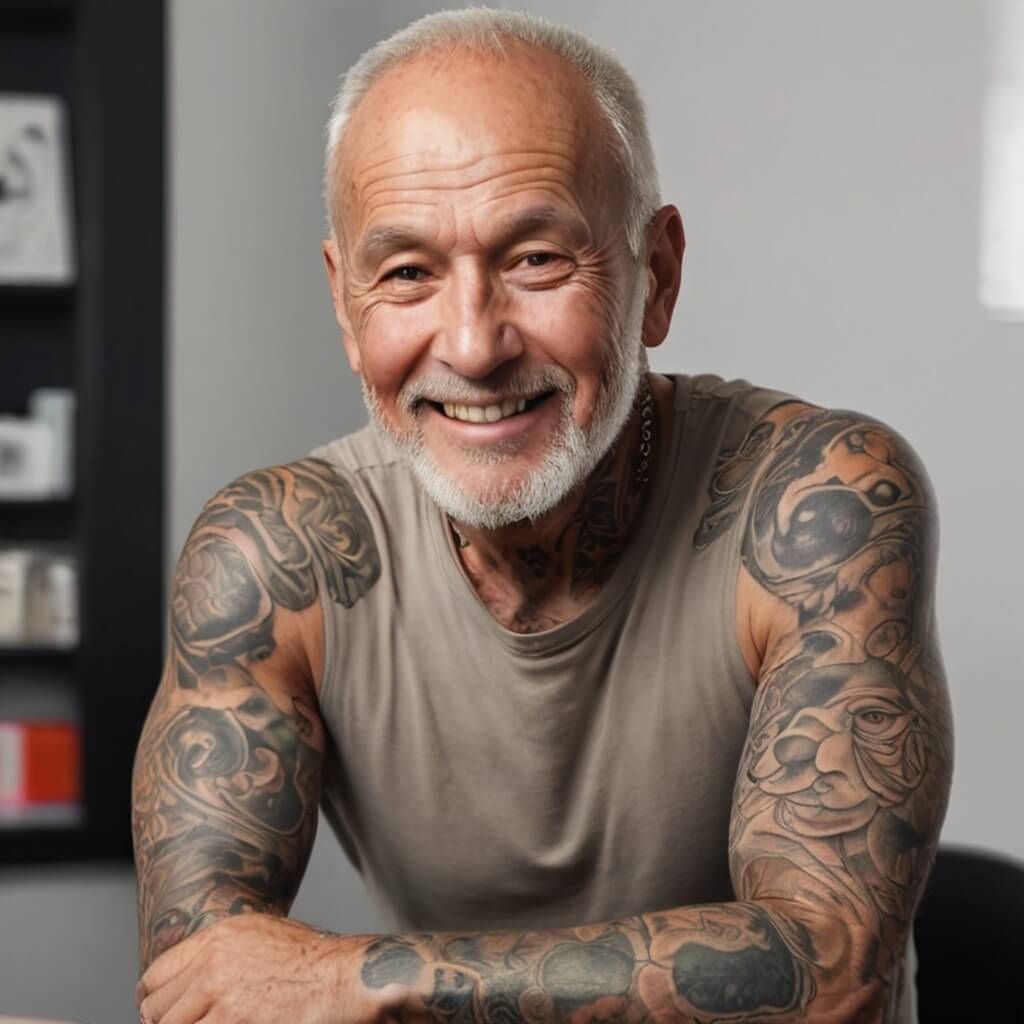
Right Ink
How to Swap Faces in a Photo Using YouCam AI Photo Face Swap
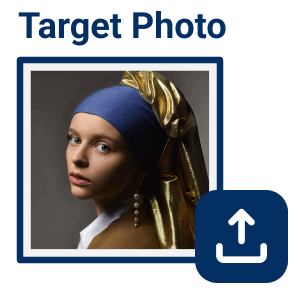
Upload a Target Photo
Start by uploading the target photo where you want the face to appear. YouCam supports photos with multiple faces, giving you more options for swapping.
Tip: Use a clear, front-facing target photo with good lighting — YouCam's face detection works best when the face isn't at an extreme angle or partially obscured.

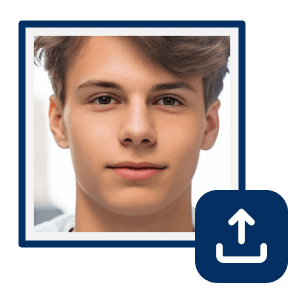
Upload Face Photos
Next, upload the photos containing the faces you want to swap. The tool can auto-detect faces, and you can swap them one by one for precise results.
Tip: If you're swapping a face from an old or low-resolution photo, run it through YouCam's AI Photo Enhancer first — cleaner structural detail helps the AI detect the face more accurately.

Choose the Faces You Want to Swap
Select the specific faces you want to swap in the target photo. This ensures that the right faces are swapped seamlessly.
Tip: Working with a photo that has multiple faces? Zoom in before selecting to make sure you've tapped the right one, especially when faces overlap or are small in the frame.
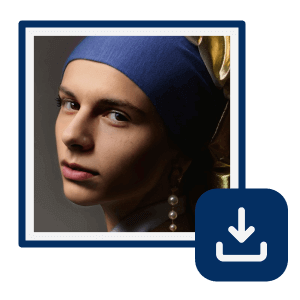
Start AI Photo Face Swap
Click the start button and let the AI work its magic. In just a few moments, you'll have perfectly swapped faces in your photo!
Tip: Keep a copy of your original, un-swapped photo before downloading the result — it's an easy way to avoid confusion later about which image is the edited one.

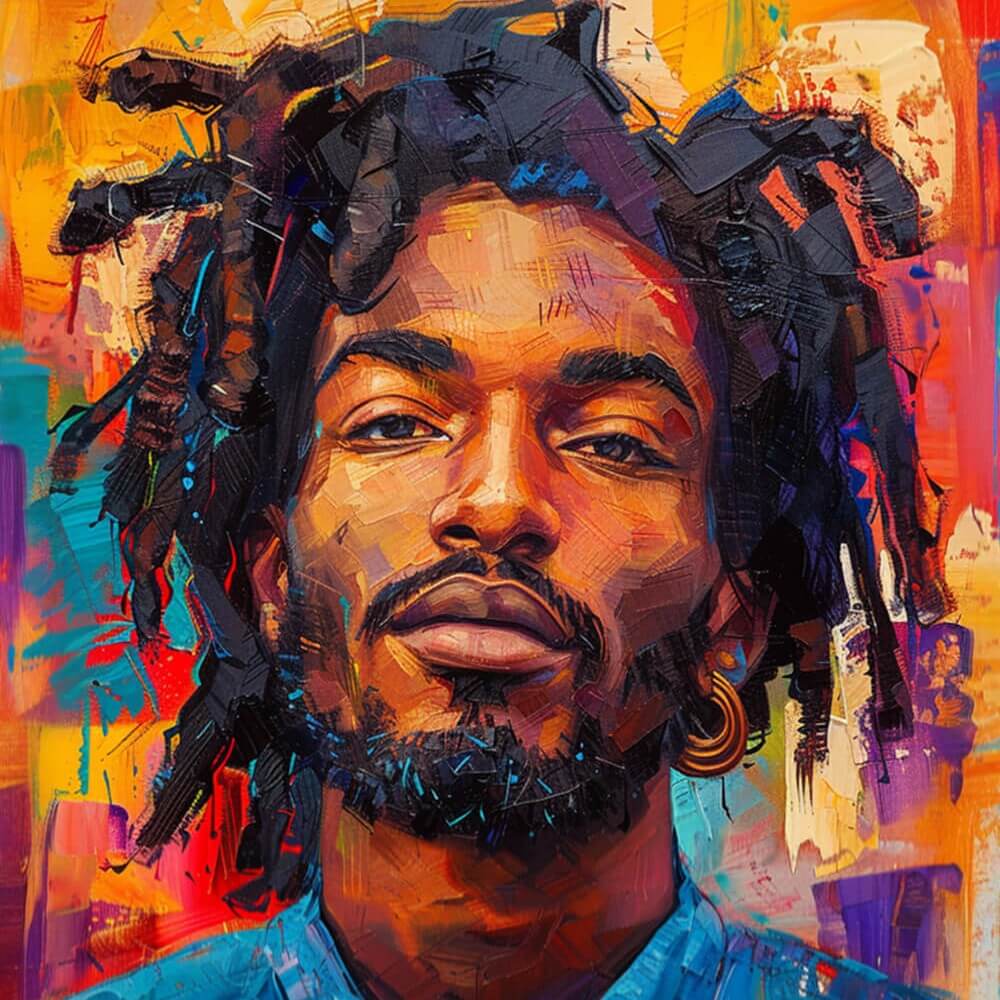
Discover endless possibilities with our unlimited photo face swap templates and transform your photos in fun and creative ways!

Audrey

Barbie_Boy

Barbie_Girl

Barbie_Group
Marley

Hero Team

Dune
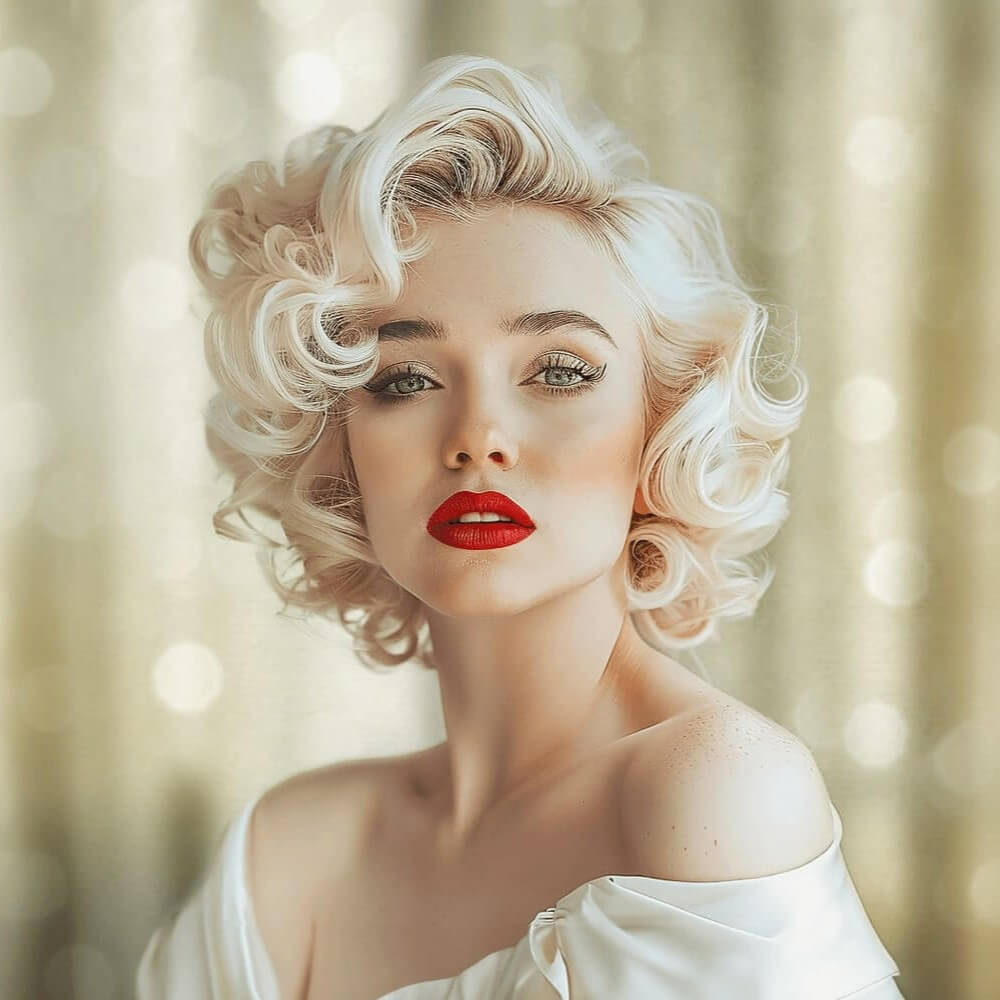
Monroe

Olympics

Sorcerer

Tennis

Soccer

Super Hero

Super Woman
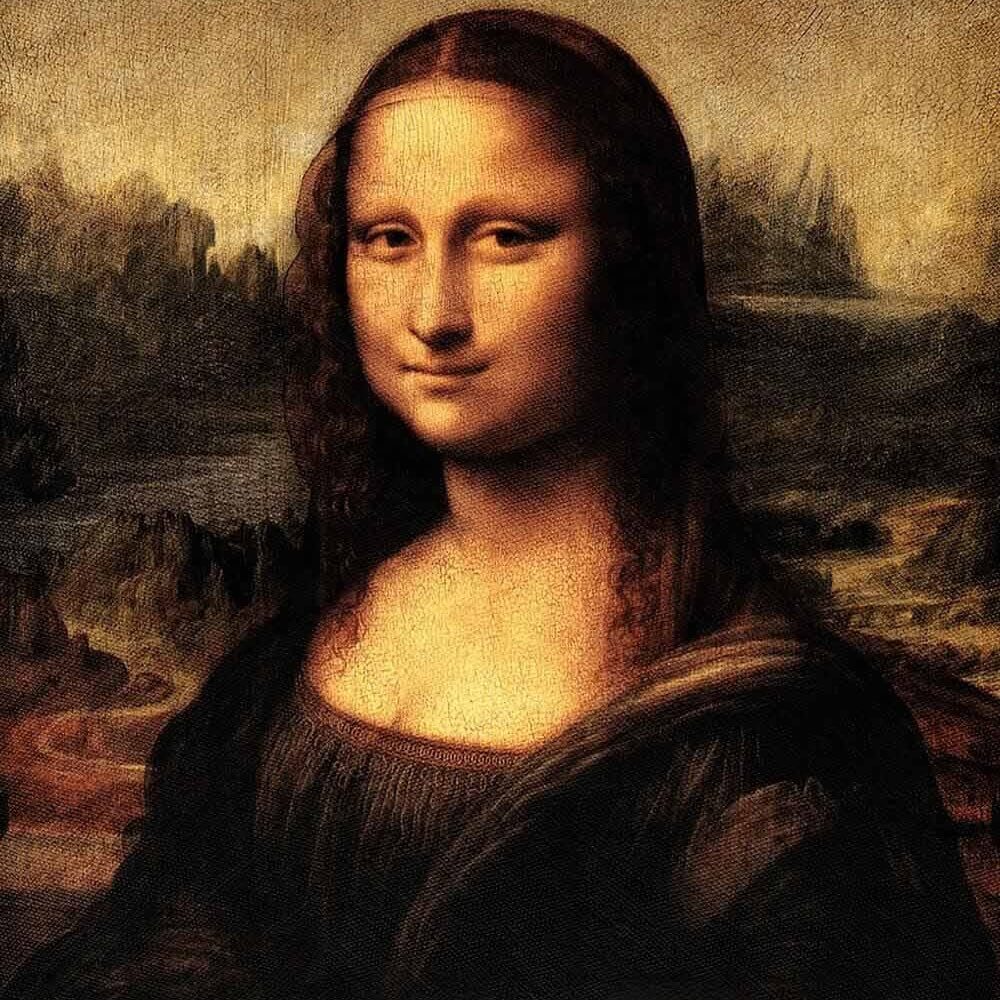
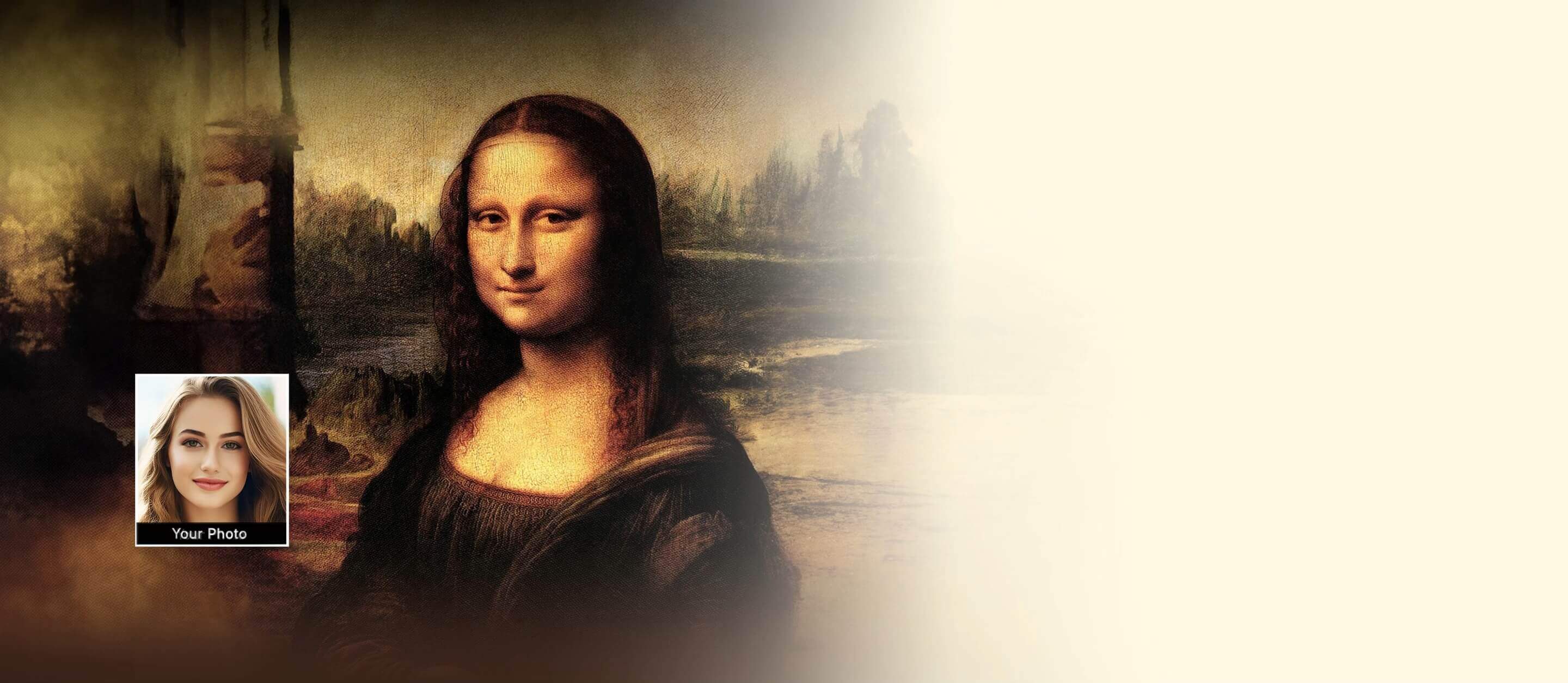
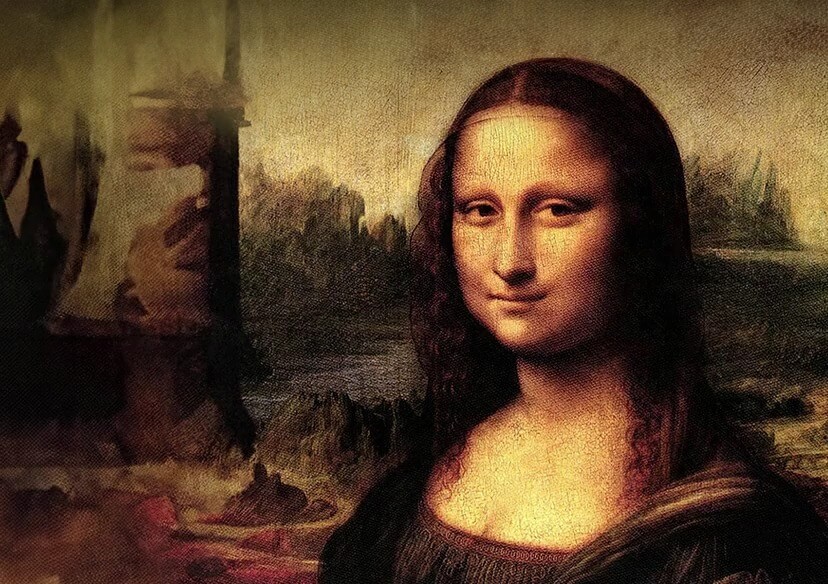
Mona Lisa

Air Force
5 Best Photo Face Swap Ideas to Try in 2026
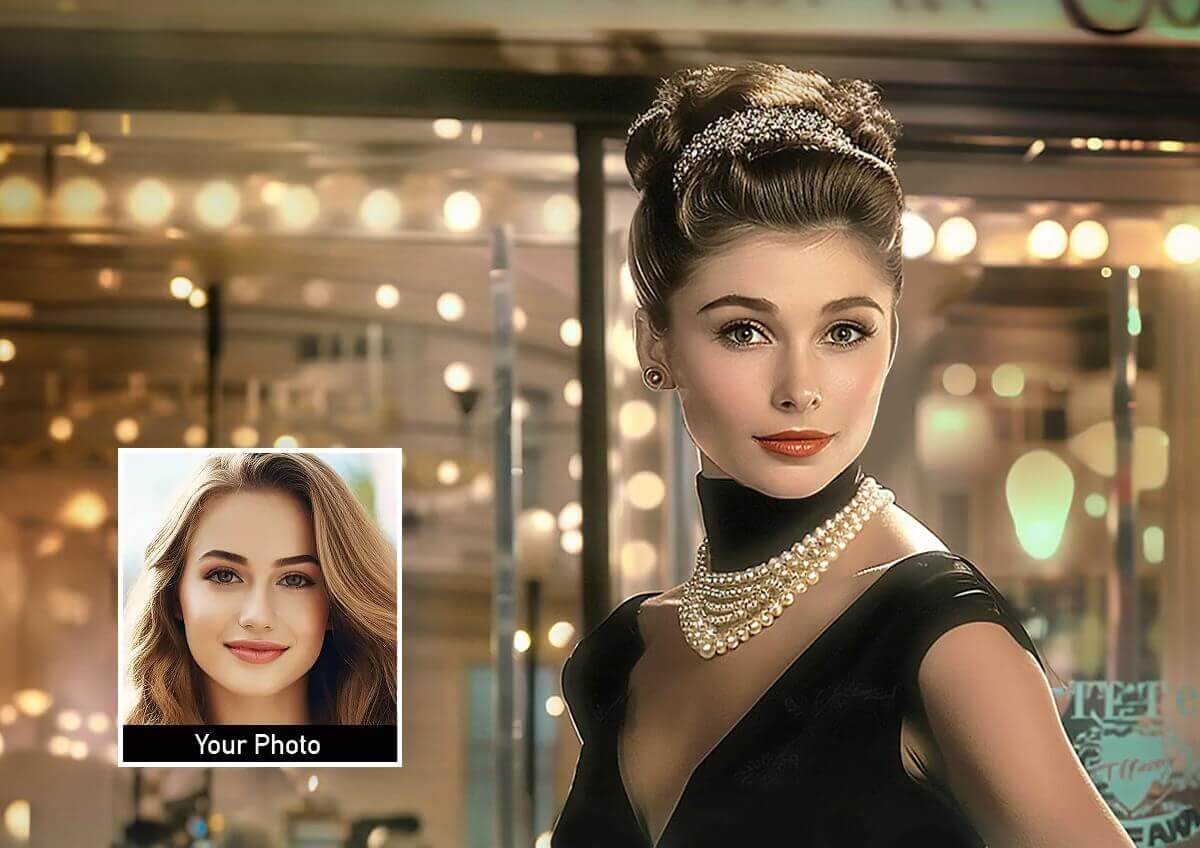
Swap Face With Your Favorite Celebrity
Imagine transforming yourself into your favorite celebrity with just a few clicks. Our AI face swapper lets you swap your face with those of popular stars, creating realistic and entertaining images that you can share with friends and family. Whether for fun or fantasy, become a part of Hollywood in an instant.
Tip: Pick a celebrity reference photo with a similar face angle to your own target photo — a straight-on celebrity headshot swapped onto a profile-angle target photo is the fastest way to get an unnatural result here.
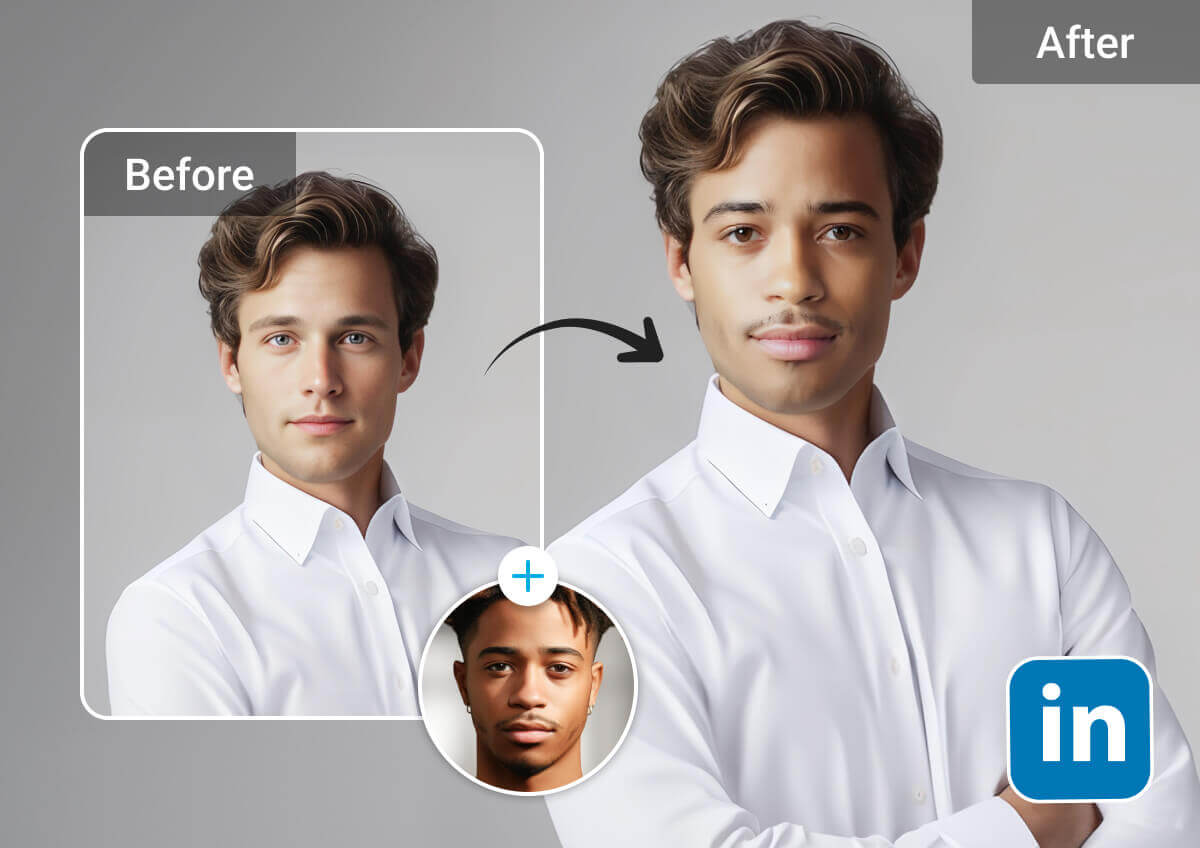
Swap Faces with Any Profile Picture
Tired of the same old profile picture? Our face swap app allows you to swap your face with any desired profile picture. Choose from a variety of stylish photos and give your social media accounts a fresh and trendy look, making you stand out from the crowd.
Tip: Crop your target photo to the same aspect ratio your platform displays (square for most profile photos) before swapping, so nothing important gets cut off after you upload the result.
Innovative Marketing Campaigns, Social Media Ideas, or Personal Event
Boost your marketing efforts or personal events with creative face swap images. Use our AI face swapper to generate eye-catching promotional materials that stand out. Whether for ads, social media, or websites, make your campaigns more engaging and shareable with unique face swaps.
Tip: Get written consent before using a real person's face in any commercial or marketing material — this matters even for playful campaign content, and is covered in more depth in the FAQ below.
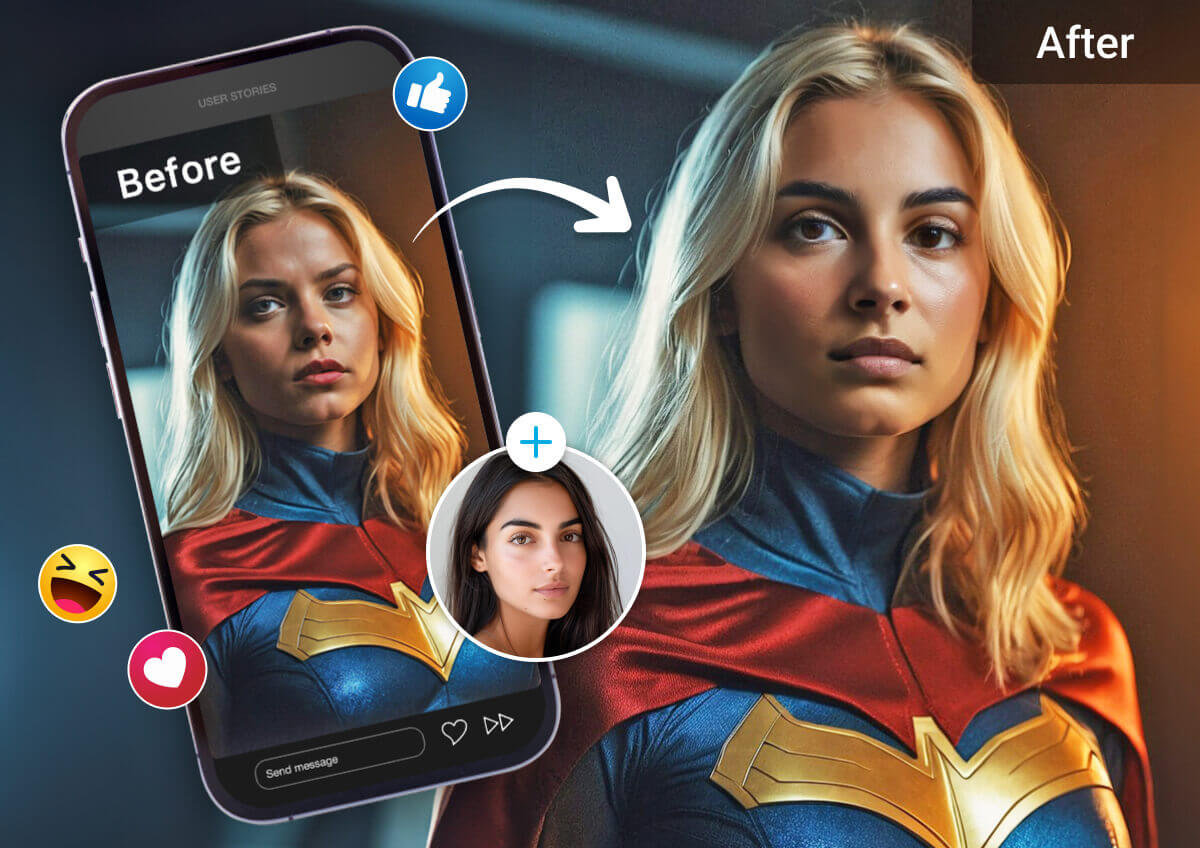
Memorable Family Photo Albums
Add a touch of fun to your family photo albums with our face swap online tool. Swap faces between family members to create amusing and memorable photos that everyone will treasure. Turn ordinary albums into cherished keepsakes filled with laughter.
Tip: Old, low-resolution scanned family photos can be a weaker source for face detection — running an old photo through a photo enhancer first (see the FAQ below) often improves swap accuracy before you bring it into this tool.
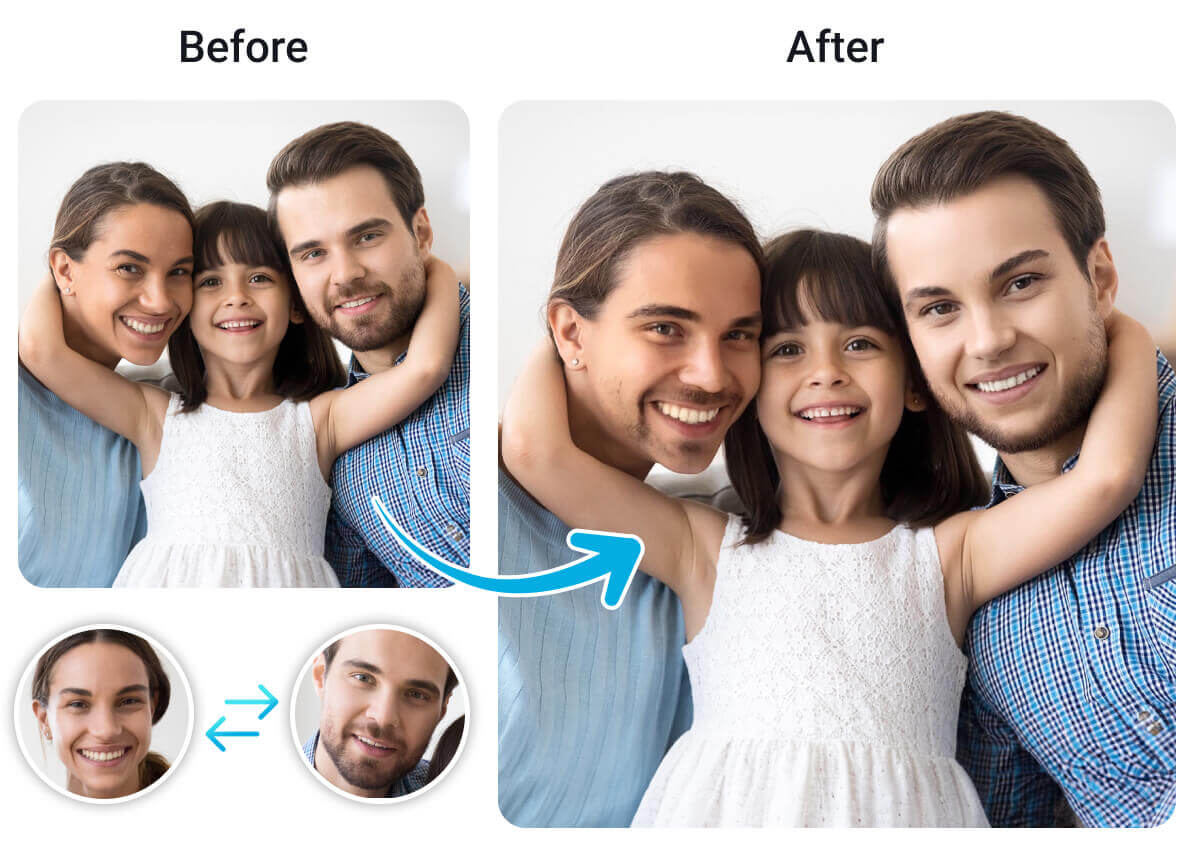
Create Hilarious Memes with AI Face Swapper
Elevate your meme game with our face swap tool. Easily swap faces in popular memes to add a personal and hilarious touch. Create and share your customized memes, making your content go viral and bringing more laughter to your social media feed.
Tip: Keep a copy of your original, un-swapped photo before sharing a meme — it's an easy way to avoid confusion later about which image is the edited one.
3 Highlights of the Best AI Photo Face Swap Tool: YouCam
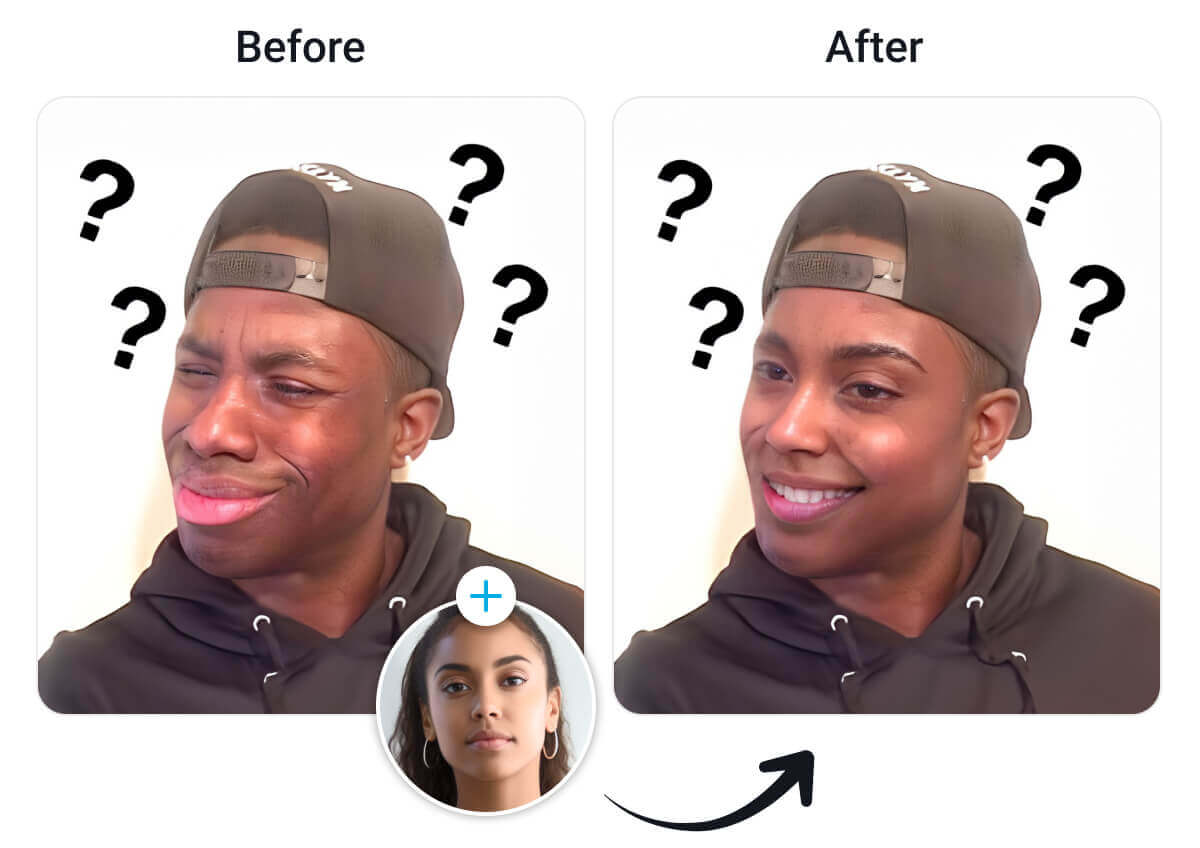
Supports Multiple Face Swaps
Our face swap artificial intelligence supports the swapping of multiple faces within a single image. This feature allows for complex and creative projects. Enjoy the flexibility to experiment with various face swap scenarios effortlessly.
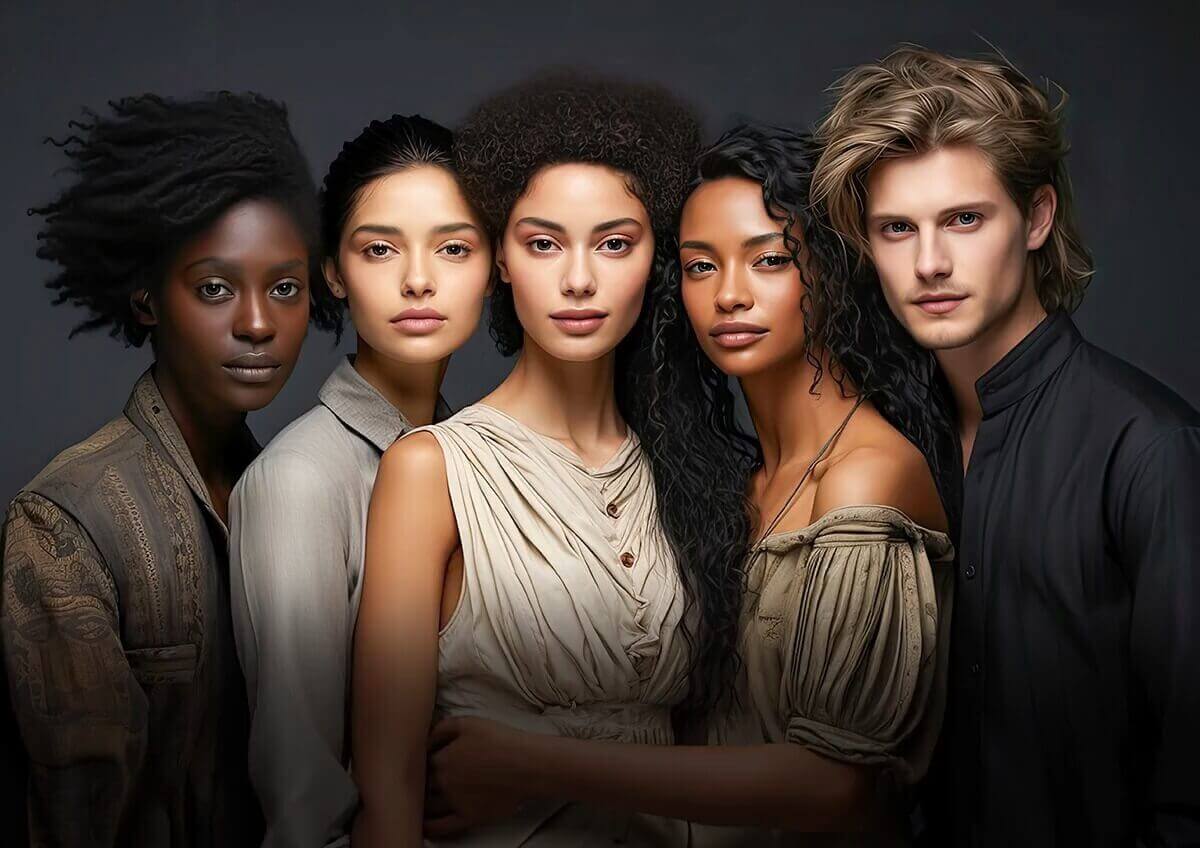
Instant Face Swapping
Experience lightning-fast face swap AI processing that delivers results in seconds. Our advanced technology ensures that you don't have to wait long to see your transformed images. Whether you're in a rush to create content or just eager to see the final product, our tool provides quick and efficient face swaps that save you time.
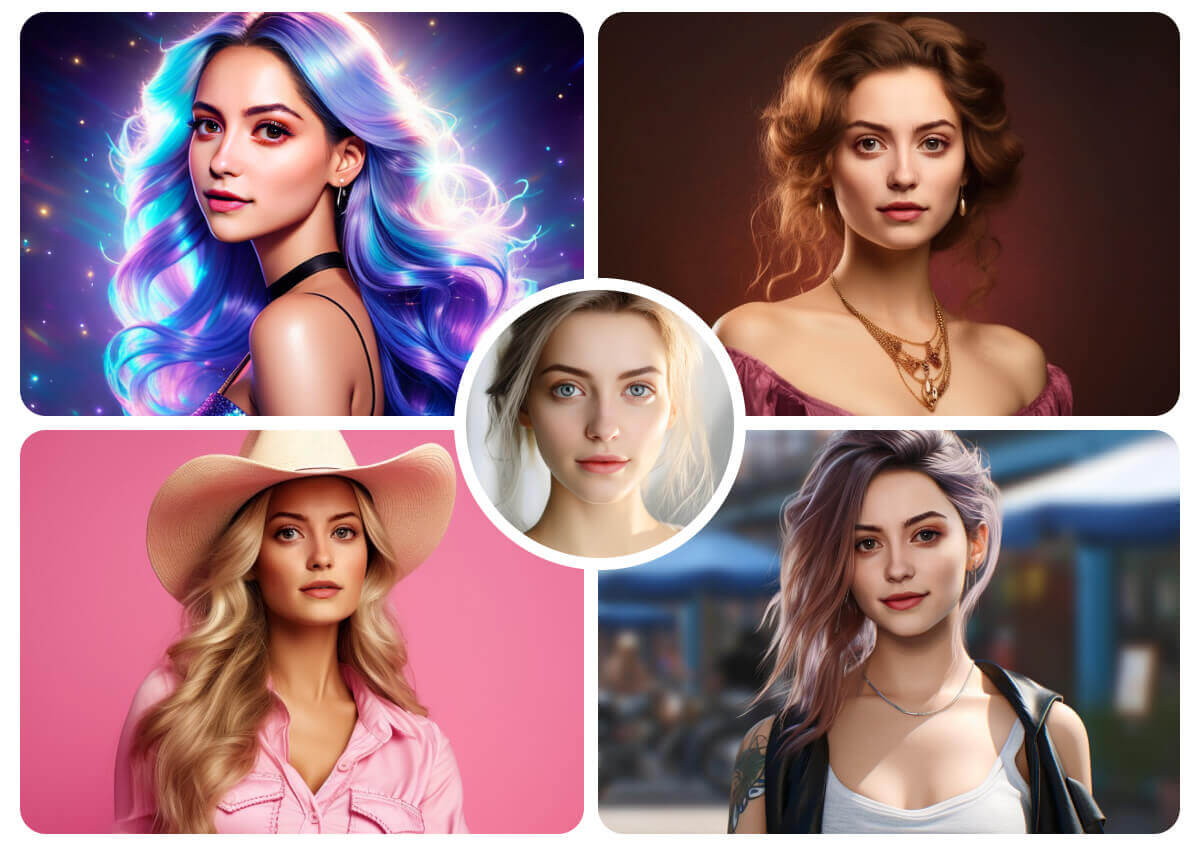
Privacy and Security
We prioritize your privacy and security with robust data protection measures. All face swaps are processed securely, ensuring that your images and personal information are safe from unauthorized access.
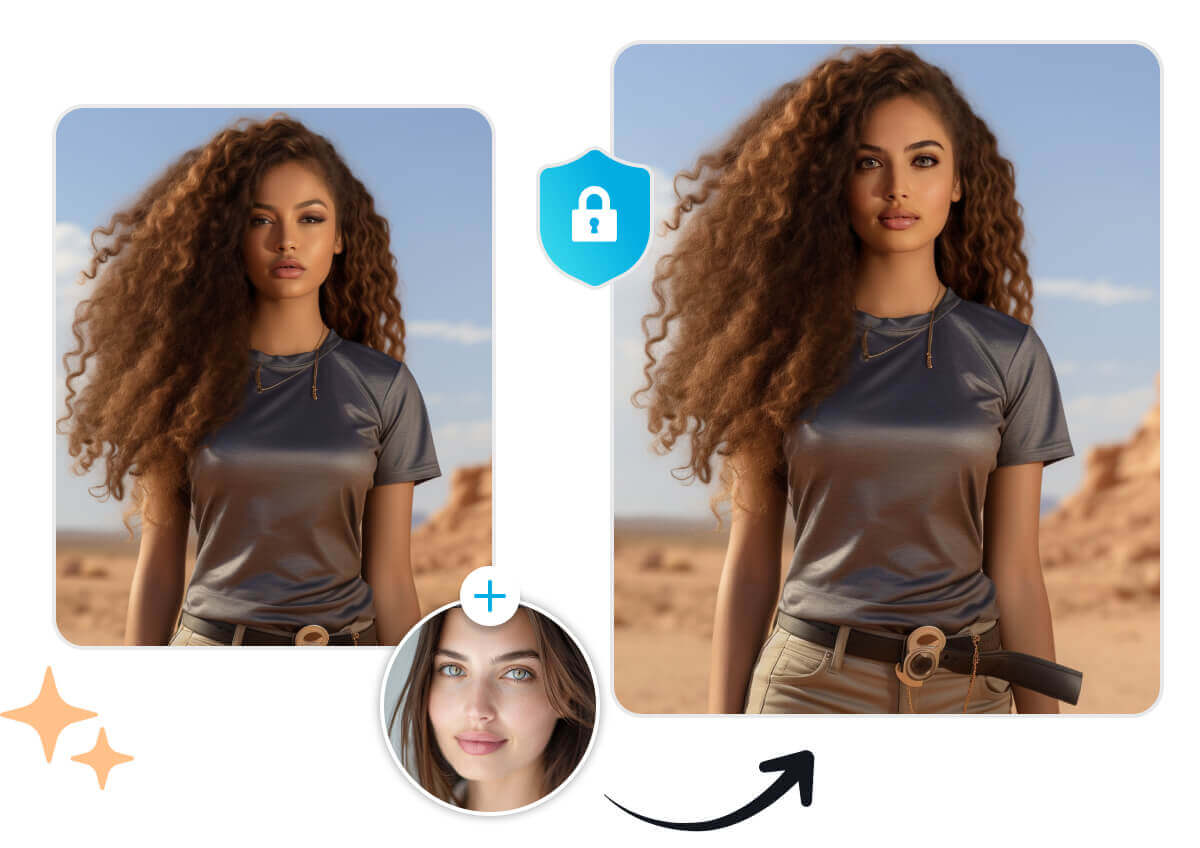
Bring your selfies to life with YouCam AI Video Face Swap, where your face is seamlessly swapped into dynamic video clips for a fun and realistic transformation. Experience the magic of AI-powered video editing with just one photo—perfect for sharing on social media.
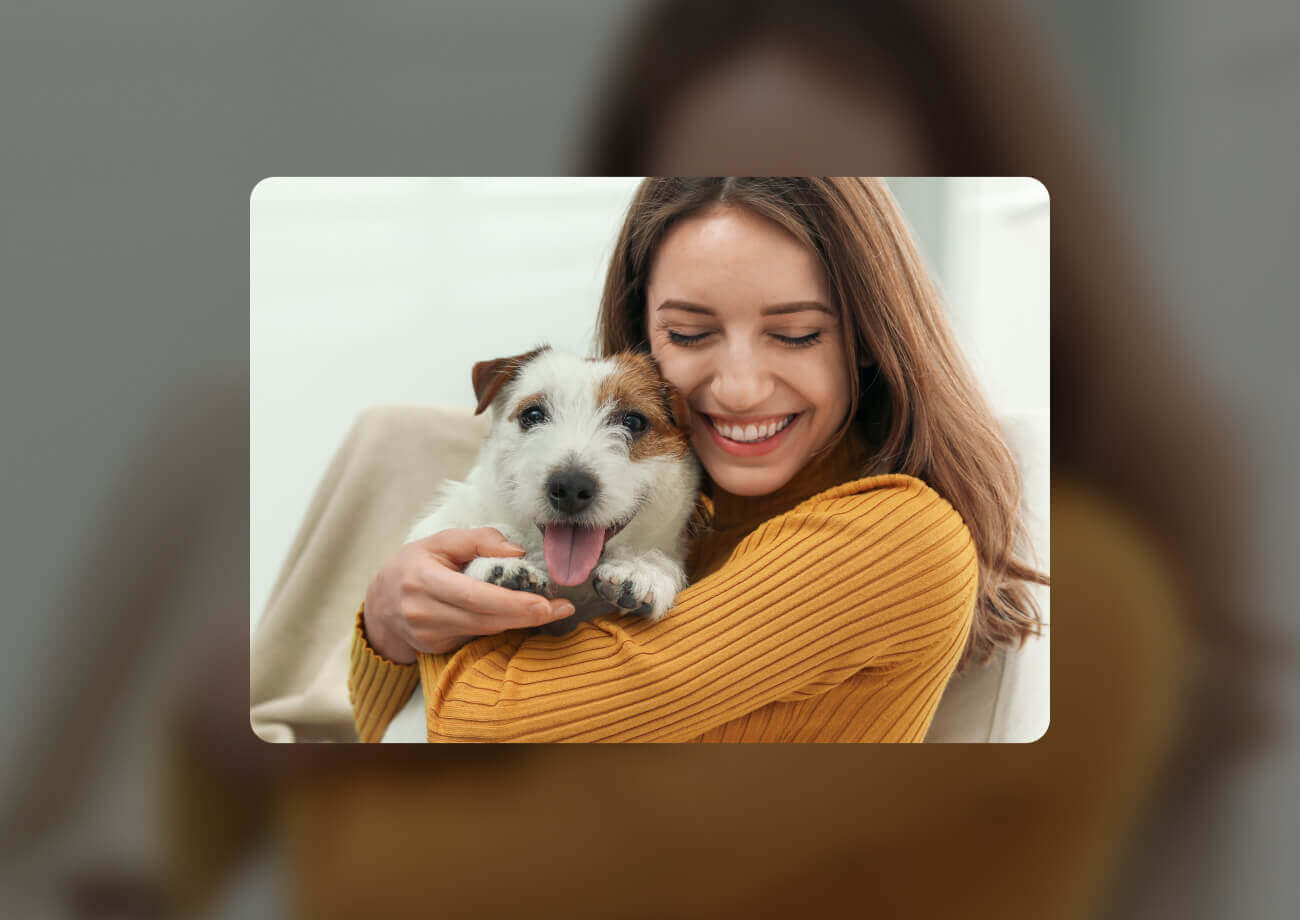
Elevate your photos instantly with YouCam AI Photo Enhancer, which sharpens details, improves lighting, and restores image quality in one click. Whether it's a blurry selfie or a faded memory, this tool brings your pictures back to life.
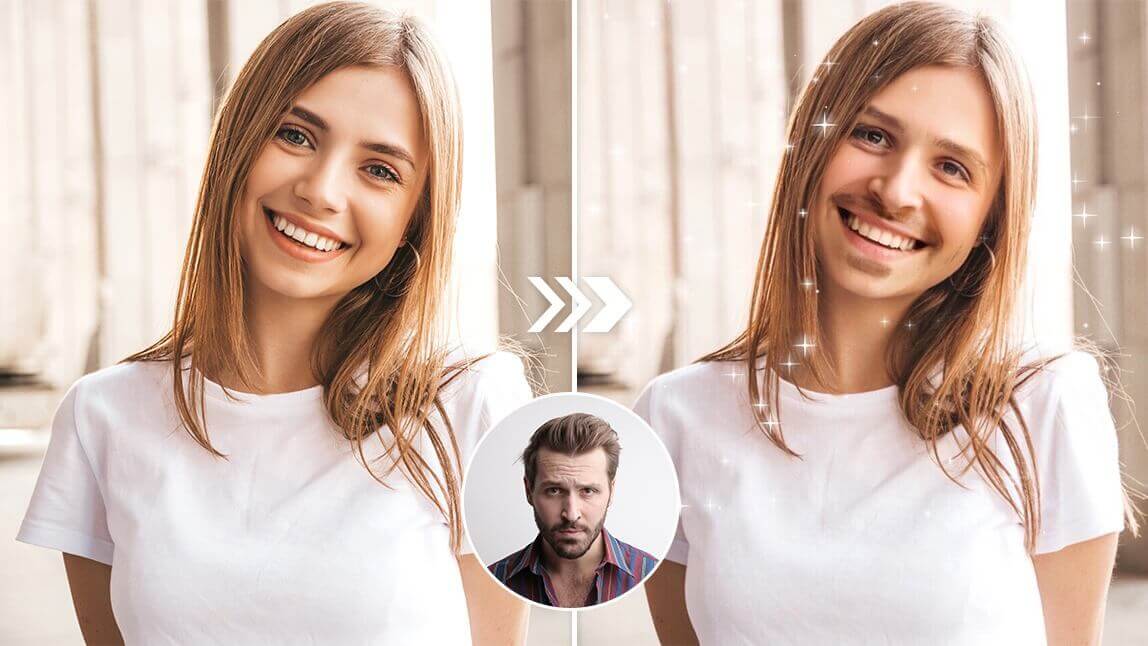
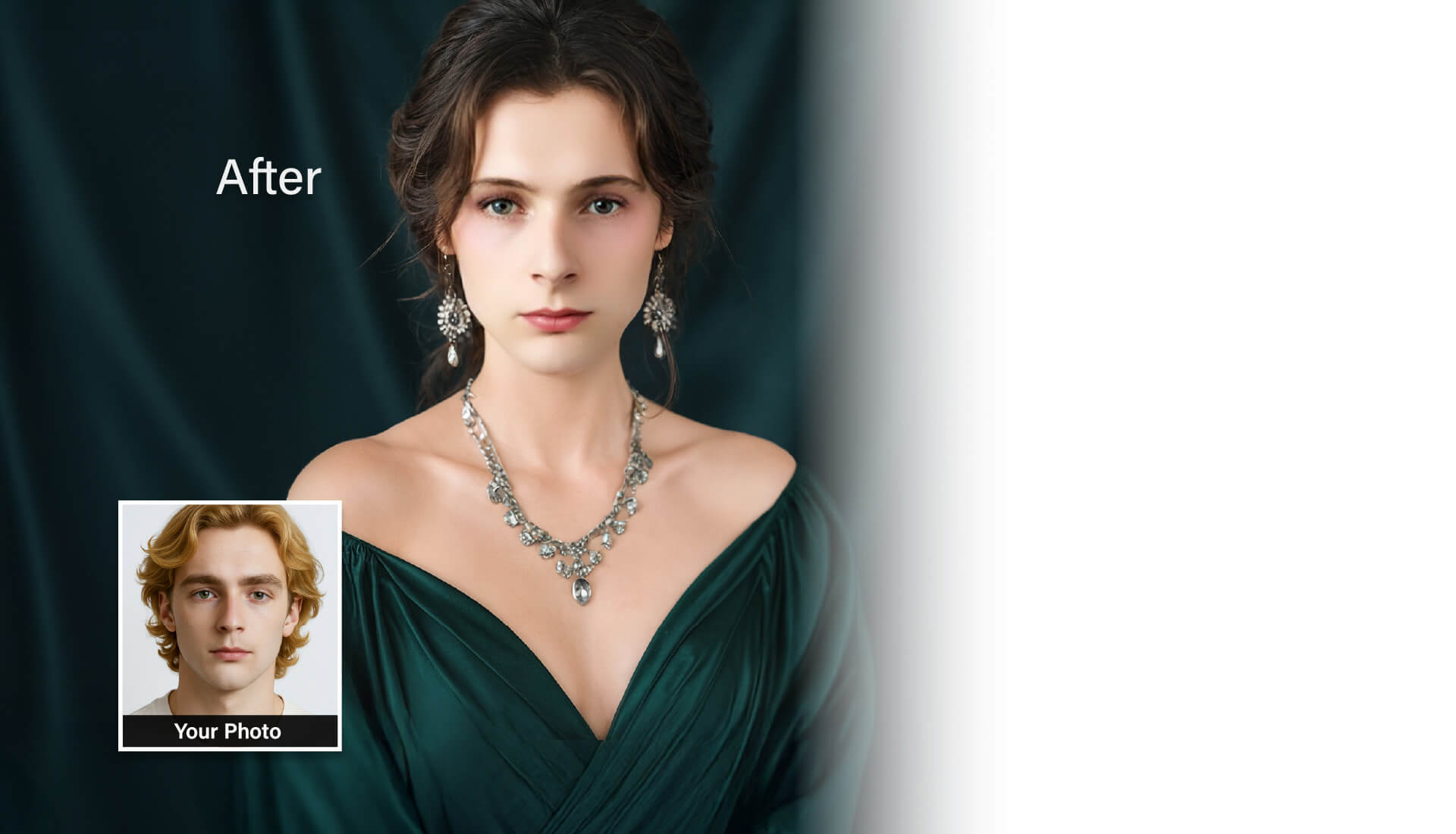
Explore a new version of yourself with YouCam AI Image to Video's Gender Swap, a video filter that reimagines your appearance with realistic gender transformation effects. Powered by advanced AI, it creates stunning, shareable videos that are both fun and thought-provoking.
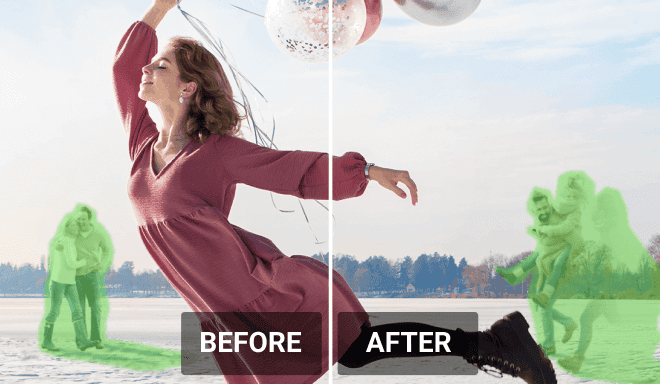
Say goodbye to unwanted distractions in your photos with YouCam AI Object Remover, which intelligently erases objects while preserving background details. Clean up your images effortlessly and keep the focus where it belongs.
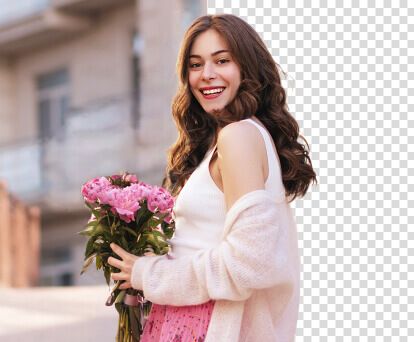
Transform your photos with YouCam AI Background Remover, which instantly isolates your subject and removes or replaces the background. Perfect for profile pictures, product shots, or creative edits with no manual effort.
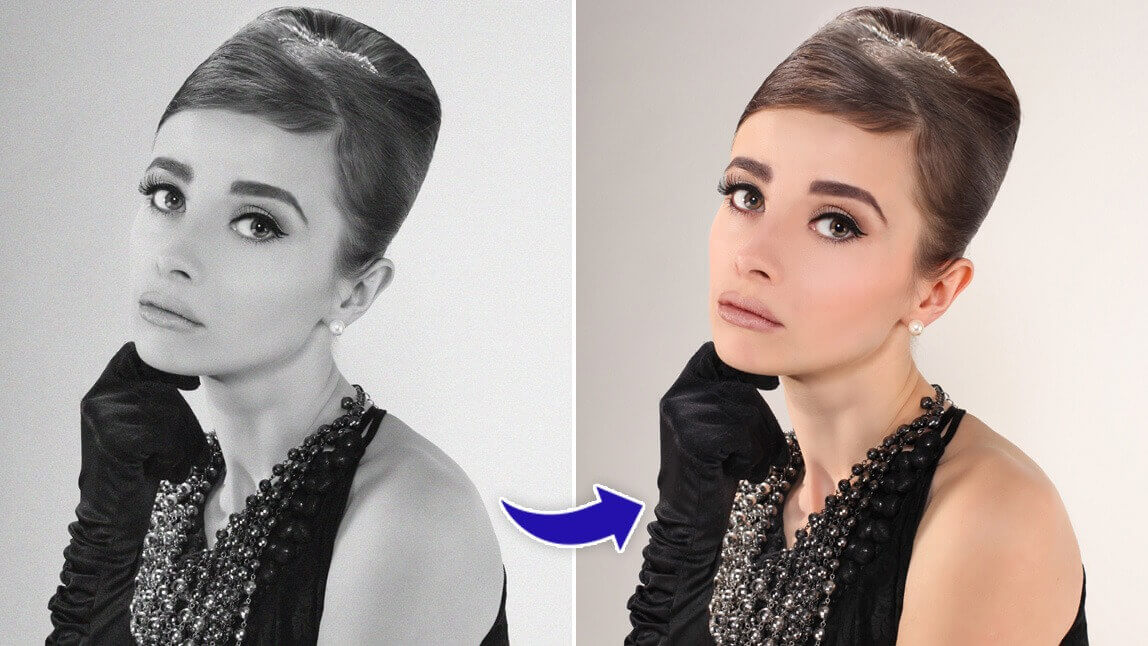
Rediscover old memories in vibrant color with YouCam AI Photo Colorizer, which breathes life into black-and-white photos using smart colorization technology. Turn vintage images into vivid keepsakes in seconds.
Start AI Photo Face Swap With Mobile App
Ready to create amazing face swaps? Download the YouCam Perfect app now and start your AI photo face swap journey today!


AI Photo Face Swap FAQs
What should we notice when using AI Face Swap tools?
When using AI Face Swap tools, it's crucial to be aware of the following legal and ethical guidelines to ensure responsible and compliant usage:
- Consent and Privacy: Always obtain explicit consent from individuals whose faces you intend to use. Unauthorized use can violate privacy and publicity rights, leading to legal consequences, especially if it causes harm or misrepresents the individual .
- Intellectual Property Rights: Ensure that the images or videos you use are either royalty-free or you have the necessary permissions to modify them. Using copyrighted content without permission can lead to copyright infringement issues .
- Defamation and Harassment: Avoid creating face swaps that depict individuals in a false or harmful light. Such actions can result in defamation lawsuits and cause emotional distress to the individuals involved.
- Deepfake Legislation: Stay informed about local and international laws targeting malicious deepfakes. For instance, the U.S. has the Deepfake Accountability Act, and the EU’s Digital Services Act includes provisions for combating AI-generated misinformation .
- Ethical Use: Use AI face swap tools responsibly and ethically. This includes avoiding the creation of misleading or harmful content and ensuring that your use of the technology aligns with societal norms and values .
By following these guidelines, you can use AI face swap tools in a way that is both legally compliant and ethically sound.
Is there a free AI face generator?
YouCam's AI Face Swap tool is free to use and doesn't require sign-up for your first swaps, but it's a face-swap tool rather than a from-scratch face generator — it blends a reference face into an existing target photo rather than inventing an entirely new face with no source image. If you're specifically looking to generate a new face from scratch rather than swap one into a photo you already have, that's a different tool category.
Are AI-generated faces more trustworthy?
Trustworthiness isn't really a property of the AI itself — it depends on how the result is used and disclosed. For fun and creative purposes like the face swaps on this page, our advanced AI produces high-quality, natural-looking results, but any face-swapped image should be used responsibly, especially before sharing or publishing it in a context where someone might mistake it for an unaltered photo.
Can AI create a new face?
Yes — AI models in general can synthesize a face that doesn't correspond to any real person, by combining features learned from many training images. YouCam's AI Face Swap tool takes a related but different approach: rather than generating a face from nothing, it blends a real reference face you provide into your target photo, matching lighting, angle, and expression for a natural-looking result.
How do I make my own AI face?
To create your own swapped face with this tool: upload a target photo (Step 1), upload a clear reference photo of the face you want to use (Step 2), select which face in the target photo to replace (Step 3), then start the swap (Step 4). The result is a new version of your target photo with the reference face blended in — see the 4-step how-to earlier on this page for the full walkthrough.
Can AI change a picture?
Yes, AI can change a picture in various ways, such as altering facial features, swapping faces, enhancing image quality, and more. Our face swap tool uses cutting-edge AI to modify images while maintaining a natural and seamless appearance, perfect for creative edits and fun photo transformations.
What is the AI app that changes your faces?
YouCam Online Editor is the AI app behind this page's face swap tool — it quickly swaps faces in photos, with support for multiple faces in a single image and a free tier that doesn't require sign-up for your first swaps.
How to swap faces for free?
To swap faces for free using YouCam's AI Face Swapper, you first need to sign up and get free credits. Once you're signed up, click the "Start Face Swap" button. Upload a photo featuring your face along with another photo of the person you want to switch faces with. After both images are uploaded, the AI will intelligently swap your faces, creating a fun and seamless edit. Enjoy your newly transformed images with just a few clicks!
Can I clean up an old or blurry photo before swapping a face into it?
Yes — for a scanned or low-resolution photo, running it through YouCam's AI Photo Enhancer first often improves face-detection accuracy before you bring it into the face swap tool, since the AI has cleaner structural detail to work with. This is a useful order of operations for the family-album and genealogy use cases described above: enhance first, then swap.
Can I remove the background before or after a face swap?
Yes — AI Background Remover can isolate the subject in either your target photo or your finished swapped result, which is useful if you're placing the image onto a different background afterward, such as for a profile picture or a marketing mockup.
Does face swap work on old or damaged family photos?
It can, though very low-resolution, heavily creased, or faded photos give the AI less structural detail to detect a face from, which can reduce swap accuracy. For older prints, scanning flat under even lighting — and enhancing the scan first, per the question above — typically gets better results than photographing a curled or glare-affected print directly.
Is it legal to use a celebrity's face in a face swap?
This falls under the same guidance as the lead FAQ answer above: face-swapping a public figure for personal, non-commercial fun (like the celebrity use case described earlier on this page) is generally lower-risk than using their likeness in anything commercial, which can raise publicity-rights and endorsement issues regardless of how the image was produced. When in doubt, especially for anything used in marketing or advertising, get explicit rights clearance rather than relying on a face swap being "just for fun."
What are users saying about YouCam's editing apps?
Short excerpts from real, verified user reviews on Google Play and the App Store for YouCam's editing apps (general app reviews, not face-swap-specific):
"8 years later, and this is still my favourite photo app!" — Alice W, 5-star review on Google Play
"easy to use and very useful!" — Shine The Light, 5-star review on Google Play
"YouCam actually edits the PHOTO - I can erase wrinkles or lines, remove puffy eyes" — Islandgirl75, 5-star review on the App Store
Can I save my face swap result as a GIF?
Right now, results download as a photo or video file rather than a native GIF. If you specifically need a GIF, you can save your result and convert it with a separate GIF-maker tool — we’re tracking demand for a built-in GIF export.