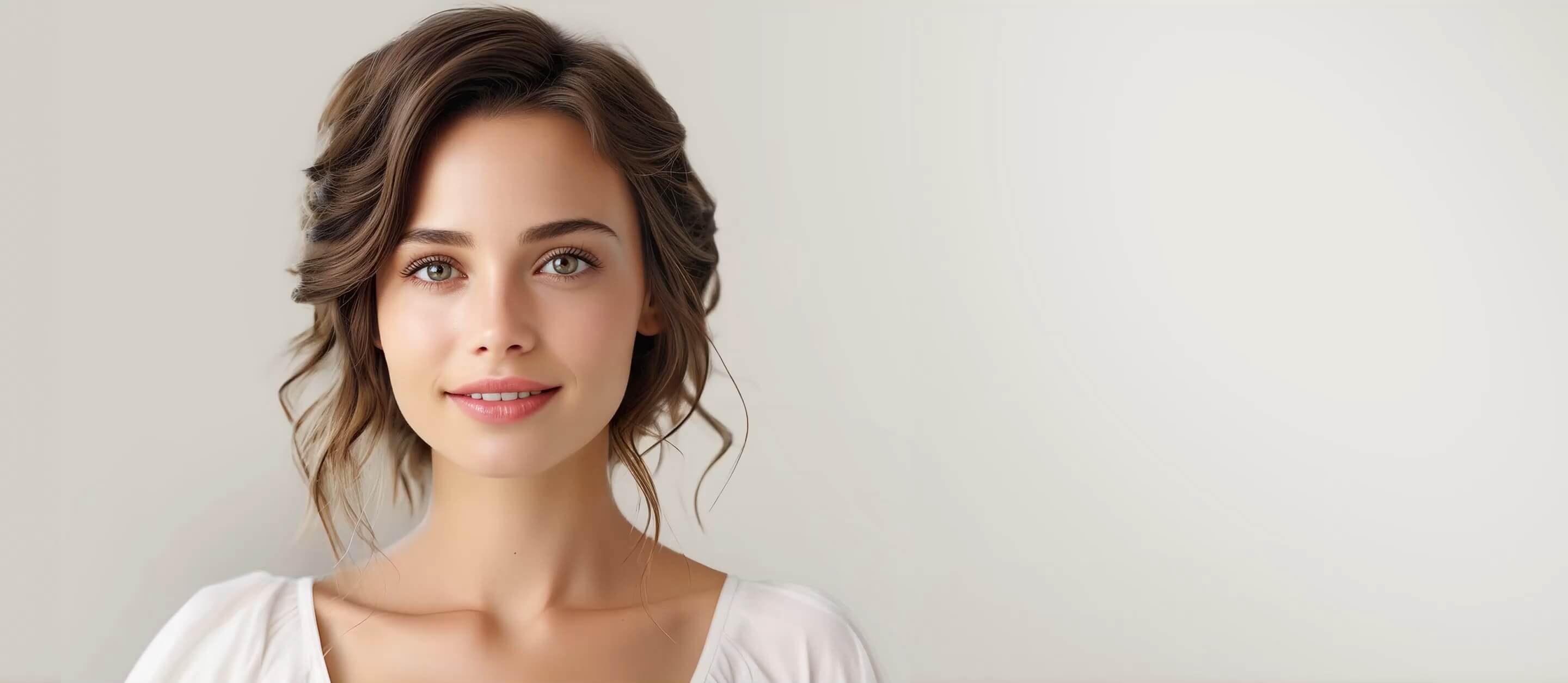




AI Face Editor
Achieve the perfect angle every time. Subtly reshape facial features, slim your jawline, and enhance your natural beauty YouCam's online face editor. No Photoshop required.



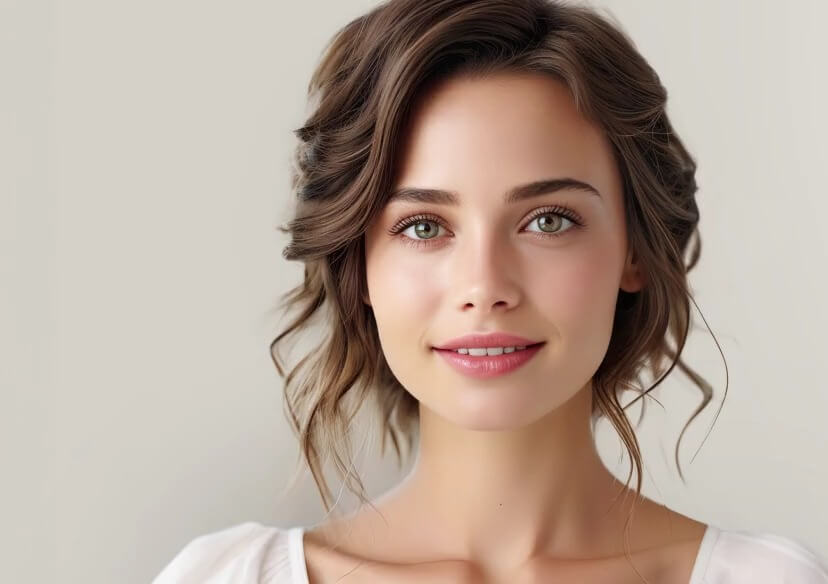
Online Photo Face Editor
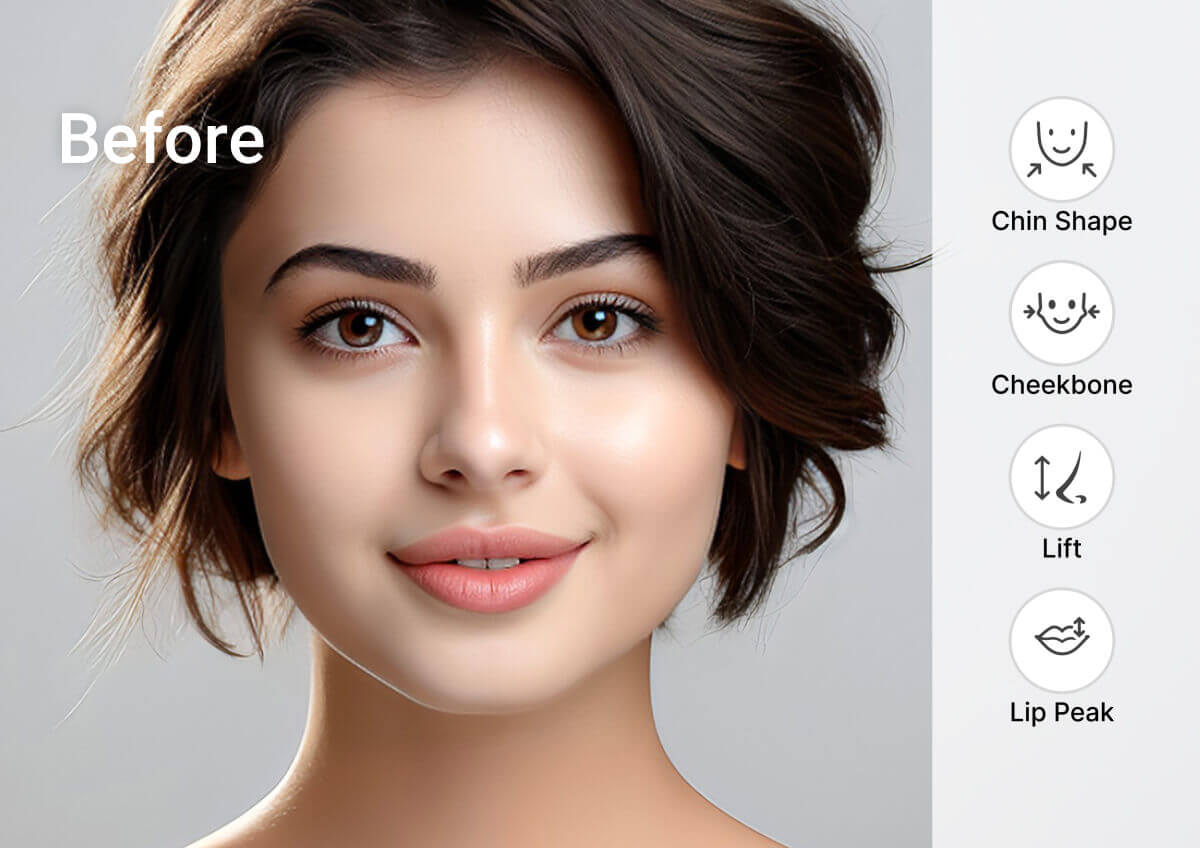
Most "beauty filters" just blur your skin. Our AI Face Editor uses 3D-mapping technology to understand facial structure, allowing you to actually reshape and refine features with precision. Whether you want to simulate a new look or just fix a double chin, you have total control.
✨ Natural Results | 🔒 100% Private | ⚡ Instant Preview
How to Edit Your Face in Photos
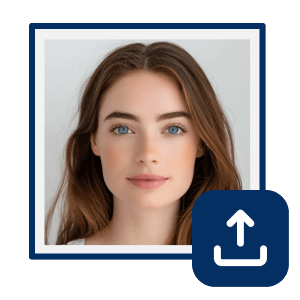
Upload Your Photo
Drag & Drop or Upload your selfie or portrait.

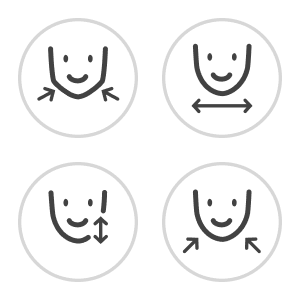
Select Face Reshape Tool
Once your photo is uploaded, choose the face reshaping tool from the editor's menu.
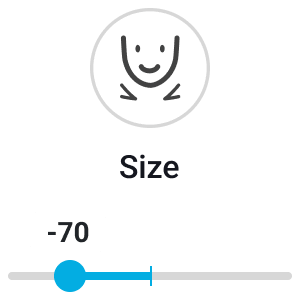
Adjust Sliders
Select a feature (Face, Nose, Eyes, Lips) and move the slider left or right. You control the intensity — go subtle or dramatic.
Save and Download
Love the look? Download your retouched photo instantly without quality loss.
Tips for Best Results
- Start with a high-resolution, front-facing photo — the AI has more detail to map, and edits hold up better if you crop or zoom in later.
- Adjust one feature at a time and preview before stacking edits, so you can tell exactly which slider produced which change.
- Keep adjustments subtle. Extreme slider values are the fastest way to make an edit look artificial.
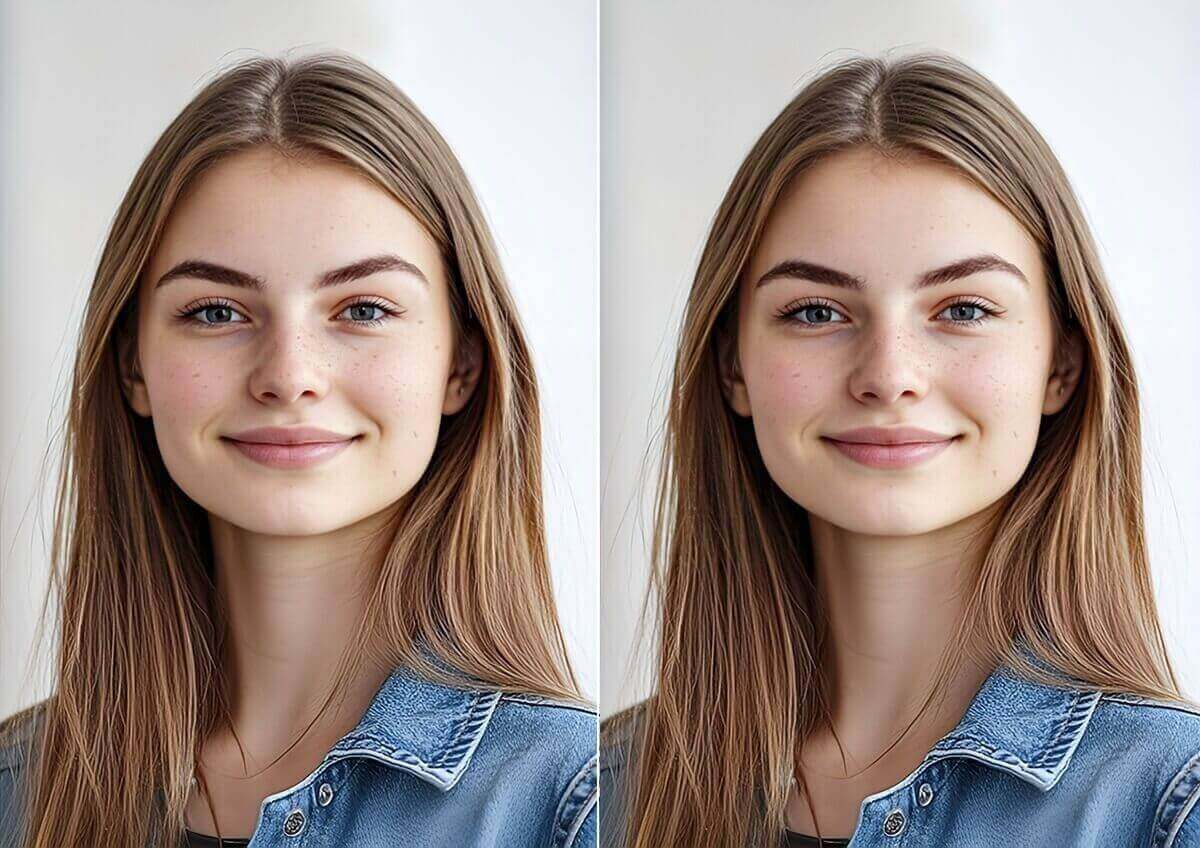
- Compare your edit side-by-side with the original before downloading — small changes are easy to under- or over-shoot without a reference point.
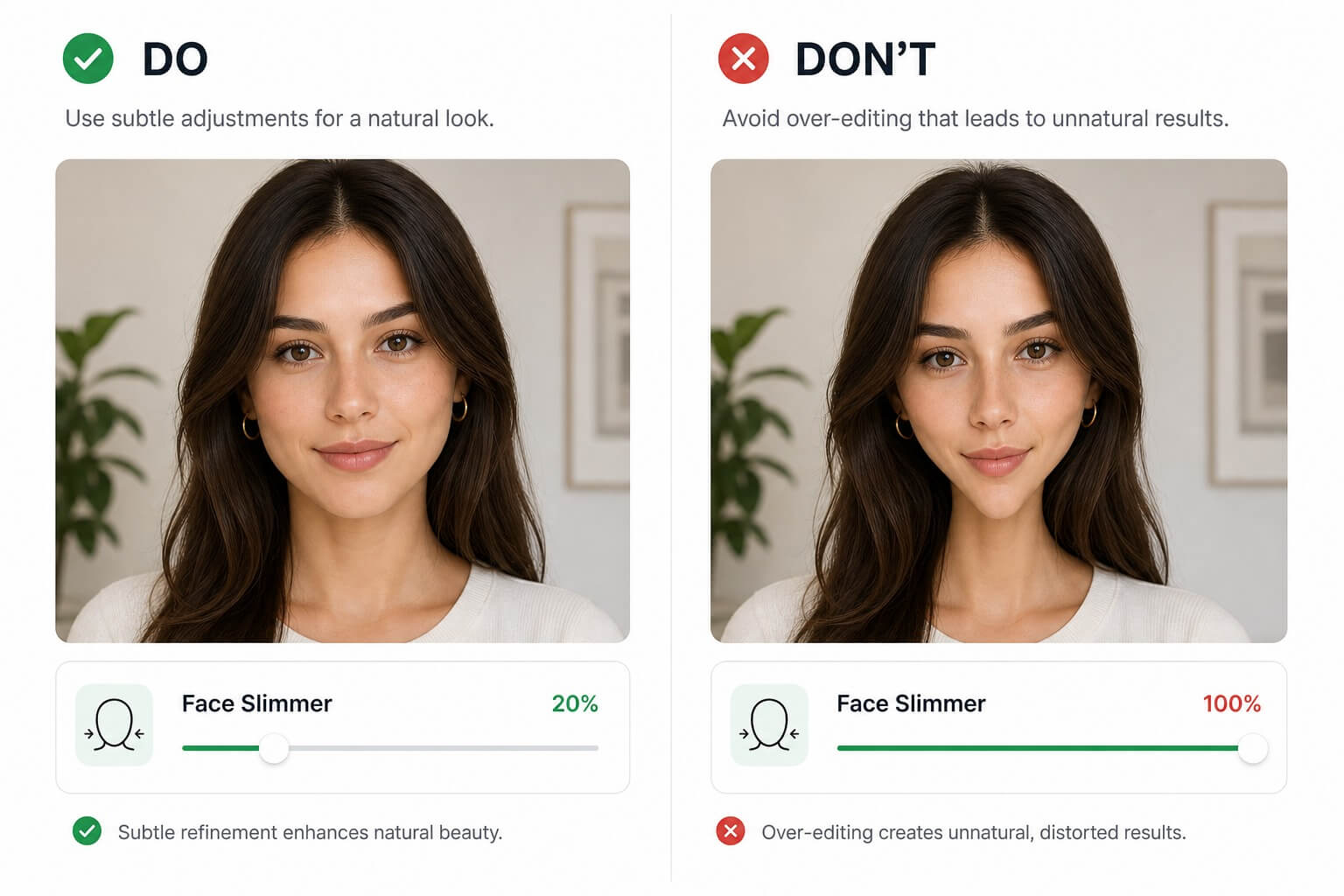
Retouch Photos Online with AI Face Editor
Achieve a V-Shaped Jawline
The camera adds 10 pounds—our AI takes it off. Use the Face Slimmer to subtly narrow the face width, remove a double chin, or define your jawline for a sleeker, more photogenic profile.
AI Nose Job Simulator
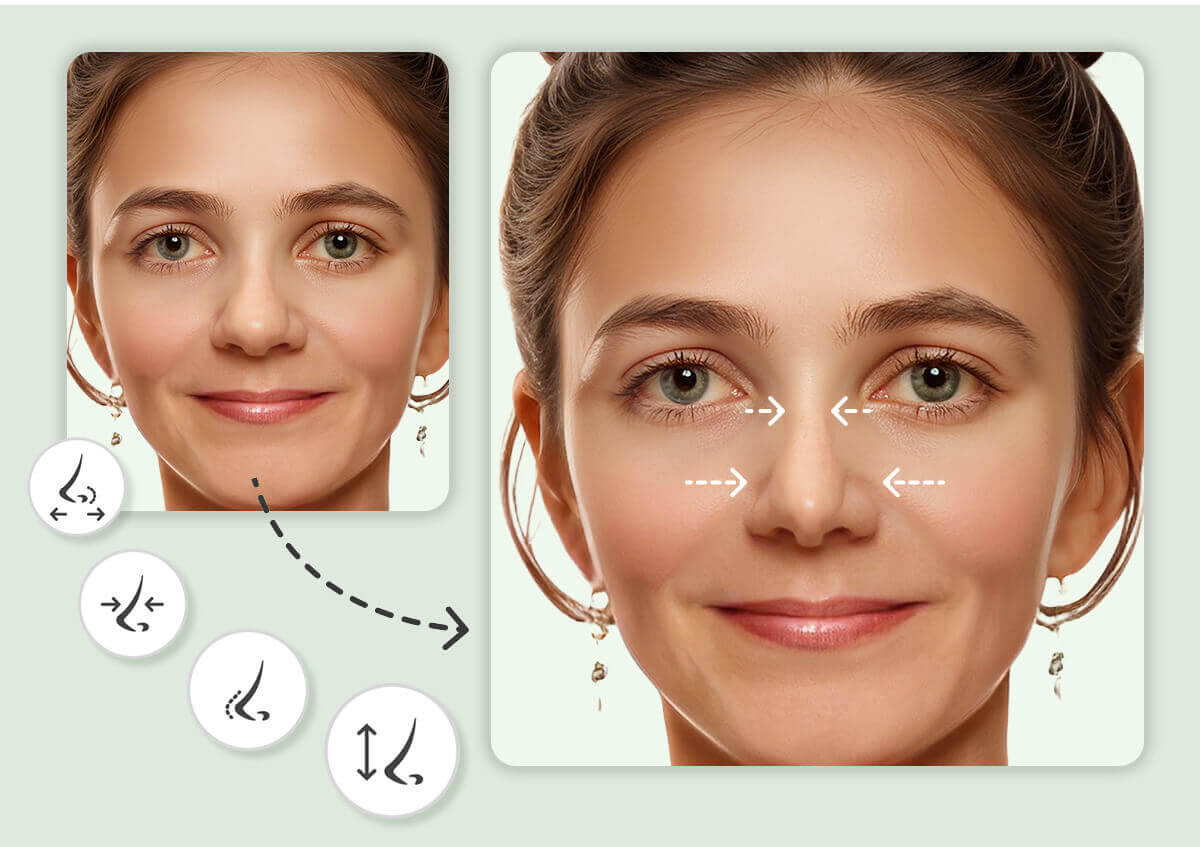
Curious about a new look? Use our Nose Editor to adjust the size, bridge, and tip of your nose. It’s the perfect way to visualize changes naturally without any commitment.
Get Fuller Lips Instantly
Forget fillers. Adjust the height, width, and peak of your lips with a simple slider. Our AI Lip Filler Filter ensures the texture remains realistic, giving you a perfect pout without the "duck face" look.
Brighten & Enlarge Eyes
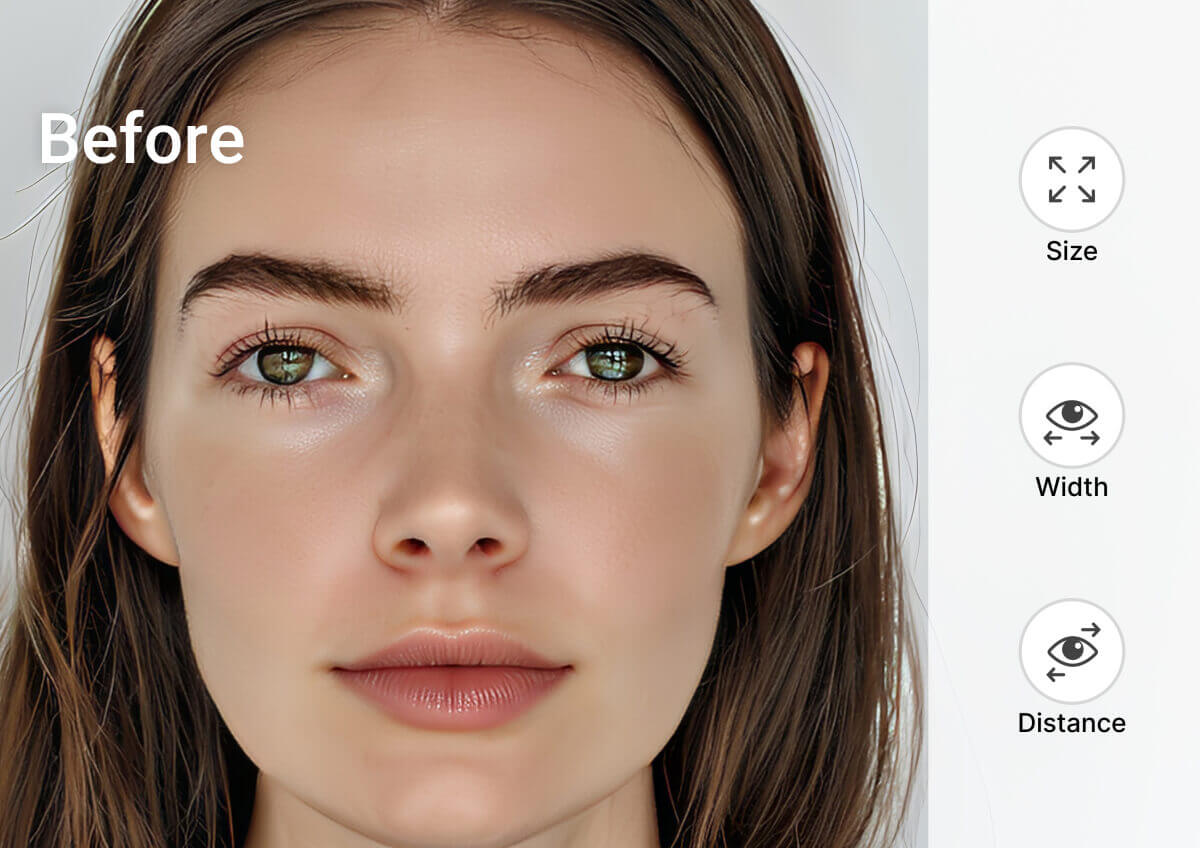
Make your eyes pop. Fix sleepy or semi-closed eyes, adjust the distance between them, or subtly increase their size to draw attention to the most expressive part of your face.
Built for Professionals
- Headshot & LinkedIn Photographers: Deliver consistent, professional-looking headshots across a full shoot without re-lighting or reshooting every subject.
- Wedding & Event Photographers: Show clients a quick, natural-looking preview touch-up before final retouching in a full editing suite.
- Modeling & Talent Portfolios: Keep facial proportions consistent across comp cards and portfolio shots taken in different lighting or from different angles.
- Social Media Managers & Content Creators: Maintain a consistent on-camera look across a content calendar shot over multiple days, outfits, and lighting setups.

Why Choose YouCam's Face Editor?
- Privacy First: Your face data is personal. We process images securely and your data is deleted shortly after processing.
- No "Warping" Artifacts: Cheap editors warp the background when you slim your face (bending walls/doorframes). Our AI isolates the subject, ensuring the background stays straight so your edit looks 100% authentic.
- Preserves Skin Texture: We don't just blur your face. Our algorithm preserves pores and skin details, ensuring you to look like a real human.
Face Editor FAQs
What is the best free face editor?
The best free face editor depends on what you need, but YouCam Online Editor stands out for its powerful AI tools and easy to use interface. It offers free face retouch features including wrinkle removal, eye brightening, lip color changes, and natural skin smoothing. You can edit faces online without downloading software, making it fast and convenient.
How can I edit my face in a picture?
To edit your face in a picture, upload your photo to a face editor like YouCam Online Editor. Use tools such as skin retouch, reshape, and other facial feature adjustments to enhance your look. Once you finish editing, download your photo in high quality and share it on social media or keep it for personal use.
What tools are available for reshaping?
The AI Face Reshape Editor offers tools for reshaping your face, nose, lips, and eyes. You can select the specific feature you want to edit.
How do I fix a double chin in a photo?
Upload your photo and select the "Chin Shape" or "Face Width" tool. Slide the bar to the left to tuck in the jawline and reduce the appearance of a double chin instantly.
Is the AI Face Editor free to use?
The availability of free features depends on the specific editor you are using. Some tools may offer basic features for free, while advanced options might require a subscription or one-time purchase.
Can I fix a crooked photo angle or facial asymmetry?
Yes — a bad camera angle or natural asymmetry can be softened with small, targeted adjustments to face width, jawline, or eye spacing. Keep changes small and symmetric so the fix looks like a better angle, not an edited one.
What's the difference between a face editor and a beauty filter?
A beauty filter typically smooths or blurs skin uniformly across the whole face. A face editor like this one uses 3D facial-structure mapping, so you can adjust individual features — jawline, nose, lips, eyes — independently and with precision, rather than applying one blanket effect.
Will reshaping my face make it look fake or overdone?
Not if you keep adjustments subtle and preview as you go. Because the AI maps facial structure in 3D rather than just blurring pixels, small slider moves tend to look like a better photo rather than an edited one — the background also stays undistorted, unlike editors that warp the whole image when you slim a face.
Can I add makeup or change my hair after reshaping my face?
Yes. Once you're happy with your reshaped photo, you can layer on AI Makeup Virtual Try On or AI Makeup Transfer for a finished look, or use the AI Hairstyle Generator to try a new hairstyle on the same photo.