




AI Body Editor: Reshape Photos Online
Slim your waist, enhance curves, tone muscles, and lift hips naturally with YouCam’s AI body shape editor. Auto-detects multiple people with zero background distortion.





Shape Your Story – 4 Ways to Transform Photos with AI Body Editing
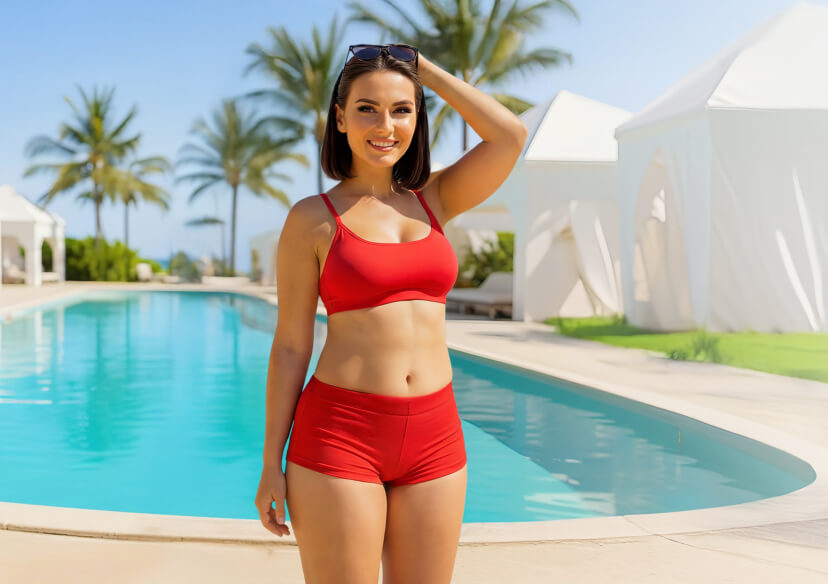
Natural Silhouette: Slim & Reshape Proportions
Want to look your best in every post?
Use the tool to slim your waist, tone your arms, elongate your legs, and refine your shoulders and neck for a naturally enhanced silhouette.
Tip: Make small, incremental slider adjustments rather than one large drag — natural-looking proportion changes typically stay well under the slider’s maximum range.
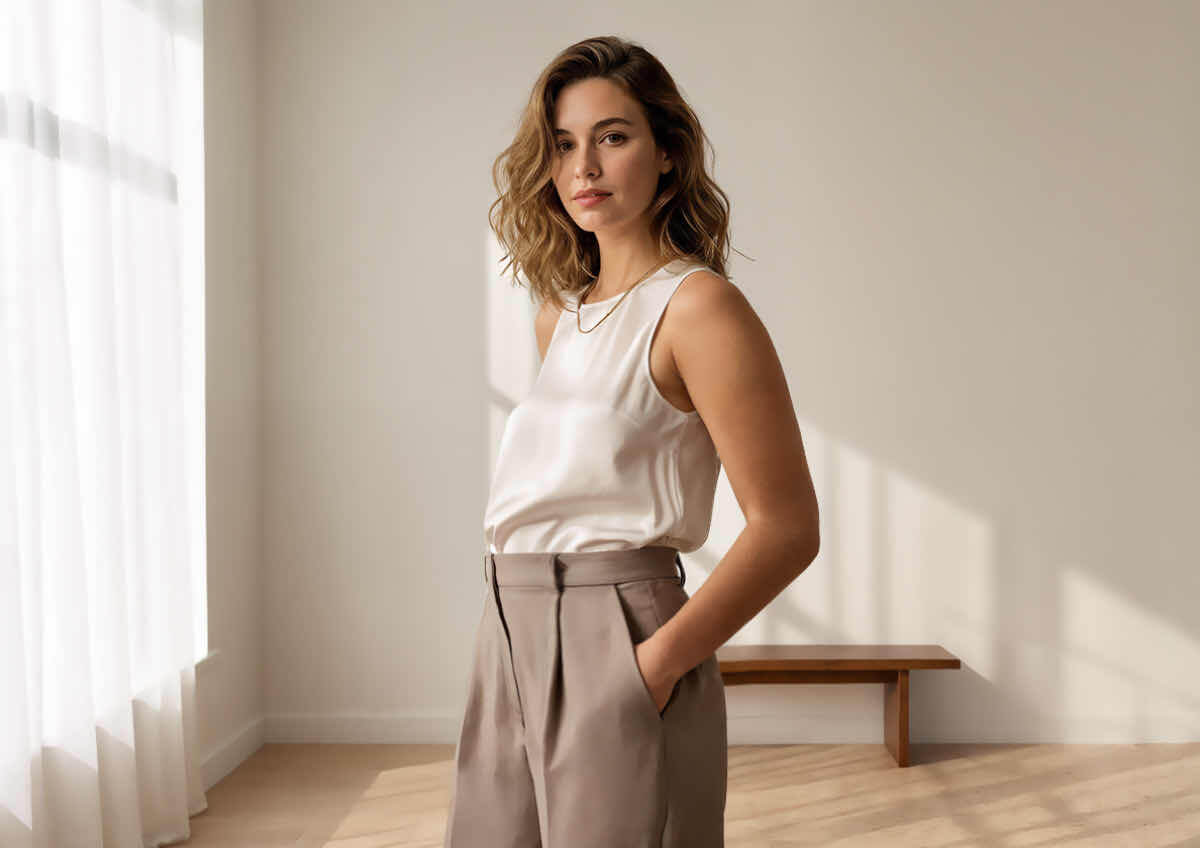
Fitness Progress Visualization: Chest, Belly & Hip Lift
Track your transformation and highlight your hard work with subtle reshaping. You can define your chest, flatten your belly, sculpt your waist, and tone your legs and hips to reflect your goals.
Tip: If you're comparing a "before" and "after" fitness photo side by side, apply the same small adjustment amount to both so the comparison reflects your actual progress rather than the editor's effect.
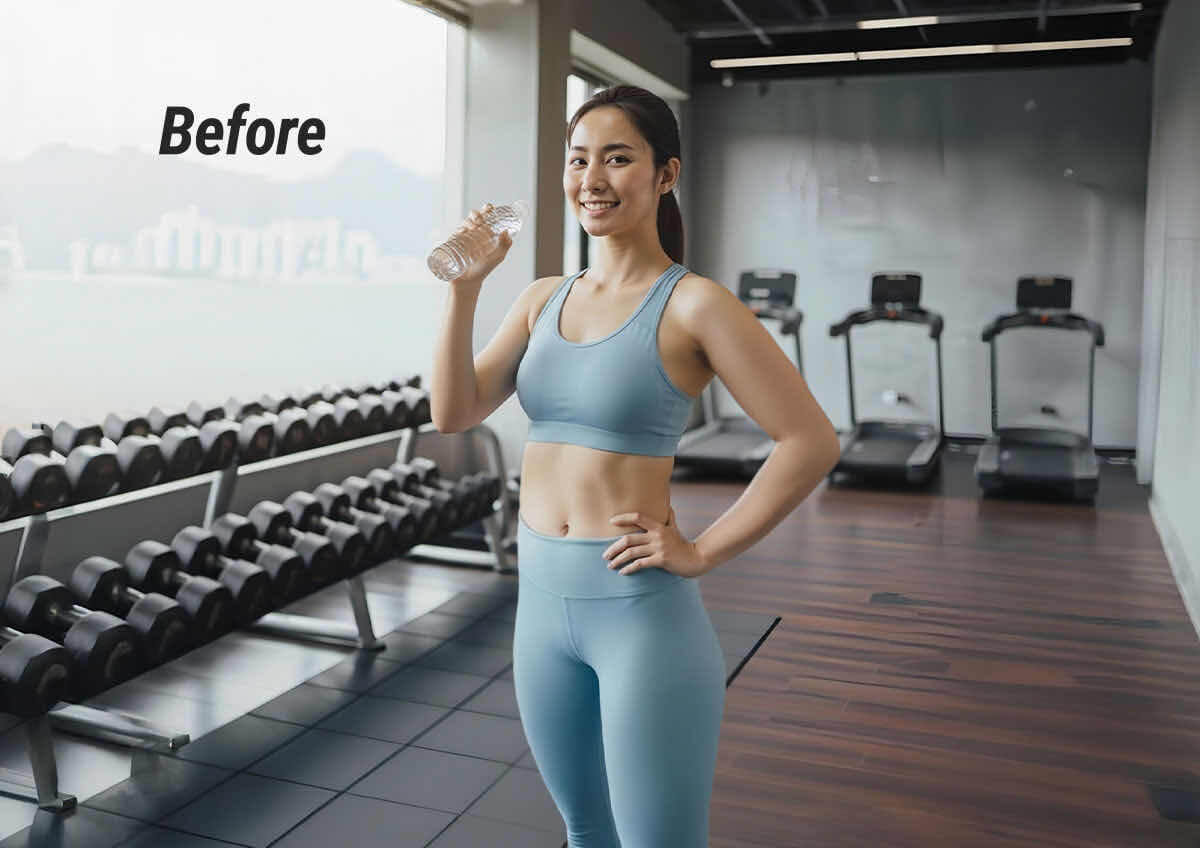
Vacation-Ready Edits: Beach Body Boosts
Heading to the beach or just back from one? Smooth out tan lines, slim your midsection, and lift your posture to match the sunny vibe. Perfect for poolside pics and tropical throwbacks.
Tip: Swimwear photos usually show the most visible skin and body contour, so start with the smallest slider increment here first — it's easier to add more than to walk back an over-edited look.
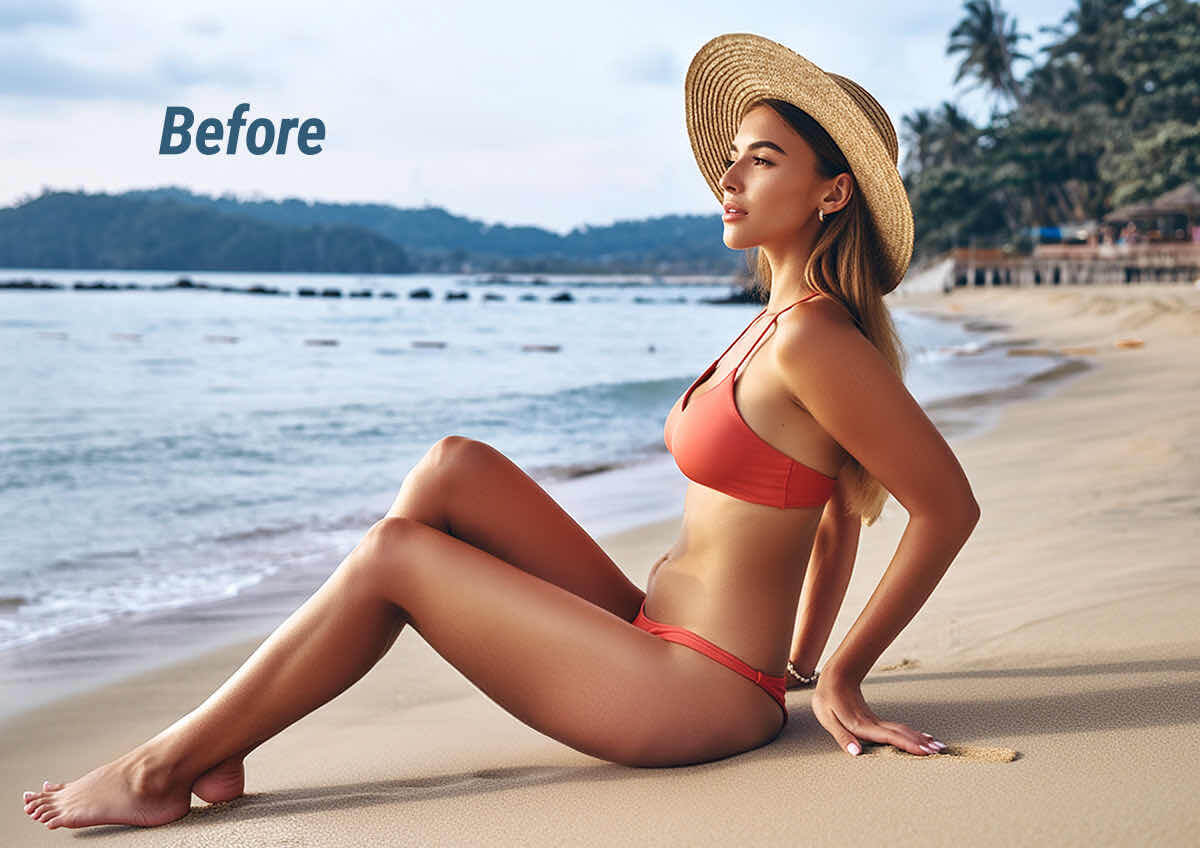
Group Photo Fixes: Everyone Looks Their Best
Editing a group shot? Easily adjust multiple bodies—slim waists, balance shoulders, and smooth posture—so everyone looks great without awkward cropping or retakes.
Tip: Edit and review one person at a time in a group photo before moving to the next — it's easier to catch a single person's mismatched edit than to spot several at once across a busy group shot.
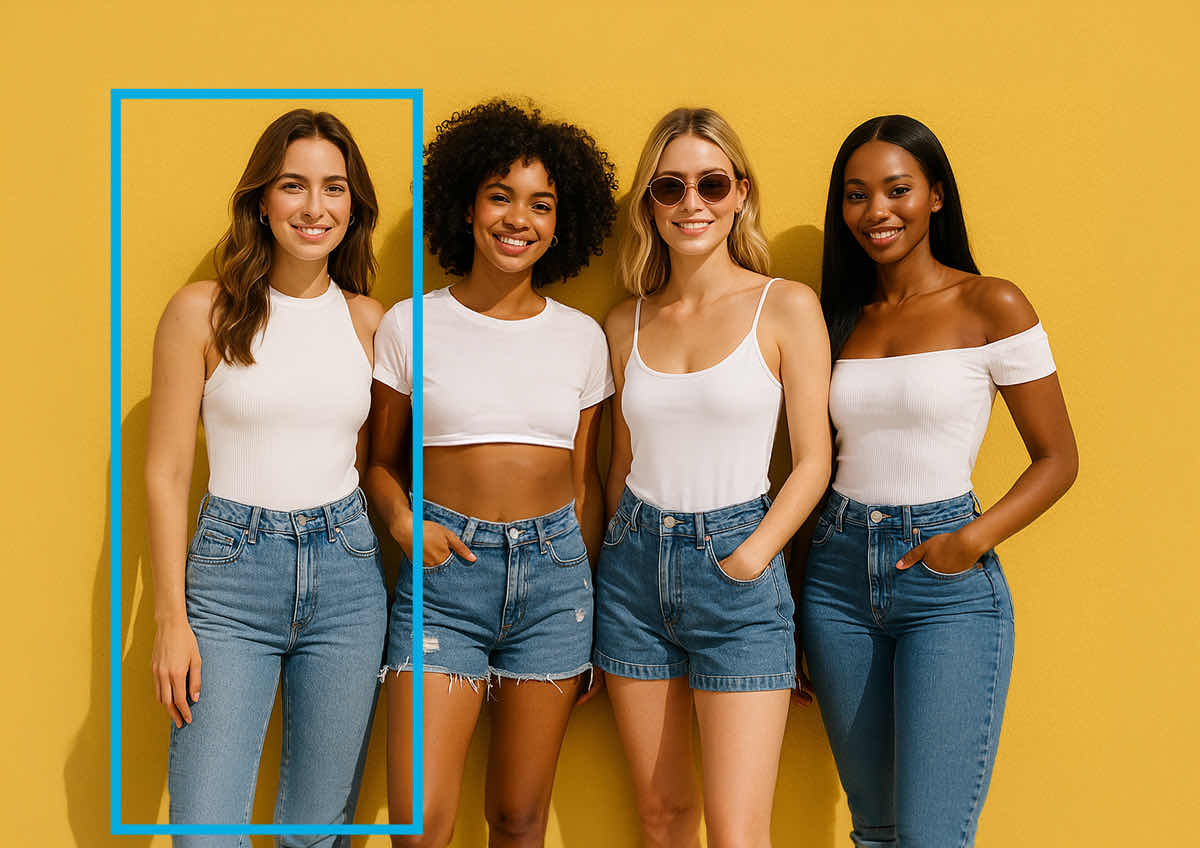
How to Edit Bodies in a Photo With YouCam AI Body Reshape
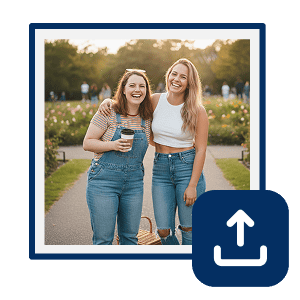
Upload Your Photo
Choose a clear image with visible body contours.
Tip: Good lighting and a plain or simple background give the segmentation step (see How It Works above) the cleanest outline to work with, which usually means a smoother, more natural-looking edit.

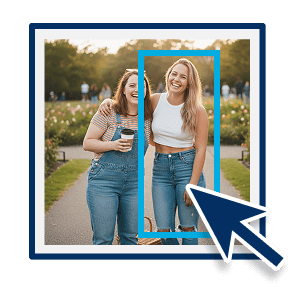
Select Person(s)
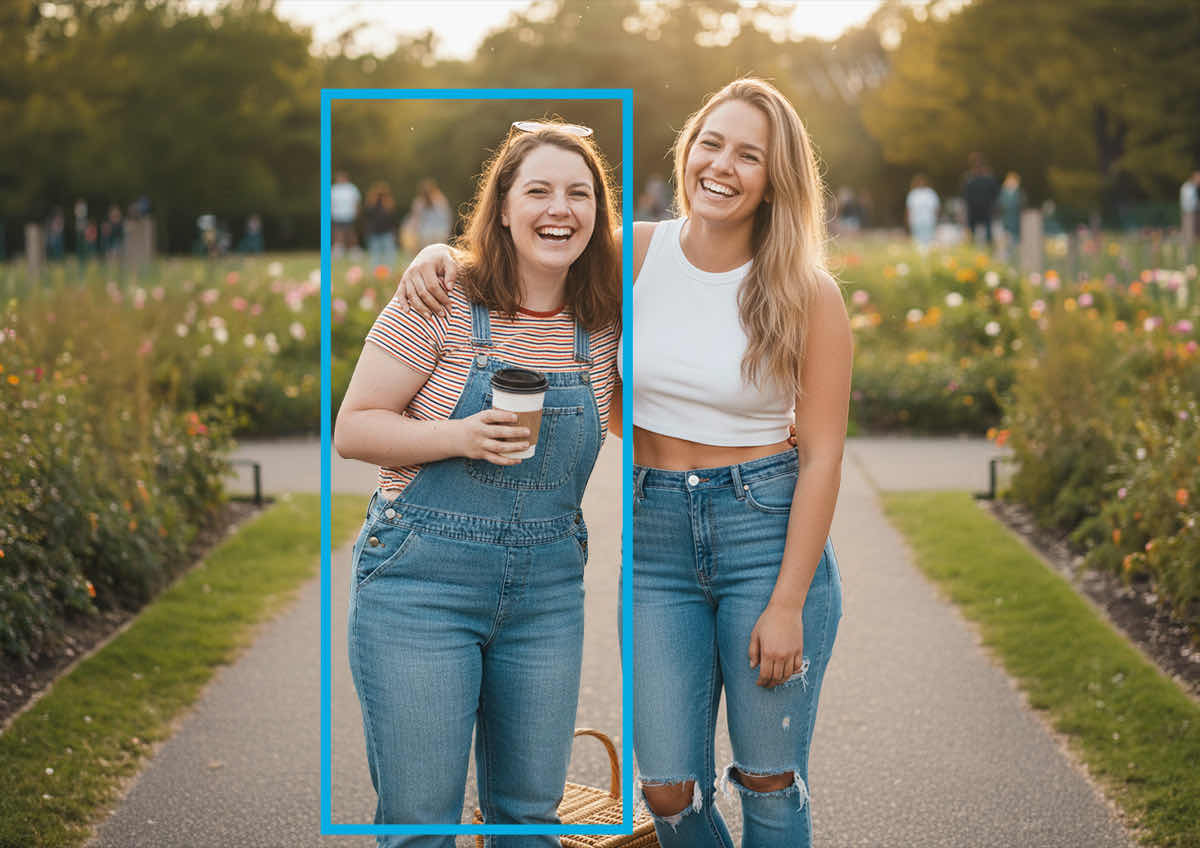
AI auto-detects people in the photo. Choose who to edit.
Tip: In a photo with several people close together, zoom in before confirming your selection — it's easy to select the wrong person when two people are standing shoulder to shoulder.
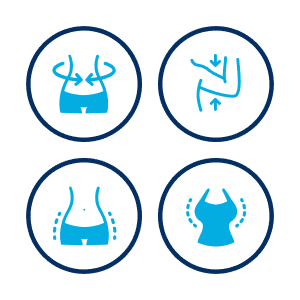
Adjust Body Parts
Use sliders to reshape waist, arms, hips, belly, chest, legs, shoulders, neck, and more.
Tip: Work outward from the torso (waist and belly first, then arms and legs) rather than adjusting every slider at once — it's easier to judge whether the overall proportions still look natural one change at a time.
Preview & Download
Review the changes and download your high-resolution image.
Tip: Compare the preview at 100% zoom, not just the thumbnail view, before downloading — subtle edge artifacts around the reshaped area are easiest to spot at full size.
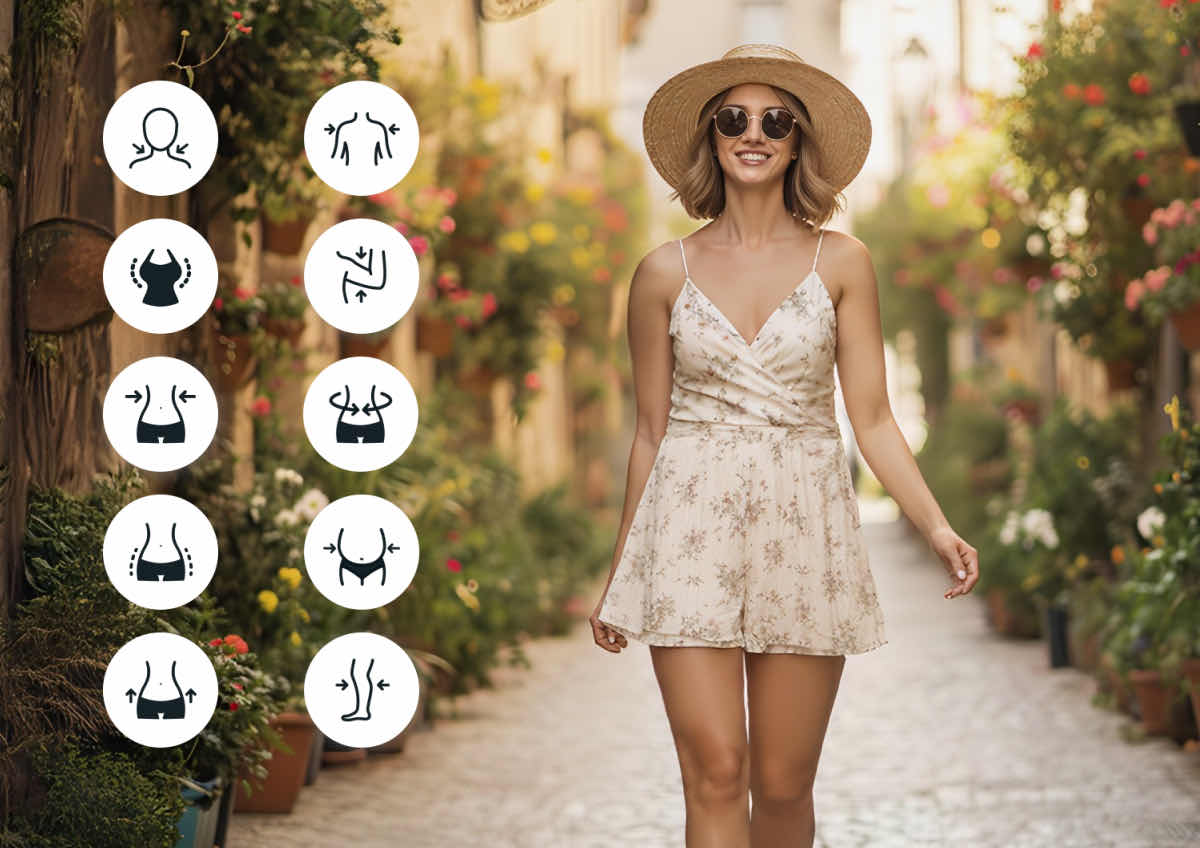
Targeted Perfection: 10 Body Parts, One Smart Editor
YouCam AI Body Reshape lets you edit 10 key body parts with precision and ease:
- Waist, Belly & Chest: Sculpt your core for a defined, confident shape
- Arms, Legs & Shoulders: Tone and balance your frame with subtle adjustments
- Hips, Hip Lift & Neck: Enhance curves and posture with targeted refinements
- Full-Body Slimming: Apply overall slimming for a sleek silhouette
Fast & Natural AI Body Reshaping
- AI Detection: AI automatically identifies people in the photo for easy selection.
- Precise Control: Adjust specific body parts like waist, arms, belly, chest, hips, legs, and more.
- Distortion-Free Reshaping: Smoothly edit body silhouettes with zero background warping, pixel stretching, or warped lines.
- Multi-Person Support: Edit multiple bodies in one photo.
AI Body Editor FAQ: Quick Answers & Tips
How do I edit my body in a photo online?
You can edit your body in a photo for online using YouCam’s AI Body Editor. Simply upload your image, let the AI automatically detect the subjects in the photo, and use the intuitive sliders to naturally reshape or tone specific body parts in seconds.
Will the background be distorted when I edit my body?
No, YouCam’s AI Body Editor uses advanced edge-detection technology to reshape your body with zero background distortion. Unlike traditional liquify filters that warp surrounding objects, this tool isolates the person so backgrounds, lines, and textures remain perfectly straight.
Can I edit multiple people in a single photo?
Yes, the YouCam AI Body Reshape tool automatically detects multiple people in one photo. Once your photo is uploaded, you can select and edit each individual's body proportions independently without affecting the others.
Can I make both subtle and dramatic changes with the editor?
Yes, the tool is designed to support both highly subtle posture refinements and more dramatic reshaping. The precise control sliders allow you to make minor adjustments to waist, hips, and arms for a natural look, or more pronounced edits depending on your creative needs.
Is the YouCam AI Body Editor available on mobile devices?
Yes, the AI Body Editor is available both as a free online web tool and as a downloadable mobile app. You can access the quick editor on your desktop browser or download the dedicated YouCam Perfect app on iOS and Android for editing on the go.
Is my personal data safe when I upload photos to the editor?
Yes, we prioritize user security and strict data privacy. All uploaded photos are processed through secure SSL connections, are never shared with third parties, and are automatically deleted from our servers once your editing session is complete.
What's the most it can realistically fix, and what should I not expect from it?
The AI Body Editor is built for natural-looking proportion refinement — slimming, toning, and subtle lifts within a realistic range — rather than a dramatic, unrecognizable transformation. Pushing any slider to its extreme, or stacking maximum adjustments across many body parts at once, is the most common way to get a result that looks edited rather than natural. If you want a completely different body shape or pose, that's outside what a reshape tool like this is designed to do well.
Can I use edited body-reshape photos for a business, ad campaign, or client work?
Personal and creative use is fully supported. If you're using an edited photo commercially — in advertising, e-commerce listings, or client-facing marketing — get clear consent from anyone whose likeness is edited, and check whether your platform or region requires disclosure of body-altering edits in advertising. This is worth checking case by case rather than assuming, since advertising-disclosure rules vary by platform and region.
What photo formats and file sizes does the AI Body Editor accept?
The editor accepts standard photo formats such as JPG, PNG, and HEIC, with a practical upload size cap in the tens of megabytes typical of YouCam's online tools. For the cleanest reshape result, a higher-resolution original photo is preferable to a heavily compressed one, since the segmentation step described above has more detail to work with.
Should I retouch my face or clean up the photo before or after reshaping my body?
Order of operations matters a little here: if a photo needs general cleanup — sharpening, exposure, or removing a distracting background object — running it through AI Photo Enhancer or Object Removal first gives the body editor's segmentation step a cleaner image to work from. Facial retouching, like AI Face Retouch or AI Clothes changes, is usually easiest to apply after the body reshape is finalized, since a body-shape change can shift how a face or outfit sits in the frame.
Can I change what someone is wearing along with reshaping their body?
Yes — AI Clothes lets you change or add an outfit in the same photo, and it pairs naturally with a body reshape: many users reshape the body first, then adjust or swap the outfit afterward so the new clothing fits the finalized silhouette rather than the original one.
How does AI Body Reshape work behind the scenes?
Reshaping a body in a photo without warping the background around it happens in three stages, running automatically once you upload a photo:
- Person segmentation — the AI first identifies every person in the photo and separates each one from the background and from every other person, so it knows exactly which pixels belong to a body and which belong to a wall, a beach, or another person standing nearby.
- Targeted mesh reshaping — within that segmented outline only, the AI applies a mesh-based warp to the specific body part you adjust (waist, arms, hips, and so on), which is what lets it slim a waist or lift a hip without the elastic "melting" look of a generic liquify filter.
- Edge and background lock — because the warp is constrained inside the person's segmented silhouette, everything outside it (doorframes, tile lines, other people, background objects) stays geometrically untouched, which is the mechanism behind the page's "zero background distortion" claim.
This is also why multi-person photos work the way described above: since each person is segmented independently in stage 1, selecting and editing one person's body never touches the mesh applied to anyone else in the same photo.
Tip: Choose a photo where the person's outline is clearly visible against the background (no overlapping limbs or busy patterned clothing) — segmentation is what makes distortion-free reshaping possible, and it works best on a clean, unobstructed silhouette.
Who is AI Body Reshape built for beyond personal, everyday photos?
Beyond the casual, personal-use cards above, AI body reshape has a handful of more deliberate professional applications:
- Fitness Coaches & Personal Trainers — creating clean, consistent before/after visual aids for client progress reviews or program marketing, without a client needing professional photography for every check-in. Tip: apply the same small adjustment level across a client's whole before/after series rather than tuning each photo separately.
- Content Creators & Fashion Influencers — producing consistent, on-brand outfit or fit-check content across a high volume of posts, where subtle silhouette refinement helps clothing photograph the way it's intended to fit. Tip: keep your adjustment settings similar across a content batch shot in the same outfit or session.
- Wedding & Event Photographers — offering clients a light retouching add-on for formalwear group shots, smoothing posture and proportions across several people in one frame without a full manual retouch pass per photo. Tip: edit and export one guest at a time in a large group photo, and keep a naming convention for each pass.
- E-Commerce & Apparel Brands — testing how a garment reads across a range of body proportions in mockup or ad-concept stages, before committing to a full multi-model photoshoot. Tip: treat reshaped mockups as an internal concepting step rather than a final ad asset — get explicit model/rights clearance for anything that goes into a live campaign, and disclose any body-altering edit per your platform's advertising policy.
- Physical Therapy & Postural Awareness Educators — building simple visual teaching aids that illustrate posture or alignment concepts (e.g. shoulder balance, hip lift) for client education materials. Tip: use the smallest possible adjustment when illustrating a posture concept — an exaggerated edit can misrepresent the concept you're trying to teach.
What are some tips for getting the best results with AI Body Reshape?
A few choices before and during editing make a bigger difference to the final result than any single slider setting:
- Start with a high-resolution, well-lit original photo — the segmentation step has more visual detail to work with on a sharp image, which reduces the chance of a soft or blurred edge around the reshaped body part.
- Make changes in small increments and re-preview after each one — natural-looking reshaping is almost always a smaller adjustment than it first appears, especially on waist and hip sliders.
- Avoid stacking large adjustments across many body parts at once — reshaping the waist, chest, and legs all to their maximum in a single pass is the fastest way to make proportions look inconsistent with each other.
- For group or fitness-progress photos, keep a copy of the original alongside your edited version — it makes it easy to compare and to redo a single person's edit without starting over on the whole photo.

