
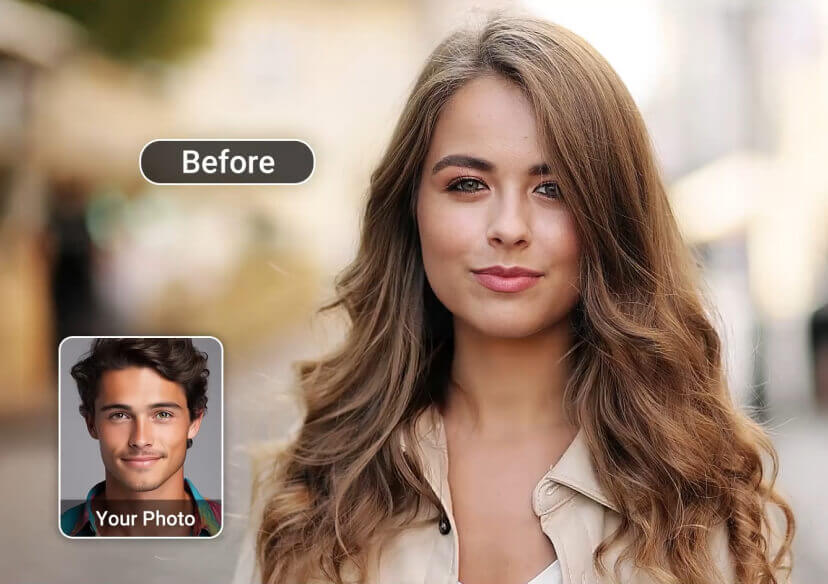




AI Video Face Swap Online
Replace a face in a video using AI face tracking. Try trending templates, join TikTok trends, or make playful group videos — in your browser, in seconds.
How YouCam Generates Accurate Face Swap
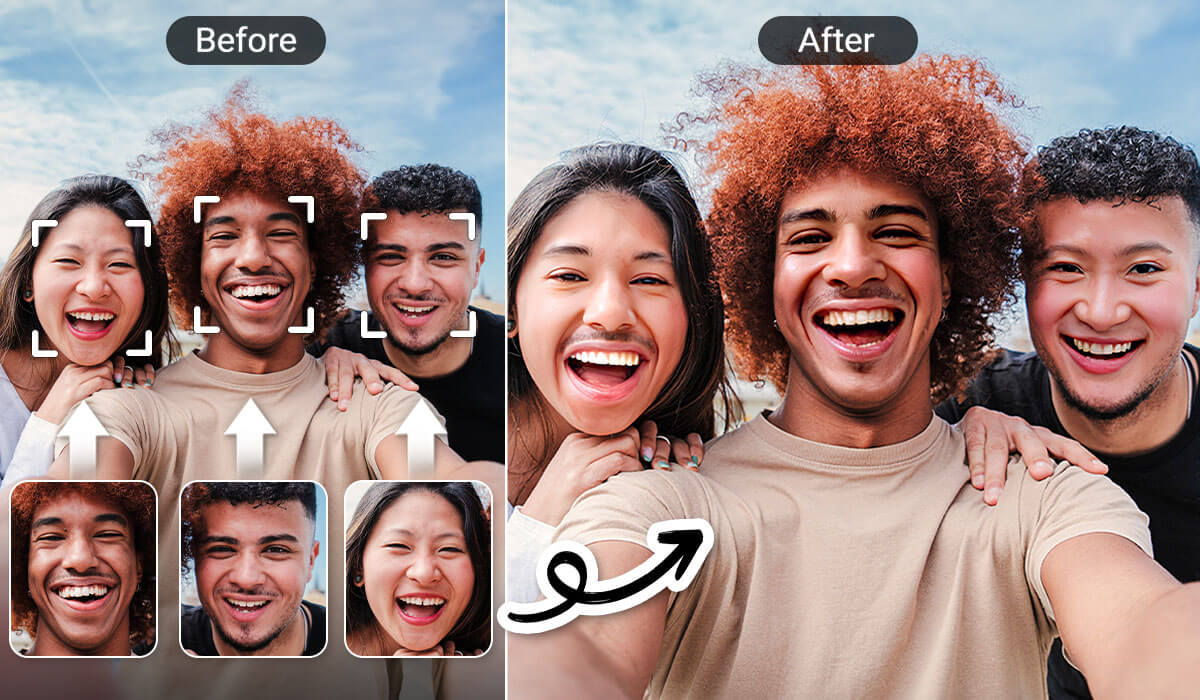
- Swap Multiple Faces in One Video: Replace every face in a group scene at once — ideal for reaction videos, group skits, and collaborative content.
- Frame-by-Frame AI Tracking: Advanced AI tracks facial expressions, lighting, and motion across every frame.
- Generate in Seconds, No Editing Skills Needed: Upload your video and a face photo, click Generate, and download a finished face swap video in under a minute.
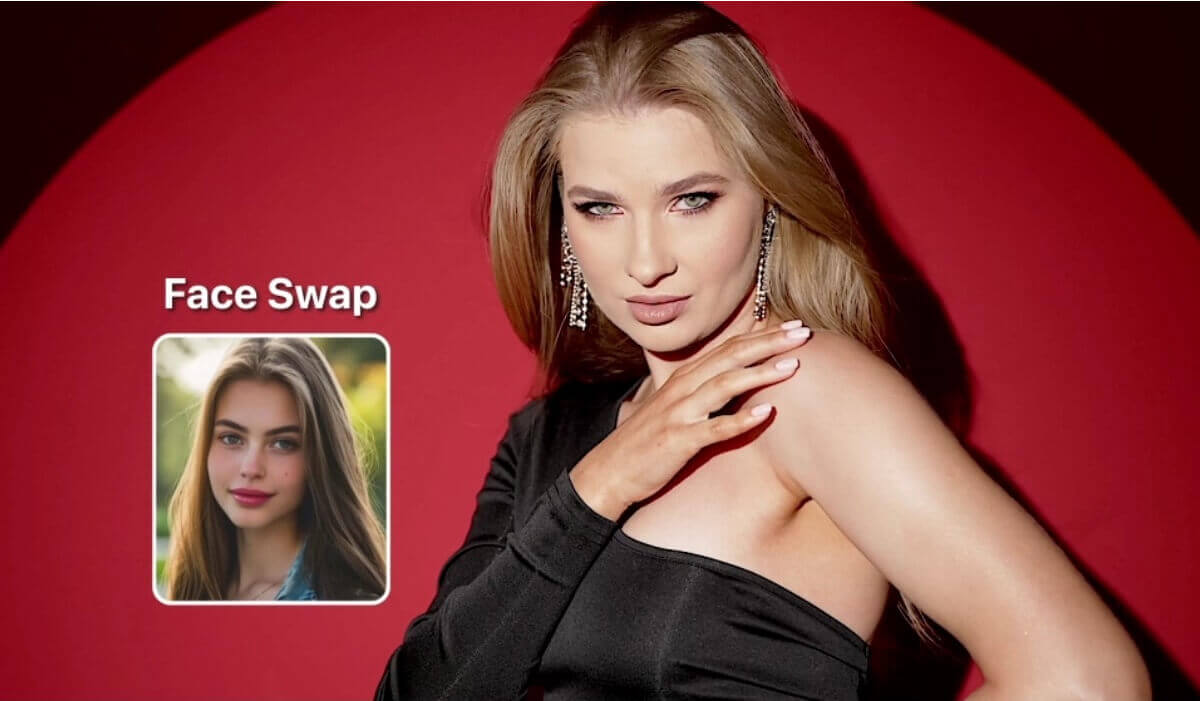
How to Use Our AI Face Swap Tool
Try the four simple steps below to replace faces in videos!
Upload Your Video
Go to YouCam Online Editor and upload the video you want to edit.


Upload Face Image
Upload a clear, front-facing photo of the person you want to swap.

Start AI Face Swap
Click on "Generate" to let our AI analyze and change faces.
Download Your Video
Preview the result & save your newly edited video to your device.

Get Started with 10+ Video Face Swap Templates
Discover a wide range of AI face swap video templates and transform your look in seconds. From fun and creative styles to viral-ready content, easily create engaging face swap videos online.

Party Queen
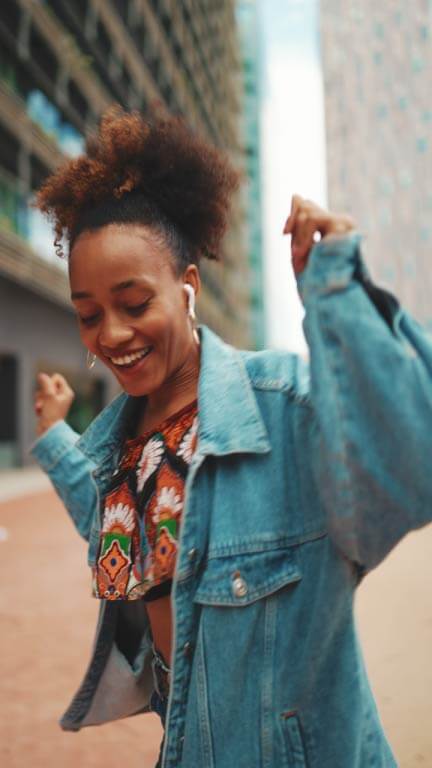
Street Dancer

Elegant Woman

Wedding Bride
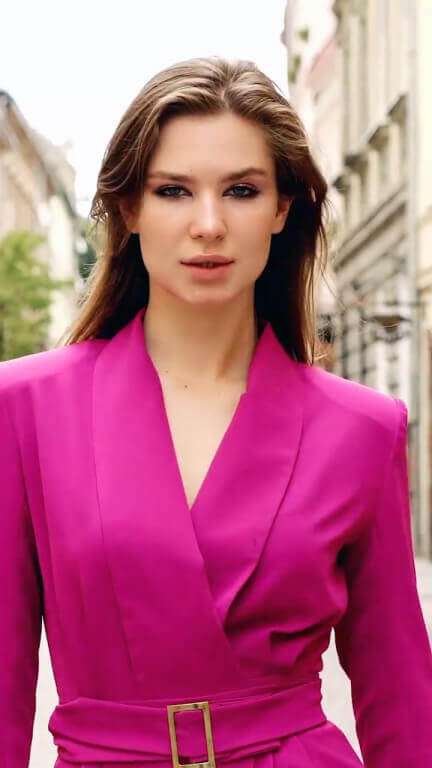
Fashion Show

Happy Celebration

Sweet Kiss

Mysterious Forest

Lovely Besties

Christmas Family

Pink Couple

Red Carpet Interview

Halloween Costume

Bloody Rose
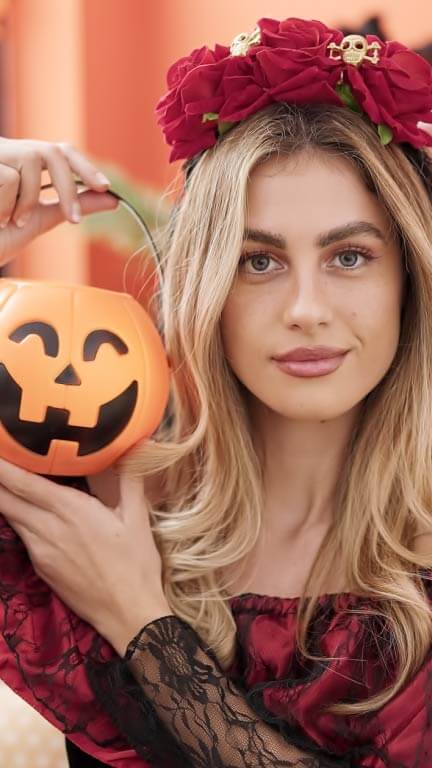
Trick or Treat

Dark Witch

Snow Princess

Santa Claus
Swap a Single Face in a Video
Use this mode when one person on screen should get a different face, such as yours. Upload your video, then upload one clear, front-facing photo of the face you want to use. Click Generate and preview the result. The AI follows the face frame by frame, so the new face keeps the expressions, lighting and motion of the original scene. It works well for personal clips, social videos and fun edits, and you can try a different photo until the look feels right.
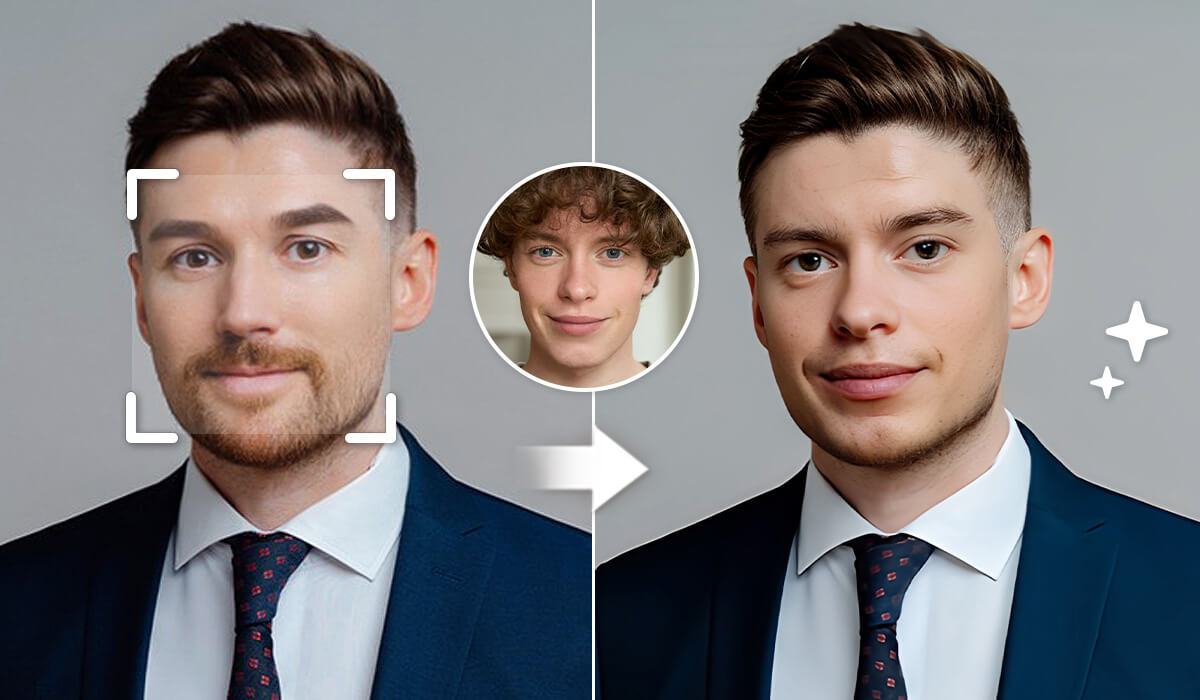
Swap Multiple Faces in One Video
For group scenes, YouCam can replace every face in the same video in one pass, so you do not need to run a separate swap for each person. Use it for reaction videos, group skits, cosplay clips or any shot with more than one face. Select the face you want to replace in the editor, choose the photo you want to use, then generate and preview the result before you save it or share it with friends.
Face Swap vs. Video Enhancer
Face swap changes who appears in a video, while AI Video Enhancer improves how the video looks, for example its sharpness and resolution. The two tools work well together. If your source clip is soft, dark or low resolution, enhance it first so the face swap has cleaner footage to work with. Then swap the face and preview the result. Use face swap for the creative change and the enhancer for a polished, sharper finish.

More AI Video Tools
Face swap is one of several video tools in YouCam Online Editor. Browse every tool in the AI Video Editor, remove unwanted items with the Video Object Remover, or try outfits on video with the AI Video Clothes Changer. You can swap a face, clean up the scene and change looks without leaving the editor, so one clip can go from idea to finished video in a single place.

Popular Uses with AI Video Face Swap
Swap Faces into Movie-Style Scenes
Try your own face in cinematic template scenes for parody and fun, using only videos you have the right to use.
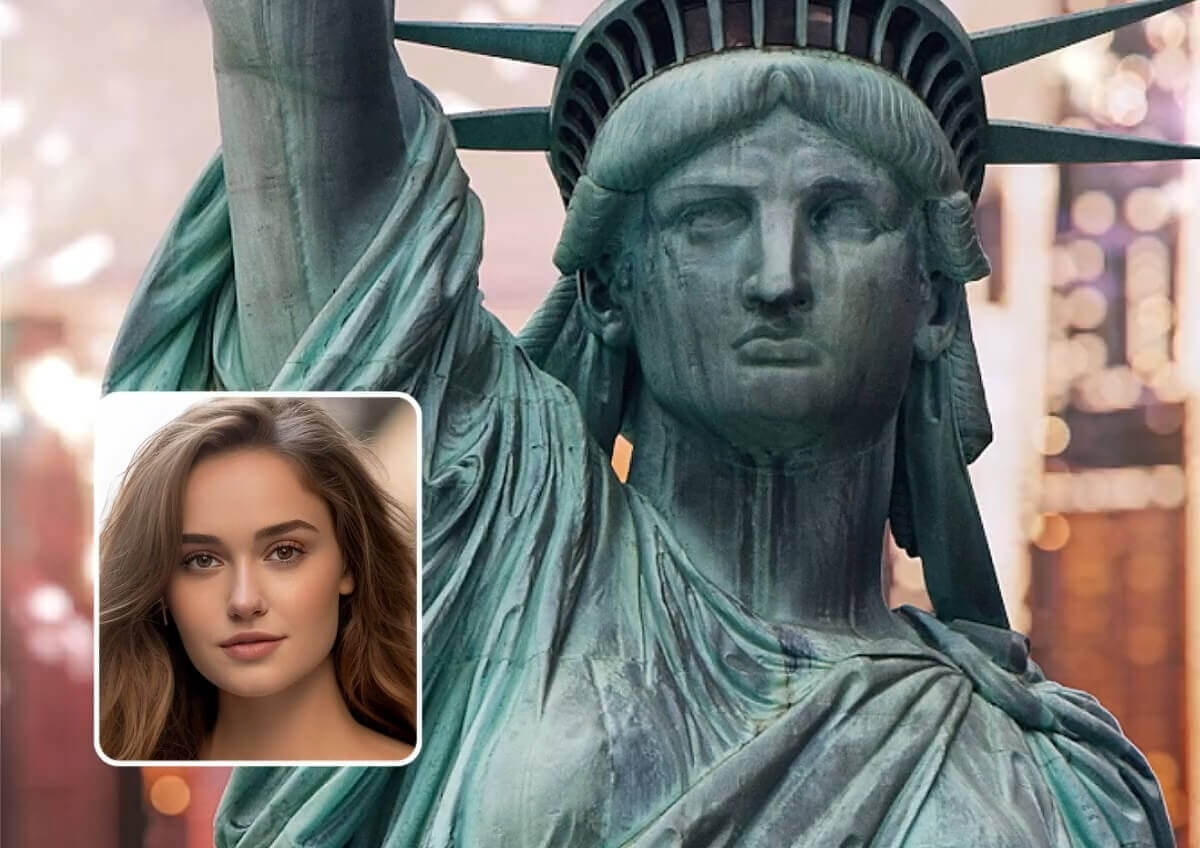
Star in Trending Shots
Perform in the hottest clips or become a music icon, the possibilities are endless.
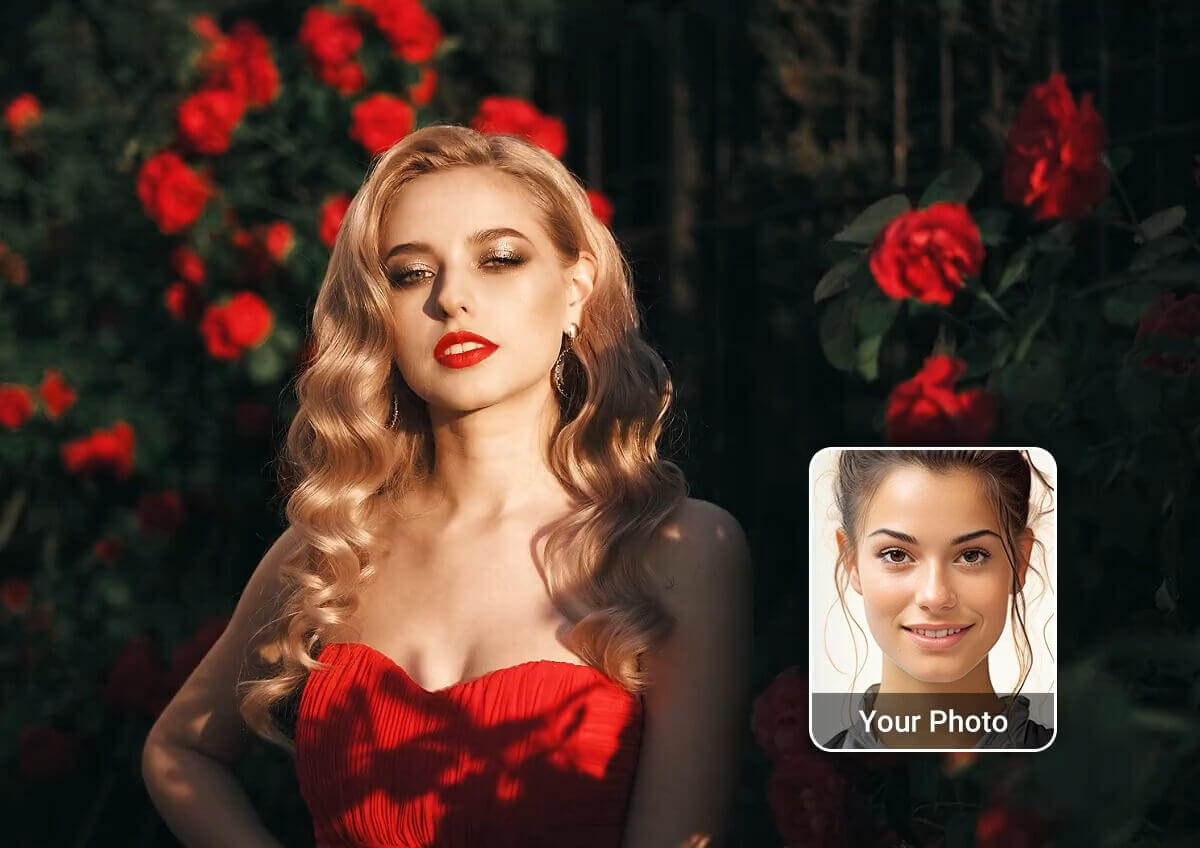
Create Viral Social Media Videos
Jump on the latest TikTok and Instagram trends with hilarious face swap videos.
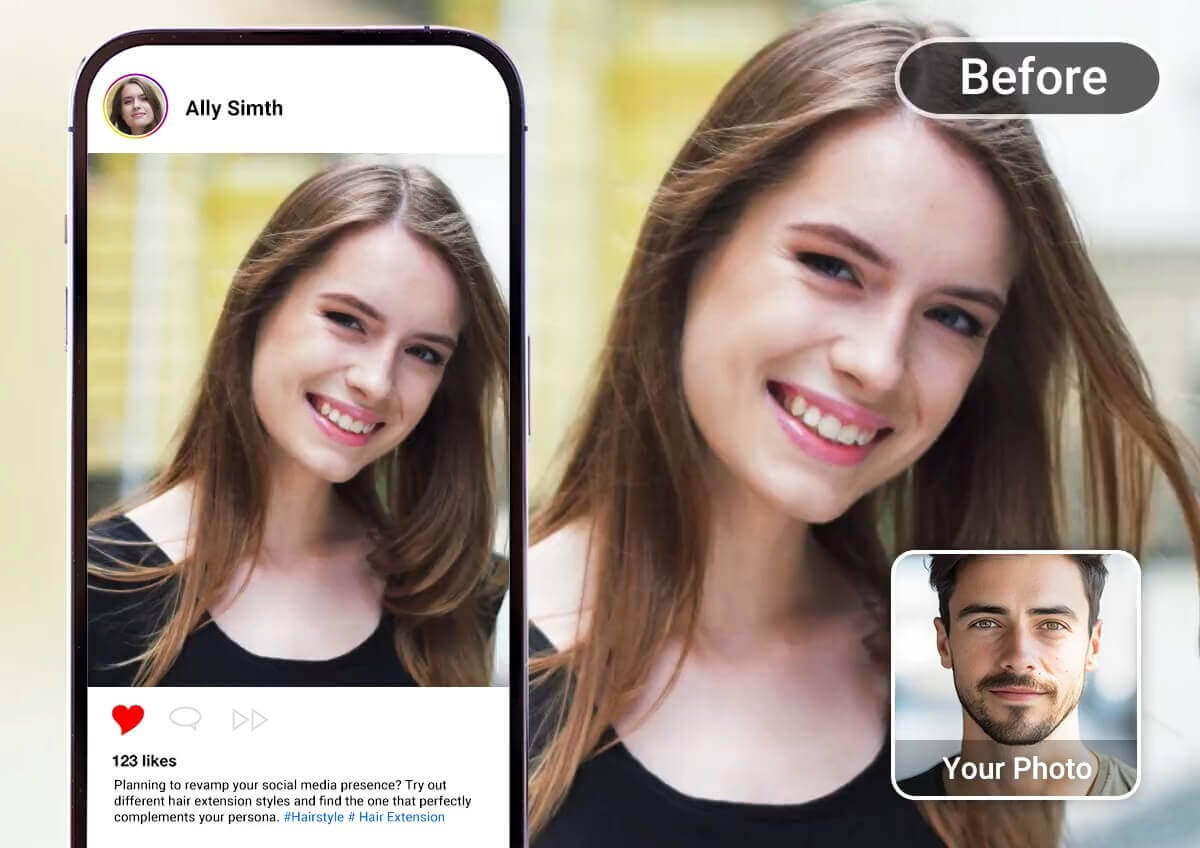
Create a cinematic masterpiece with just a few prompt and create a whole new world in your videos. From changing styles, outfits, or even the weather - nothing is impossible!
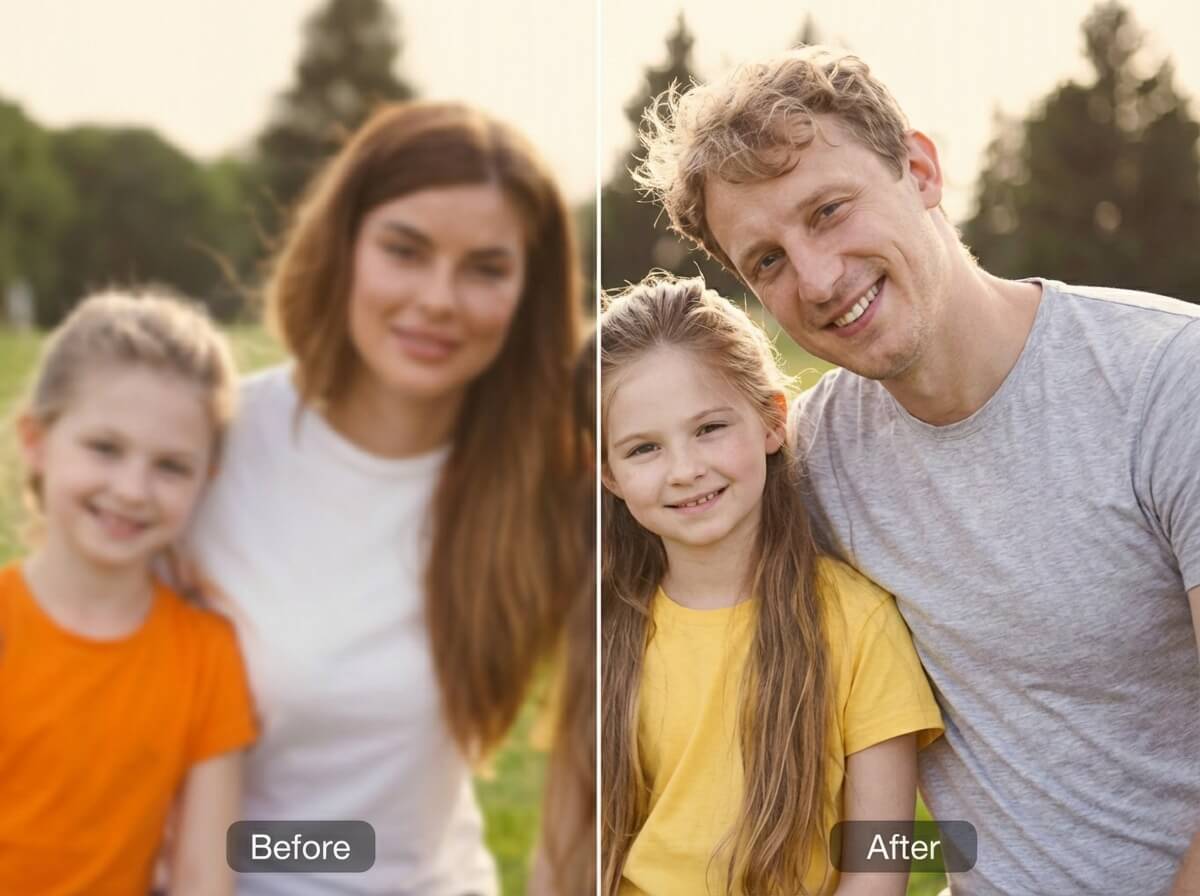
Upgrade your video quality with our AI Video Enhancer. It helps sharpen details, boost resolution, and fix lighting, so your final video looks clean and professional.
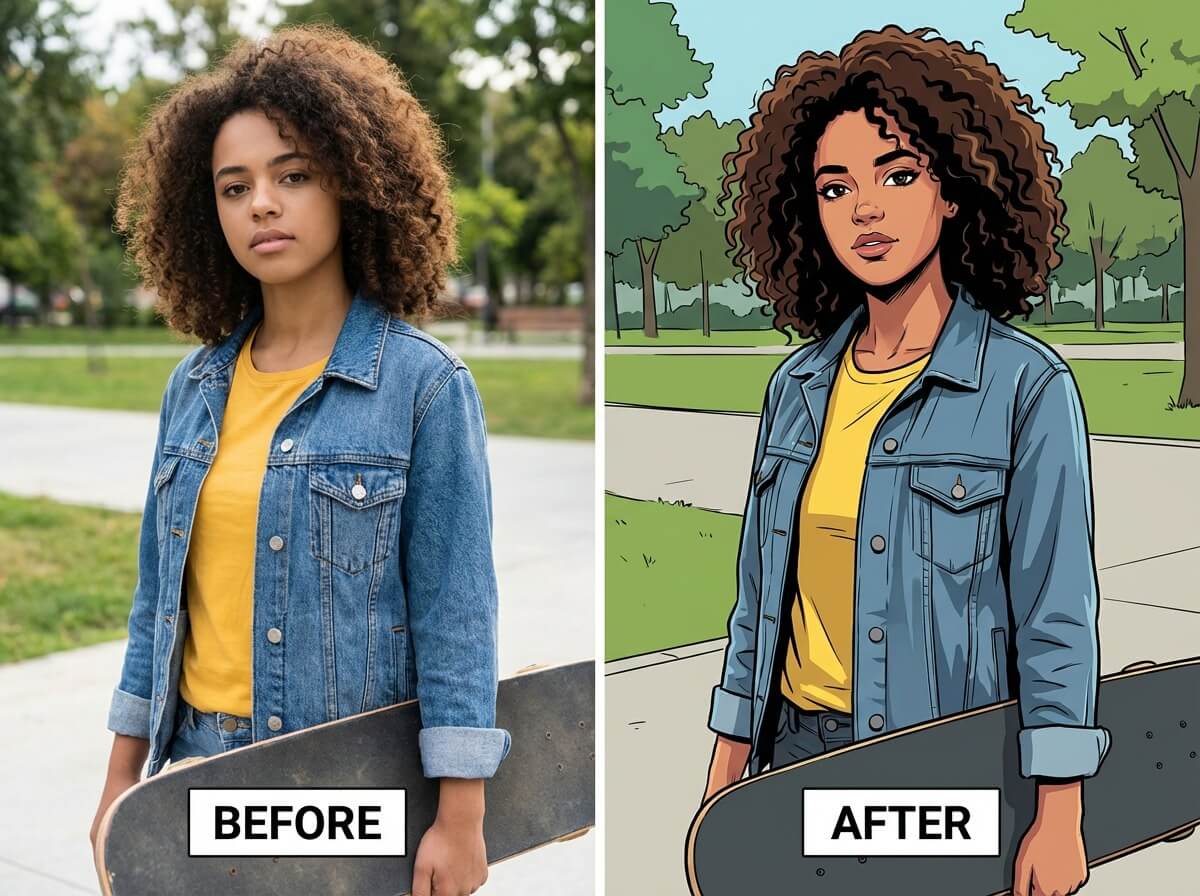
Add AI filters to make your face swap video more eye-catching. You can easily switch up the style (playful, cinematic or artistic) for more engaging content.

Try Video Face Swap & More on Your Phone with our App!



Frequently Asked Questions for Video Face Swap
What is an AI video face swap?
An AI video face swap uses artificial intelligence to replace a person’s face in a video with another face. YouCam’s AI analyzes facial expressions, motion, and lighting to produce seamless, realistic results. This technology is popular for creating fun videos, social media content, and creative projects.
How do I put my face in a video?
Simply upload a video clip to YouCam Online Editor or the YouCam Enhance app, choose your target face, and let the AI handle the swap. The process is fast, beginner-friendly, and works for short clips or longer videos.
Can I swap multiple faces in the same video?
Yes! YouCam supports multiple face swaps in one video, making it easy to replace every face in a group scene. Perfect for creating hilarious group videos, cosplay content, or collaborative social media posts.
Can I put my face in a movie scene or music video?
Absolutely. Upload your favorite movie or music video clip, select the character’s face you want to replace, and YouCam AI creates a realistic face swap. This is a fun way to star in your favorite scenes or create viral-ready content.
Can I make a face swap GIF with this tool?
Yes. Use YouCam to swap faces in a video clip, download the result as an MP4, and convert it to a GIF using any free online converter. It’s a simple way to create shareable, animated face swap content.
Is AI video face swapping legal?
Face swapping is legal for personal use, creative projects, or parody, as long as you have permission to use someone else’s image. Always respect copyright and privacy rules when sharing AI-generated videos publicly.
What is the difference between a video face swap and a photo face swap?
A photo face swap replaces a face in one still image. A video face swap has to do the same thing in every frame, so the AI tracks the face as it moves, changes expression and catches different light. That is why video results depend more on a clear source clip and a clear face photo.
What kind of face photo gives the best result?
Use a clear, front-facing photo of the person whose face you want to use, as described in step 2 above. Even lighting, a sharp image and nothing covering the face (sunglasses, a hand, heavy shadows) generally give the AI more to work with than an angled, blurry or dark photo.
What kind of video works best for a face swap?
Clips where the faces are clearly visible, well lit and in focus tend to track best. Very dark, blurry or heavily compressed footage, faces that are covered or turned away for long stretches, and faces that leave the frame can lead to weaker results.
Why does my face swap video look unnatural or flicker?
The usual causes are a low-quality source clip, a face photo that is angled, low-resolution or partly covered, or a face that is hidden for part of the clip. Try a sharper, front-facing face photo, a clip with better lighting, or improve the clip first with the AI Video Enhancer and run the swap again.
Can I do a video face swap on my phone?
Yes. You can use YouCam Online Editor in a browser or the YouCam Enhance app. The steps are the same: upload a video, upload a face photo, generate, then download the result.
Can I use face swap templates instead of uploading my own video?
Yes. The template gallery on this page has more than 10 ready-made face swap video templates, with styles such as Party Queen, Street Dancer, Elegant Woman, Wedding Bride and Fashion Show. Pick a template, add your face photo and generate.
How do I make a face swap video for TikTok or Instagram?
Choose a short clip or template, run the swap, download the finished video as an MP4 and upload it to the app. Only use videos, music and faces you have the right to use, and check each platform's rules for AI-altered content before you post.
How do I get the best face swap results?
Start with a bright, sharp video and one clear, front-facing photo of the face you want to use. Faces that stay in frame are tracked most reliably, while a blurry, dark or heavily compressed clip, or a face turned away for long stretches, can cause flicker. A face swap changes faces only, so the body, clothing and background stay as they are. If your clip is low quality, run it through AI Video Enhancer first. Only use videos and faces you have the right to use.