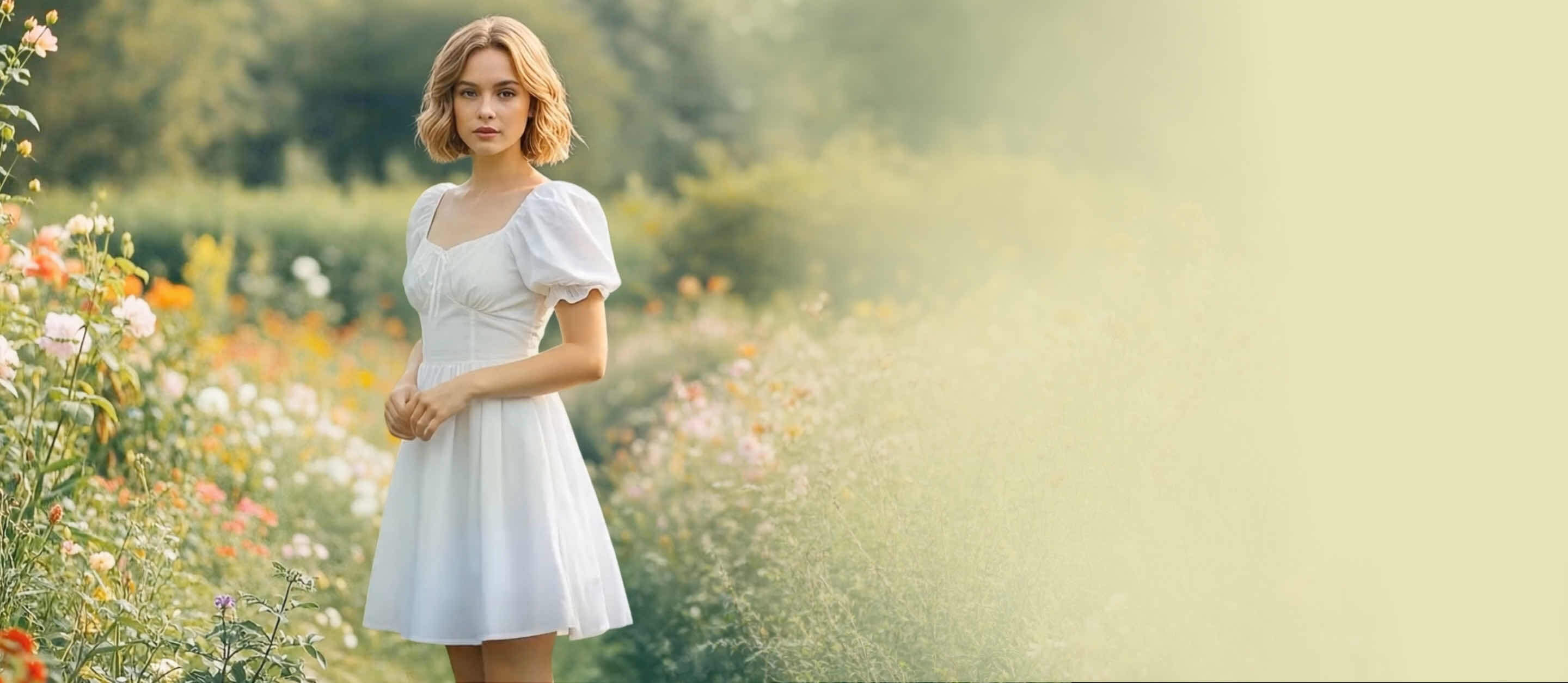
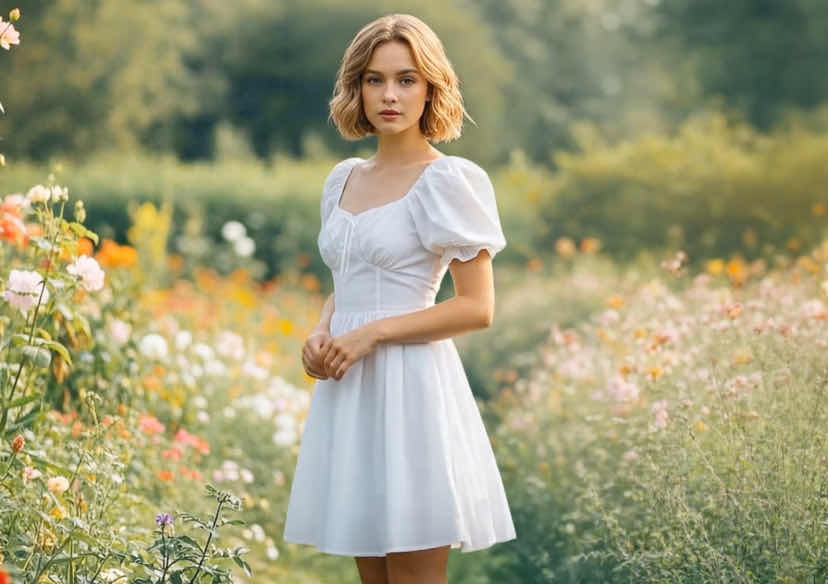




The Ultimate AI Video Editor: Reimagining Reality
Effortlessly transform your footage into cinematic masterpieces. Change styles, swap outfits, or alter the atmosphere with a single prompt—no manual editing required.
How to Edit Your Video with the AI Video Editor
Get your next masterpiece in just 3 simple steps.

Upload & Select Model:
Choose your preferred AI video model and upload your original video file (supporting all major file types).

Describe Your Vision:
Enter a text prompt describing the change. (e.g., "Change her dress to red silk and make it raining in the background").

Generate & Download
Let the AI process the frames. Once the transformation is complete, preview your video and download it in high definition.
One Video, Thousand Transformations
Instant Virtual Wardrobe Changes for Your Videos
Skip the time-consuming costume or outfit changes for your OOTDs. Use AI to swap a subject’s outfit, change fabric colors, or update entire clothing styles in your video with a single prompt. The AI perfectly maintains the natural movement and drape of the original clothing for a seamless finish.
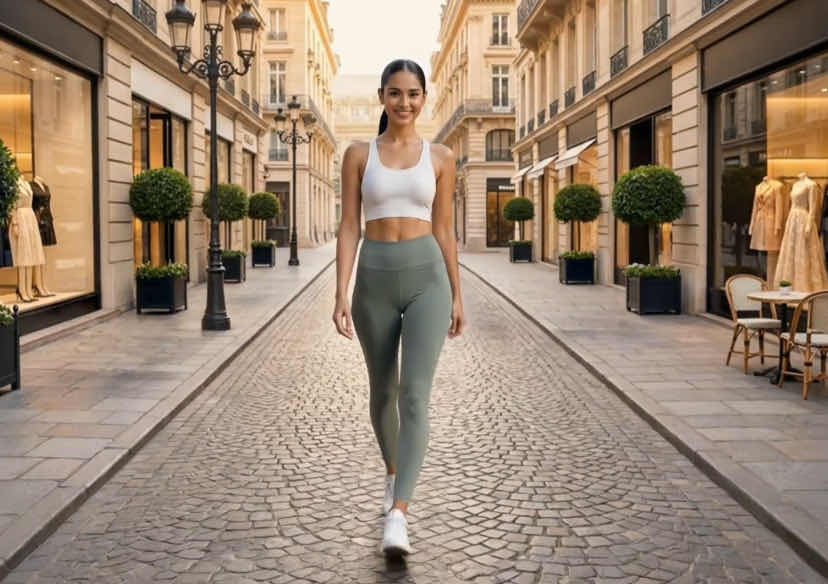
Edit the Weather and Atmosphere
Don’t let a gray sky or poor lighting ruin your shoot. Instantly transform dull weather into a golden hour sunset, a moody rainstorm, or a cinematic snowy landscape. Alter the entire environment and lighting of any video to match your creative vision perfectly.
Apply Stunning Artistic Styles
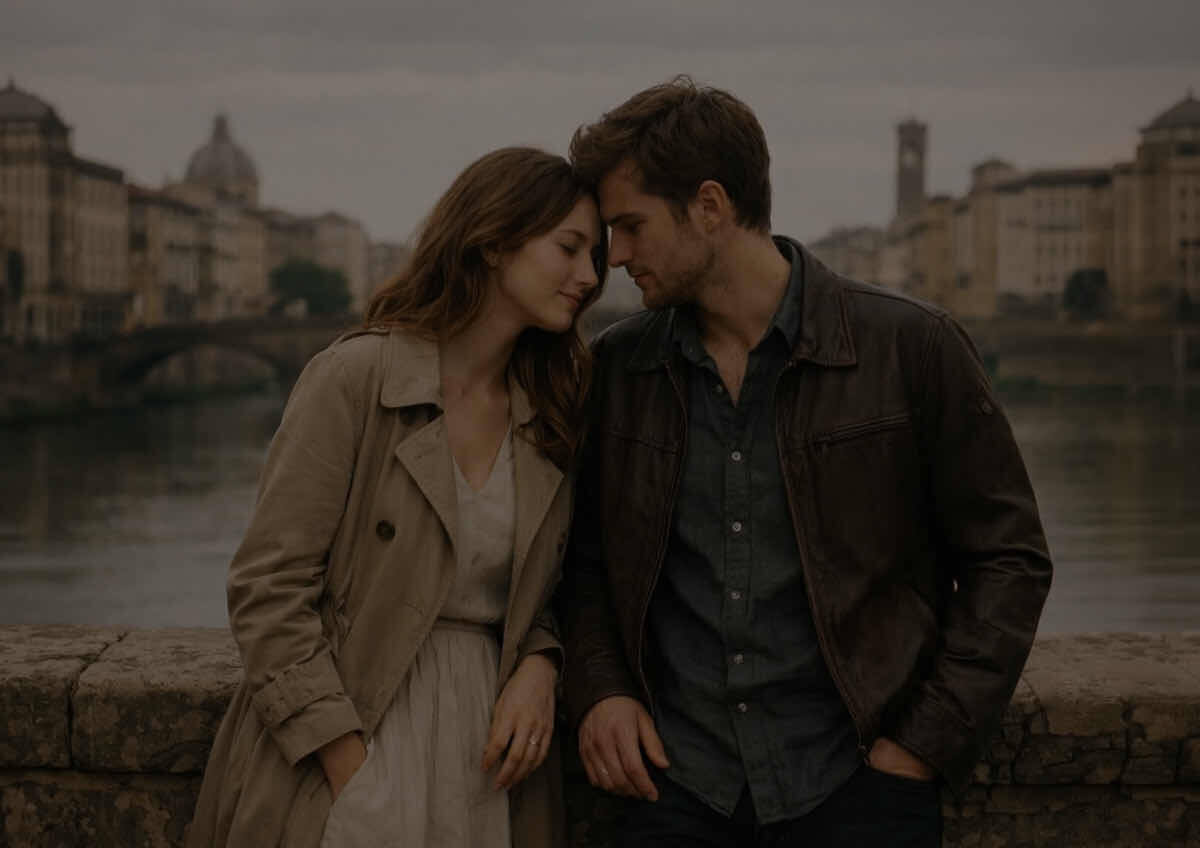
Turn standard footage into high-end 3D animation, cyberpunk worlds, or classic oil paintings. Deep video editing allows you to reimagine your content in anime, charcoal sketch, or claymation styles while preserving every detail of the original motion and performance.
Create High-Impact Product Videos
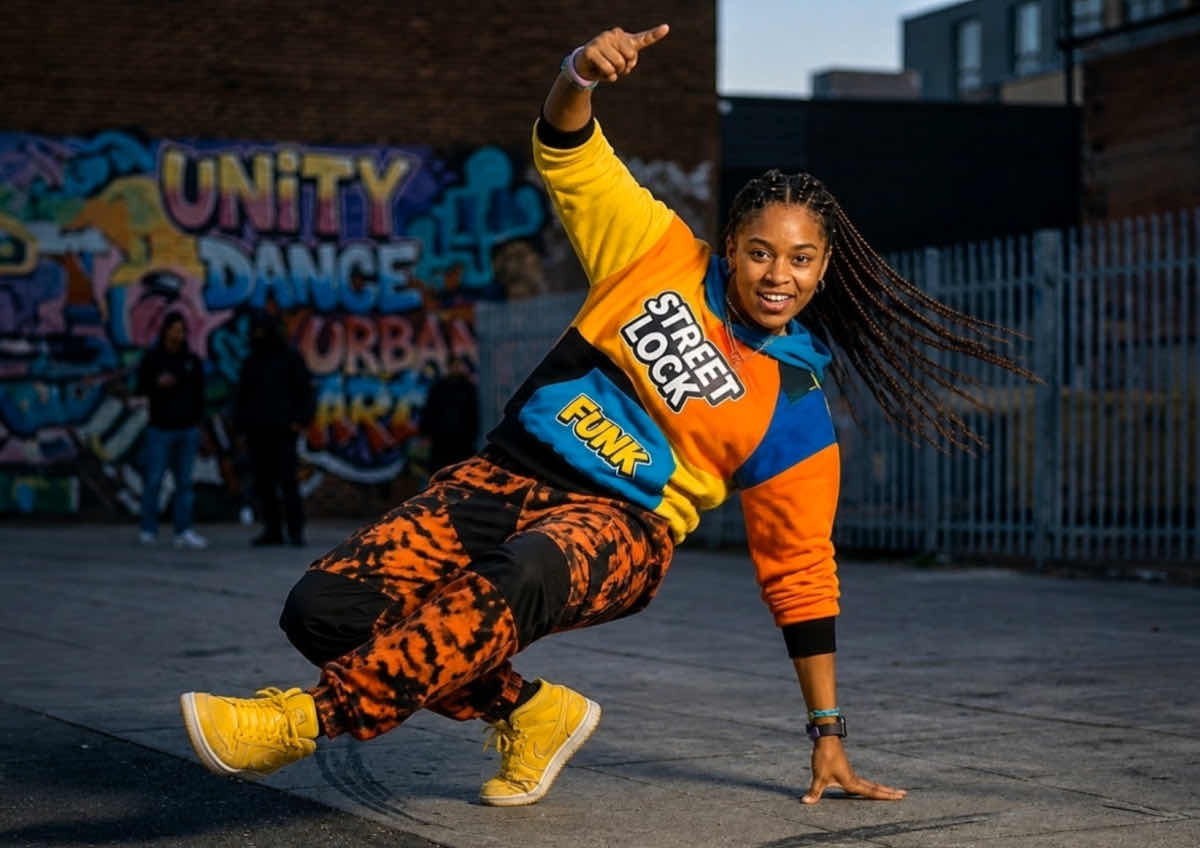
Elevate your brand by placing your products in premium, themed environments. Change video backgrounds from cluttered settings to sleek studio settings, dynamic light effects, or abstract textures. Make your product demonstrations stand out in any marketplace with professional-grade visuals.

Instant Object & Prop Swapping
Create scroll-stopping content for your social feed, for any occasion—no visual effects experience needed. Swap items right in your hands, turning a banana to a PR product, or a coffee cup into a glowing crystal ball. Just type what you want to see. The AI seamlessly replaces the object and perfectly tracks your hand movements for viral-ready videos.

Professional Video Mastery Made Simple
Professional-grade video editing usually takes hours of frame-by-frame masking. Our Video AI automates the technical complexity, allowing you to focus on the story. Whether you are a social media creator looking for "wow" factor or a filmmaker prototyping scenes, our tool delivers studio-quality results in a fraction of the time.
Frequently Asked Questions (FAQ): YouCam AI Video Editor
What is an AI Video Editor?
An AI video editor is a tool that allows you to modify and enhance your footage using simple text descriptions. Instead of manually using complex timelines and sliders, you simply tell the AI what you want to change, and it handles the technical work for you.
How do I use prompts to edit a video?
It’s as easy as describing your vision in a chat box. After uploading your video, you type a command like "make the lighting look like a sunset" or "add a vintage film grain." The AI analyzes your footage and applies those specific changes automatically.
What kind of edits can I perform with just a text prompt?
You can perform a wide range of edits, from basic color grading and lighting adjustments to complex style changes. Whether you want to swap a background, change the mood of a scene, or apply an artistic filter like "anime" or "cyberpunk," you can do it all through simple text commands.
Do I need any prior video editing experience?
Not at all. This tool is designed to remove the "learning curve" associated with professional software. If you can describe the result you want in plain English, you have all the skills necessary to create professional-looking video
How is AI editing faster than traditional video editing software?
Traditional editing requires hours of manual work like frame-by-frame masking, color matching, and layering. AI automates these tedious tasks, delivering high-quality results in seconds or minutes. This allows you to focus on your creative ideas rather than the technical execution.
Can I use AI-edited videos for social media?
Yes! The results are high-definition and optimized for platforms like TikTok, Instagram, and YouTube. AI editing is the fastest way for creators to add "wow" factors and cinematic effects to their content without needing a professional production team.
Does the AI change the actual content or just the style?
It depends on your prompt! You can use the AI for "corrective" edits (like fixing lighting or colors) or "creative" edits (like changing the entire environment or style). The AI is smart enough to understand the context of your video to ensure the final result looks natural.

