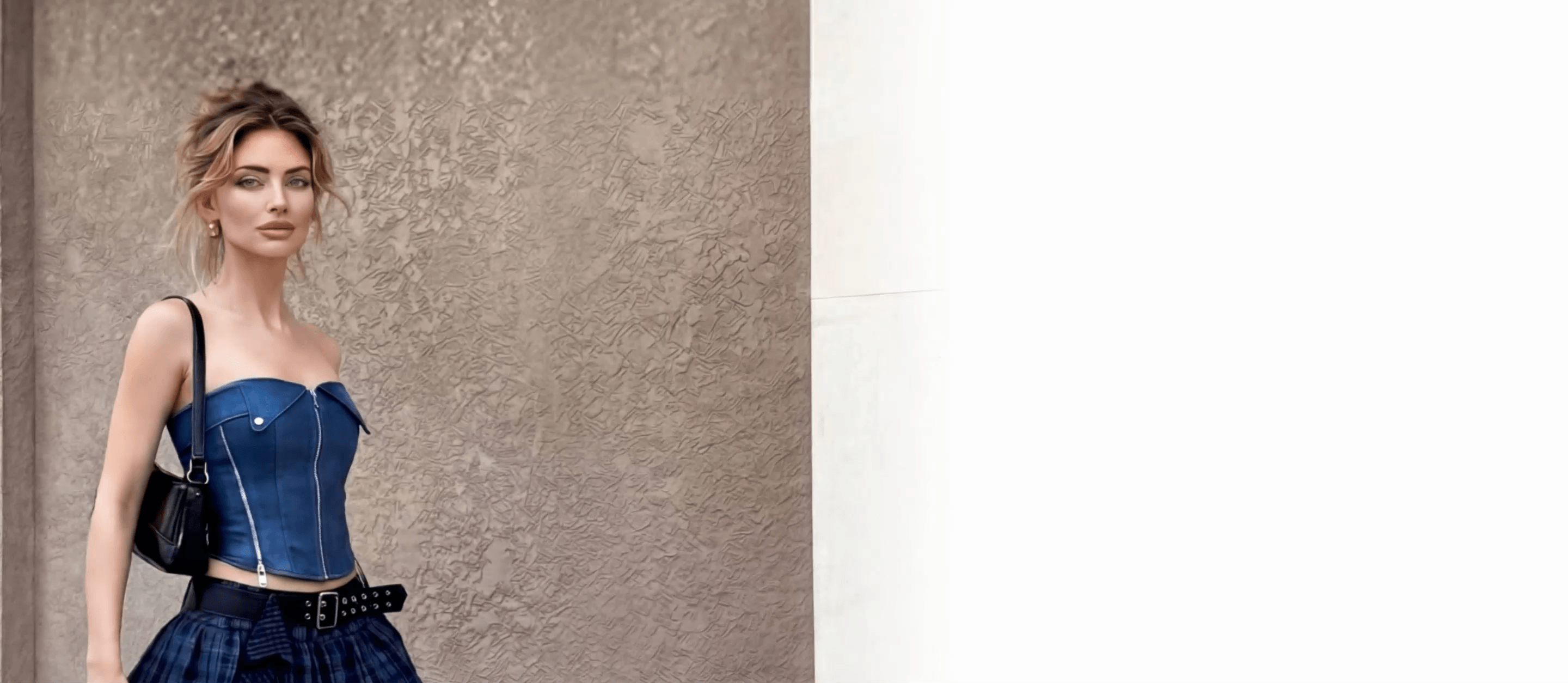
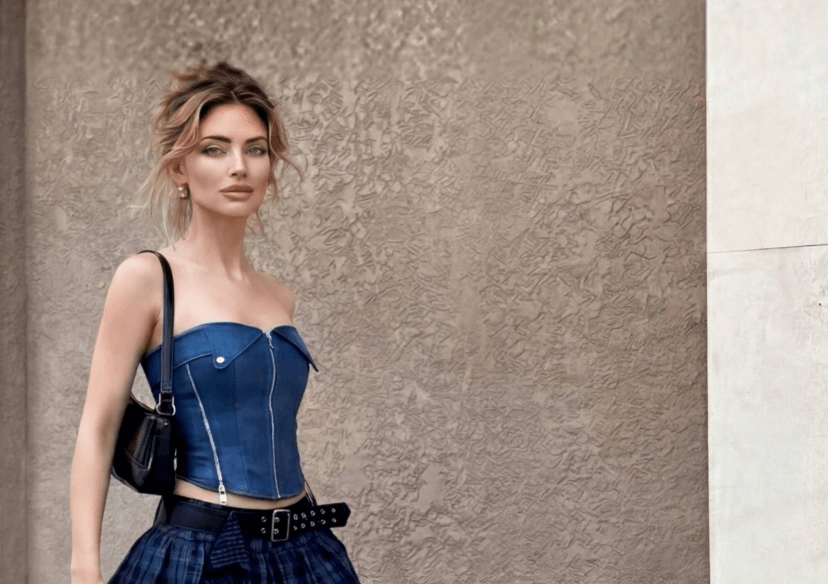




AI Video Clothes Changer: Change Outfits in Videos
Transform your outfit in any video with AI. Change clothes, try new styles, and create multiple looks without reshooting your content.

How to Change Clothes in Video
Changing clothes in a video is easier than ever with AI. In just a few clicks, you can transform your outfit without reshooting the video or changing clothes in real life.
Upload Your Video
Start by uploading the video you want to edit.
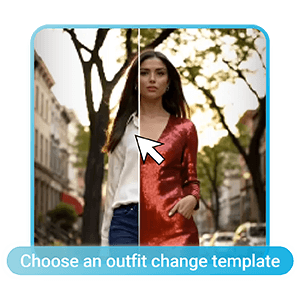
Choose an Outfit Change Template
Browse the available outfit styles and select a template that matches the look you're going for.
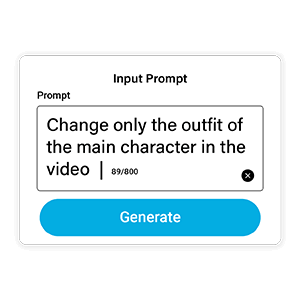
Enter a Prompt or Upload a Reference Photo
Describe your desired outfit with a text prompt, or upload a reference image to guide the AI's style transformation.
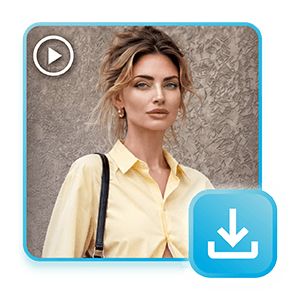
Generate and Save
Click Generate and let the AI transform your outfit throughout the video. Once you're happy with the result, save and share your new video.
Create Unlimited Looks for Any Content
An AI Video Clothes Changer lets you create multiple looks from a single video. From casual everyday outfits to stylish streetwear or professional looks, you can explore different styles without ever opening your closet.
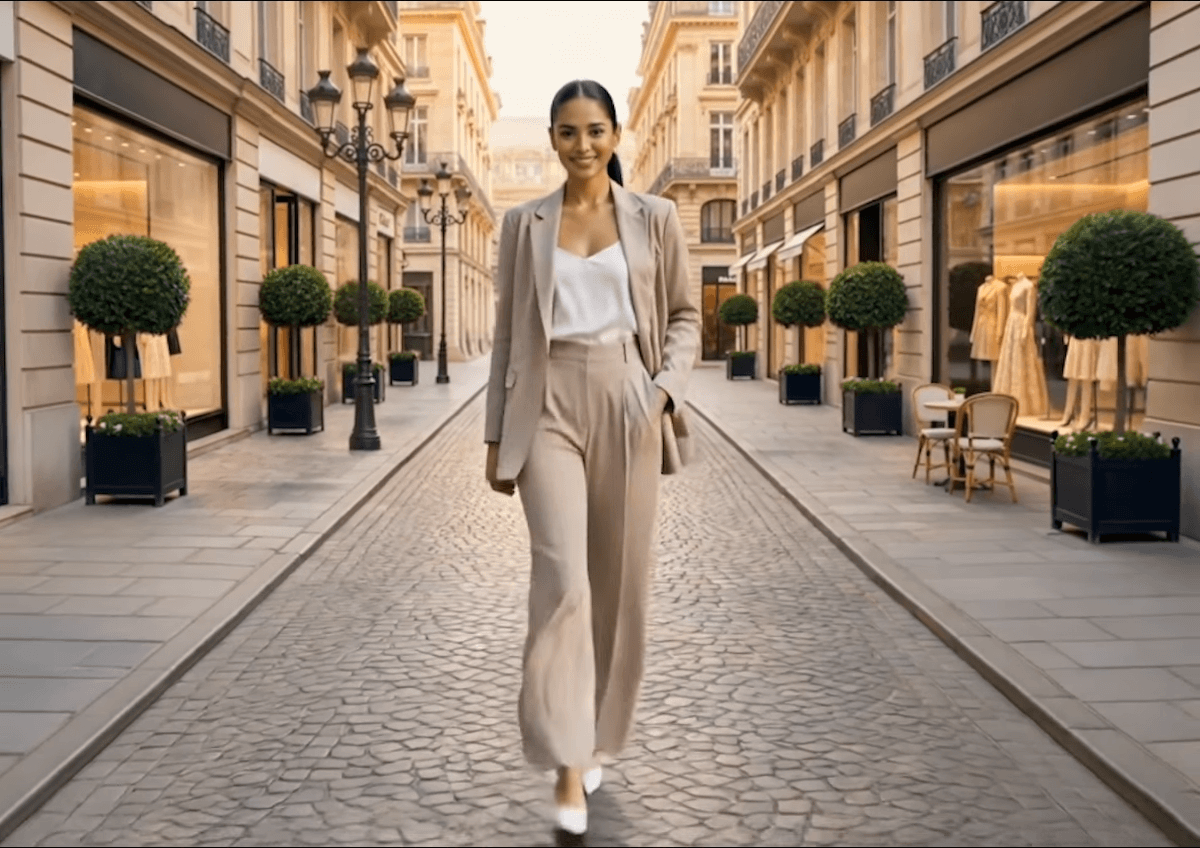
Realistic Outfit Changes That Move Naturally
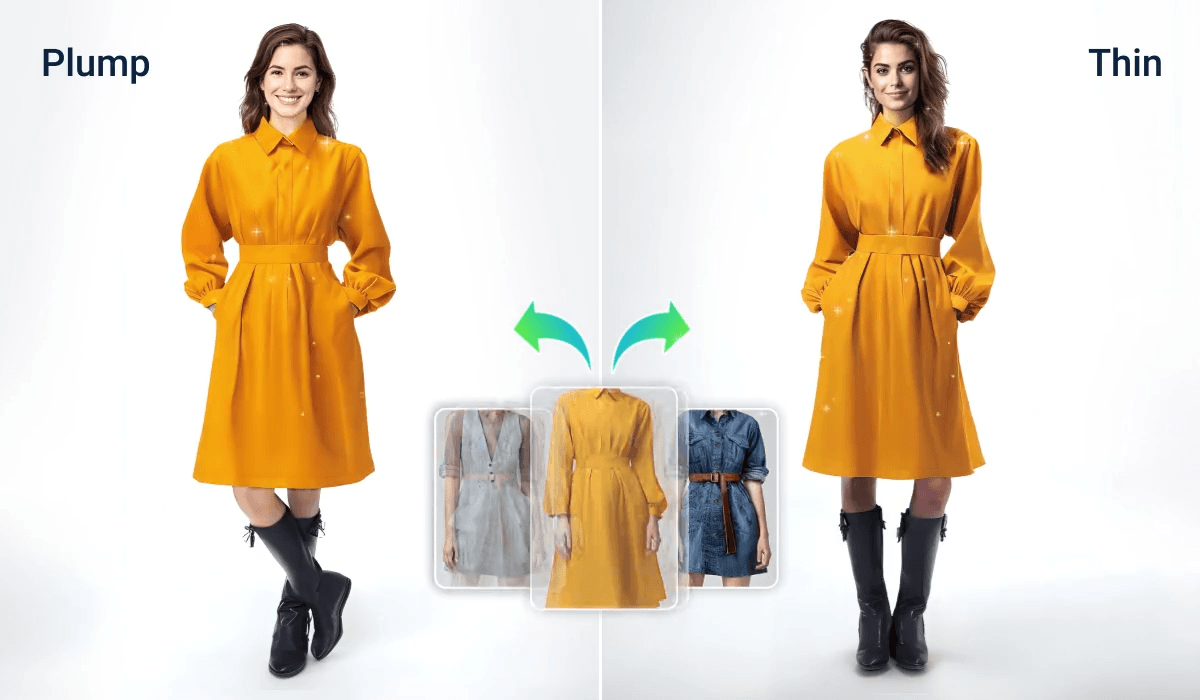
Modern AI doesn't just paste clothes onto your video—it understands your body position and movement to create realistic outfit transformations. Your new outfit looks like it was actually worn during filming, making the entire video feel smooth and natural.
AI Video Clothes Changer FAQs
How can I change clothes in a video?
You can change clothes in a video by uploading your footage to an AI Video Clothes Changer, selecting an outfit template or entering a text prompt, and generating a new version of the video with AI-generated clothing.
Is there an AI that can change clothes in videos?
Yes. AI Video Clothes Changer tools can automatically replace outfits in videos while preserving natural body movements, poses, and facial expressions.
Can I change clothes in a video from a photo reference?
Yes. Many AI outfit changers allow you to upload a reference image, enabling the AI to recreate a similar style, color palette, or fashion aesthetic in your video.
Can I change outfits in TikTok and Instagram videos?
Yes. AI Video Clothes Changers work with videos created for TikTok, Instagram Reels, YouTube Shorts, and other social media platforms.

