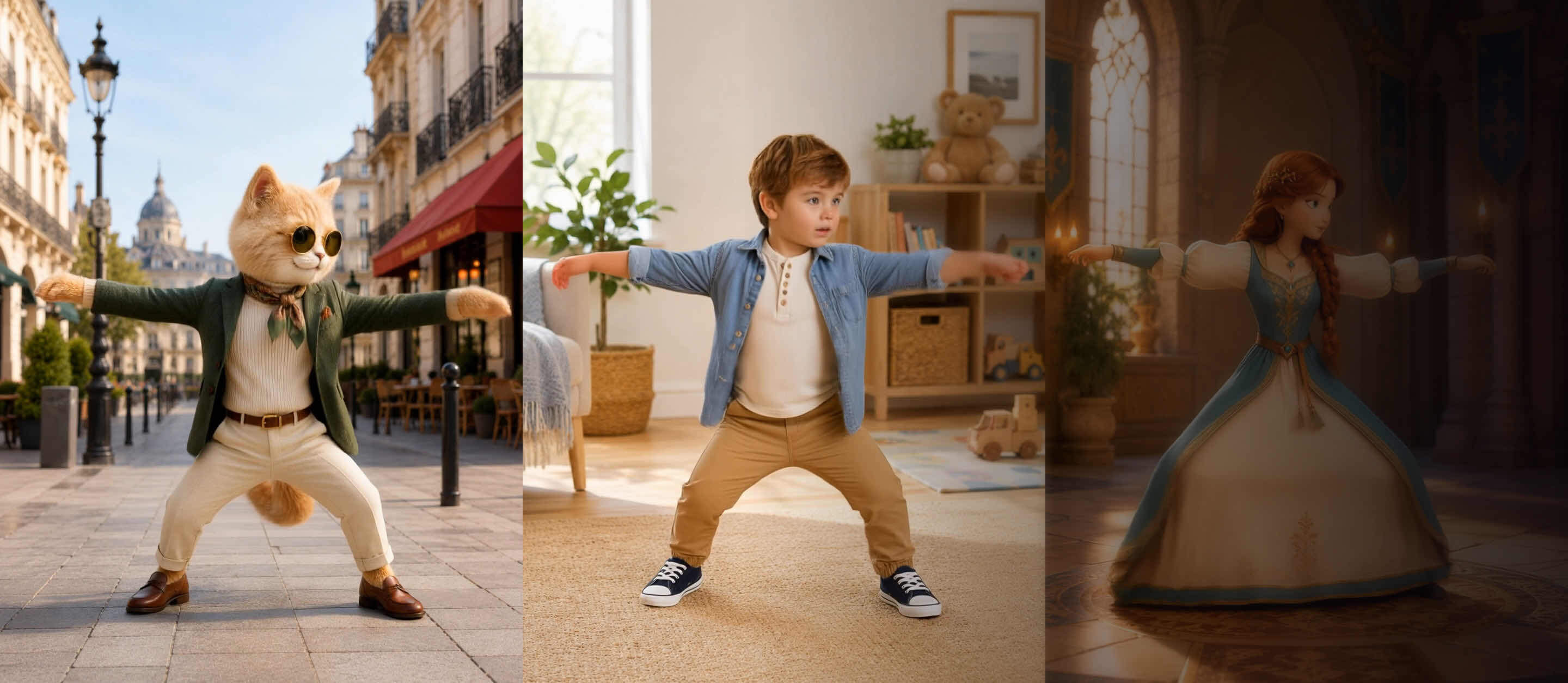
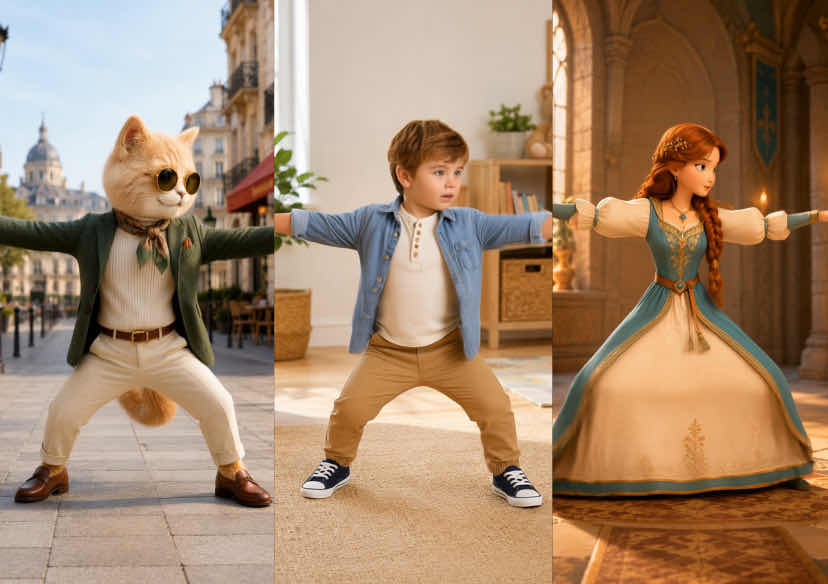




AI Character Motion Swap
Turn any still photo into motion, or swap your character into any video scene - no filming, rigging, or animation skills required.
From Photo to Motion: AI Character Motion Swap
- Natural Motion: Your character moves smoothly and realistically, matching the reference video.
- Still Looks Like You: Faces, proportions, and style carry through, so the result still looks like your original photo or character.
- Multiple AI Models: Choose from a range of models, each tuned for a result - character motion control, replacing the character in a video, or applying video motion to an image.
- Ready-Made Templates: No reference video on hand? Pick a ready-made motion template and apply it instantly.
How to Use AI Character Motion Swap
Choose a Model
Pick the model built for your goal: Character Motion Control, Replace the Character in a Video, or Apply Video Motion to an Image.

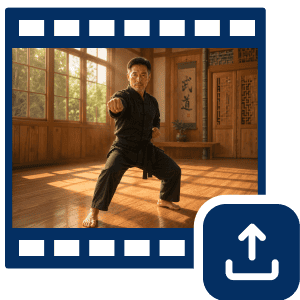
Upload a Motion Reference Video
Add a source video with the movement you want to apply — a gesture, a performance, or a dance.
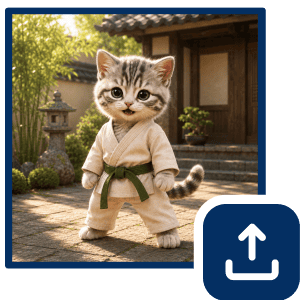
Upload Your Photo
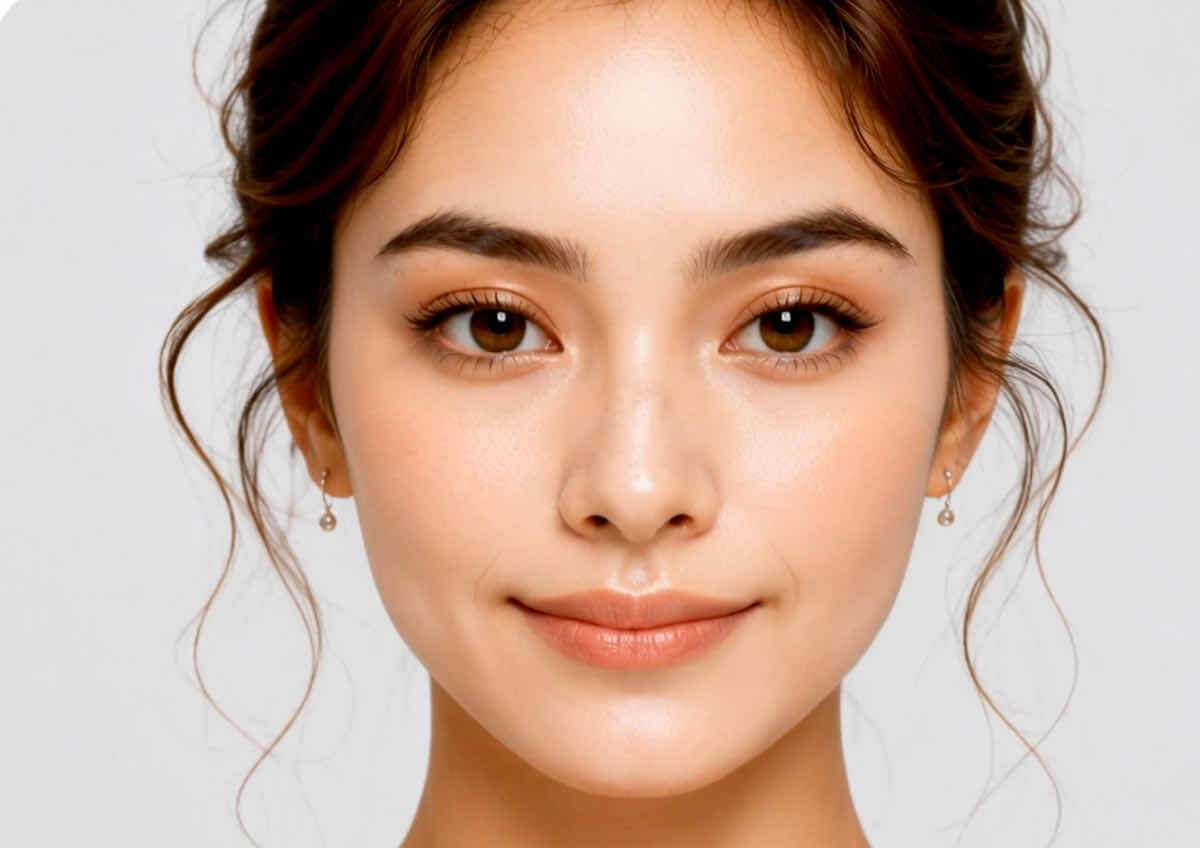
Upload the photo you want to animate — a portrait, a character illustration, or any image with a clear subject.
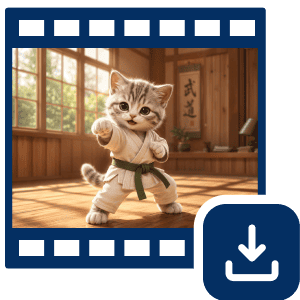
Generate and Save
Click Generate, preview your result, and download it in HD — or find it saved in My Gallery.
Turn Any Photo Into Motion — 3 Ways to Use AI Character Motion Swap
Make Any Photo Move
Upload a reference video — a dance clip, a walking shot, a simple gesture — and pair it with your photo. AI Character Motion Swap builds a video from that reference and applies the motion to your image. A strong fit for TikTok, Reels, and Shorts, where dynamic motion holds attention.
Give Any Character Real Motion
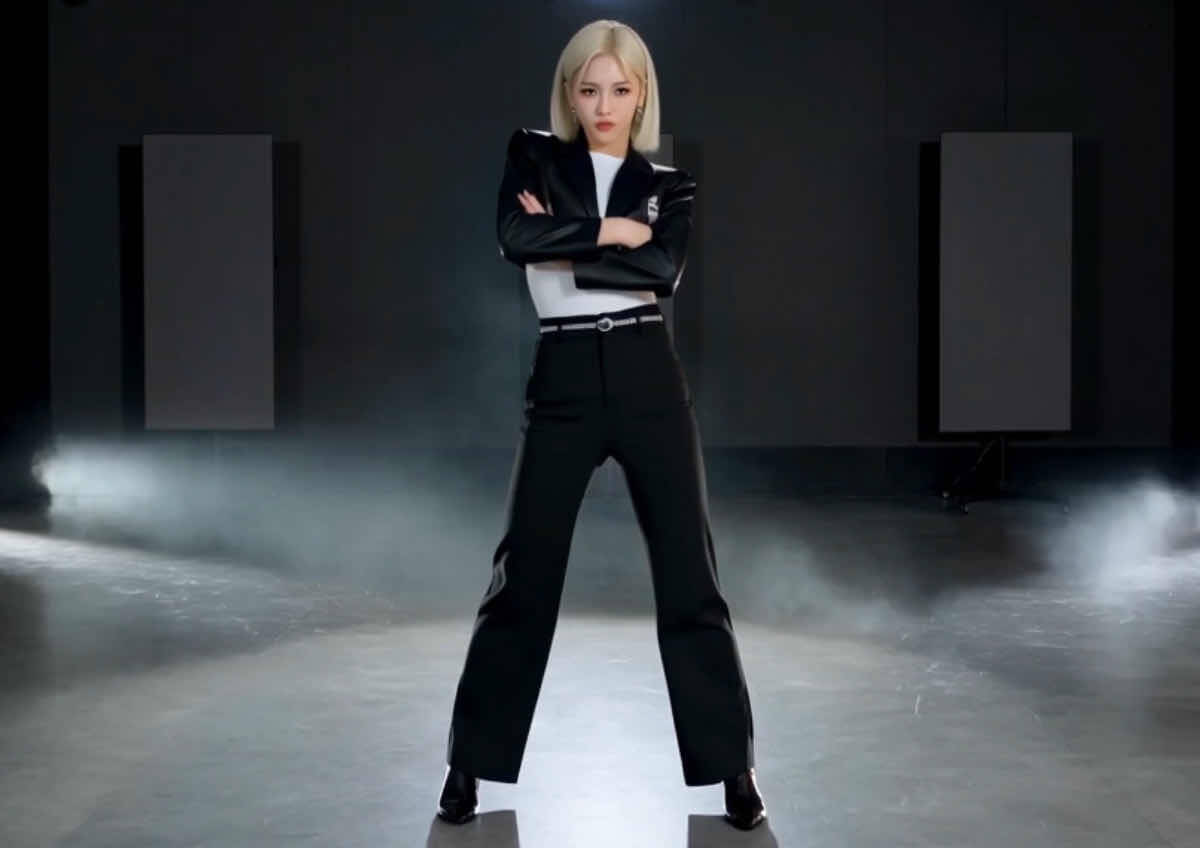
Animate illustrated or AI-generated characters without 3D modeling or frame-by-frame drawing. Upload your character image and a reference video, and get smooth motion that mirrors every move — faces, proportions, and art style stay consistent from first frame to last. Useful for storytelling, avatars, and short-form animation.
Swap Yourself Into Any Scene
Skip the filming and the manual masking. Upload your photo alongside any action clip, and your character replaces the original performer while keeping the clip's motion, gestures, and camera movement intact. Built for memes, reaction videos, and social content where believable motion is the whole point.
AI Character Motion Swap FAQs
What is AI Character Motion Swap?
It's a motion transfer tool that reads the movement in a reference video - gestures, dance, performance, or full-body motion — and applies it to your uploaded photo or character image, generating a new animated video.
How do I use AI Character Motion Swap?
Choose a model, upload a motion reference video, upload your photo, then generate and save — see the 4-step guide above for details.
Is AI Character Motion Swap free to use?
A limited number of free generations are available; higher-resolution exports and additional models require a paid plan. See Pricing for details.
Can I use AI Character Motion Swap on mobile?
Yes, it works in the mobile app and mobile browser in addition to desktop.
How do I get the best results?
Use a clear, well-lit photo with a visible subject and a reference video with clean, unobstructed motion for the most accurate results.
Should I use AI Character Motion Swap or an image-to-video tool?
Use AI Character Motion Swap when you want to control motion with a specific reference video or template. Use a general image-to-video tool when you just want AI-generated movement without a reference.
Can I animate illustrations or AI-generated characters, not just real photos?
Yes, illustrated and AI-generated character images are supported alongside real photos.
Is there a limit on reference video length?
Yes, reference videos have a maximum supported length; trim longer clips to the key motion segment before uploading.

