



Expand Images Online
Need a larger photo and fill up empty spaces? Enlarge images to fit any aspect ratio with our YouCam AI Image Extender.


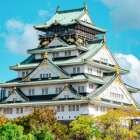
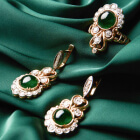

Unleash Your Infinite Imagination
AI Expand Image, also known as outpainting, uses generative AI to extend an image beyond its original borders. The AI analyzes the photo’s colors, lighting, and composition, then creates new matching content to make the expanded area look natural and seamless. It is commonly used to resize images, extend backgrounds, and create more cinematic visuals.


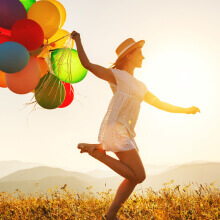



How to Expand Image with AI Image Extender?
Let AI automatically expand your image with natural, seamless results in seconds. Here's the step-by-step tutorial:
Upload Your Image
Upload the image you want to expand.
(Supported formats: JPG, JPEG, PNG, TIFF, and GIF)
Tip: Start with the highest-resolution version of your photo you have — the AI has more real detail to reference when generating new pixels around it.

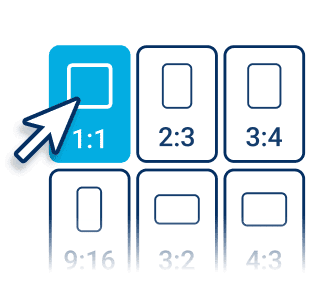
Choose a Perfect Size
Select the new size and ratio from over 20 size templates (including IG, FB, TikTok, etc.).
Tip: Pick your final aspect ratio before generating — expanding an already-expanded image again can soften fine detail.
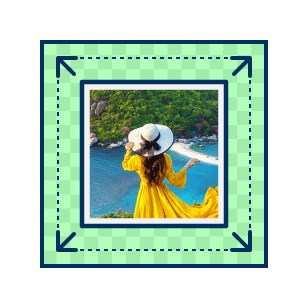
Expand Your Photos
Click the “Generate” button and YouCam will automatically generate new background around your image. The added area is AI-generated, so it can look softer than the original photo and should be checked at full size.
Tip: If the first result looks a little repetitive or off around the edges, click Generate again — outpainting results can vary between attempts.

Download & Share
Download your expanded image in the file format of your choice.
Tip: Downloading at full resolution (rather than a preview size) keeps the blended edges looking sharp when you post or print it.
3 Reasons to Try an Online Image Extender
Resize Images for Any Platform Instantly
Resize and expand images with AI in just a few clicks using optimized presets for Instagram, TikTok, YouTube, ads, and creative projects. YouCam AI Image Extender is beginner-friendly and helps create high-quality visuals without complicated editing.
Tip: Match the preset to where the image is actually going — a square Instagram crop and a widescreen YouTube thumbnail need very different amounts of extended canvas.
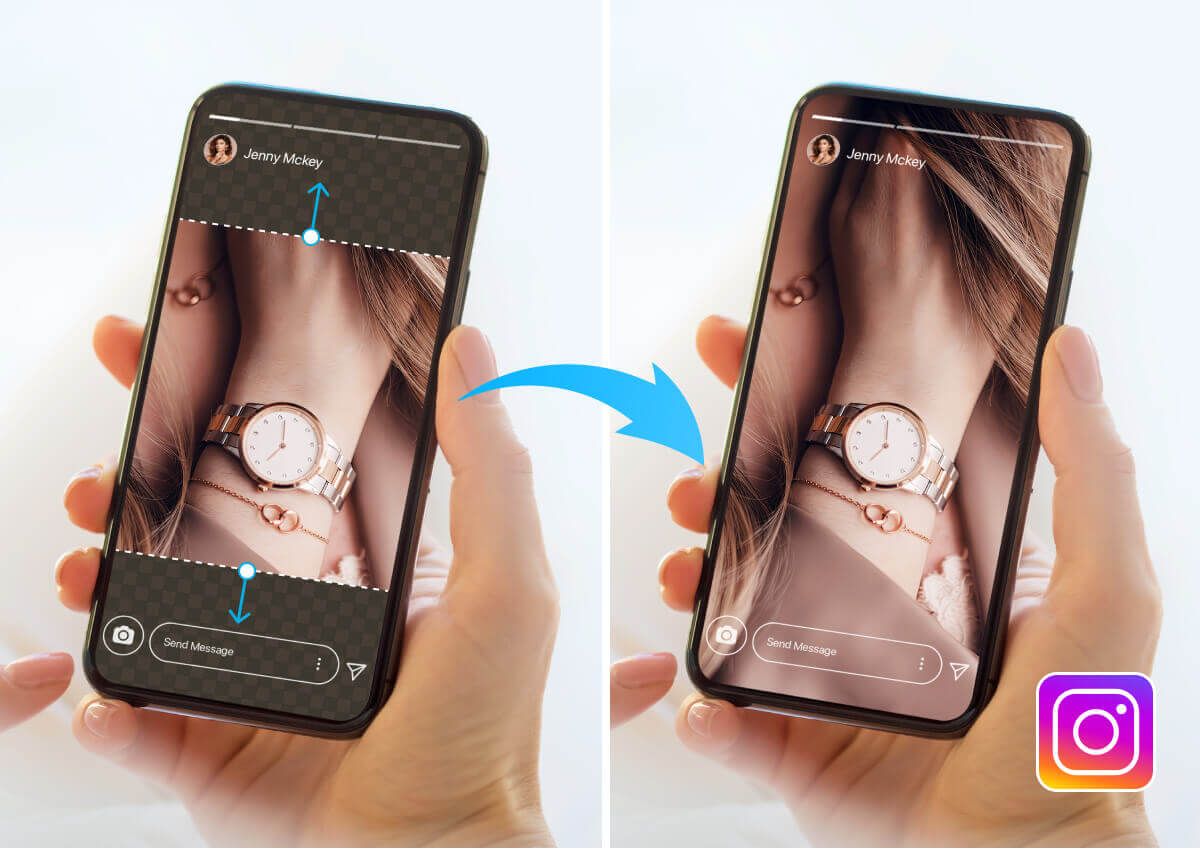
Generate Natural Visuals Faster
YouCam’s AI-powered extend image online tool helps creators, marketers, and designers generate polished visuals with minimal effort. The tool preserves style, texture, and perspective automatically, making professional-quality image expansion fast and accessible for everyone.
Tip: This is a good card to point marketing or social teams to when they need a fast turnaround visual and don’t have time to brief a designer.
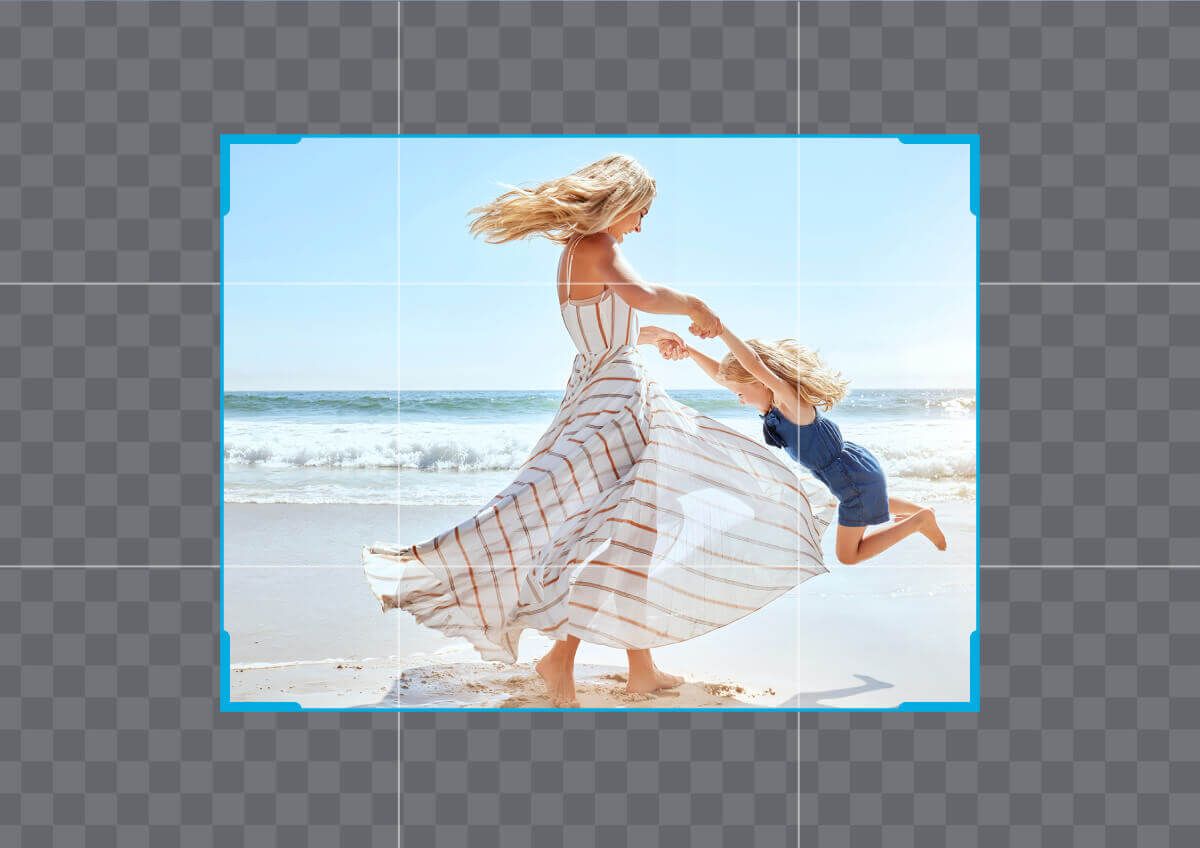
Advanced Outpainting AI
Using advanced AI outpainting technology, YouCam AI Image Extender analyzes lighting, composition, textures, and depth to generate seamless image extensions. The easy-to-use AI image expander creates realistic results without distortion or manual retouching.
Tip: Portraits and headshots are one of the better tests of this — watch how the AI handles hair edges and background blur when you expand around a face.
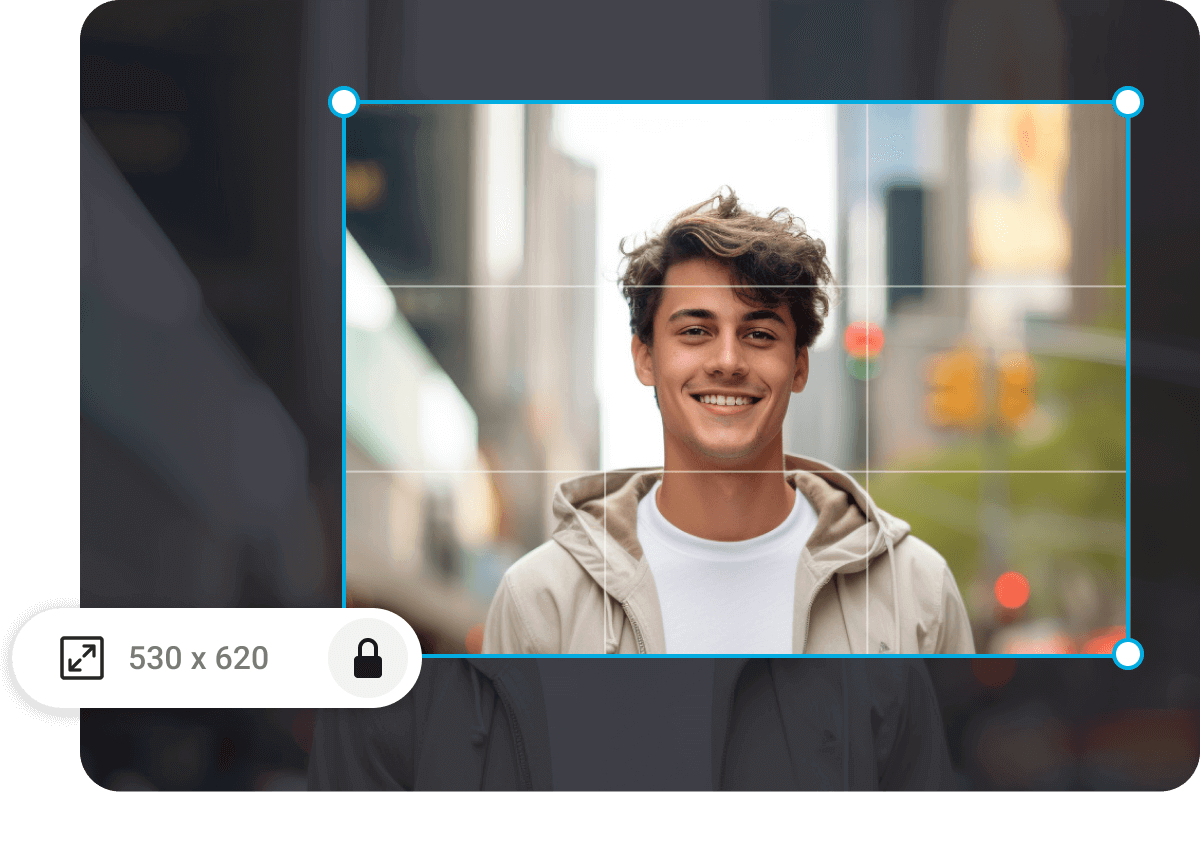
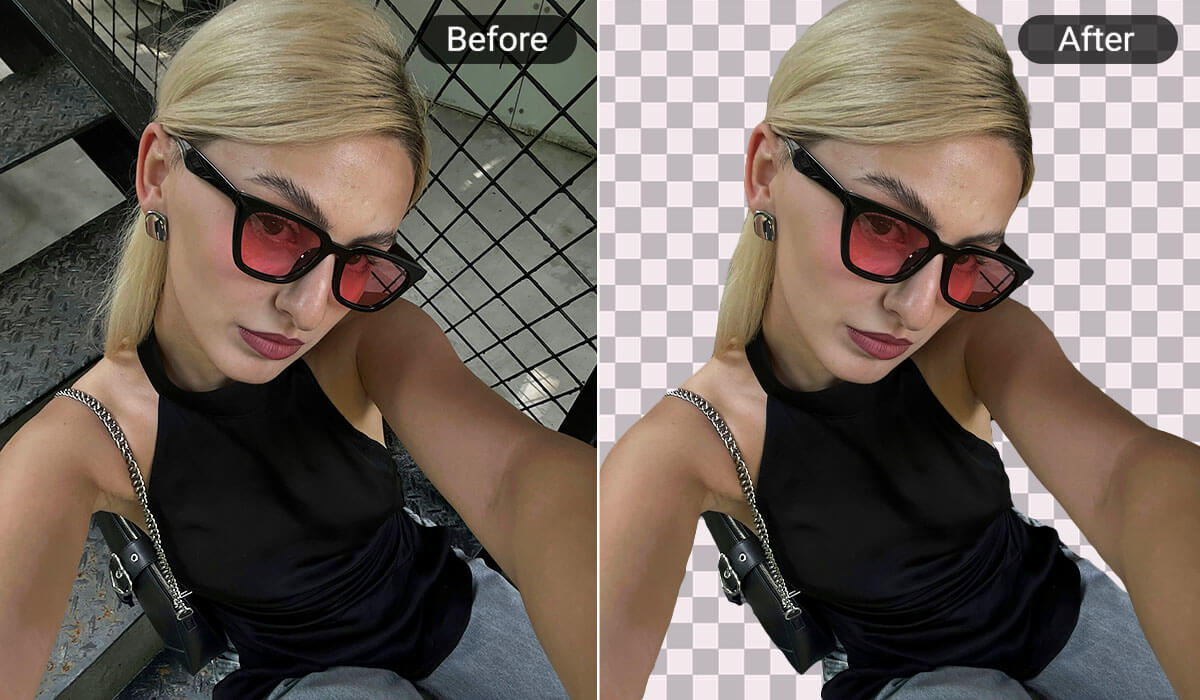
Isolate subjects for clean, professional images by removing unwanted background. Perfect for product shots or profile pics.

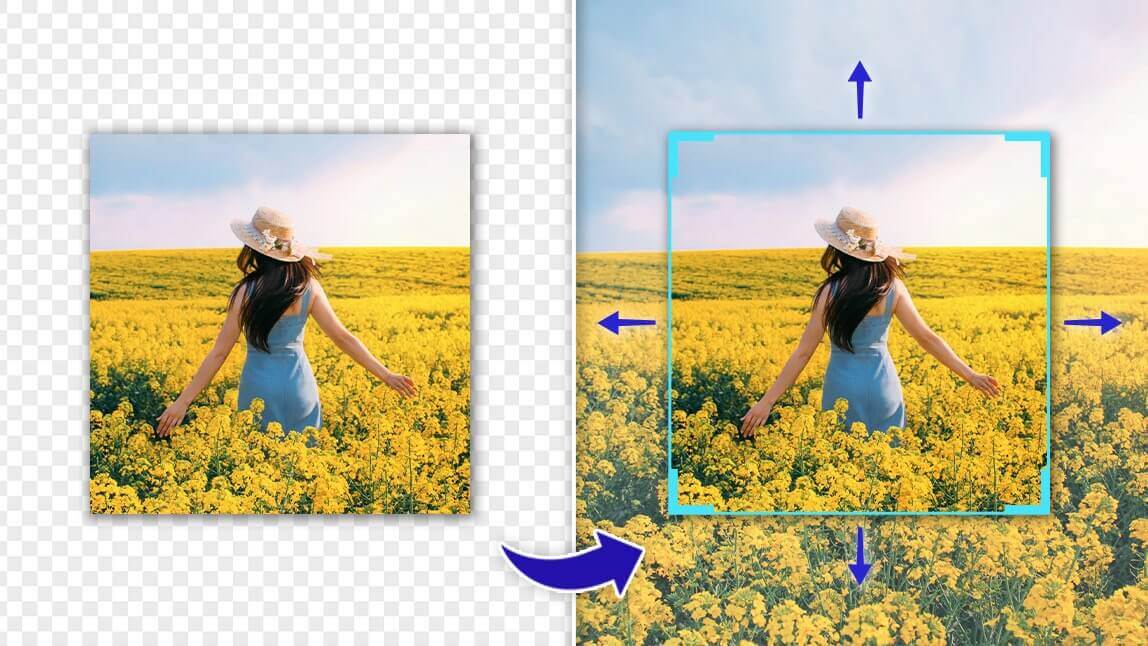
Enhance image resolutions with stunning clarity and detail. It’s perfect for restoring old photos or preparing visuals for HD use.
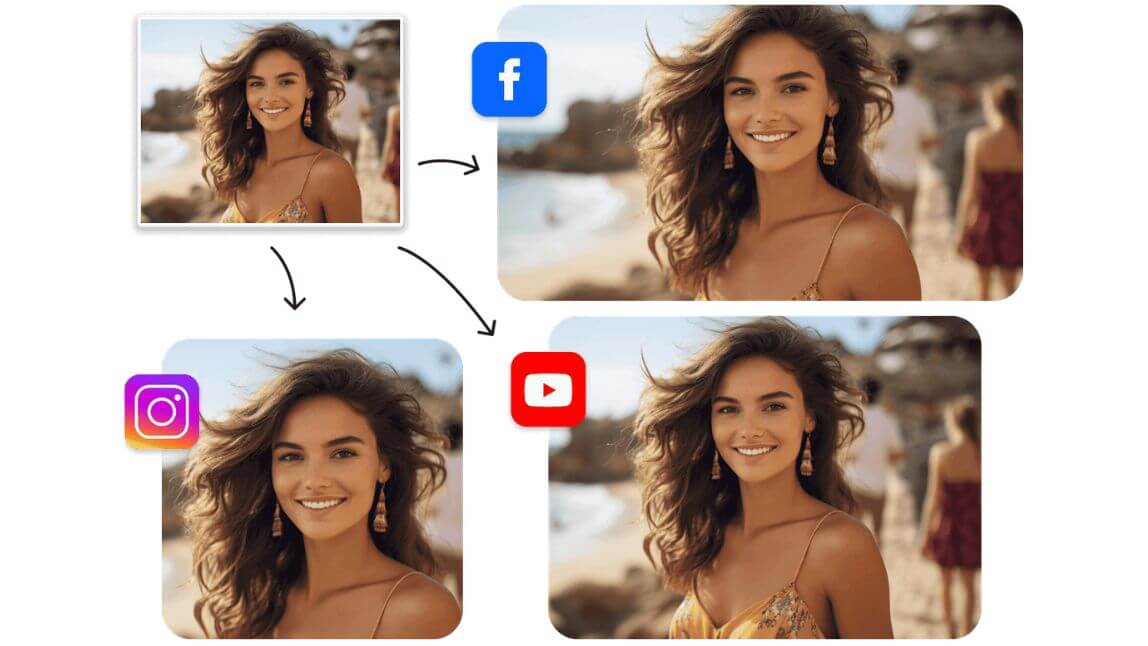
Designed for fast and flexible adjustments, try resizing your images instantly. Ideal for social media, web, or print formats.

Expand Images
at Your Fingertips
With YouCam


Frequently Asked Questions for AI Image Extender
What is an AI Image Extender/Expander?
An AI image extender is a tool that uses generative AI to expand the boundaries of an image, filling in missing areas with realistic content. Tools like YouCam AI Image Extender offer seamless background expansion without quality loss.
How can I expand an image while avoiding distortion?
Our AI employs generative art techniques to resize the image and add contextually appropriate elements, ensuring the image remains undistorted.
How can AI be used to extend images?
AI can extend images by utilizing advanced algorithms that analyze the existing content and intelligently generate new pixels to match the original image's style, texture, and context. Tools like YouCam AI Image Extender use deep learning models to predict and fill the gaps, allowing for seamless image expansion.
Can AI complete an image?
Yes, AI can complete an image by filling in missing parts or expanding the edges with realistic details. Try here.
How do I extend or lengthen the photo?
Use an AI image expander like YouCam Online Editor to upload, select the area, process, and save the extended photo.
How to extend photo size?
Use an AI tool like YouCam AI Image Extender to increase the dimensions by extending the photo's content. Or, try YouCam AI Photo Enhance to simply increase photo size without filling extra photo content.
How do I enlarge my photo size?
To enlarge your photo size using the AI Image Extender on the YouCam online editor, follow these steps: Go to YouCam, select the AI Image Extender tool, and upload the photo you want to expand. Choose your desired size, and the AI will automatically handle the image enlargement process. Once complete, simply download and save your enlarged image.
How to make thumbnails to full picture online?
Whether you want to resize or extend an image to your desired dimensions, or even let AI automatically fill in missing parts of the picture, today's AI can do it all with just one click, and it's available for free, try here.
How does an AI image extender work?
It analyzes the existing image and uses AI models to generate new pixels that match the original style, tone, and composition. YouCam AI Image Extender uses advanced algorithms to ensure natural-looking results.
Can I use AI image extenders for professional design work?
Yes. Designers use YouCam AI Image Extender to enhance compositions, create marketing visuals, and adjust framing.
Is AI image extension the same as outpainting?
They’re similar. Outpainting is a term often used in AI art generation, and YouCam applies similar techniques to extend real photos.
I removed the background from my photo — should I do that before or after expanding it?
Either order can work, but expanding first is usually easier: extend the canvas while the original background is still there so the AI has real image data to build from, then remove the background from the finished, expanded image.
How do I get my expanded image ready for Instagram, TikTok, or YouTube after using the AI Image Extender?
After expanding, use the size presets to export the same image at each platform’s dimensions — a square crop for an Instagram post, a vertical crop for a Story or TikTok, and a widescreen crop for a YouTube thumbnail — instead of extending or re-shooting for each one separately.
Can I control what the AI generates in the expanded area, like giving it a text prompt?
The tool automatically fills the new canvas area to match the surrounding image, so there isn’t a text-prompt option for directing what appears there — it extends the existing scene rather than generating new, separately-specified content.
Built for Professionals
Different jobs run into different aspect-ratio problems. Here’s how AI Image Extender fits into a few common professional workflows.
E-Commerce & Product Sellers
Marketplace templates and ad banners often demand a different aspect ratio than the product photo you actually have on file. Tip: Expand a square product shot to a marketplace’s required banner ratio instead of cropping in and losing part of the product.
Social Media Managers & Content Creators
One hero photo often needs to become a square Instagram post, a vertical Story, and a widescreen YouTube thumbnail in the same afternoon. Tip: Use the built-in size presets to generate each platform’s crop from the same source image instead of re-shooting or manually extending each one.
Graphic Designers & Freelancers
Client-supplied photos are frequently tighter or a different shape than the layout actually needs, and a reshoot isn’t always an option. Tip: Extend the background first, then drop your text or logo into the new negative space — it reads cleaner than squeezing copy over the original subject.
Print & Marketing Teams
Posters, banners, and packaging mockups are often much larger than the source photo, and simple upscaling alone can leave the composition feeling cropped. Tip: Expand the canvas to the print dimensions before upscaling for resolution — doing it in that order gives the AI more real image to work from.