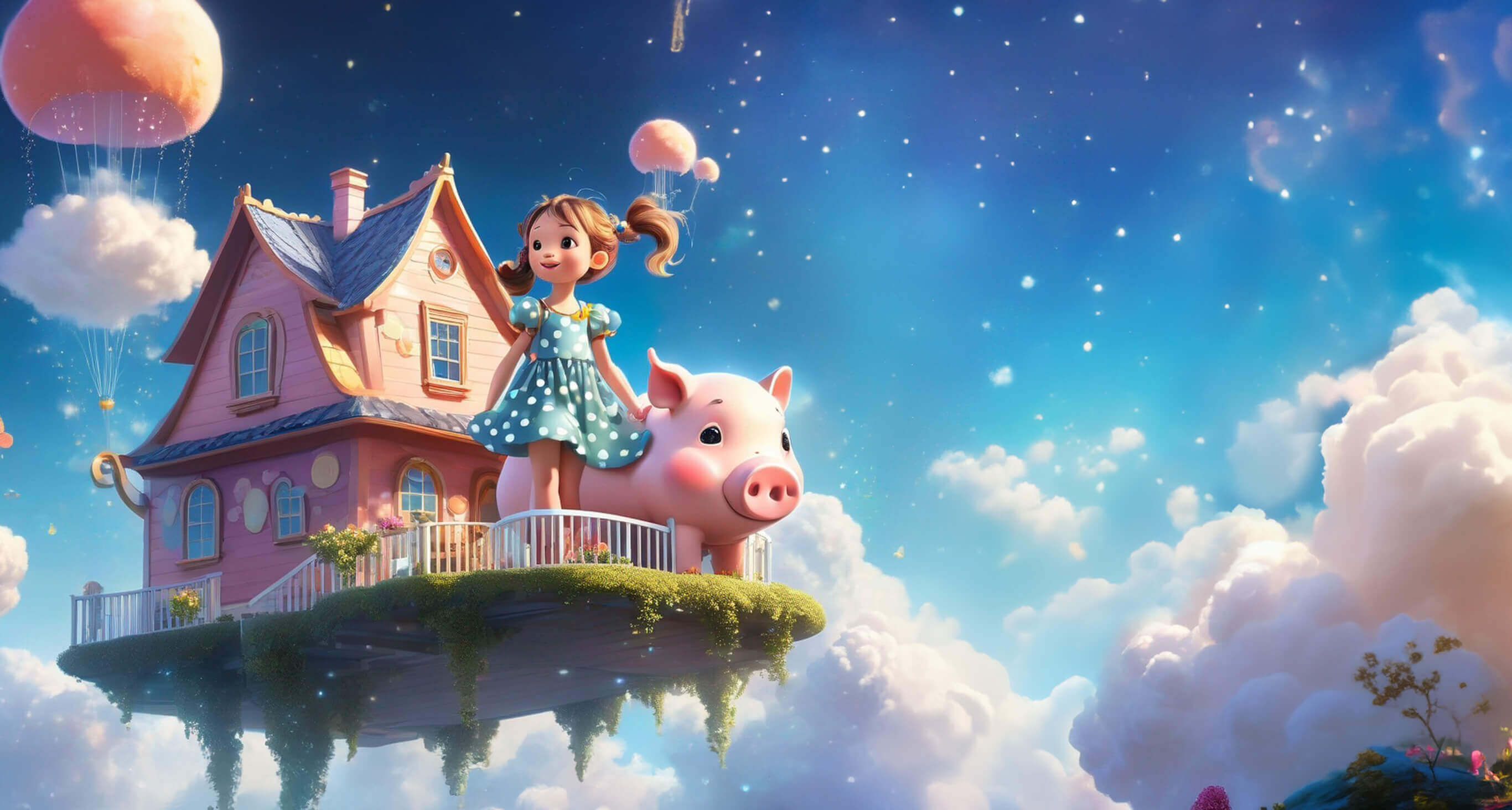
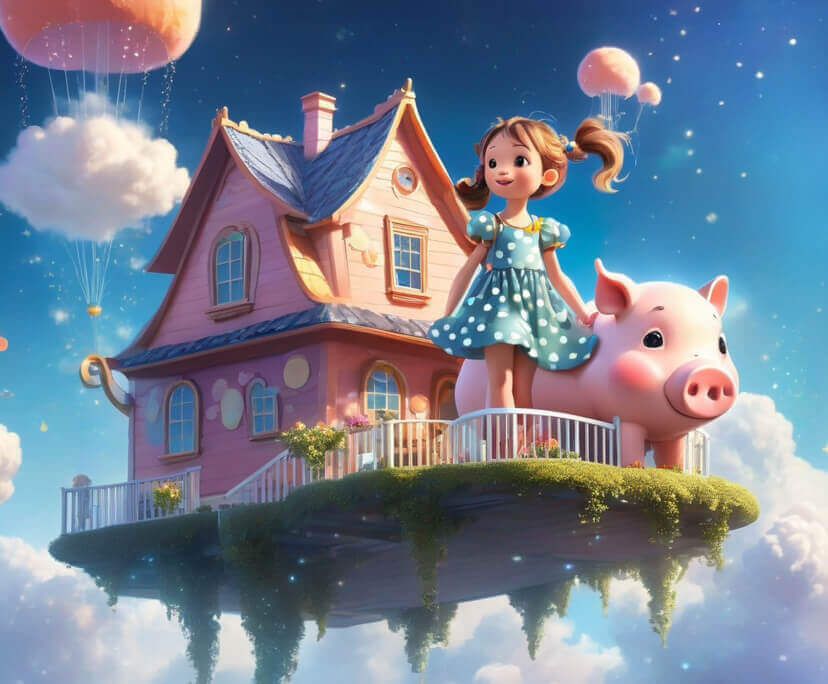



You have no idea how to put together a good text prompt? No worries, we compiled some prompts for you to try and spark your creativity!
Unlock Your Creative Freedom with our Multi-Model AI
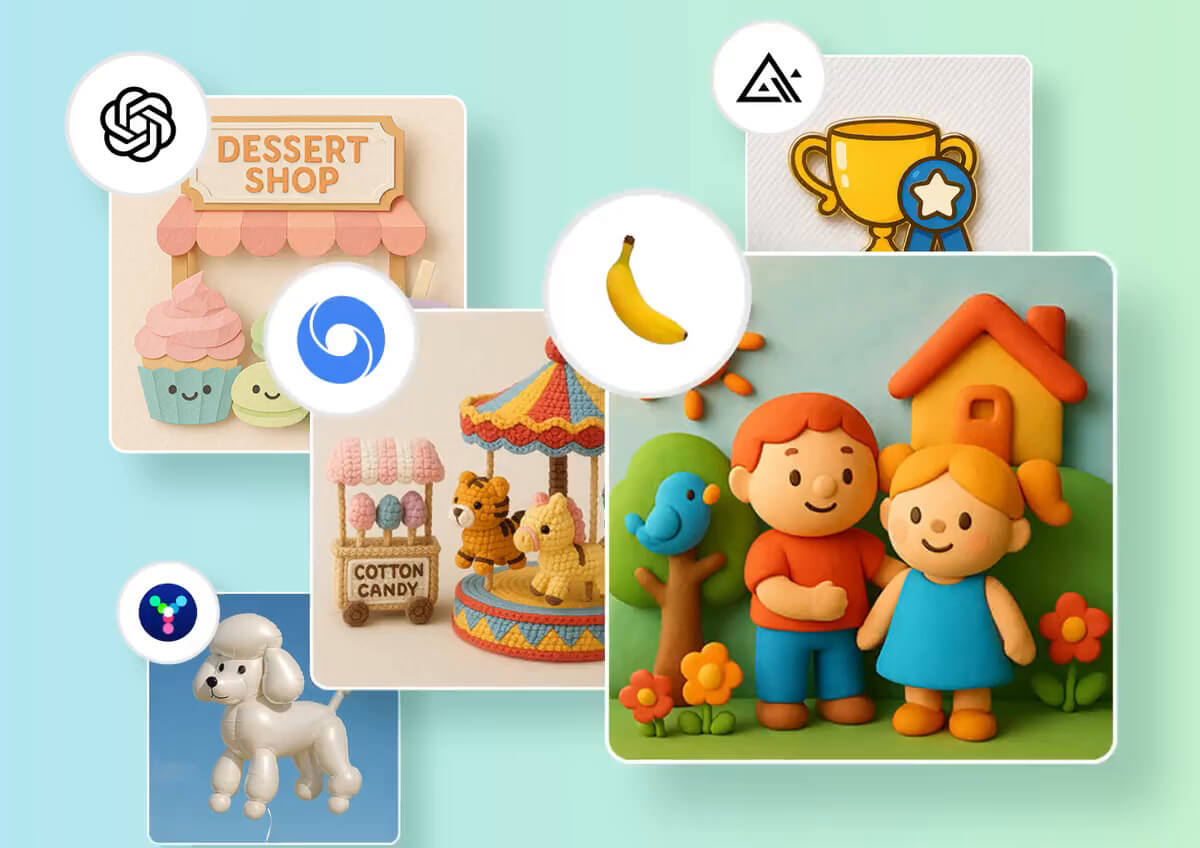
Switch between the most powerful AI image models today:
- GPT Image 2.5 Flare & Sunburst: OpenAI's top model, offering 50% faster latency, precise image editing, and superior complex prompt & layout rendering.
- Nano Banana 2: Exceptional photorealism, crisp text rendering, and multi-image fusion.
- FLUX.2 Pro: Flagship model built for rapid, production-ready outputs with high visual fidelity and multi-reference consistency.
- Seedream 5.0 Pro: Features precise region-based editing, layer separation, and support for 10+ languages with locale-aware layouts.
How to Create Your AI Masterpiece in Seconds
Creating with AI shouldn't be complicated. Follow these four simple steps to go from a blank screen to a professional image.
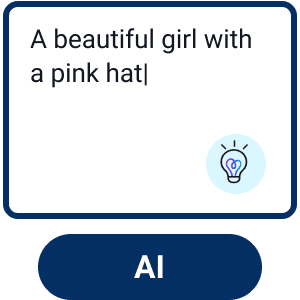
Enter Text or Image Prompt
Enter the text description of your image idea. Optional: Upload a reference image for the AI to better understand your vision.

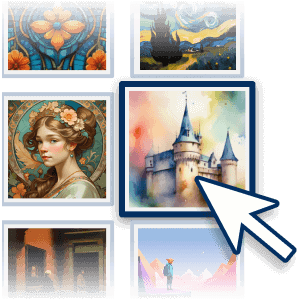
Choose a Style
Select a style from the 70+ options available to match your preference.
Customize Your Image
Further adjust the Aspect Ratio, Negative Prompt, CFG Scale, Step, and Output Numbers to fine-tune your image.
Generate & Save
Click the "Generate" button to begin the AI image creation process.
One Tool, Infinite Creative Solutions
Your Photos in Any Artistic Style
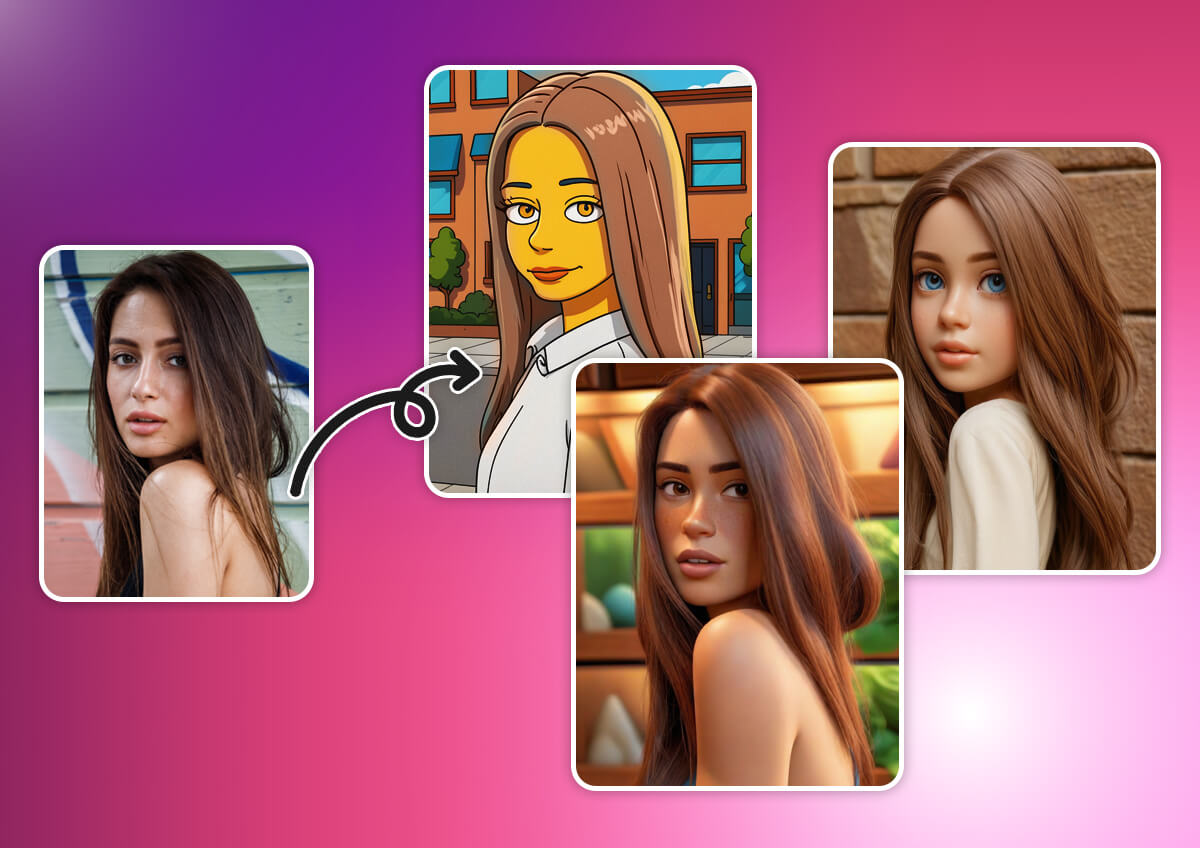
Take a regular snapshot and turn it into something extraordinary. Using our advanced Image-to-Image technology, you can upload your own photo and 'reskin' it into 70+ unique aesthetics. Go from a vacation photo to a Studio Ghibli-style anime scene, a trendy 3D clay icon, or a classic watercolor painting while keeping your original features perfectly intact.
Design Viral Social Media Content & Concept Art
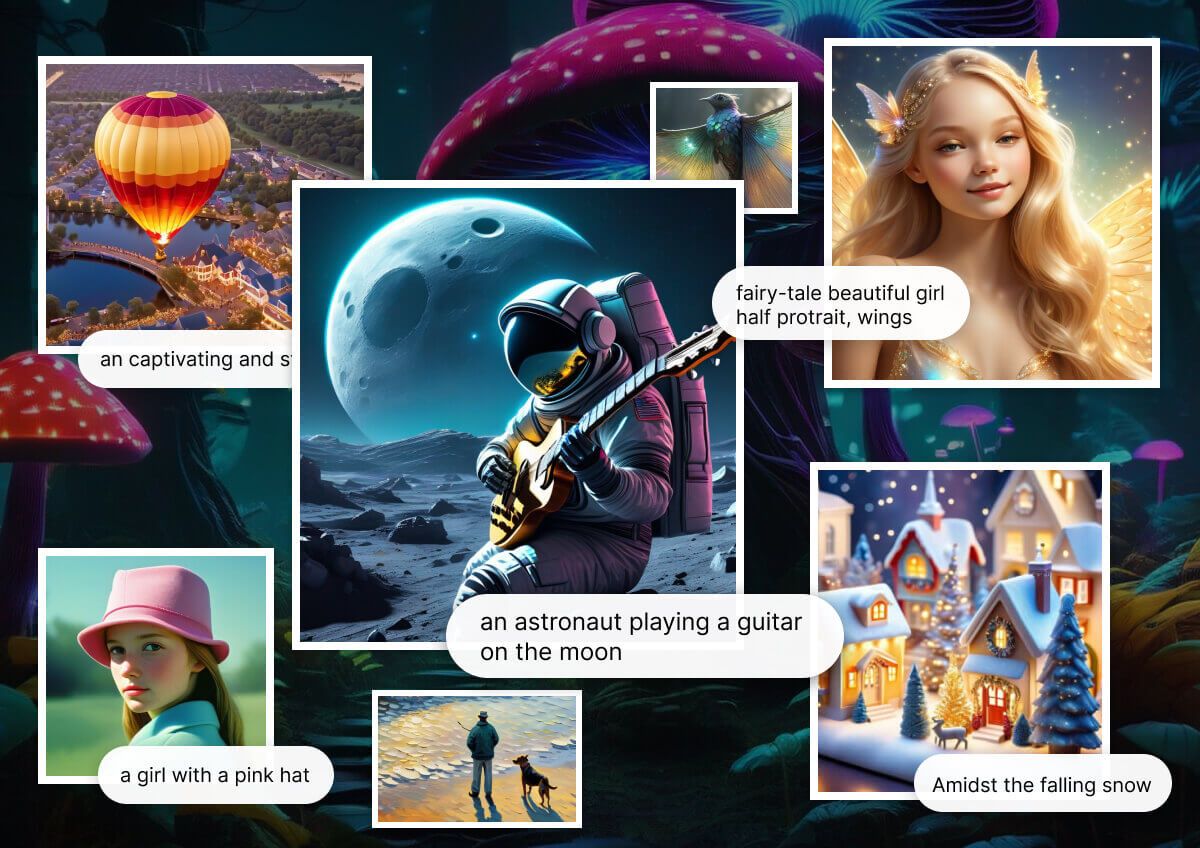
Stand out in a crowded feed with visuals that look like they were made by a pro agency. From designing detailed fan art and fantasy worlds to creating professional mockups for your small business, YouCam gives you total creative freedom. Perfect for influencers, indie authors, and brands looking for that ‘thumb-stopping’ aesthetic.
AI Image Generator: Frequently Asked Questions (FAQ)
What is an AI Image Generator?
An AI Image Generator is a tool that uses artificial intelligence to create a brand new image based on a written description, known as a "text prompt." You simply describe the scene, subject, and style you want, and the AI interprets your words to generate a unique piece of art.
How do I write a good prompt for AI art?
A great prompt is specific and descriptive. For the best results, include three key elements:
- Subject: What is the main focus? (e.g., "a wise old owl," "a futuristic city")
- Style: What should it look like? (e.g., "Studio Ghibli anime style," "photorealistic," "watercolor painting," "cyberpunk")
- Details: Add specifics about lighting, color, and mood (e.g., "cinematic lighting," "vibrant colors," "wearing a tiny wizard hat").
Is this AI Image Generator free?
Yes, the YouCam AI Image Generator is free to try. When you sign up, you receive 5 free credits to start creating images right away. This allows you to test the generator and explore its features before deciding on a plan.
Can I use the images I generate for commercial purposes?
The usage rights for AI-generated images can be complex. Please refer to our Terms of Service for the most accurate and up-to-date information regarding commercial use of the images you create with our tool.
What is the best AI for turning text into images?
The "best" AI depends on your needs. YouCam's AI Image Generator is an excellent choice for users who want a user-friendly online tool with a wide variety of preset styles (over 70+) and powerful features like Image-to-Image generation, making it easy for both beginners and experienced creators to get stunning results.
How is this different from tools like Midjourney or DALL-E?
While all are powerful AI art generators, YouCam offers a streamlined, web-based experience with a strong focus on preset styles and ease of use. You don't need to use a separate app like Discord. This makes it a fast and accessible alternative for creating high-quality AI images directly in your browser.
Can I upload my own image to use as a base?
Yes! Our Image-to-Image feature allows you to upload your own photo and use a text prompt to transform it. This is perfect for creating AI avatars, restyling your pictures into different art forms, or generating unique variations of an existing image.
Are the images I create completely unique?
Yes, every image generated by the AI is created from scratch based on your unique prompt. Even if two people use the exact same prompt, they will likely get different results, making each creation a one-of-a-kind piece of art.

Generate Images whenever you want with our App!
Download Now