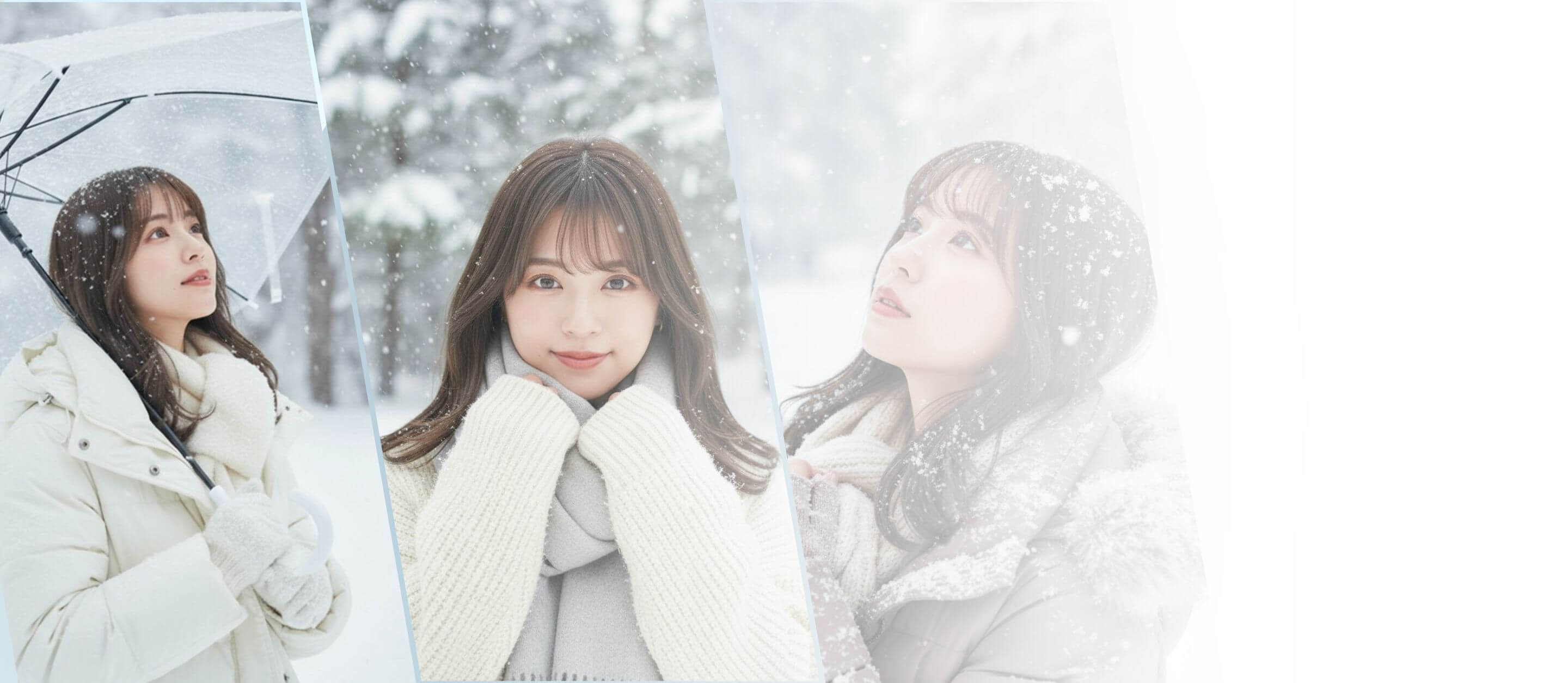



Join the AI Snow Photo Trend in Seconds—No Prompts Needed.
Step Into Winter: Instantly Create Your AI Snow Photo
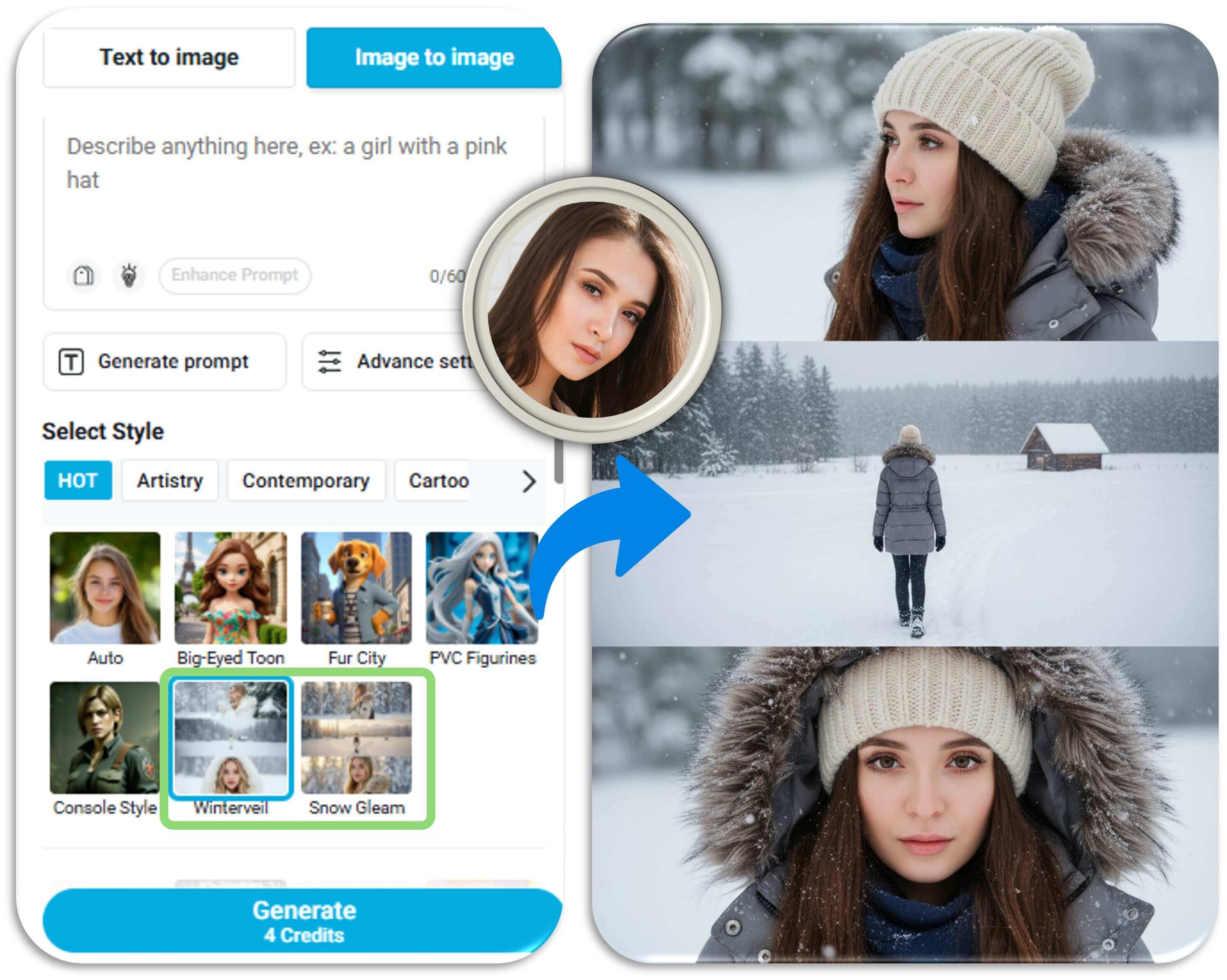
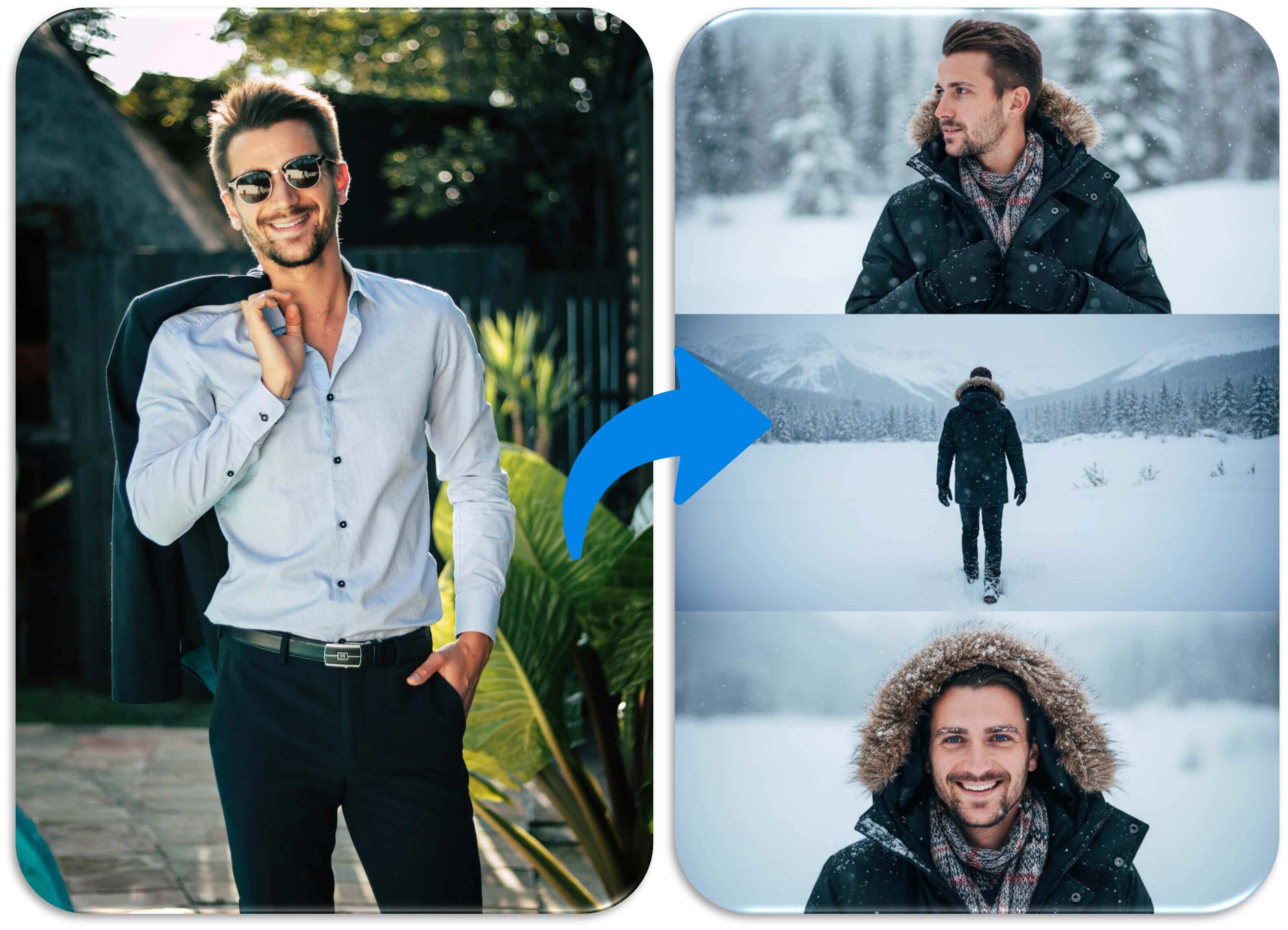
Catch the AI snow photo trend with zero effort. Just upload your portrait, pick Winterveil or Snow Gleam styles in the Image to Image feature, and watch it transform into a cozy, snow-filled winter scene.
Snap a Winter Wonderland Selfie
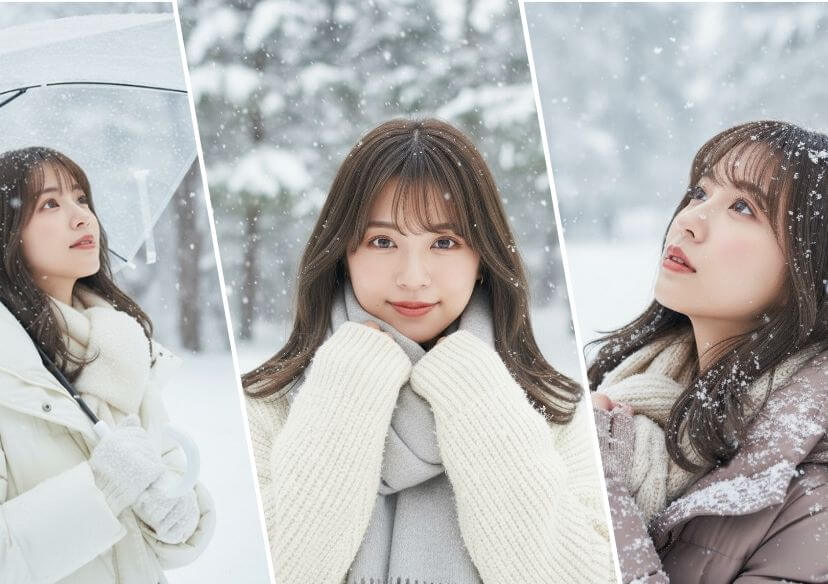
Turn your everyday portrait into a magical snow-kissed masterpiece—no editing skills needed. Just upload your photo, pick a style, and let the frosty transformation begin!
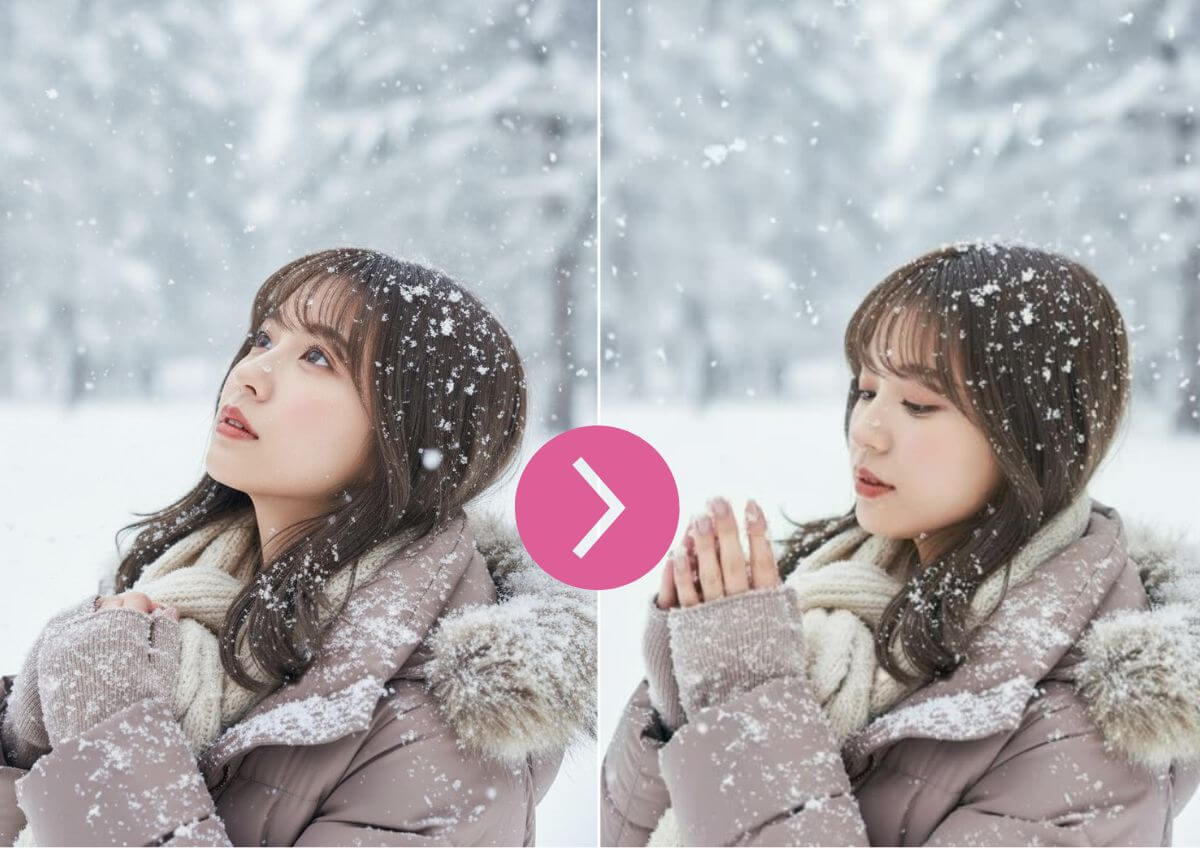
Bring the Snow to Life with AI Video
Why stop at a photo? Use the AI Image to Video feature to animate your snow scene into a dreamy, cinematic winter moment—ideal for reels, stories, and wow-worthy posts.
How to Turn Your Portrait Into AI Snow Photo In One Click

Upload Your Photo
Choose a portrait you love and upload it to the platform—no need for prompts or editing skills.

Pick Your Snow Style
Select either "Winterveil" or "Snow Gleam" under the "Image to Image" feature for that perfect snowy vibe.
Let the Magic Happen
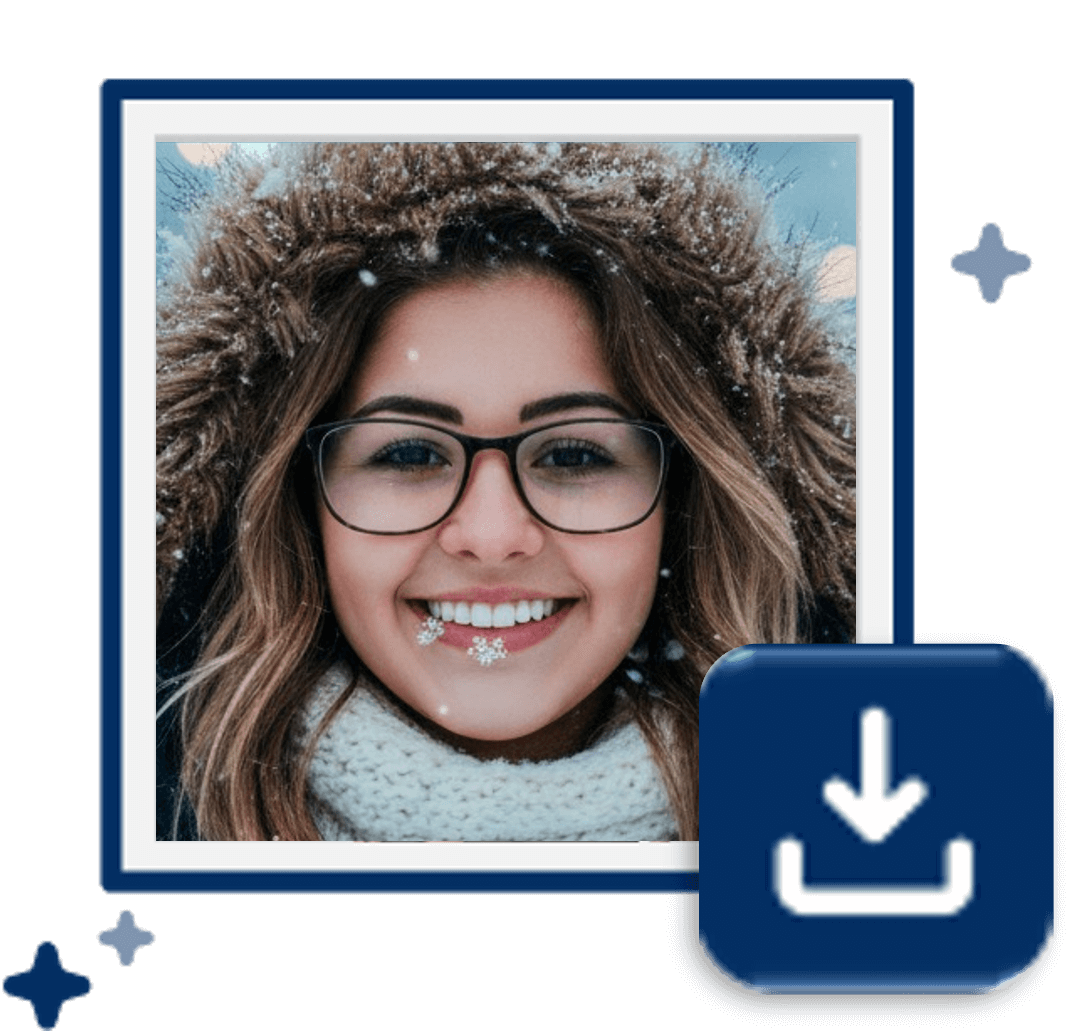
In seconds, your photo transforms into a dreamy winter scene with falling snow and cozy seasonal flair.
AI Snow Photo FAQ
Can I use this AI Snow Photo Generator for free?
You’ll receive 5 credits upon free registration. As long as you have credits, you can use the service at no cost.
Can I use the AI snow effect on my smartphone?
Yes! The YouCam photo editing tool is compatible with smartphones. You can also use the image generation app YouCam AI Pro, which features the same technology and makes it easy to create snow effect images right from your phone.
How long does it take to generate an AI snow photo?
Typically, it takes just a few seconds to about one minute. However, the time may vary depending on the image resolution and your internet connection.
What is the AI Snow Photo trend?
It’s a viral trend where people transform their portraits into dreamy winter scenes using AI tools. These snow-themed edits often feature falling snow, cozy outfits, and cinematic vibes—perfect for social media.
How do I create an AI snow photo?
Just upload a clear portrait to an AI image editing platform like YouCam. Choose a snow effect style (e.g., “Winterveil” or “Snow Gleam”) and let the AI generate your winter-themed photo in seconds.
Can I animate my AI snow photo into a video?
Yes! Tools like YouCam AI Image to Video allow you to turn static snow photos into short animated clips with falling snow and cinematic effects—great for reels and stories.
Do I need to write prompts to create snow photos?
No prompts needed! Most platforms offer preset styles and one-click generation. Just upload your photo and choose a snow effect template in YouCam AI Image Generator.

Start Creating AI Winter Snow Photo On Your Phone
Download the YouCam AI Pro app for effortless snow photo creation—right from your phone, anytime.