


What is ChatGPT Image 2.0?
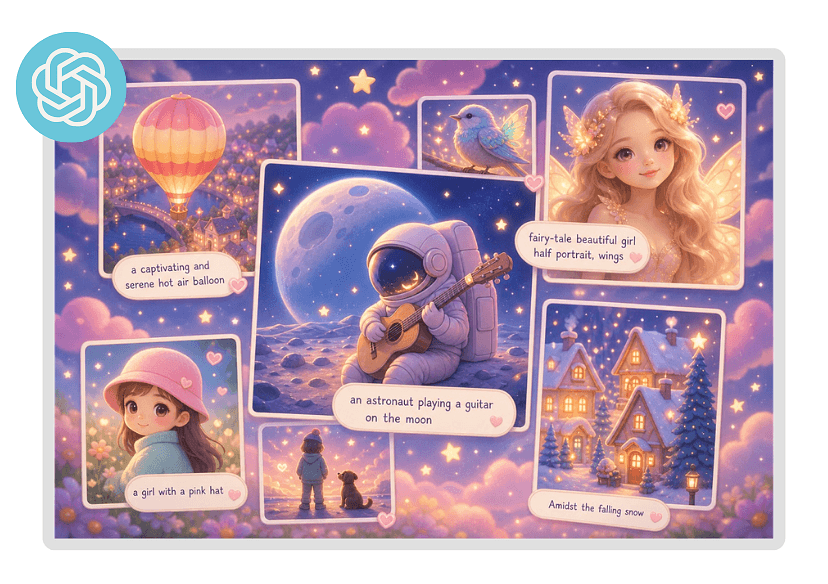
ChatGPT Image 2.0 (also called GPT Image 2) is OpenAI’s next-generation AI image generation and editing model released in 2026. It goes beyond traditional text-to-image tools by integrating reasoning (thinking) capabilities, allowing it to better interpret complex prompts, plan compositions, and generate more accurate, context-aware visuals.
How to Create with GPT Image 2.0 in Seconds
Follow these four simple steps to get a professional image with the latest model.
Enter Text or Image
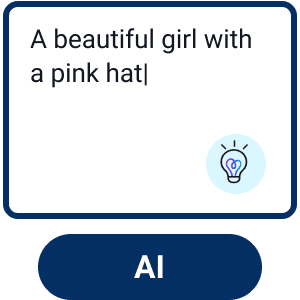
Open up Youcam Online Editor and click AI Image Generator. Enter the text description of your image idea.

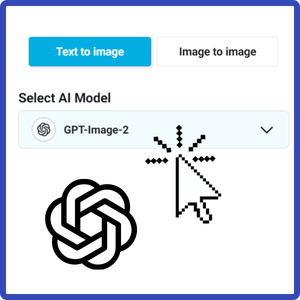
Select AI Model
Choose the latest AI model “GPT Image 2.0” to start your creation.
Customize Your Image
Further adjust the Aspect Ratio, Negative Prompt, CFG Scale, Step, and Output Numbers to fine-tune your image.
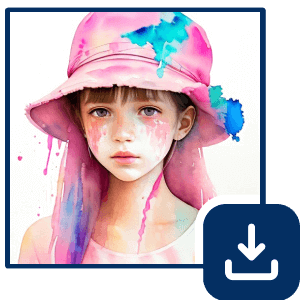
Generate & Save
Click the "Generate" button to begin the AI image creation process.
Create Fashion Posters from Images
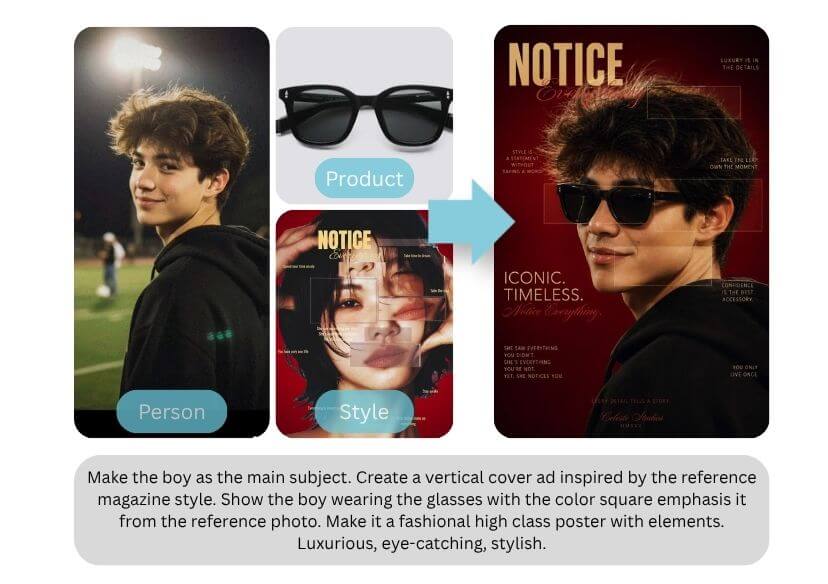
Powered by the advanced GPT-Image-2, it enables users to transform photos into editorial-style fashion posters and magazine covers with structured visual composition. Designed for creators, marketers, and social media content production.
🪄 Try this Prompt: Make the boy as the main subject. Create a vertical cover ad inspired by the reference magazine style. Make it a fashional high class poster with elements.
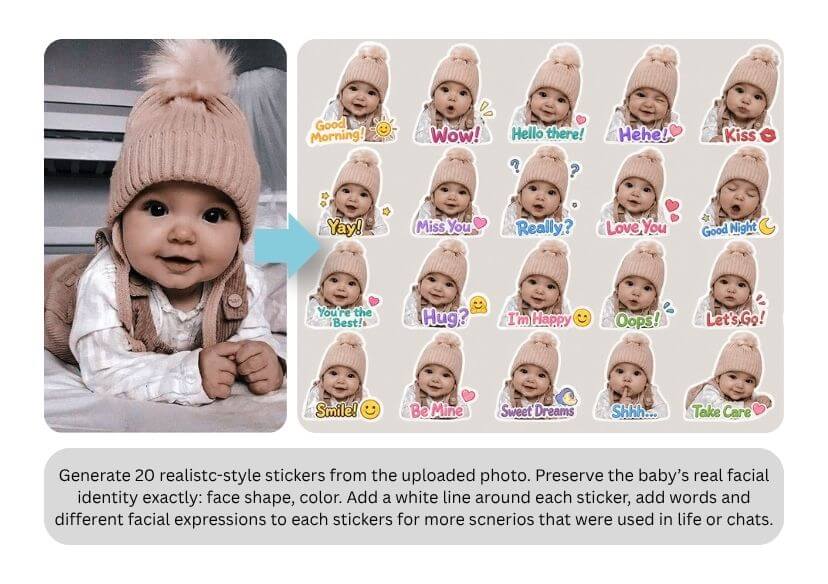
Turn Photos into Stickers
Turn your photo into a custom sticker using our custom sticker maker, which allows you to generate cute and personalized stickers from any image in seconds. Perfect for creating pet stickers or baby stickers for messaging or social media.
Design Journal Pages from Everyday Photos
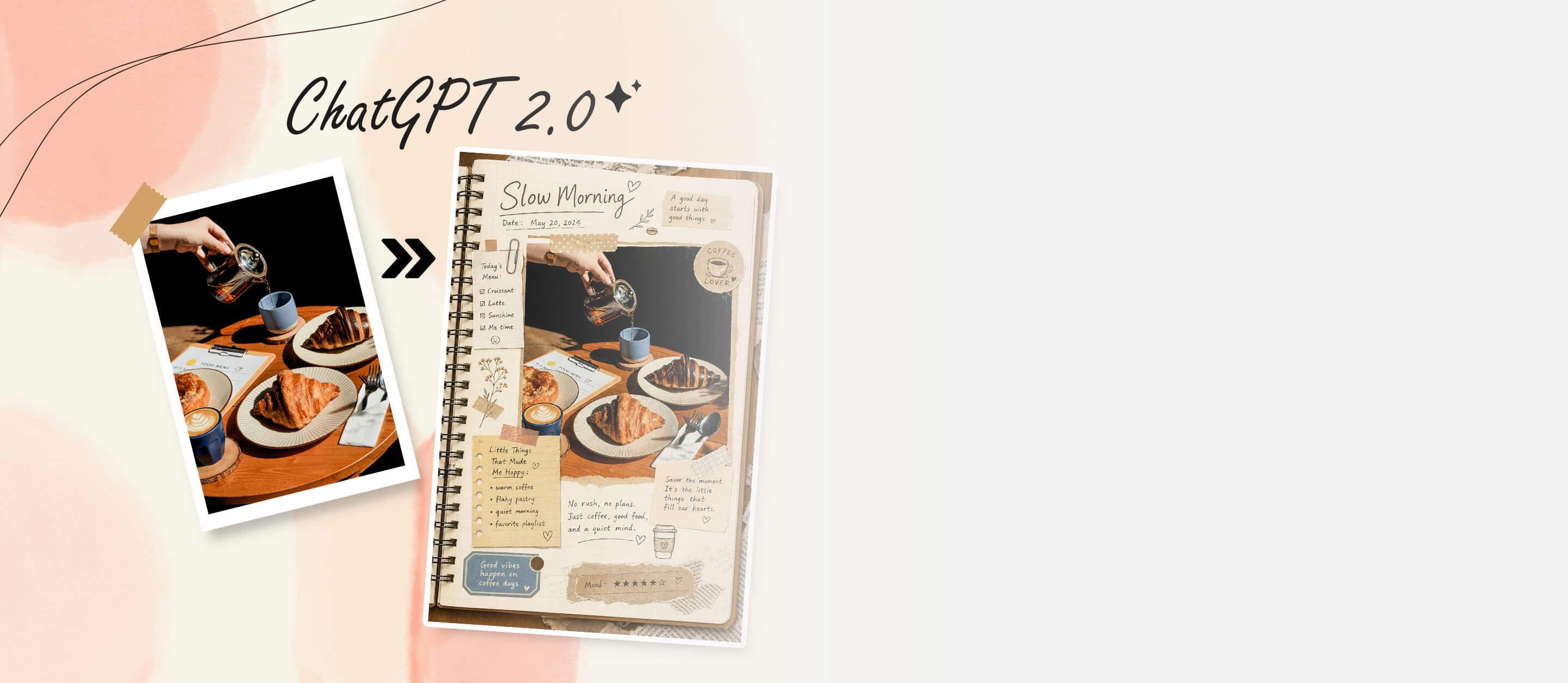
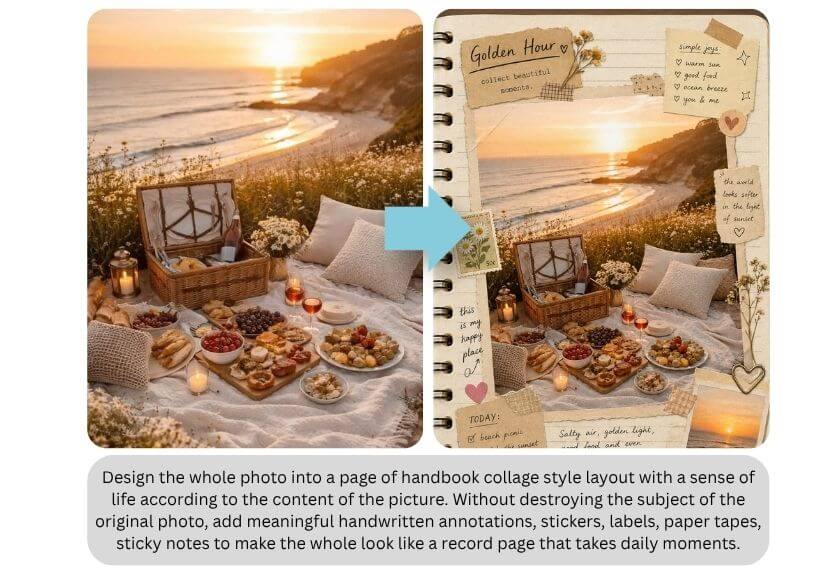
Transform your everyday photos into scrapbook-style journal pages using a scrapbook maker powered by GPT-Image-2. This collage editor–like experience allows you to turn food photos, travel memories, and daily moments into beautifully designed notebook collage layouts automatically.
🪄 Try this Prompt: Design the photo into a page of handbook collage style layout. Add meaningful handwritten annotations, stickers, paper tapes, sticky notes to make it look like a journal.
Frequently Asked Questions When Creating with GPT Image 2.0
What is GPT Image 2.0 and how does it work with YouCam Online Editor?
GPT Image 2.0 is an advanced AI image generation model that transforms text prompts into high-quality visuals. When integrated with YouCam Online Editor, it allows users to not only generate images from scratch but also refine, enhance, and customize them using built-in editing tools. This combination streamlines the entire creative process—from idea to polished image—within a single platform.
Can I generate and edit AI images directly in YouCam using GPT Image 2.0?
Yes, YouCam Online Editor enables users to generate AI images using GPT Image 2.0 and edit them instantly in the same workspace. After creating an image from a prompt, you can apply filters, adjust details, remove backgrounds, or enhance quality without switching tools. This seamless workflow improves efficiency and ensures consistent results.
What types of images can GPT Image 2.0 create in YouCam Online Editor?
GPT Image 2.0 can generate a wide variety of images, including realistic photos, digital art, product mockups, social media visuals, and stylized graphics. Within YouCam Online Editor, users can further tailor these images for specific use cases such as marketing campaigns, personal projects, or content creation, making it a versatile solution for both beginners and professionals.
Is YouCam Online Editor free to use with GPT Image 2.0 features?
YouCam Online Editor typically offers both free and premium features. While users may access basic AI image generation tools at no cost, advanced capabilities—such as higher-resolution outputs, premium styles, or additional editing features—may require a subscription or credits. It’s recommended to check the latest pricing details directly within the platform.
How can I improve AI image results when using GPT Image 2.0 in YouCam?
To achieve better results, use clear and descriptive prompts that specify style, lighting, composition, and subject details. Iterating on prompts and combining them with YouCam’s editing tools—such as enhancement, filters, or object removal—can significantly refine the final output. Experimenting with different styles and making small adjustments often leads to more accurate and visually appealing images.

