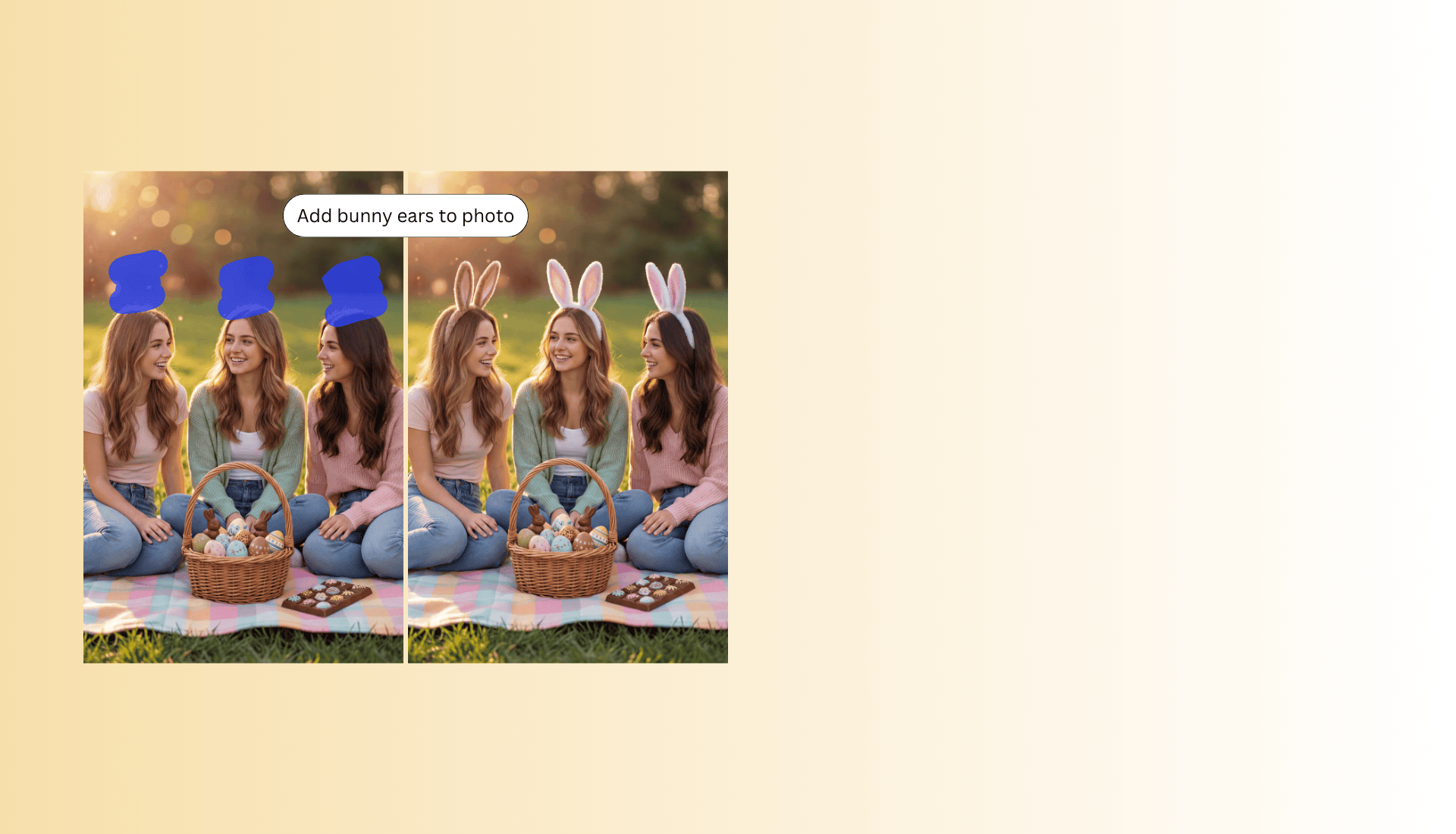
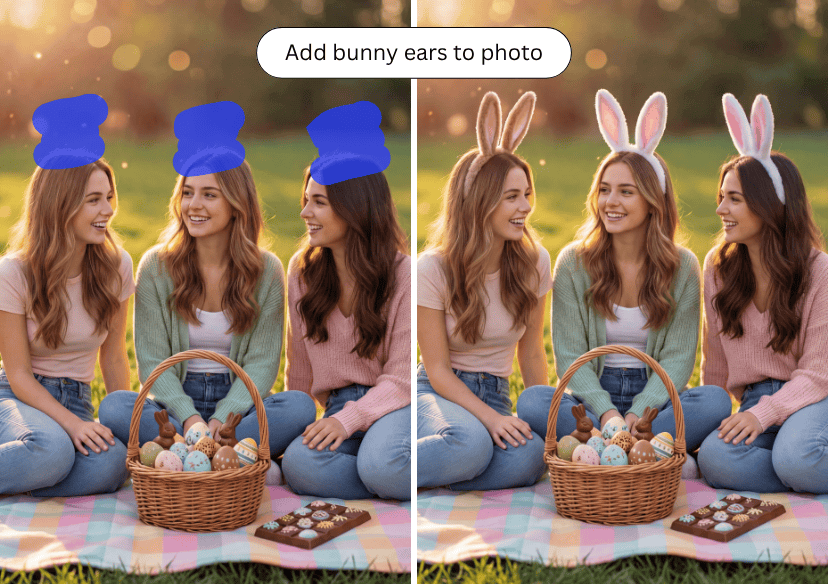




Add Cute Bunny Ears to Your Photo
Add bunny ears to your photos instantly with AI. Upload your image and create cute, eye-catching Easter photos in seconds!
How to Add Bunny Ears to a Photo?
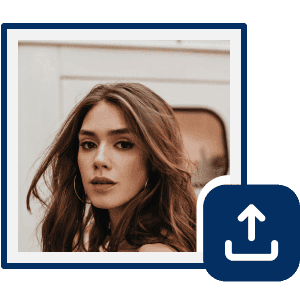
Upload Your Image
Upload the image you want to add bunny ears to. (Supported formats include JPG, JPEG, PNG, TIFF, and GIF.)

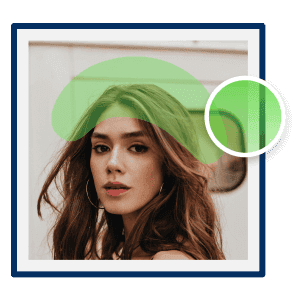
Mark the Objects With AI Brush
Use the AI brush tool to mark the face or head area in your photo where you want to add bunny ears. Simply brush over the region, and the AI will detect the selection and accurately place the bunny ears on top.
Add Bunny Ears
Enter a text description of the bunny ears you want to apply to your photo. AI will generate and adjust the ears to match your prompt. This allows you to create a unique Easter image without manual editing.
Add Bunny Ears with AI
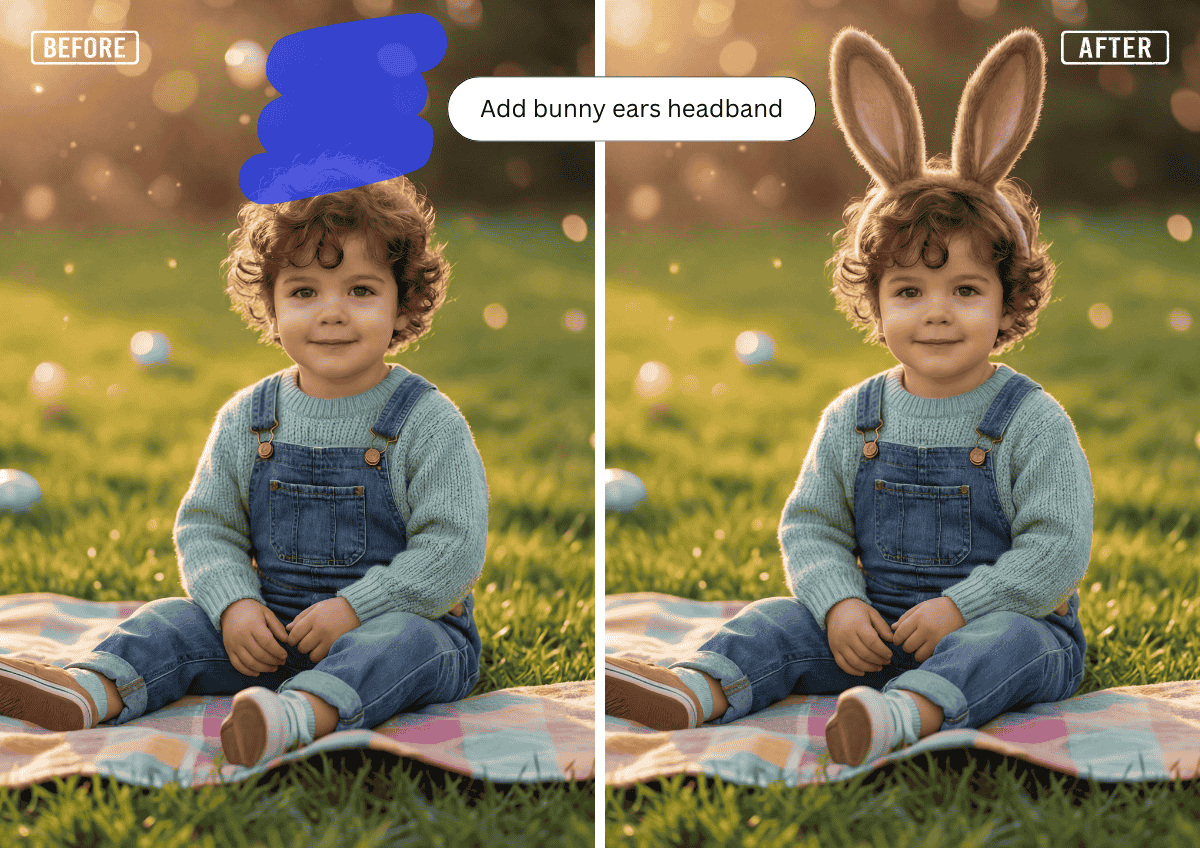
Transform your photos instantly with AI. Simply upload your image and let the AI add realistic bunny ears in the perfect position. Customize the style with prompts, and create fun, festive Easter photos in seconds.
Perfect for Easter & Social Sharing
Create cute and eye-catching Easter photos for Instagram, TikTok, or personal sharing in just a few clicks. Enhance your images with playful bunny ear edits powered by AI, making your photos more festive, engaging, and visually appealing. These fun Easter-themed effects help your photos stand out with a unique and cheerful vibe.
Customize Your Bunny Ears
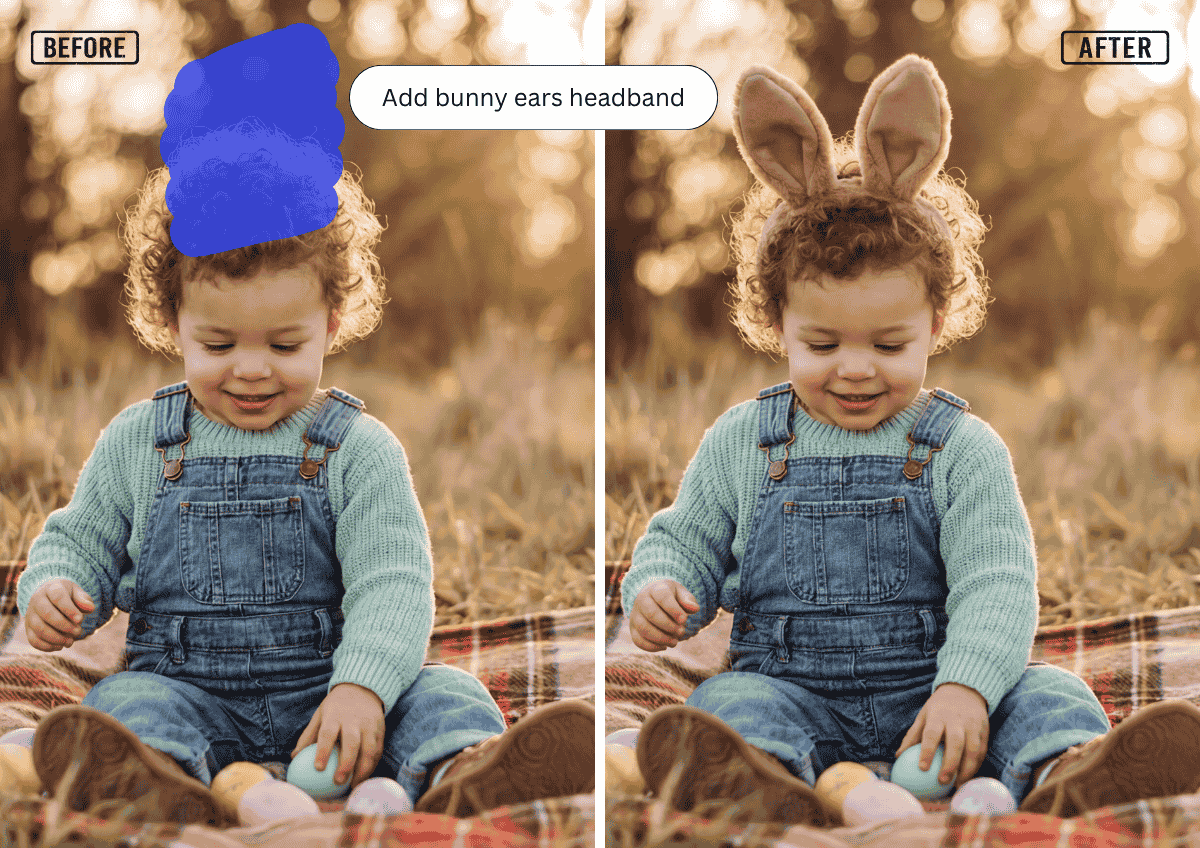
Personalize your bunny ears using simple text prompts. Just describe the style you want, such as “soft pink bunny ears,” “long fluffy ears,” or “sparkly pastel ears” and let AI generate and apply the look automatically. No manual editing needed, just type your idea and get a customized Easter photo in seconds!
Add Bunny Ears to Photo FAQs
How does the bunny ears feature work?
You can use the AI brush tool to mark the area where you want to apply bunny ears, then enter a text prompt to describe the style. The AI will generate and place the bunny ears based on your selection and prompt, ensuring a natural and accurate result.
What image formats are supported?
Supported formats typically include JPG, JPEG, PNG, TIFF, and GIF.
Will the bunny ears look realistic?
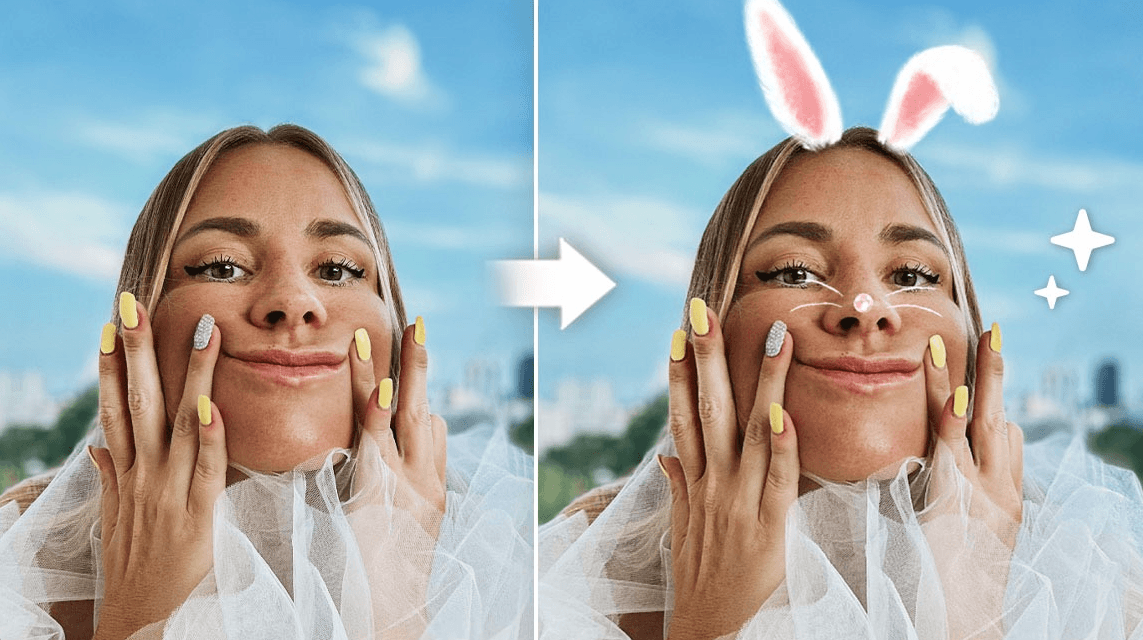
Yes, AI ensures the ears are properly aligned with the face and blended naturally into the photo.

