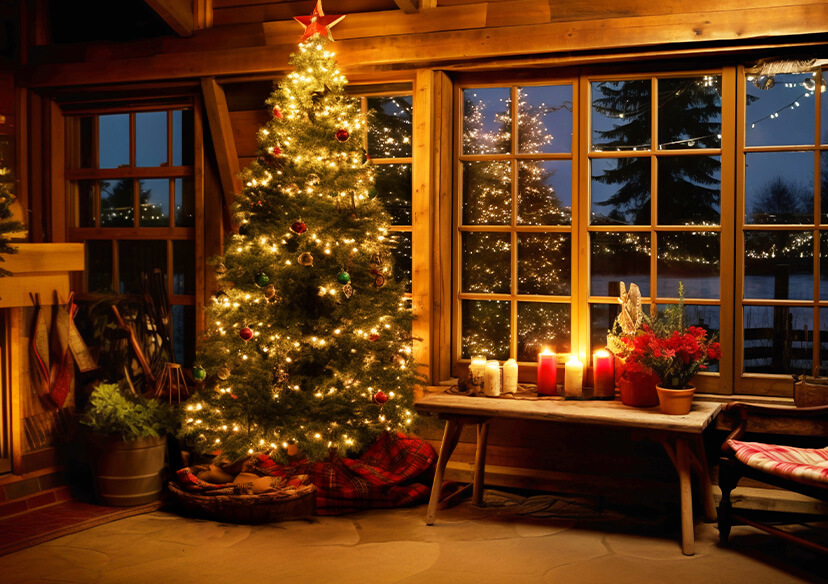





Add Santa to Photos for Christmas
Adding Santa to your photos is a fun and magical way to enhance holiday memories. Learn how Santa-filled pictures can bring joy to kids and boost holiday spirit. Try it now for 5 free credits!





How to Get a “Catch Santa in My House” Photo?
Want to make your pictures more magical for the holidays?
Here’s how you can add Santa to any photo online for free!
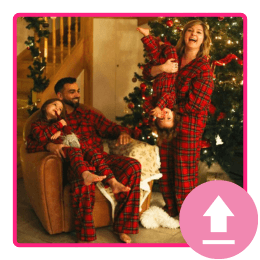
Upload Your Image
Choose a photo from your gallery or take a new one. Pick a spot where you want Santa to appear.

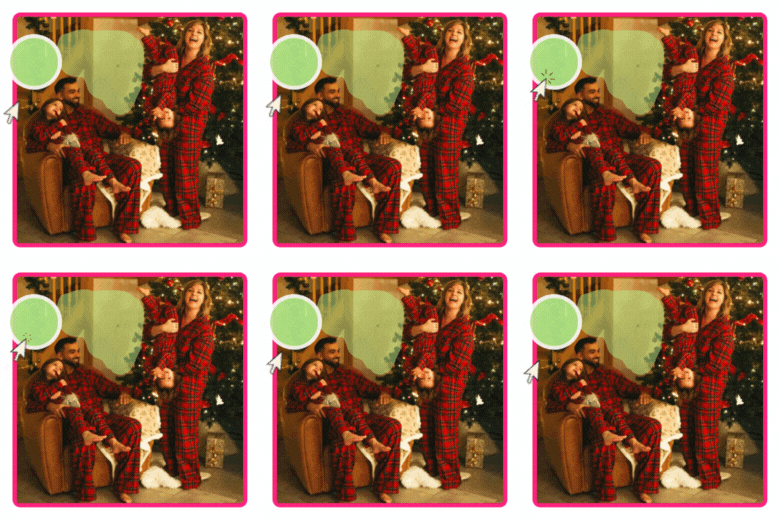
Brush the Area for Santa
Use the brush tool to mark the area where you want Santa added— for example: “near the tree,” “by the sofa,” or “next to the presents.”
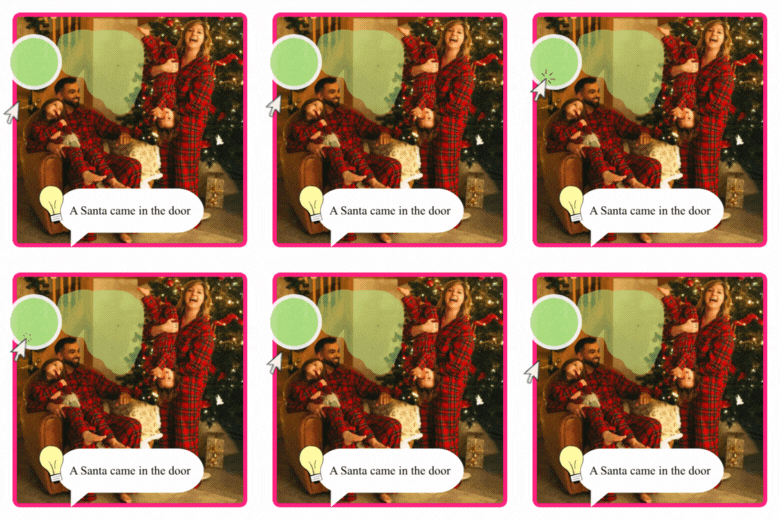
Enter Your Prompt
Type “Santa Claus”, “Santa in the living room”, or any further Santa description you want.
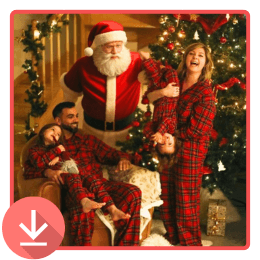
Save Your Photo with Santa
Check the result and make sure Santa looks natural in the scene. Download to save it, or share it instantly!
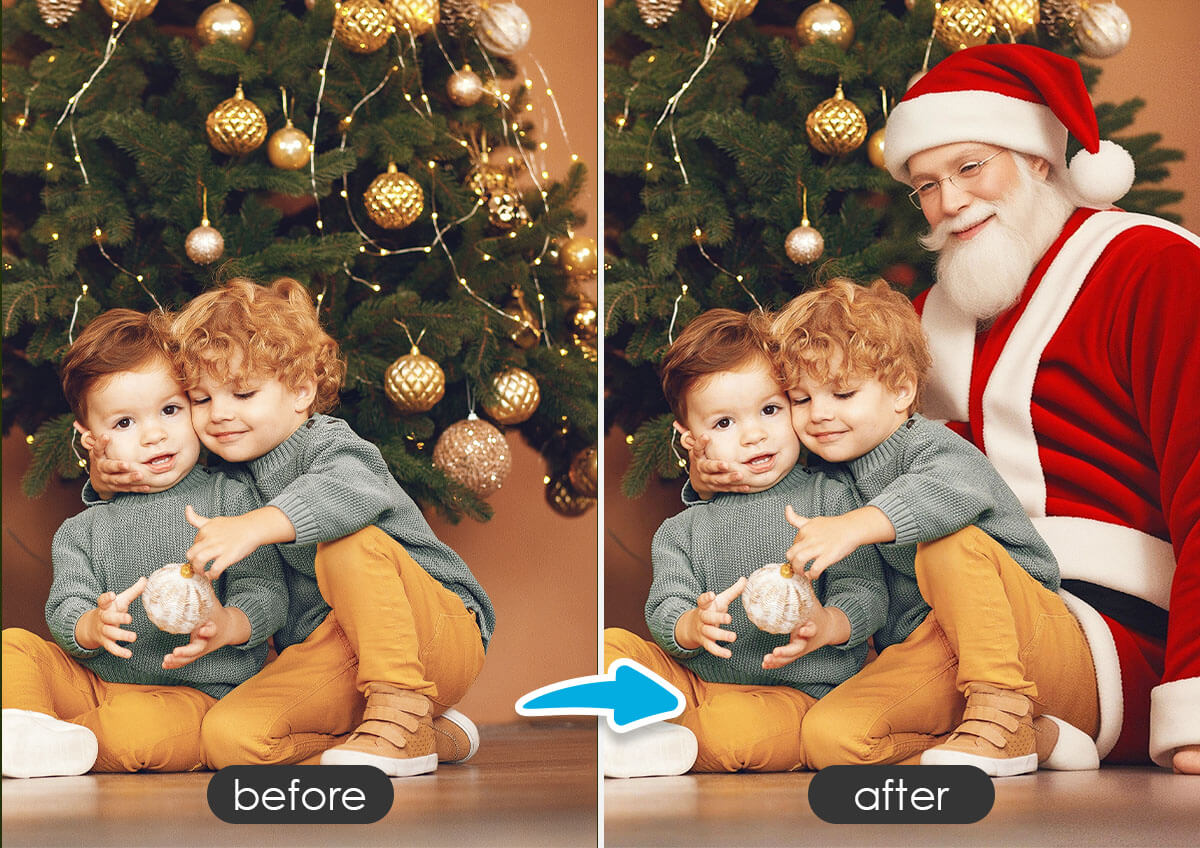
Create Magical Christmas Morning Memories
Parents can add a realistic Santa to photos of their living room or near the Christmas tree to surprise kids with “proof” that Santa visited during the night. Perfect for sparking wonder and enhancing the holiday magic!
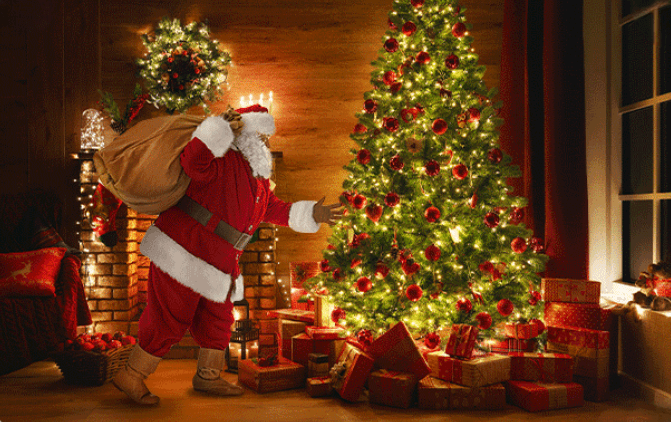
Create Funny Meme Videos
Try out our Image-to-Video feature, and you can create heartwarming, cute or even funny videos—like Santa sneaking in to steal the Christmas tree!
Personalized Holiday Cards & Social Posts
Add Santa into your family photos to create unique, festive images for Christmas cards, social media posts, or digital greetings—making your holiday messages stand out!
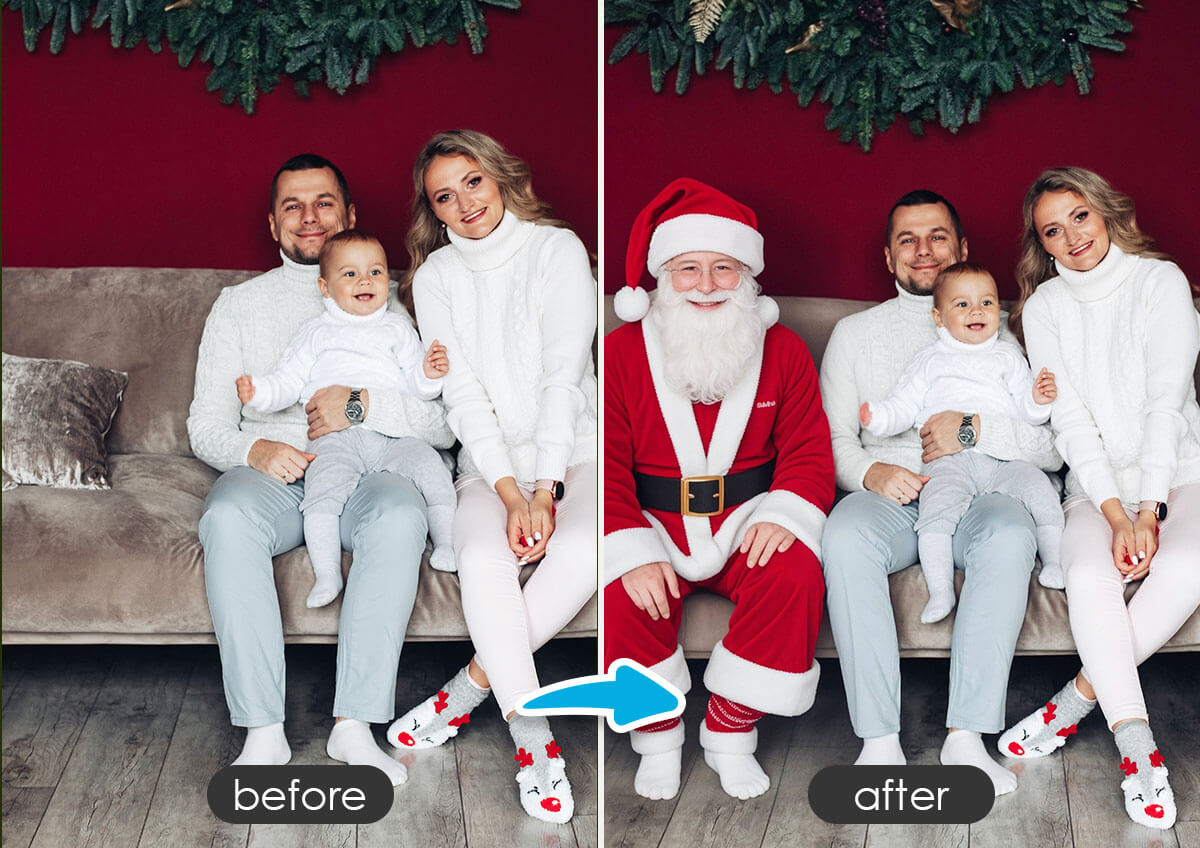
Fun Holiday Decorations or Scrapbooks
Families who keep photo albums or scrapbooks can include pictures with Santa “caught” in the house as part of their yearly holiday tradition. It adds a fun narrative element to the family story.

FAQs About Adding Santa to Photo
What kind of photos work best for adding Santa? 
Clear indoor photos with visible spaces—like the living room, by the Christmas tree, or near the fireplace—work best. Make sure the area where you want Santa to stand is not too cluttered.
How can I make a “Catch Santa in My House” photo?
You can easily create one using an AI photo editor like YouCam Enhance. Just upload a photo of your home, brush the area where you want Santa to appear, type a Santa prompt, and let the AI add Santa to your picture.
How to Make a "Catch Santa in My House" Video?
Want to turn your photos into a magical video of Santa visiting your home?
Here’s how to create a fun “Caught Santa” clip online for free with YouCam’s Image-to-Video feature!
Step 1: Open YouCam Online Editor
Visit the YouCam online editor and select the Image-to-Video tool.
Step 2: Upload Your Photo
Choose a photo of your living room, Christmas tree, or any spot where you want Santa to appear.
Step 3: Add Your Santa Idea
Enter a prompt describing the Santa scene you want—for example:
“Santa sneaking into the living room”
“Santa taking a present from under the tree”
“Santa waving near the fireplace”
Step 4: Generate Your Video
Let the AI turn your still photo into a short animated video featuring Santa.
Step 5: Adjust & Download
Preview the result and make any changes if needed. Once it looks good, download your “Catch Santa in My House” video and share it with your family or kids!
Can I choose different looks for Santa?
Absolutely! You can change different prompts to add different looks of santa in the photos!

