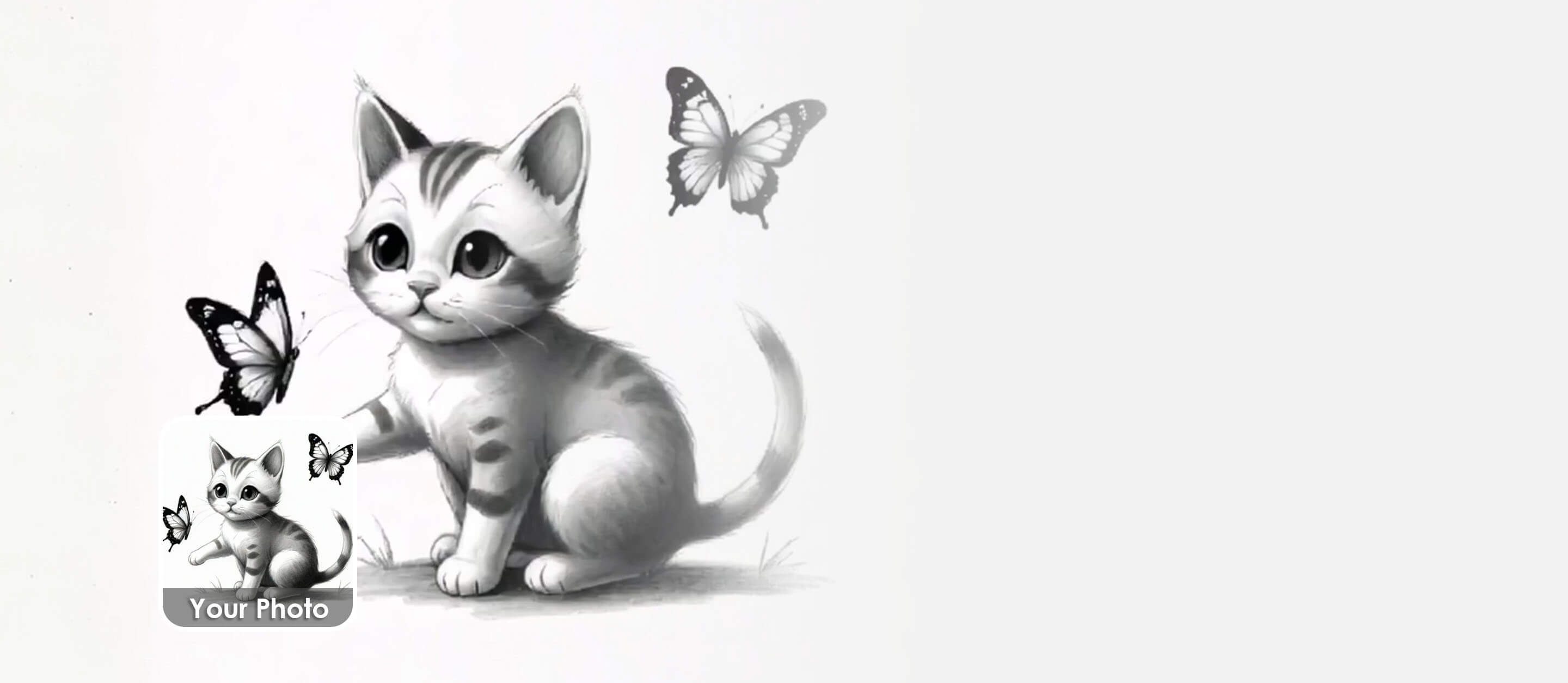
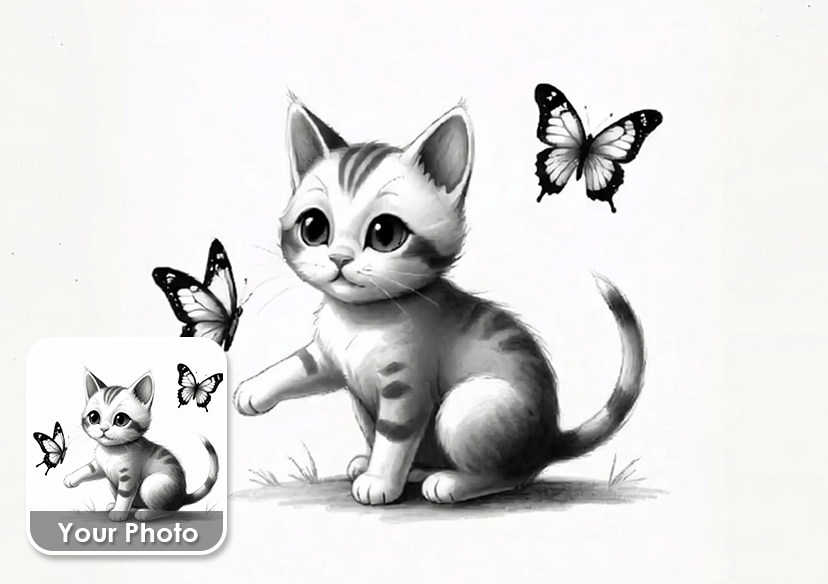




Animate Your Sketches
Transform your static images into motion with the best online AI sketch animator. Sign in for five free credits!
How to Generate an Animation from a Sketch
Here are some simple steps for you to follow.
Upload your Sketch
Take a photo of your sketch on paper or screenshot your doodles on electronic devices.


Custom your Animation
Adjust settings like AI Model, prompt, duration and resolution in order to create the perfect outcome.
Generate and Save
Press “Generate” and preview the result, download your video in HD once your satisfied.
When should I try to animate my sketch?
Animate Your Characters
Bring your characters to life — no animation skills needed. Create walks, gestures, and expressions in just a few clicks.
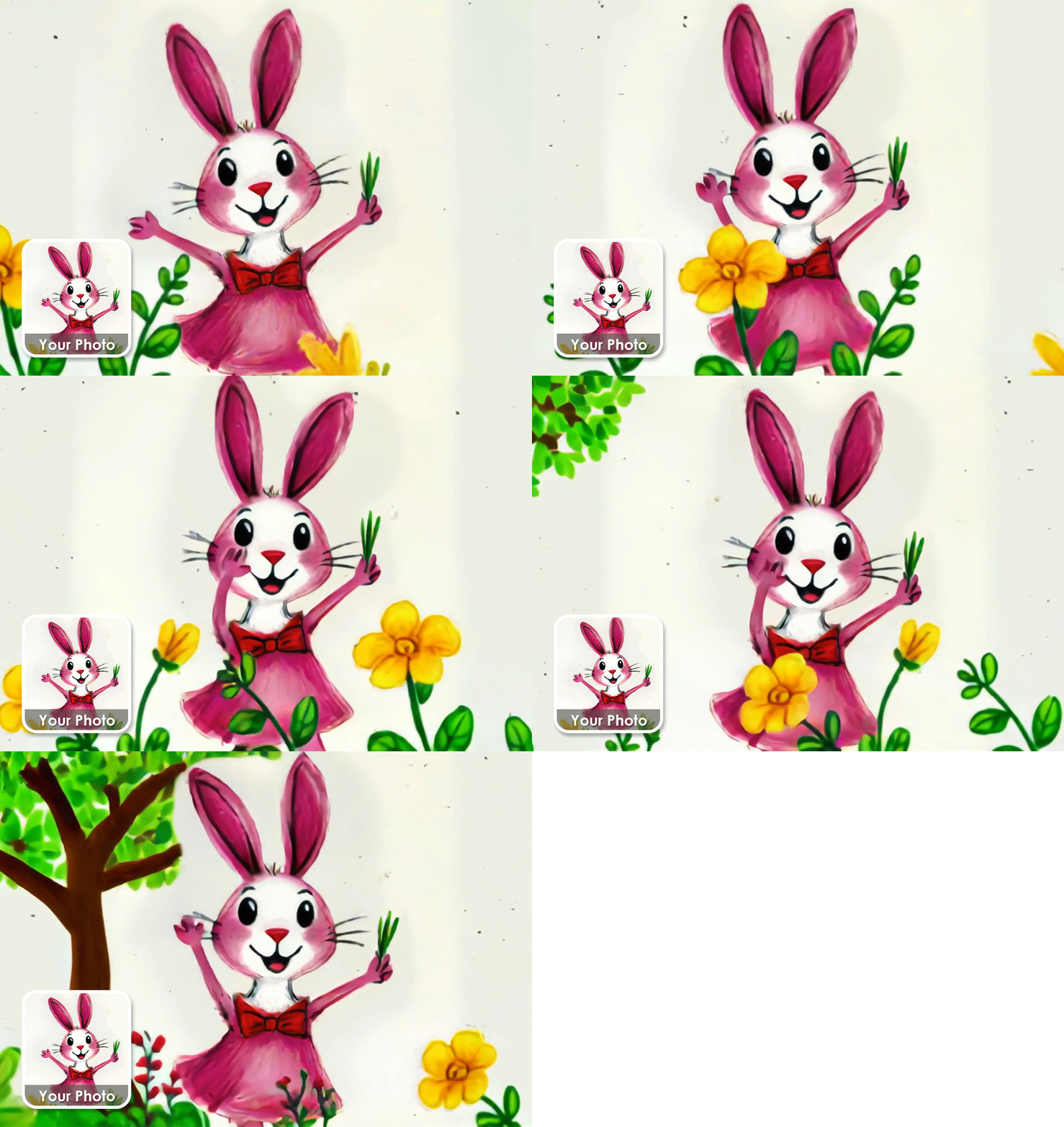
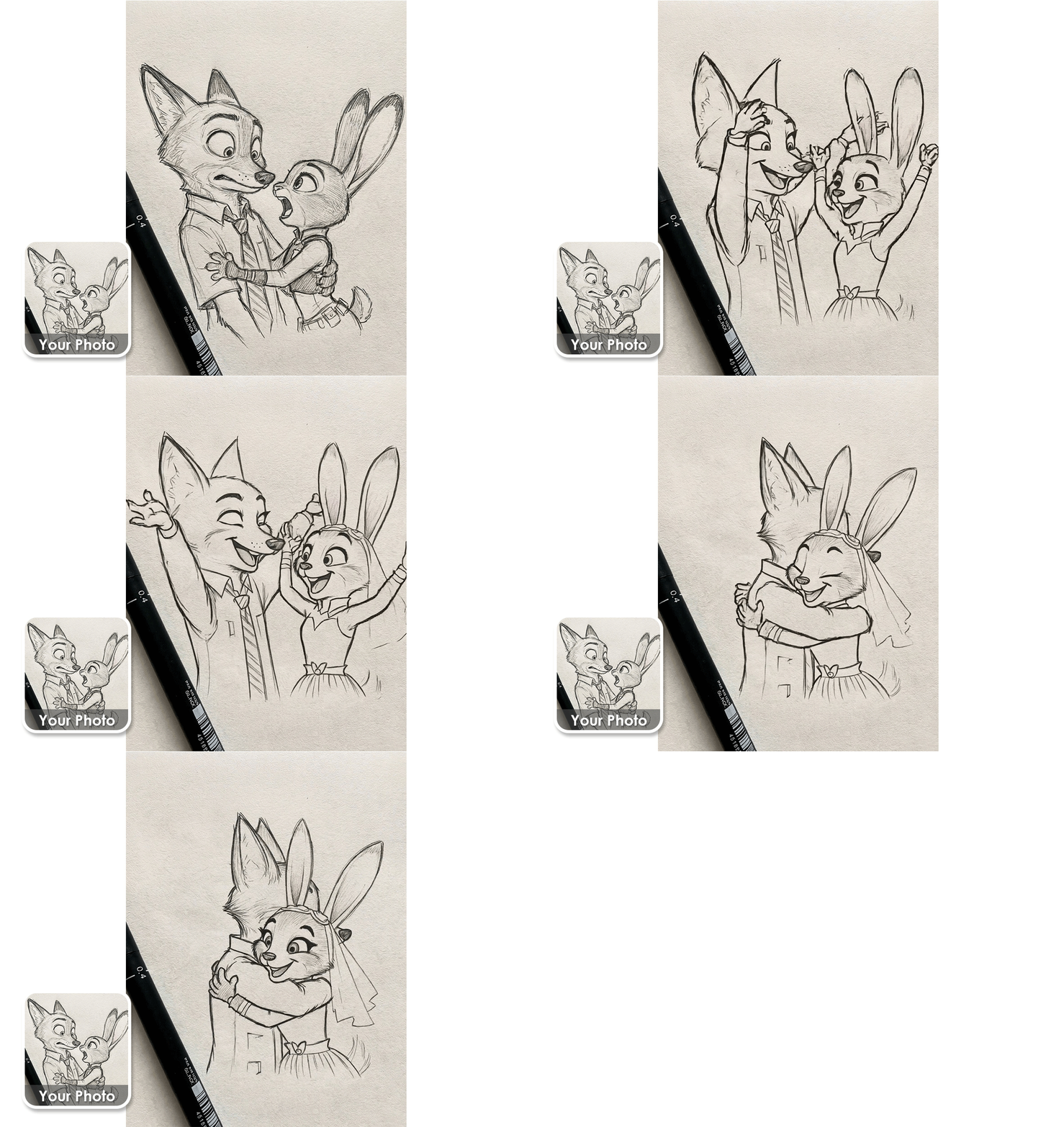
Give life to Your Ideas
Turn your sketches into moving ideas. Great for brainstorming, pitching, and explaining ideas.
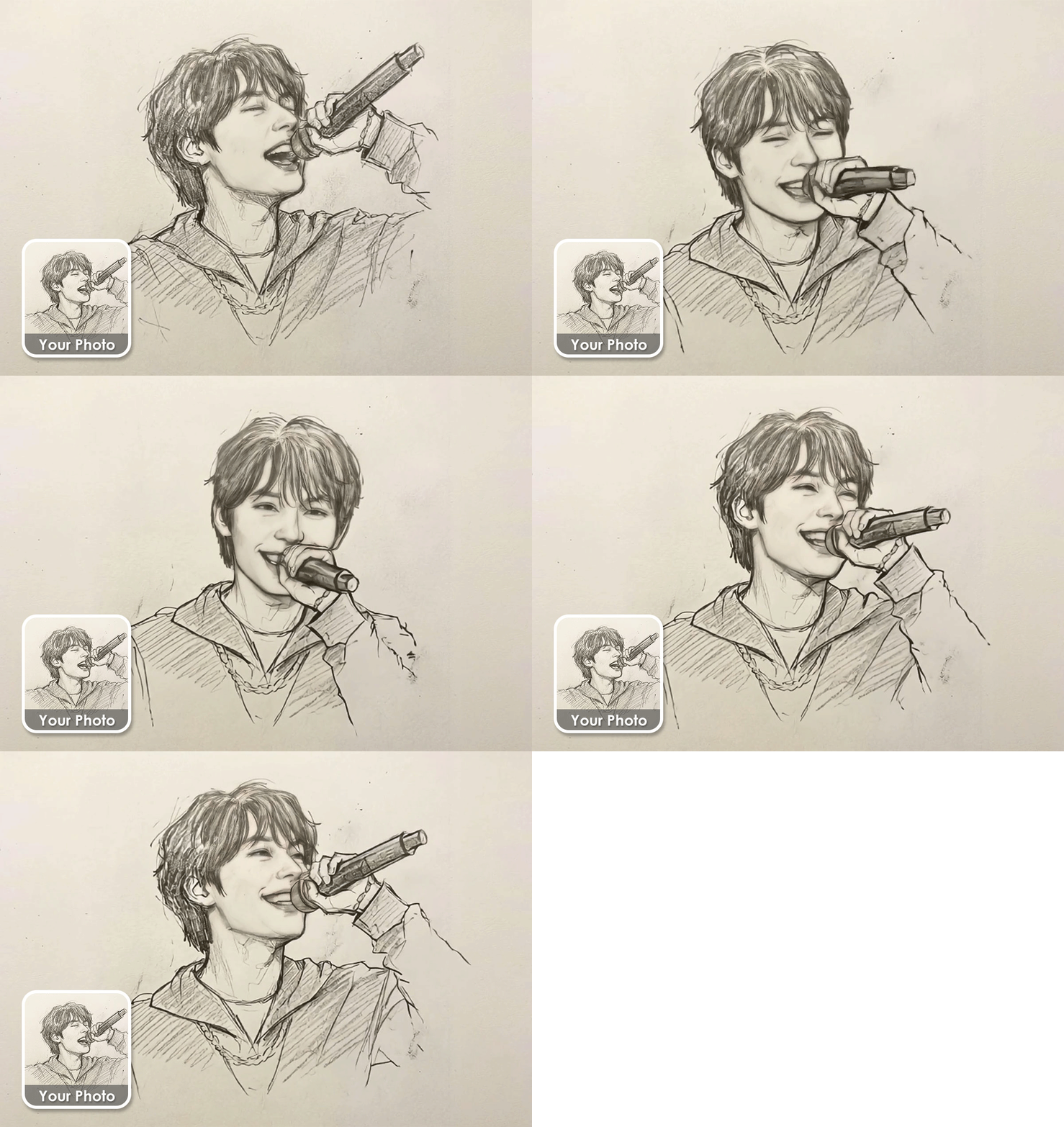
Perfect for Social Media
Create eye-catching animations from your original sketches. Stand out in feeds with unique, hand-drawn motion.
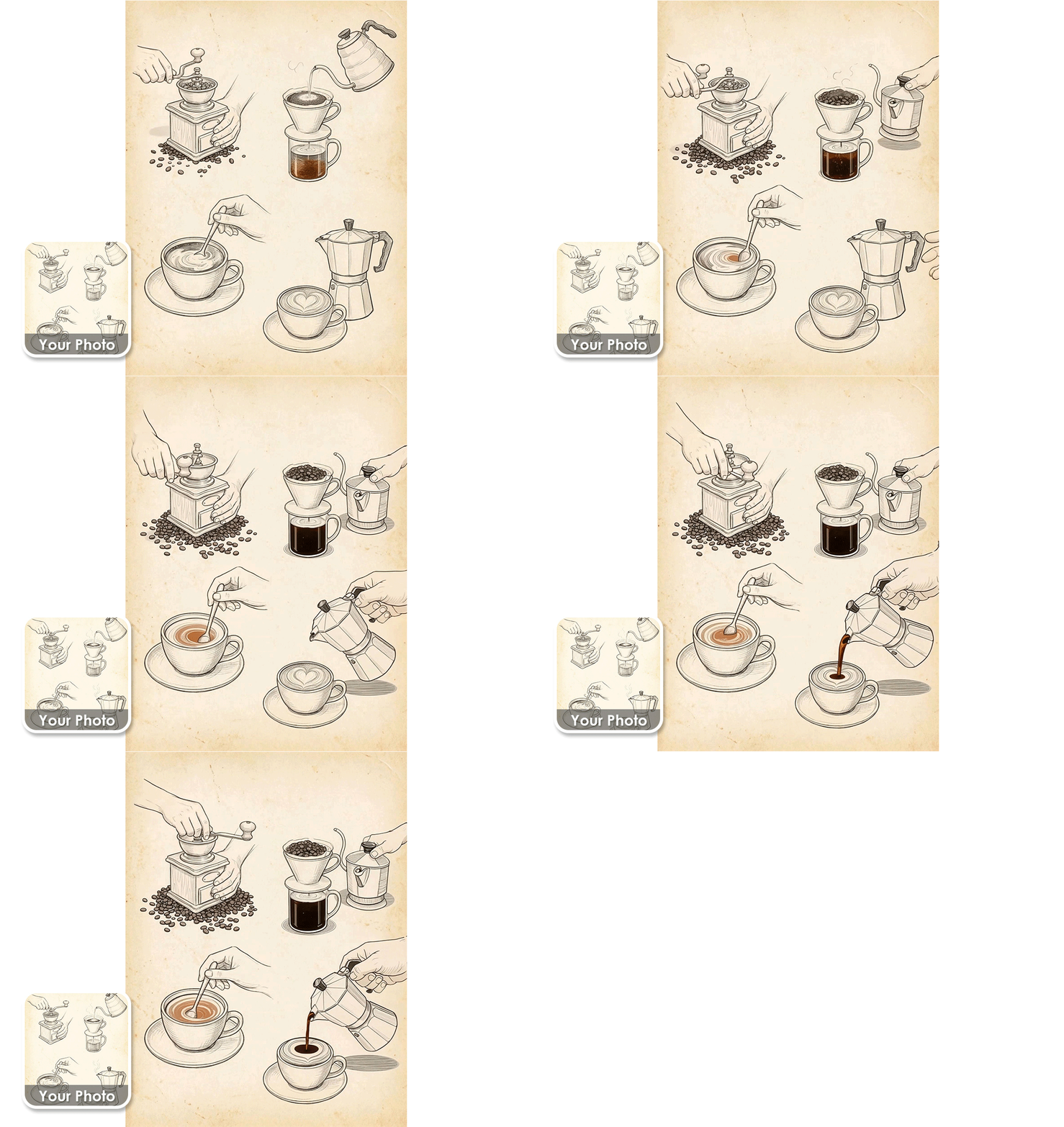
Learning & Teaching
Make learning clearer and more fun with animated sketches. Perfect for teachers, students, and online courses.
AI Animation Generator FAQs
What is a Sketch Animator?
A Sketch Animator is an AI-powered tool that transforms static sketches or drawings into animated videos. It brings hand-drawn or digital artwork to life with smooth, automatic motion.
How does a Sketch Animator work?
Sketch Animator uses AI to analyze lines, shapes, and character structure in your sketch, then generates natural animation based on the artwork—no manual keyframing or animation skills needed.
What types of sketches can I animate with YouCam Sketch Animator?
You can animate hand-drawn sketches, line art, character drawings, cartoons, and simple illustrations. Clear outlines and well-defined shapes deliver the best animation results.
Do I need animation experience to use a Sketch Animator?
Not at all. YouCam Sketch Animator is designed for beginners and creators of all skill levels. Simply upload your sketch and let the AI handle the animation process.
What can I use a Sketch Animator for?
YouCam Sketch Animator is ideal for social media content, creative storytelling, character concepts, educational visuals, marketing assets, and bringing creative ideas to life quickly.
Can I export and share my animated sketches?
Yes. YouCam Sketch Animator allows you to export your animated sketches as videos or GIFs, making them easy to share across social platforms, websites, and presentations.

