
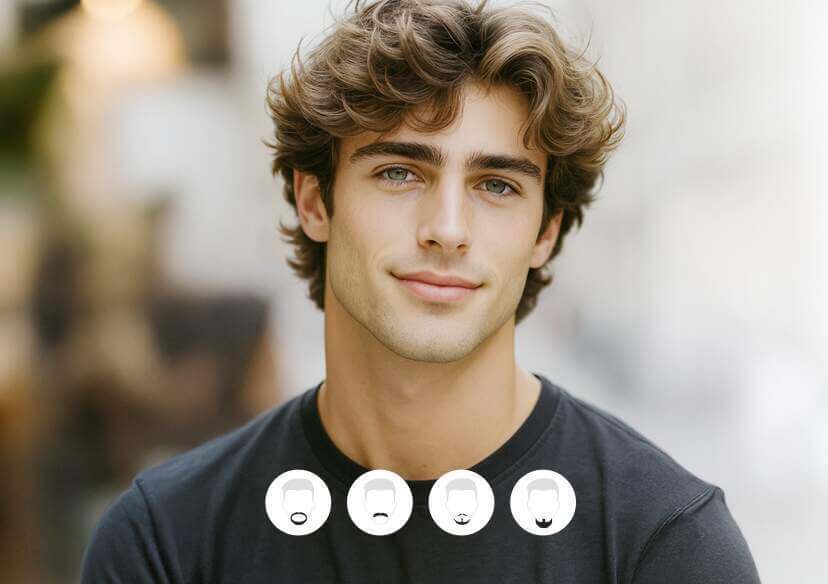




Free AI Beard Simulator – Try Beard Styles Online Instantly
Use our free AI beard generator to simulate beard and mustache styles instantly. Try the best virtual beard simulator online, sign up for five free credits!





Features of YouCam AI Beard Simulator
Our free AI beard simulator provides lots of beard styles – instantly and realistically.
- AI Beard Generator: Realistic beard simulation with advanced AI
- Beard Styles Simulator: Explore full beard, goatee, stubble, mustache & more
- Mustache Simulator: Add a mustache only or combine with beard styles
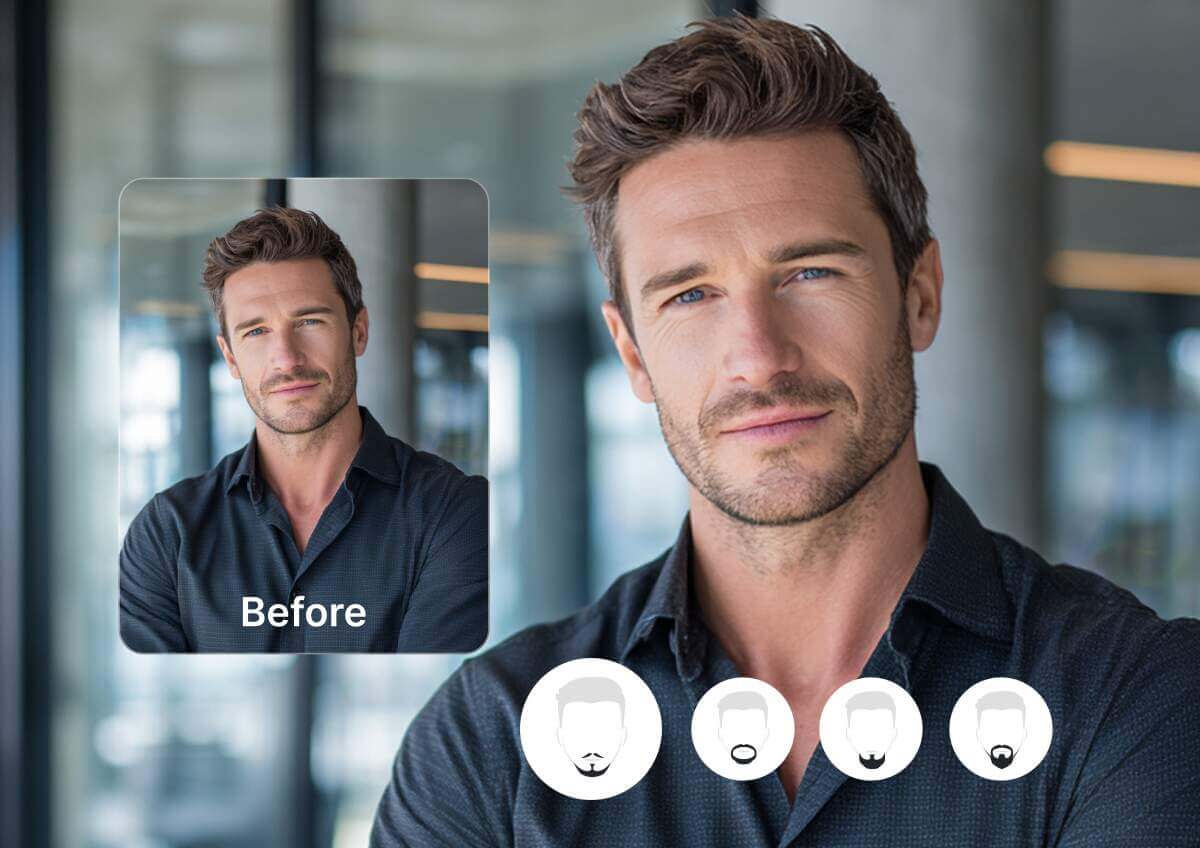
When to use YouCam's AI Beard Simulator?
Planning a New Look
Thinking about growing a beard or mustache? Use the beard growth simulator to visualize your look before making the change.
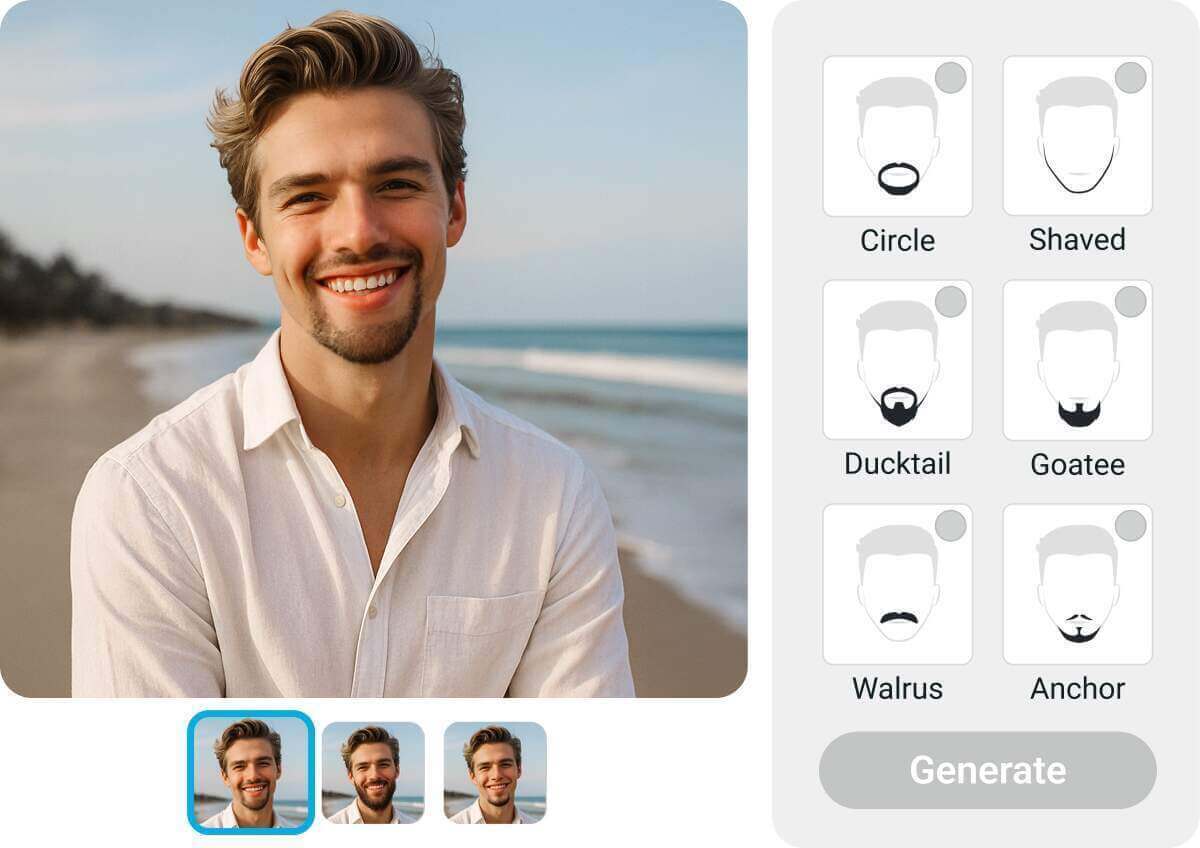
Create Social Media Content
Generate fun, trendy selfies with different beard styles using our free beard simulator online – perfect for Instagram, TikTok, or profile pictures.
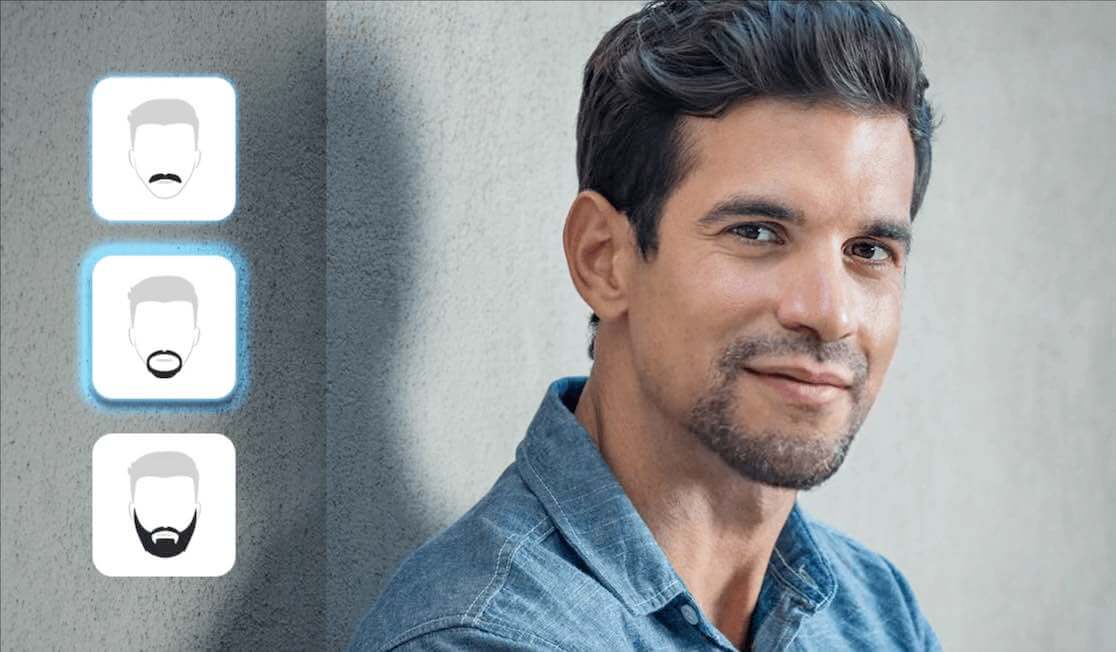
Professional or Grooming Previews
Barbershops or grooming professionals can use the best beard simulator to show clients what they’d look like with various facial hair styles.
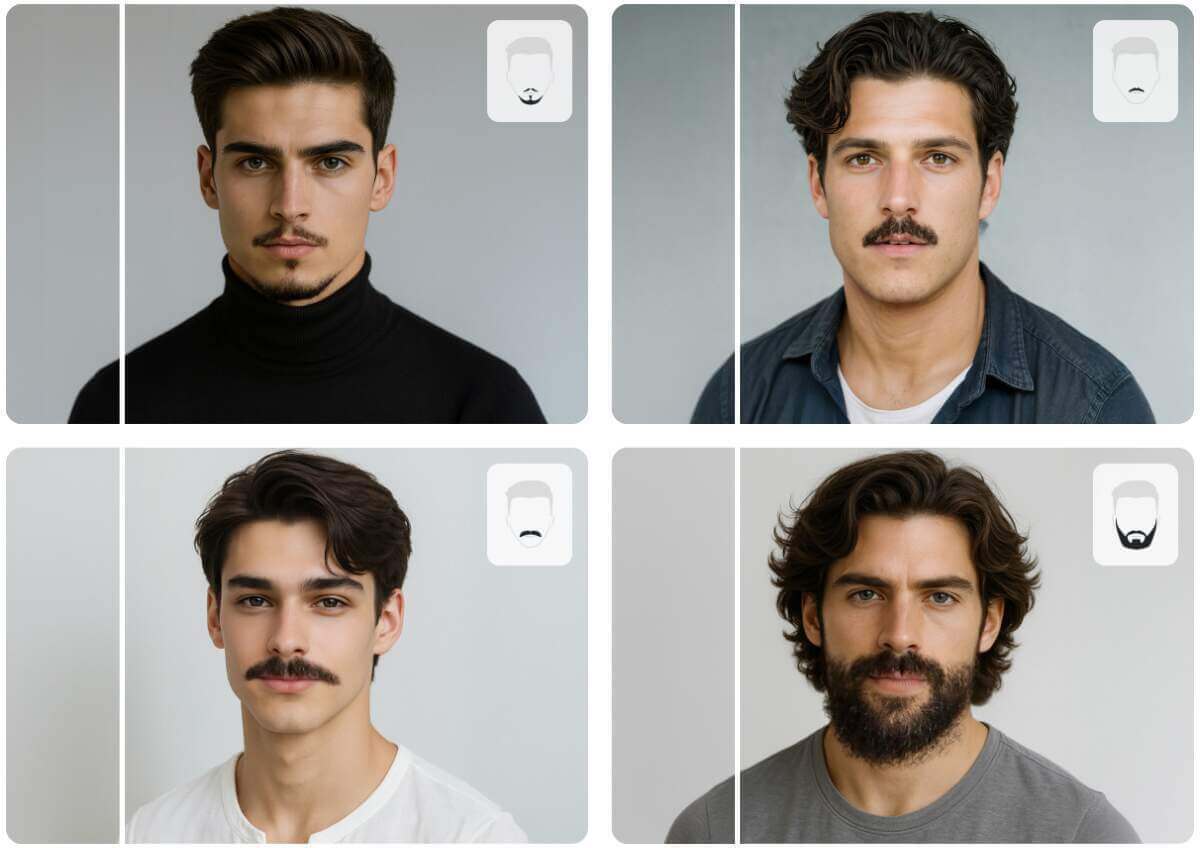
Just for Fun or Challenges
Try beards you’d never grow in real life. Whether it’s a Viking beard or a hipster mustache, our mustache simulator makes it fun and easy to play around.
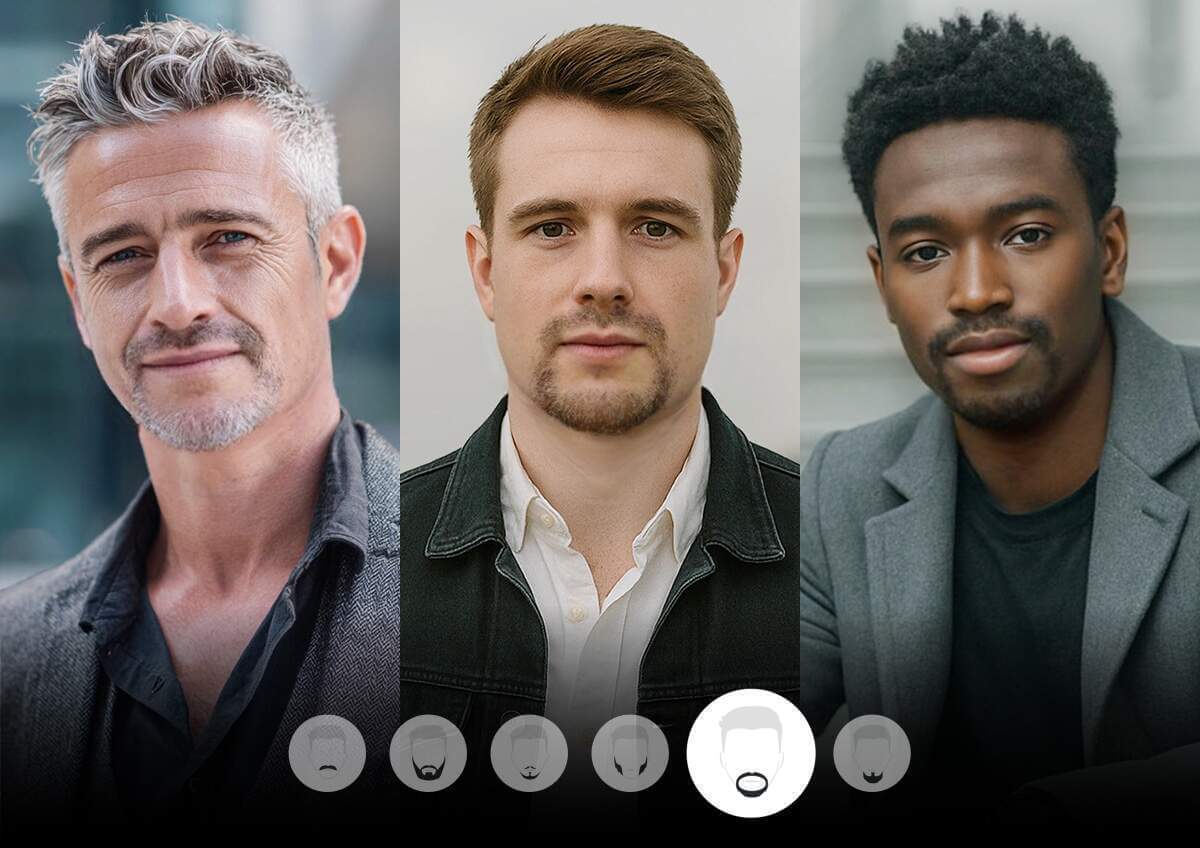
Need different beard or mustache styles? Here are some ideas for you.
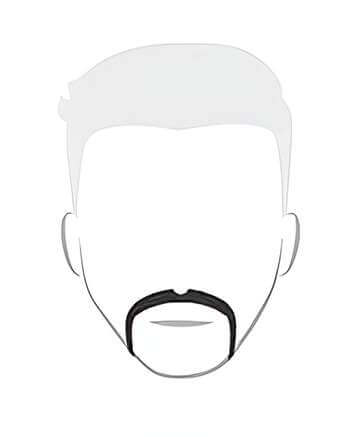
Horse Shoe
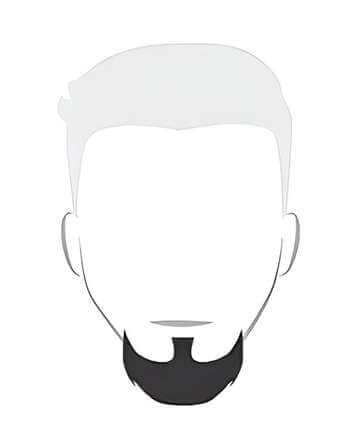
Goatee
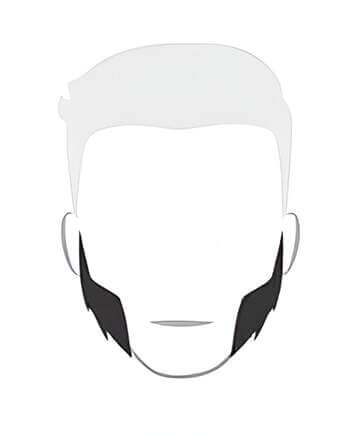
Mutton Chops
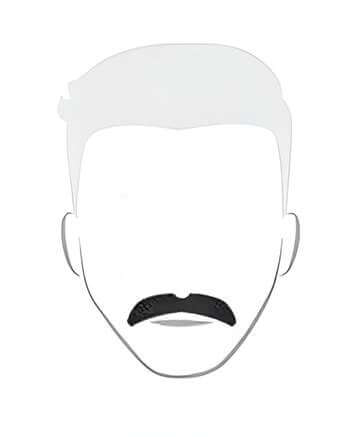
Walrus
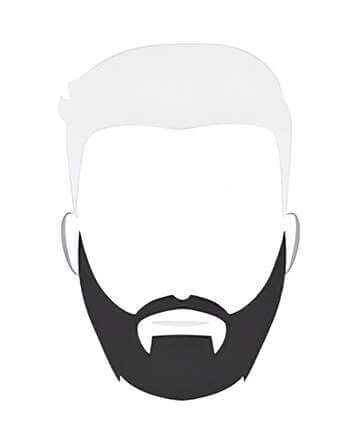
Bandholz
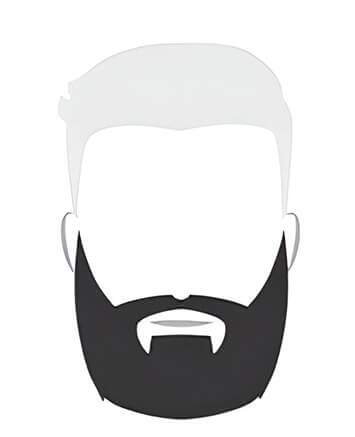
Long Bandholz
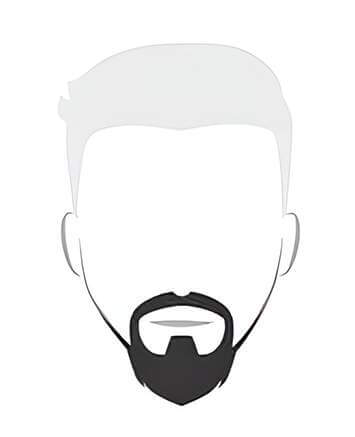
Ducktail
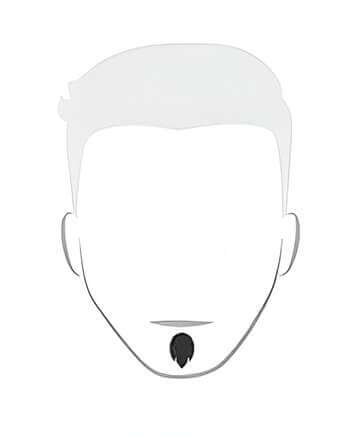
Soul Patch
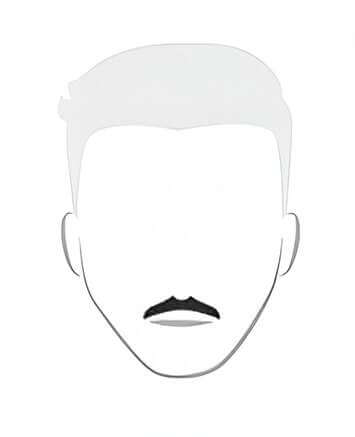
Mustache
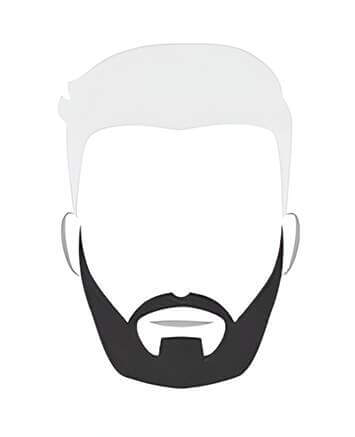
Garibaldi
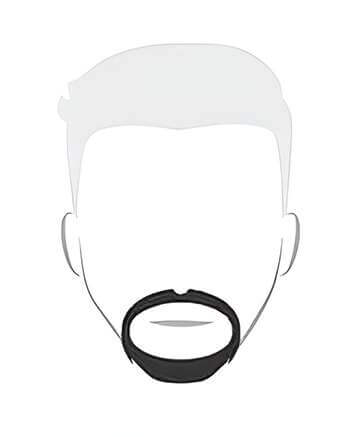
Circle
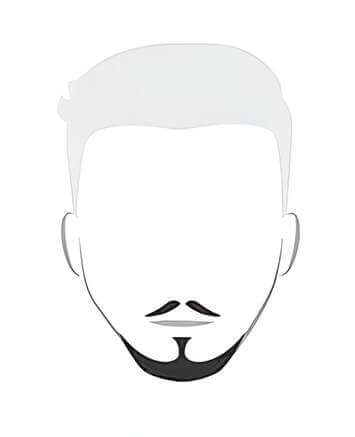
Anchor
How to Use the Free AI Beard Simulator
Changing your look has never been easier.
Here’s how to use YouCam Free AI Beard Simulator in just a few moments.

Upload Your Photo
Start by uploading a clear photo where your face is visible. Our AI beard generator works best with front-facing selfies.

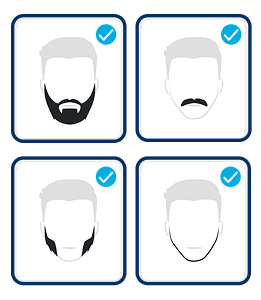
Choose a Beard Style
Select from a variety of popular facial hair options in our beard styles simulator, including full beards, goatees, and so on.

Preview & Download
Save your new look instantly – perfect for fun, style testing, or social sharing.
AI Beard Simulator FAQs
What is an AI Beard Simulator?
An AI beard simulator is a virtual tool that lets you try different facial hair styles on your own photo using AI. It works like a beard online simulator, creating realistic edits without needing manual touch-ups.
Can I try mustaches only?
Absolutely. Our tool also works as a mustache simulator, allowing you to add or preview various mustache styles with or without a beard.
What kinds of beard styles can I try?
Our beard styles simulator includes full beards, stubble, goatees, van dyke, handlebar mustaches, and more. It's a great way to explore trends or preview grooming options.
Is there a filter that removes your beard?
Yes. YouCam Online Editor offers an AI-powered beard remover filter that works directly in your browser. The filter detects facial hair and removes beard seamlessly, giving you a clean-shaven appearance in just one click.

