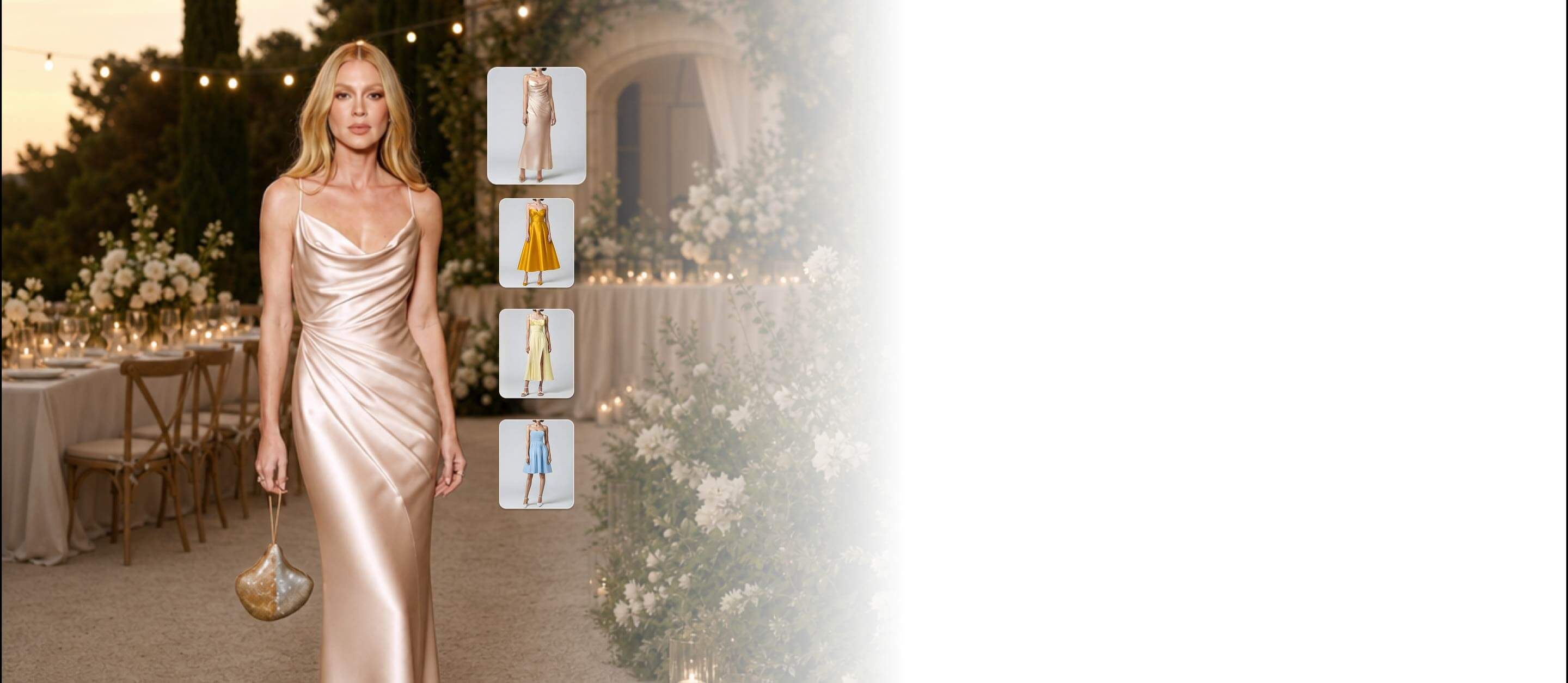
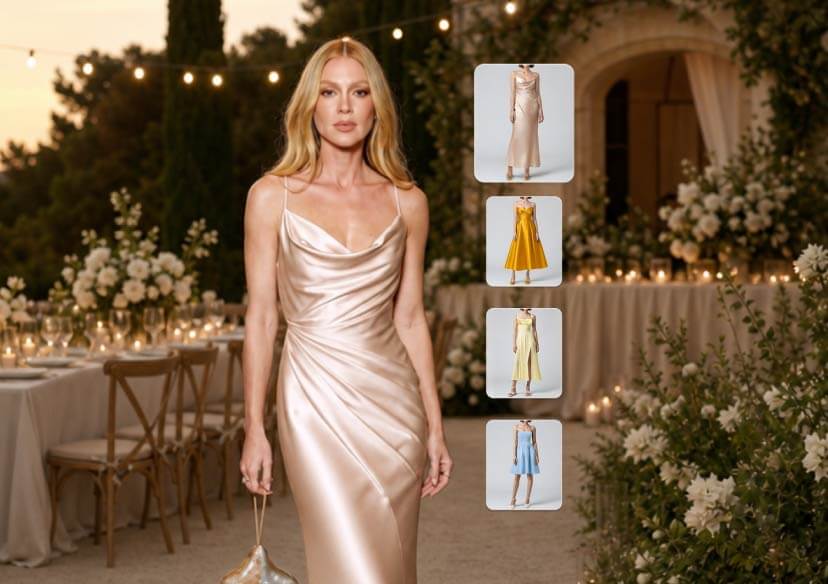




How to Try on Bridesmaid Dresses at Home Online
Swap clothes in photos instantly with AI virtual try-on technology. Edit outfits, try new styles, and create bridesmaid looks in seconds.

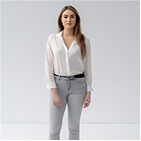
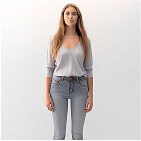
Best AI Clothes Changer for Bridesmaid Dresses
Instantly swap outfits in your photos with generative AI. Whether you want to visualize a new style or try on bridesmaid dresses, our AI replaces clothing with realistic textures, shadows, and draping that match your body shape perfectly.
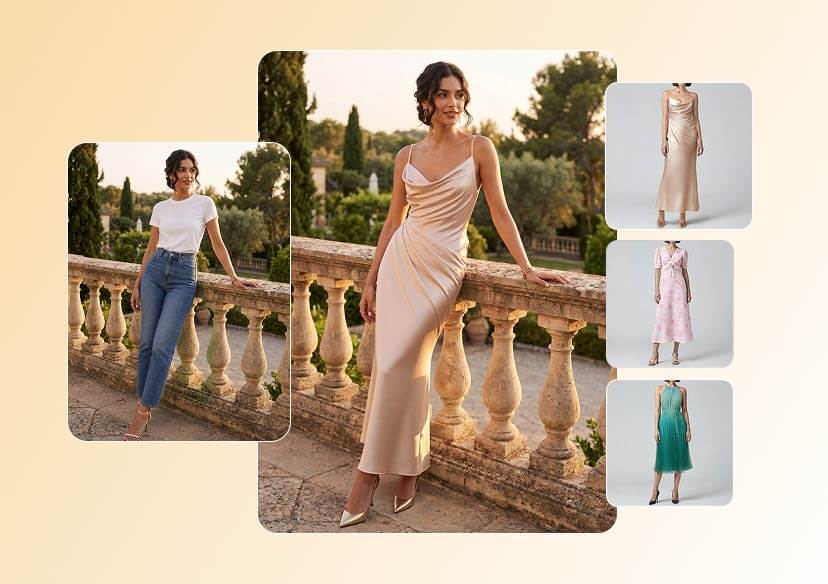
How to Change Bridesmaid Dresses in Photos with AI
Ready to find your look? Here is how to use the AI Clothes Changer to start your virtual fitting room session:
Upload Your Photo
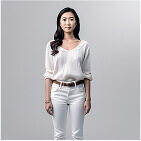
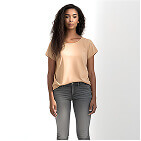
Choose a clear, well-lit, front-facing photo of yourself. For the most accurate AI placement, use a photo where your current clothing is relatively form-fitting.

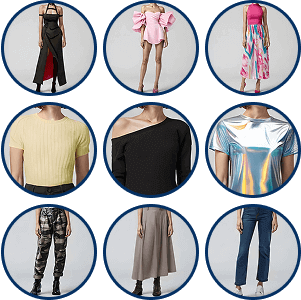
Upload a Reference Outfit
Upload an image of the bridesmaid dress you want to try on. You can grab a screenshot from an online bridal boutique, a Pinterest board, or a designer's website.

AI Auto Clothes Changing
Swap clothes instantly with AI Clothes Swapper. Try on different bridesmaid dresses to discover new looks in real-time.
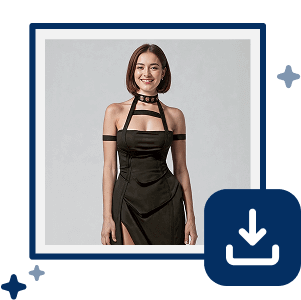
Save Your New Style
Toggle between different styles to compare your options. Once you find the dress that makes you shine, save the high-resolution image to share with the bridal party!
Person Image + Bridesmaid Dress Image
With our AI, you get a true "try before you buy" experience. By feeding the AI a photo of you and a photo of the dress, you eliminate the guesswork to find the perfect match.
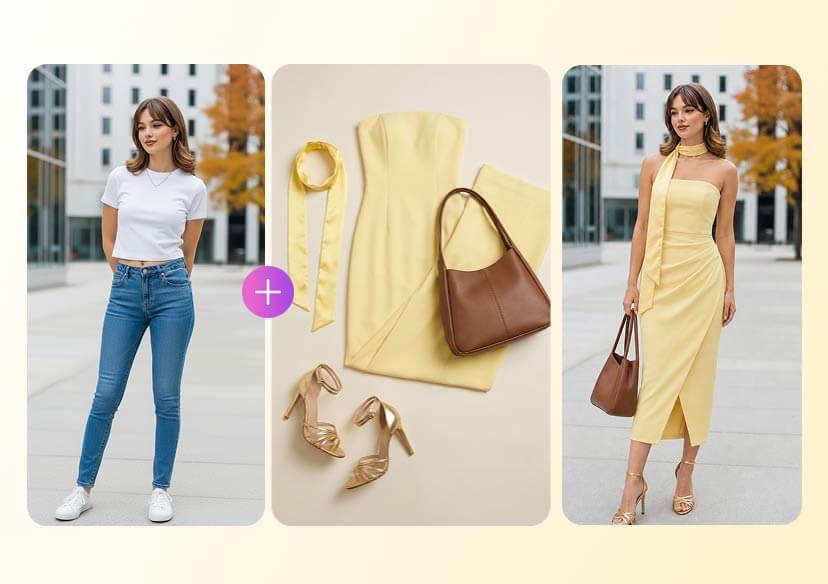
Virtually Try On New Outfits Before You Buy
Stop the shopping guesswork. Use our AI photo editor to change clothes in photos and preview any outfit instantly. See exactly how you’ll look without ever stepping into a fitting room!
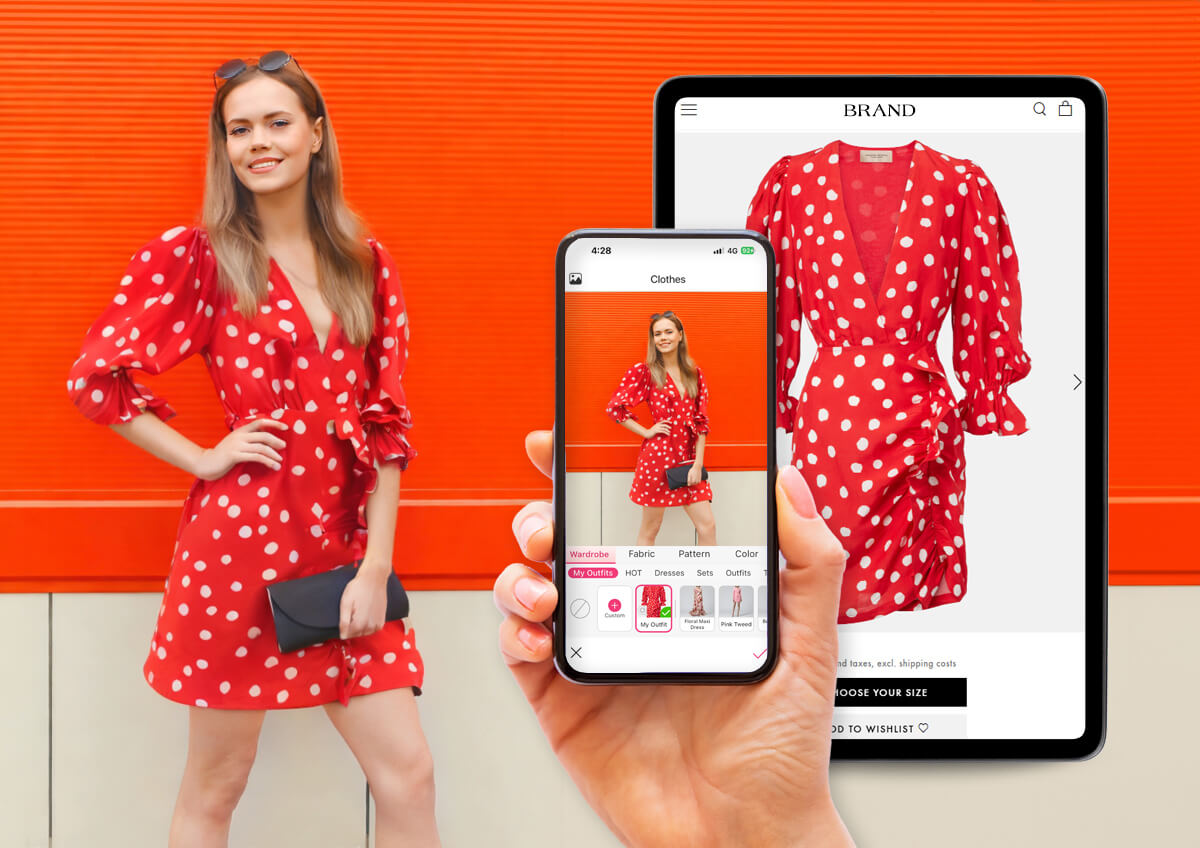
Swap Clothes for Social Media Posts
Hate your outfit but love the photo? Use the YouCam AI Clothes Changer to effortlessly swap your look to match your vibe. Instantly refresh your style or jump on the latest trends without ever needing a retake!
Try on Bridesmaid Dresses Online FAQs
Can I really see how a dress fits my specific body type?
Yes! Unlike a static catalog photo, the AI analyzes your uploaded photo to understand your unique pose and proportions. It then "wraps" the bridesmaid dress over your frame, giving you a much more realistic preview of how the silhouette and length will look on you personally.
Do I need professional photos to use the AI try-on?
Not at all. A clear smartphone photo works perfectly. For the most accurate bridesmaid dresses online try on, just make sure you are standing in a well-lit area against a plain background, wearing form-fitting clothes so the AI can accurately map the new dress to your body.
Can I try on dresses from any online store?
Absolutely. One of the best parts of using the YouCam Online Editor is the flexibility. Simply save a clear product image of a dress from any boutique or designer website, upload it as your "Style" image, and the AI will handle the rest.

