




Best AI Cosplay Generator Online for FREE
Step into the world of cosplay like never before with the YouCam Online Editor, the ultimate free AI cosplay generator that transforms your photos into stunning character creations! Morph into any anime or superhero character of your choice, all at your fingertips!

Create Your Own Superhero Cosplay With AI
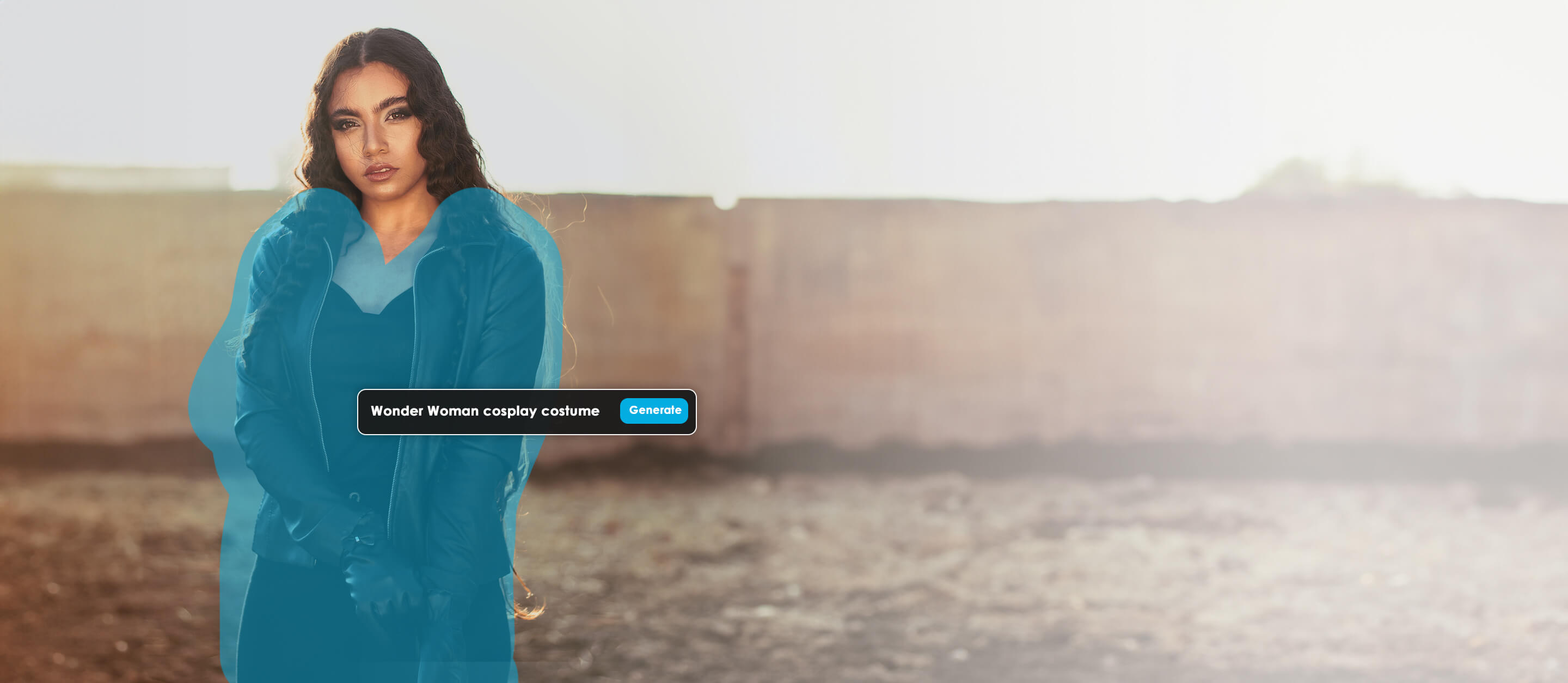
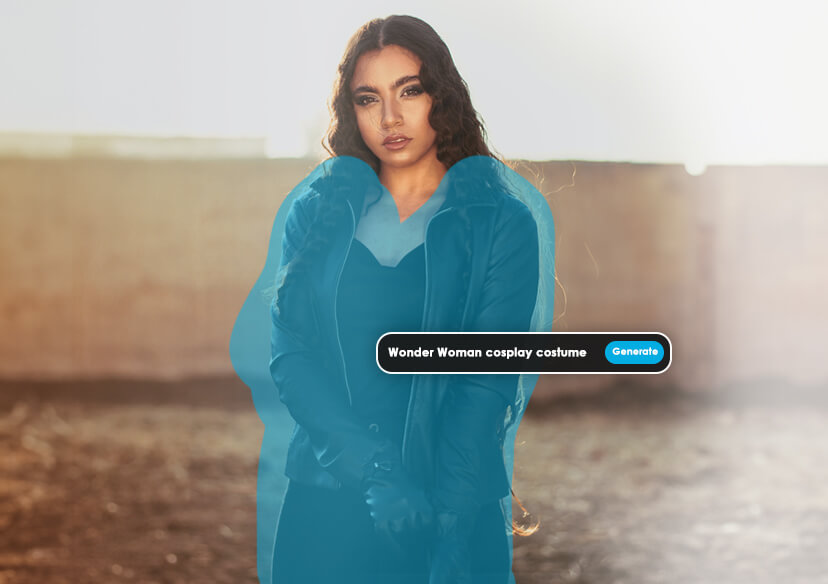
Ever wanted to suit up as Superman, Wonder Woman, or your own unique superhero? With YouCam’s AI Replace feature, you can instantly transform your photo into a jaw-dropping superhero cosplay. Super easy to swap outfits, add iconic accessories, and even tweak facial expressions!
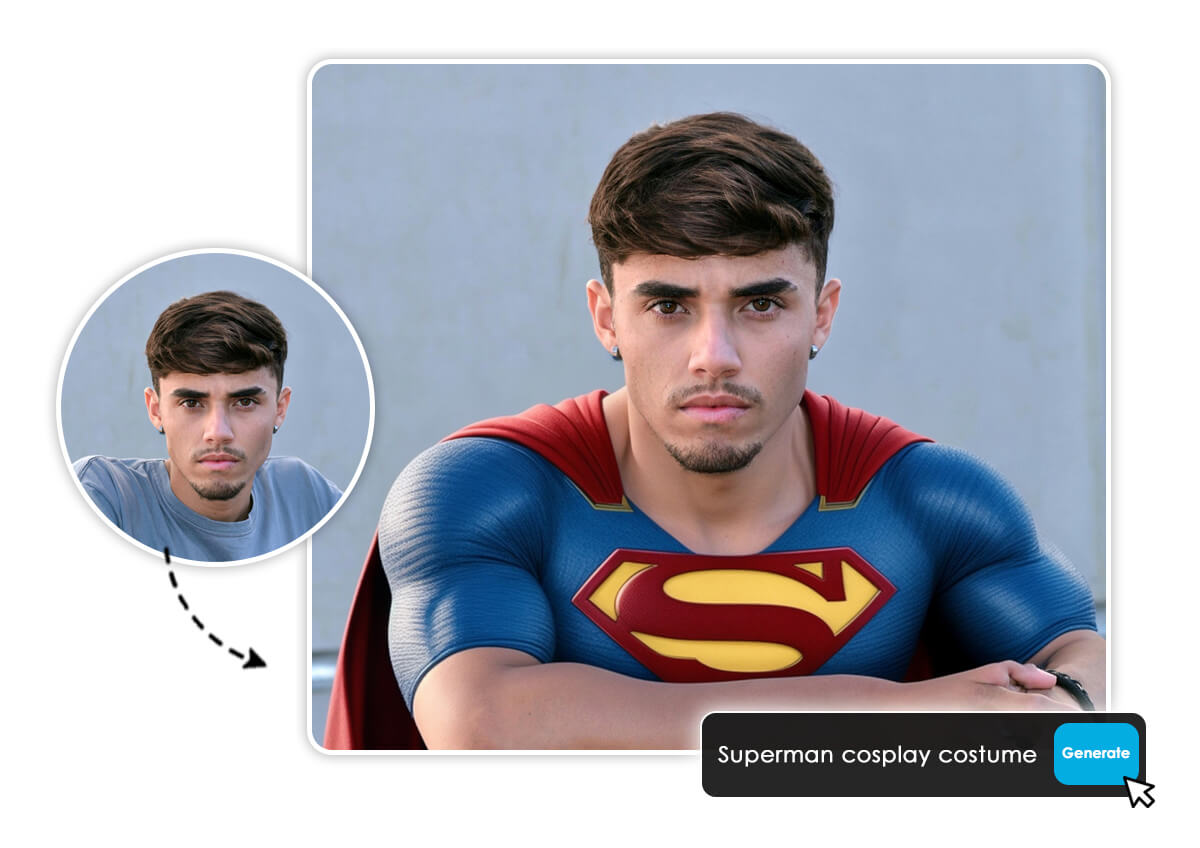
Discover the 45 best AI cosplay costume styles and scene ideas to bring your favorite characters to life. Plus, explore 45 innovative AI cosplay image prompt ideas designed to spark unique, personalized animated creations with YouCam Online Editor:
3 Highlights of the Best AI Cosplay Generator: YouCam Online Editor
Unleash Limitless AI Anime Cosplay Possibilities
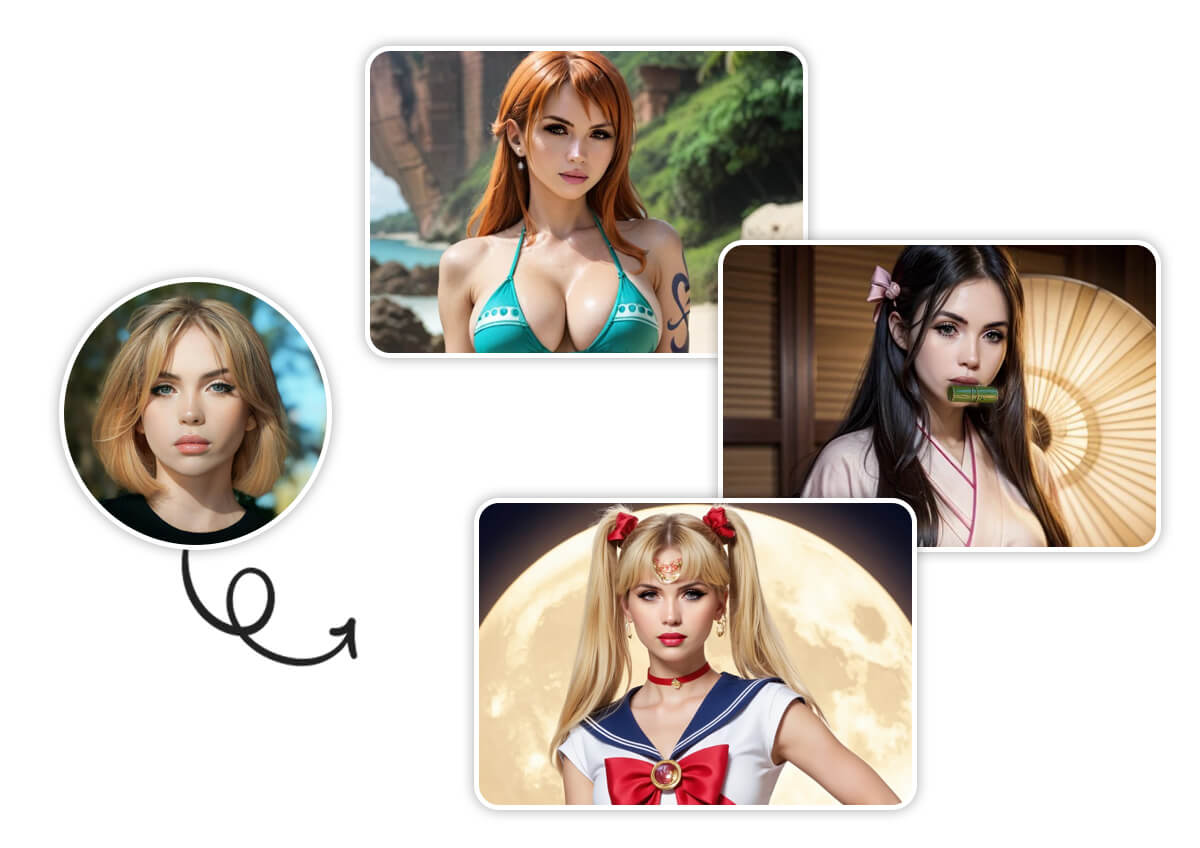
Anime fans, this one’s for you! YouCam’s Image-to-Image feature lets you transform your photos into breathtaking anime cosplays with unparalleled detail. Simply upload your photo and select from a variety of anime-inspired styles or input your own prompts.
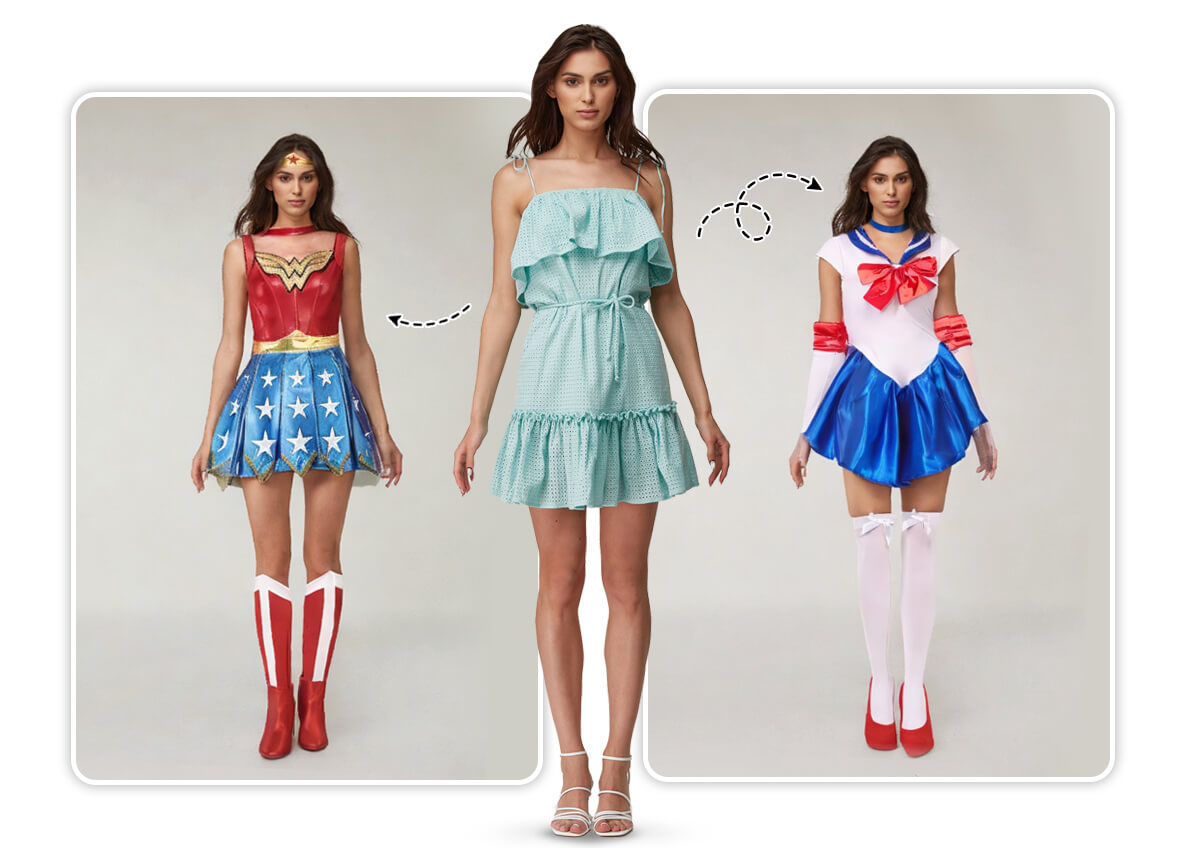
Virtual Try-On AI Cosplay Outfits
Virtually try on cosplay outfits with YouCam’s AI Clothe Changer to see how they look before buying them. From Captain America’s shield-bearing suit to a fantasy elf’s flowing robes, this feature lets you experiment with countless styles on you.
Create Character Cosplay Videos from Text
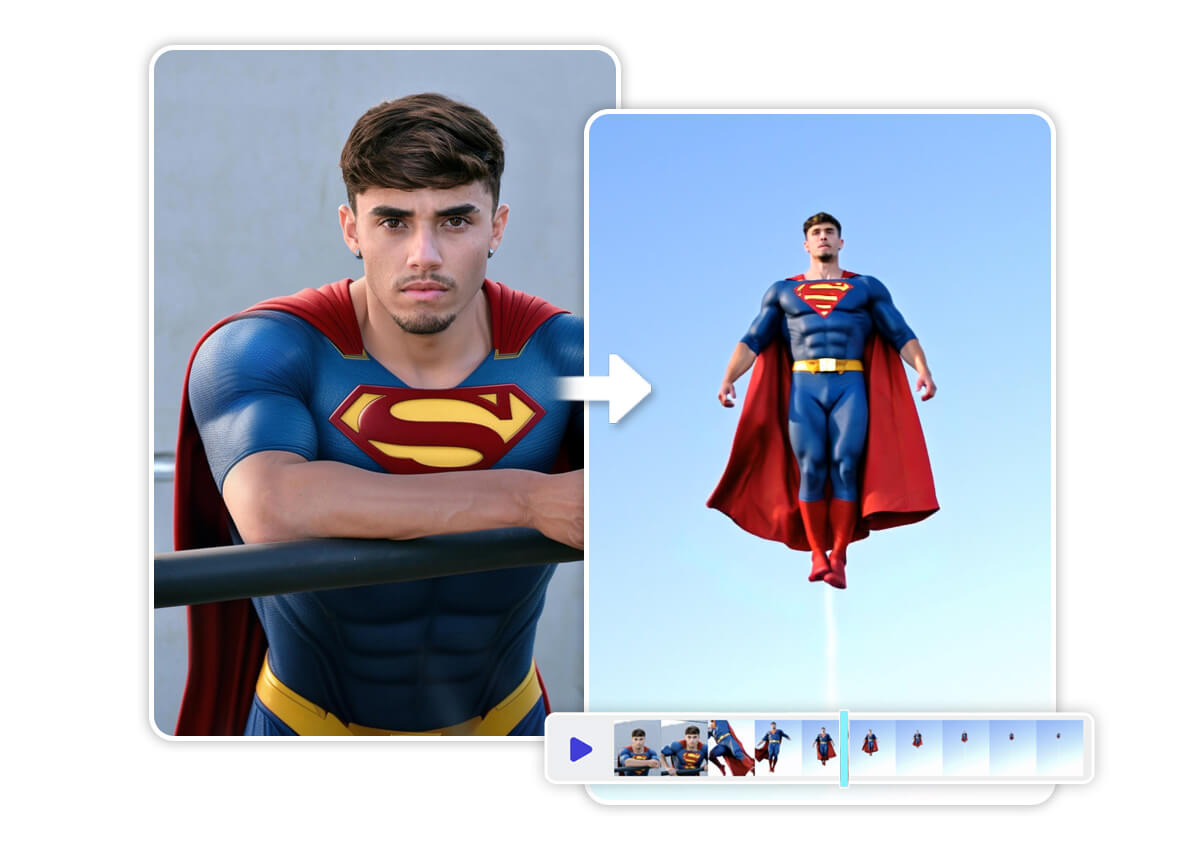
Elevate your cosplay with YouCam's Image-to-Video feature! Transform static cosplay photos into dynamic videos, bringing your character to life. Use text prompts to customize gestures, expressions, or movements—imagine Superman soaring! Don't just pose; move!
How to Use the AI Cosplay Generator Online
Creating your dream cosplay with YouCam Online Editor is as easy as 1-2-3-4! Follow these simple steps to get started:

Upload Your Photo
Choose a clear, well-lit photo of yourself. For best results, ensure your facial features are fully visible.


Color the Area
Select the areas of your photo you want to transform, like clothing or accessories.
Enter Your Prompts
Describe your desired cosplay look with text prompts.
Generate & Save
Hit the “Generate” button and download your high-resolution cosplay masterpiece to share or print.
AI Cosplay Generator FAQs
What is AI cosplay?
AI cosplay is the process of using AI tools to digitally transform photos or videos into cosplay-style images, where you appear as a character from anime, movies, games, or your imagination. AI cosplay generators, like YouCam Online Editor, use advanced algorithms to swap outfits, add accessories, or create entire scenes, eliminating the need for physical costumes or extensive editing skills.
Is cosplay AI free?
Yes, many AI cosplay tools are free, including the YouCam Online Editor, which offers powerful features at no cost. You can generate high-quality cosplay images without watermarks or subscriptions. Some platforms may offer premium features for a fee, but YouCam’s free version provides everything you need to create stunning cosplays. Sign up now for 5 free credits.
How to generate AI cosplay?
Generating AI cosplay is simple with YouCam Online Editor. Follow these steps:
- Upload Photo: Select a clear JPEG photo of yourself with visible facial features.
- Color the Area: Highlight the parts of the image (e.g., clothing) you want to transform.
- Enter Prompts: Input text prompts like “Spider-Man in a red suit” or “Sailor Moon with a tiara” to describe your desired look.
- Generate & Save: Click “Generate” to let the AI create your cosplay, then download the high-resolution result.
No editing experience is required! Start now with YouCam Online Editor and bring your cosplay dreams to life.

