





AI Face Editing App
Upgrade your look instantly with YouCam Makeup, the best AI face editing app! Get natural and realistic results that enhance your selfies instantly.
Download App for FreeTry It OnlineHow to Retouch Your Face with AI Face Editing App
Upload Your Photo
Open the YouCam Makeup app and drag or upload your selfie or portrait.

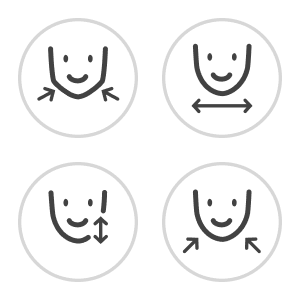
Select A Reshape Tool
Choose the face reshaping tool you're looking for from the editor's menu.
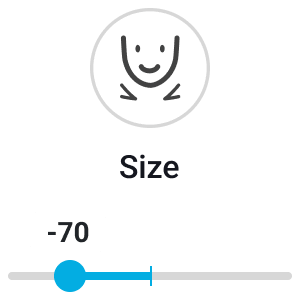
Adjust The Sliders
Select a feature (Face, Nose, Eyes, Lips) and move the slider left or right.
Save and Download
Love the look? Download your retouched photo instantly.
Refine Your Looks with Face Reshape
Adjust jawline, smooth face shape, or refine nose and eyes for a natural look. YouCam Makeup makes sure it still looks like you — just even better!
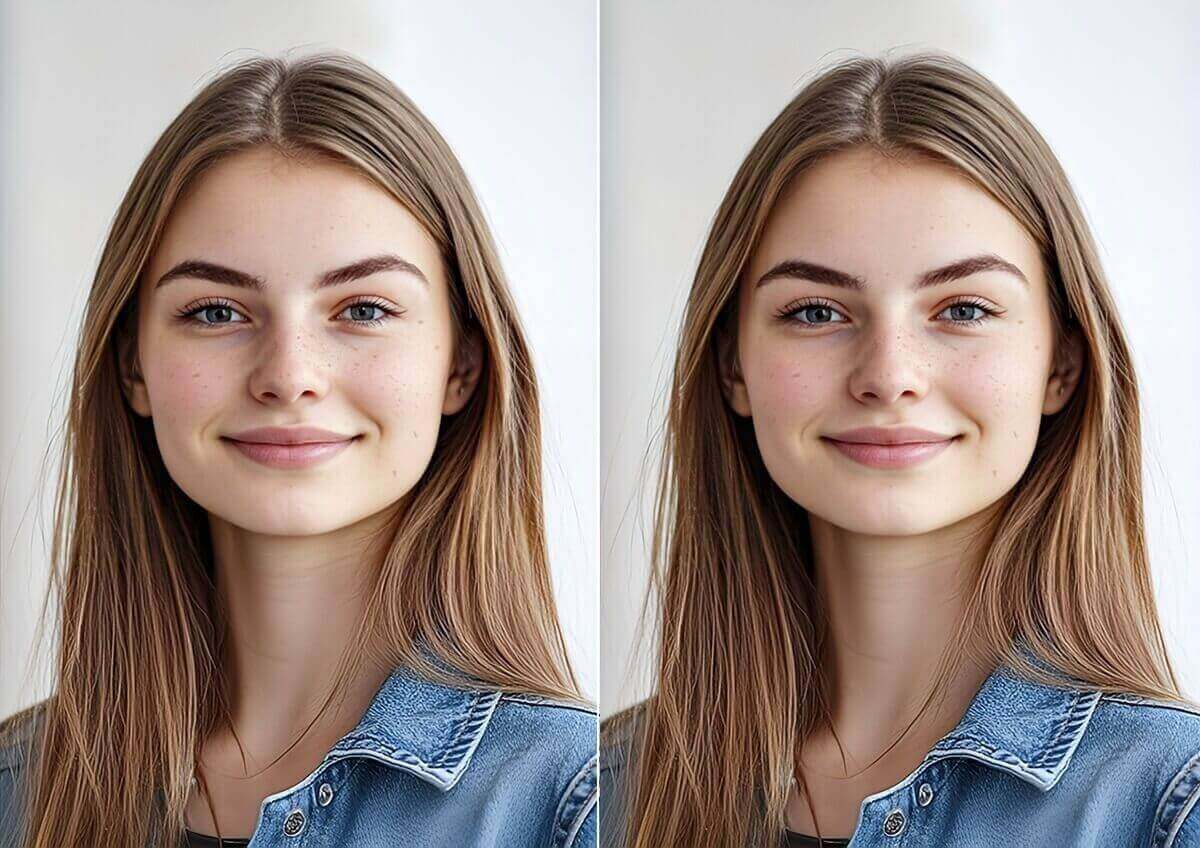
Create Flawlessness with Face Retouch
Use AI face retouch tools to smooth skin, remove wrinkles and blemishes, brighten eyes, and whiten teeth. Get natural results that enhance your selfies with YouCam Makeup.
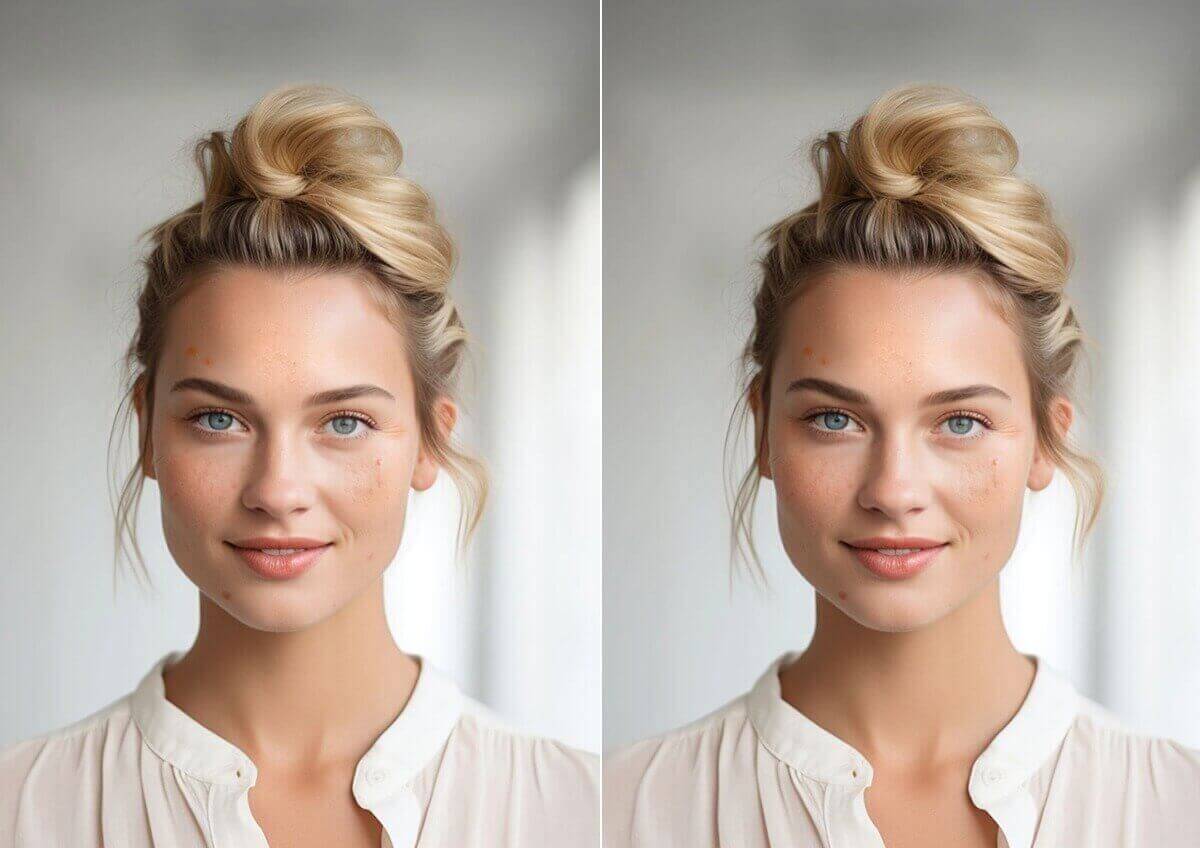
Achieve the Perfection you Desire
The camera adds 10 pounds—YouCam Makeup takes it off. Use our Face Editing App to subtly narrow the face width, remove a double chin, or define your jawline for a more photogenic profile.
AI Face Editing App FAQs
What tools are available for reshaping in YouCam Makeup?
YouCam Makeup's AI Face Editor offers tools for reshaping your face, nose, lips, and eyes. You can select the specific feature you want to edit.
How can I make adjustments to my facial features with AI Face Editing App?
You can use the reshaping sliders provided in the editor to adjust your facial features. Move the sliders until you achieve the desired look.
Will the edits look fake or plastic?
No. YouCam Makeup uses a slider system. You have full control over the intensity.
We recommend starting with small adjustments (10-20%) to maintain a natural look that enhances your features without altering your identity.
How do I fix a double chin in a photo?
Upload your photo and select the "Chin Shape" or "Face Width" tool. Slide the bar to the left to tuck in the jawline and reduce the appearance of a double chin instantly.

