
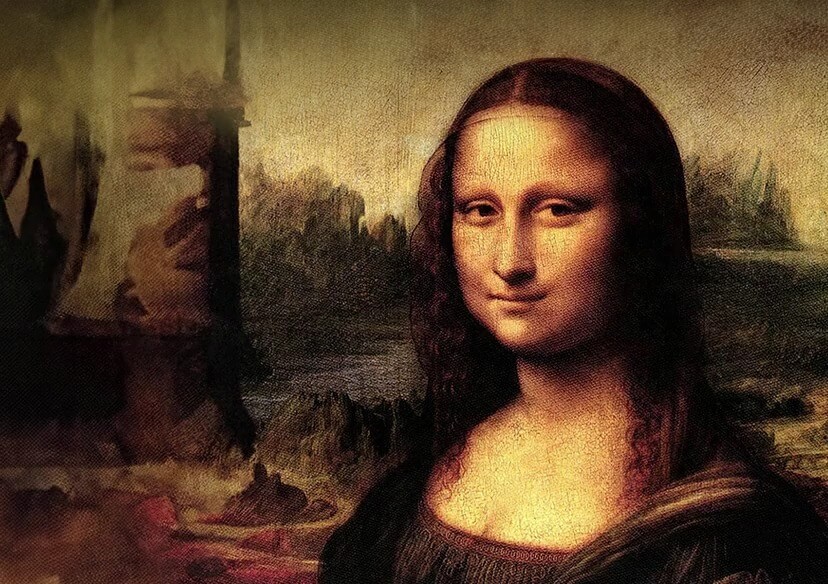




AI Face Swap App
Easily insert faces into photos with our top AI Face Swap app- YouCam Perfect! Swap your face with celebrities or friends—no editing skills needed. Download app for free now!
Download App for FreeTry It OnlineHow to Put Your Face on Another Picture with AI Face Swap App
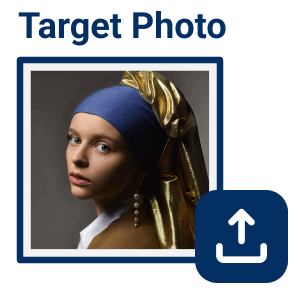
Select an Image
Go to Photo Edit and select one of your photos. Make sure your face is clearly visible and not covered.


Add a Scenario Photo
Choose and upload a scenario photo where you'll be inserting your face. It may be a movie poster, a group photo, or any other images of your choice.

Do the Face Swap
Tap Continue and let the AI Face Swap tool automatically change faces in your photo.
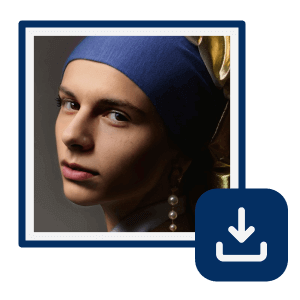
Save the Image
If you are happy with the result, remember to click save! Share this face-swapped photo with your friends and on social media!
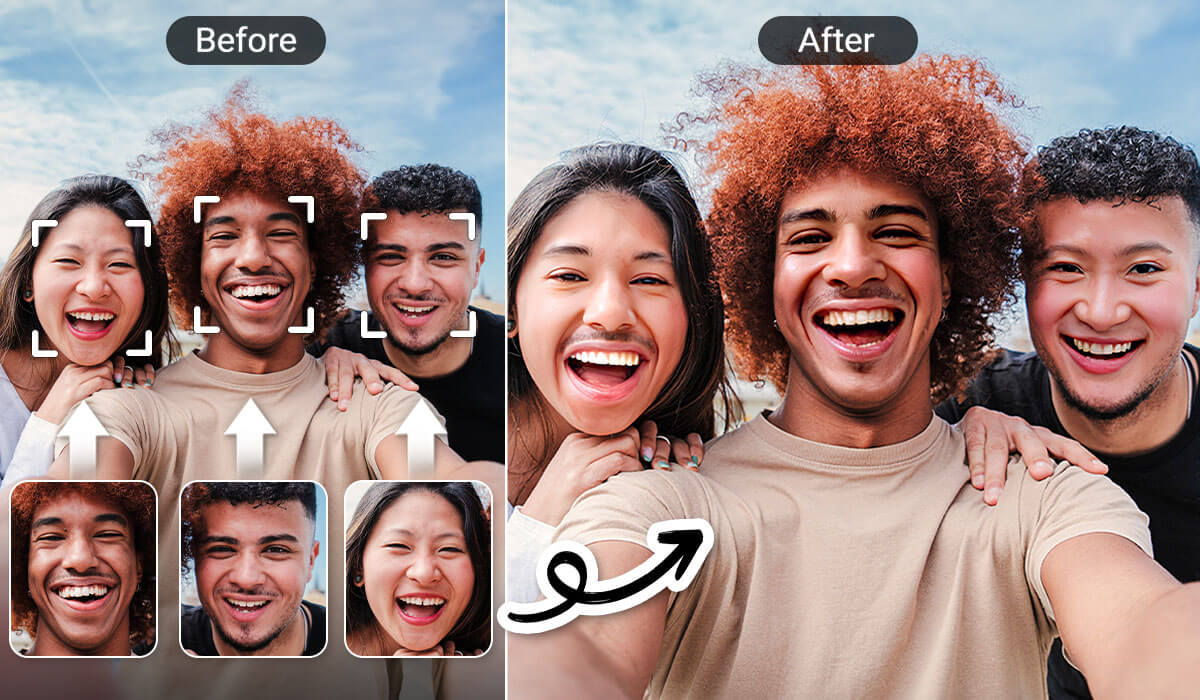
Do Multiple Face Swap in Group Photos
You don’t have to change faces in photos one by one anymore. It is easy to swap faces between friends in photos with YouCam Perfect app. Turn the faces of your friends into each other to see if it’s funny or weird!
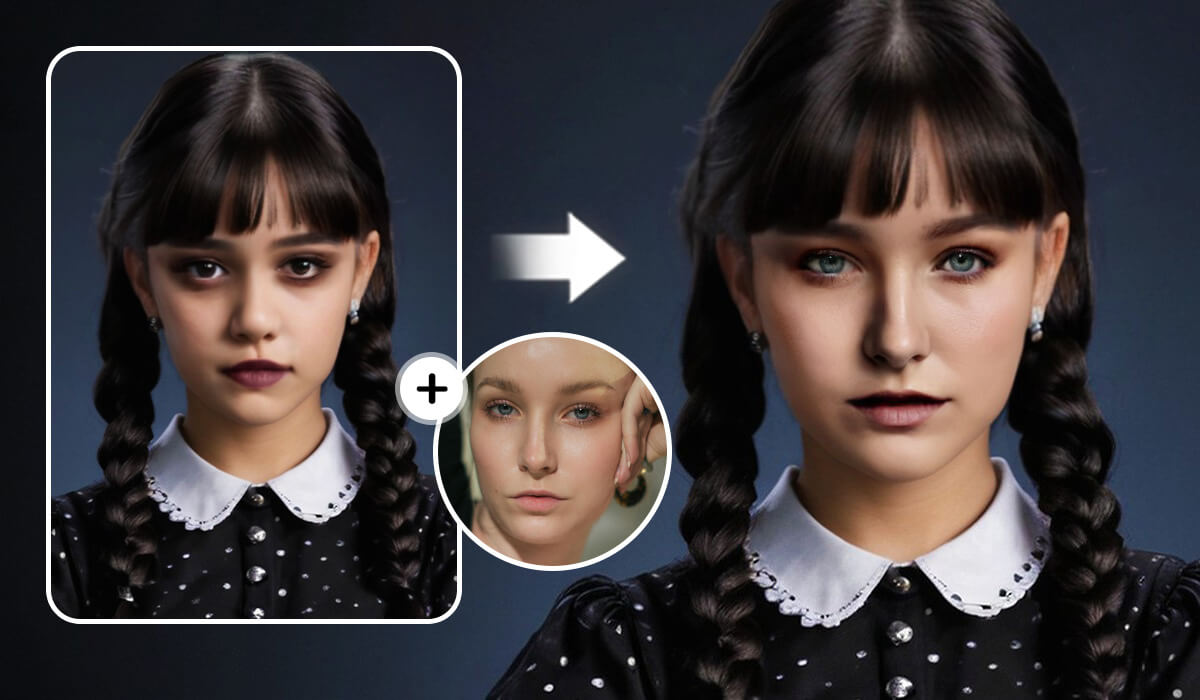
Swap Faces with Celebrities in Photos
If you’d like to see yourself as a celebrity in a movie poster, try using the AI Face Swap app. Insert your face in your favorite scene of a movie and become the main character without effort!
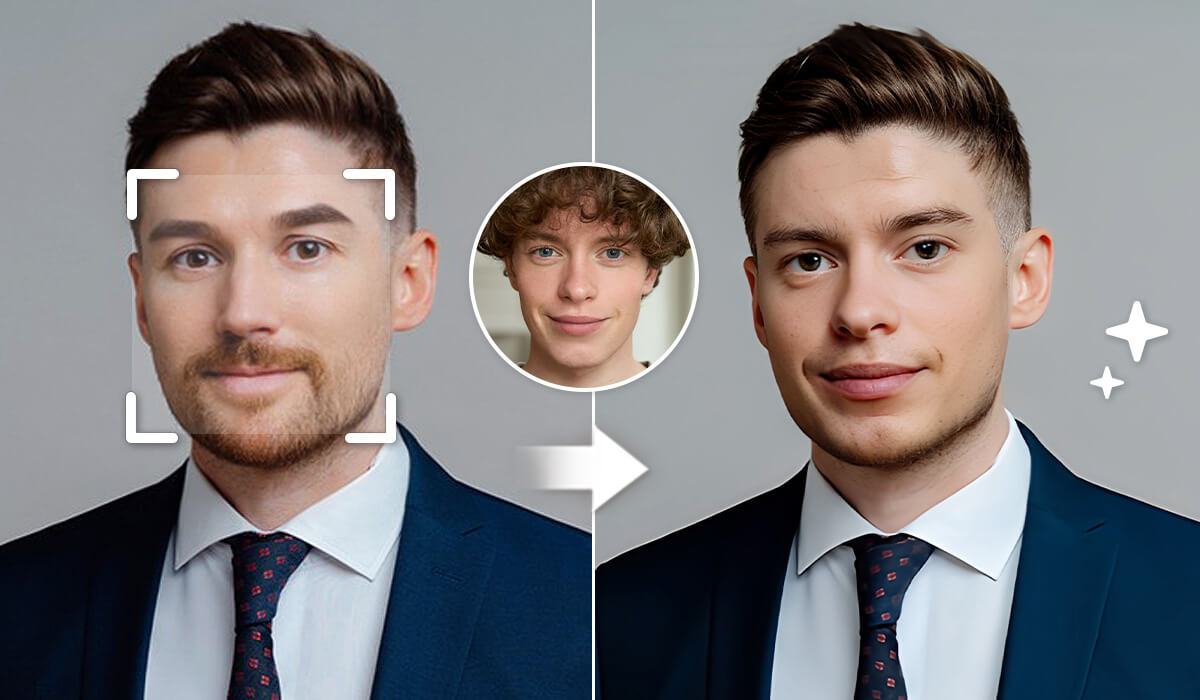
Replace Your Face in Photos for Headshots
You can get yourself a professional photo without actually going to a studio! Simply swap your face with a headshot photo, and your business profile picture would be done.
AI Face Swap FAQs
How Do I Insert a Face in a Picture?
YouCam Perfect is the best free app to insert a face in another image. You can swap faces with celebrities, your friends, and even your pets. The AI supported tool offers the Face Swap feature that automatically swaps faces in photos after users uploaded the images.
How to Replace a Face in a Group Photo?
To easily replace a face in a group photo without any advanced photo editing skills or Photoshop, your best option might be a face swapper app like YouCam Perfect:
- Enter YouCam Perfect homepage and click on the "Face Swap" feature
- Select the group photo you want to edit
- The app will automatically detect all the faces in the group photo to let you do the face swap
- Click on "Add Face" to choose a face you want to insert into the photo, and the AI will do the rest for you
- And that's it!
Is There an App Where You Can Swap Heads?
Most of the trendy photo editing apps allow users to swap heads by using the "Face Swap" feature to add fun and recreate movie posters with users' own faces. But in an AI Head Swapper app like YouCam Perfect, the possibilities are endless! You can:
- Use the 'Cutout' tool to edit adorable shots of your pet looking at the camera
- Try the 'AI Replace' tool to swap your friend's head with your favorite celebrity
- Combine both tips or utilize the 'Face Swap' feature to create funny meme-like group photos.

