


Top 4 Ways to Use the AI Ghostface Generator
Need Some Creepiness for Halloween?
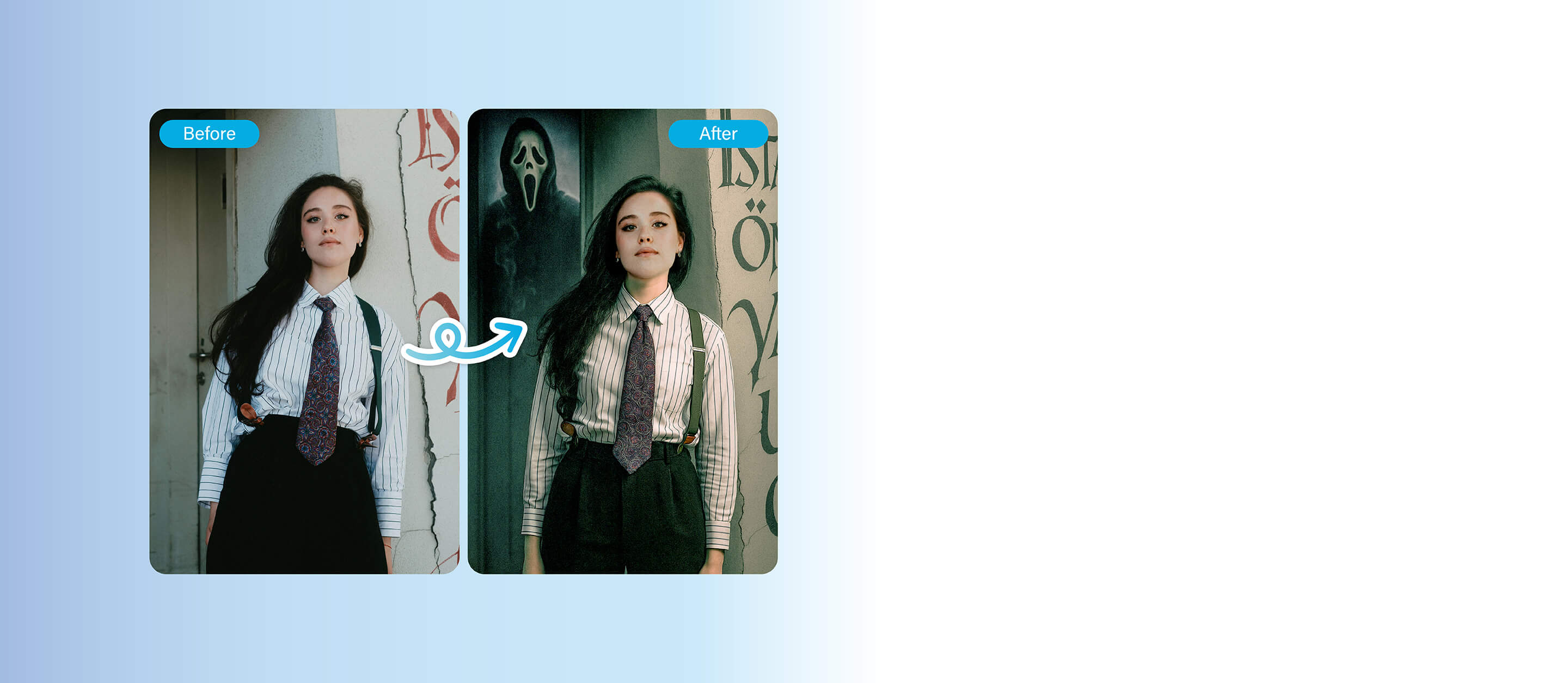
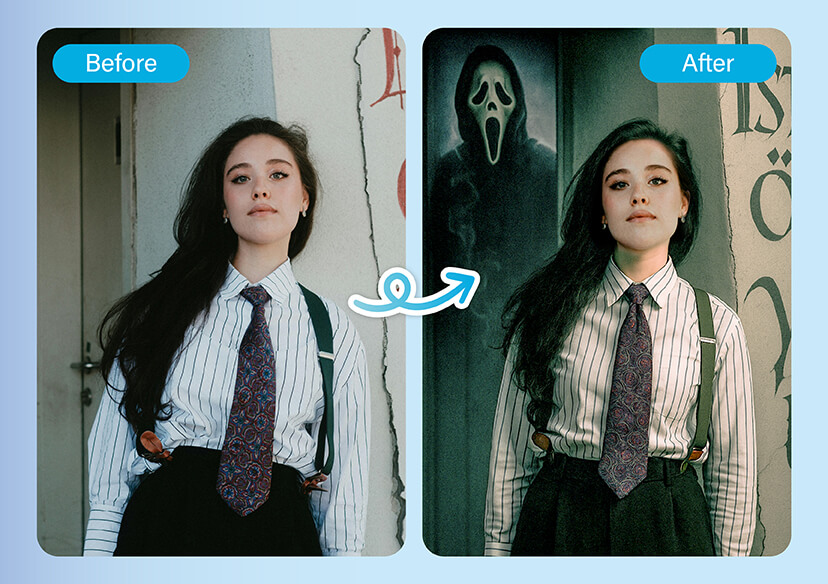
Bring your scary story to life with YouCam Online Editor’s Text-to-Image feature. Just type a prompt like “Ghost Face lurking in the hallway behind me,” and AI will generate a hauntingly realistic version of your photo in seconds.
One Click Away from a Horror Movie Scene
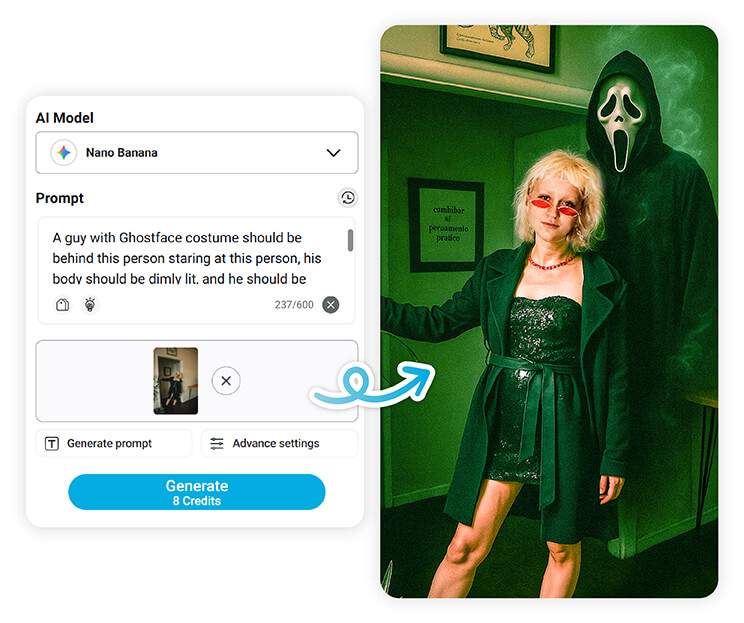
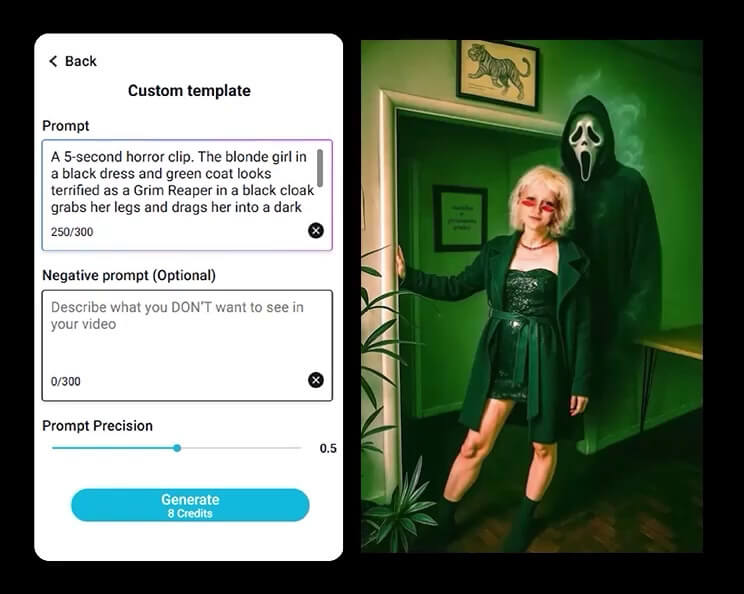
Turn static photos into creepy clips with YouCam Online Editor’s Image-to-Video feature. Just enter a prompt like “Ghost Face slowly fades in from the shadows,” and watch your haunted image transform into a short, AI-generated horror animation or GIF.
Generate Ghostface-Inspired Images Using AI Text Prompts
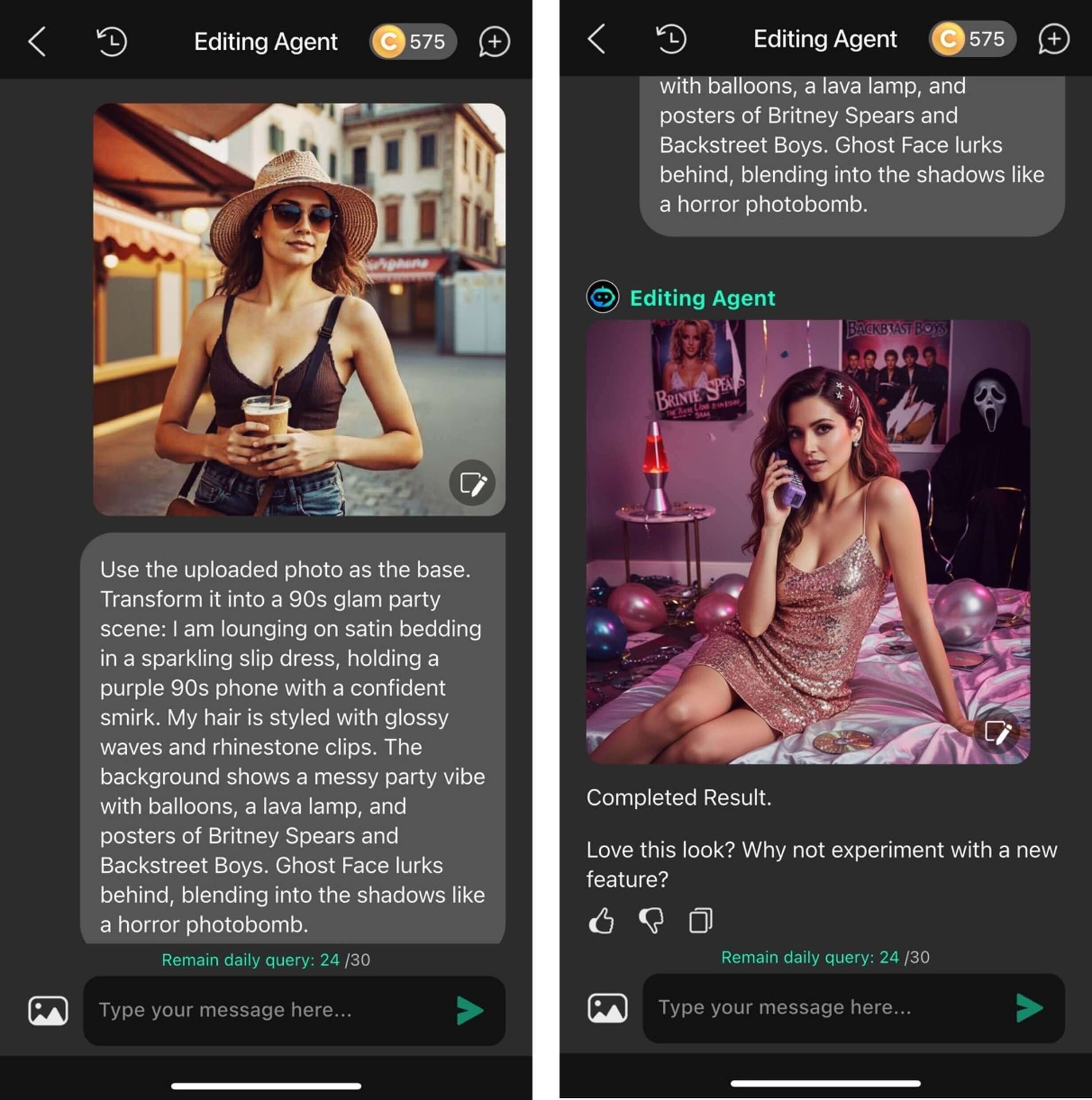
YouCam Perfect’s AI Editing Agent lets users generate Ghostface-themed images by simply describing a scene.
For example, typing “Ghostface standing in a dark hallway watching a girl on her phone” produces a unique image based on the prompt—no photo upload needed.
Transform Ghostface Scenes Into Short Films with AI Video Generator
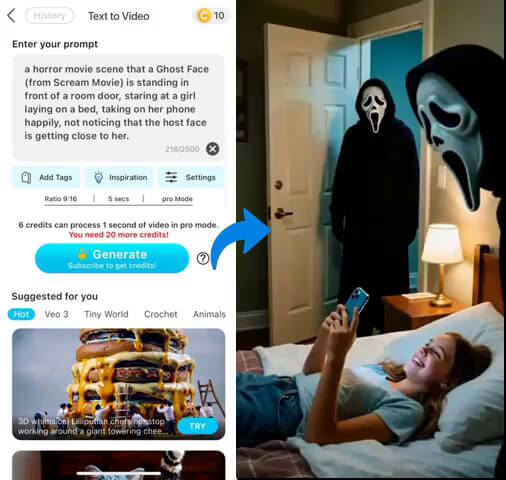
YouCam Video app’s AI Text to Video feature turns written prompts into short, realistic films.
A sample prompt like “Ghostface at a bedroom door, watching a girl on her phone, unaware he’s approaching” can be transformed into a cinematic clip.
Some visual details may need adjustment, such as character proportions.
How to Add Ghostface to a Photo Using YouCam AI Ghostface Generator

Upload Your Photo
Select a photo from your gallery — or snap a new one that you'd like to haunt.


Choose Your AI Model
For generating AI Ghostface photos, we recommend using "Nano Banana."
Enter a Prompt to Add Ghost Face
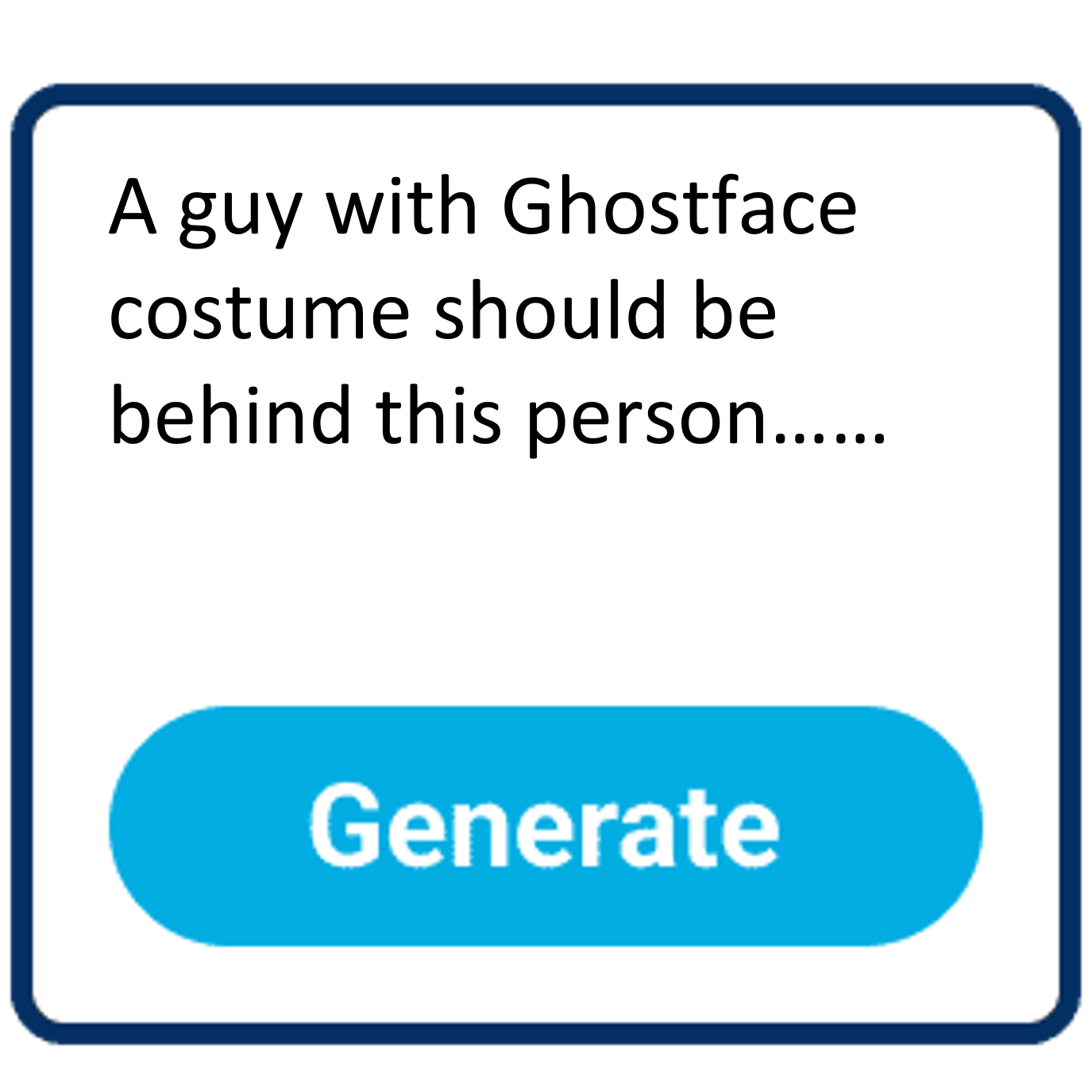
Use the Text-to-Image tool and type a spooky prompt. The AI will generate a realistic edit with Ghost Face blended into your scene.

Download & Share
Then export your image or video and share it to whomever dares to watch!
Ghostface Generator Q&A
What is YouCam’s AI Ghostface Generator?
It’s a feature in YouCam Online Editor that lets you use text prompts to add the eerie Ghost Face mask into your photos (Text‑to‑Image), and even animate them into short horror clips (Image‑to‑Video).
How realistic will the Ghost Face effect look?
The feature uses Gemini 2.5’s Flash Image with the Nano Banana style, matching lighting, shadows, and perspective to your photo so that Ghost Face appears naturally integrated.
Can I animate my Ghostface photo?
Yes — using Image‑to‑Video, you input a second prompt (e.g. “Ghost Face slowly appears from the corner”), and YouCam Perfect turns your static image into a short animated horror video or GIF.
In what formats can I export my creations?
You can export as a still image (with Ghost Face) or as a video/GIF (animated effect), compatible with social platforms like TikTok, Instagram, etc.

