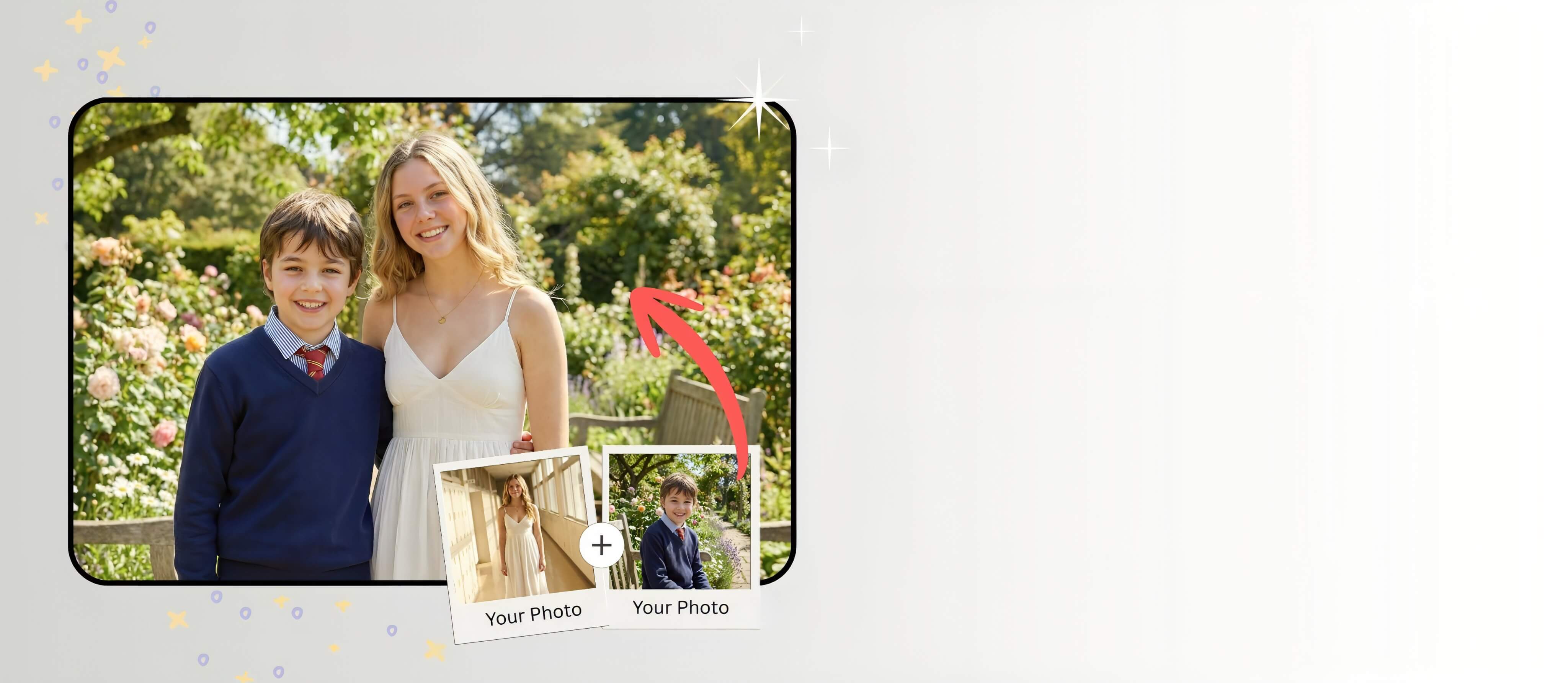
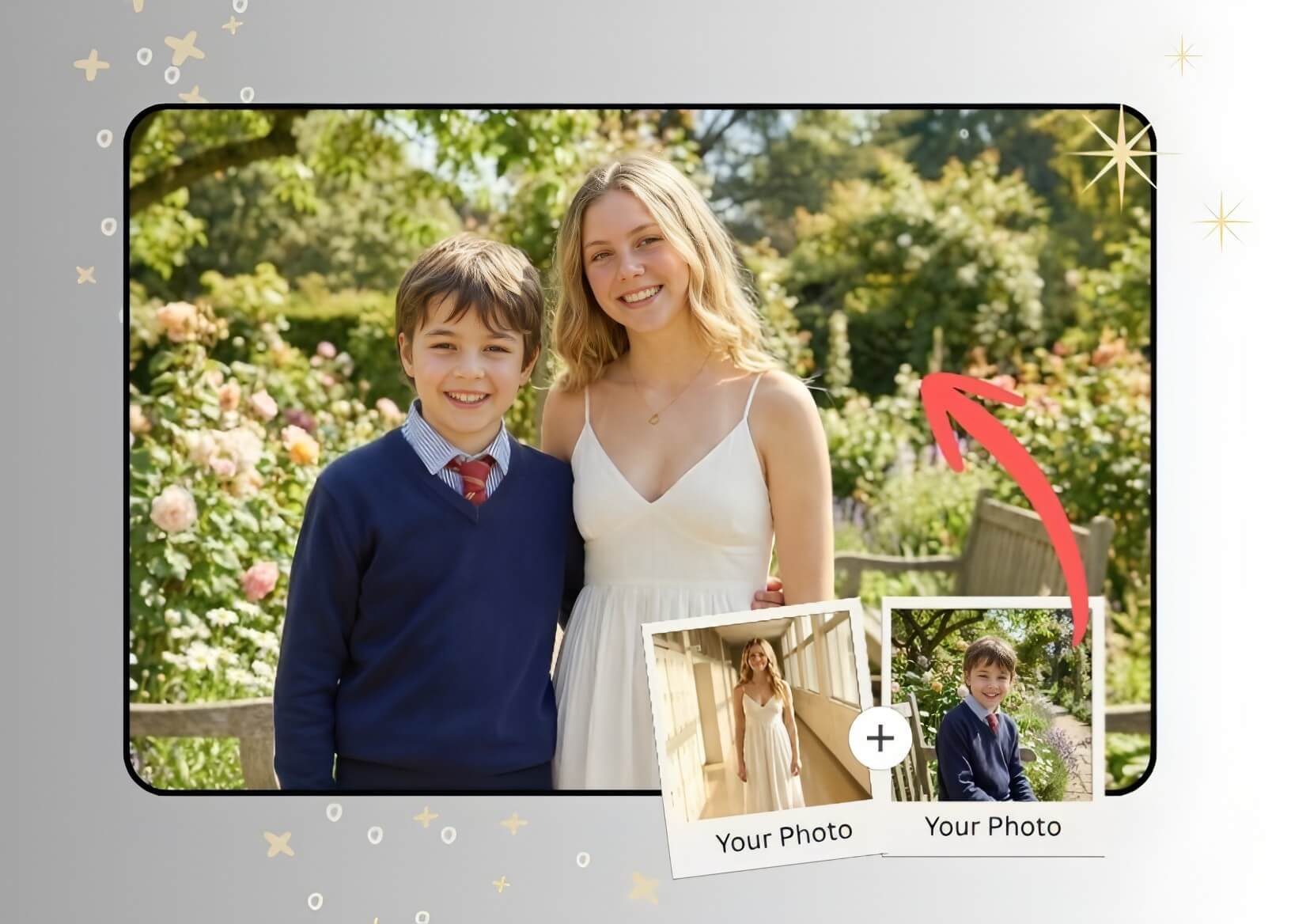




AI Group Photo Generator: Merge people in One Picture
Merge people into one picture with realistic results and create seamless group photos. Perfect for family photos, team pictures, or creative edits!
Download AppTry It OnlineHow to Create AI Group Photos with YouCam Online Editor
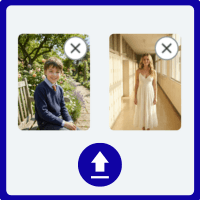
Upload Photos
Upload a reference image for the Al to start the merge.

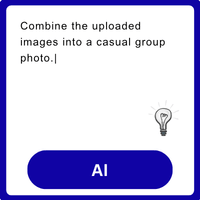
Add Prompts
Enter the text prompt as a description of your idea.
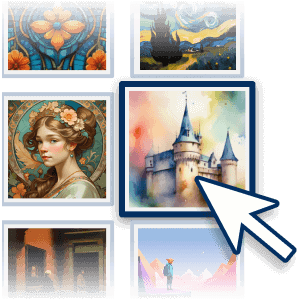
Select AI Art Style
Choose the image style you want (such as realistic, oil painting, or cartoon).
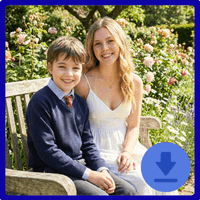
Generate & Save
Click the "Generate" button and download your AI group photos.
When to Create Group Photos with AI
Fix Imperfect Group Photos
Group photos don’t always turn out perfect—someone might blink, arrive late, or be completely missing. Instead of retaking the photo, you can use a photo merge tool to add them in from another picture.
🪄 Try This Prompt for Pet Photos:
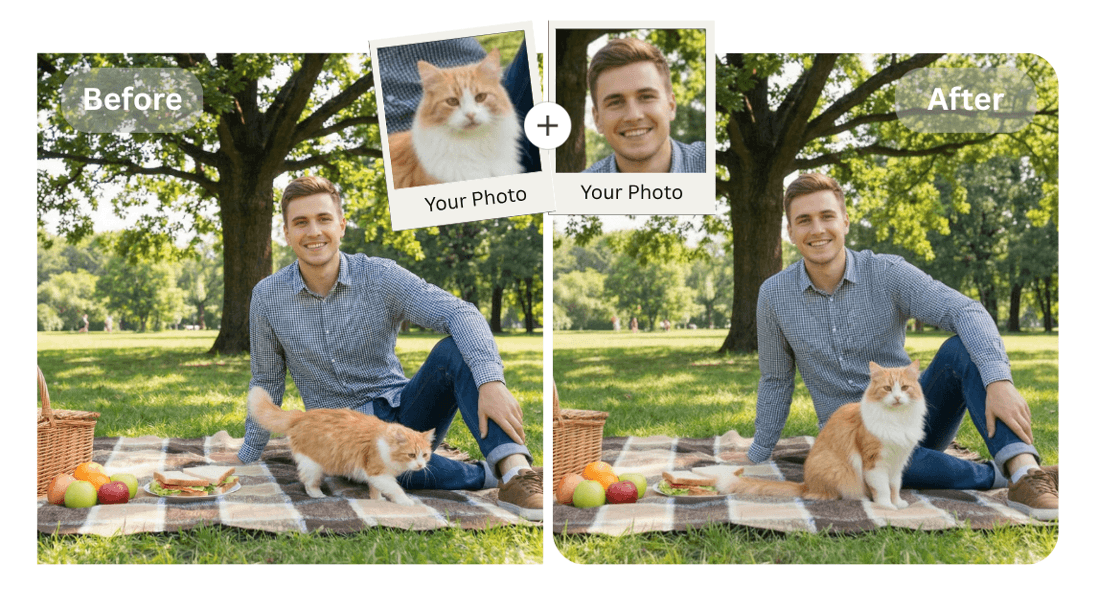
Add Who Is Missing
Sometimes friends or family members can’t be in the same place at the same time. Now you can easily combine and add people to photos online. Perfect for long-distance couples, international families, or missed gatherings.
🪄 Try This Prompt for Family Portraits:
Create Creative or Iconic Edits
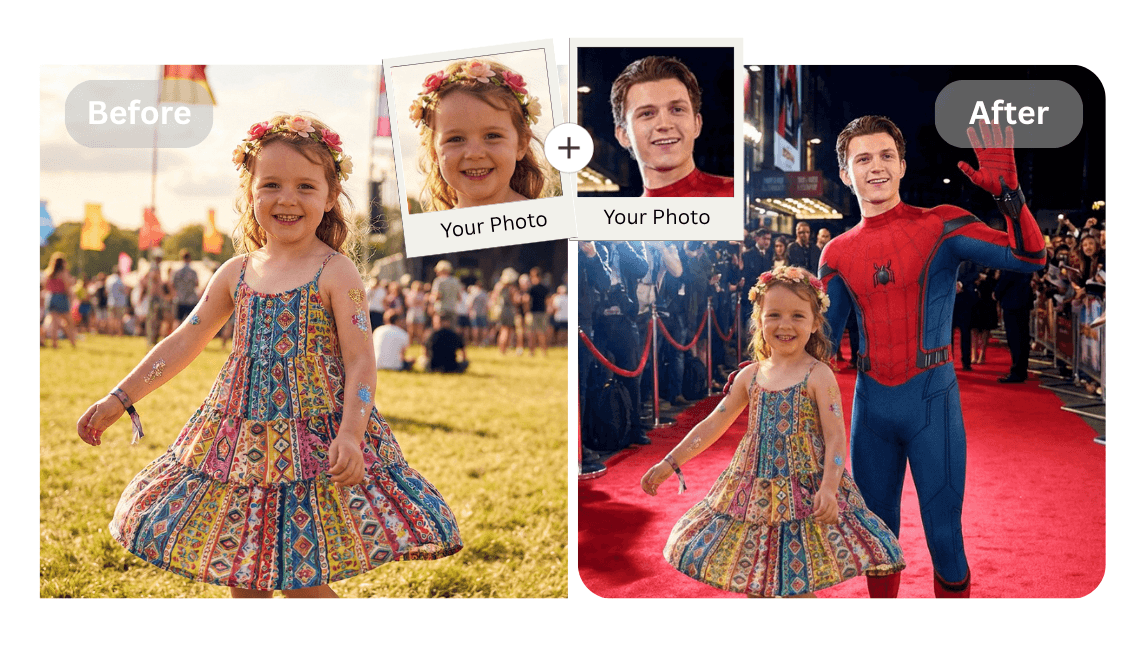
Want to create something more meaningful or fun? You can combine photos from different times and places to create unique social media content. Perfect for birthday surprises, memory collage, or Instagram posts.
🪄 Try This Prompt for Movie Scenes:
Pro Tips: Create Group Photos on Your Phone
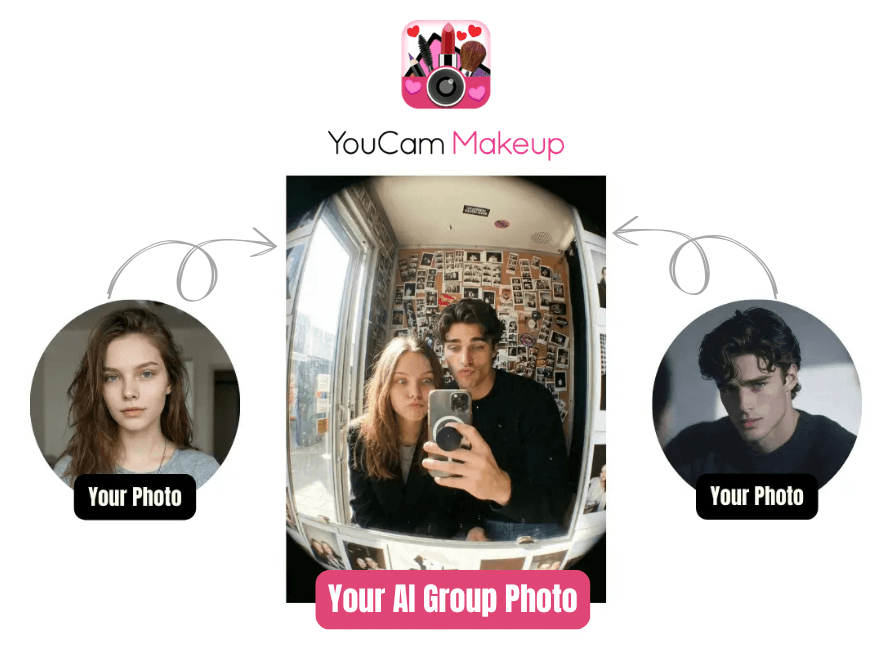
Want a quicker way to combine photos on mobile? Try the AI Group Photo feature in YouCam Makeup. It lets you easily add a person to a photo and merge group pictures directly on your phone, no desktop needed.
AI Group Photoshoot FAQs
What is an AI group photo generator?
An AI group photo generator is a tool that lets you merge people from different photos into one picture. It uses AI to match faces, lighting, and angles, creating a natural-looking group photo.
How do I merge people into one picture using AI?
Upload your photos to an AI group photo generator like YouCam Online Editor, select the people you want to combine, and let the AI automatically blend them into one seamless image.
Can I combine people from different photos into one group photo?
Yes, AI tools can merge people from separate images into a single group photo while adjusting lighting, shadows, and positioning for realistic results.
Is there a free AI tool to merge faces into one photo?
Many AI photo editors offer free features to merge people into one picture. YouCam Online Editor is a great option for quick and easy AI group photo creation online.
Will the merged group photo look realistic?
Yes, advanced AI analyzes facial features, lighting, and perspective to ensure the final group photo looks natural and well-blended.
What can I use AI group photo merging for?
You can use it for family photos, team pictures, social media content, marketing visuals, or fixing missing people in group shots.

