




AI Hair Remover Photo Editor
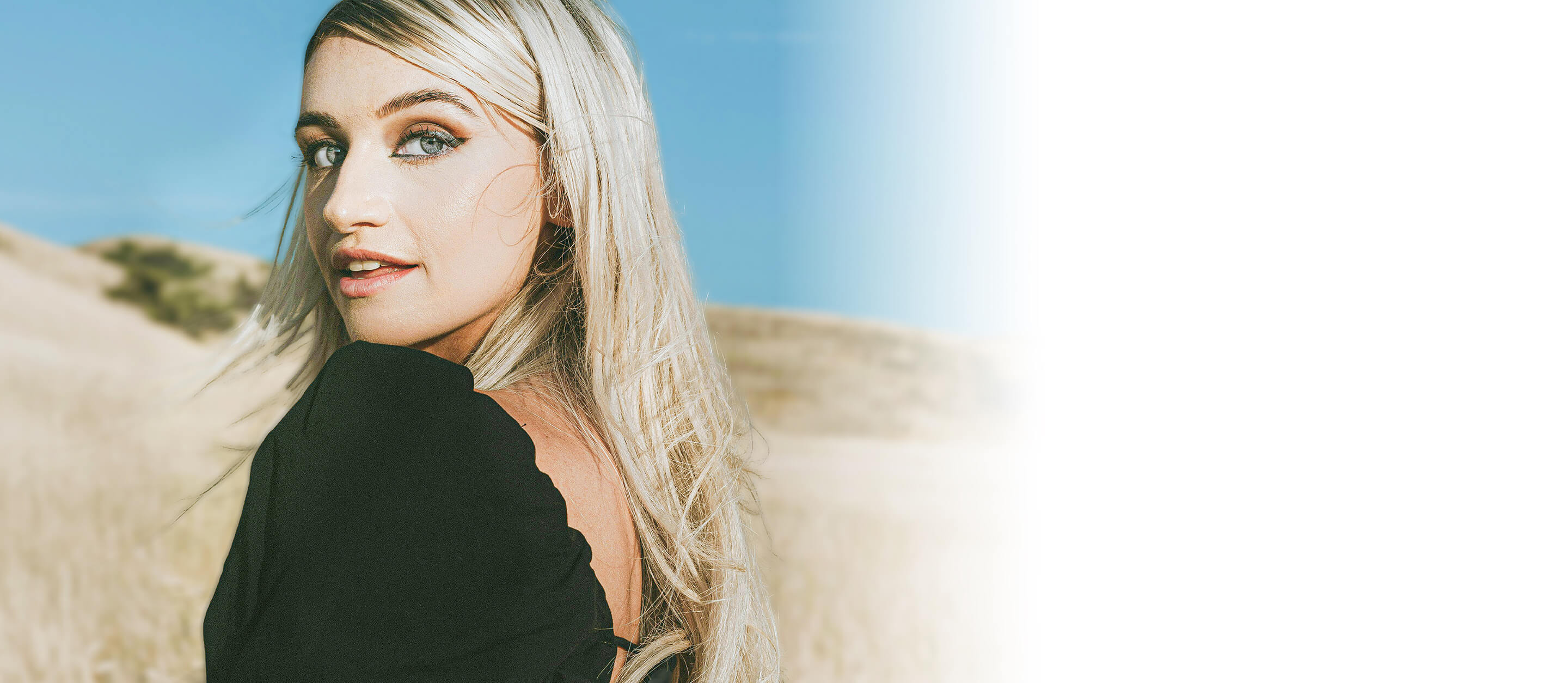
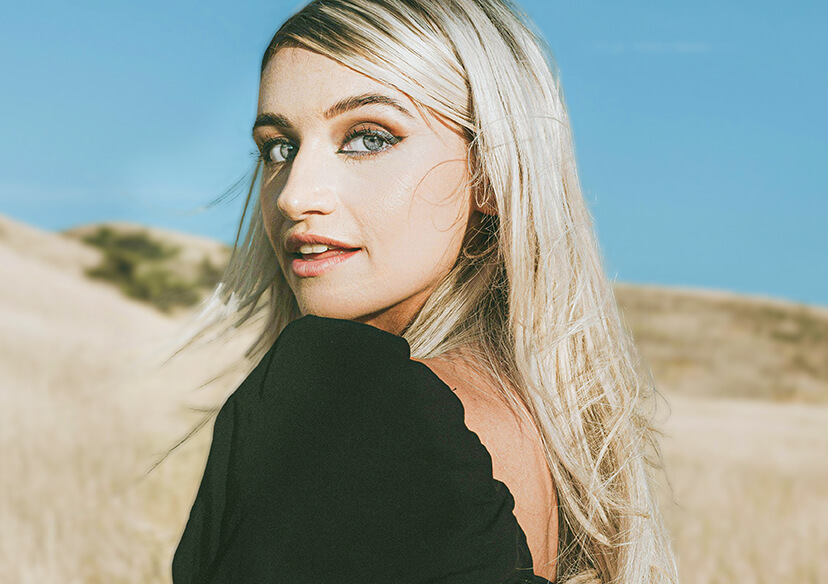
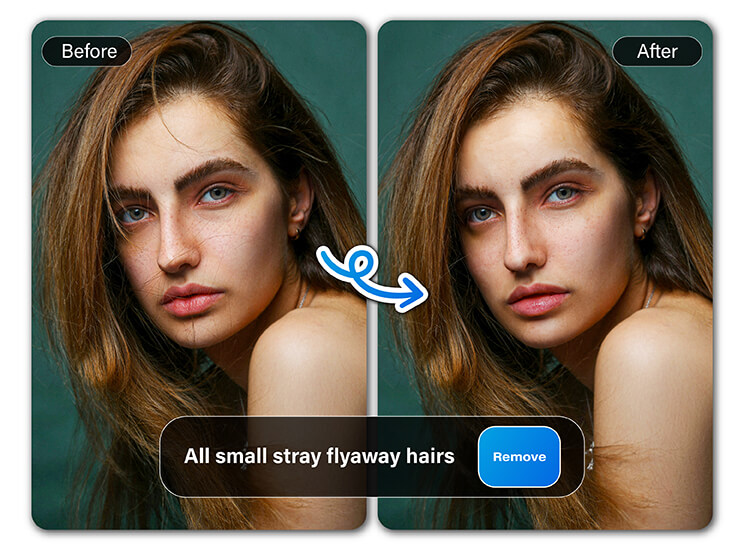
Tame frizz and fix flyaway strands in photos with YouCam Online Editor.




Benefits of Hair Remover Photo Editor
Enhance Professional Headshots
Professional headshots need to look clean and polished. A hair removal photo editor removes stray hairs and frizz to help you look your best. Whether for LinkedIn, portfolios, or company websites, the AI ensures you present a sharp, professional image. Editing becomes faster and easier than ever. Stand out with confidence in every headshot.
Fix Flyaways in Selfies
Even the best selfies can be ruined by a few stray hairs. A hair remover photo editor quickly smooths flyaways for a polished look. With just one click, you can ensure every portrait looks flawless. It’s perfect for social media posts or profile pictures. Say goodbye to distracting strands and hello to effortless beauty.
Retouch Candid Moments
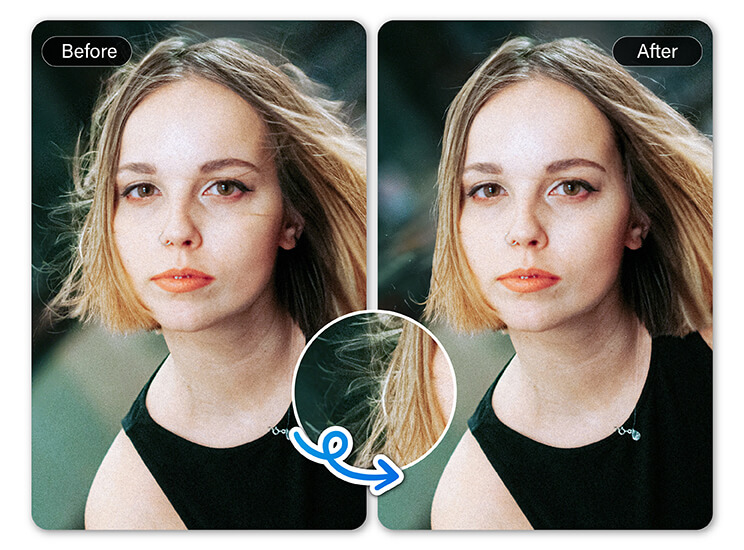
Candid photos capture the best memories, but hair issues can ruin the shot. A hair remover photo editor fixes unexpected flyaways or messy strands in seconds. This ensures your photos stay authentic while looking flawless. Perfect for weddings, parties, or casual moments. Make every memory frame-worthy without complicated editing.
How to Use Hair Remover Photo Editor
Editing away stray hairs and frizz has never been easier. With just a few simple steps, you can achieve flawless, natural-looking hair in your photos.
Upload Your Photo
Choose the image you want to edit from your device or cloud storage.

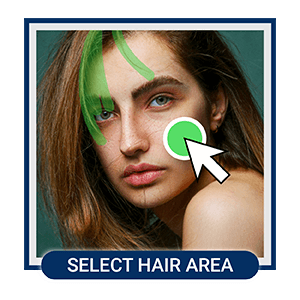
Navigate to AI Object Removal
Select the hair or flyaways you want to remove. Let the AI hair remover photo editor work its magic instantly.
Save Your Edited Photo
Download the polished photo to share online or keep in your personal collection.
FAQs
How to remove hair in photo editing?
You can remove stray hairs by using a hair remover photo editor with AI tools, like YouCam Online Editor. Simply upload your photo, highlight the flyaways, and the software automatically smooths them out for a natural look.
How do I edit a photo to remove hair?
Use an AI hair remover photo editor, such as YouCam Online Editor. Upload your photo, select the unwanted strands, and the AI tool cleans them up instantly for a polished finish.
How to edit hair in photo free?
Many free editors, like YouCam Online Editor, let you use a hair removal photo editor online. You can smooth flyaways and frizz without downloading software.
And if you want toquickly fix flyaways, tame frizz, or make every headshot look flawless on app, you can download YouCam Perfect.
With just a few taps, this app lets you remove stray hairs, smooth frizz, and enhance your photos like a pro—perfect for selfies, group shots, or professional headshots. Say goodbye to messy hair and hello to picture-perfect confidence!
Is AI photo editing good for hair retouching?
Yes, AI tools are ideal because they save time and deliver realistic results. A hair remover photo editor can retouch hair in seconds.

