



AI Headshot Generator App
Create professional headshots instantly for LinkedIn, resumes, and business profiles—no photoshoot needed.
Download App for FreeCreate Your Headshot OnlineInstant Studio-Quality Results
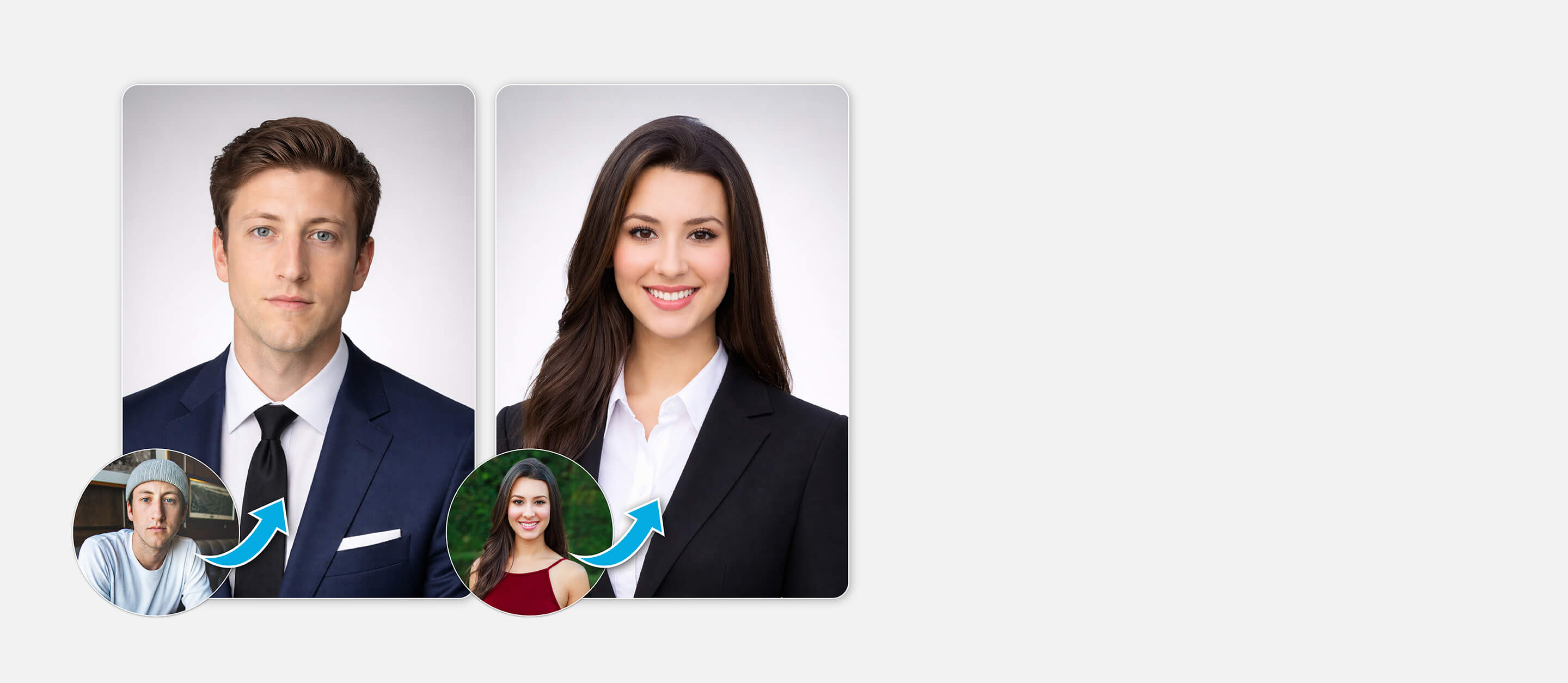
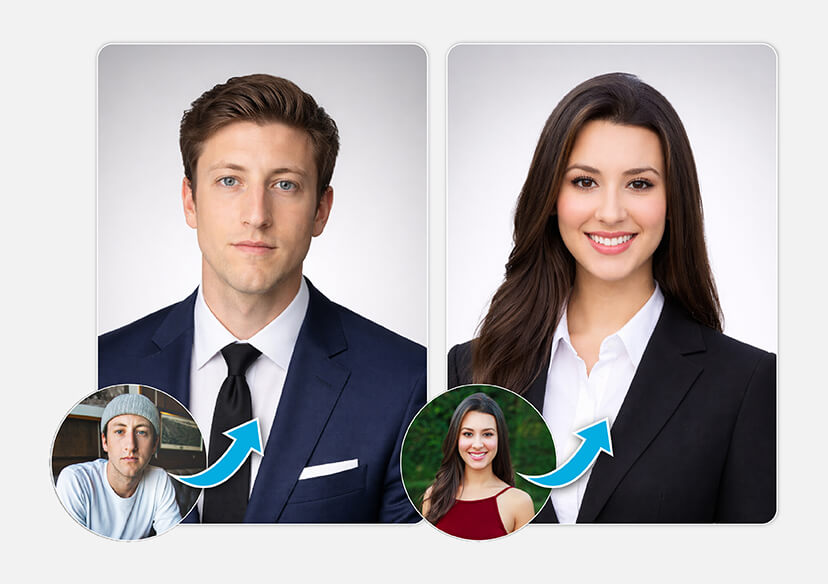
Skip the expensive photoshoots and long editing times. With YouCam AI headshot generator app, you can generate studio-quality headshots in seconds, complete with perfect lighting, clean backgrounds, and professional styling.
Smart Facial Enhancement for Natural Results
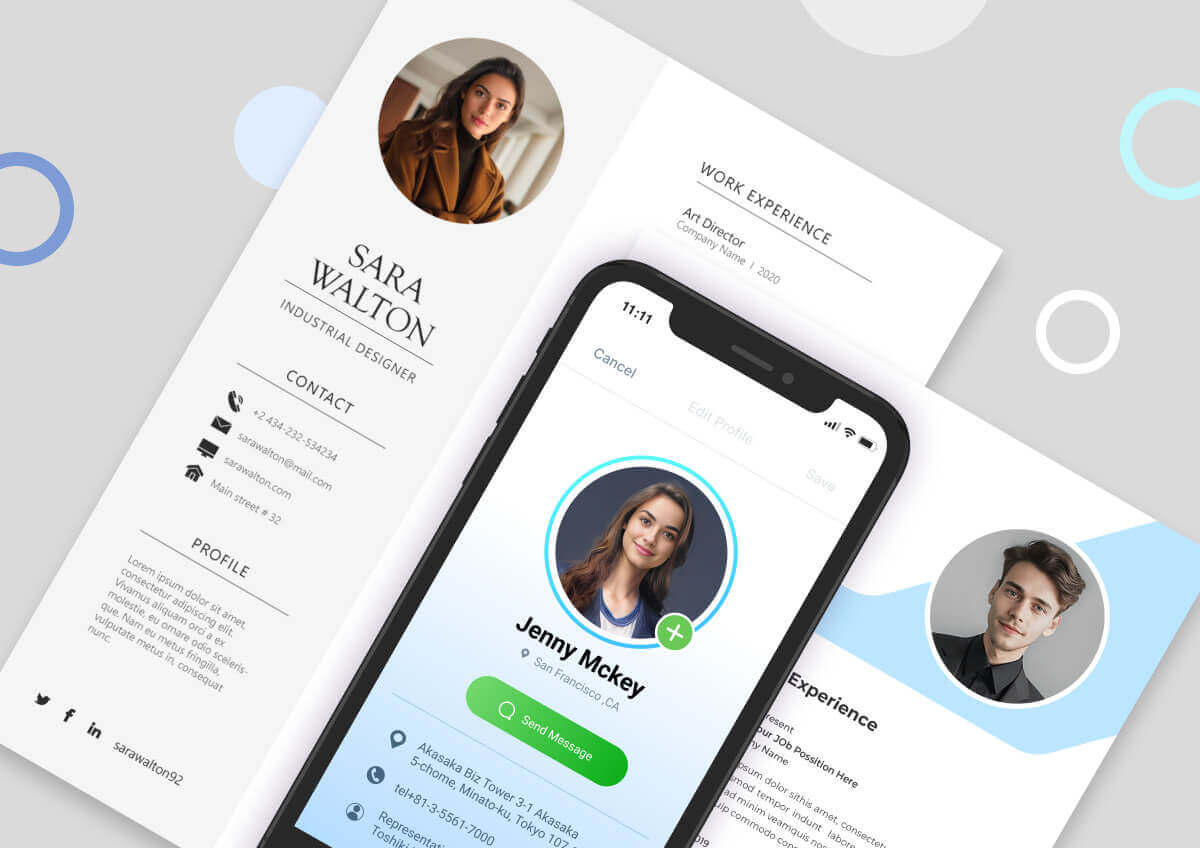
Unlike traditional filters, our AI enhances your features while preserving your natural look. It refines skin tone, adjusts lighting, and improves clarity—ensuring your headshot looks like the best version of you.
Multiple Professional Styles in One Tap
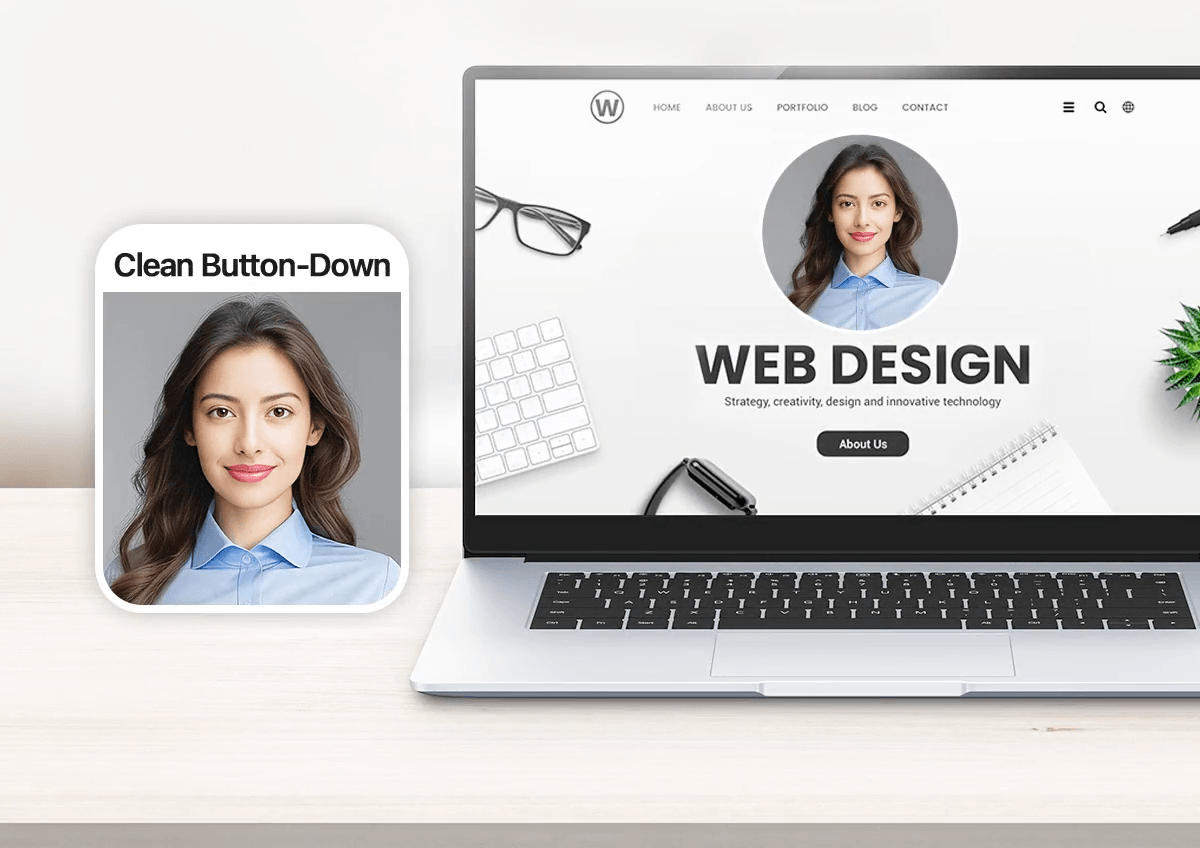
From corporate and business casual to creative and lifestyle looks, YouCam AI headshot generator app offers a wide range of styles tailored to your needs. Instantly switch backgrounds and outfits to create the perfect image for every platform.
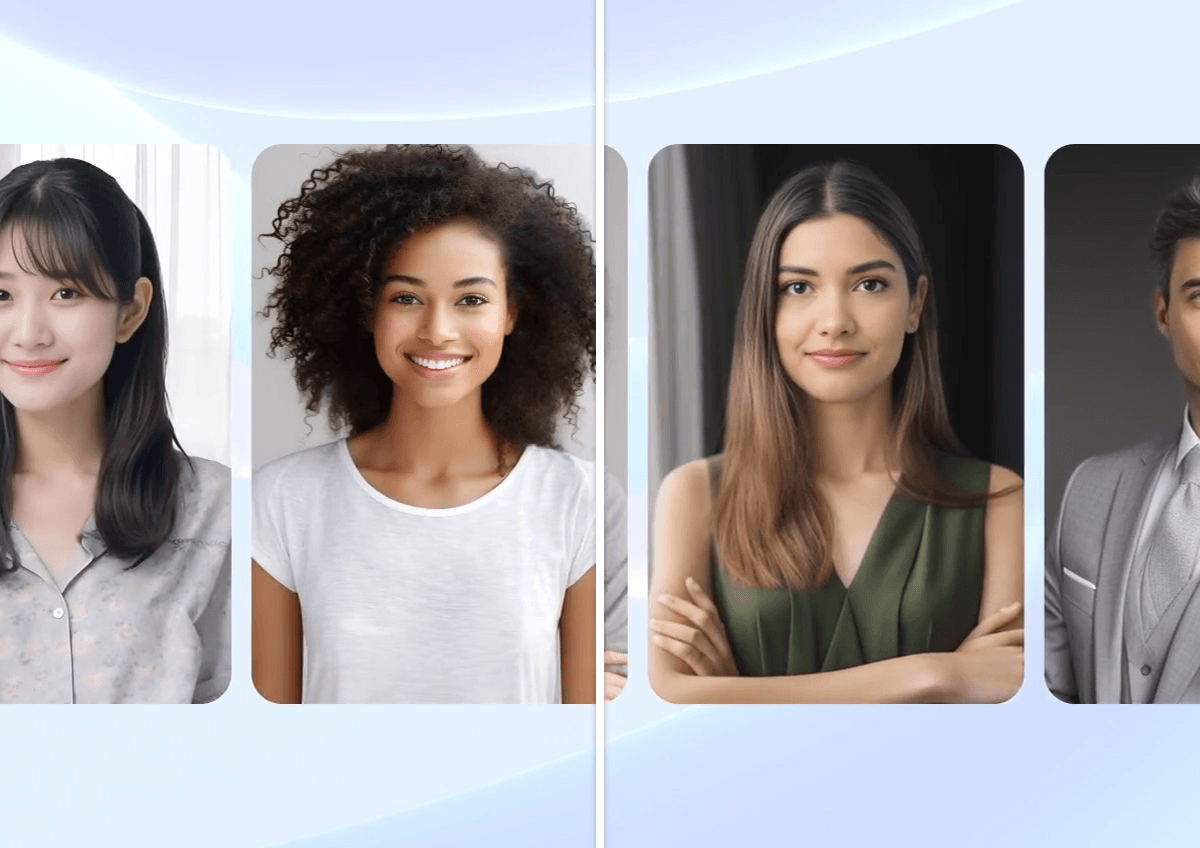
How to Create Headshots with AI Headshot Generator App
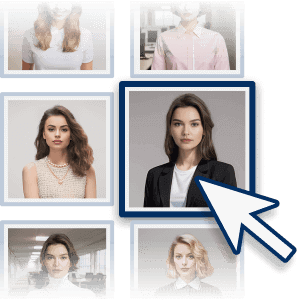
Select Your Preferred Headshot Styles
Whether you need a polished corporate look for LinkedIn, a relaxed business casual style, or a more creative aesthetic, YouCam AI headshot generator app offers multiple options to match your personal brand.
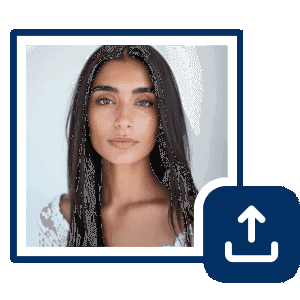
Upload High-Quality Photos
Upload several clear, high-resolution photos of yourself to achieve the best results. For accuracy, choose images with good lighting, minimal background distractions, and visible facial features from different angles.
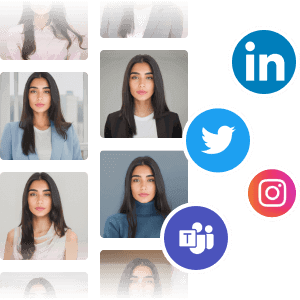
Generate and Download Your AI Headshots
Once your photos are uploaded, the AI processes your images and generates a variety of professional headshots within minutes. Review the results, select your favorite images, and download them.
FAQs About AI Headshot Generator Apps
Is it okay to use AI for headshots?
Yes, using AI-generated headshots is generally acceptable, especially for professional profiles and personal branding. The key is to choose results that accurately represent your real appearance. Avoid overly altered images that may appear misleading or unrealistic.
Can AI-generated headshots be misleading?
They can be if over-edited. Some AI tools may smooth skin, adjust facial features, or enhance attractiveness. To maintain credibility, it’s best to select headshots that still look like you in real life and reflect how you present yourself.
Can LinkedIn detect AI photos?
Currently, there is no official indication that LinkedIn actively detects or flags AI-generated headshots. What matters most is that your profile photo looks professional and authentically represents you.
Can you make professional headshots with AI?
Yes. Modern AI headshot generator apps can create studio-quality, high-resolution images suitable for LinkedIn, resumes, portfolios, and business use—without needing a photographer.
Is it okay to use an AI headshot on LinkedIn?
Yes, as long as the image is professional, realistic, and not deceptive. Many professionals use AI headshots to improve their profile while maintaining a polished and consistent personal brand.

