






Remove Photo Noise - YouCam AI Image Denoiser
Effortlessly remove noise and grain with the YouCam AI Image Denoiser for crystal-clear, sharper photos.Sign up to get 5 credits free.

YouCam AI Image Denoiser
- Advanced AI Denoising: Cutting-edge AI removes image noise, preserving natural textures and sharpness for clearer photos.
- 2X Enlargement, No Quality Loss: AI upscale doubles image size, maintaining detail—ideal for subtle image noise reduction.
- Efficient Batch Processing: Denoise up to 50 images simultaneously for fast, consistent photo noise reduction.
- Wide Format Support: Supports JPG, PNG, TIFF, and GIF.

How to Disnoise an Image Using AI Image Denoiser
Quickly remove photo noise and grain with YouCam AI Image Denoiser. Upscale images up to 4X and batch process up to 50 photos at once for fast, high-quality results on web or mobile.

Batch Upload Photos
Easily select and upload up to 50 images at a time for efficient picture noise removal. Supported formats include JPG, PNG, TIFF, and GIF.


Powerful AI Denoising
Advanced ai denoiser detects and removes noise like grain and static, sharpens details, and upscales photos, preserving clarity and quality without loss.

Preview Your Images
Check the enhanced photos for improved clarity and detail, then quickly download them in optimized formats suitable for any device or platform.

Forget complex editing!
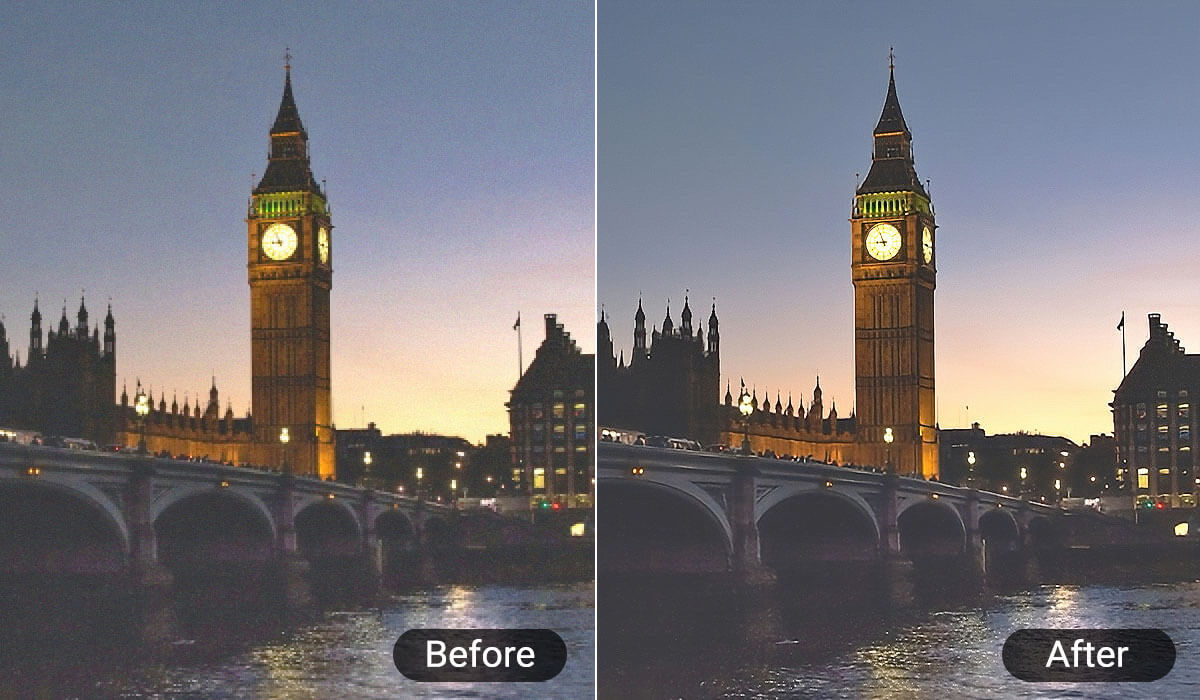
Noise Reduction for Nighttime Cityscapes
Photos taken in low light or with high ISO often suffer from grain and noise. YouCam AI denoisers significantly reduce noise while retaining details and vibrant color, providing clearer night photos using top-level picture denoise technology.
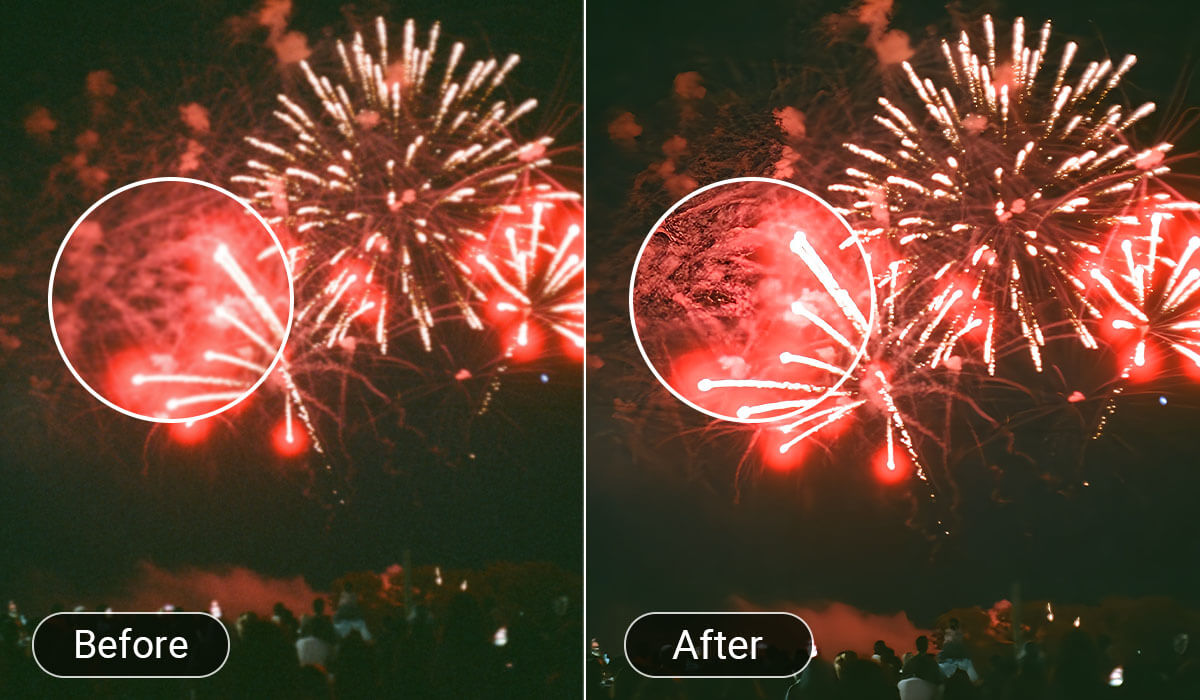
Denoising Photos with Blurry Light Sources
Photos taken near strong but blurred light sources, such as street lamps or neon signs, tend to appear noisy with distracting grain. AI denoiser removes the grain without compromising the glow or softness of the lights, improving image clarity and overall aesthetic balance.
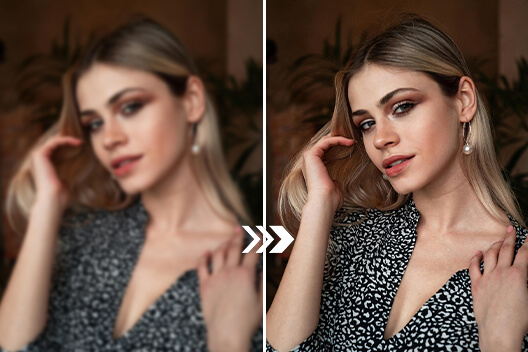
Enhancing Birthday Celebration Photos
Birthday parties often happen indoors or in dim lighting, causing photos to have noise artifacts from low-light conditions. AI denoisers clean up noise pic by removing grain and enhancing facial details, making memories of special moments more vivid and professional-looking without losing warmth from ambient lighting.
Reducing Noise in Campfire Photos
Campfire scenes are challenging due to flickering firelight and generally dark surroundings. AI denoisers reduce noise caused by high ISO settings and dynamic lighting, preserving the warm colors of the fire and the ambiance of the night outdoor environment, resulting in cozy and clear pictures.
Cleaning Up Candlelight Dinner Pictures
Candlelit dinners produce beautiful but noisy images because of the dim and warm lighting. AI denoisers remove the noise while maintaining the soft, romantic glow of the candles, enhancing the intimacy and detail of portrait and food photos taken in such low-light, mood-setting scenarios.

Image Denoiser: FAQs for Crystal Clear Images - Tackling Noise
How does an AI denoiser work?
An AI denoiser uses machine learning algorithms to analyze image noise patterns such as grain or speckles and selectively remove them while preserving important photo details. This process, central to ai denoise, results in clearer, sharper images without blurring. YouCam AI Denoiser employs deep learning to intelligently clean image noise while retaining fine details.
Can AI denoising software remove noise from footage effectively?
Yes, many AI denoising tools effectively remove various noise types, especially in low-light or shaky conditions, improving the quality by reducing grain and distortion without losing important details. YouCam AI Denoiser provides a user-friendly solution that quickly cleans up noise in videos for clearer results.
What are the benefits of using an AI denoiser?
Benefits include enhanced clarity, detail visibility, a professional look, improved viewer experience on social media, and often optimized file sizes. AI denoisers outperform traditional methods by targeting noise without sacrificing sharpness, especially when handling complex tasks such as denoise level noise.
How do I remove noise from a photo on a mobile device?
You can use apps with AI denoising features that allow you to upload photos and apply denoise filters easily. The YouCam Enhance app, for instance, offers a one-tap AI Denoise function to automatically reduce noise for mobile users, making video enhancement quick and accessible.
What causes noise in image?
Noise results from low light, shaky or unstable camera movement, and lower-resolution sensors, appearing as grain or speckles degrading clarity. Tools supporting denoiser to picture noise removal effectively reduce this.
Does AI denoising affect important video details?
Modern AI denoisers aim to preserve or enhance key photo details while removing noise. Using trained neural networks, they differentiate true content from noise to avoid blurring or loss of sharpness, as seen in YouCam AI Denoiser’s approach.
Is AI denoising suitable for enhancing social media videos?
Absolutely. AI denoising, including ai denoise and related technologies, produces clearer, sharper videos ideal for platforms like TikTok, Instagram, and YouTube. YouCam AI integrates denoising with other editing tools to help creators produce professional-quality, optimized images for social sharing.

