



Image to Video App
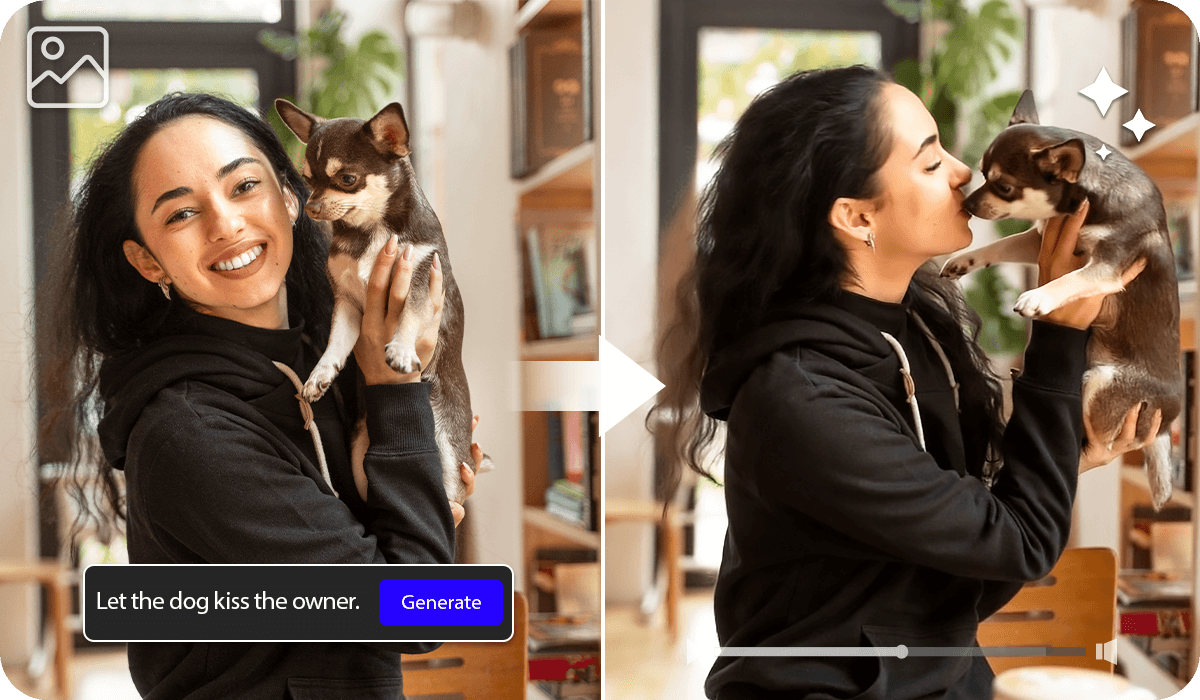
Convert any image into a video using AI video generator app, YouCam Video. Simply write a prompt or choose from a variety of templates to animate your photo.
Download App for FreeTry It OnlineHow to Use Image to Video App
With an app to make video with pictures, you can bring your pictures to life effortlessly! Here's the step-by-step tutorial:
Select a Template
First, open the YouCam on your device. Tap Image to Video and pick a template that suits your style. From heartfelt hugs to sweet kisses, lively dances, and more, there’s a wide variety to choose from!


Upload Your Photo
Once you’ve picked a template, upload your photo. You can use a duo photo or two separate solo photos depending on the effect you want to achieve.
Pro Tip: Make sure faces are clearly visible and not cropped or blocked
Click on Generate
Before hitting Generate, you can tweak the video length to suit your preference. Once ready, let the AI process your image and transform it into a dynamic video in just seconds.
AI Dance: Make the Photo Dance
Powered by motion synthesis and generative AI, YouCam AI image to video app analyzes facial features and body positioning to apply realistic movements—so your photos don’t just “move,” they feel alive.

Built on Advanced Multi-Model AI
To deliver high-quality results, YouCam AI image to video app integrates multiple AI models like PixVerse, Seedance, Kling, Google Veo, Wan and Hailuo for different animation styles.
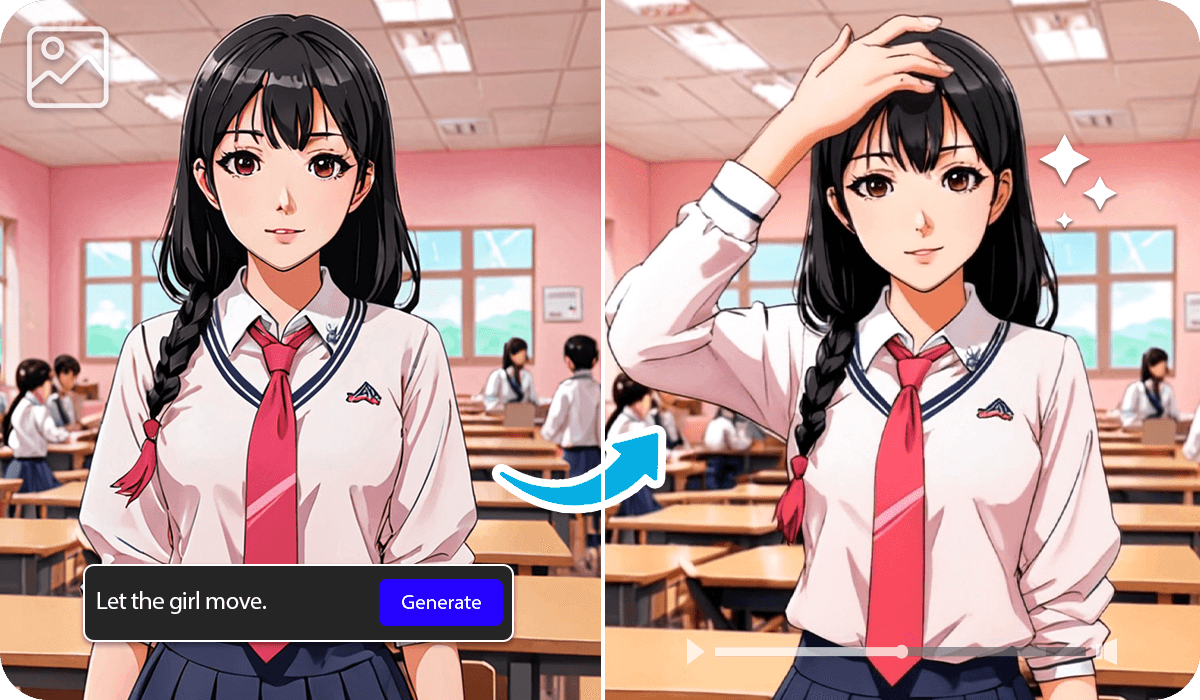
Animate Manga Characters with AI
Ever wondered what it would be like to see your favorite anime characters come to life? With AI animation technology, you can convert characters into short video where they blink, move, and express emotions.
Choose from 30+ popular templates designed to make your photos come to life—no editing skills needed. Simply pick a style you like and turn any image into a smooth, eye-catching video in seconds.
Best AI Video Generator App FAQs
What is "Image to Video"?
"Image to Video" is a feature in YouCam Video that allows you to transform still images into dynamic videos. With this tool, you can easily turn static images into lively, engaging video clips.
How does an image to video app work?
An image to video app uses AI to analyze your image and generate motion based on your input. You can upload a photo, write a prompt (e.g., “make the character blink and smile”), and the AI will create a short animated video that matches your description.
What types of images can I use in an image to video app?
You can use portraits, selfies, illustrations, anime characters, or even old photos. For best results, choose high-quality images with clear subjects.
Can I animate anime characters with an image to video app?
Yes, most image to video apps work well with anime-style images. You can animate facial expressions, add subtle movements like blinking or hair motion, or even create action scenes depending on the app’s capabilities.
What are the best uses for an image to video app?
Image to video apps are great for social media content, storytelling, marketing visuals, anime animations, and bringing old photos to life. They are especially popular for creating short, engaging videos quickly.

