



AI Jawline Editor: How to Sharpen Jawline online
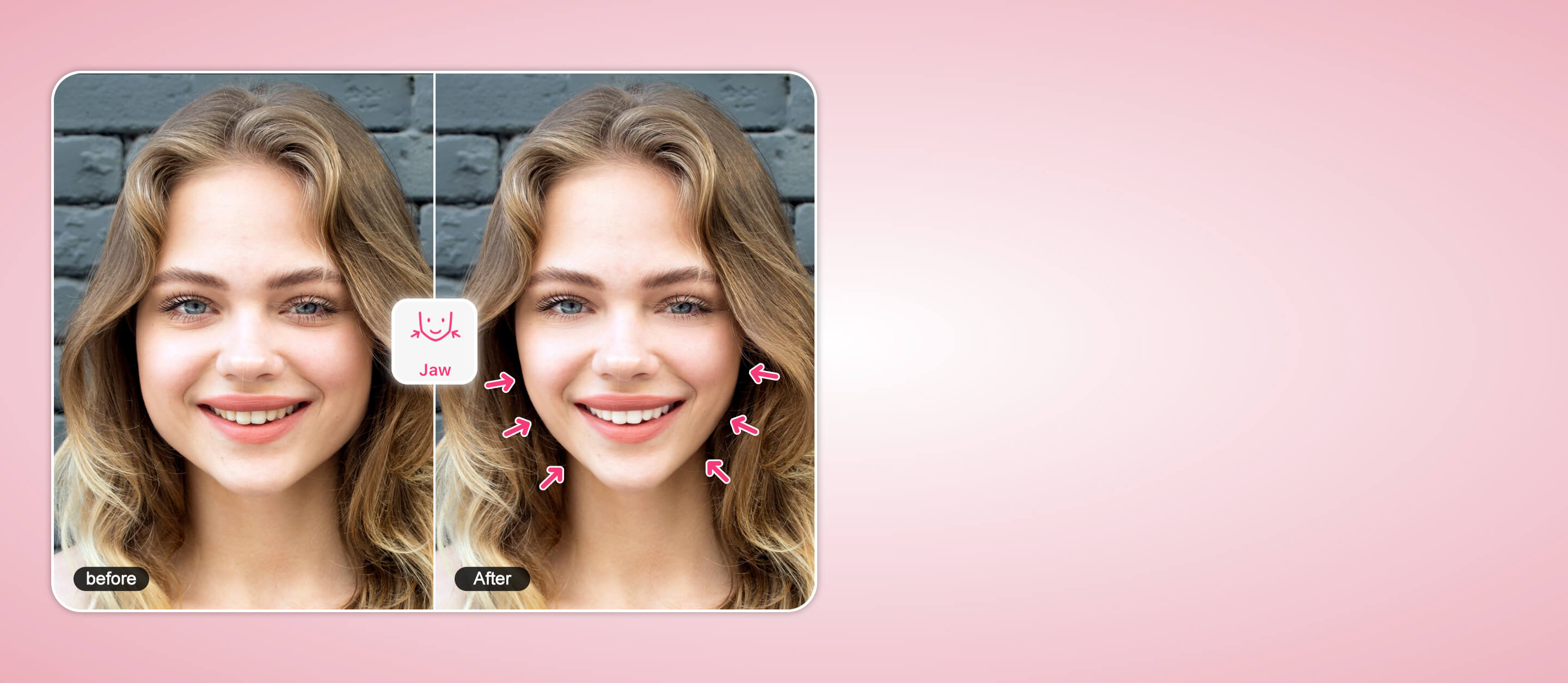
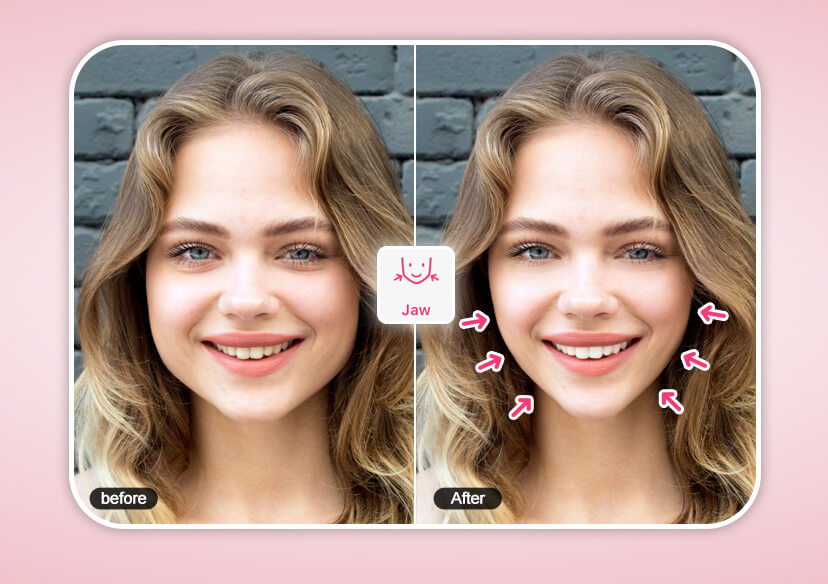
Our AI jawline editor is a smart, automatic engine that understands facial anatomy. This tool fixes your jaw shape in seconds while keeping the rest of your photo perfectly intact.





Get a Model-Like Jawline Instantly
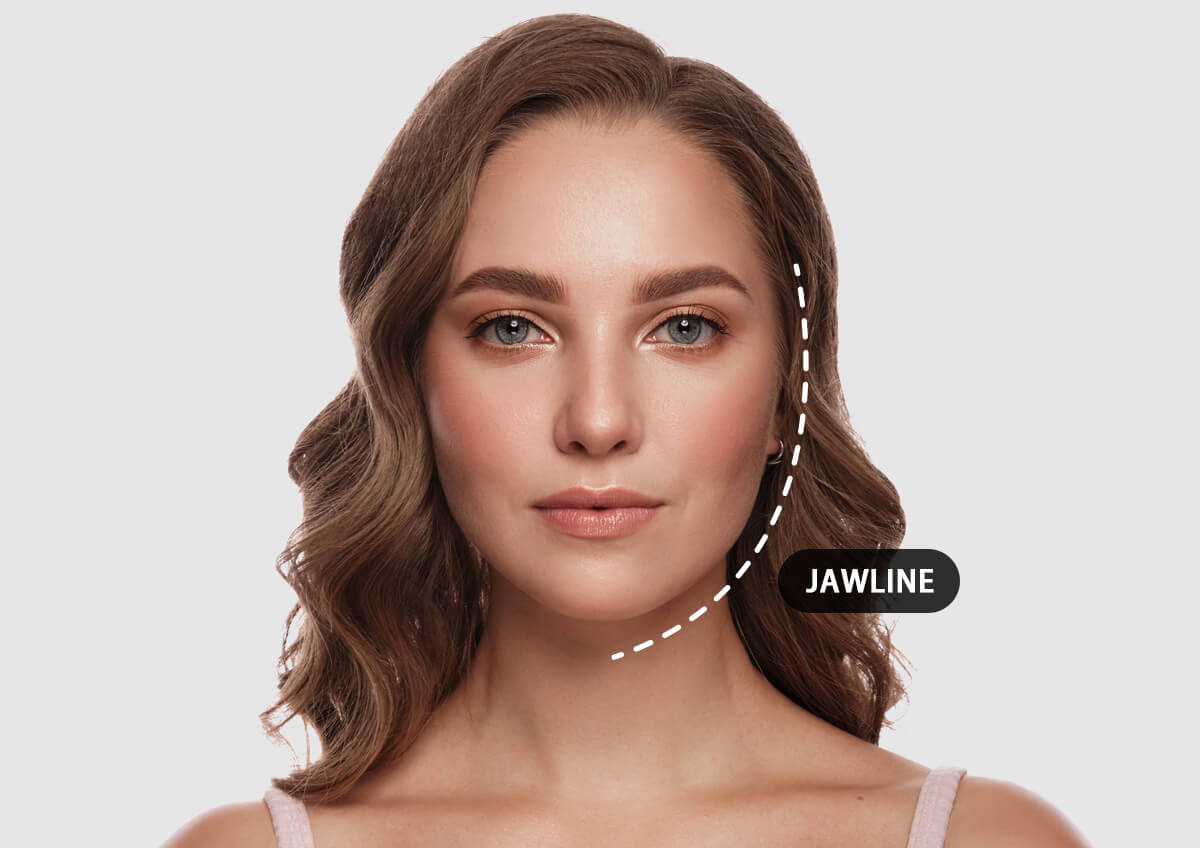
Our AI analyzes your bone structure to reshape your face for a natural, not “filtered,” look.
- Sharpen it: Create a bold, high-fashion look with a strong mandibular line.
- Soften it: Opt for a smoother, "baby-face" aesthetic for a friendly, approachable vibe.
How to Sharpen Jawline Online with AI (4 Easy Steps)
Ready to transform your profile? Follow this simple roadmap to get results in under a minute:
Upload Your Photo
Drop your favorite portrait or selfie into the editor.

Select Face Reshape Tool
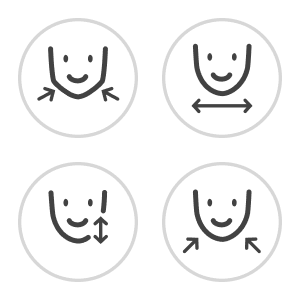
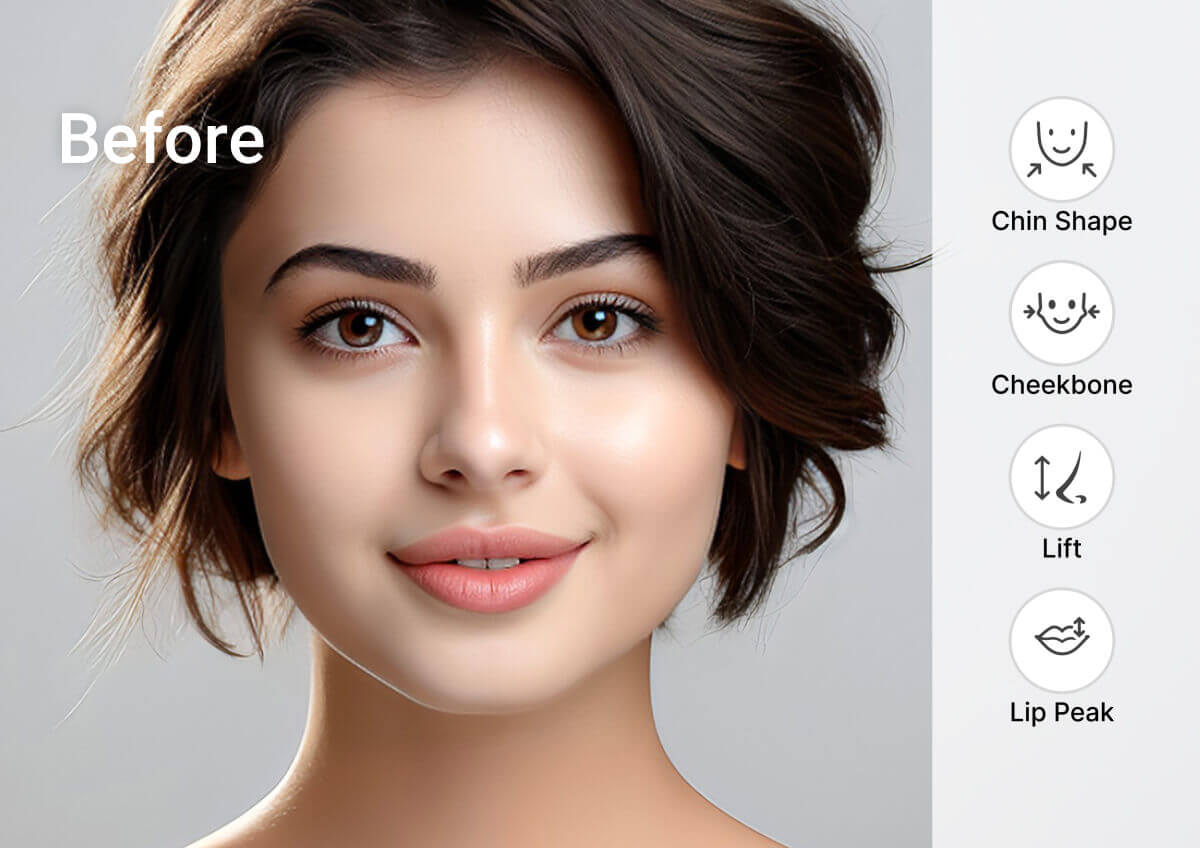
Navigate to the AI-powered facial retouching section. Choose from ‘Cheekbone’, ‘Jawline’, ‘Chin’, and more.
Edit with Slider
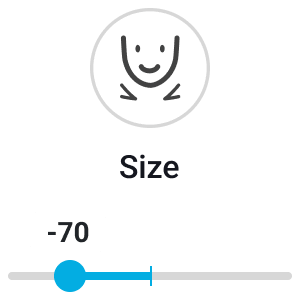
Simply move the slider to find your perfect balance. The AI does the heavy lifting.
Download Your Flawless Portrait
Compare the "Before" and "After," then download your high-resolution masterpiece.
Effortlessly Remove Double Chin with AI
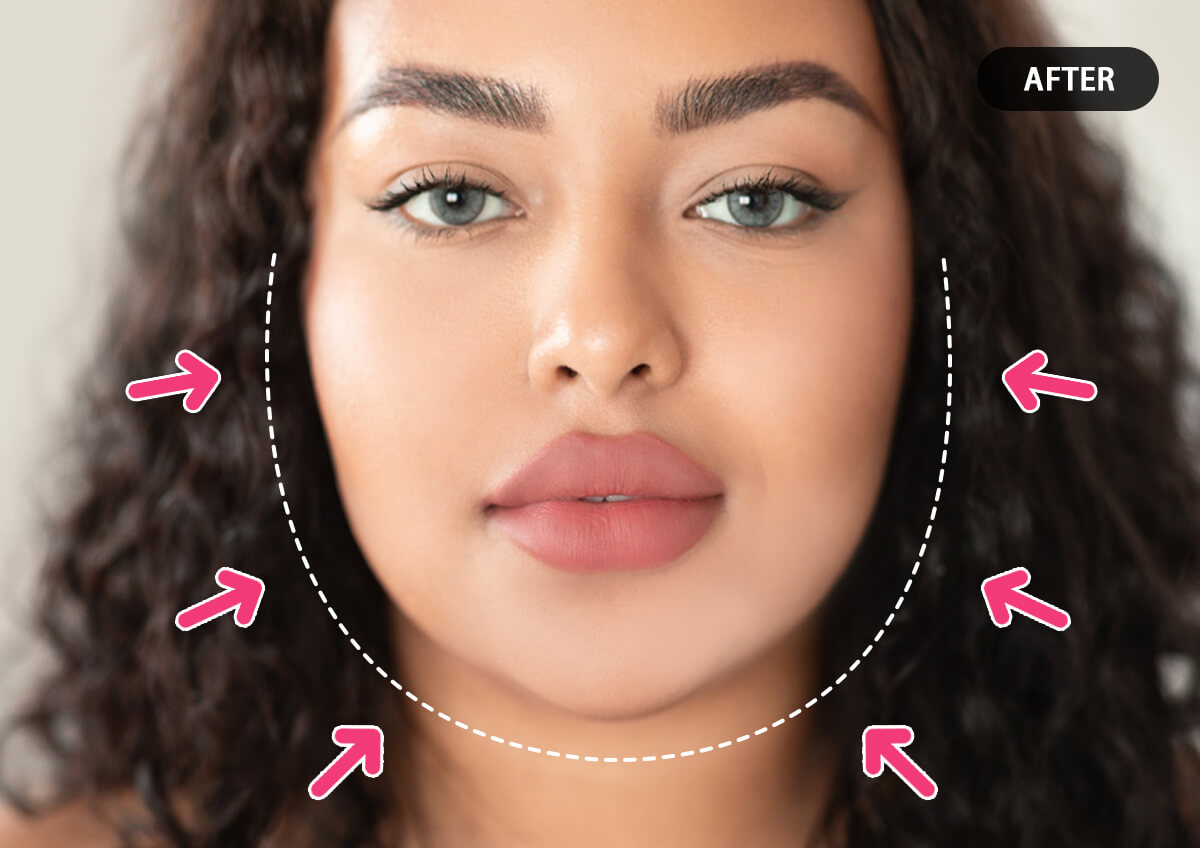
Our AI intelligently identifies the neck and chin area, tightening the skin and smoothing out the transition. It creates a sleek, streamlined profile that looks like you just mastered your best “model pose”.
Best AI Face Editor in One Place
Why stop at the jaw? Access a full suite of tools designed to make your content pop:
- Face Reshaping: Adjust chin length, cheekbones, and face width.
- Skin Smoothing: Erase blemishes while keeping natural skin texture.
- Lighting Correction: Enhance your features with virtual studio lighting.
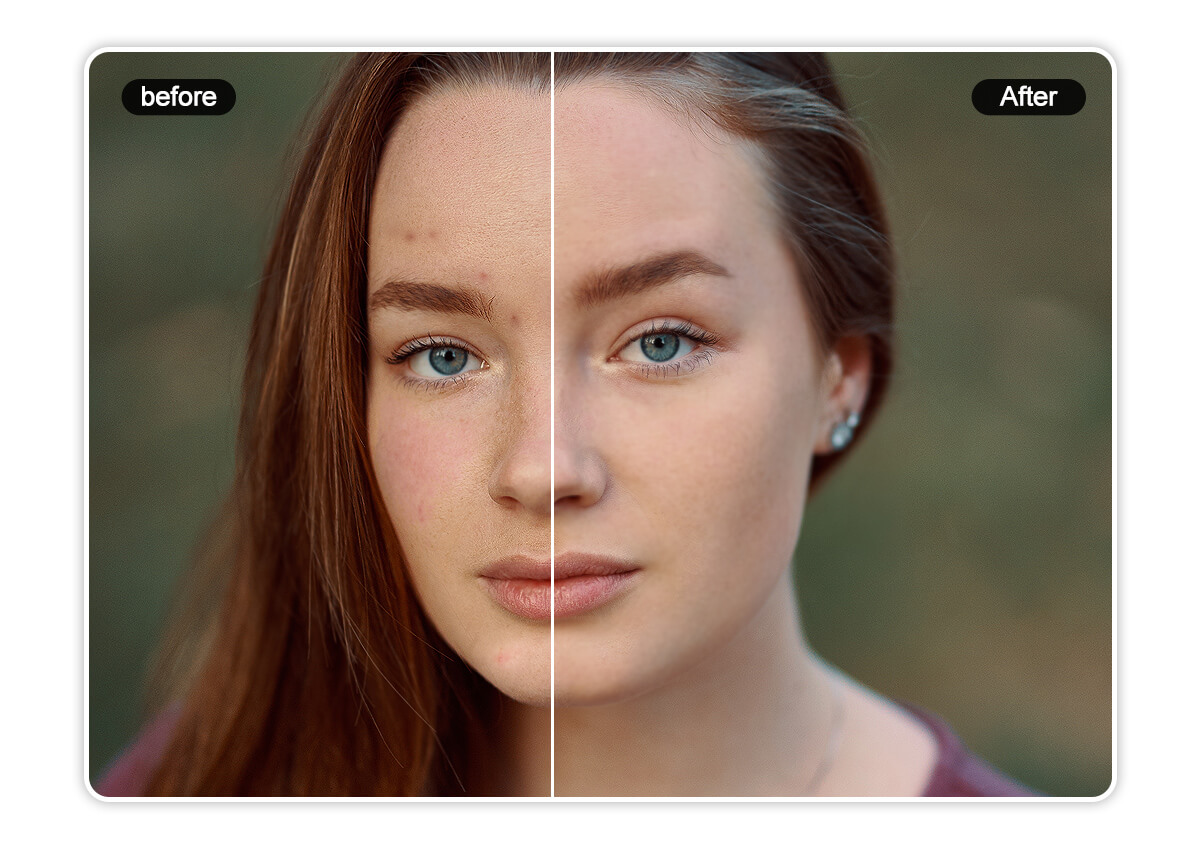
Skin Smoother
After removing blemishes and wrinkles, use YouCam Online Editor’s skin smoother to instantly refine your complexion, smooth your skin and achieve flawless, radiant skin—no skincare treatments needed.
How to Sharpen Jawline FAQs
Is there an actual way to get a sharper jawline?
In real life, it involves facial exercises or posture. In photos, the fastest and most realistic way is using an AI jawline editor that mimics natural shadows and bone structure.
How to sharpen the jawline in a photo?
The most effective way is using a slider-based AI tool. This ensures the proportions remain balanced and the background doesn't distort.
How to flex jawline in photos?
While you can "mew" or push your tongue against the roof of your mouth during the shoot, AI editing allows you to enhance that "flexed" look post-capture for maximum impact.

