



Best Online AI Mermaid Filter
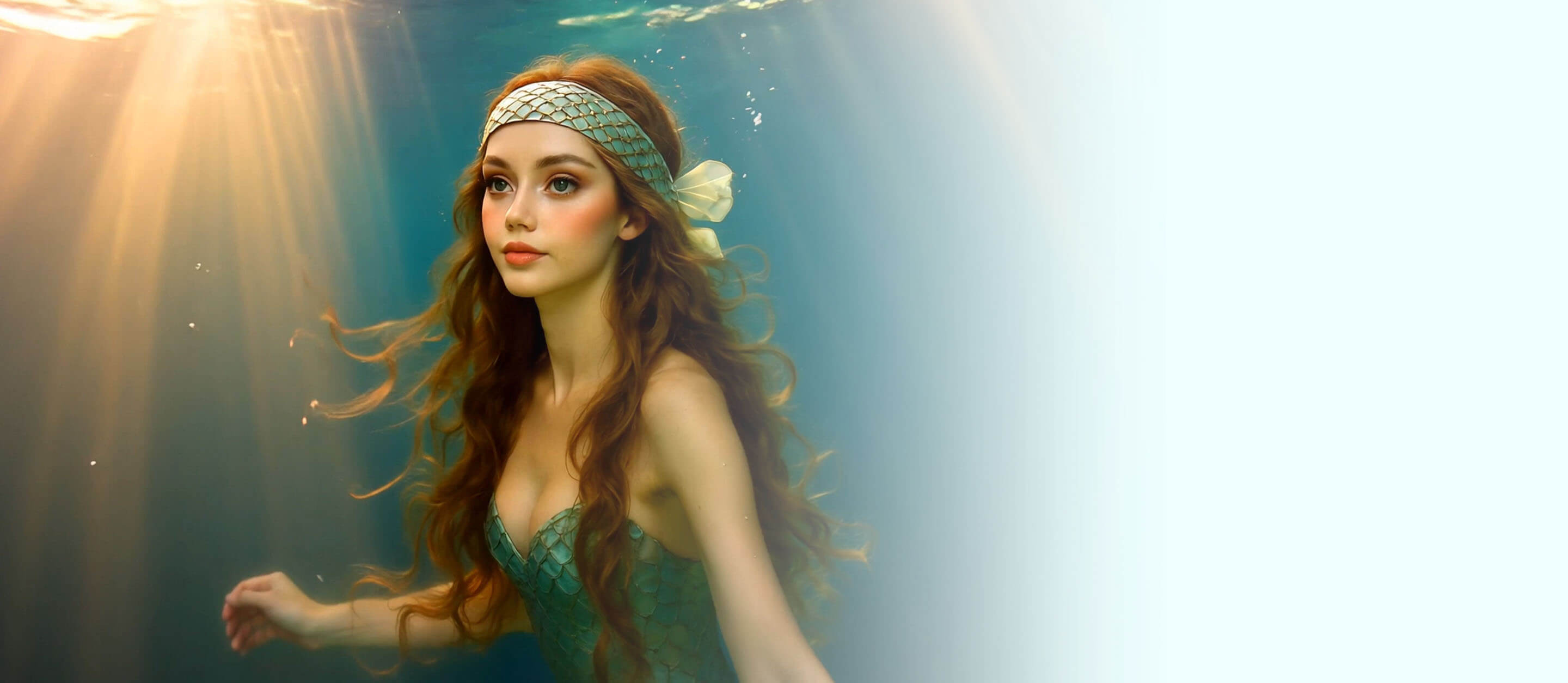
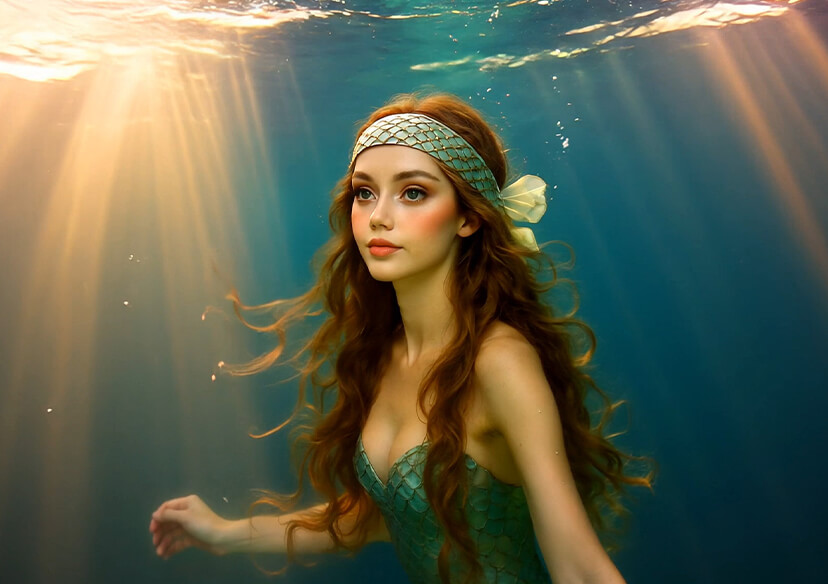
Transform your photos into enchanting underwater scenes with our free online AI mermaid filter! Whether you want a whimsical mermaid look for social media or to animate a fantasy character, this is the best mermaid filter for creating magical content in seconds.
How to Apply AI Mermaid Filter
Upload Your Photo or Picture
First, transform your photo into a mermaid version using an AI image generator like YouCam AI Image Generator or ChatGPT. Then upload your the photo to the YouCam AI Image Animator.


Enter Animation Prompt
Input a text prompt describing how you want to animate your photo, or select from the available templates to guide the animation process.
Start AI Animation
Click "Generate" and let the AI transform your image into a mesmerizing mermaid video.

AI Mermaid Filter for Images
Turn your photos into stunning underwater artwork with our powerful AI mermaid filter for images. Simply upload a selfie or portrait and let the AI automatically generate a magical mermaid version. Complete with shimmering tails, flowing hair, and an ocean-inspired background. This is the perfect tool to create viral content or enhance your profile pics with a fantasy mermaid twist.
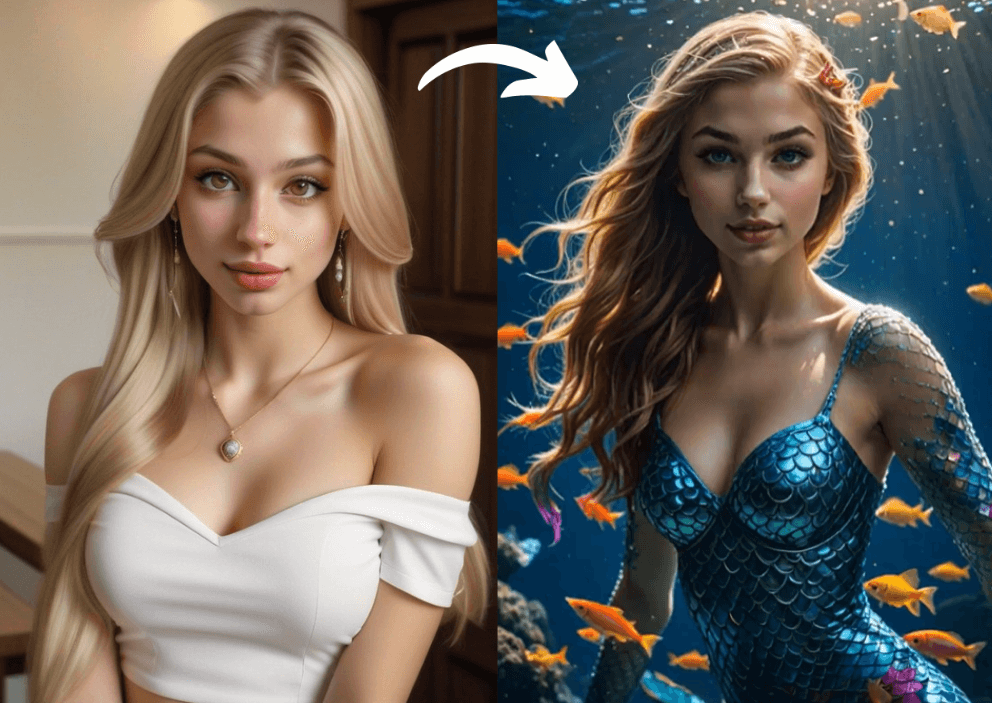
Turn the Photo into AI Mermaid Video
Bring your mermaid transformation to life with our AI mermaid video generator! Start by uploading a photo, then let the AI animate your mermaid look into a dynamic, underwater video. It's ideal for TikTok trends, Instagram Reels, or any platform where eye-catching, fantasy-inspired content goes viral. (Download app to unlock more AI mermaid filter!)
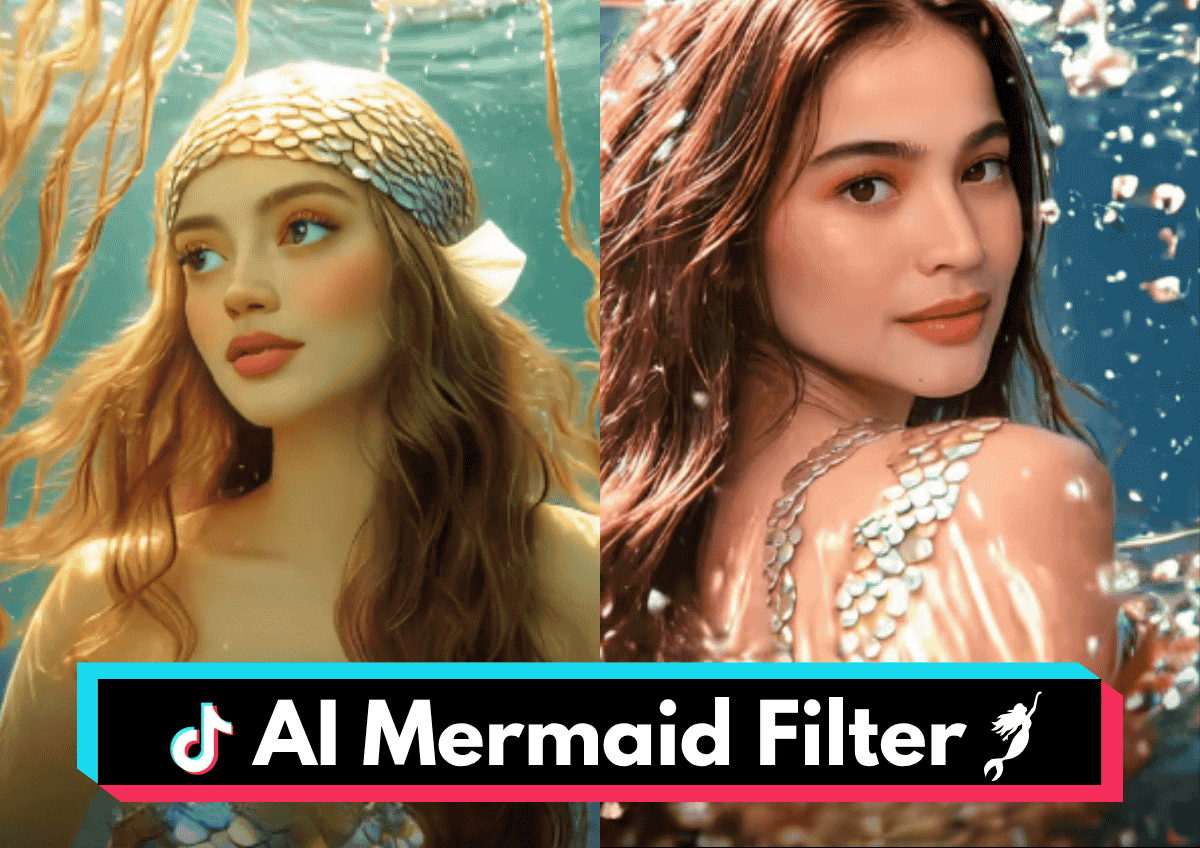
Start to Apply AI Mermaid Filter Now
Frequently Asked Questions of AI Mermaid
Where can I get the AI filter?
You can use our AI mermaid filter directly from your browser without any downloads. Just upload a photo and start generating.
How to make an AI mermaid video?
Use the photo-to-video animation option in our tool. Upload an image, choose a video template, and let the AI turn it into a mermaid video.
How do mermaids transform to humans?
In folklore, mermaids transform through magic or special rituals. In AI-generated content, you can simulate the transformation using our custom filters and animations.
Are TikTok filters AI?
Yes, many TikTok filters use AI. To join the AI mermaid trend, upload your photo to our tool, generate the mermaid look, and post it on TikTok with trending hashtags.
How to do the AI mermaid trend?
- Upload your photo to our AI mermaid filter tool.
- Choose a magical or whimsical mermaid style.
- Generate the video.
- Download and post it on TikTok with hashtags like #AIMermaidTrend and #MermaidTransformation
What is the mermaid trend?
The mermaid trend involves users transforming into mermaids using AI or AR filters and sharing their results on social platforms like TikTok and Instagram.
What is mermaid AI?
Mermaid AI refers to artificial intelligence that generates mermaid-themed images or videos from user inputs like photos or text descriptions.
What is the mermaid manatee effect?
It’s a humorous take on mermaid filters where the AI transformation results in a mermaid-manatee hybrid look, often shared for comedic effect.

