






Best AI Object Replacer: Erase & Replace Objects in Photo Online for FREE
Transform your photos effortlessly with the best AI Object Replacer—YouCam’s free online tool. Whether you’re enhancing vacation memories, perfecting portraits, or elevating product visuals, this intuitive tool lets you erase and replace objects in your photos with just a few clicks. Simply type what you want, and let the AI do the rest.





Level Up Vacation Photos with AI Object Replacer
Make your travel photos unforgettable by swapping out mundane elements for something extraordinary. Say goodbye to dull photos and hello to stunning, share-worthy moments.
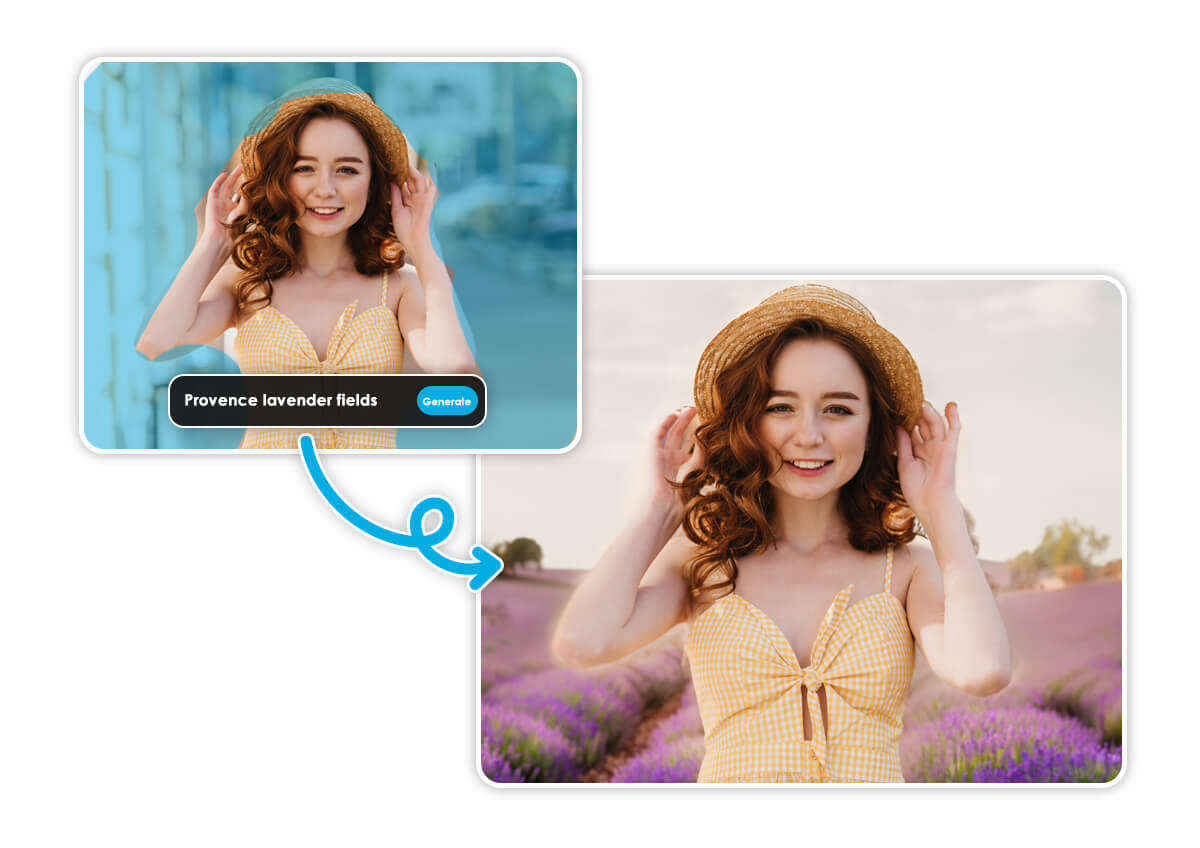
How to Replace Objects from Photos Online?
Using YouCam’s AI Object Replacer is as easy as 1-2-3-4:

Upload Photo
Start by uploading the photo you want to edit.


Color the Area
Highlight the object or area you want to replace.

Enter Prompts
Type a short description of what you want to add or change.

Download Now
Watch the AI work its magic and download your transformed photo.
3 Highlights of the Best AI Object Replacer: YouCam Online Editor
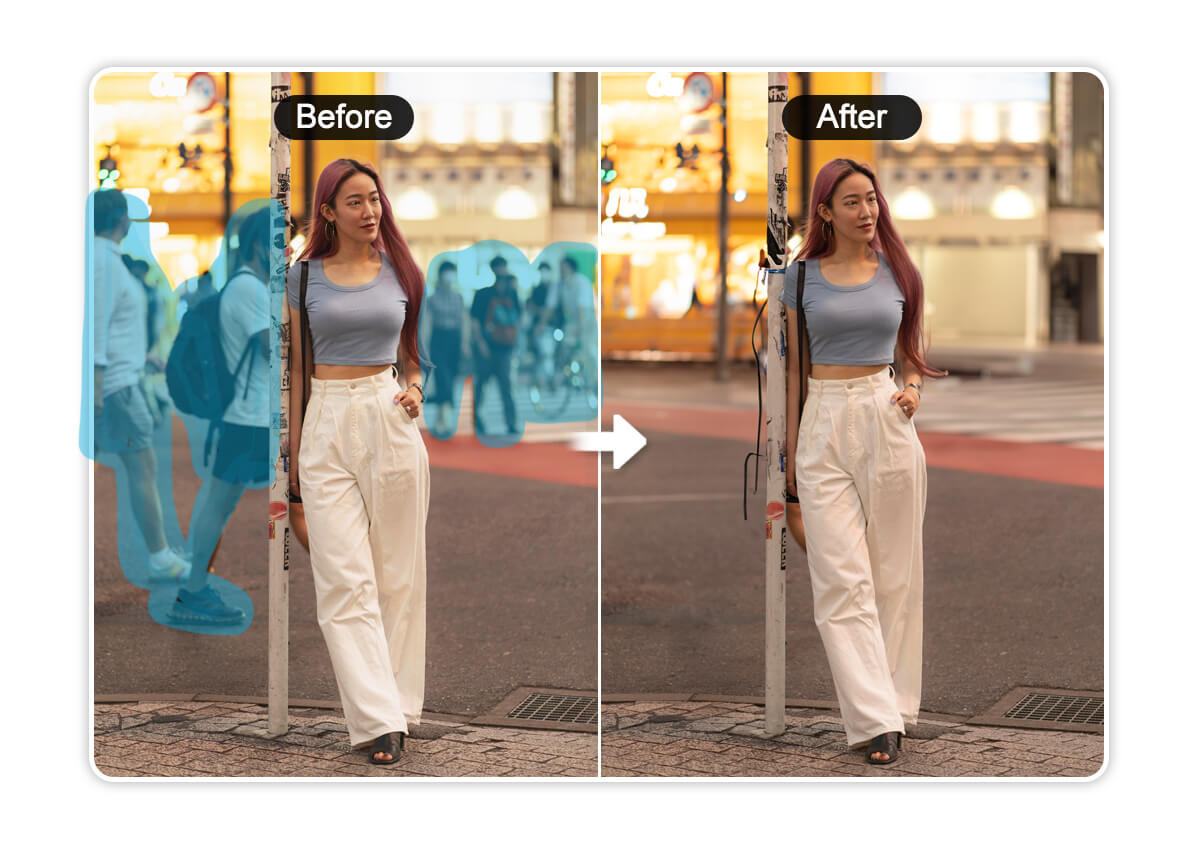
Replace or Erase Photo Bombers
We’ve been there: perfect shot ruined by an unexpected photo bomber. With YouCam’s AI Object Replacer, you can easily erase unwanted intruders or replace them with something more fitting.
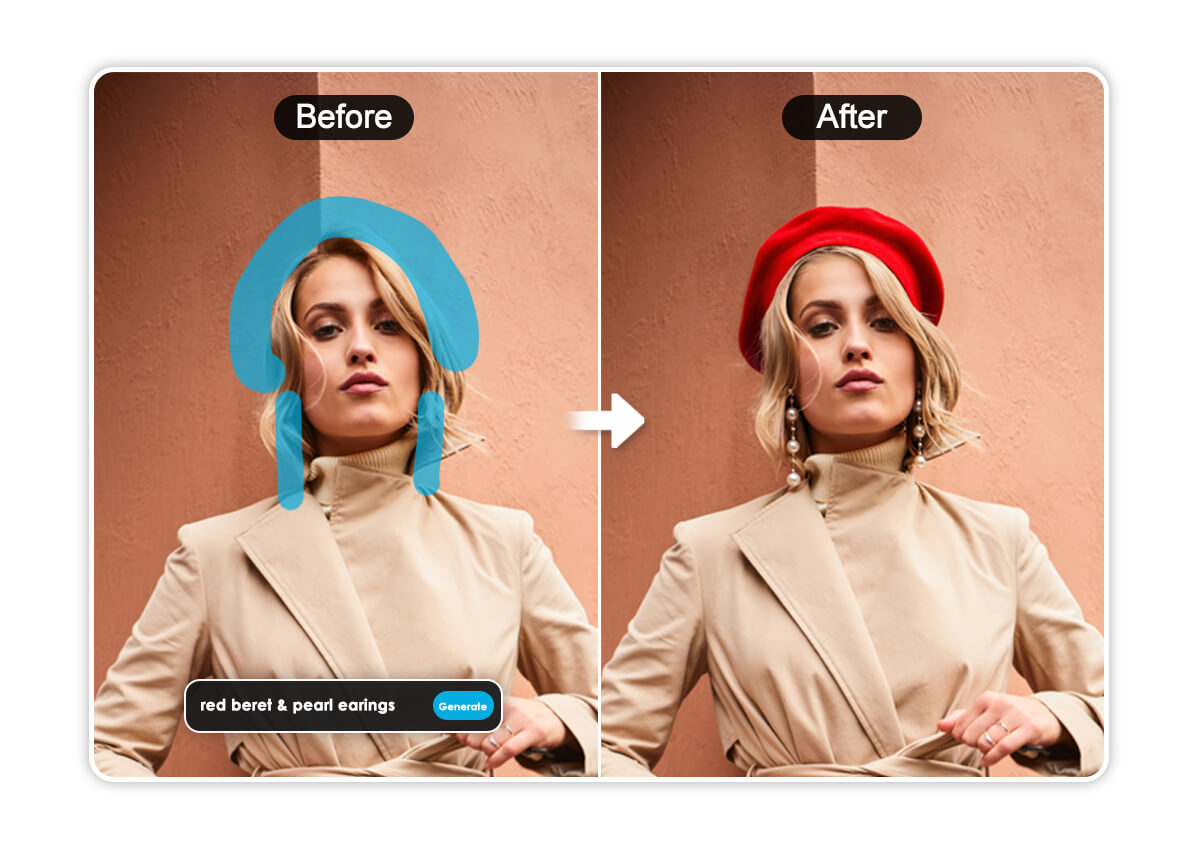
Transform Portraits with AI Object Replacer
Elevate your portrait photography by replacing outdated outfits with something more appealing. Perfect for personal photos, social media profiles, or even professional headshots, this tool helps you create portraits that truly stand out.
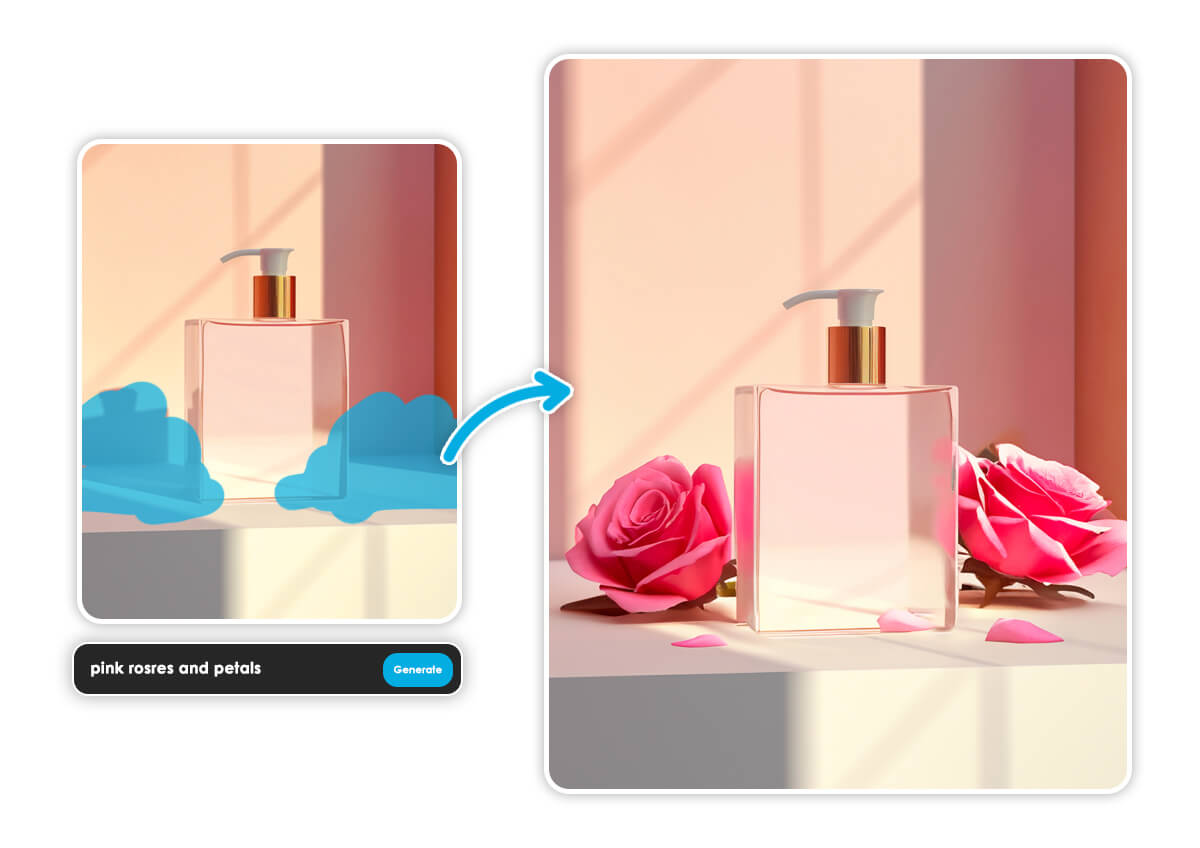
Elevate Product Visuals With AI-Powered Image Replacement
Showcase your products in the best light—literally. With YouCam’s AI Object Replacer, you can add fun elements to your product visuals. No pro photoshoot needed; simply upload your product image and let the AI work its magic.
AI Object Replacer FAQs
Do I need any design experience to use AI object replacer?
No! YouCam’s AI Object Replacer is designed for everyone. Just type what you want, and the AI handles the rest.
How accurate is the AI object replacement?
The AI is highly advanced, ensuring seamless and natural-looking replacements. However, for best results, provide clear prompts and select the area carefully.
Is YouCam's AI Replace tool free?
Yes, though there are subscriptions. Now you can sign up for 5 free credits and use AI Replace for 2 free generations per day.

