
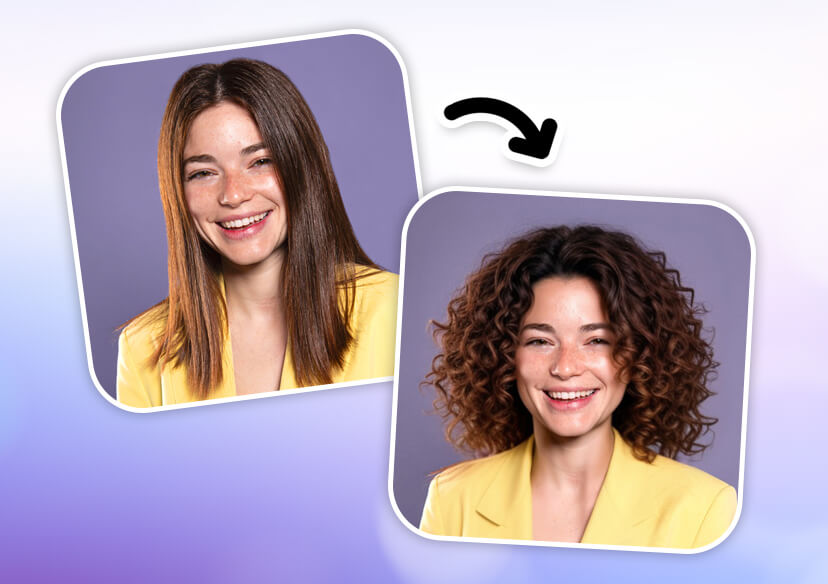




Free AI Perm Filter
Wondering what you would look like with a perm? Try YouCam Online Editor’s AI perm filter to instantly apply realistic perm haircut to your photo—no salon visit needed.



What Would I Look Like with a Perm?
Wondering what you would look like with a perm? With our AI perm filter, you can preview curly styles instantly. Upload a photo and experiment with endless perm looks in seconds, all without committing to a permanent change.
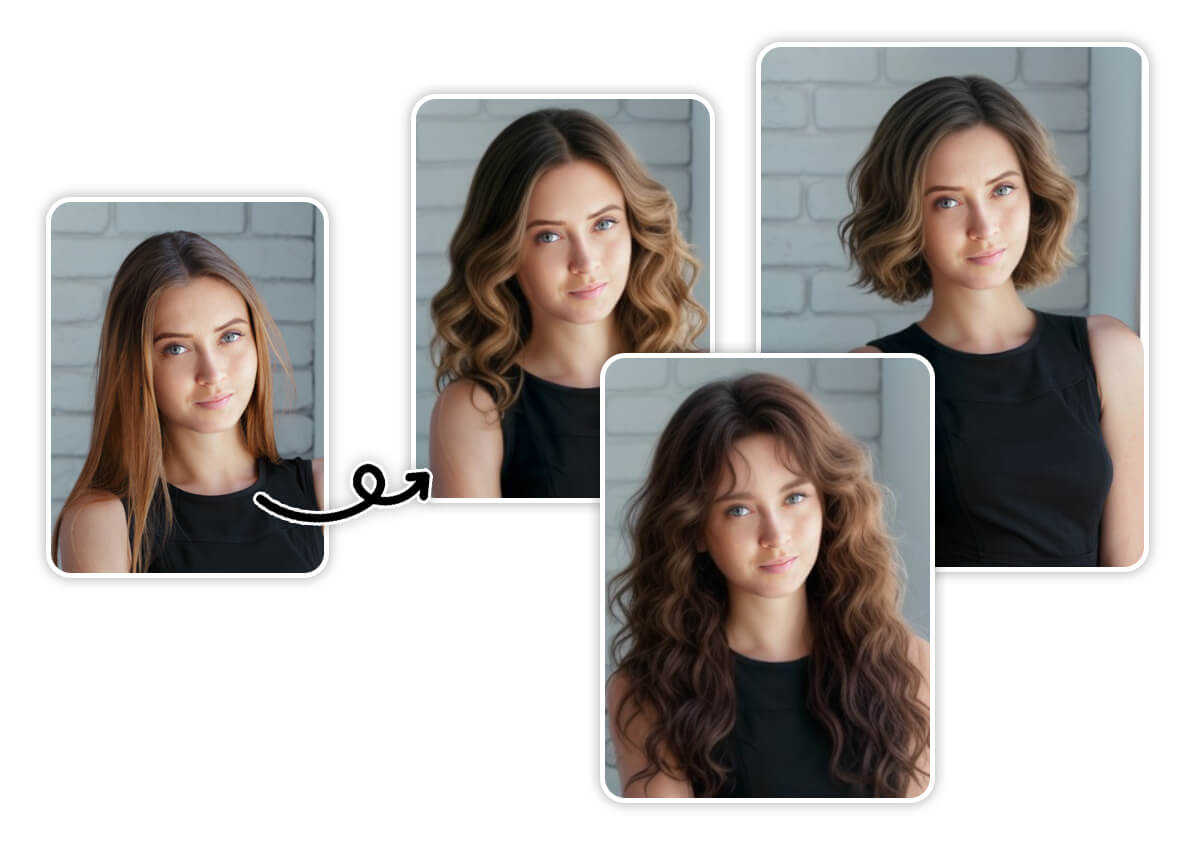
Try On Perm Hairstyles with Your Picture
Try Perm Hairstyles for Men & Women
The YouCam Online Editor packs a versatile AI perm filter that lets men and women preview more than a dozen curly or wavy styles—long or short—to instantly see what you would look like with a perm.
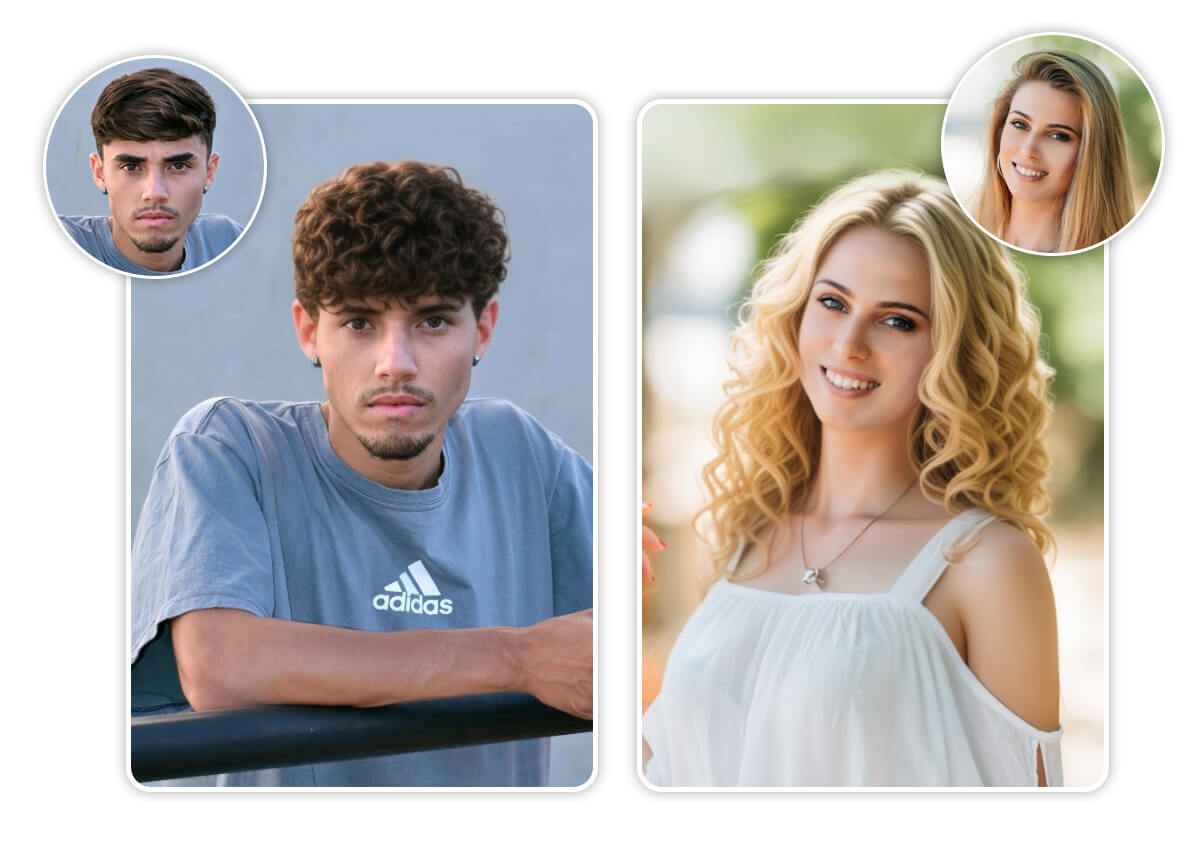
Experiment with Different Hair Volume
Do more than just try on curls—customize your hair volume to match your desired look. Whether you want soft, natural waves or big, voluminous curls, the AI hairstyle changer lets you fine-tune your perm for the perfect finish.
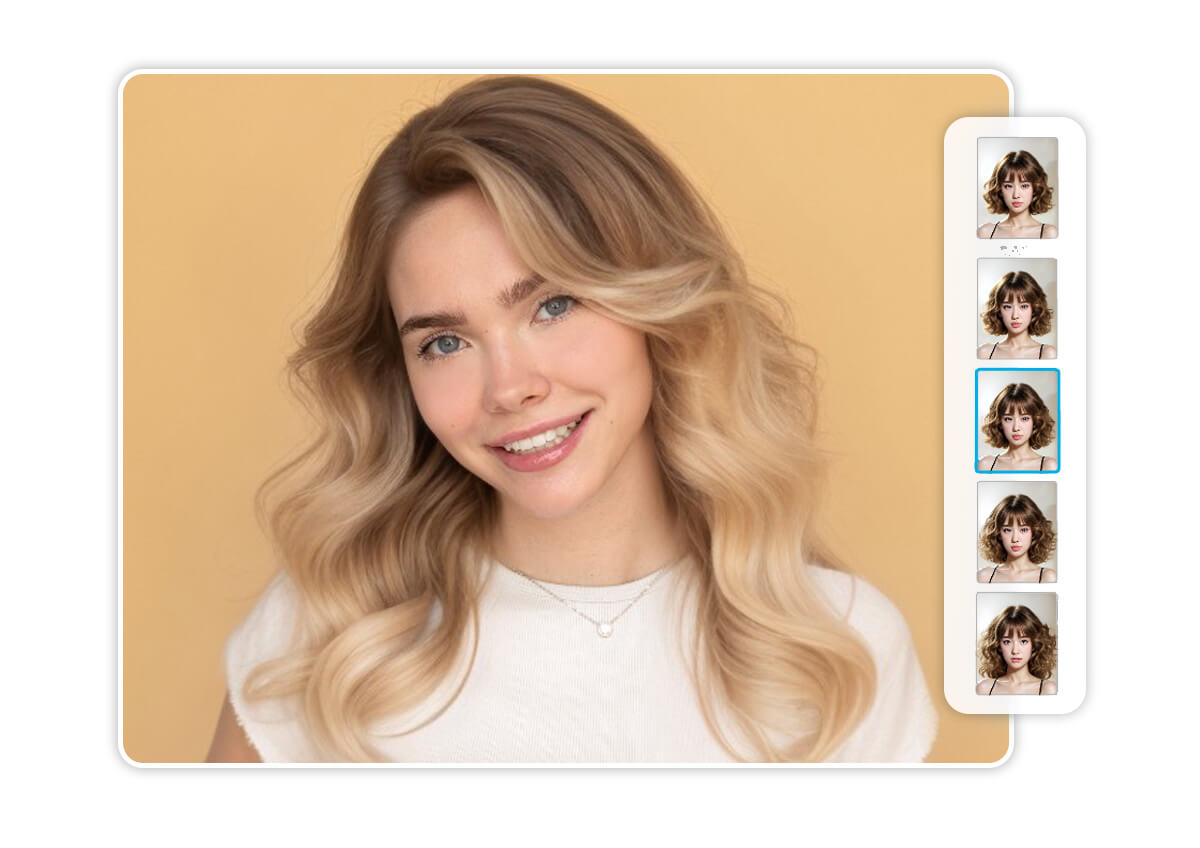
Explore 60+ Virtual Hairstyles Online
With the YouCam Online Editor, you can explore more than just perms. Try on a variety of styles—from chic short haircuts and trendy layered bobs to long hairstyles with realistic hair extensions. The hairstyle simulator makes it easy to see what suits you best before making any changes.
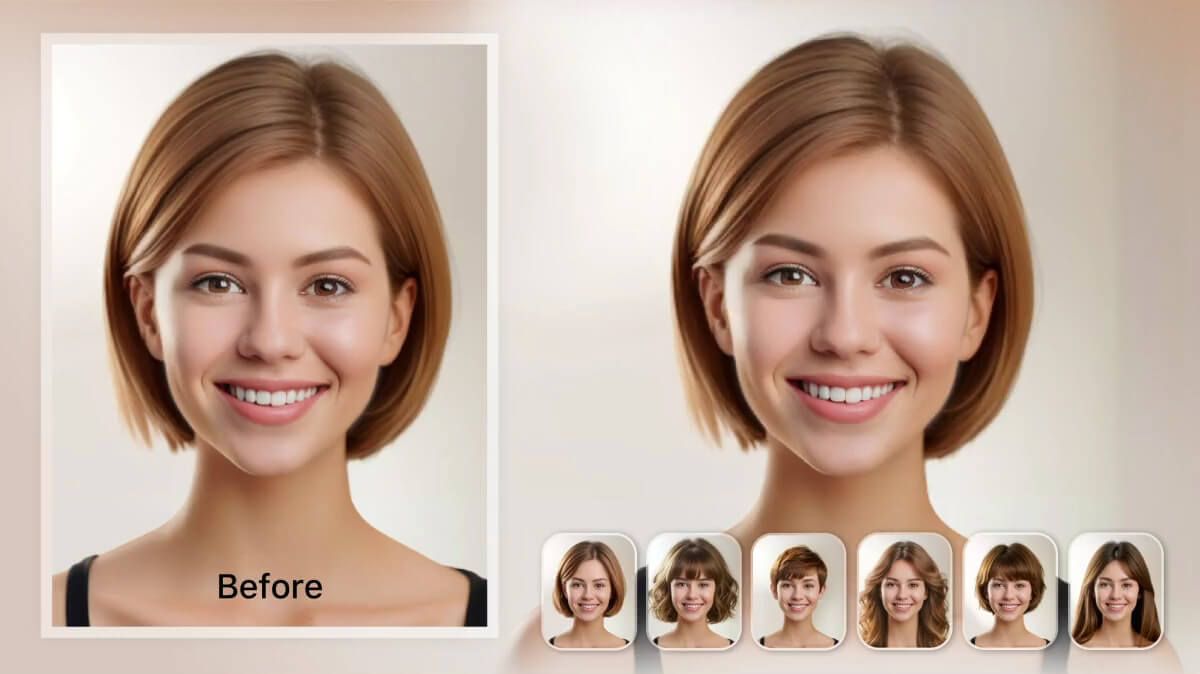
How to Try AI Perm Hair Filter?

Upload Your Photo
Upload a clear photo in JPG or PNG format where you want to apply a perm hairstyle.

Apply AI Perm Filter
Choose from different perm hairstyles and the AI hairstyle generator will automatically change your hairstyle.

Save Your Perm Hairstyle
Once you’re happy with your new hair, download the photo to share without watermark.
AI Perm Filter FAQs
How can I see how I would look with a perm?
You can use a free AI perm filter like the one in YouCam Online Editor to instantly preview how you would look with a perm. Simply upload your photo, try on various perm hairstyles virtually, and explore curly and wavy hair transformations without going to a salon.
How to tell if you would look good with a perm?
The easiest way is to use a perm hairstyle simulator like YouCam Online Editor. By virtually trying on different perm styles—including loose waves, spiral curls, and s-curls—you can see how each one flatters your face shape and features before making a real-life commitment.
What perm would suit me?
The right perm depends on your face shape, hair type, and personal style. With YouCam Online Editor’s AI perm filter, you can explore a wide range of perm options and instantly see what suits you best—whether it’s soft beachy waves or bold voluminous curls.
How do I choose the right perm for my hair?
Choosing the right perm involves considering your natural hair texture, styling goals, and maintenance preferences. Use YouCam Online Editor to try on different virtual perm styles and experiment with volume, length, and curl types to find the perfect match for your hair and lifestyle.

