


AI Photo Retouching Online
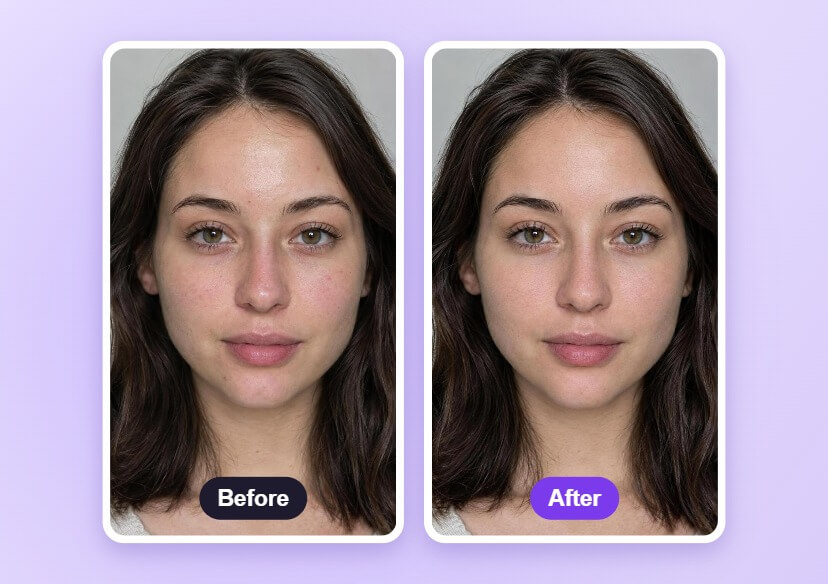
Retouch portraits with AI: remove blemishes, soften eye bags and reduce wrinkles while keeping natural skin texture.


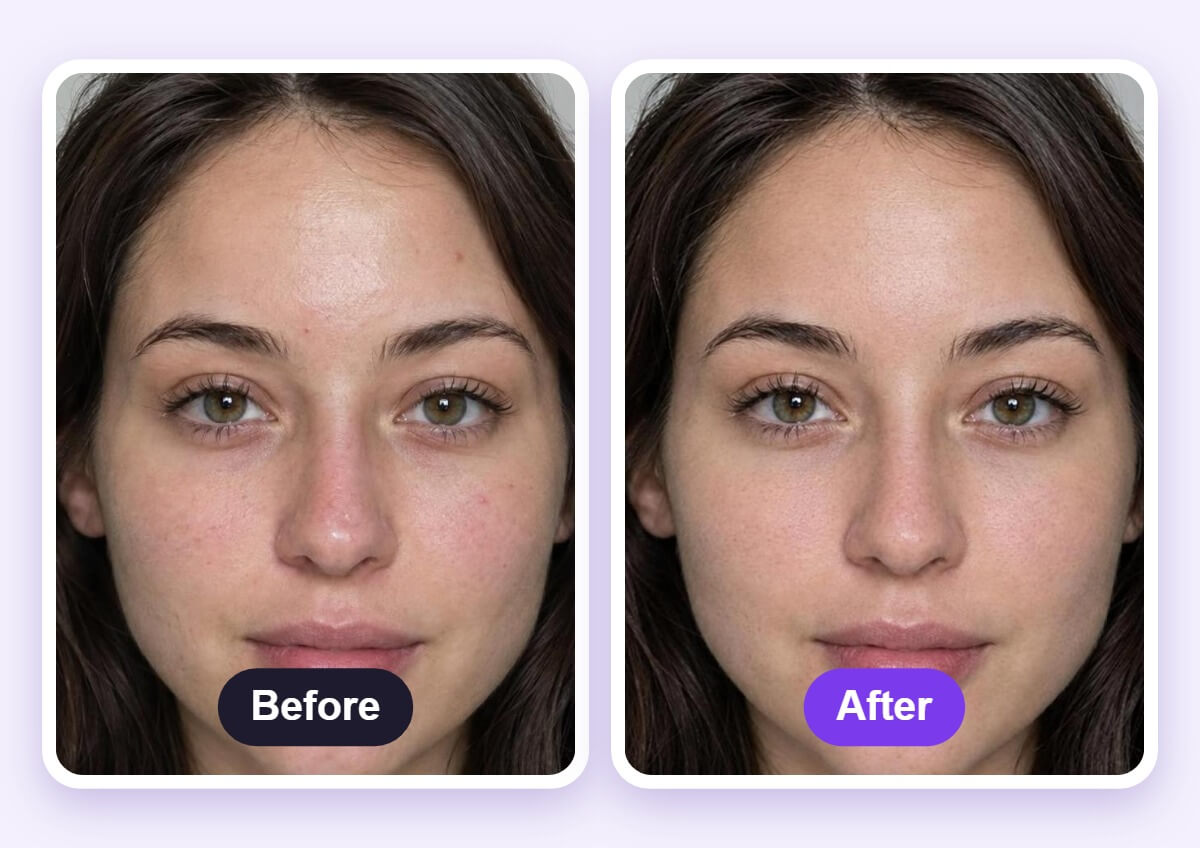
See the Retouch Before and After
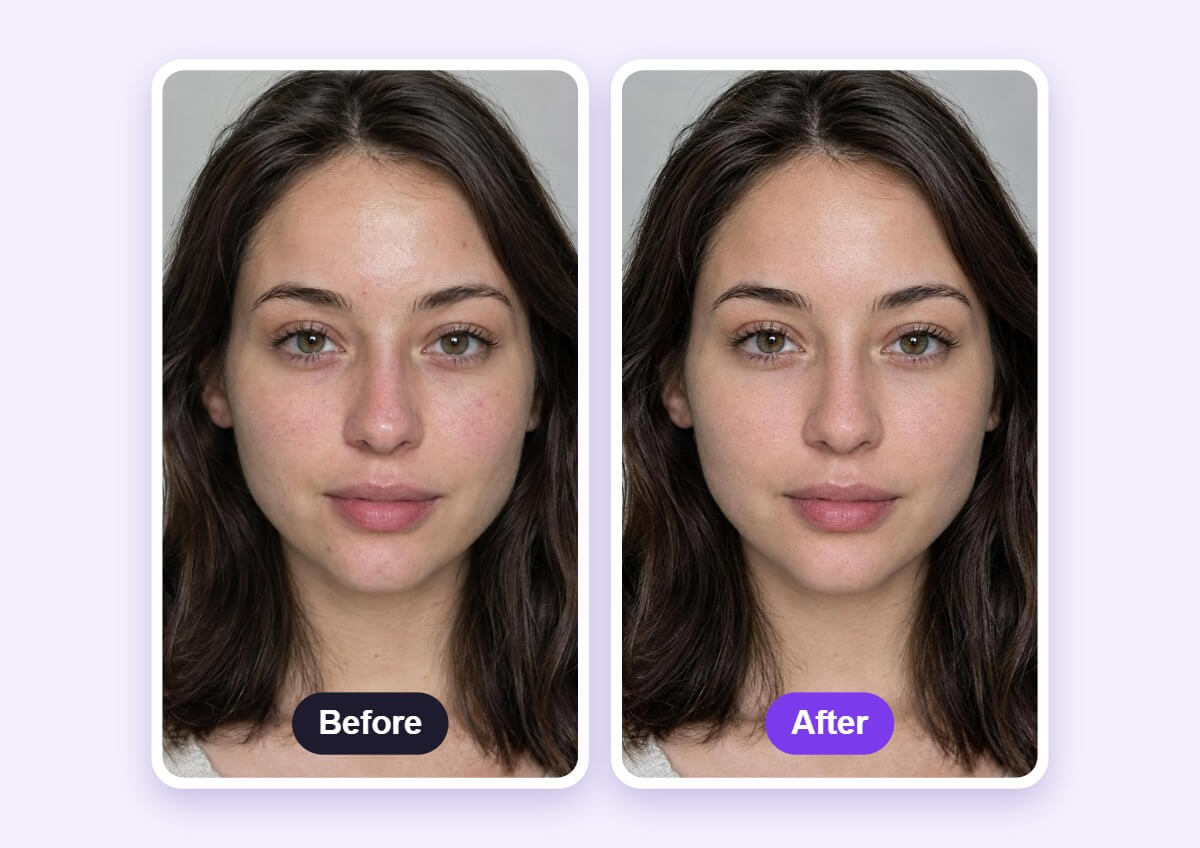
Compare the original with the result to check that tired eyes, spots and lines are softened without making the skin look plastic.
How to Retouch a Photo with AI
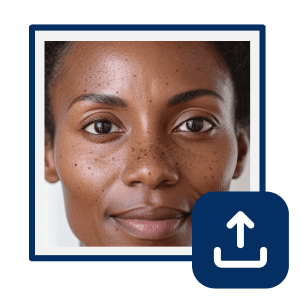
Upload a Portrait
Choose a sharp, front-facing portrait in good light so the tool can find the face.

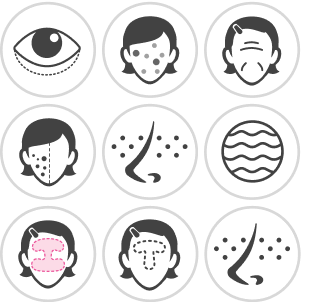
Select the Retouch Tool
Pick the tool for what you want to fix, such as Blemish, Spots or Shine Removal.
Adjust and Download
Use the sliders to set the intensity, compare with the original and download the photo.
Retouch Without the Plastic Look
The retouch tools aim to fix the spots, eye bags and shine you pick while keeping pores and fine texture. Lower the intensity if the skin starts to look too smooth.
FAQs: AI Photo Retouching
What is AI photo retouching?
AI photo retouching finds the face in a photo and fixes things like blemishes, eye bags, wrinkles and shine. You choose the tool and set how strong the change is.
What photo works best?
A sharp, front-facing portrait in even light works best. Blurry, dark or heavily filtered photos make the face harder to retouch.
Will my skin look fake?
Not if you keep the intensity low. Compare with the original and lower the sliders if the skin looks too smooth.
What can I fix?
Face Retouch is built for blemishes, spots and shine, and it can also work on eye bags and wrinkles.
Does it remove everything?
Not always. Deep marks, scars and heavy shadows may only fade, and results depend on the photo.
How do I save the retouched photo?
After you compare the result with the original, download the photo from the editor.

