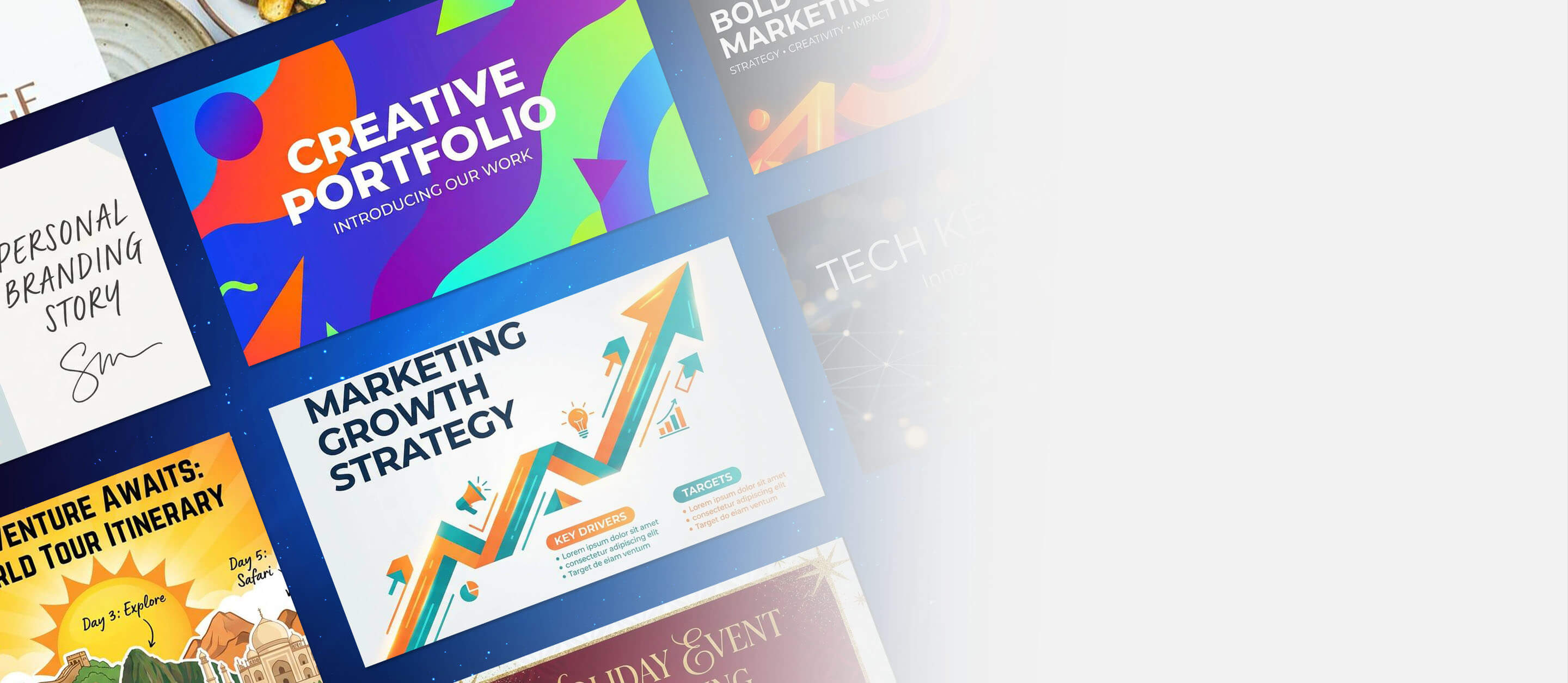
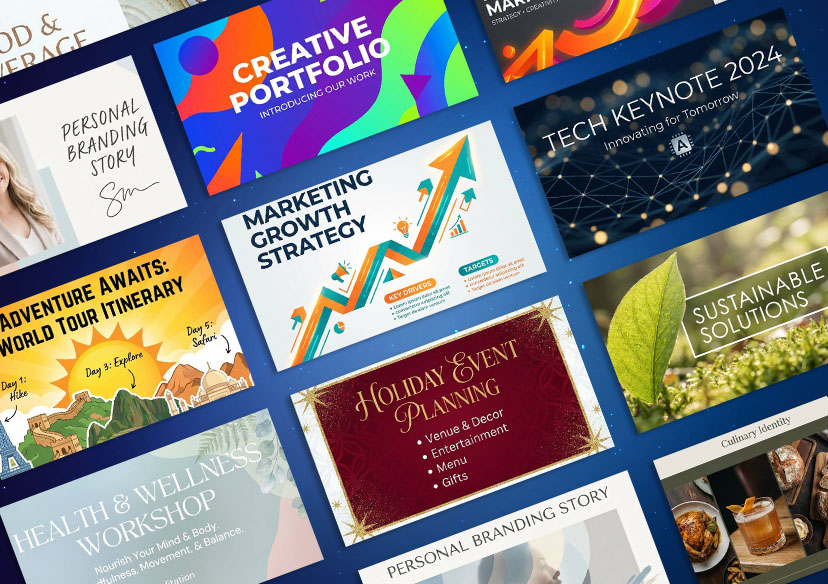



From corporate pitches to creative portfolios, generate the perfect visual for every slide.
Why Choose the YouCam Online Editor for Your Presentations?
- Customization: No more searching for stock photos that "almost" fit. Describe exactly what you need.
- Nano Banana Pro Power: Generate high-definition 16:9 images that look crisp even on large conference room screens.
- Beautify Slides Instantly: Transform a text-heavy, boring deck into a visual masterpiece by adding AI-generated artistic elements.
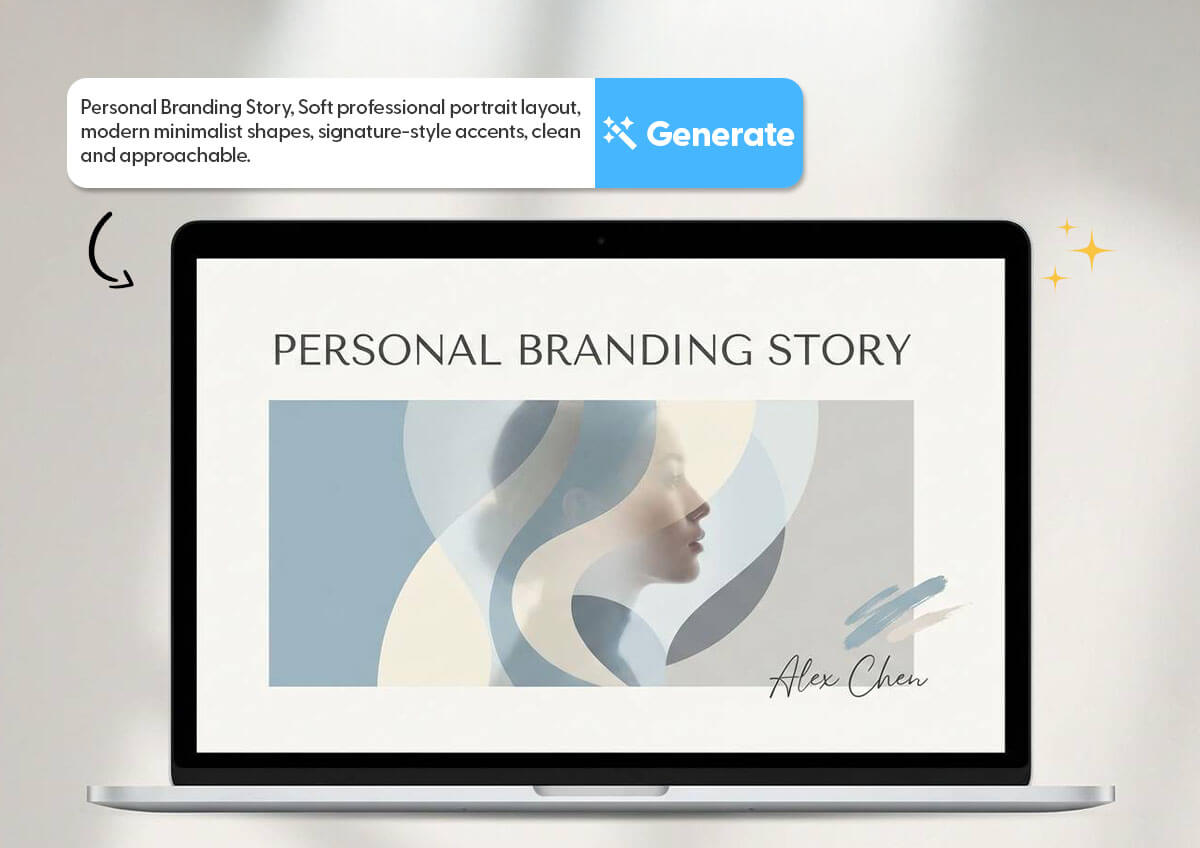
How to Use the AI Presentation Generator
Create your perfect presentation in just 4 steps.

Open YouCam Online Editor
Open and go to the “AI Image Generator.”

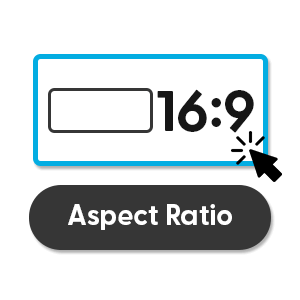
Choose 16:9 Aspect Ratio
Select the wide-screen format to ensure your generated images fit perfectly into PowerPoint or Google Slides
Enter Your Slide Concept
Type a prompt describing your slide's theme (e.g., "Cybersecurity concept with digital locks and shields").

Download & Beautify
Save your image and drop it into your presentation software as a background or focal visual.
AI Presentation Maker Use Cases
Refine and Beautify Slides Instantly with Image-to-Image AI
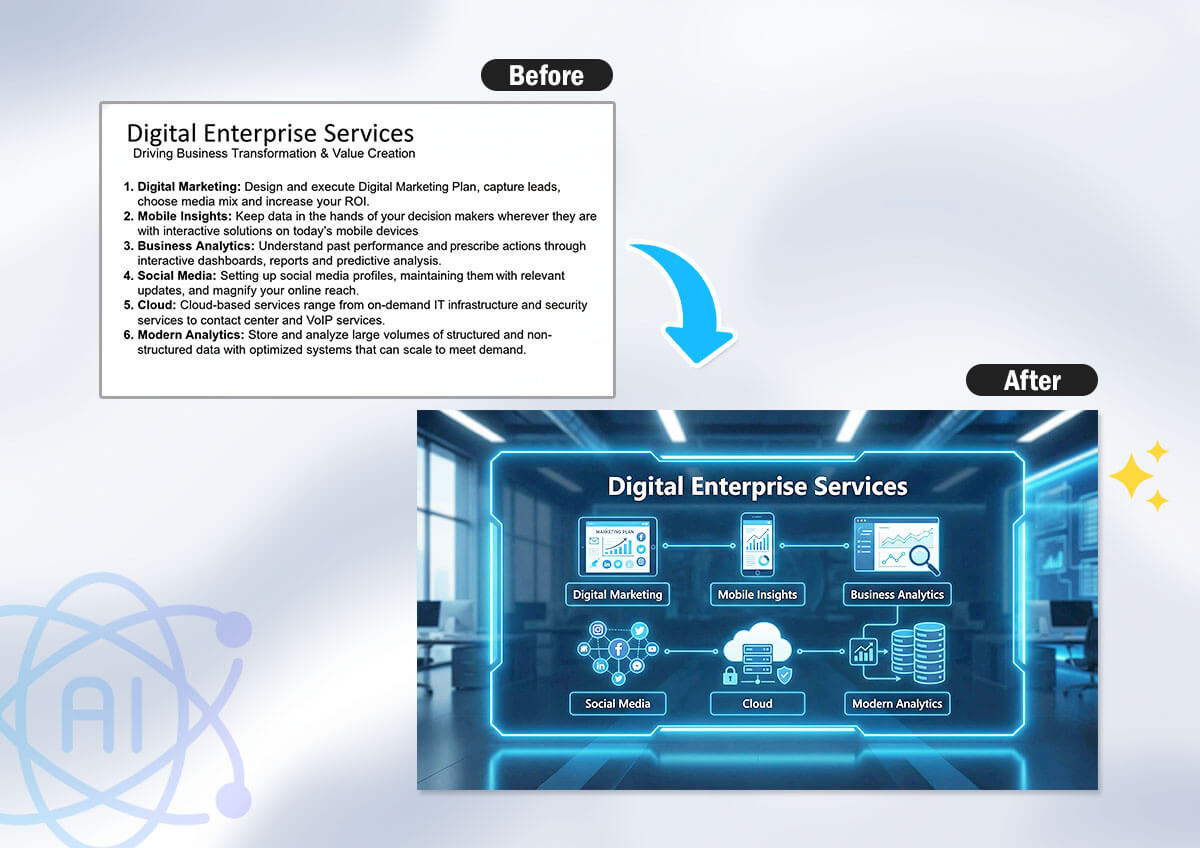
Have a specific layout in mind but need a better aesthetic? Don't start from scratch. With the Image-to-Image feature, you can upload a basic reference image and let our AI presentation generator upgrade it.
Whether you want to add creative lighting, turn a rough sketch into a 3D render, or simply beautify slides, this tool preserves your original composition while maximizing visual impact. It’s the fastest way to turn "draft quality" into "presentation ready."
The Ultimate AI Slides Maker for Every Need
- For Startups: Create "First-of-its-kind" visuals for your pitch deck that investors haven't seen in stock libraries.
- For Students: Make your academic presentations stand out with custom-generated diagrams and thematic backgrounds.
- For Marketers: Beautify slides for social media reports with 3D icons and vibrant trend-focused imagery.

AI Presentation Maker FAQs
Can I use this AI Slides Maker for free?
Yes. YouCam Online Editor provides free credits upon sign-up, allowing you to test the AI slides creator and generate high-quality visuals for your next deck at no cost.
How do I "beautify slides" that are already made?
You can use our AI Presentation Generator to create specific elements—like a custom header image or a thematic background—that match your existing brand colors. Simply prompt the AI with your color palette (e.g., "Minimalist blue and gold") to get matching assets.
What makes this the best AI Presentation Maker for visuals?
Unlike standard tools that use the same tired templates, our AI Presentation Maker uses Text-to-Image technology powered by Nano Banana Pro. This means every visual is 100% unique to your presentation, ensuring you never have the same deck as your competitors.
Does it support the 16:9 format?
Absolutely. The AI Slides Generator by YouCam Online Editor allows you to select specific aspect ratios, including 16:9, which is the standard for modern widescreen presentations.

