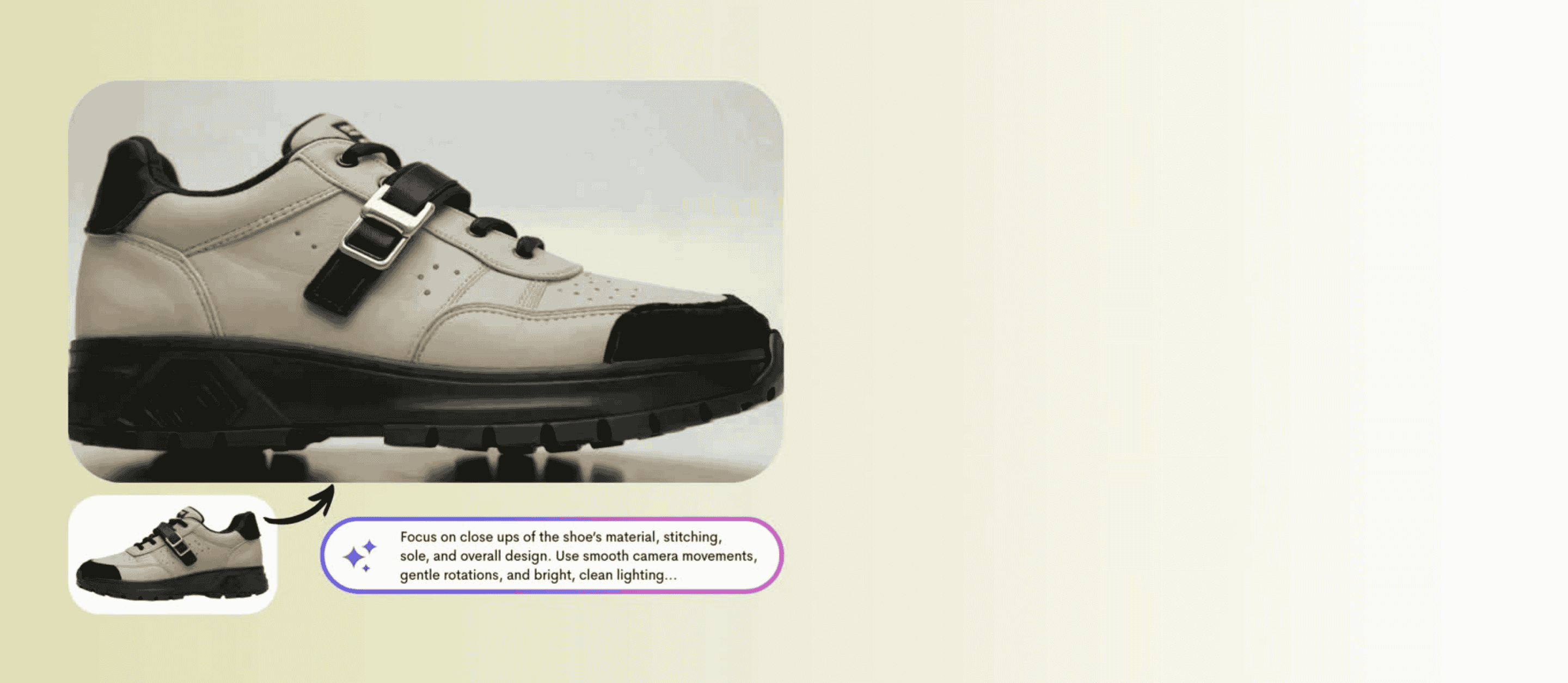
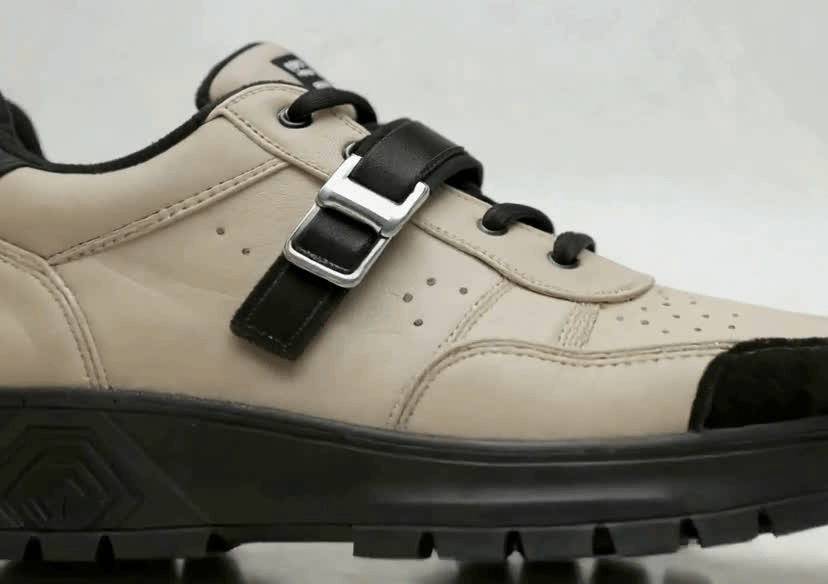




AI Product Video Generator
Turn your product photos into dynamic videos in seconds with the effortless power of YouCam AI.


How to Create a Product Video with AI
Create a product video with AI has never been easier. With YouCam AI Product Video Generator, you can turn a single photo into a stunning product video in just a few clicks. Follow these simple steps to get started:

Select and Upload
Select a model and upload your product photo. Pro Tip: Make sure the image clearly shows your product for the best results.

Enter a Prompt
Describe how you want your product to be showcased. Include details like camera angles, lighting, background style, and any specific visual effects you want in the video.

Generate the Video
Click “Generate” and let AI create a stunning product video in seconds. Preview your video, make adjustments if needed, and download it ready for sharing on social media or your website.
Skip Expensive Studio Shoots
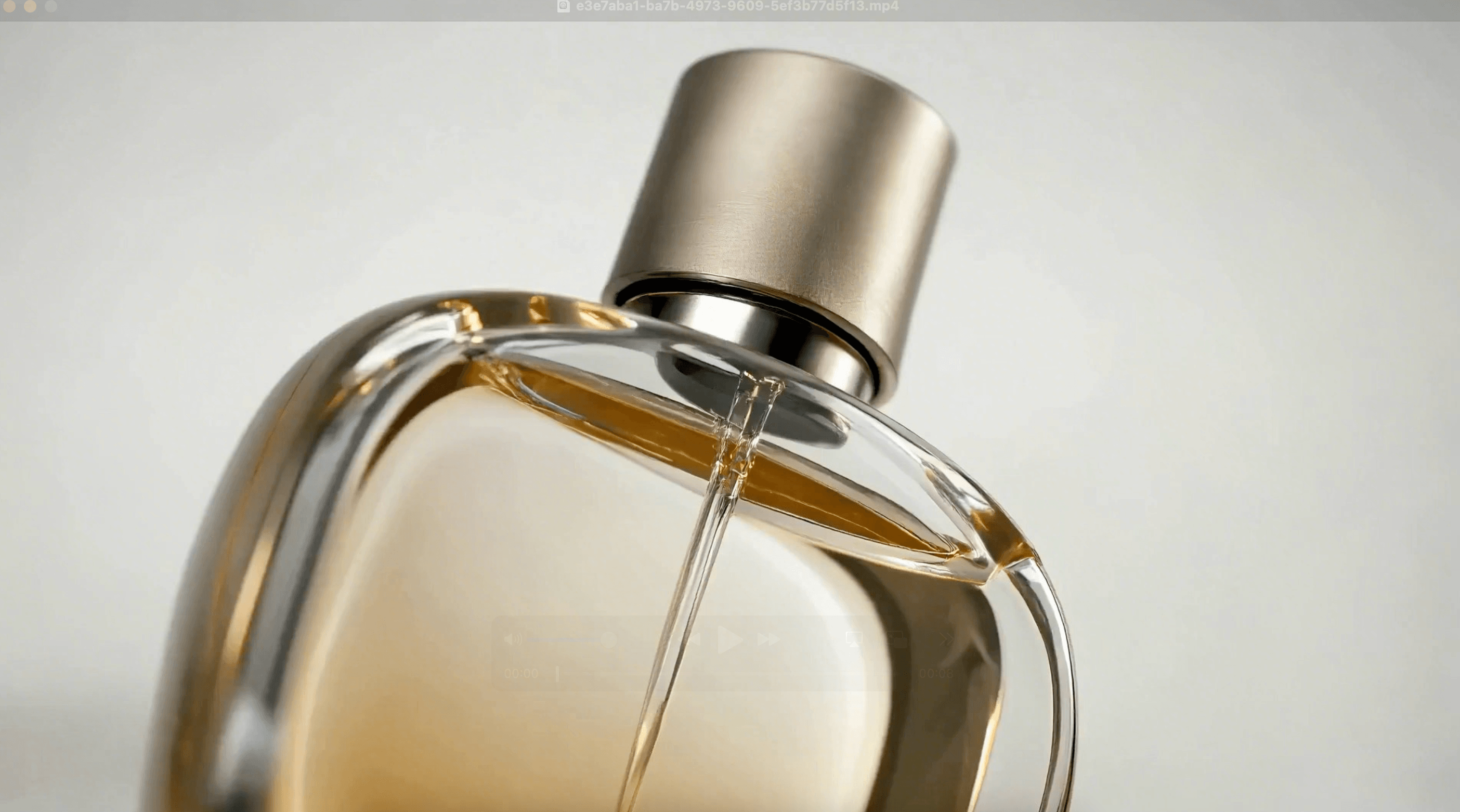
Skip the cost and hassle of studio shoots. With YouCam AI Product Video Generator, you can transform a single product photo into a polished cinematic video in seconds. No cameras, lighting setups, or production teams needed. Simply upload your image and let AI handle the rest. It is a faster and smarter way to create high quality product videos for e commerce, social media, and marketing.
Ideal for E-Commerce and Marketing
Perfect for brands, creators, and online sellers who want to showcase products quickly and professionally. Whether you are creating content for e commerce listings, social media promotions, or digital ads, YouCam AI Product Video Generator helps you produce eye catching product videos without complex editing or production. Simply upload a product photo and turn it into engaging visual content in seconds.
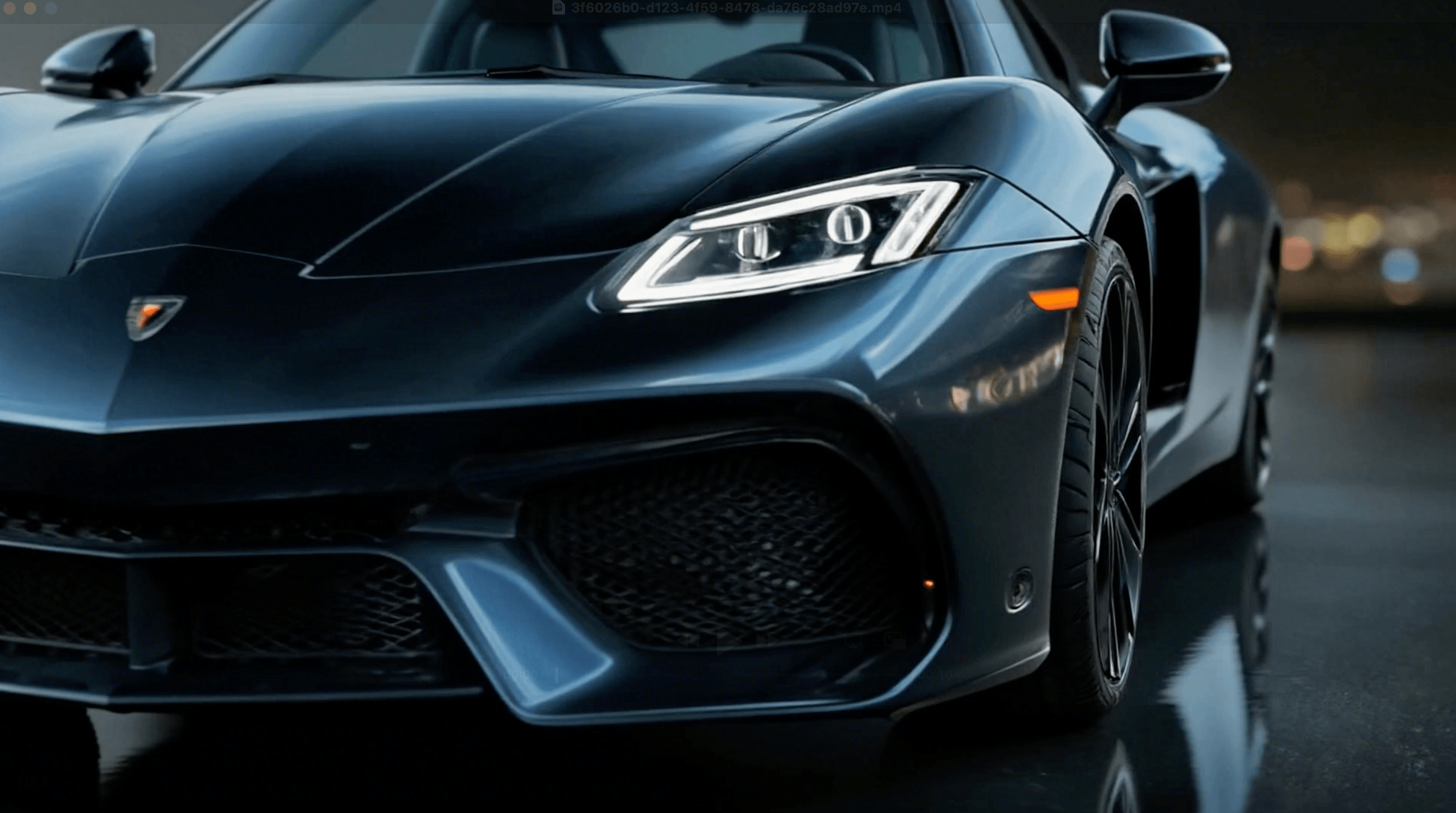
Why Choose YouCam AI Product Video Generator
- Turn product photos into eye catching videos instantly
- Fast and easy to use with no video editing skills required
- Generate cinematic product visuals in just seconds
- Access multiple AI models for different video styles
- Create professional product videos without studio production
AI Product Video FAQs
What types of product images can I use?
You can use any clear product photo. High-resolution images with a clean background give the best results.
Do I need to write a prompt?
Yes. The prompt tells the AI how to showcase your product—angles, lighting, style, and motion. Keep it descriptive for best results.
How long does it take to generate a video?
Usually just a few seconds to under a minute, depending on video length and complexity.
Can I edit the video after generating it?
Yes. You can adjust prompts or regenerate the video until you are satisfied.
Can I use the videos on social media or my website?
Absolutely. All videos are ready for sharing directly online.

