





AI Video Generator App
Create videos from text instantly with YouCam Video. Just enter a prompt and let AI bring your words to life with stunning visuals and motion.
Download App for FreeTry It OnlineLooking for content ideas?
These 15+ AI video ideas will help you create content in minutes.

Watermelon Miners

Zen Shiba Springs

Gym Bunny

Jungle Selfie

Pancake Engineers

Northern Lights Rider

Library Spark

Duckling Bakers

Ice Slider

Cooking Cat

Popcorn Party

Dancing Dog

Golden Dough Boys

Boxed Curiosity

Little Explorer

Tropical Bliss

Jar of Melodies

Steampunk Sentinel
How to Turn a Text Prompt into a Video with AI Video Generator App
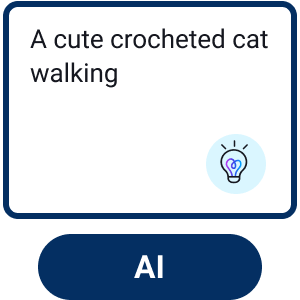
Enter Your Text Prompt
Type your idea into the prompt box—or choose from suggested examples to get started quickly.

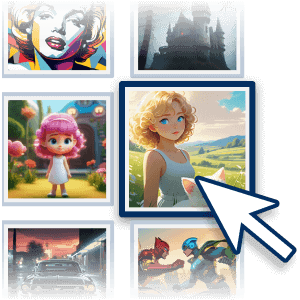
Adjust Your Settings
Select your preferred AI model, set the video duration, and choose the aspect ratio that fits your platform.
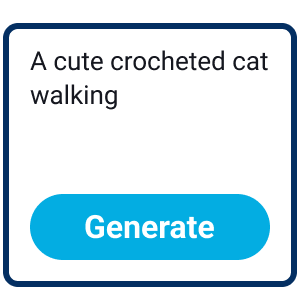
Start Generation
Click the “Generate” button and let AI turn your prompt into a stylized animated video.

Save Your Video
Preview the result and download your video in HD for sharing or future use.
Multi AI Models: Kling, Veo, Sora…and More!
With multiple advanced AI models built in, you can choose the best engine for your creative needs.
Powered by leading technologies like Kling for realistic motion, Google Veo for high-quality landscapes, and Vidu for dynamic, character-driven scenes.
This all-in-one AI Video Generator App helps you turn ideas into high-quality videos faster and easier than ever.
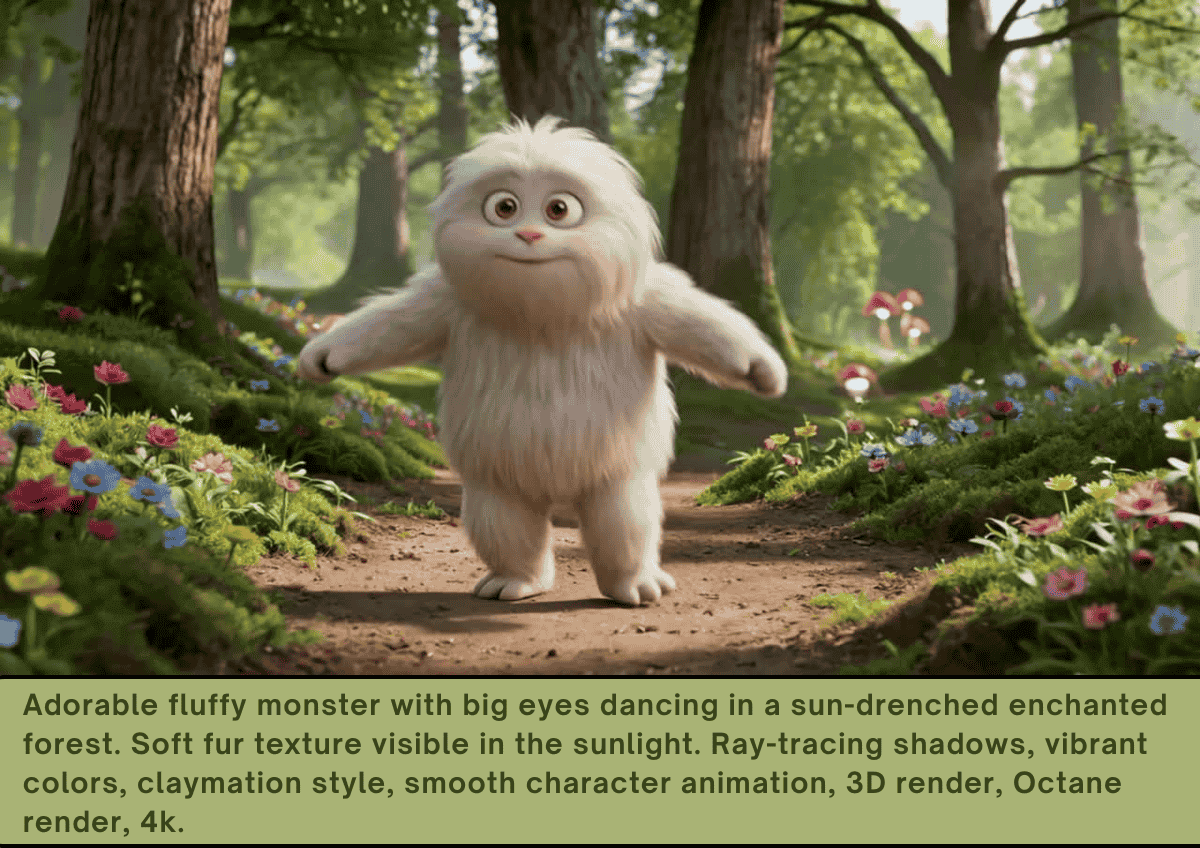
Visualize Creative Concepts with Animation
The AI intelligently interprets each prompt, transforming ideas into stylized visuals complete with motion and effects.
it’s the easiest way to bring abstract concepts to life and create high-quality videos in minutes.
Users can simply describe imaginative scenes and instantly turn them into dynamic videos with this powerful app.
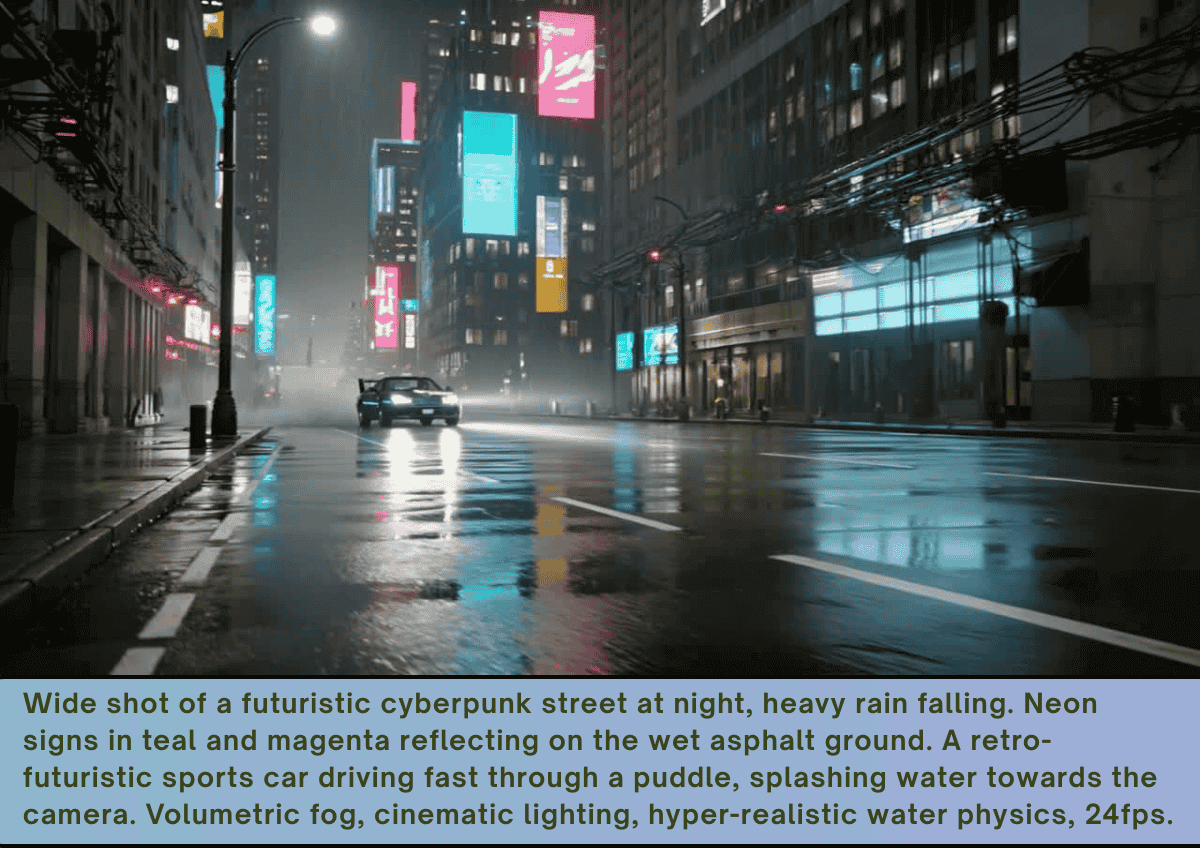
Craft Cinematic Moments from Text
With full control over tone, mood, and pacing through your prompt, you can easily shape how your story unfolds.
Perfect for short film intros, fan edits, and creative storytelling experiments that stand out.
Describe a dramatic or stylized scene, and let AI transform it into a cinematic animation in seconds.
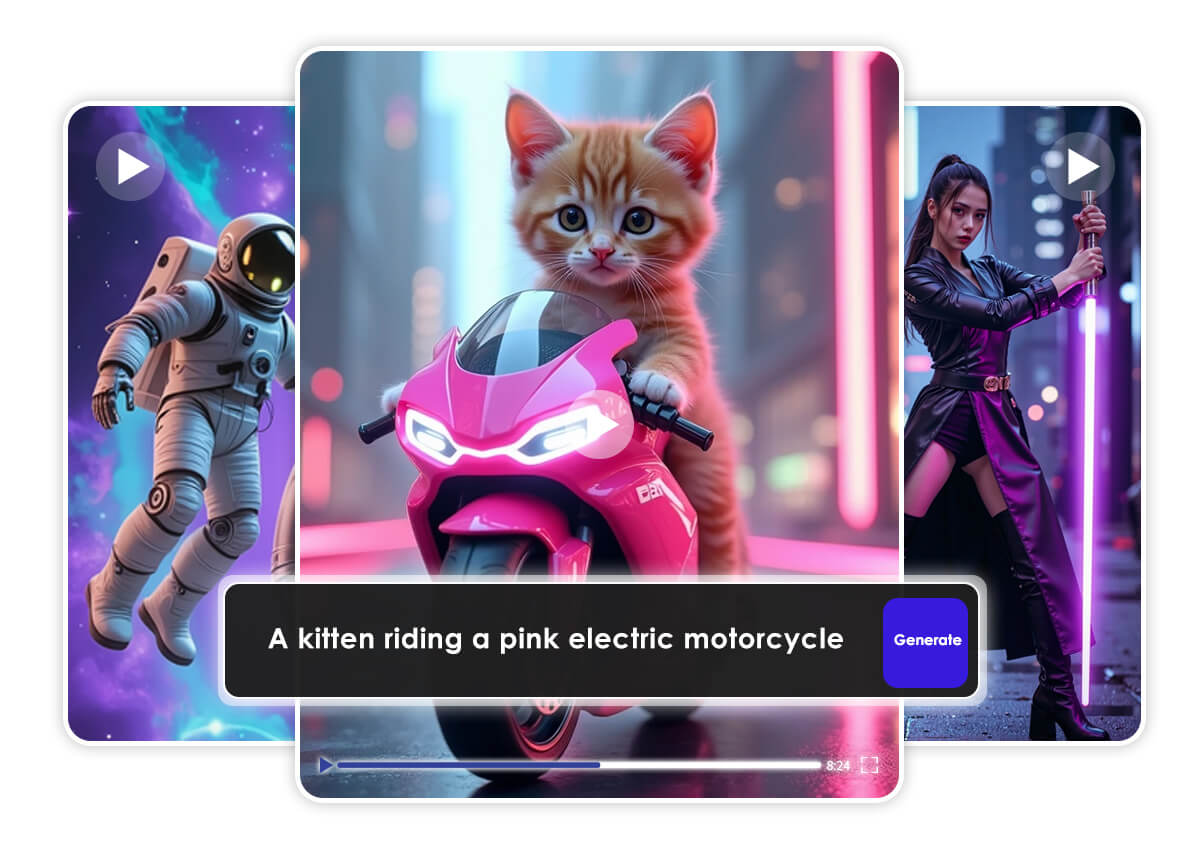
Best AI Video Generator App FAQs
What is an AI video generator app?
An AI video generator app uses artificial intelligence to turn text prompts into videos automatically. Instead of filming or editing manually, you simply describe your idea, and the AI generates scenes, motion, and visuals for you.
How does a text-to-video AI work?
Text-to-video AI analyzes your written prompt, understands the context, and generates matching visuals, animations, and sometimes even voiceovers. It automates the entire video creation process—from script to final output—in just minutes.
Apps like YouCam Video make this even easier by letting you generate videos instantly with just a simple prompt.
What is the best AI video generator app?
The best AI video generator app should be:
- Easy to use
- Fast at generating videos
- Capable of creating realistic visuals
- Optimized for social media
YouCam Video stands out as one of the best options for beginners and creators who want quick, high-quality videos without complex editing.
Can I create videos from text without editing skills?
Yes. One of the biggest advantages of AI video generators is that no editing experience is needed. You just type a prompt, and the AI handles everything—from visuals to transitions—making video creation up to 10x faster than traditional methods.
With YouCam Video, you can go from idea to video in seconds.
Are AI-generated videos good for social media?
Absolutely. AI-generated videos are perfect for platforms like TikTok, Instagram Reels, and YouTube Shorts. These tools can quickly turn ideas, scripts, or captions into engaging short-form videos optimized for sharing.
That’s why many creators use YouCam Video to produce scroll-stopping content faster.
How long does it take to generate a video?
Most AI video generator apps can create videos within seconds to a few minutes, depending on the complexity of your prompt. This is significantly faster than traditional video production, which can take hours or even days.
With YouCam Video, you can generate videos almost instantly.
Why should I use an AI video generator app?
AI video generators save time, reduce costs, and make content creation accessible to everyone. Instead of needing cameras, actors, or editing software, you can create professional-looking videos just by typing a few words.
If you want fast, effortless, and high-impact video creation, YouCam Video is one of the easiest tools to get started.

