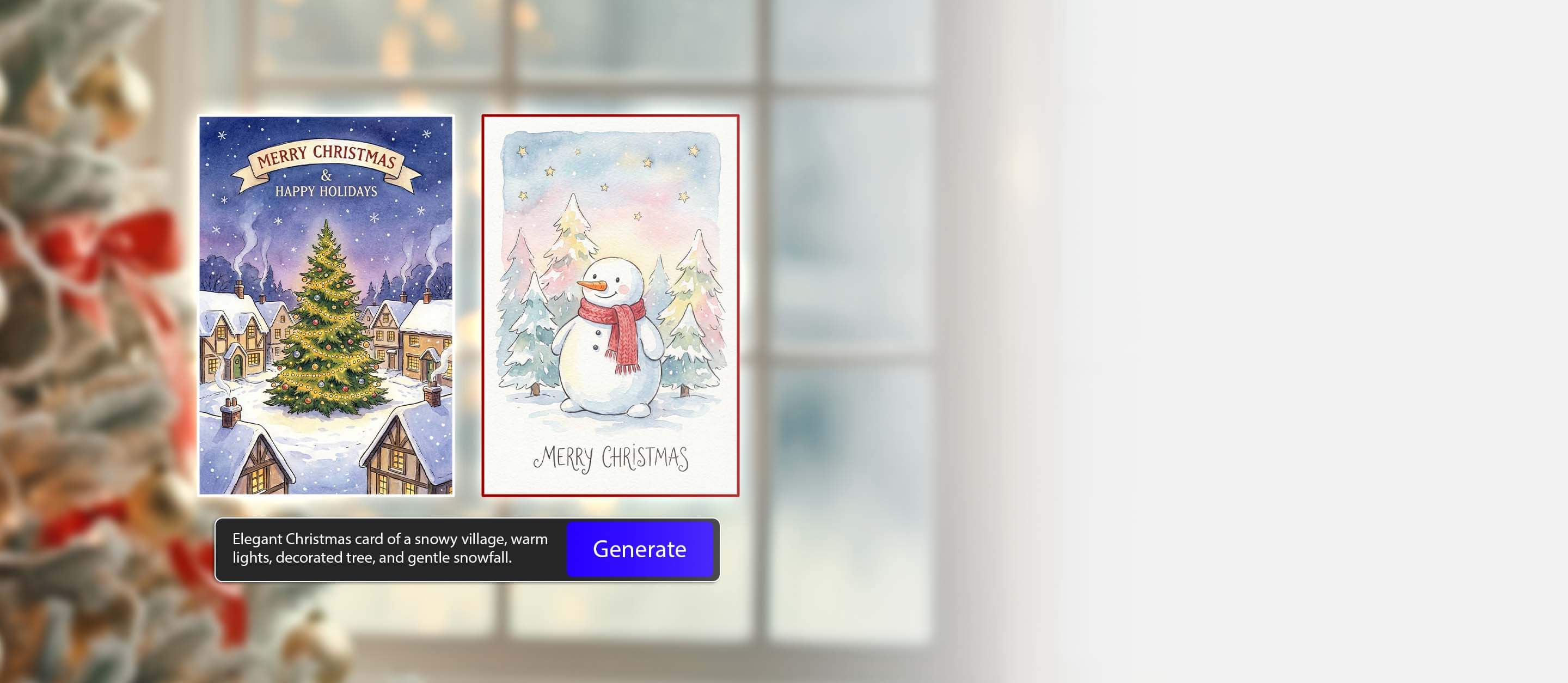
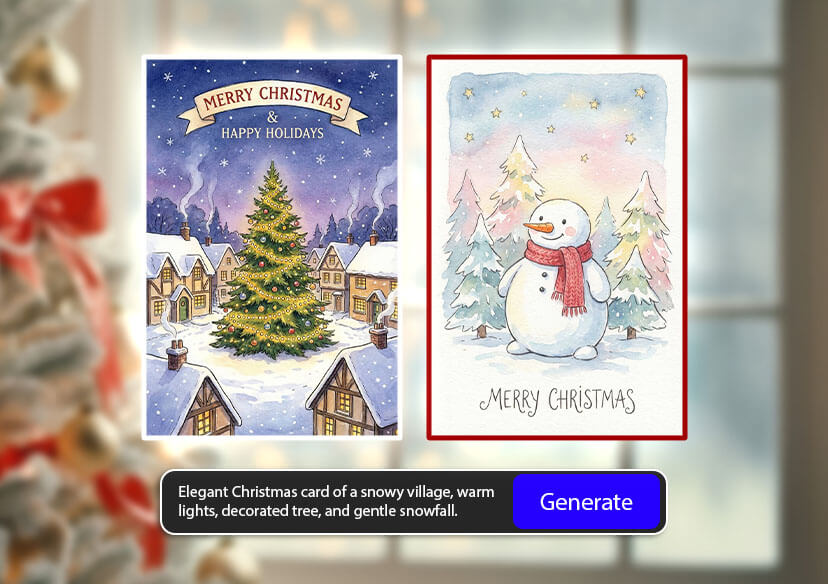



How To Use Online Christmas Card Generator
Discover how to create stunning AI Christmas cards from text or existing images with YouCam Online Editor by following this easy step-by-step tutorial.
Enter Text Prompt
Enter the text description of your image idea.

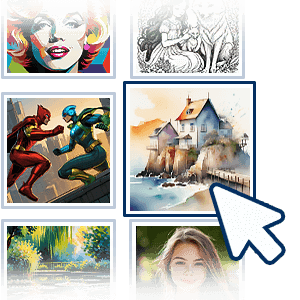
Choose a Style
Select a style from the 70+ options available to match your preference.
Customize Your Image
Further adjust the Aspect Ratio, Negative Prompt, CFG Scale, Step, and Output Numbers to fine-tune your image.
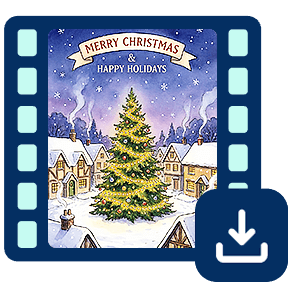
Generate & Save
Click the "Generate" button to begin the Al image creation process.
Choose Your AI Model, Prompt, and Style
Try Nano Banana Pro, optimized for bright colors, festive details, and charming character designs.
Add a clear prompt for your Holiday Scene
“Cozy Christmas living room, glowing fireplace, decorated tree, warm lights, soft illustration style.”

Generate personalized Christmas cards with one click
“Cute winter animals exchanging gifts in the snow, pastel colors, holiday greeting card aesthetic.”

What You Can Do With Our Christmas Card Generator
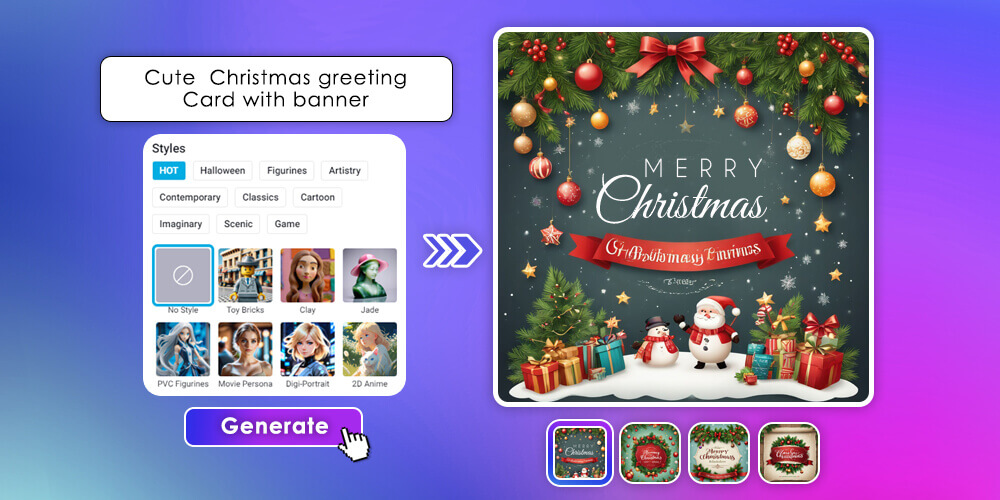
Create a one and only Christmas Card
Describe the style you want, and the AI Christmas card generator turns it into a fully designed card.
Turn your Christmas card into a short animation
Upload a generated card or your own image to instantly make a festive animated greeting you can send via social media or email.

Generate Christmas messages automatically
Need the perfect holiday message? Try our built-in christmas card message generator to send christmas greetings and wishes to craft warm and heartfelt text.
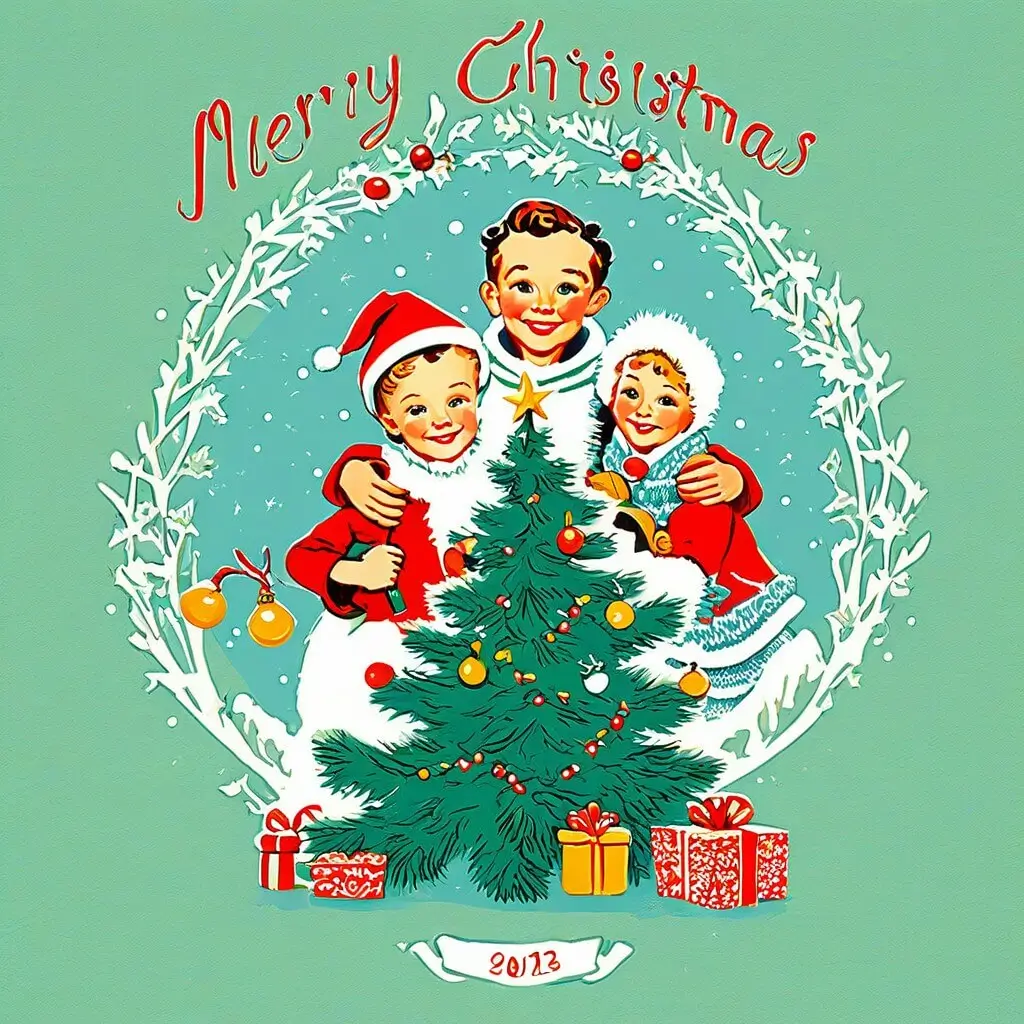
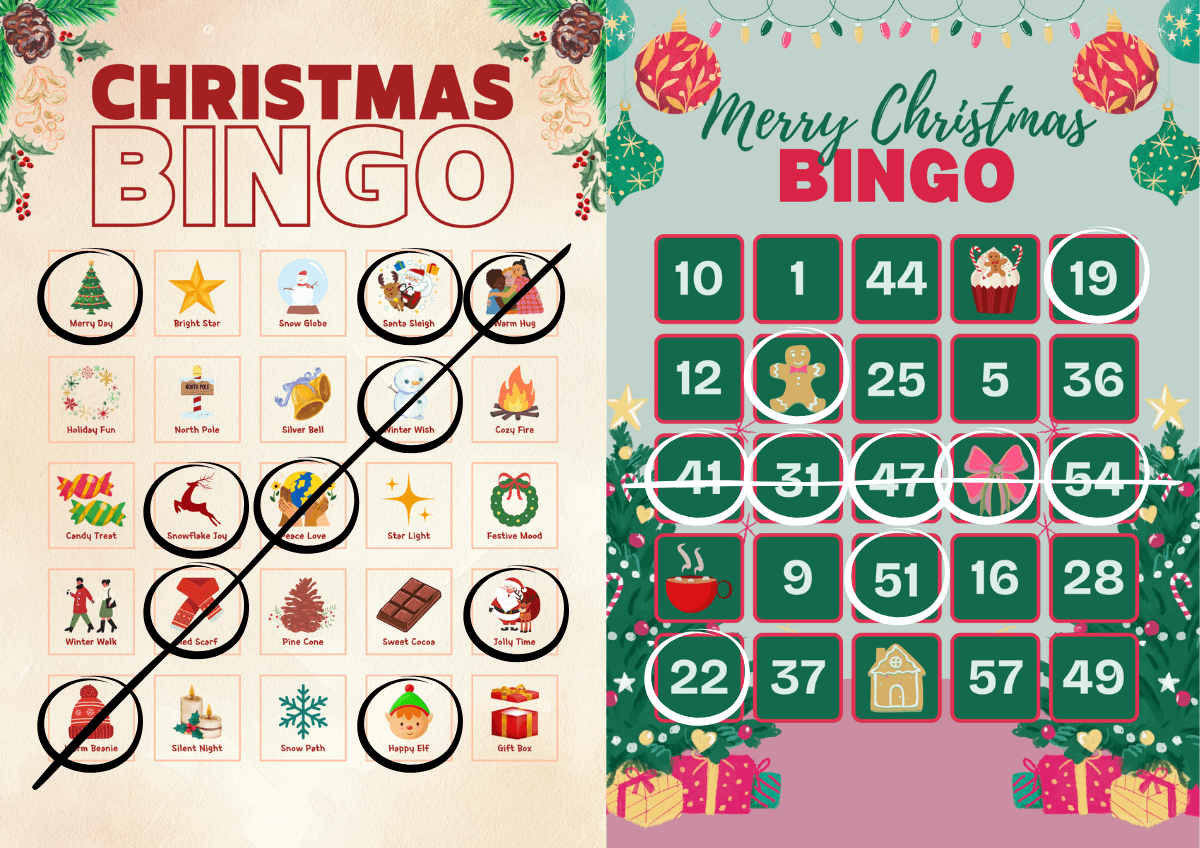
Make Christmas bingo cards
Teachers, party planners, and parents love our christmas bingo card generator for free with pictures—easy to customize, printable, and kid-friendly.
Use these prompts directly inside the Christmas Card Generator. Use any of these ideas in our online christmas card generator and watch your holiday wishes come to life!
Christmas Card Generator FAQ
Can I use this Christmas Card Generator for free?
You’ll receive 5 credits upon free registration. As long as you have credits, you can use the service at no cost.
Can I use the Christmas Card Generator on my smartphone?
Yes! You can easily create Christmas cards using the YouCam Online Editor.
With the built-in Text-to-Image feature, you can generate fully customized Christmas card designs instantly—just type what you want, and the AI creates it for you.
No app download needed—everything works directly online.
How long does it take to generate a Christmas Card?
Typically, it takes just a few seconds to about one minute. However, the time may vary depending on the image resolution and your internet connection.
Can I animate my Christmas Card into a video?
Yes! Tools like YouCam AI Image to Video allow you to turn your Christmas card into a short festive animation, perfect for sharing on social media, messaging apps, or as an animated holiday greeting.

