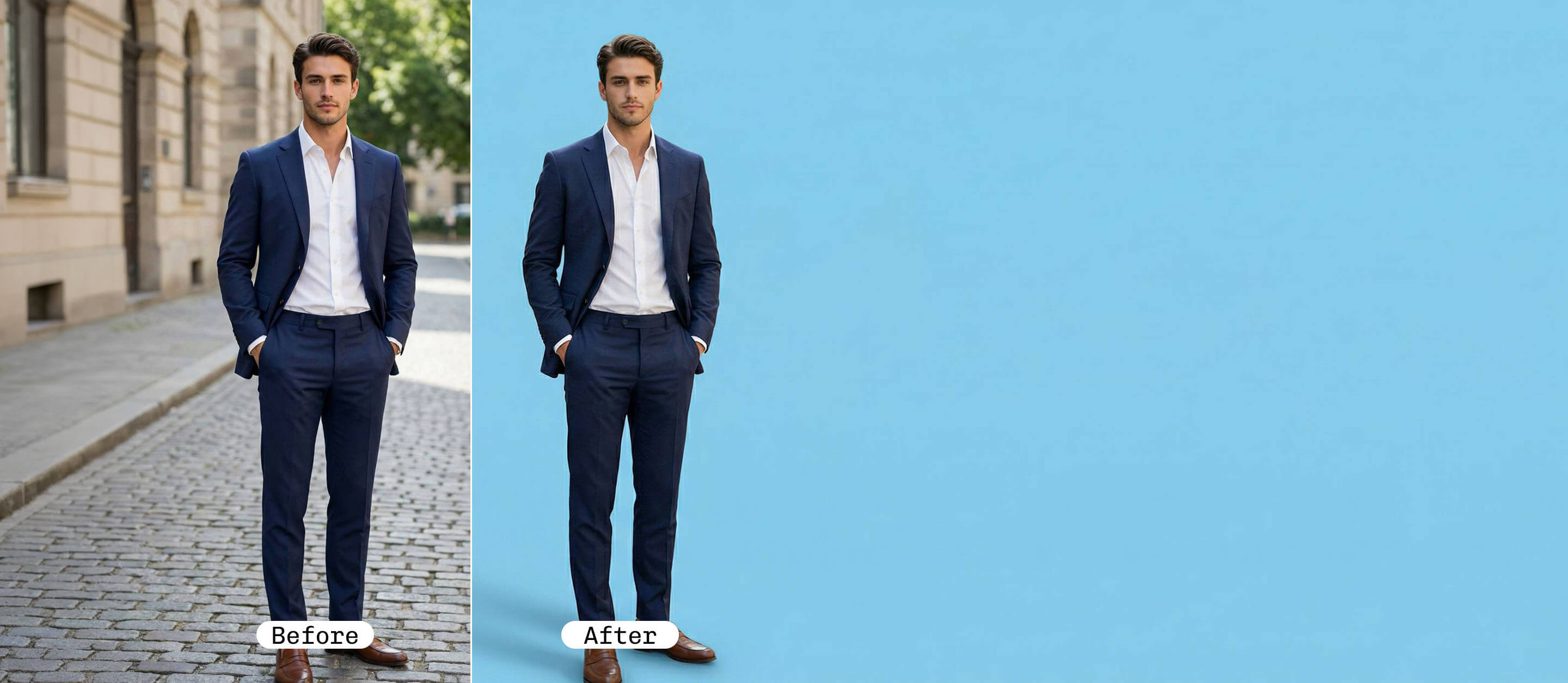
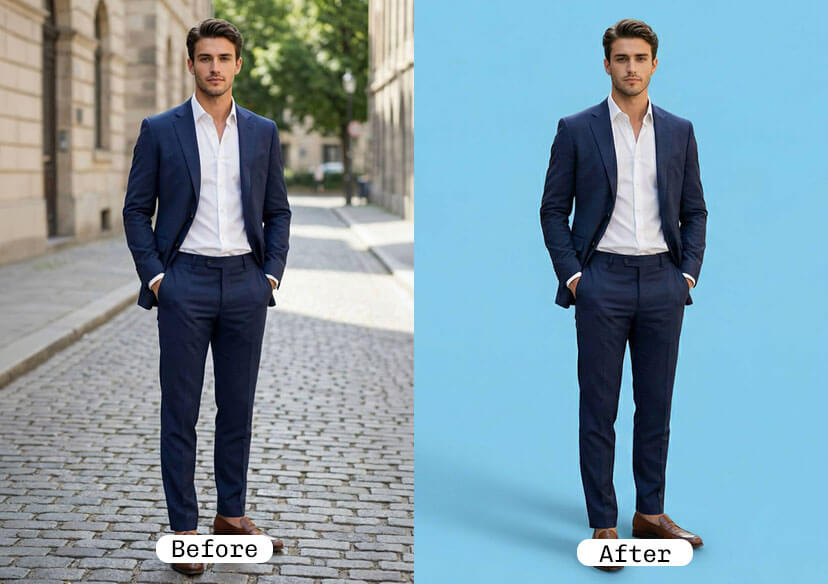




Baby Blue Background Changer
Want to give your photos a clean, calming, and stylish update? With YouCam Online Editor’s Background Changer, you can instantly replace your photo background with a beautiful baby blue shade.

What Is Baby Blue?
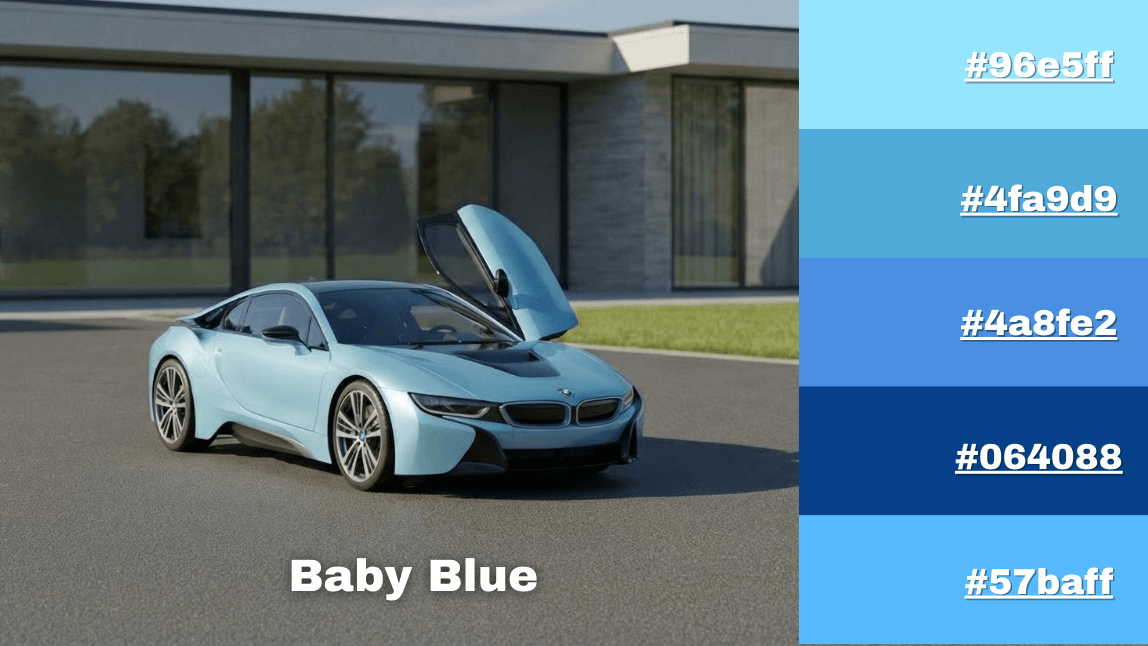
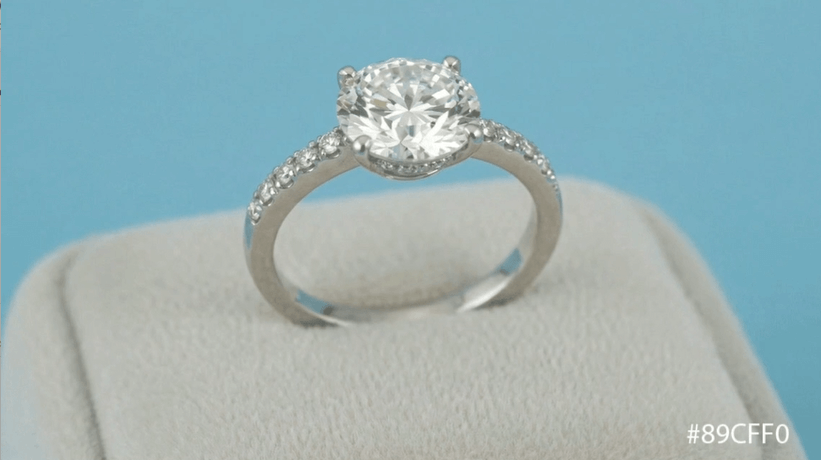
Baby blue (#89cff0) is a light, pastel shade of blue with subtle cool undertones. It represents calmness, clarity, trust, and freshness.
Because of its clean and gentle appearance, baby blue is widely used in photography, branding, fashion, wellness, and social media design.
Change Your Photo Background to Baby Blue in Seconds
With YouCam Online Editor’s Background Changer, you can transform your photo in just a few clicks.

Upload Your Image
Upload your image or drag and drop your image file to get started. We support JPG, JEPG, PNG, TIFF, and GIF formats.

Auto Remove Background
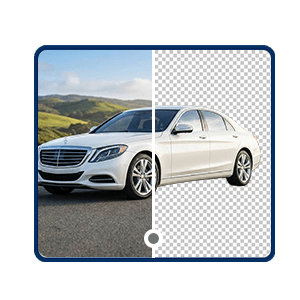
YouCam Online Editor automatically detects and removes the background from your picture.
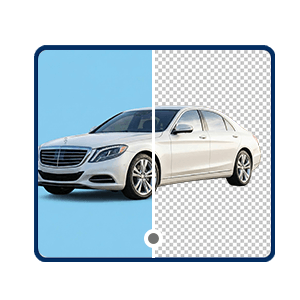
Customize Your Background
Change the background into baby blue to make your image on the next level.

Download Your Image
Click the "Save" button, and enjoy your new image.
Pro Tips for a Natural Baby Blue Background
To make your photo look realistic and professional:
- Match lighting direction between subject and background
- Add subtle shadow beneath the subject
- Slightly reduce saturation for a softer look
- Avoid overly bright neon blue tones

Why Choose Baby Blue for Your Photo Background?
Clean & Minimal Aesthetic
Baby blue creates a bright yet soft look that makes portraits feel polished and professional without overpowering the subject.
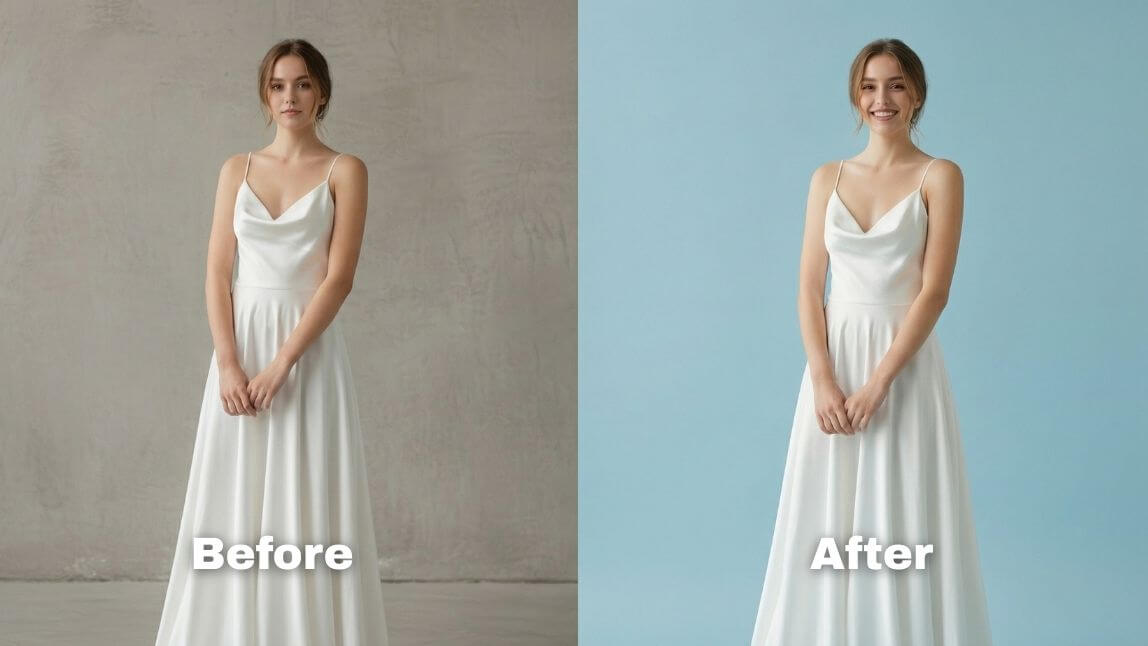
Flattering for Portraits
It enhances most skin tones and pairs beautifully with white, beige, denim, silver, and pastel outfits.

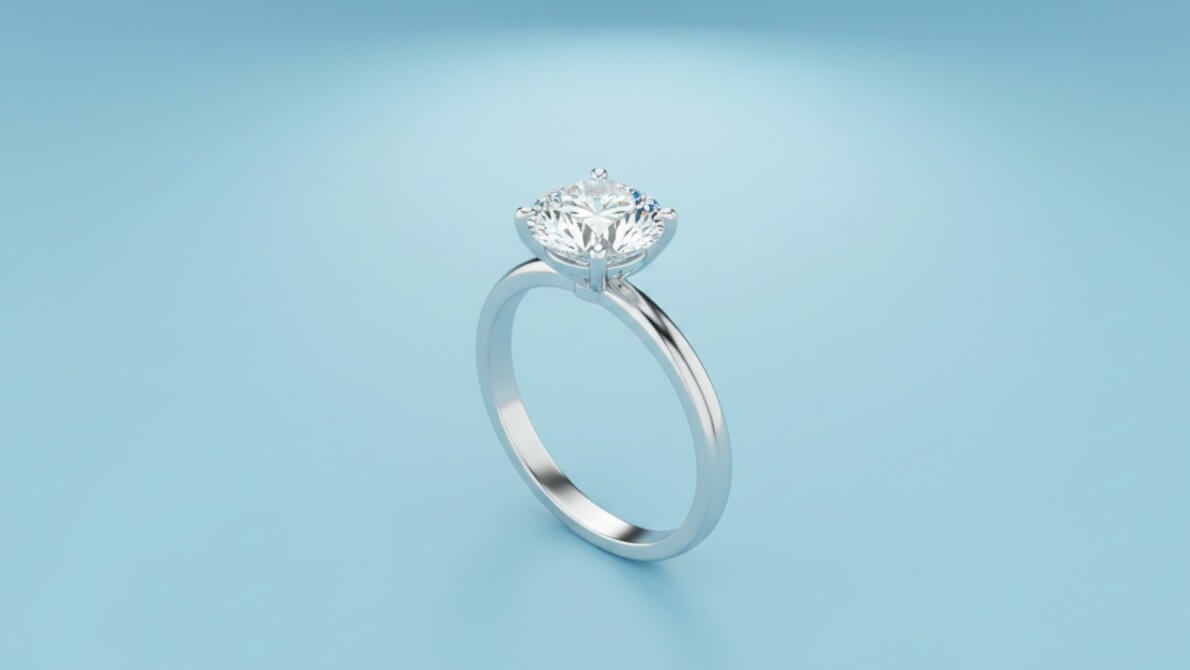
Perfect for Product Photography
Baby blue backgrounds work especially well for:
- Skincare products
- Jewelry
- Fashion accessories
- Tech gadgets
- Baby products
Trust-Building Brand Color
Blue is commonly associated with trust, reliability, and clarity—making it ideal for ecommerce, professional profiles, and business visuals.
Customize Your Perfect Baby Blue Shade
Not all baby blues are the same. You can personalize your background to match your brand aesthetic. Best picks for photos:
- Classic & Soft Baby Blue For portraits: #A7D8F5 or #89CFF0
- Sky Baby Blue For ecommerce: #87CEEB
- Light Baby Blue For soft lifestyle visuals: #C6E6FB
FAQs for Baby Blue Background Changer
What is the baby blue color best used for in photo backgrounds?
Baby blue is ideal for portraits, product photography, and social media content. Its soft pastel tone creates a clean, calming look while keeping the focus on the subject. It works especially well for beauty, fashion, baby products, and lifestyle images.
Does baby blue look good on all skin tones?
Yes. Baby blue is a light, cool-toned shade that complements most skin tones. For warmer undertones, slightly reduce the blue saturation to avoid a cool cast and create a more natural finish.
Can I customize the exact baby blue shade?
Absolutely. You can choose from preset baby blue backgrounds or enter a custom HEX color code to match your brand’s aesthetic and maintain consistent visual identity.
Why use YouCam Online Editor to change your background to baby blue?
YouCam Online Editor makes it fast and effortless to transform your photos with AI-powered background removal and precise edge detection—even around hair and fine details. You can instantly apply and customize baby blue shades, adjust lighting for a natural finish, and download high-quality results—all directly in your browser without advanced editing skills.

