



AI Blemish Remover Online
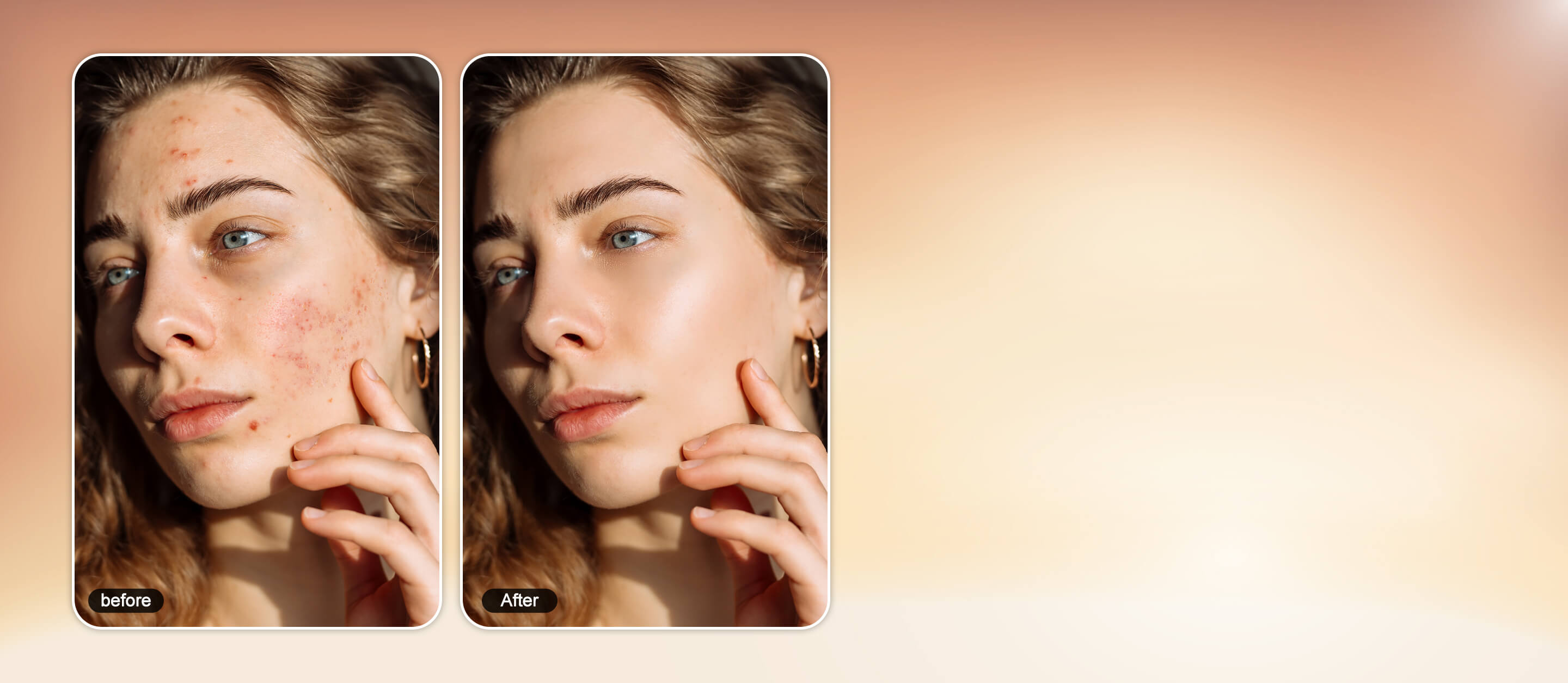
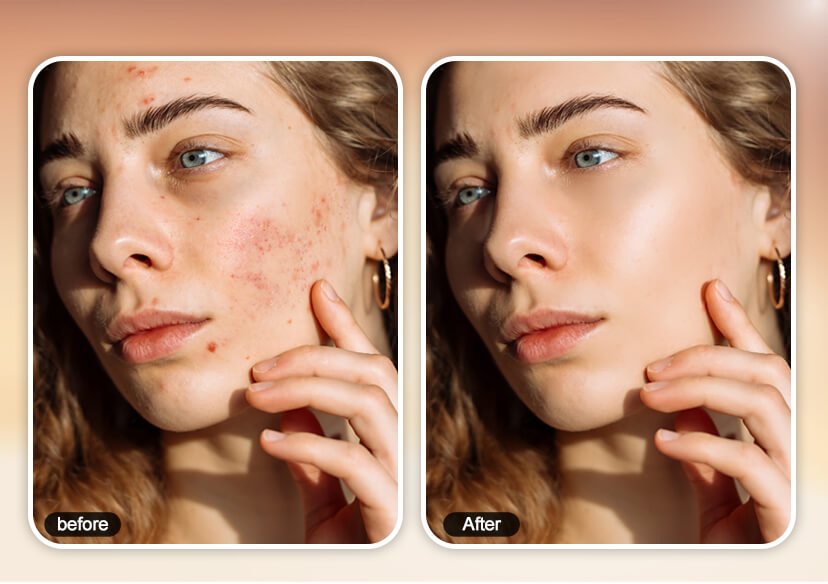
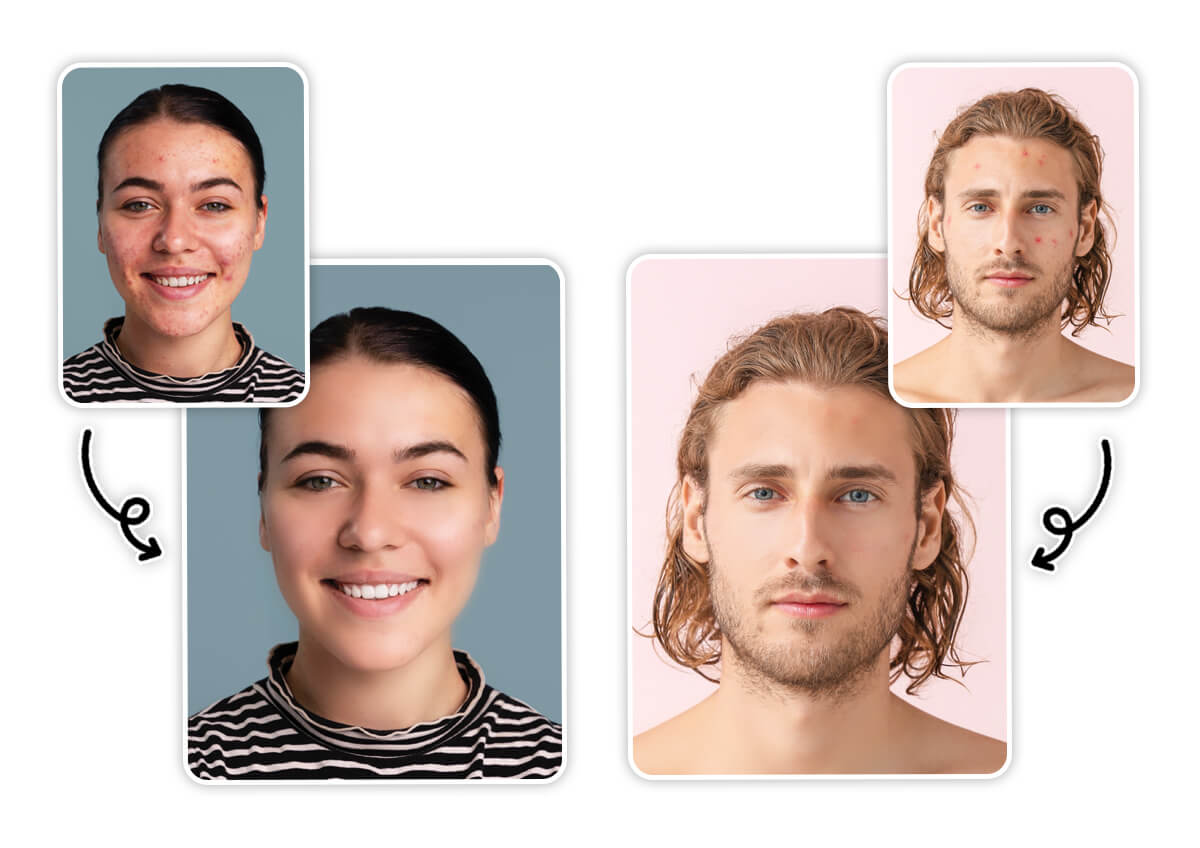
Restore the beauty of your photos with free blemish remover. Remove pimples, acne scars, blemishes from photos while keeping natural skin texture and image quality intact.




Remove Blemishes From Photos Instantly with AI
Introducing YouCam Online Editor – the powerful blemish photo editor that makes professional-level retouching easy and accessible for everyone. With advanced blemish removal tools, you can remove blemishes from photos, smooth skin, and reduce wrinkles without damaging image quality. Whether you're editing portraits for social media or refining headshots, YouCam offers fast, seamless results that look effortlessly flawless.
One-click Photo Blemish Remover
Remove Blemishes From Photo with AI
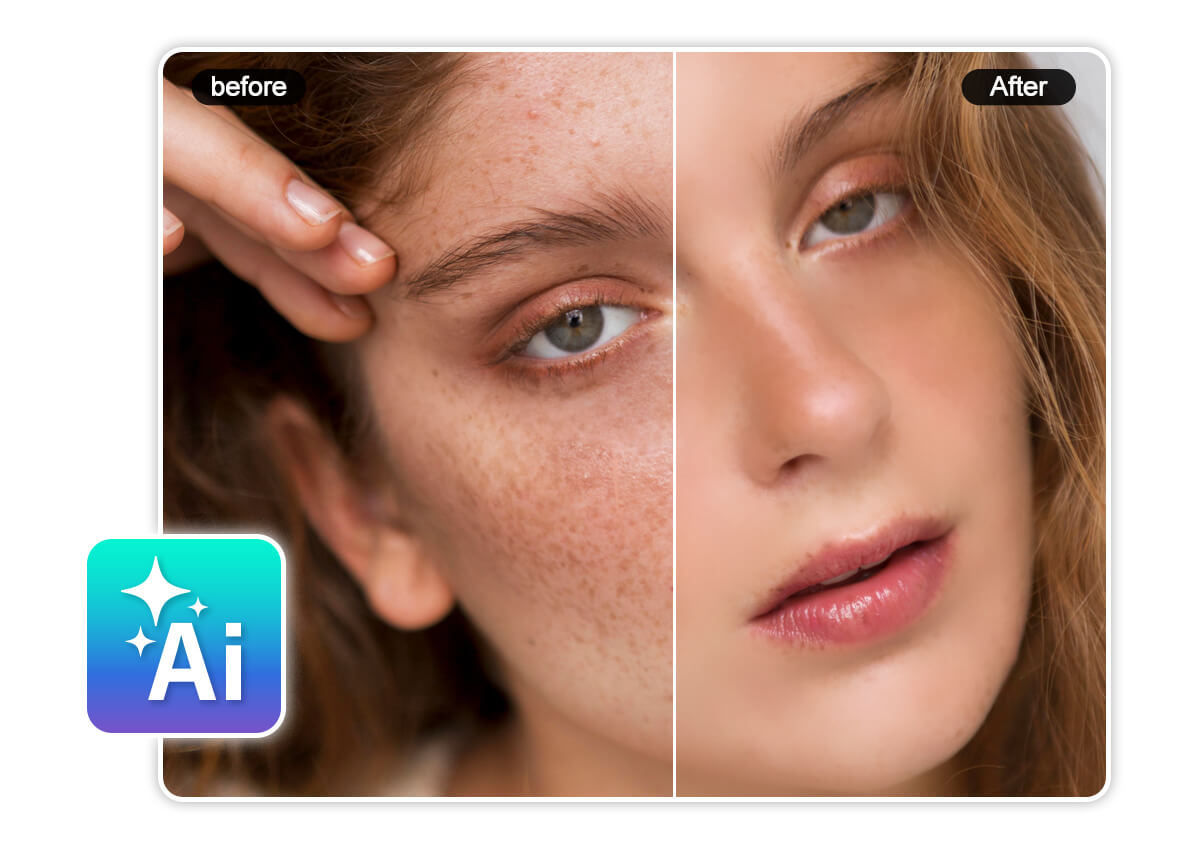
Think removing blemishes from photos is hard? Not with YouCam Online Editor. Simply upload your photo and use the AI blemish remover to erase acne, freckles, and spots in seconds—revealing perfect, natural-looking skin with one click.
Customizable Blemish Remover
Our blemish remover is a powerful yet easy-to-use AI photo retouch tool. Use the Blemish Removal feature to smooth skin and erase imperfections. For more control, adjust the intensity with a simple slider to get your desired finish every time.
Professional Photo Retouching Tools
Beyond blemish removal, YouCam Online Editor offers a full suite of photo retouch tools to perfect your portraits. Smooth wrinkles, remove dark circles and eye bags, and even reshape facial features—all with AI-powered precision for flawless selfies.
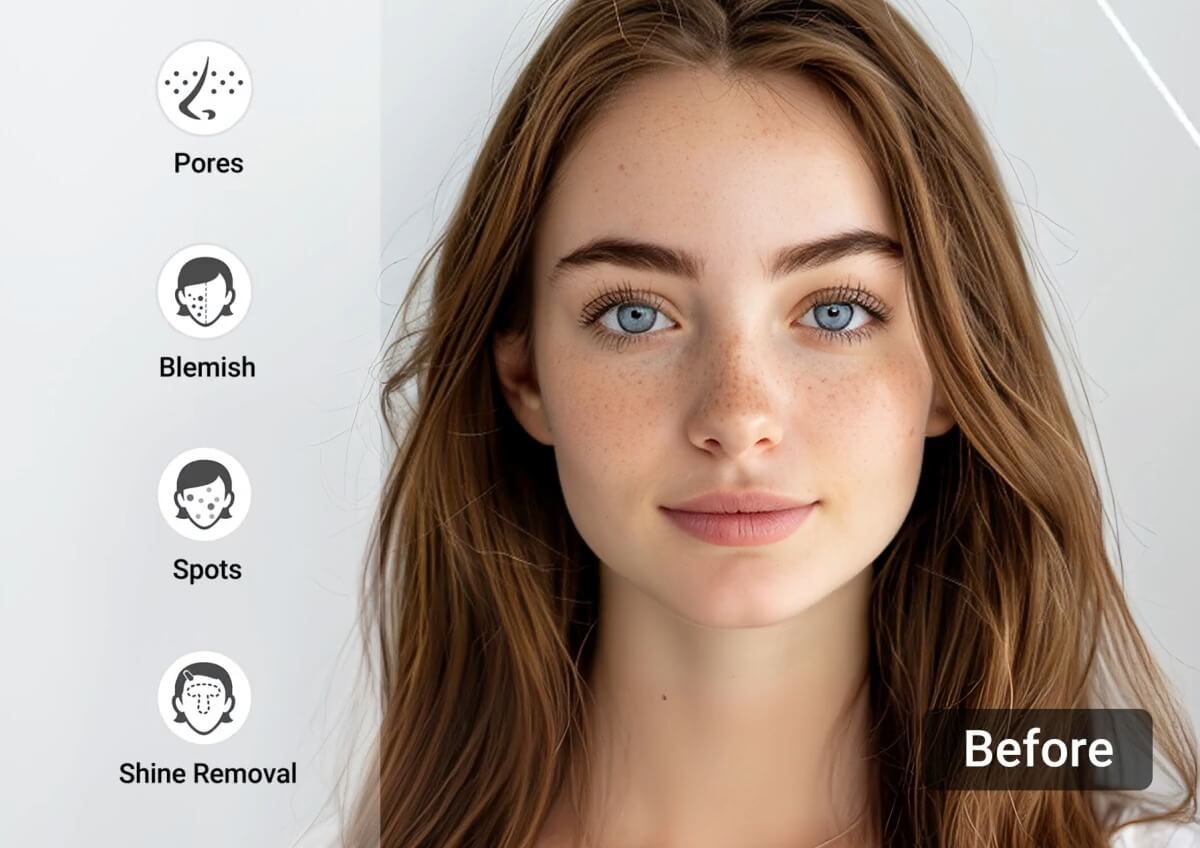
How To Remove Blemishes From Photo?
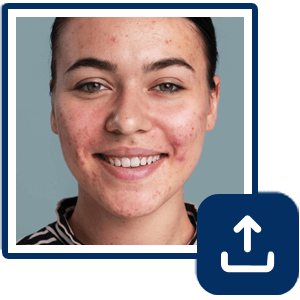
Upload Your Photo
Upload the photo you want to retouch.

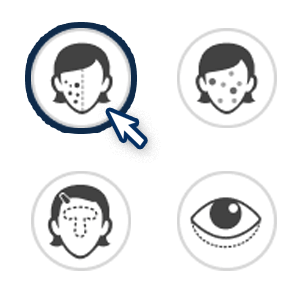
Select Blemish Remover Tool
From the list of photo retouch tools, select Blemish Remover. The AI will automatically detect and remove blemishes such as pimples, acne, dark spots, etc.

Use Blemish Removal Slider
Adjust the intensity of blemish removal needed. Fine-tune the settings until you achieve your desired look.
Download Your Flawless Portrait
Once you’re finished retouching your photo, click ‘Download’ to save your photo to your device.
Blemish Remover FAQs
Can you remove blemishes on iPhone photos?
Yes! With YouCam Online Editor or the YouCam Makeup app on iPhone, you can easily remove blemishes from your photos using AI-powered retouch tools.
Is there a free app to remove blemishes?
YouCam Online Editor is a free and easy-to-use blemish remover that lets you erase pimples, acne, and skin imperfections from photos in seconds.
What is the app that smooths skin in photos?
YouCam Makeup is one of the best face retouch apps to smooth skin in photos, offering AI skin smoothing tools for natural, flawless-looking results.
Can blemishes in photos be removed?
Absolutely. Using an AI photo retouch tool like YouCam Online Editor, you can quickly remove blemishes such as acne, dark spots, and scars with just one click.
How do I edit out a blemish in a photo?
To edit out a blemish, upload your photo to YouCam Online Editor, select the blemish remover tool, and use the slider to erase imperfections while keeping your skin texture looking natural.

